 ProMapRanker
Best App to Track Period in 2026

Key takeaways
- Flo and Clue cover most needs, with Euki best for on-device privacy
- Natural Cycles is the only option here built around temperature-confirmed fertility planning
- Free tiers from Flo, Clue, Stardust and Euki are enough to test a full cycle
- Paid tiers mainly add deeper analysis, not basic date tracking
Quick comparison
| Pick | Great for | Pricing starts at | Free tier | |
|---|---|---|---|---|
 Flo | Cycle tracking with a large health library | Free | Yes | Visit |
 Clue | Science-led tracking with strong privacy rules | Free | Yes | Visit |
 Natural Cycles | Temperature-based fertility planning and contraception | $21.99 per month | Free trial | Visit |
 Ovia | Pregnancy and fertility tracking with coaching options | Free | Yes | Visit |
 Glow | Fertility tracking with a large community | Free | Yes | Visit |
 Stardust | Daily cycle tracking with hormone explanations | Free | Yes | Visit |
 Euki | Private on-device tracking with no account | Free | Yes | Visit |
 WomanLog | Simple calendar tracking with symptom notes | Free | Yes | Visit |
The best apps to track periods
We compared trackers on prediction style, privacy handling, free tier depth and daily effort, because the best tracker is the one you will still open in three months. Flo and Clue lead for most readers, while Euki is the pick when keeping data on your device matters most. Please note: no app here diagnoses a health condition, and you should see a clinician for worrying symptoms such as very heavy bleeding, severe pain or missed periods. Check each privacy policy before logging sensitive health data, since handling differs a lot between apps.
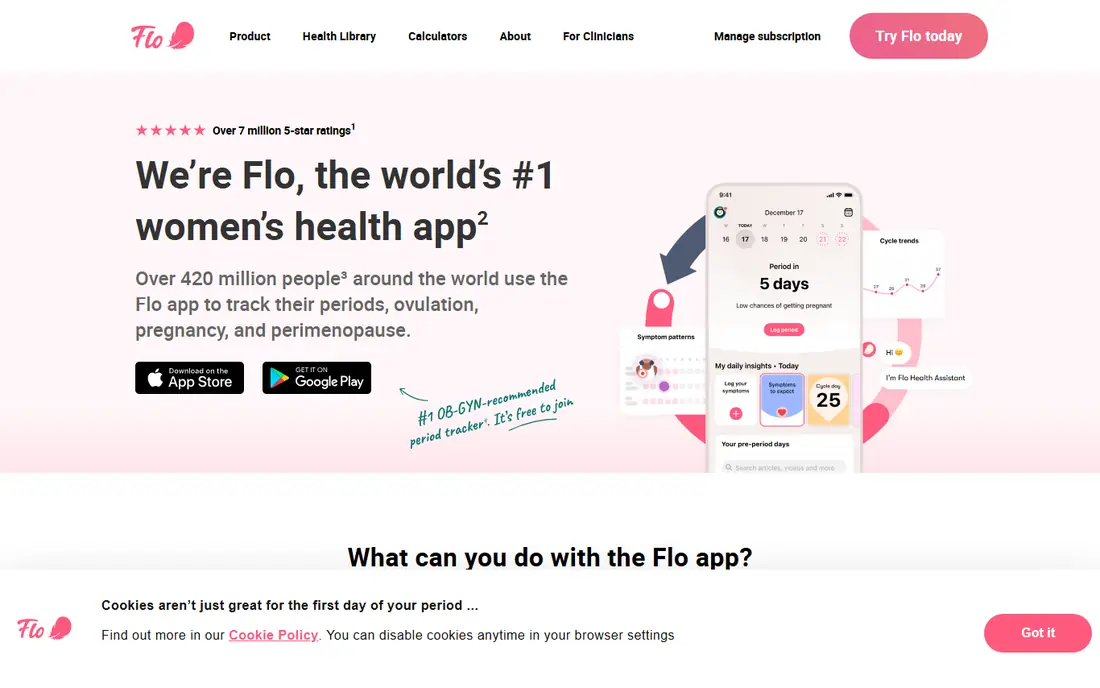
For readers who want cycle tracking with a large health library, Flo is a strong place to start. Flo covers cycle and symptom tracking, ovulation estimates and pregnancy mode in one familiar app, and its health articles give context for common cycle questions.
The free tier covers core tracking, while Premium adds a virtual health assistant, expert videos and deeper pregnancy features. The catch is the price of the full tier and the need to check the privacy settings, including Anonymous Mode, before you log sensitive details. That trade-off is worth weighing against what you will actually use each week, rather than paying for a long feature list you may never open.
- Large article library
- Pregnancy mode
- Apple Health sync
- Some features sit behind Premium
- Past privacy history needs a read
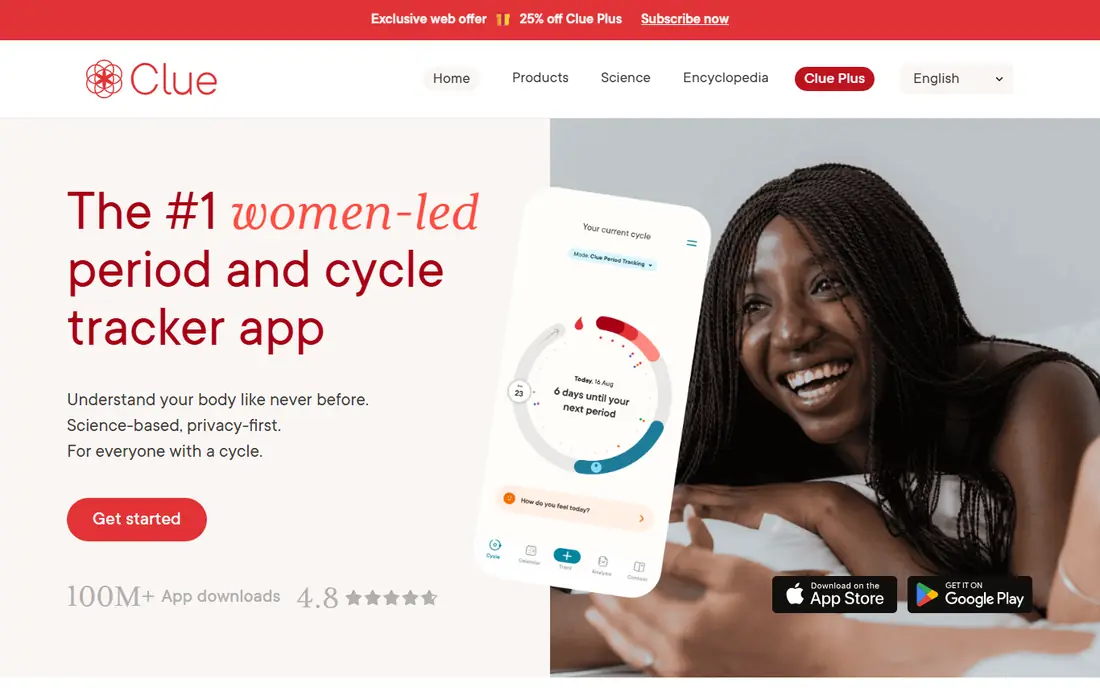
If science-led tracking with strong privacy rules is your main need, Clue deserves a close look. Clue lets you log a wide range of symptoms and experiences, and its predictions adjust as you add more cycles, which helps when cycles are not perfectly regular.
Clue Plus is listed at $39.99 per year or $9.99 per month in app store listings checked in October 2026, and it adds deeper analysis and wearable sync. The catch is that the most useful analysis is paid, so check the free tier first to see if it covers your daily logging. That trade-off is worth weighing against what you will actually use each week, rather than paying for a long feature list you may never open.
- Gender-neutral design
- Wide symptom options
- GDPR base in Berlin
- Deeper analysis sits behind Clue Plus
- Design feels clinical to some
Natural Cycles
Great for: Temperature-based fertility planning and contraception
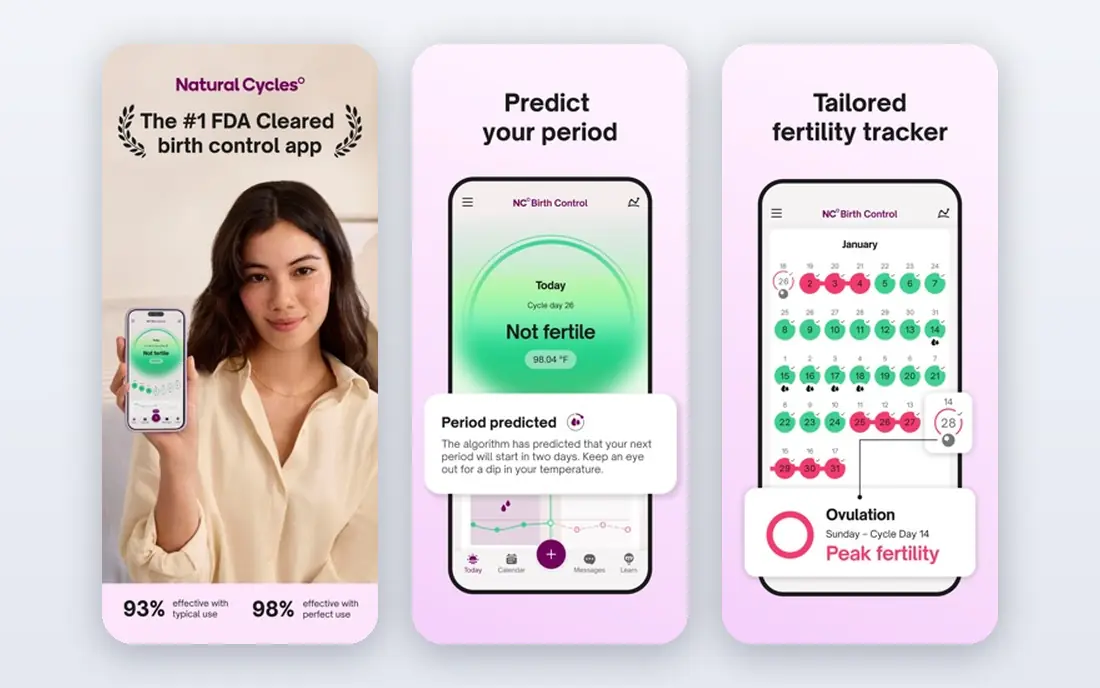
Natural Cycles stands out for temperature-based fertility planning and contraception, and it keeps the core job simple. Natural Cycles uses daily temperature data to confirm ovulation rather than guessing from calendar dates alone, and it offers separate modes for birth control, planning pregnancy and following pregnancy.
The annual plan is listed at $149.99 per year and is described as including a wearable band, while the monthly plan is listed at $21.99 per month. The catch is the daily routine it demands, because missed temperatures make the fertile window harder to pin down. That trade-off is worth weighing against what you will actually use each week, rather than paying for a long feature list you may never open.
- FDA-cleared contraception option
- Temperature confirmation of ovulation
- Clear red and green day system
- No free tier
- Needs daily temperature logging
- Higher annual cost
A good fit for pregnancy and fertility tracking with coaching options, Ovia covers the basics without piling on extras. Ovia covers fertility tracking, pregnancy week by week and early parenting, so one account can follow a longer journey without switching apps.
Its tools include cycle predictions, symptom logging and, in pregnancy mode, trackers for kicks and contractions. The catch is that the free version carries ads, and the coaching extras are not available to every user. That trade-off is worth weighing against what you will actually use each week, rather than paying for a long feature list you may never open.
- Fertility, pregnancy and parenting apps in one family
- Health coaching through some employers
- Ads in the free tier
- Some coaching depends on employer access
Glow is worth shortlisting when fertility tracking with a large community matters most to you. Glow pairs cycle and fertility tracking with community discussion and health content, which suits readers who like to ask questions and compare notes.
One membership approach across its related apps can help if you move from trying to conceive to pregnancy tracking. The catch is the busy interface, so it helps to turn off community features if you only want a quiet tracker. That trade-off is worth weighing against what you will actually use each week, rather than paying for a long feature list you may never open.
- Community forums
- Fertility and pregnancy modes
- Health sync options
- Ads in the free tier
- Interface can feel crowded
When daily cycle tracking with hormone explanations is the priority, Stardust makes a clear case for itself. Stardust explains daily hormone patterns in plain language and pairs period and ovulation predictions with mood and symptom check-ins.
It also lets you sync with a partner or close friends, which some readers use to share timing without sharing full details. The catch is the style, because the moon-phase and astrology presentation will either make daily logging fun or feel like noise. That trade-off is worth weighing against what you will actually use each week, rather than paying for a long feature list you may never open.
- Plain-language hormone curves
- Friend syncing
- Moon-phase tools
- Astrology framing is not for everyone
- Privacy claims need a careful read
For private on-device tracking with no account, Euki offers a focused set of tools that are easy to follow. Euki stores tracking data on your device only and asks for no account, email or phone number, which is a real difference from account-based trackers.
It also offers health learning resources and a PIN lock, plus tools to delete data on the spot. The catch is that losing your phone can mean losing your history, since there is no cloud backup to restore from. That trade-off is worth weighing against what you will actually use each week, rather than paying for a long feature list you may never open.
- Data stays on your device
- No account needed
- PIN protection and quick deletion
- No cloud backup or sync
- Fewer prediction extras
If you care most about simple calendar tracking with symptom notes, WomanLog is one of the steadier choices here. WomanLog keeps the job close to a calendar: log period dates, symptoms and moods, then check predictions for the next cycle.
It works well for readers who want a quick daily entry and do not want community feeds or long articles. The catch is depth, because readers who want detailed fertility analysis may need a second tool beside it. That trade-off is worth weighing against what you will actually use each week, rather than paying for a long feature list you may never open.
- Simple calendar view
- Symptom and mood logging
- Low learning curve
- Fewer advanced insights
- Some features are paid
How we picked these
We reviewed official product pages, app store listings and privacy pages, and compared free tiers, paid plans and prediction methods. We did not claim hands-on medical testing, and we treated marketing claims about accuracy with care. Where prices differed across sources, we used the app store figure most often reported in October 2026 and noted that you should confirm the price inside the app before paying.
Choosing a tracker that fits your cycle and your privacy comfort level
Start with how regular your cycles are. Regular cycles suit most calendar predictors, while irregular cycles benefit from flexible logging and symptom notes over several months. Next, decide how much data you want a company to hold. On-device apps keep records local, while account-based apps offer backup and sync but require a privacy policy read. Finally, test the free tier for at least one full cycle before paying, and check whether predictions, pregnancy mode or wearable sync are actually included in that tier.
Frequently asked questions
What is the best app to track your period?
For most readers, Clue or Flo is a sensible start, because both offer free core tracking and broad symptom options. Clue suits readers who want a plain, science-led design, while Flo suits readers who want a larger health library and community features.
What is the best app to track periods for free?
Euki is free with no account, and Clue and Flo both offer usable free tiers for basic cycle and symptom tracking. Paid tiers add deeper analysis, but a free tier is enough to learn your pattern over two or three cycles.
Can a period app diagnose a health condition?
No. These apps estimate dates and patterns from the data you log, and they do not diagnose conditions. If you have very heavy bleeding, severe pain, missed periods or other worrying symptoms, see a clinician and bring your logged history to that visit.
How private is my cycle data?
It depends on the app. On-device apps keep data local, while account-based apps store data on company servers and may share limited data with service providers. Read the privacy policy, check sharing controls, and use PIN locks where they are offered.
What is the best period app for irregular cycles?
A flexible logger such as Clue or WomanLog is a good start, because it lets you record symptoms and dates without forcing a fixed 28 day pattern. Give any app at least three cycles before judging its predictions.
Sources
See where you really rank - block by block
ProMapRanker scans Google Maps across a grid of your service area. Simple monthly plans from $19, white-label on every plan.
Start freeKeep reading
 wpforms alternatives
Best WPForms Alternatives in 2026
We compare 9 wpforms alternatives for WordPress forms, with free and paid options, current pricing notes, and honest limits for small business sites in 2026.
Read → windows task scheduler alternatives
Best Windows Task Scheduler Alternatives in 2026
Looking for Windows Task Scheduler alternatives? We compare 9 schedulers for Windows and cross-platform work, from free tools to enterprise automation.
Read → which ai video service is best
Which AI Video Service Is Best in 2026
which ai video service is best? We compare 10 legitimate AI video services on price, avatars, editing and output quality to help you pick the right tool.
Read →