 ProMapRanker
Best Apps to Record a Podcast in 2026

Key takeaways
- Riverside is the best pick for remote interviews and video podcasts, thanks to local recording and separate tracks for each guest.
- Spotify for Creators is the best free starting point, with recording, hosting, and distribution in one place.
- Audacity remains the best free desktop recorder for solo shows and simple editing, with no subscription needed.
- Choose by format first: solo audio, remote guests, or video each point to a different tool, and a free plan is enough to test most of them.
Quick comparison
| Pick | Great for | Pricing starts at | Free tier | |
|---|---|---|---|---|
 Riverside | Remote interviews and video | Free | Yes | Visit |
 Spotify for Creators | Free all-in-one start | Free | Yes | Visit |
 Audacity | Free solo recording and editing | Free | Yes | Visit |
 Zencastr | Remote audio recording | Free | Yes | Visit |
 Podcastle | AI-assisted recording and editing | Free | Yes | Visit |
 Descript | Text-based editing after recording | Free | Yes | Visit |
 GarageBand | Solo recording on Apple devices | Free | Yes | Visit |
 SquadCast | Studio-quality remote recording | See website | Free trial | Visit |
The best apps to record a podcast
Recording a podcast can mean a solo voice into a laptop mic, a remote interview with three guests, or a video show for YouTube. The tools below cover those formats, and the right one depends on how you record, not just on price. All eight are live and widely used for podcast recording in 2026.
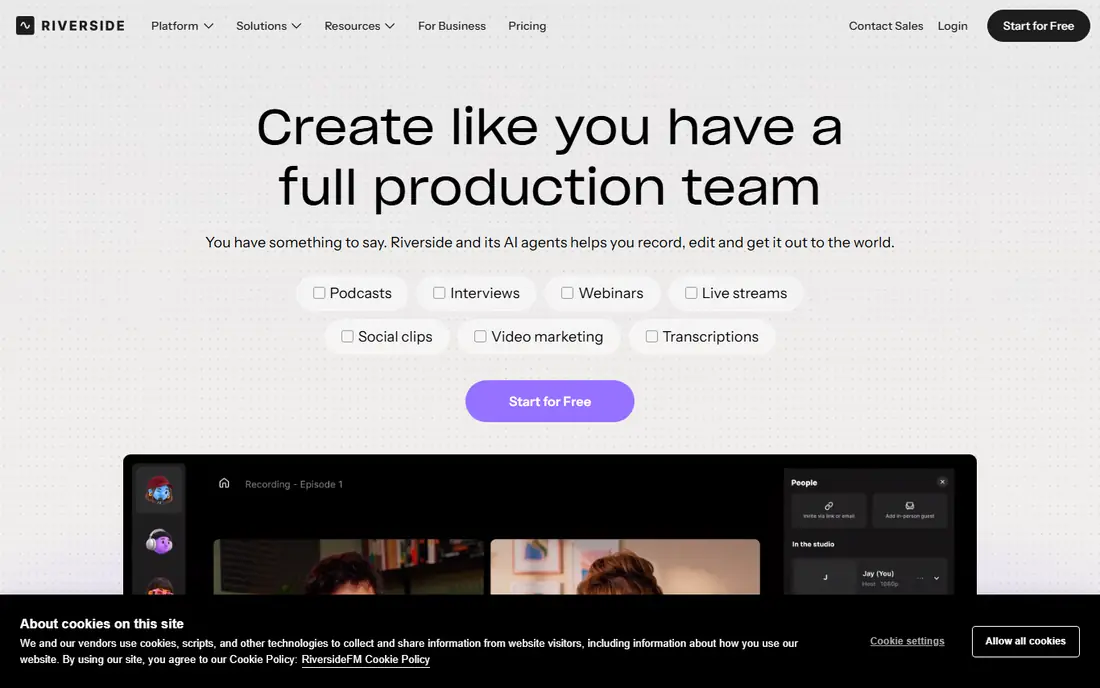
Riverside is our pick for remote interviews and video podcasts. Each guest records locally on their own device, so a weak connection does not ruin the audio, and the files upload in the background. Each person lands on a separate track, which makes it easy to fix one noisy guest without touching the rest of the show.
The free plan is enough to test the workflow, with limits on quality and hours, while paid plans start at a monthly fee listed on the vendor site. If your show is audio-only and your budget is tight, a simpler tool may suit you better. If guests join remotely or you publish video, Riverside is hard to beat.
- Local recording in high quality
- Separate tracks per guest
- Video up to 4K on paid plans
- Recording hours are capped on lower plans
- Video features cost more than audio-only tools
- Editing is less precise than a full audio editor
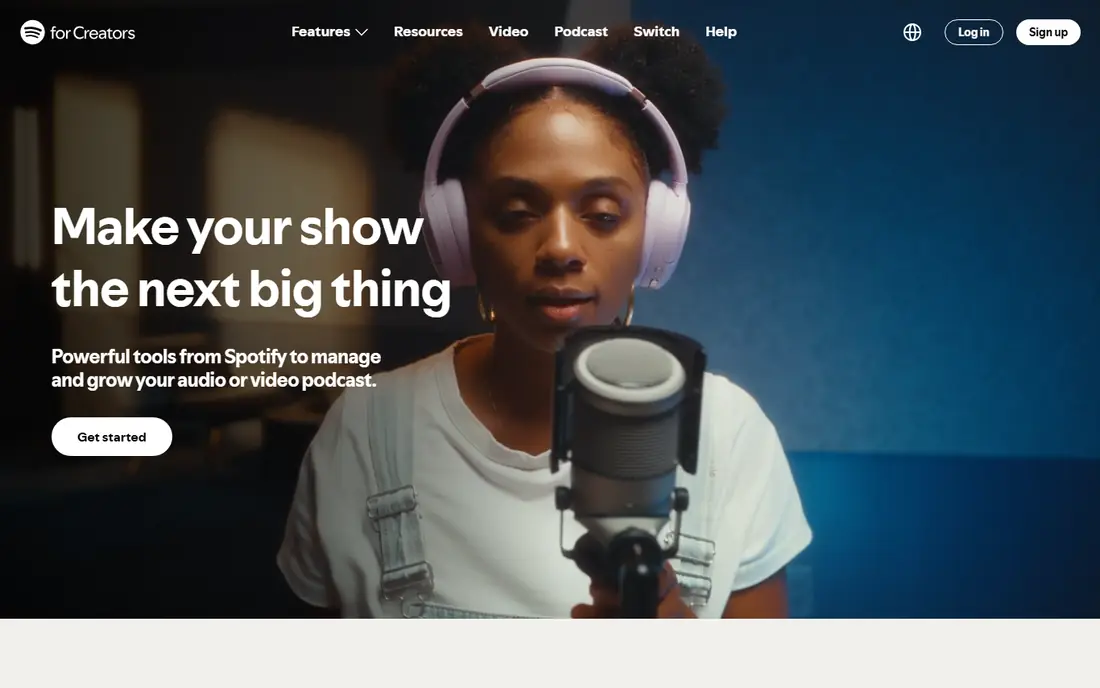
Spotify for Creators, formerly Spotify for Podcasters and Anchor, is the best free starting point. You can record, publish, and host audio and video episodes without paying, and you get analytics, polls, and monetization options inside the same dashboard. For a new podcaster, removing hosting cost and setup friction matters more than any advanced feature.
The catch is the ecosystem. Some interactive features work best inside Spotify, and video episodes are only available on Spotify, while other apps receive the audio version through RSS. Experienced creators who want full control across directories may outgrow it, but beginners should start here and move only when a clear limit appears.
- Free unlimited hosting
- Recording and publishing in one place
- Video podcast support on Spotify
- Spotify-focused features do not all carry to other apps
- Distribution to other directories needs manual RSS steps
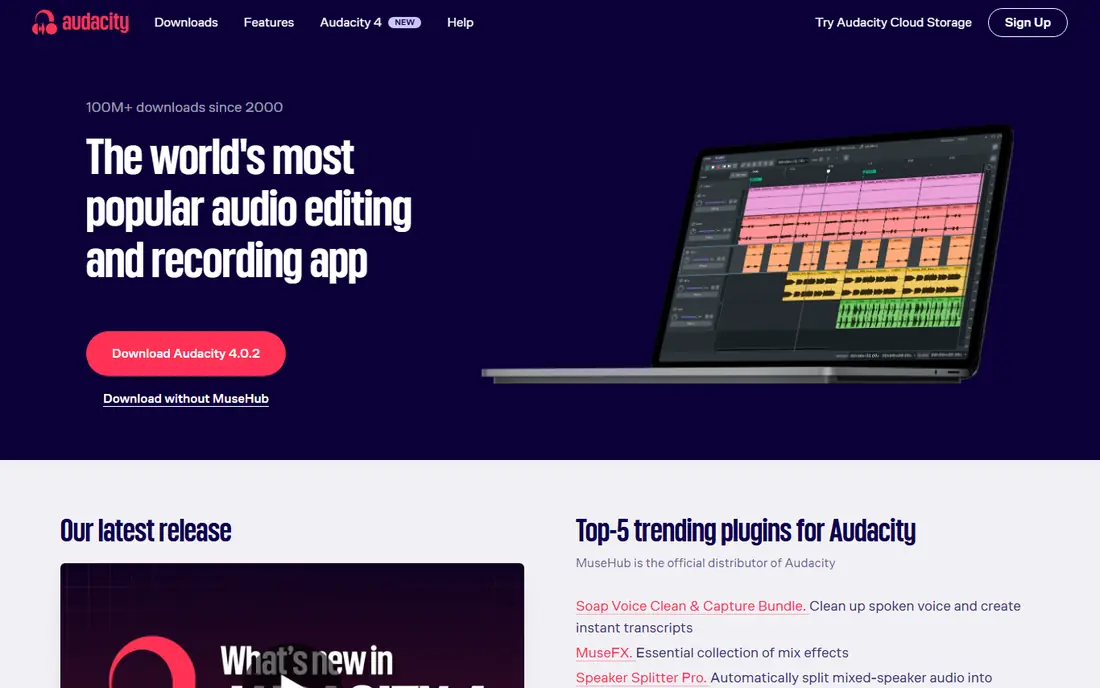
Audacity is the classic free recorder for solo shows. It records and edits multitrack audio, handles noise reduction and basic effects, and costs nothing on Windows, Mac, and Linux. For a solo host with a decent mic, it covers recording and editing in one tool, with a large community forum for help when something goes wrong.
It is not a remote studio. Audacity cannot record a guest over the web on separate tracks, and it does not host or distribute episodes. Pair it with Riverside or Zencastr for interviews, or use it alone for a solo show where you control the mic, the room, and the edit.
- Free and open source
- Multitrack recording and editing
- Works on Windows, Mac, and Linux
- No remote guest recording
- Interface looks dated
- No built-in hosting or distribution
Zencastr is a browser-based studio for remote audio podcasts. Guests join from a link, each person records locally, and the host gets separate tracks to edit later. That setup removes the most common remote recording problem: a guest with a bad connection dragging down the whole episode.
The free plan covers basic recording, while paid plans add video, longer recording time, and post-production tools. If you record video, Riverside is stronger. If you record audio interviews and want a simple guest link without installs, Zencastr is a clean, reliable choice.
- Local recording for each guest
- Separate tracks
- Browser-based, so guests need no install
- Video and advanced editing need paid plans
- Free plan limits recording time
- Audio-first focus
Podcastle suits creators who want recording and cleanup in one browser tab. Record solo or with remote guests, then use AI tools to remove background noise, balance levels, and tidy pauses, without learning a full audio editor. The text-based editing view also helps hosts who think in words rather than waveforms.
Paid plans add more hours and advanced AI features, so heavy publishers should check the pricing page against their episode count. For a weekly show with light editing needs, Podcastle saves time and keeps the workflow simple, especially for creators who also want quick video clips.
- Browser recording studio
- AI noise removal and voice tools
- Text-based editing options
- Advanced AI features need a paid plan
- Free plan limits hours
- Less control than a desktop editor for fine edits
Descript changes how editing feels. Record audio or video, get a transcript, and edit by deleting words in the text, which removes the matching audio automatically. That approach is fast for interview shows with lots of filler, and the transcription helps with show notes, clips, and accessibility.
Descript is more editor than recorder, though it does record. The free plan is limited in transcription and export hours, so regular publishers will need a paid plan. If you already record in Riverside or Zencastr, Descript is a strong second step for editing, rather than a replacement for a recording studio.
- Edit audio by editing text
- Strong transcription
- Screen and video recording options
- Free plan is limited
- Learning the text workflow takes time
- Monthly cost grows for teams
GarageBand is the best free solo recorder for Apple owners. It records multiple tracks, adds music and effects, and exports audio in formats that podcast hosts accept. A host with a Mac or iPad and a USB mic can record, edit, and publish a solo show without paying for software or learning a complex editor.
The limits are platform and remote recording. GarageBand does not run a remote guest studio, and Windows or Android users cannot use it. For a solo Apple-based show, it is excellent. For interviews, record guests in Riverside or Zencastr, then edit the tracks in GarageBand if you prefer its workflow.
- Free on Mac, iPhone, and iPad
- Multitrack recording with effects
- Easy export to podcast hosts
- Apple devices only
- No remote guest studio
- Limited compared with pro audio editors
SquadCast, now part of the Descript family, is built for professional remote recording. Guests record locally in high quality, hosts get separate tracks, and the workflow is tuned for interview shows that care about clean audio. Integration with Descript editing is a plus for teams that already edit in text form.
The drawback is pricing clarity. SquadCast does not lead with a single free plan in the way Riverside or Zencastr do, so you need to check the current pricing page and trial terms before committing. For a professional interview show, the quality justifies that check. For a casual show, a free Riverside or Zencastr plan is enough.
- High-quality local recording
- Separate tracks
- Designed for professional remote shows
- Pricing is less transparent than rivals
- Video and team features need higher tiers
- No free plan beyond a trial
How we picked these
We compared official feature pages, pricing pages, and app store listings for podcast recording tools, and we kept only tools that record audio or video for podcasts and are live in 2026. We favored local recording and separate tracks for remote shows, free plans for beginners, and clear export options for publishing elsewhere. We did not claim hands-on testing, and we used See website where a vendor does not publish a single starting price.
How to choose a podcast recording app
Start with format. Solo audio points to Audacity or GarageBand, free and simple. Remote audio points to Zencastr or Riverside, with local recording and separate tracks. Video points to Riverside, with Spotify for Creators as the free publishing route. A tool that fits your format will save more time than a tool with a longer feature list.
Next, test the guest experience. Send a test link to a friend, record for five minutes, and check the separate tracks, the audio quality, and the export steps. A guest who struggles to join will not return for a second episode, so a simple browser link matters more than a fancy studio view. Check recording hour limits on free plans too, since a weekly show can hit a cap quickly.
Finally, plan the path from recording to publishing. Confirm the export format your host accepts, whether video stays on one platform or goes everywhere, and how much editing you want to do yourself. A free all-in-one tool is fine for starting, and a studio plus a text editor is better once your show has a regular schedule and an audience to keep.
Frequently asked questions
What is the best app to record a podcast for free?
Spotify for Creators is the best free all-in-one option, with recording, hosting, and distribution at no cost. Audacity is the best free desktop recorder for solo shows, while Riverside and Zencastr offer free plans for remote recording.
What are the best apps for recording podcasts with remote guests?
Riverside, Zencastr, and SquadCast are the strongest remote recording apps, because each guest records locally on separate tracks. Riverside adds video, Zencastr is the simplest audio option, and SquadCast suits professional interview shows.
What is the best free podcast recording app for beginners?
Spotify for Creators is the easiest free start, since it combines recording, hosting, and publishing. Beginners who want a desktop editor can start with Audacity or GarageBand, both free, and add a remote studio later if guests join the show.
Can I record a podcast on my phone?
Yes. Spotify for Creators and Podcastle work in a browser or app for mobile recording, and GarageBand works on iPhone and iPad. A phone mic is fine for testing, but a USB mic or headset will improve sound quality noticeably for a regular show.
Do I need video to start a podcast?
No. Audio-only shows still work well, and tools like Audacity, Zencastr, and Spotify for Creators cover audio fully. Add video through Riverside only if you plan to publish on YouTube or Spotify video, since video adds editing and storage work.
How much does podcast recording software cost?
Many tools start free, including Spotify for Creators, Audacity, and GarageBand. Paid plans for Riverside, Zencastr, Podcastle, and Descript vary by hours and features, so check the vendor pricing page against your episode count before you upgrade.
Sources
See where you really rank - block by block
ProMapRanker scans Google Maps across a grid of your service area. Simple monthly plans from $19, white-label on every plan.
Start freeKeep reading
 wpforms alternatives
Best WPForms Alternatives in 2026
We compare 9 wpforms alternatives for WordPress forms, with free and paid options, current pricing notes, and honest limits for small business sites in 2026.
Read → windows task scheduler alternatives
Best Windows Task Scheduler Alternatives in 2026
Looking for Windows Task Scheduler alternatives? We compare 9 schedulers for Windows and cross-platform work, from free tools to enterprise automation.
Read → which ai video service is best
Which AI Video Service Is Best in 2026
which ai video service is best? We compare 10 legitimate AI video services on price, avatars, editing and output quality to help you pick the right tool.
Read →