 ProMapRanker
Best App to Price Sports Cards in 2026


Deep sales history and charts · Pricing starts at: $20 per month
Key takeaways
- Sold prices matter more than scanner estimates, so check recent sales before you buy, sell or grade a card.
- Card Ladder gives the deepest sales history for serious tracking, while Collectr suits collectors who want a simple portfolio view.
- Scanner apps such as CollX and Ludex help with quick identification, but condition and grade still move the real price.
- Free tools can cover casual checks, and a paid plan only makes sense when you track many cards or trade often.
Quick comparison
| Pick | Great for | Pricing starts at | Free tier | |
|---|---|---|---|---|
| Card Ladder | Deep sales history and charts | $20 per month | Yes | Visit |
 Collectr | Simple collection tracking | $7.99 per month | Yes | Visit |
 CollX | Fast card scanning | See website | Yes | Visit |
 Ludex | Modern parallels and sets | See website | Yes | Visit |
 130 Point | Free sold-price checks | Free | Yes | Visit |
 SportsCardsPro | Large database browsing | See website | Yes | Visit |
 Beckett | Price guide tradition and grading links | See website | Yes | Visit |
 CardMavin | Quick value lookups | See website | Yes | Visit |
 Sports Card Pro | Everyday portfolio tracking | See website | Yes | Visit |
The best app to price sports cards
We compared scanner tools, sales databases and portfolio trackers, and we kept only tools that still work for sports cards in October 2026. The best sports card price app for you depends on how often you trade and how much detail you need.
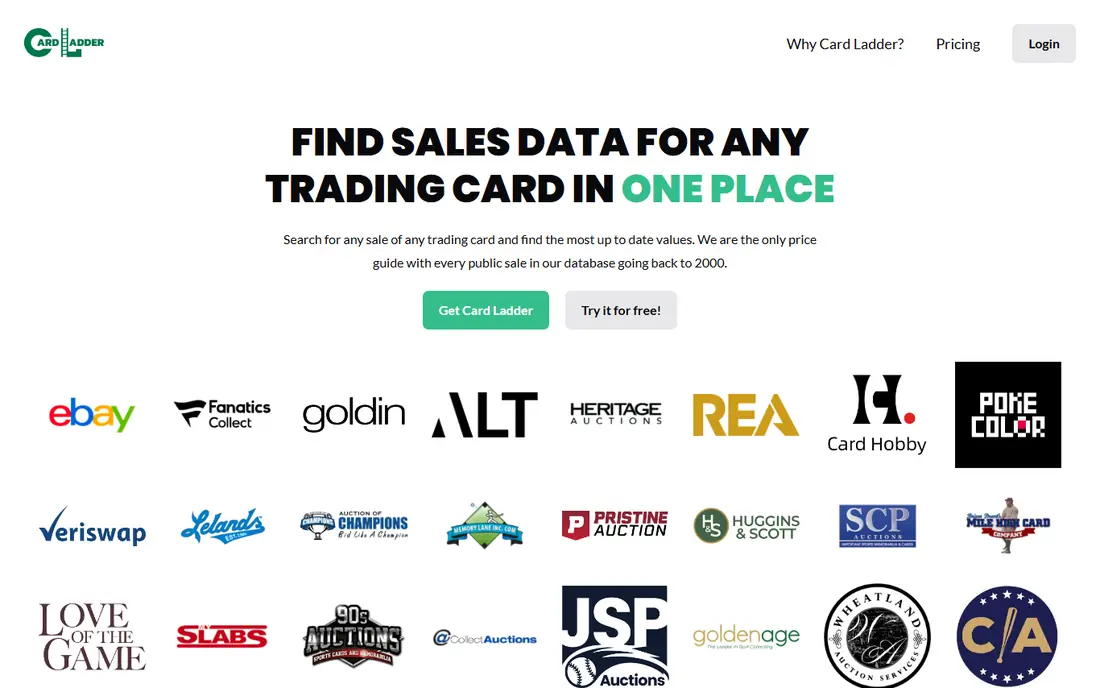
Card Ladder stands out when you want more than a single number. It pulls sales data from major marketplaces and shows how a card has moved over time, which helps you spot a short spike before you pay a peak price. The collection view also turns a scattered binder into a portfolio you can check in one place.
The catch is cost and coverage. Full sales history sits behind Card Ladder Pro, so casual collectors may not need it. Some cards also sit outside its verified set, so we still suggest a sold-listing check for rare or unusual items before a big purchase.
- Sales data from major marketplaces
- Collection value tracking
- Price alerts and player trends
- Paid plan needed for full history
- Free tier is limited
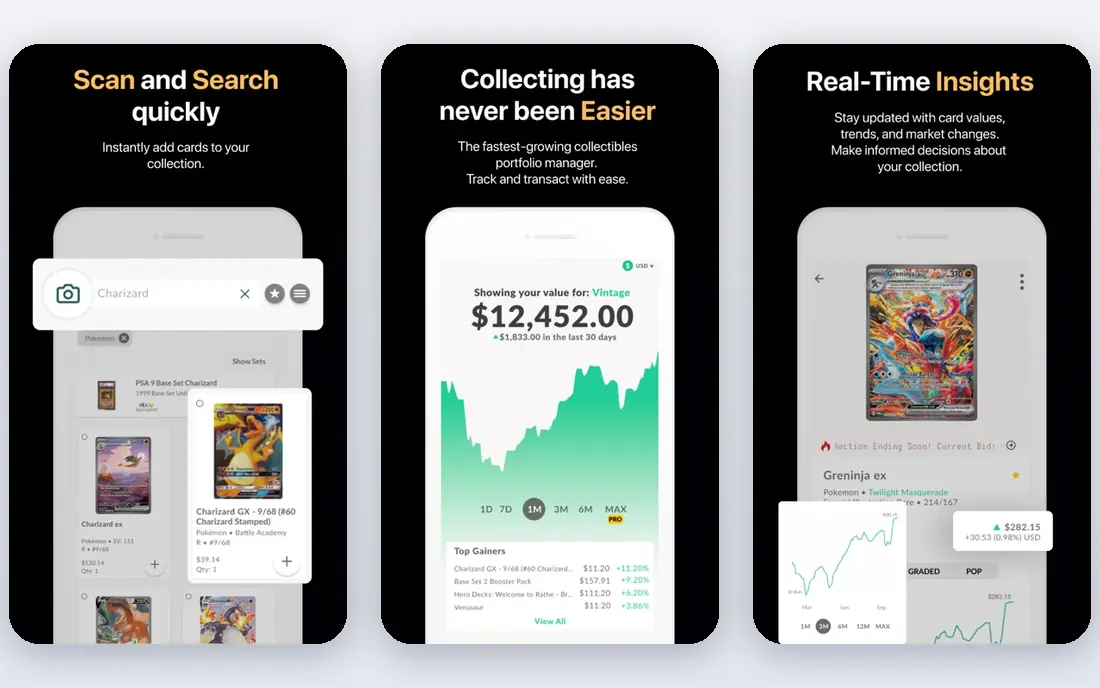
Collectr works well for collectors who want one place to log raw cards, graded cards and sealed items. Scanning a card gets it into your collection quickly, and the portfolio chart shows whether the total is rising or falling. That view is useful at tax time and when you plan a sale.
We would not rely on it alone for a high-value deal. Its free plan covers basic tracking, while longer history and export sit in Pro. For a card worth hundreds of dollars, pair the Collectr value with recent sold listings to confirm the range.
- Raw, graded and sealed tracking
- Scanner for fast entry
- Portfolio chart over time
- Pro needed for long price history
- Free scan limits are not clearly published
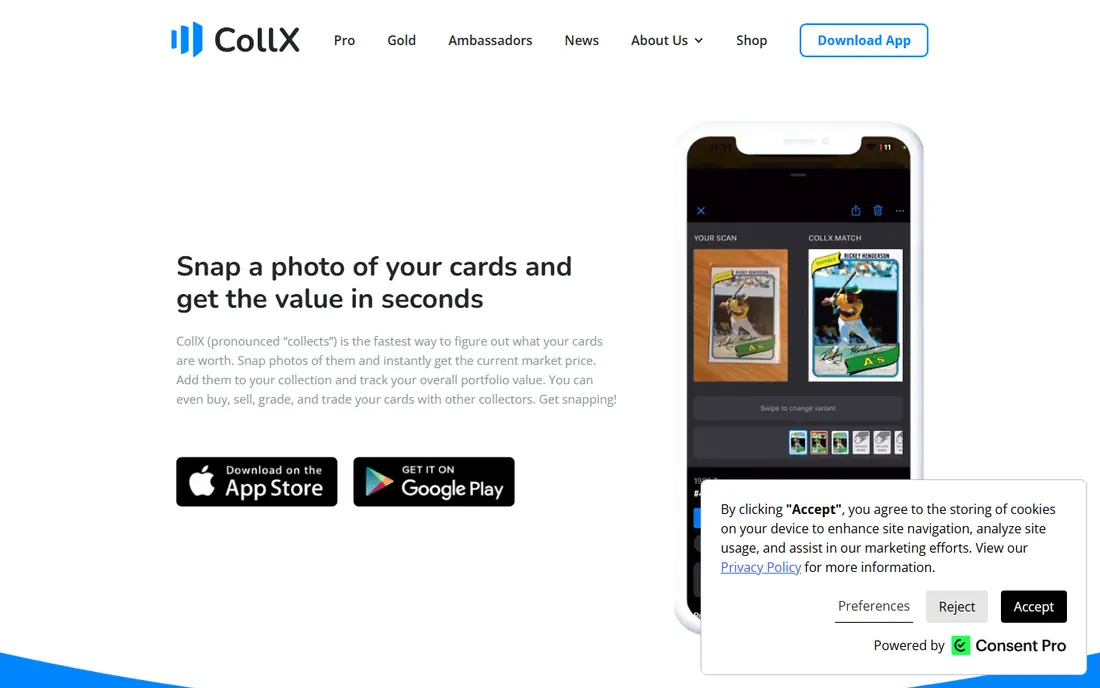
CollX is the app many collectors open first at a show or a shop. Point the camera at a card, and it tries to match the set, player and variant in seconds. That speed matters when you are sorting a box and need to separate common cards from possible hits.
Treat its value as a starting point, not a sale price. Scanner estimates can miss condition problems and tricky parallels, and some reports have flagged wide errors on individual cards. Use CollX to identify, then verify value with sold data before you negotiate.
- Quick photo identification
- Large card database
- Easy collection entry
- Values are estimates
- Accuracy varies on parallels and rare cards
Ludex appeals to collectors focused on modern sets, where parallels and short prints create most of the confusion. Its scanner aims to separate those variants, which is the step that decides whether a card is a base card or a far rarer version. The portfolio tools then keep those finds in order.
No scanner solves condition. A creased corner or soft edge can cut value even when the card matches a high-priced variant. Ludex is best as a fast identifier and tracker, with a final check against actual completed sales for anything you plan to sell.
- Strong on modern cards
- Scanner plus portfolio tools
- Detailed card matching
- Identification can miss some cards
- Values still need sold-sale checks
130 Point answers the question that matters most: what did this exact card actually sell for. It surfaces sold listings rather than an app estimate, so you can compare raw and graded versions, different grades and recent dates. For a single purchase, that evidence beats any single price shown by a scanner.
The trade is convenience. It is a research tool more than a collection manager, so you will not get polished charts or alerts in the same way. Still, we suggest running a 130 Point check on any card above your comfort threshold, even when another app already gave you a number.
- Shows actual sold listings
- Free to search
- Useful before buying or selling
- Interface is basic
- No full portfolio tracking
SportsCardsPro suits collectors who like to browse by set and check many cards in one sitting. Its database covers a wide range of sports cards, and the collection tools help you mark what you own. That breadth makes it handy when you pick up a mixed lot and need to work through it card by card.
Its values come from a pricing model, so they can sit above or below real sold prices. We treat it as a sorting and tracking aid first. When a card looks valuable, confirm it with sold listings and, for graded cards, sales at the same grade.
- Broad card database
- Set browsing
- Collection tools
- Values are model based
- Interface feels dated in places
Beckett has been part of card collecting for decades, and many collectors still start there for set information and guide values. Its site links price guide content with grading and marketplace features, which helps when you move from research to a sale or a submission. Checklists also help set builders track gaps.
Guide prices are not live sale prices, and fast-moving modern cards can shift before a guide updates. Use Beckett for context and set structure, then check recent sales for the current range. Paid access also limits how much detail free users can see.
- Long-running price guide brand
- Grading and marketplace links
- Set checklists
- Much detail sits behind paid access
- Guide prices can lag fast market moves
CardMavin fits collectors who want a quick answer without learning a complex platform. Search for a card, see a value range, and add it to a collection total. That simplicity helps when you are pricing a small stack for a local sale or a trade night.
Depth is the limit. Obscure cards and low-population graded versions may have thinner data, and the tools for charting a single card are lighter than Card Ladder. For common cards, it is fast and clear. For rare cards, add a sold-listing check.
- Simple lookup flow
- Collection value summary
- Covers sports and other cards
- Depth varies by card
- Fewer advanced chart tools
Sports Card Pro is a plain, practical choice for everyday tracking. It lets you log cards, check values and watch a collection total without a steep learning curve. Collectors who only check prices now and then may prefer that calm layout over a chart-heavy platform.
It does not match the sales depth of Card Ladder or the free sold data of 130 Point. Think of it as a daily tracker with useful lookups, not a final authority on a high-value card. Pair it with a sold-price search when money is on the line.
- Collection tracking
- Price lookups
- Straightforward layout
- Smaller feature set than leaders
- Data depth varies
How we picked these
We compared official feature pages, pricing pages, app store listings and public reviews for tools that price sports cards in October 2026. We kept tools that still operate, cover sports cards directly, and offer either sold data, a scanner or portfolio tracking. We left out tools that only cover other card types, tools with no clear sports coverage, and single-marketplace listings that do not price cards.
We did not claim hands-on testing. Our comparison rests on published features, pricing and the known gap between scanner estimates and actual sold prices, which is the most important point for readers.
How to price a card without overpaying
Start with identification, then move to evidence. Scan or search for the exact set, year, player and variant, including parallel, numbering and grade. A small difference in a parallel name can mean a large difference in price, so do not accept a match that only gets the player right.
Next, filter sold listings to the same condition and grade. Raw prices and PSA 10 prices describe different markets, and a single high sale does not set a fair price if most recent sales sit lower. Look at several recent sales, note the range, and give more weight to the most recent ones.
Finally, set your limit before you bid or negotiate. Add grading, shipping and selling fees to your math, and walk away when the price passes the sold range. A good app speeds up that work, but it cannot replace the sold-price check that proves what buyers actually paid.
What to check before you trust a value
Check the date of the sales behind the value, the grade or condition used, and whether the figure is an asking price or a completed sale. Asking prices often sit above sold prices, and old sales can mislead in a fast market. When those details are missing, treat the number as a rough guide only.
When a paid plan is worth it
A paid plan earns its cost when you track a large collection, trade often, or need alerts and long history. If you price a few cards a month, free sold checks and a free scanner cover most needs. Start free, note what you actually use for a month, and upgrade only for a feature you missed more than once.
Frequently asked questions
What is the best app for sports card prices?
Card Ladder is our pick for deep tracking, while 130 Point is our pick for a free sold-price check. The best sports card price app depends on your goal: tracking a collection, scanning at a show, or confirming one sale. Many collectors use a scanner for identification and sold listings for the final price.
Is there a free app to price sports cards?
Yes. CollX, Ludex, Collectr and 130 Point all offer free access, with limits on history or advanced features. Free tools work well for casual checks and identification. For long history, alerts and full portfolio charts, you may need a paid plan.
Why do card scanner apps show different values?
Scanner apps use estimates and models, while sold listings show real transactions. Condition, grade, parallel and sale date all change the result, and models may miss those details. That is why two apps can show different values for the same card.
How do I price a graded card?
Filter sales to the same grader and grade, then look at several recent sales. A PSA 10, a PSA 9 and a raw card are different products with different prices. If sales are thin, widen the date range slowly and note that the range is less certain.
Are sports card values in apps accurate?
They are useful guides, not guarantees. Sold data is the closest to a real market price, while scanner estimates are rougher. Condition problems, centering and surface wear can all move a card below the listed value, so inspect the card itself.
Should I pay for Card Ladder Pro?
Pay only if you track many cards, need full sales history, or want alerts and charts. Casual collectors can start with the free tier and free sold checks. If you trade weekly, the history and tracking tools may save enough time and mistakes to justify the cost.
Sources
See where you really rank - block by block
ProMapRanker scans Google Maps across a grid of your service area. Simple monthly plans from $19, white-label on every plan.
Start freeKeep reading
 wpforms alternatives
Best WPForms Alternatives in 2026
We compare 9 wpforms alternatives for WordPress forms, with free and paid options, current pricing notes, and honest limits for small business sites in 2026.
Read → windows task scheduler alternatives
Best Windows Task Scheduler Alternatives in 2026
Looking for Windows Task Scheduler alternatives? We compare 9 schedulers for Windows and cross-platform work, from free tools to enterprise automation.
Read → which ai video service is best
Which AI Video Service Is Best in 2026
which ai video service is best? We compare 10 legitimate AI video services on price, avatars, editing and output quality to help you pick the right tool.
Read →