 ProMapRanker
Best App to Find Apartments for Rent in 2026

Key takeaways
- Zillow offers the widest mix of rental types, from managed apartments to owner-listed houses and condos.
- Apartment List suits renters who want a shortlist built from budget, commute and amenities, rather than endless scrolling.
- Apartments.com suits larger professionally managed buildings, while StreetEasy suits New York City in particular.
- Most apps are free to browse, but application fees, deposits and broker fees still apply, so check total move-in cost, not just rent.
- Our pick for most renters is Zillow plus Apartment List, with Zumper alerts switched on for new listings in a tight market.
Quick comparison
| Pick | Great for | Pricing starts at | Free tier | |
|---|---|---|---|---|
 Zillow | Widest mix of rental types | Free | Yes | Visit |
 Apartments.com | Managed buildings | Free | Yes | Visit |
 Realtor.com | Rentals with sale listings nearby | Free | Yes | Visit |
 Trulia | Neighbourhood detail and maps | Free | Yes | Visit |
 Apartment List | Personalised matching | Free | Yes | Visit |
 Zumper | New-listing alerts | Free | Yes | Visit |
 HotPads | Map-based neighbourhood search | Free | Yes | Visit |
 Redfin | Rentals alongside homes for sale | Free | Yes | Visit |
 StreetEasy | New York City rentals | Free | Yes | Visit |
The best apps to find apartments for rent
Finding an apartment is a mix of searching, filtering and moving fast when a good listing appears. These nine apps cover that work in different ways, from broad browsing to matched shortlists and map searches. We compared official feature pages, pricing pages and app store listings, and we favoured apps with national or large-city coverage, current listings, alerts and clear fee information. Rental scams exist on every platform, so verify a listing and a landlord before paying any money, and never pay a deposit before seeing a home or signing a lease.

Zillow is the best starting point for most renters because it carries the widest mix: managed apartments, owner-listed condos, single-family houses and townhomes all appear in one search. Filters cover price, bedrooms, bathrooms, pet policy, amenities and commute-related details, and saved searches with alerts help in a fast market. Renters can also apply through Zillow, with a shared application that costs $35 and can be sent to multiple participating landlords.
The breadth is also the weakness. Because owners and managers list directly, quality and freshness vary, and a listing that looks available may already be rented. Confirm availability with the landlord before travelling to a viewing, and check the property in person where possible. For sheer choice, though, Zillow remains the first app to open.
- Apartments, condos and houses in one search
- Strong filters for price, beds and pets
- Saved searches and alerts
- Listing quality varies, since owners and managers both list
- Some listings go stale
- Shared application costs $35
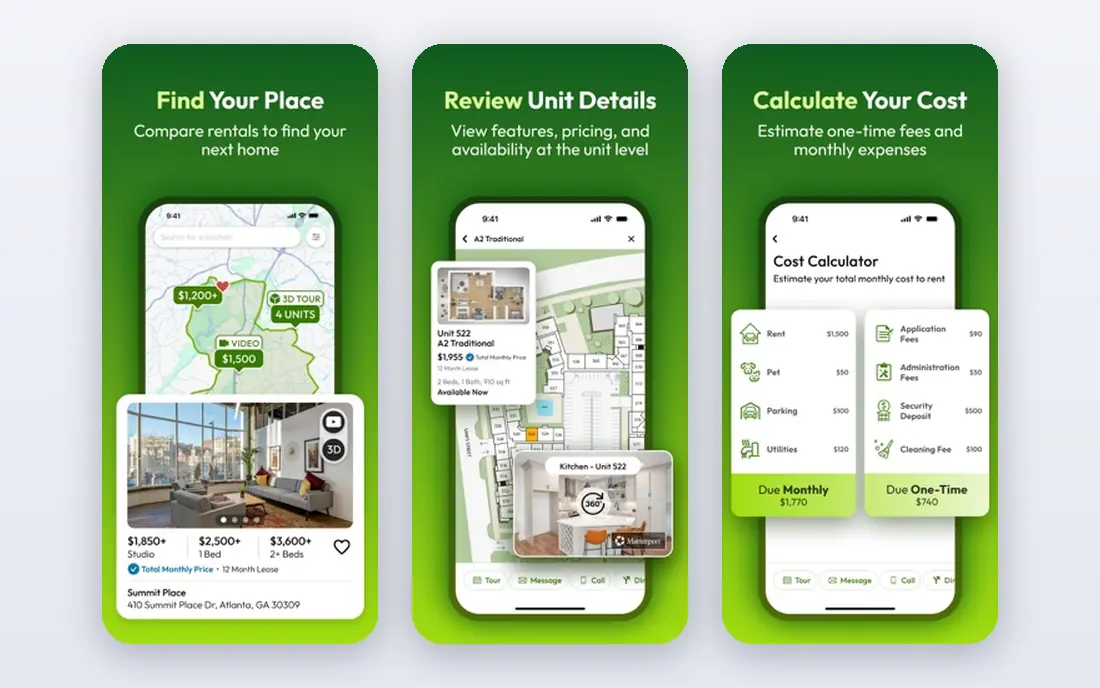
Apartments.com suits renters who prefer larger, professionally managed buildings, where leasing is handled by a property team rather than an individual owner. Building pages often include photos, floor plans, amenities, pet policies and 3D tours, which help narrow a shortlist before visiting. Search filters cover price, beds, baths, amenities and availability, and renters can save favourites and set alerts.
Paid placement means the first listings are not always the best match, so scroll past promoted results and use filters to compare like with like. Application fees and deposits vary by property, so check those costs early. For a managed building search, Apartments.com is the most focused option here.
- Strong coverage of professionally managed buildings
- Detailed building pages
- 3D tours on many listings
- Paid ads can push listings to the top
- Smaller owner listings are thinner
- Application fees vary by property
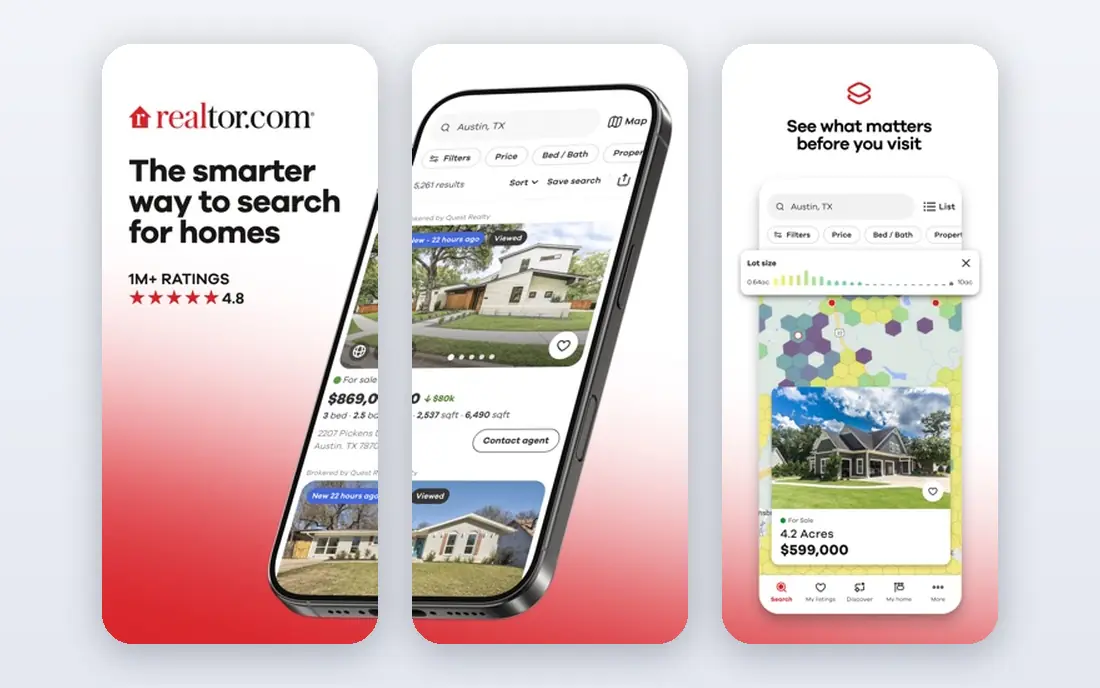
Realtor.com is useful when a renter also wants to compare renting with buying, or to understand a neighbourhood through both rental and sale listings. Rental pages show price, beds, baths, square footage, photos and property history where available, and saved searches and alerts work much like Zillow. That context helps a renter judge whether a rent price is fair for an area.
Rental inventory can be thinner than Zillow in some cities, and some listings appear on several platforms at once, so Realtor.com works best as a second check rather than a sole search. Use it to compare prices and neighbourhoods, then confirm availability on the listing or with the landlord.
- Rentals alongside homes for sale for comparison
- Clear listing details
- Saved searches and alerts
- Rental inventory is thinner than Zillow in some cities
- Some listings duplicate other platforms
- Fewer renter tools
Trulia, which shares a parent company with Zillow, is strongest for neighbourhood research. Its maps and local pages show schools, commute options, nearby amenities and other area detail that helps a renter compare blocks, not just apartments. Rental search itself covers price, beds, baths, pets and amenities, with saved searches and alerts.
Because listings overlap heavily with Zillow, Trulia adds less new inventory than a renter might expect. Use it for the neighbourhood view, especially when choosing between two areas, and use Zillow or Apartment List for the main inventory search. Always check school, safety and commute claims locally, since online area data can be out of date.
- Neighbourhood maps and local detail
- Crime, school and commute information
- Rental filters similar to Zillow
- Owned by the same company as Zillow, so listings overlap heavily
- Some data needs local checking
- Application process varies
Apartment List starts with questions rather than a blank search box. Renters set a budget, a move date, a commute limit and preferred amenities, and the app returns a shortlist based on those answers. A hard budget cap option helps avoid listings that creep above what a renter can afford, and alerts flag price drops and new availability for saved homes.
Matching only works as well as the answers. A renter with flexible tastes, or a renter open to several neighbourhoods, should also browse broadly on Zillow, since a narrow quiz can hide a good option. For a renter who knows their limits and wants a manageable shortlist, Apartment List saves the most scrolling time.
- Quiz-based matching from budget, commute and amenities
- Hard budget cap option
- Price-drop and availability alerts
- Shortlist depends on quiz answers, so broad tastes need wider searches
- Coverage varies by city
- Some listings link out to other sites
Zumper earns its place through speed. Renters can set alerts for a specific area and budget, and get notified as soon as a matching listing appears, which matters in cities where good apartments rent within days. The mobile app is clean, search filters are clear, and some listings support instant applications, which can help a renter move first.
Inventory is stronger in larger markets than in smaller towns, so renters outside major cities may find fewer options. Application and screening fees also vary by landlord. Use Zumper as the alert layer on top of a broader search, rather than as the only app, and be ready to tour quickly when an alert arrives.
- Fast alerts for new listings in a set area and budget
- Instant application options on some listings
- Clean mobile search
- Inventory varies by city
- Some features focus on larger markets
- Application and screening fees vary
HotPads is built for renters who think in maps, not lists. It opens on a map, lets a renter draw a boundary around a few blocks or a neighbourhood, and shows listings inside that area. That approach suits a renter who has already chosen a neighbourhood, a commute route or a school zone, and wants to see every option inside it.
HotPads shares a parent company with Zillow, so much of its inventory will look familiar. Its value is the map workflow, not new listings. Use it once you have narrowed to an area, draw a tight boundary, and check each shortlisted listing for current availability before visiting.
- Map-first search for specific blocks
- Draw a custom search boundary
- Good for renters who know their area
- Inventory overlaps with Zillow
- Fewer matching tools than Apartment List
- Some listings go stale
Redfin is mainly a home-buying app, but its rental listings are useful for context. A renter can compare rental prices with sale prices and price history in the same area, which helps judge whether rent is fair and whether buying might be worth considering later. Maps, filters and saved searches work well, and the app is clean on mobile.
Rental choice is thinner than on Zillow or Apartments.com, and Redfin offers fewer renter-specific tools, such as matched shortlists or instant applications. Use Redfin as a market check and a second source of listings, especially in cities where Redfin has strong coverage, rather than as the main rental search.
- Rentals and sale listings in one app
- Price history and market context
- Clean maps and filters
- Rental inventory is thinner than specialist rental apps
- Fewer renter-specific tools
- Coverage varies by market
StreetEasy is the essential app for New York City renters, and it is of little use anywhere else. Its listings, building pages and neighbourhood detail for the five boroughs are deeper than national apps, and no-fee apartments are clearly labelled, which matters in a city where broker fees can add thousands to move-in cost. Filters cover price, beds, baths, amenities and fee status.
Even with StreetEasy, New York renting moves fast and fees still apply on many listings, so check fee status, total move-in cost and lease terms before applying. For any other city, skip StreetEasy and use the national apps above. For New York, start here and use Zillow as a second check.
- Best coverage and detail for New York City
- No-fee labels
- Building and neighbourhood detail
- Only useful for New York City
- Broker fees still apply on many listings
- Competition is intense
How we picked these
We compared official feature pages, pricing pages and app store listings, and we favoured apps with current listings, clear filters, saved searches and alerts, and coverage that matters for US renters in 2026. We excluded apps that only serve one small city, apps with stale listings, and apps that charge renters just to browse. Browsing is free on all apps here, but application fees, deposits and broker fees vary, so check the total move-in cost for each shortlisted home.
How to search without wasting weeks
Start with a budget that includes rent, utilities, parking and any required fees, then set a hard cap and stick to it. A rent that looks affordable on its own can become unworkable once fees and utilities are added. List your non-negotiables, such as bedrooms, pet policy, laundry or commute time, and filter on those first, before looking at photos.
Tour fast, and check the details
In a tight market, good listings go quickly, so set alerts on Zillow, Apartment List and Zumper, and be ready to tour within a day or two. At a viewing, check water pressure, phone signal, noise, storage, laundry and parking, and ask about fees, lease length, renewal terms and maintenance response times. Take photos and notes, since homes blur together after several tours.
Avoid rental scams
Never pay an application fee, deposit or holding fee before seeing a home, meeting a landlord or agent, and reading a lease. Be wary of listings priced far below similar homes, landlords who cannot show the home, and requests for payment by wire transfer or gift card. Verify ownership or management through the building office or a property record where possible, and report suspicious listings to the platform.
Compare total cost, not just rent
Add rent, utilities, parking, pet fees, application fees and any broker fee to get a true monthly and move-in cost. Two homes with similar rent can differ by hundreds of dollars a month once fees and utilities are counted. A spreadsheet with those totals for each shortlisted home makes the final choice much clearer.
Frequently asked questions
What is the best app to find apartments for rent?
Zillow is the best app to find apartments for rent for most renters, because it offers the widest mix of apartments, condos and houses in one search. Apartment List is a strong second choice for a matched shortlist, and Zumper adds fast alerts for new listings.
Are apartment apps free to use?
Yes, browsing, searching, saving listings and setting alerts are free on the apps here. Application fees, credit screening fees, deposits and broker fees still apply and vary by landlord and city, so check those costs before applying.
What is the best app to find apartments for rent in New York City?
StreetEasy is the best app for New York City, because it offers the deepest local coverage, clear no-fee labels and detailed building pages for the five boroughs. Use Zillow as a second check, and always confirm fee status and total move-in cost.
How do I get alerts for new apartments?
Set a saved search with your area, budget, bedrooms and must-have filters on Zillow, Apartment List or Zumper, then turn on alerts for that search. In a fast market, check alerts promptly and be ready to tour quickly, since good listings can rent within days.
What are the best apps to find apartments for rent with pets?
Zillow, Apartments.com and Apartment List all offer pet filters, including pet-friendly listings and pet policy details. Always confirm pet rules, pet deposits and monthly pet fees with the landlord, since online filters do not always reflect the full policy.
How can I tell if a rental listing is a scam?
Watch for prices far below similar homes, landlords who will not show the home, pressure to pay before seeing a lease, and payment requests by wire transfer or gift card. Verify the landlord or management company, see the home in person where possible, and never pay before reading a lease.
Sources
See where you really rank - block by block
ProMapRanker scans Google Maps across a grid of your service area. Simple monthly plans from $19, white-label on every plan.
Start freeKeep reading
 wpforms alternatives
Best WPForms Alternatives in 2026
We compare 9 wpforms alternatives for WordPress forms, with free and paid options, current pricing notes, and honest limits for small business sites in 2026.
Read → windows task scheduler alternatives
Best Windows Task Scheduler Alternatives in 2026
Looking for Windows Task Scheduler alternatives? We compare 9 schedulers for Windows and cross-platform work, from free tools to enterprise automation.
Read → which ai video service is best
Which AI Video Service Is Best in 2026
which ai video service is best? We compare 10 legitimate AI video services on price, avatars, editing and output quality to help you pick the right tool.
Read →