 ProMapRanker
Best App to Design Clothes in 2026

Key takeaways
- CLO 3D is our pick for fashion product development, while Marvelous Designer suits digital garments for games, animation, and visual effects.
- Adobe Illustrator remains the standard for flat sketches and tech packs, even though it is not a 3D garment tool.
- Beginners should start with Tailornova, Digital Fashion Pro, or Procreate before paying for a professional 3D subscription.
- Valentina and Seamly2D give pattern makers a free, open source route, with a steeper setup than paid pattern tools.
- Check the subscription terms carefully: most professional 3D tools are rental only, with no perpetual license.
Quick comparison
| Pick | Great for | Pricing starts at | Free tier | |
|---|---|---|---|---|
 CLO 3D | Fashion product development | $50 per month | Free trial | Visit |
 Marvelous Designer | Digital garments for games and film | $39 per month | Free trial | Visit |
 Adobe Illustrator | Flat sketches and tech packs | See website | Free trial | Visit |
 Browzwear | Large scale virtual prototyping | See website | No | Visit |
 Digital Fashion Pro | Beginner template design | See website | No | Visit |
 Tailornova | Web based beginner design | See website | No | Visit |
 Valentina | Free pattern making | Free | Yes | Visit |
 Procreate | Hand drawn fashion sketches | See website | No | Visit |
 Seamly2D | Free open source patterns | Free | Yes | Visit |
The best app to design clothes
The best apps to design clothes fall into three groups: 3D garment tools, vector sketch tools, and pattern tools. The best software to design clothes for a brand making real garments is not the same as the best app for fashion design sketches on a tablet. We compared tools across those groups so you can match the tool to the job.
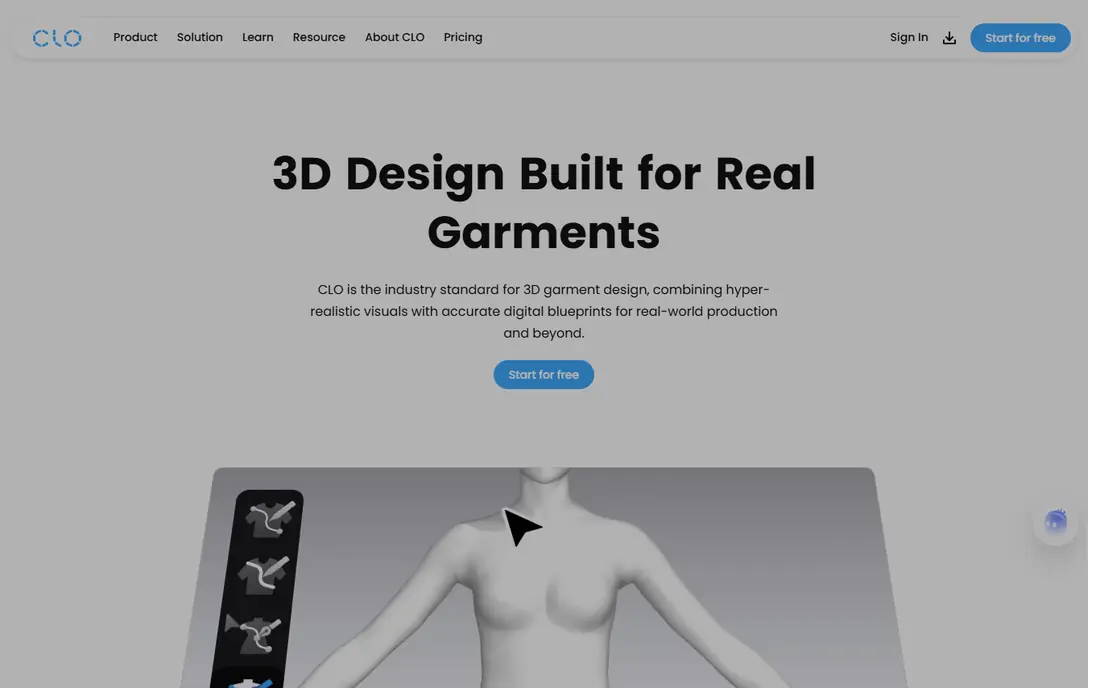
CLO 3D is built for apparel teams that need to move from a sketch to a sample without cutting fabric for every iteration. You draft patterns, sew them on a virtual avatar, check fit and strain, and export production data. That workflow is why brands use it to cut sample rounds and to share a clear garment spec with factories.
The individual plan is listed at $50 per month before tax, with an annual option, and a trial is available. The cost and the computer requirements make it a poor fit for a casual hobbyist. For a small brand or a student aiming at product development work, it is the most complete fashion tool on this list.
- Pattern drafting, grading, and production data tools
- Realistic fabric simulation
- Measurement based avatars
- Subscription cost adds up
- Needs a capable computer
- Learning curve for pattern work
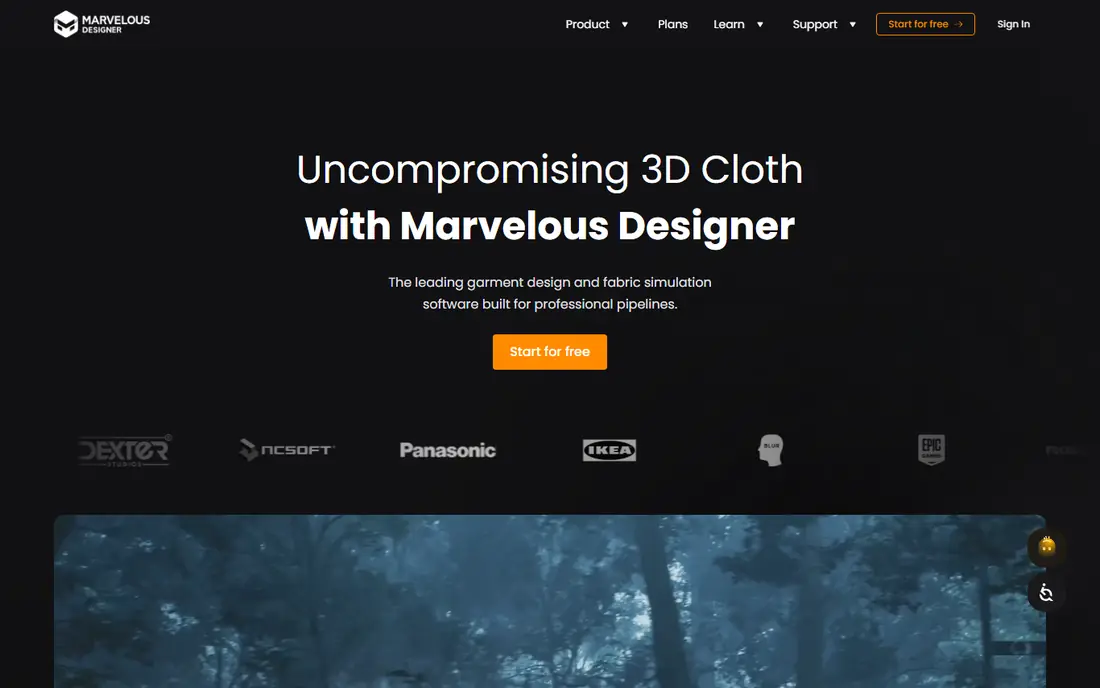
Marvelous Designer comes from the same company as CLO, but it points at a different job. It is made for digital garments that will appear on characters in games, animation, and visual effects. You build garments from patterns, drape them on an avatar, and export the result to a 3D pipeline.
The personal plan is listed at $39 per month, or $280 for a prepaid year. If your garment stays digital, Marvelous Designer is usually the better pick. If you need grading, production measurements, and factory ready data, CLO fits that job better.
- Strong draping and fabric simulation
- Good export for games and animation
- Pattern based garment creation
- Less focused on manufacturing output than CLO
- Rental only
- Needs practice to get clean patterns
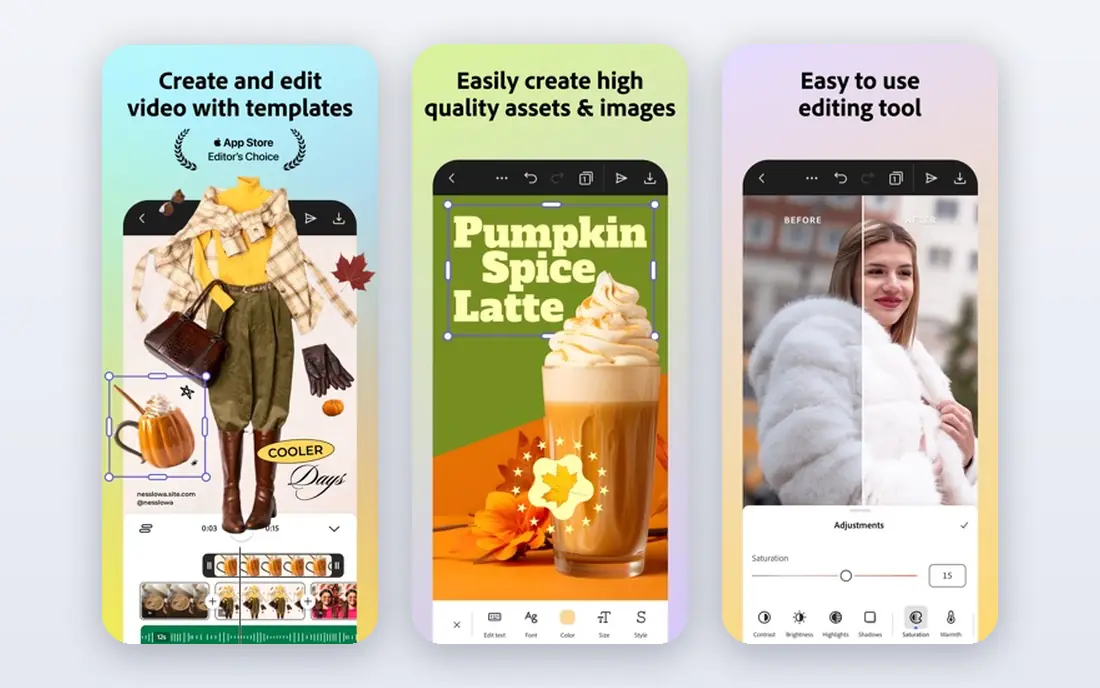
Almost every fashion studio still asks for Illustrator skills, because flats, prints, and tech packs are vector drawings. You can draw a garment front and back, add stitch lines, colorways, and callouts, and send a clean file to a factory or a client. That precision is hard to match in a sketch app built for painting.
Illustrator will not show you how fabric drapes or fits on a body. Pair it with a 3D tool if you need fit checks, or use it alone if your work is mainly design presentation and specification. Check the current Adobe plan price on the vendor site, since pricing varies by plan and region.
- Industry standard vector tools
- Precise flats and tech pack drawings
- Large template and brush libraries
- No 3D garment simulation
- Subscription only
- Steep for complete beginners
Browzwear serves apparel companies that prototype at volume. Its VStitcher tool builds garments from true patterns, checks fit on avatars, and supports collaboration between brands and suppliers. That pattern accuracy matters when a virtual sample has to stand in for a physical one in a buying decision.
Browzwear is not aimed at a solo beginner, and pricing is handled through the vendor rather than a simple monthly checkout. Solo designers should look at CLO or Marvelous Designer first. Larger teams that need supplier workflows and pattern accuracy should ask Browzwear for a demo and a quote.
- Accurate pattern based prototyping
- Built for apparel teams and suppliers
- Strong fit and measurement tools
- Pricing is not listed as a simple consumer plan
- Enterprise focus
- Heavy setup for a solo designer
Digital Fashion Pro suits a beginner who wants to design clothes without learning pattern drafting first. You start from templates for dresses, shirts, jackets, and more, then change fabrics, colors, trims, and details. That structure helps a new designer produce a clean presentation quickly.
The trade off is originality. Templates speed the work, but a fully original silhouette still needs drawing skill or a pattern tool. Check the current package price on the vendor site, since Digital Fashion Pro sells tiered packages rather than a single monthly plan. For hobby design and portfolio sketches, it is a friendly entry point.
- Large template library
- Beginner friendly interface
- Works on Windows, Mac, and Chromebook
- Template based, so original designs take more work
- Paid software with no free tier
- Less depth for pattern making
Tailornova runs in a web browser, which removes the install and computer spec worries that come with CLO and Marvelous Designer. You design a garment, view it on a 3D fit model, and adjust the look without learning a full pattern system. That low friction start suits students, hobby designers, and small sellers testing ideas.
Professional pattern makers will find the control limited compared with CLO, Browzwear, Valentina, or Seamly2D. Tailornova is best for visual design and early ideas, not for factory grade pattern work. Check the current subscription price on the vendor site before you sign up.
- Runs in a browser with no install
- 3D fit model for visualizing garments
- Beginner friendly design steps
- Less control than professional 3D tools
- Subscription based
- Pattern output is more limited
Valentina, also known as Valentina project software, is a free open source pattern drafting tool. You build patterns from measurements, so changing a size updates the pattern rather than forcing a redraw. That parametric approach is the same idea behind paid pattern systems, without the monthly bill.
Valentina suits sewists and students who want real pattern control on a tight budget. The interface is plainer than CLO or Browzwear, and you will rely on documentation and community help. If you enjoy pattern drafting and you want a free tool that respects measurements, Valentina is worth the setup time.
- Free and open source
- Parametric patterns that resize from measurements
- No subscription
- Interface is less polished than paid tools
- Learning curve for pattern drafting
- Community support rather than a vendor help desk
Procreate is not a fashion design system, but it is one of the best apps for fashion design sketches on a tablet. You draw croquis figures, outfits, prints, and color stories with brushes that feel close to pencil, ink, and watercolor. Many designers use it for ideation, then move the chosen design into Illustrator or a 3D tool for specification.
The limit is clear: Procreate does not draft patterns, grade sizes, or simulate fabric. Treat it as a sketchbook with strong drawing tools, not as a production tool. Check the current App Store price on the vendor site, since it is sold as a one-time purchase rather than a subscription.
- Natural drawing feel on iPad
- Huge brush library
- One-time purchase model on the App Store
- IPad only
- No pattern or 3D garment tools
- Fashion templates come from third party brush and template packs
Seamly2D is a free, open source pattern design tool built around measurement files and pattern pieces. You draft a pattern, link it to a measurement set, and resize it by changing the measurements. That makes it useful for sewists who make the same garment for different bodies.
Seamly2D will not simulate a garment on a 3D avatar, and it expects you to know pattern drafting basics. For a free pattern tool with a community behind it, though, it is a solid choice. Pair it with Procreate or Illustrator for presentation, and use Seamly2D for the pattern itself.
- Free and open source
- Measurement based pattern drafting
- Active community fork of an earlier project
- Less polished than paid tools
- Needs pattern knowledge
- No built in 3D simulation
How we picked these
We compared official feature and pricing pages for 3D garment tools, vector tools, and pattern tools, and we kept only tools that are available and supported in October 2026. We favored tools with a clear role in fashion work, whether that role is 3D prototyping, flat sketching, or pattern drafting. We did not claim hands-on testing that did not happen; our comparison rests on vendor documentation, pricing, and public listings.
What to check before you choose
Match the tool to the output you need. If you need a factory ready pattern, start with CLO, Browzwear, Valentina, or Seamly2D. If you need a digital garment for a game or film, start with Marvelous Designer. If you need flats and tech packs, start with Illustrator. If you need quick sketches, start with Procreate or Tailornova.
Check computer requirements, subscription terms, and export formats before you pay. Professional 3D tools need a capable machine and are rental only, while Valentina and Seamly2D are free but need more learning. Try a trial or a free tool first, and test one full garment from sketch to pattern before you commit to a yearly plan.
Frequently asked questions
What is the best app to design clothes for beginners?
Tailornova and Digital Fashion Pro are good beginner picks, because templates and guided steps reduce the learning curve. Procreate suits beginners who want to sketch by hand on an iPad. Move to CLO or Marvelous Designer once you need 3D fit or production patterns.
What are the best apps for fashion design on a tablet?
Procreate is the strongest tablet sketch app on this list, with natural brushes and a one-time purchase. Tailornova works in a browser on a tablet for 3D visualization, while full 3D tools such as CLO and Marvelous Designer still need a desktop computer.
What is the best software to design clothes for real production?
CLO 3D is our pick for fashion product development, with pattern drafting, grading, and production data. Browzwear suits larger teams and supplier workflows. Valentina and Seamly2D offer a free pattern route for smaller makers.
Is there a free app to design clothes?
Yes. Valentina and Seamly2D are free and open source for pattern making. CLO, Marvelous Designer, and Illustrator offer trials, but their full versions are paid. Procreate is a one-time purchase, not a free app.
Can I design clothes on my phone?
You can sketch ideas on a phone, but pattern drafting and 3D garment work need a larger screen and a capable device. Use a phone for notes and reference photos, and use a tablet or desktop for the actual design work.
Sources
See where you really rank - block by block
ProMapRanker scans Google Maps across a grid of your service area. Simple monthly plans from $19, white-label on every plan.
Start freeKeep reading
 wpforms alternatives
Best WPForms Alternatives in 2026
We compare 9 wpforms alternatives for WordPress forms, with free and paid options, current pricing notes, and honest limits for small business sites in 2026.
Read → windows task scheduler alternatives
Best Windows Task Scheduler Alternatives in 2026
Looking for Windows Task Scheduler alternatives? We compare 9 schedulers for Windows and cross-platform work, from free tools to enterprise automation.
Read → which ai video service is best
Which AI Video Service Is Best in 2026
which ai video service is best? We compare 10 legitimate AI video services on price, avatars, editing and output quality to help you pick the right tool.
Read →