 ProMapRanker
Best App Localization Providers in 2026


Product teams shipping mobile apps often · Pricing starts at: See website
Key takeaways
- Crowdin and Weblate suit teams that want community translation and open workflows, while Lokalise and Phrase suit product teams shipping often.
- Pricing is hard to compare directly because vendors meter hosted words, keys, strings, seats, or processed words in different ways.
- A free plan or trial helps for a small app, but limits on languages, keys, and collaborators usually decide the real cost.
- In-context editing and design integrations cut review rounds, since translators can see where a string sits in the app.
- Smartling and Transifex fit larger programs with approval chains, while POEditor and Tolgee fit smaller teams that want a simpler setup.
Quick comparison
| Pick | Great for | Pricing starts at | Free tier | |
|---|---|---|---|---|
| Lokalise | Product teams shipping mobile apps often | See website | Free trial | Visit |
 Crowdin | Community and open source translation | See website | Yes | Visit |
 Phrase | Teams unifying app strings and content | See website | Free trial | Visit |
 Smartling | Large programs with complex workflows | See website | Yes | Visit |
 Transifex | Continuous localization through code pipelines | See website | Free trial | Visit |
 Weblate | Self-hosted and open source teams | Free | Yes | Visit |
 POEditor | Small teams needing simple string management | See website | Yes | Visit |
 Tolgee | In-context editing inside a live app | See website | Yes | Visit |
 LingoHub | Git-based teams automating translation | See website | Free trial | Visit |
The best app localization providers
We compared official feature pages, pricing pages, integration lists, and public documentation for tools that manage app strings from code to release. The picks below cover mobile and web apps, solo projects, and large product teams.
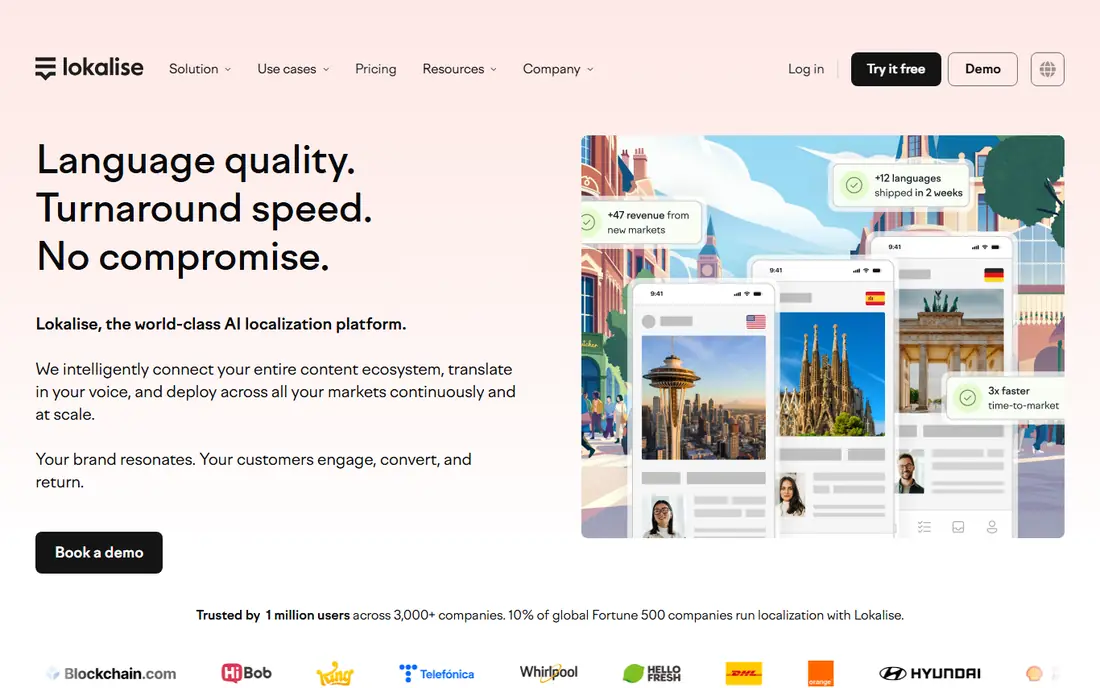
Lokalise is built around product teams that push updates on a regular cycle. It connects to code repositories, design tools, and app store metadata, so strings can move from a developer commit to a translator and back without a manual export step. That flow matters most when an app ships weekly and a missed string would leave part of the interface in the wrong language.
The platform also supports glossaries, translation memory, and quality checks that flag placeholders, length problems, and missing translations before release. For a small team, the main trade-off is scope. Lokalise covers a lot of ground, and teams with one app and a few languages may pay for capacity they do not use. Check the current plan limits for keys, words, and seats before committing, since those limits shape the bill more than the headline price.
- Strong mobile and web integrations
- Design tool links
- Automation for frequent releases
- Costs can rise with volume and seats
- Smaller teams may find the setup broad
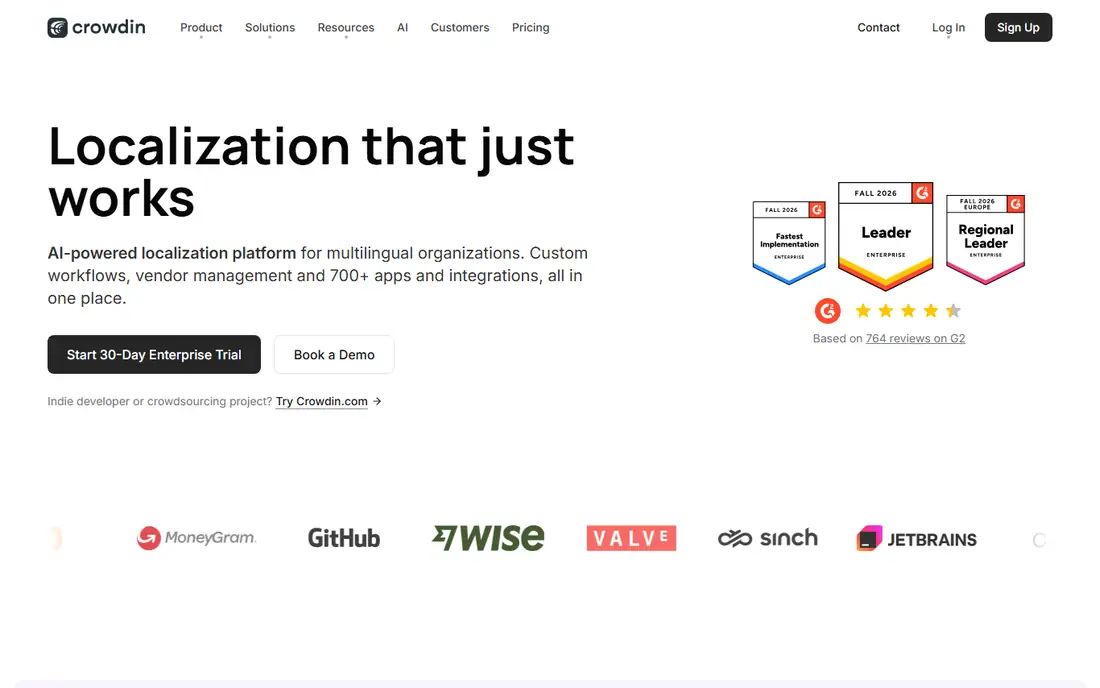
Crowdin is a strong default for teams that work with outside translators or a public community. It integrates with common code hosts and file formats, and it lets project owners invite translators, reviewers, and proofreaders with clear roles. Open source projects can also apply for a free license under stated conditions, which makes Crowdin a practical home for community-driven apps.
The free plan covers a limited amount of hosted words and one private project, so it fits a small app or a side project well. Larger apps need to watch hosted word counts, because that count multiplies source words by target languages. Crowdin also includes machine translation and AI assistance, but human review still matters for store copy, legal text, and any wording that affects safety or payments.
- Large integration library
- Community translation workflows
- Usable free plan
- Pricing tiers change with hosted words and managers
- Enterprise controls sit on higher plans
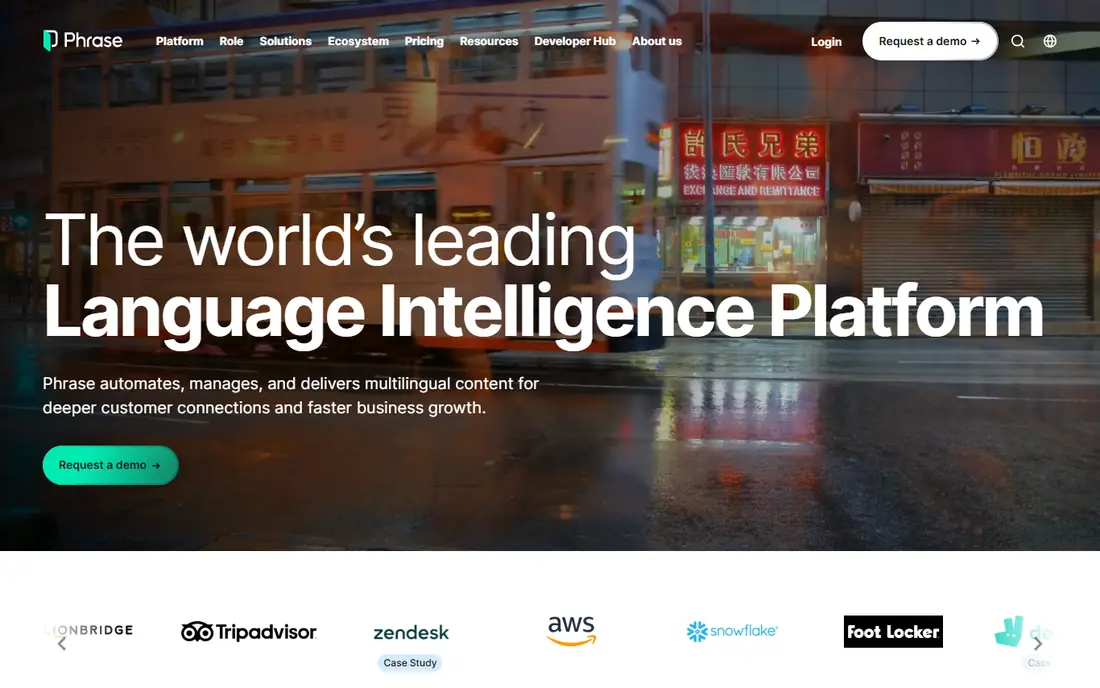
Phrase brings software localization and broader content translation into one system. That helps a company that localizes an app, a help center, and marketing pages together, since terminology and review rules can stay consistent across those surfaces. Developers get command line tools and repository links, while translators get an editor with context, history, and quality checks.
The catch is price structure. A low freelancer entry price does not describe a team plan, and team plans are priced well above it. Before shortlisting Phrase, map your languages, keys, and collaborators to a current team plan, and confirm what machine translation and vendor management features are included. For a large program, that work pays off. For a single app, a simpler tool may be cheaper.
- Covers software strings and longer content
- Many integrations
- Strong automation options
- Team pricing is far above the freelancer entry point
- Plan names and limits have changed over time
Smartling is aimed at organizations with high content volume and strict review needs. Translators can see strings in visual context, which reduces guesswork about short labels, buttons, and error messages. Managers can set approval steps, assign jobs to in-house staff or agencies, and track progress across many languages and projects.
Smartling offers a free Core plan for limited document work, but a comparable app localization workflow is priced on a custom basis. That makes Smartling a better fit when translation is a standing program with budgets and owners, rather than a one-off task. Smaller teams should compare the time saved on review against the sales-led pricing process and the effort needed to configure workflows.
- Visual context for translators
- Workflow controls for large teams
- Agency and vendor options
- Full product workflows are custom priced
- Smaller teams may find it heavy
Transifex suits software teams that want localization to run as part of delivery. Source files can sync from a repository, translations can return through the same pipeline, and teams can review and approve strings without passing spreadsheets around. That pattern fits apps with frequent releases and a growing set of target languages.
The starter tier covers a defined amount of hosted words, and larger catalogs move into custom pricing. Teams should count hosted words carefully and confirm how overages work. Transifex is less attractive for a team that only localizes a website, since its strengths sit in software strings, automation, and developer workflows rather than visual page editing.
- Continuous localization for software teams
- Automation and API access
- Review workflows
- Starter limits may be tight for larger catalogs
- Higher tiers are sales-led
Weblate stands out for teams that want control over their own infrastructure. The code is open source, so a team can host it, audit it, and adapt it to internal rules. Public libre projects can also use a free hosted tier under stated conditions, which keeps costs down for community software.
The trade-off is responsibility. A self-hosted install needs updates, backups, and someone to keep it running. Hosted plans remove that work but charge by hosted strings, so a large app should compare hosted costs against the staff time of self-hosting. Weblate also integrates with code hosts and supports translation memory, glossaries, and checks, which covers the core needs of most app projects.
- Open source code
- Self-hosting option
- Free hosted tier for libre projects
- Self-hosting needs maintenance
- Hosted pricing rises with string volume
POEditor is the pick for teams that want string management without a long setup. It imports common localization file formats, organizes strings by project and language, and lets collaborators translate and review in a plain editor. For a small app with a modest string count, that simplicity is a real advantage, since the team spends time on translation rather than on configuration.
The free plan covers a limited number of strings, and paid plans rise with string volume. Teams with thousands of strings across many languages should check the tier that fits before they invest in setting up projects. POEditor will not match the workflow depth of enterprise platforms, but it does not pretend to, and for many small apps that is the right trade.
- Simple interface
- Low entry price
- Easy file imports
- Fewer enterprise workflow features
- Limits matter on larger projects
Tolgee solves a specific frustration: translators working blind. With in-context editing, a translator can click a string in the live app and edit it in place, seeing length, layout, and nearby wording at the same time. That reduces back-and-forth and helps catch strings that fit in English but overflow in German or break a button layout.
Tolgee also offers a free cloud tier with a word limit and a few seats, plus a self-hosted open source option. Paid cloud plans are priced by keys, so teams should count keys across all languages and features. Developers get software development kits and a command line tool, which makes Tolgee a good fit for web and mobile teams that value a fast, visual review loop.
- In-context editing in the running app
- Open source option
- Modern developer tools
- Cloud pricing is key based
- Smaller integration library than older rivals
LingoHub fits mid-size teams that live in Git and want translation to follow code changes automatically. It syncs files from repositories, tracks string changes, and lets translators and reviewers work through a structured project view. Machine translation can provide a first draft, with human review for anything customer facing.
The main limit is scale and ecosystem. LingoHub does not have the same breadth of third-party integrations or community translators as the largest platforms, so teams that depend on a specific tool should check compatibility first. For a team that already works in Git and wants automation without a heavy enterprise setup, LingoHub is a balanced middle option.
- Git workflow automation
- Clear project organization
- Machine translation support
- Smaller community than the largest platforms
- Enterprise features need a higher tier
How we picked these
We compared official pricing pages, integration lists, documentation, and public plan details for localization platforms that handle app strings, not only website pages. We favored tools that are live in October 2026, support mobile or web app file formats, and offer a clear path from code to translated release. We left out tools that only translate web pages, tools with no public product page, and services that could not be verified as active.
What to check before you buy
Start with your string count, language count, and release rhythm. A team shipping monthly in five languages has different needs from a team shipping daily in thirty languages. Count hosted words or keys in the way each vendor counts them, since a plan that looks cheap on one meter can be costly on another.
Check file format support for your app, plus repository and design tool links. Confirm how placeholders, plurals, and right-to-left languages are handled, since those details cause real bugs in production. Test the translator view with a real screen, not a demo string, and confirm who can approve a translation before it ships.
Finally, decide how much human review you need. Machine translation can speed up a first draft, but store listings, onboarding, payment screens, and safety wording deserve human review by a fluent speaker. A provider that makes review easy will save more time than one with a slightly lower list price.
Frequently asked questions
What is the best localization software for a small app?
For a small app, Crowdin, POEditor, Tolgee, or Weblate usually fit best, since each offers a free tier or a low entry point. Pick Crowdin for community help, POEditor for simplicity, Tolgee for in-context editing, or Weblate if you want to self-host.
How much does app localization software cost?
It depends on the meter. Some vendors charge by hosted words, others by keys, strings, seats, or processed words. Small projects can start free or on a low paid tier, while large programs often need a custom quote, so compare the limit that matches your catalog.
Do I still need human translators if a tool offers machine translation?
Yes, for customer-facing text. Machine translation gives a fast first draft, but a fluent reviewer should check tone, placeholders, legal wording, and any text tied to payments or safety. Raw machine output can sound awkward or change meaning in short interface strings.
Can these tools handle mobile app files?
Most of the tools here support common mobile formats and repository sync, including string files for iOS and Android apps. Confirm your exact file type before purchase, and test a round trip from code to translation and back.
What is the difference between a localization platform and a translation agency?
A platform manages strings, workflows, and releases, while an agency supplies translators. Some platforms, including Smartling and Phrase, also connect you with vendors, so you can combine software and translation services in one place.
Should I self-host Weblate or Tolgee?
Self-hosting gives control and can lower license costs, but it adds maintenance work for updates, backups, and security. Choose hosted plans if no one on your team wants that responsibility, and choose self-hosting if data control or custom rules matter more.
Sources
See where you really rank - block by block
ProMapRanker scans Google Maps across a grid of your service area. Simple monthly plans from $19, white-label on every plan.
Start freeKeep reading
 wpforms alternatives
Best WPForms Alternatives in 2026
We compare 9 wpforms alternatives for WordPress forms, with free and paid options, current pricing notes, and honest limits for small business sites in 2026.
Read → windows task scheduler alternatives
Best Windows Task Scheduler Alternatives in 2026
Looking for Windows Task Scheduler alternatives? We compare 9 schedulers for Windows and cross-platform work, from free tools to enterprise automation.
Read → which ai video service is best
Which AI Video Service Is Best in 2026
which ai video service is best? We compare 10 legitimate AI video services on price, avatars, editing and output quality to help you pick the right tool.
Read →