 ProMapRanker
Best App for Employees to Clock In and Out in 2026

Key takeaways
- Homebase is the best free starting point for small hourly teams, with scheduling and a time clock free for one location and up to 10 employees.
- Deputy is the strongest choice for compliance heavy shift work, with published per user pricing and labour rule support.
- When I Work is the cheapest scheduling first option for shift heavy teams, with time tracking as an add on.
- Buddy Punch leads on preventing buddy punching, with facial recognition, photos and geofencing on higher plans.
- QuickBooks Time is the natural pick for businesses already running QuickBooks payroll, since it removes the export step.
Quick comparison
| Pick | Great for | Pricing starts at | Free tier | |
|---|---|---|---|---|
 Homebase | Free scheduling plus time clock | Free | Yes | Visit |
 Deputy | Compliance heavy shift operations | $5 per user per month | Free trial | Visit |
 When I Work | Shift scheduling on a budget | $2.50 per user per month | Free trial | Visit |
 Connecteam | Mobile first crew app | Free | Yes | Visit |
 Clockify | Free time tracking starting point | Free | Yes | Visit |
 Buddy Punch | Stopping buddy punching | See website | Free trial | Visit |
 OnTheClock | GPS verified punches | See website | Free trial | Visit |
 QuickBooks Time | QuickBooks payroll users | See website | Free trial | Visit |
 Jibble | Free verified clock ins | Free | Yes | Visit |
The best apps for employees to clock in and out
A good clock in and out app should make punching simple for staff, give managers clean timesheets, and export hours to payroll without retyping. The best choice depends on team size, shift complexity and whether you also need scheduling. Note on monitoring: employee monitoring features such as GPS tracking, photos and facial recognition must be disclosed to staff and used lawfully, with local labour and privacy rules checked before you enable them.
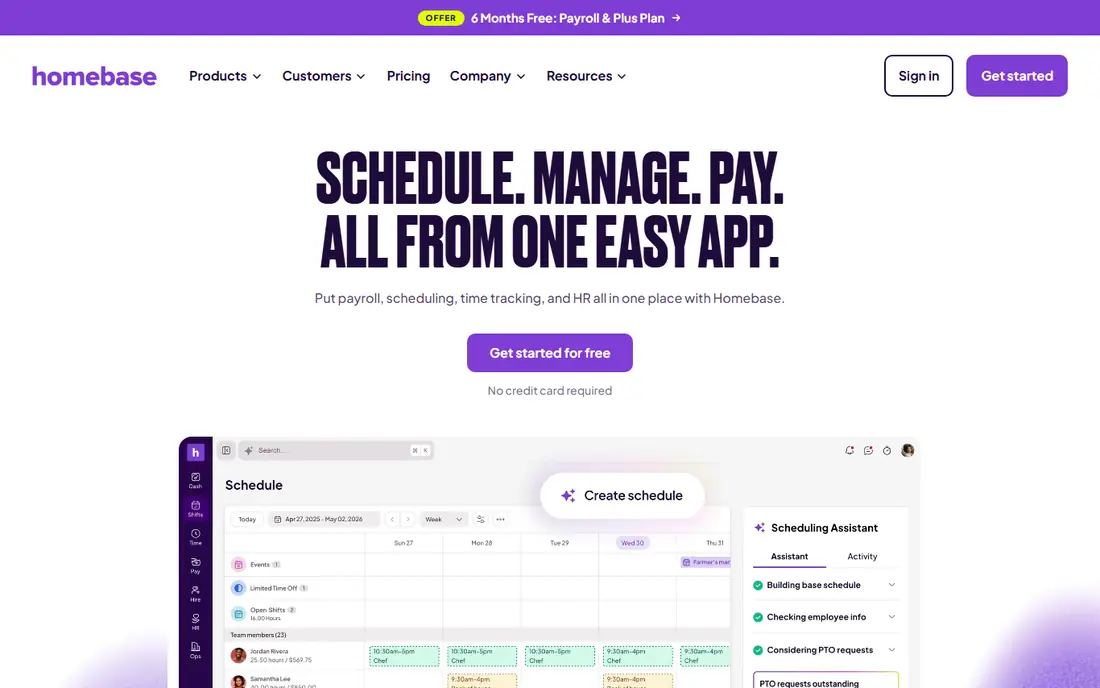
Homebase is our pick for small hourly teams starting from scratch. The free Basic plan covers scheduling and time tracking for one location with up to 10 employees, which is enough for many cafes, shops and clinics to run properly. Staff clock in from a phone or tablet, managers approve timesheets, and open shifts and trades happen inside the app.
The catch is growth. Per location pricing means costs rise as you add sites, and payroll costs extra. If you stay small and single site, Homebase is hard to beat. If you run many locations, compare Deputy or Connecteam pricing for your full footprint before you commit.
- Free Basic plan for one location and up to 10 employees
- Scheduling, time clock and team messaging in one app
- Optional payroll add on
- Pricing is per location, so multi site costs rise
- Payroll is a paid add on
- Some controls sit on higher tiers
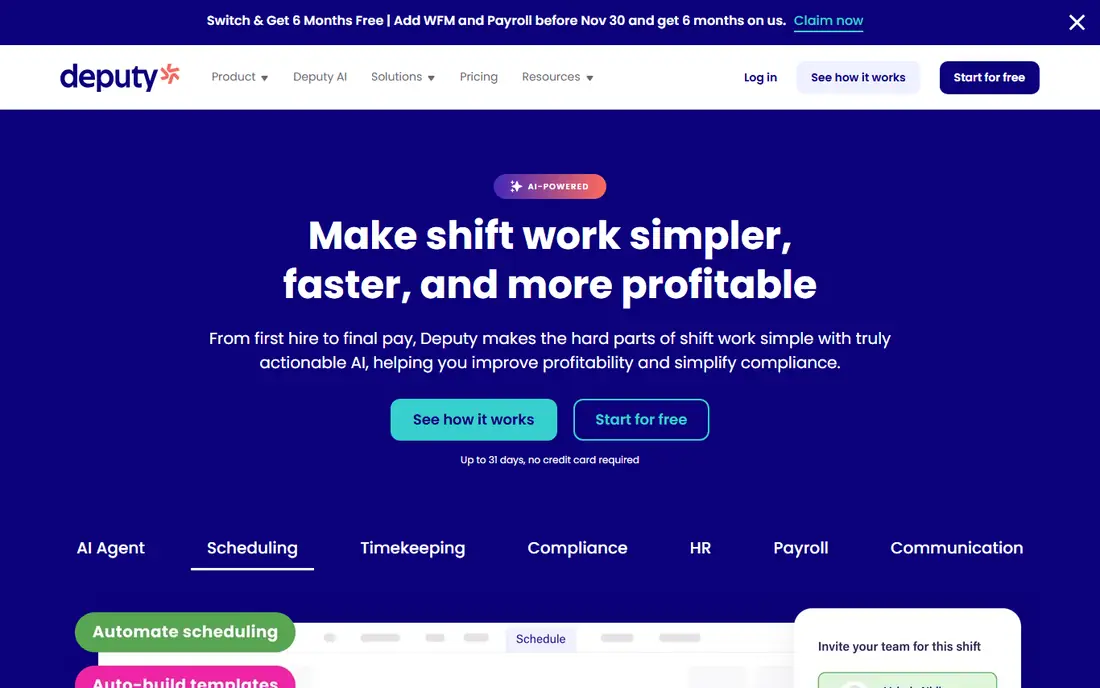
Deputy suits hospitality, retail and healthcare teams that need scheduling plus labour compliance, not just a punch button. It handles shift scheduling, time clocking, leave and labour rules, with integrations into QuickBooks, Xero, ADP and Gusto. Published pricing from $5 per user per month on its Lite plan makes budgeting clearer than quote only rivals.
The limit is that Deputy is a paid system with no ongoing free tier, and per user pricing adds up for large casual workforces. If compliance, multi location control and audit trails matter, that cost is justified. If you only need simple punches, a free tool will do.
- Scheduling, time clock and compliance tools in one system
- Published per user pricing
- Integrations with payroll providers
- No free plan beyond a trial
- Costs rise with headcount
- Setup benefits from planning for complex rules
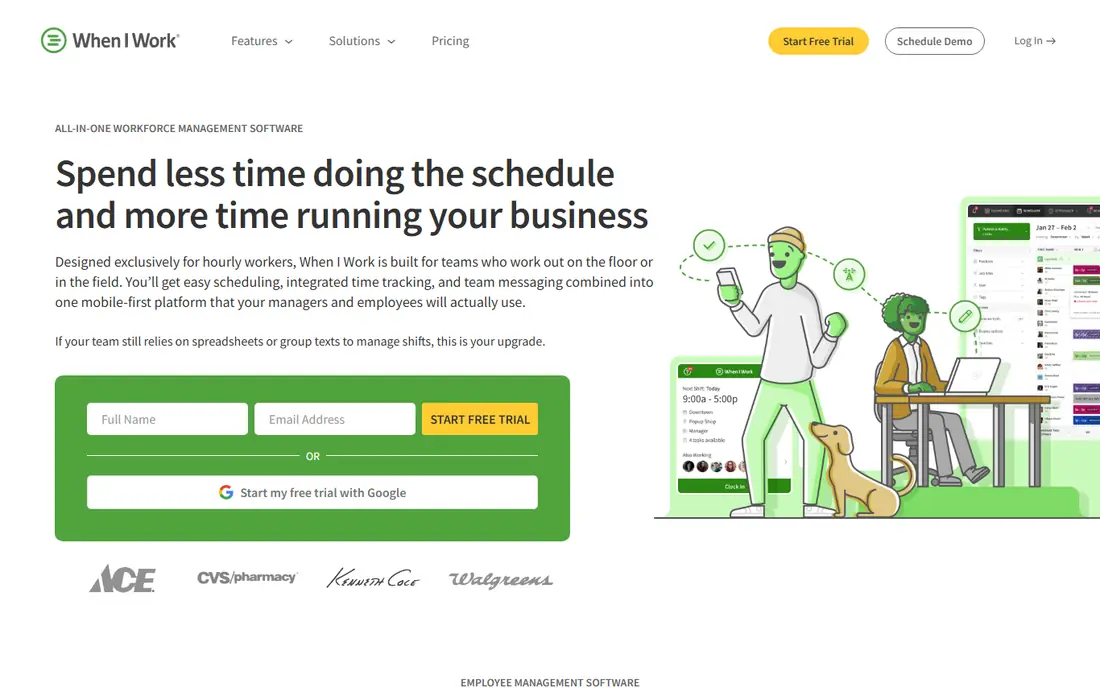
When I Work is the cheapest scheduling first option for shift heavy teams. Staff see schedules, swap shifts, message the team and clock in from a phone, all in an interface built for hourly work. The low starting price makes it attractive for restaurants, retail and care teams with many part time staff.
The catch is the add on model. Time tracking costs extra beyond the base scheduling price, so check the total before you compare it with Homebase or Deputy. If scheduling is your main pain and time tracking is secondary, When I Work is excellent. If time clocking is the core need, price the full bundle first.
- Low per user starting price
- Mobile first scheduling and team messaging
- Time tracking add on for shift teams
- No free plan
- Time tracking is an add on, not included in the base price
- Payroll runs through integrations
Connecteam fits deskless and field teams that want more than a clock. It combines scheduling, time clocking, team chat, forms and HR tools in a mobile first app, with a free tier for small teams. GPS location stamps on clock ins help managers verify site attendance without a separate system.
The limit is tiering. Basic GPS stamps come early, but continuous breadcrumb tracking and advanced forms sit on higher plans. If you need a full crew app, Connecteam is strong. If you only need punches, a simpler tool will launch faster and cost less.
- Free for teams under 10 users
- GPS location stamps and digital forms
- Scheduling, communication and HR tools in one app
- GPS breadcrumb tracking sits on higher tiers
- Paid plans start from $29 per month
- Setup covers many modules
Clockify is the best free starting point for teams that track hours by project or task rather than by shift roster. Staff start a timer or enter timesheets, managers review hours, and reports export for payroll. The free plan covers unlimited users for basic tracking, which is rare among rivals.
The trade off is shift depth. Clockify does not match Deputy or When I Work for roster building, shift swaps and labour compliance. If your team works flexible hours on projects, Clockify is ideal. If you run a shift roster, choose a scheduling led tool instead.
- Free plan for unlimited users on basic tracking
- Simple timer and timesheet views
- Reports and exports for payroll
- Scheduling is lighter than shift tools
- GPS and kiosk features sit on paid plans
- Best for office and project teams, not shift rosters
Buddy Punch leads for businesses worried about buddy punching, where one employee clocks in for another. Photo verification, facial recognition and geofencing on higher plans make false punches much harder, while GPS and overtime tools keep timesheets accurate. That focus suits small businesses with remote or multi site staff.
The catch is cost and trust. Verification features cost more, and monitoring tools must be disclosed to staff and used lawfully. Tell your team what is collected, why, and how long it is kept, and check local rules before you enable facial recognition or continuous location tracking.
- Facial recognition and photo verification options
- GPS and geofencing controls
- Payroll integrations and overtime tracking
- Verification features sit on higher plans
- Base fee plus per user pricing
- Monitoring features need clear staff disclosure
OnTheClock suits small businesses that want GPS verified punches without a large suite. Staff clock in from a phone or web kiosk, managers see location stamped timesheets, and payroll reports export cleanly. Pricing is simple, with a base fee plus a per employee charge, which makes budgeting easy for small teams.
The limit is scope. Scheduling feels like an add on, and there is no free plan once the trial ends. GPS accuracy also depends on device and signal, so test it on your real sites before you rely on location data for discipline decisions. For straightforward verified punches, it does the job well.
- GPS verified clock ins
- Simple pricing model
- Payroll ready timesheets and reports
- No free plan after the trial
- Scheduling is an add on rather than core
- GPS reliability varies by device and signal
QuickBooks Time, formerly TSheets, is the natural pick for businesses already running QuickBooks. Time flows directly into payroll and invoicing, which removes the export and retyping step that causes most payroll errors. Staff clock in from mobile, track time by job or client, and managers approve timesheets inside a familiar system.
The catch is ecosystem lock in. If you do not use QuickBooks, you pay for integration you do not need, and the base plus per user price is higher than free tools. For QuickBooks users, though, the time saved at payroll alone usually justifies it, especially for job costing teams.
- Native QuickBooks payroll integration
- GPS and geofencing on higher plans
- Mobile clock ins with job and client tracking
- Base fee plus per user pricing
- Best value only inside QuickBooks
- Some features require the higher tier
Jibble stands out because its free plan includes verified clock ins, with facial recognition and GPS options that rivals charge for. That makes it a strong choice for small teams that want accountability without paying from day one. Attendance, leave and payroll exports round out a surprisingly full free tier.
The limit is that advanced scheduling and reporting sit on paid plans, and the breadth of HR features can feel busy at first. If your priority is free, verified punches for any team size, Jibble is worth a trial. If you need deep shift scheduling, pair it with a roster tool or choose Deputy.
- Free plan with verified clock ins
- Facial recognition and GPS options
- Attendance, leave and payroll exports
- Advanced scheduling sits on paid plans
- Interface covers many HR features
- Support depth varies by plan
How we picked these
We compared official product pages, pricing pages and feature sets in October 2026, and favoured apps that are live, actively sold, and clearly built for employee clock in and out. We included free tools, scheduling led tools and payroll integrated tools, because the best app for employees to clock in and out depends on team type. We left out general project timers with no employee clock features, and any tool that could not show a live product page.
What to check before you choose a clock in app
Start with how staff actually work. Office teams suit Clockify or QuickBooks Time, shift teams suit Homebase, Deputy or When I Work, and field crews suit Connecteam, Buddy Punch or OnTheClock. Test clocking on the devices staff really use, including older phones and shared tablets, and check offline behaviour for sites with weak signal.
Next, check payroll export. A clean export to your payroll provider saves more time than any single clock feature. Finally, handle monitoring with care: disclose GPS, photo and facial recognition features to staff in writing, explain what data is kept and for how long, and check local labour and privacy law before you enable them. Trust matters, and a clock app that feels like surveillance will hurt retention.
Frequently asked questions
What is the best app for employees to clock in and out?
For small hourly teams, Homebase is the best free starting point. Deputy is best for compliance heavy shift work, When I Work is cheapest for scheduling led teams, and QuickBooks Time is best for QuickBooks payroll users. Match the tool to your roster complexity and payroll system.
What is the best app for clocking in and out for free?
Homebase offers a free plan for one location and up to 10 employees, Connecteam is free for teams under 10 users, Clockify is free for unlimited users on basic tracking, and Jibble offers free verified clock ins. Free plans usually limit scheduling, GPS or payroll features, so check the tier limits.
Can employees clock in from their phones?
Yes, all the apps listed here offer mobile clock ins on iOS and Android, with many also offering a web kiosk or tablet mode for shared devices. Check whether your plan includes GPS stamps, photo verification or offline clocking, since those features vary by tier.
How do I stop buddy punching?
Use photo verification, facial recognition or geofencing, as offered by Buddy Punch, Jibble and OnTheClock on suitable plans. Pair technology with a clear policy: tell staff what is checked, apply it consistently, and keep records only as long as needed. Technology alone will not fix a trust problem.
Do clock in apps integrate with payroll?
Most do, either natively or through exports and integrations. QuickBooks Time integrates natively with QuickBooks, Deputy and When I Work integrate with several payroll providers, and Homebase offers its own payroll add on. Confirm your exact payroll provider is supported before you buy.
Is GPS tracking of employees legal?
GPS tracking rules vary by location and by whether staff use personal or company devices, so check local labour and privacy law before you enable it. In general, disclose tracking in writing, limit it to work hours and work purposes, and avoid continuous tracking where a simple clock in stamp would do. When in doubt, seek local legal advice.
Sources
See where you really rank - block by block
ProMapRanker scans Google Maps across a grid of your service area. Simple monthly plans from $19, white-label on every plan.
Start freeKeep reading
 wpforms alternatives
Best WPForms Alternatives in 2026
We compare 9 wpforms alternatives for WordPress forms, with free and paid options, current pricing notes, and honest limits for small business sites in 2026.
Read → windows task scheduler alternatives
Best Windows Task Scheduler Alternatives in 2026
Looking for Windows Task Scheduler alternatives? We compare 9 schedulers for Windows and cross-platform work, from free tools to enterprise automation.
Read → which ai video service is best
Which AI Video Service Is Best in 2026
which ai video service is best? We compare 10 legitimate AI video services on price, avatars, editing and output quality to help you pick the right tool.
Read →