 ProMapRanker
Best App for Banking in 2026: 9 Apps Compared

Key takeaways
- Chime is our pick for simple fee-free banking, with early direct deposit and no monthly fee on its checking account.
- SoFi suits savers who want a higher savings rate plus investing and lending in the same app.
- Chase suits households that want branches next to a strong mobile app.
- Ally Bank suits savers who want a high yield without a branch visit.
- Savings rates change with market rates, so check the current rate on the bank site before opening an account. This is not financial advice.
Quick comparison
| Pick | Great for | Pricing starts at | Free tier | |
|---|---|---|---|---|
 Chime Chime | Simple fee-free banking | Free | Yes | Visit |
 SoFi SoFi | Banking plus investing | Free | Yes | Visit |
 Chase Chase | Branches plus mobile app | Free | Yes | Visit |
 Ally Bank Ally Bank | High-yield savings | Free | Yes | Visit |
 Capital One Capital One | 360 checking and teen accounts | Free | Yes | Visit |
 U.S. Bank U.S. Bank | Full-service mobile banking | Free | Yes | Visit |
 Bank of America Bank of America | Large branch network | Free | Yes | Visit |
 Varo Bank Varo Bank | High-yield savings for qualifying accounts | Free | Yes | Visit |
 Discover Bank Discover Bank | Cashback checking and savings | Free | Yes | Visit |
The best apps for banking
A banking app should cover daily money well: deposits, payments, transfers, card controls, and alerts. The apps below do that, but they split between digital-only banks and traditional banks with branches, and that split should guide the choice.
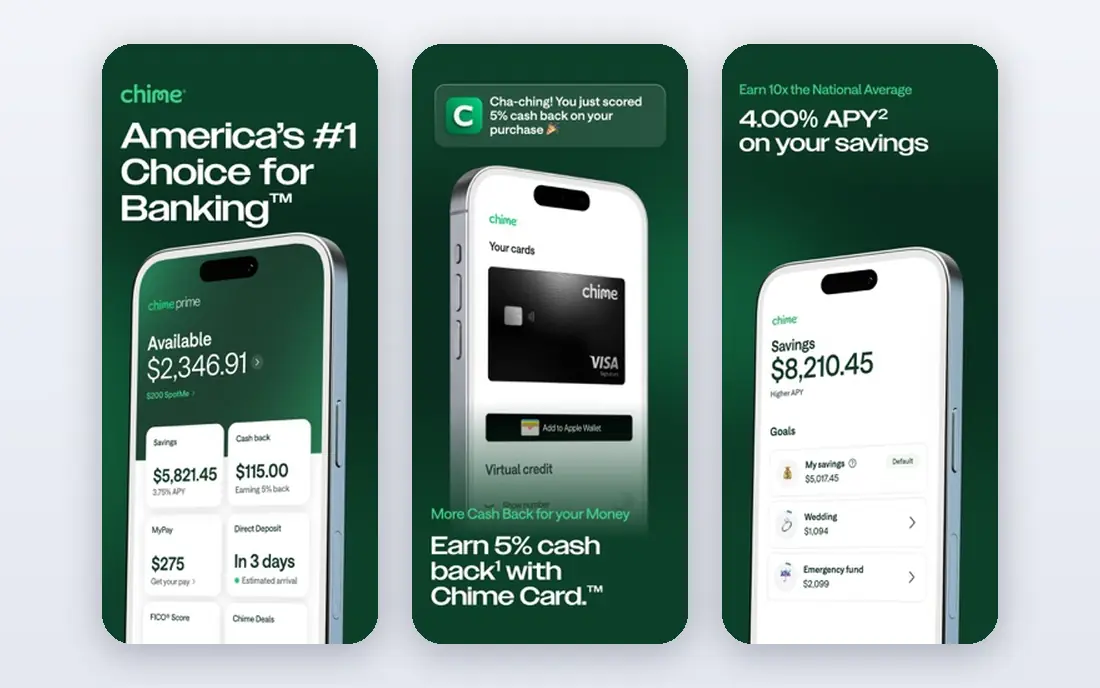
Chime is the simplest banking app in this list, and that simplicity is the appeal. Checking has no monthly fee, direct deposit can arrive up to two days early depending on when the employer submits payroll, and SpotMe gives qualifying members fee-free overdraft coverage up to $200. Card controls, alerts, and a clean app layout keep daily banking quick.
The catch is breadth. Chime does not offer investing, and it has no branches for cash deposits or in-person help, so households that need those services will need a second app or bank. For fee-free daily banking alone, though, Chime is hard to beat.
- No monthly fee on checking
- Early direct deposit up to two days early
- SpotMe overdraft coverage up to $200 for qualifying members with no fee
- No branches
- No investing inside the app
- Savings rate is lower than some high-yield rivals
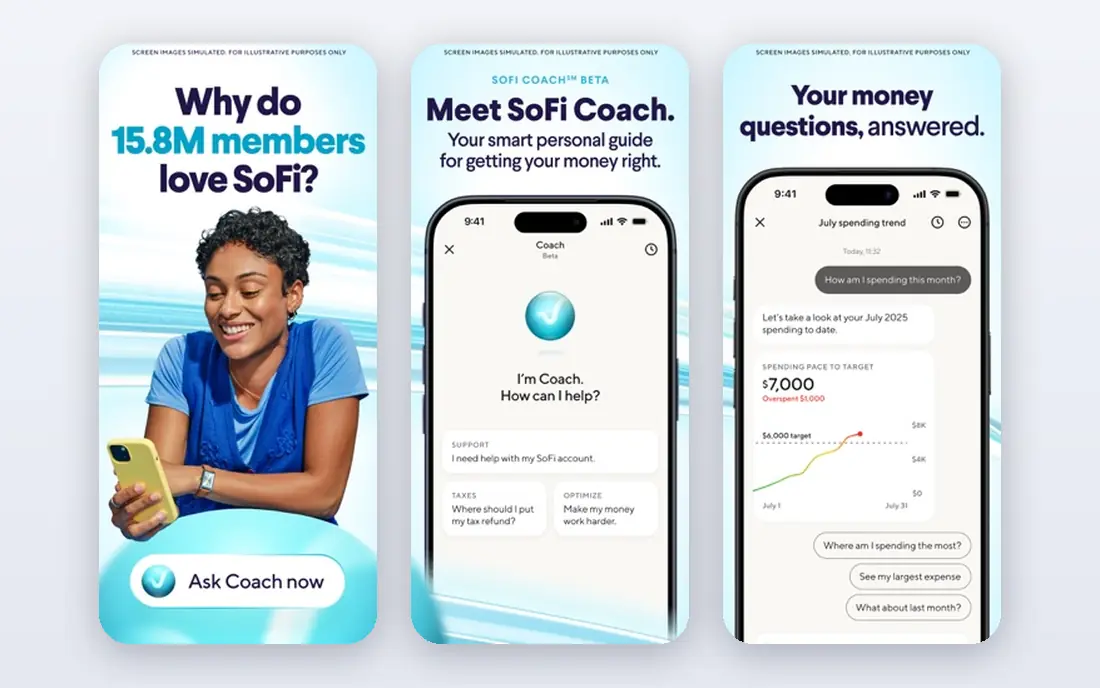
SoFi suits people who want one app for banking and more. Checking and savings sit together, the savings rate is higher than most traditional banks when direct deposit conditions are met, and the same app adds commission-free investing, personal loans, and student loan refinancing. That breadth makes SoFi a full financial hub for digital-first users.
The honest limit is conditions. The top savings rate requires qualifying direct deposit activity, and without it the rate falls sharply, so check the current terms before counting on the headline rate. Investing also carries risk, and it should not be confused with insured savings. This is not financial advice.
- High savings rate with direct deposit
- Checking and savings in one app
- Investing, lending, and credit monitoring in the same account
- Best savings rate needs direct deposit activity
- No branches
- Investing carries risk and is not a savings account
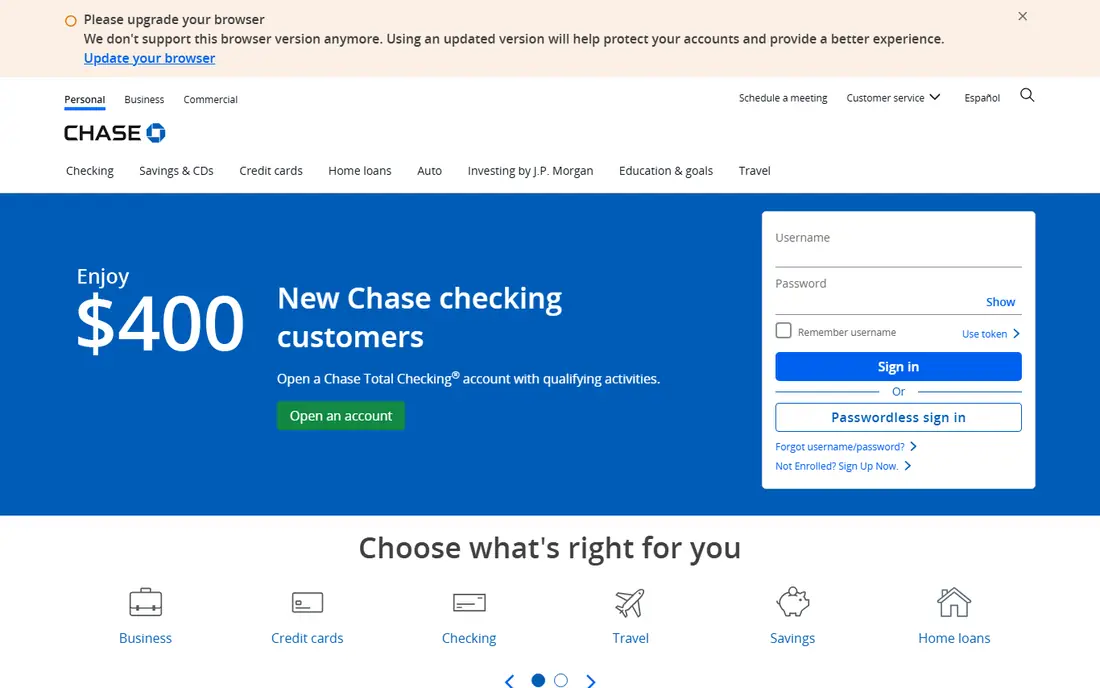
Chase is the pick for households that want a branch when they need one and a strong app the rest of the time. Checking, savings, credit cards, and lending sit in one account, Zelle transfers are built in, and the app covers mobile deposit, card locks, and spending alerts well. For cash deposits, cashier checks, or in-person help, a branch network still matters.
The trade-off is fees and yield. Some Chase checking accounts charge a monthly fee that can be waived with qualifying direct deposit or a minimum balance, and savings rates trail digital banks. Read the fee schedule for the exact account, and do not assume the app alone removes all fees.
- Large branch and ATM network
- Strong mobile app with Zelle, card controls, and alerts
- Wide product range from checking to mortgages
- Some checking accounts charge a monthly fee unless waived
- Savings rates are lower than digital banks
- Product range can feel complex
Ally Bank has long been a favorite for savers who do not need a branch. Checking and savings have no monthly maintenance fees, savings rates are competitive with other digital banks, and savings buckets help households separate money for rent, travel, or an emergency fund. The app is clear, and customer support is available by phone and chat.
The limit is cash. Ally has no branches, so cash deposits go through a partner ATM network or by other methods described on its site, which suits card-first households more than cash-heavy ones. Rates also move with the market, so the rate at account opening may not be the rate a year later.
- No monthly maintenance fees on checking and savings
- Competitive savings rate
- Strong app with buckets for savings goals
- No branches
- Cash deposits need a workaround
- Rates change with market conditions
Capital One 360 Checking suits families and solo users who want a no-fee account with a recognizable bank behind it. The app covers mobile deposit, Zelle, card controls, and alerts, and the MONEY Teen Checking account gives parents controls while teens learn to manage money. Capital One cafes and branches in some cities add an in-person option that most digital banks lack.
The catch is yield and coverage. Savings rates are not the highest in this list, and branch coverage varies sharply by city, so a household that needs a nearby branch should check locations first. For a free, family-friendly checking account, Capital One remains a strong pick.
- No monthly fee on 360 Checking
- Strong teen account with parental controls
- Branches and cafes in some cities plus a full app
- Savings rate trails some digital rivals
- Branch coverage is uneven by city
- Some accounts have different fee terms
U.S. Bank recently ranked highly for mobile app feature breadth, because its app spans checking, savings, credit cards, mortgages, and small business products in one place. That depth suits households that want every product with one bank, and branch access remains available across much of the country.
The trade-off is the same as with other traditional banks. Some accounts carry monthly fees that can be waived with qualifying activity, and savings rates are lower than digital-only banks. Simple banking users may find the breadth more than they need, while full-service users will value it.
- Broad app covering checking, savings, cards, mortgages, and small business
- Large branch network
- Strong feature depth in recent rankings
- Some accounts charge fees unless waived
- Savings rates trail digital banks
- App breadth can feel busy for simple banking
Bank of America suits households that travel across the United States and want a branch or ATM nearby in most cities. Its app covers the daily basics well, including mobile deposit, Zelle, alerts, and card management, and its product range covers checking, savings, cards, mortgages, and investing through Merrill.
The limit is cost and yield. Monthly fees on some checking accounts need a waiver through direct deposit or a balance, and savings rates are well below digital banks. Bank of America is a convenience and branch pick, not a savings-rate pick.
- Very large branch and ATM network
- Full app with Zelle, card controls, and budgeting tools
- Wide lending and card range
- Some checking fees unless waived
- Savings rates are low compared with digital banks
- Fee terms vary by account
Varo Bank, a chartered digital bank, appeals to savers who can meet its conditions. Its savings rate on qualifying accounts has been listed as high as 5.00 percent on balances up to $5,000 in recent comparisons, with direct deposit and transaction conditions attached. Checking has no monthly fee, and early direct deposit helps households manage payday timing.
The catch is conditions and caps. The top rate does not apply to every balance or every account, and it falls if qualifying activity stops, so read the current terms closely. Varo suits disciplined savers who will meet the conditions every month, and it suits them well.
- No monthly fee
- High savings rate on qualifying balances
- Early direct deposit and cashback tools
- Top savings rate needs qualifying direct deposit and activity
- Rate applies only up to a balance limit
- No branches
Discover Bank suits households that want cashback without a credit card. Its Cashback Debit account pays cashback on qualifying debit purchases, checking and savings have no monthly fees, and its online savings rate is competitive with other digital banks. The app covers mobile deposit, alerts, and card controls in a clean layout.
The limit is branch access and cashback caps. Discover has no branches, and cashback terms include caps and qualifying purchase rules, so it will not replace a rewards credit card for large spending. For a free, cashback-friendly checking account, it is a solid choice.
- No monthly fees on checking and savings
- Cashback on debit purchases
- Competitive online savings rate
- No branches
- Cashback terms and caps apply
- Credit card and bank products are separate in some flows
How we picked these
We compared official bank pages, recent 2026 banking app comparisons, and fee and rate pages that noted rates as of September and October 2026. We favored banks and banking apps that operate in the United States today, are FDIC-insured directly or through a partner bank, and state fee terms plainly. We did not claim hands-on testing, and we avoided stating a savings rate as a fixed promise, because rates change. This is not financial advice, and account terms should be checked on the bank site before opening an account.
How to choose a banking app
Start with how you actually use money, not with a headline rate.
Decide branches or digital-only first
Households that deposit cash, need cashier checks, or want in-person help should pick Chase, U.S. Bank, Bank of America, or Capital One. Households that bank by card and app can save fees and earn more with Chime, SoFi, Ally, Varo, or Discover.
Check the fee waiver, not just the fee
Many traditional accounts waive a monthly fee with direct deposit or a minimum balance, while digital accounts often have no fee at all. Match the waiver to your real income pattern, because a fee that looks waivable can still hit in a low-income month.
Read the savings rate conditions
Top savings rates often need direct deposit, a balance limit, or monthly activity. Compare the rate you will actually earn, not the headline rate, and check how often the bank can change it.
Turn on alerts and card controls on day one
Enable transaction alerts, card locks, biometric login, and two-factor authentication as soon as the account opens. Those controls catch fraud faster than any monthly statement review, and they cost nothing to use.
Frequently asked questions
What is the best banking app overall?
Chime is the best overall pick for simple fee-free banking, because checking has no monthly fee and early direct deposit helps with payday timing. SoFi is better for savers who want a higher rate plus investing, while Chase is better for households that want branches.
Are online banks safe?
Yes, when deposits are FDIC-insured up to $250,000 per depositor, per bank, through the bank itself or a partner bank. Check the insurance statement on the bank site, and confirm whether the provider is a bank or a fintech partner, because the protection route differs.
Which banking app pays the highest interest?
SoFi, Ally, and Varo have all offered competitive savings rates in 2026, but the top rate depends on direct deposit conditions, balance limits, and market rates at the time. Check the current rate on each bank site before opening an account, because rates change.
Can I get paid early with a banking app?
Many apps, including Chime, SoFi, and Varo, offer early direct deposit, often up to two days early. Timing depends on when the employer submits payroll, so no app can guarantee an exact early arrival date.
Do banking apps charge monthly fees?
Many digital banks charge no monthly fee on checking, while traditional banks often waive a fee with qualifying direct deposit or a balance. Read the fee schedule for the exact account, because fee terms vary by account type.
Sources
See where you really rank - block by block
ProMapRanker scans Google Maps across a grid of your service area. Simple monthly plans from $19, white-label on every plan.
Start freeKeep reading
 zoom alternatives
Best Zoom Alternatives in 2026
Compare Zoom alternatives in 2026, with free meeting limits and prices, so you can pick the best alternative to Zoom for your team, class, or community.
Read → which software is best for remote work
Which Software Is Best for Remote Work in 2026
Answering which software is best for remote work, we compare Slack, Zoom, Asana, Notion, Teams and more, with pricing and honest tradeoffs in 2026 now.
Read → which ai tool is best for content writing
Which AI Tool Is Best for Content Writing in 2026
Wondering which ai tool is best for content writing? We compare ChatGPT, Claude, Jasper, Grammarly, and more on price, quality, and best use in 2026 now.
Read →