 ProMapRanker
Best API Integration Platform in 2026

Key takeaways
- Zapier and Make are the fastest starts for small teams connecting SaaS apps without code.
- Workato, MuleSoft, and Boomi suit larger teams that need governance, scale, and complex flows.
- n8n is the pick for technical teams that want to self-host and use code when needed.
- Most enterprise platforms price by quote, so budget on a sales conversation, not a public price page.
- Count tasks, executions, or credits carefully, since usage-based pricing changes the real monthly cost.
Quick comparison
| Pick | Great for | Pricing starts at | Free tier | |
|---|---|---|---|---|
 Zapier | Widest SaaS app coverage | $19.99 per month | Yes | Visit |
 Make | Visual automation on a budget | $9 per month | Yes | Visit |
 Workato | Enterprise automation and integration | See website | No | Visit |
 MuleSoft Anypoint Platform | Large enterprise API management | See website | No | Visit |
 Boomi | Hybrid enterprise integration | See website | Free trial | Visit |
 n8n | Self-hosted developer-friendly automation | Free | Yes | Visit |
 SnapLogic | Enterprise data and app integration | See website | No | Visit |
 Jitterbit | Mid-market integration and API publishing | See website | No | Visit |
The best api integration platforms
Integration platforms split into no-code automation, developer-friendly tools, and enterprise iPaaS products. Match the tool to team size and complexity, not to brand alone.
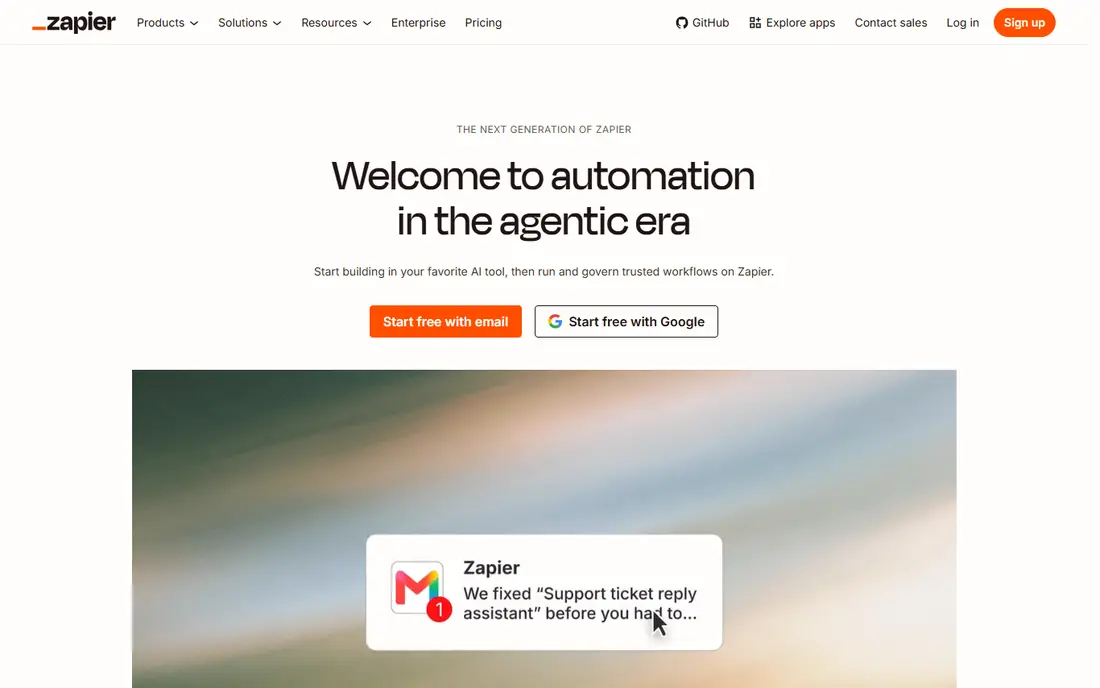
Zapier is the default choice when speed matters more than depth. Connect two apps, pick a trigger and an action, and a working automation can be live in minutes. The catalog covers thousands of apps, so most common pairs already have a ready-made connection, and webhooks cover many of the rest.
The cost model needs attention. A task counts per successful action, and loops repeat that cost for each item, so a workflow that looks cheap at ten runs a month can get expensive at ten thousand. For small and mid-size teams with straightforward automations, Zapier remains the easiest and most reliable start.
- Very large app catalog
- Quick setup for common automations
- Webhooks and code steps for custom cases
- Task-based pricing can grow fast with loops and high volume
- Complex branching is less visual than Make
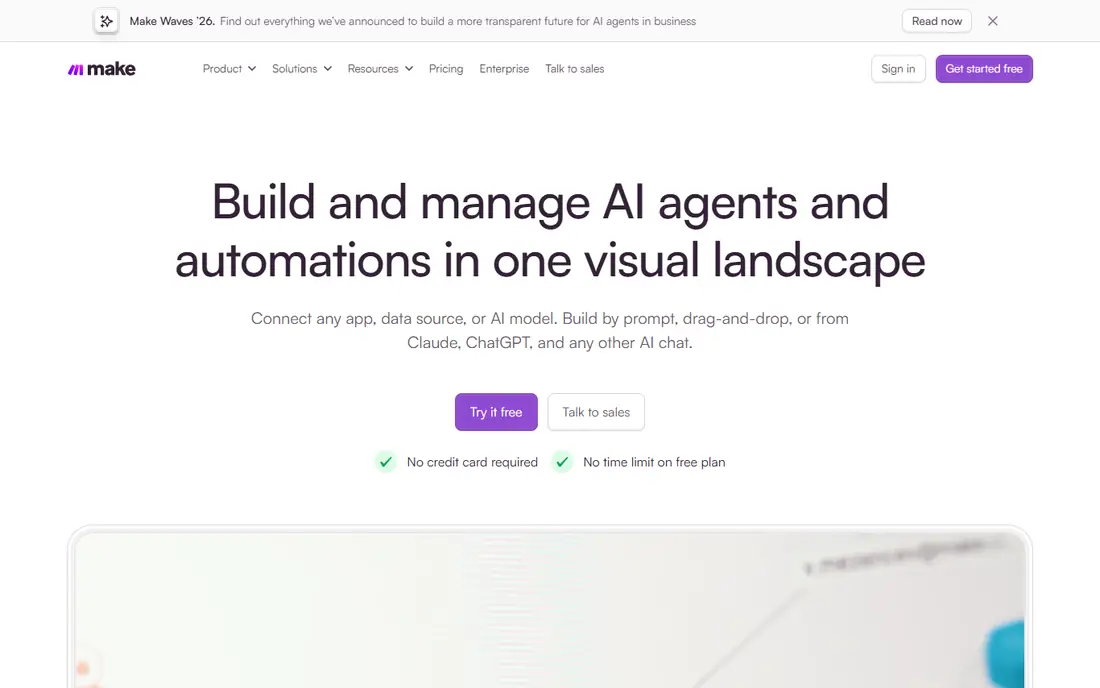
Make shows each automation as a visual flow, with branches, filters, iterators, and error handling laid out on one canvas. That view helps when a workflow is more than a simple trigger and action, such as syncing orders, transforming data, and posting results to several systems. The entry price is also lower than Zapier, which matters for budget teams.
The catalog is smaller, though still large, so a niche app may need the HTTP module and some API knowledge. Teams that value visual clarity and lower cost per operation will prefer Make. Teams that need the widest ready-made catalog will still lean toward Zapier.
- Visual scenario builder with branching and iterators
- Lower entry price than Zapier
- HTTP module for custom APIs
- Smaller app catalog than Zapier
- Learning curve for complex scenarios
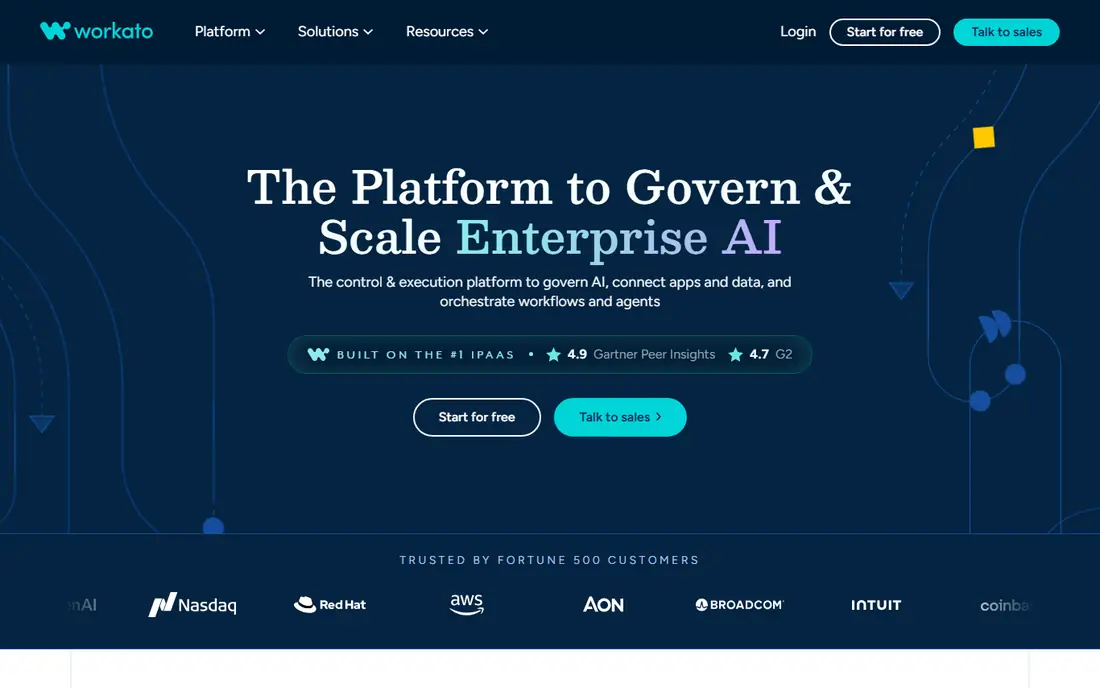
Workato sits between no-code automation and full enterprise integration. Its recipe builder lets business users design workflows while IT keeps control over connectors, data handling, and monitoring. Deep connectors for Salesforce, NetSuite, Workday, and similar systems make it a strong pick for mid-market and enterprise teams with complex, multi-system processes.
The main barrier is price and process. Workato is sold by quote, and a serious deployment needs planning around data models, error handling, and access controls. For a team with that scale and budget, it is one of the strongest platforms here. For a small team, Zapier or Make will do the same simple jobs for far less.
- Deep enterprise connectors
- Recipe builder that business and IT teams can share
- Strong governance and monitoring
- Quote-based pricing puts it out of small-team budgets
- Implementation takes planning
MuleSoft, owned by Salesforce, is built for organizations that treat APIs as products. Anypoint covers API design, publishing, management, monitoring, and reuse across teams, with runtimes that can run in the cloud or behind a firewall. That structure suits large enterprises, banks, and other regulated teams that need audit trails and strict control.
The cost is not just money. MuleSoft projects need developers who know the platform, and a simple two-app automation is a poor use of it. If your team manages dozens of APIs across many systems, MuleSoft gives order and control that lighter tools cannot. If you need ten automations, pick a lighter tool.
- Full API lifecycle from design to management
- Hybrid runtimes for on-prem systems
- Strong governance for regulated teams
- Enterprise pricing and specialist skills needed
- Overkill for simple SaaS automation
Boomi is a long-standing enterprise integration platform that connects cloud apps, on-prem systems, and databases through visual flows and prebuilt connectors. Its hybrid runtime model suits companies that still run important systems behind a firewall but also use cloud apps every day. Data management and API management options extend it beyond simple app-to-app sync.
Pricing is quote-based, with tiers and pay-as-you-go options, so a budget needs a sales conversation. The platform also rewards a dedicated integration owner rather than a casual user. For a mid-size or large company with hybrid systems, Boomi is a proven and flexible choice.
- Hybrid runtimes for cloud and on-prem systems
- Visual mapping and prebuilt connectors
- Data management options
- Quote-based pricing
- Older interface in places compared with newer rivals
n8n is the pick for technical teams that want control. You can self-host it for free, build flows visually, and drop into code whenever a step needs logic that a visual node cannot express. The HTTP Request node connects to almost any API, and AI agent nodes and MCP support cover newer automation patterns.
The trade is ownership. Self-hosting means your team handles hosting, updates, and security, and cloud plans charge by executions, so high-volume flows need a careful estimate. For developers and small technical teams, n8n gives the most freedom per dollar of any tool on this list.
- Self-hosting option with no licence cost for the core tool
- Code nodes in JavaScript and Python
- HTTP Request node for any API
- Self-hosting needs someone to run updates and backups
- Cloud pricing is execution-based, so check volume
SnapLogic builds integrations as visual pipelines, with connectors called Snaps for apps, databases, and APIs. That design suits teams that move and transform data at scale, not just trigger one action from another app. AI-assisted features help draft pipelines and mappings, which can speed up work for data teams.
SnapLogic is an enterprise sale, so small teams will find the price and process a barrier. For an organization that needs data pipelines, app integration, and API management in one platform, it is a credible rival to Workato, MuleSoft, and Boomi, and the visual pipeline view is a genuine strength.
- Visual pipeline builder with a large connector set
- Strong data transformation tools
- AI-assisted building features
- Enterprise pricing by quote
- Best suited to teams with data engineering needs
Jitterbit targets mid-market teams that have outgrown simple automation but do not need a full enterprise platform. It combines integration flows, API publishing, and automation in one product, with templates for common ERP, CRM, and ecommerce systems. Hybrid deployment helps teams that still run on-prem software alongside cloud apps.
Pricing is an annual contract by quote, so comparison takes a sales call, and the community is smaller than the no-code leaders. For a mid-market company with EDI, ERP, or multi-system sync needs, Jitterbit offers a balanced step up from Zapier or Make without the full weight of MuleSoft.
- IPaaS plus API management in one platform
- Hybrid deployment options
- Prebuilt templates for common systems
- Annual contract and quote-based pricing
- Smaller community than Zapier or Make
How we picked these
We compared official feature and pricing pages, plus public reviews, for platforms that connect apps and APIs through visual flows, connectors, or code. We kept only platforms that exist and work in October 2026 and that truly handle API integration, not just single-app automation. Where pricing was quote-based or could not be verified on the vendor site, we wrote See website. We did not claim hands-on testing we did not do.
How to choose the right integration platform
Start by counting systems, volume, and complexity. Two apps and a few hundred runs a month suit Zapier or Make. Ten systems, thousands of runs, and branching logic suit Workato, Jitterbit, or n8n for a technical team. Dozens of APIs, regulated data, and hybrid systems suit MuleSoft, Boomi, or SnapLogic. Matching scale first avoids both an underpowered tool and an expensive platform you never fully use.
Price the usage, not just the plan
Task, credit, and execution models all punish different patterns. Loops, polling, and retries can multiply costs in ways a headline price hides. Estimate monthly runs, items per run, and error retries, then test with a real workflow on a trial or free plan before signing an annual deal. A platform that looks cheap at ten workflows can be the expensive one at ten thousand runs.
Plan for errors and ownership
Every integration fails at some point, when an API changes, a credential expires, or a system goes down. Check error handling, retry rules, alerts, and logs before you commit, and name one owner for each critical flow. A platform with clear monitoring and a named owner will recover faster than a clever flow nobody maintains, and that reliability matters more than a slightly larger connector list.
Frequently asked questions
What is the best API integration platform for a small business?
Zapier or Make are the best starting points for most small businesses, because both are quick to set up, offer free plans, and cover common SaaS apps. Make usually costs less per operation and shows complex flows more clearly, while Zapier offers the widest ready-made app catalog.
What is the difference between an iPaaS and an automation tool?
An automation tool usually connects two apps with a simple trigger and action. An iPaaS, such as Workato, MuleSoft, or Boomi, adds API management, governance, monitoring, data transformation, and support for many systems at scale. Small teams often start with automation and move to an iPaaS when volume, complexity, or compliance demands it.
Is there a free API integration platform?
Yes. Zapier and Make offer free plans, and n8n can be self-hosted for free. Free plans limit tasks, executions, or features, so they suit testing and low-volume use. A team with steady volume should budget for a paid plan and estimate usage before committing.
Do I need to know how to code to use an integration platform?
No, for Zapier, Make, and Workato, most common automations need no code. Code helps when you connect a custom API, transform unusual data, or handle edge cases. Developer-friendly tools such as n8n let you mix visual flows with code, while enterprise platforms usually need specialist skills for complex projects.
Which platform is best for connecting custom APIs?
n8n is a strong pick for custom APIs, thanks to its HTTP Request node and code nodes, plus a free self-hosted option. Zapier and Make also support webhooks and HTTP steps for custom APIs. For a managed API product with versioning and governance, MuleSoft or Jitterbit are the more structured choices.
Sources
See where you really rank - block by block
ProMapRanker scans Google Maps across a grid of your service area. Simple monthly plans from $19, white-label on every plan.
Start freeKeep reading
 best rank tracking software
Best Rank Tracking Software in 2026
Searching for the best rank tracking software? We compare 8 tools for daily keyword tracking, local rankings, client reports, and competitor checks in 2026.
Read → best platform for ecommerce website
Best Platform for Ecommerce Website in 2026
Find the best platform for ecommerce website builds in 2026. We compare Shopify, WooCommerce, BigCommerce, Wix and more on price, fees and scale for stores.
Read → best math apps
Best Math Apps in 2026: 8 Apps Compared
Find the best math apps for homework, revision, and deeper study in our 2026 comparison of 8 free and paid solvers, courses, and visual tools for students.
Read →