 ProMapRanker
5 Top Animation Software for Marketing Videos Compared (2026)

Branded business videos and presentations · Pricing starts at: $8 per month
Direct answer
For branded business videos and presentations, Powtoon is where this list starts. Listed starting prices: Powtoon from $8 per month, Animaker from $10 per month and Vyond from $58 per month. Alternatives: Renderforest for all-in-one AI video and design creation, and Adobe After Effects for professional motion graphics and brand visuals. Details, prices and limits for the rest of the 5 tools are below.
If you are comparing animation software for marketing videos, this page covers 5 tools in one place: what each is best for, what it costs to start, whether it has a free plan, and the main limit to know about.
Key takeaways
- Powtoon takes the first slot, best suited to branded business videos and presentations.
- A fair warning about Powtoon: output can lean toward presentation style.
- For the cheapest start, look at Powtoon: $8 per month.
- Only Powtoon offers a free plan among these 5 tools.
Quick comparison
| Pick | Great for | Pricing starts at | Free tier | |
|---|---|---|---|---|
| Powtoon | Branded business videos and presentations | $8 per month | Yes | Visit |
 Renderforest | All-in-one AI video and design creation | See website | Not stated | Visit |
 Adobe After Effects | Professional motion graphics and brand visuals | See website | Not stated | Visit |
 Animaker | Beginner-friendly online animated videos | $10 per month | Free trial | Visit |
 Vyond | Business explainer and training videos | $58 per month | Free trial | Visit |
The 5 tools in detail
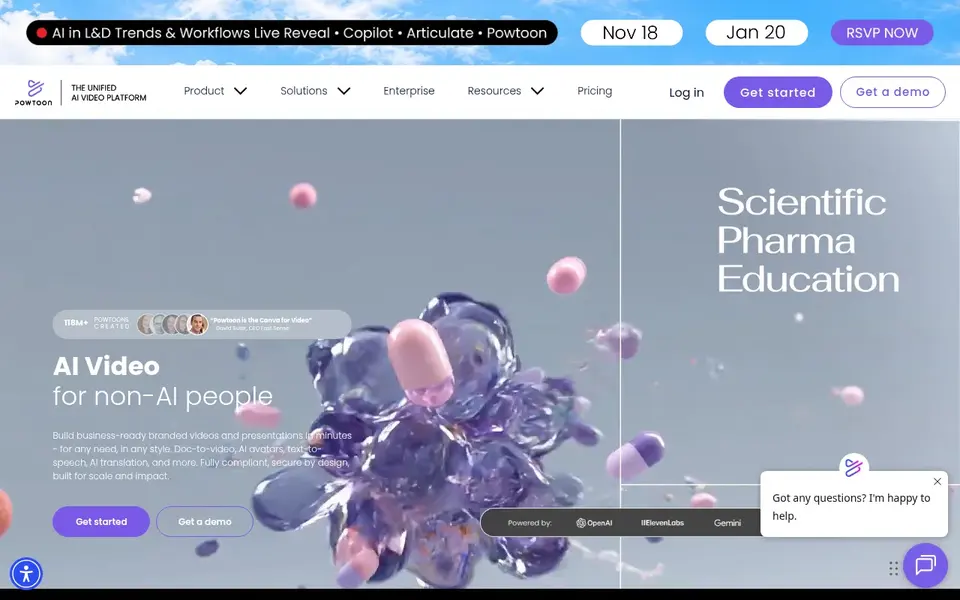
Pick Powtoon if this describes you: branded business videos and presentations. Powtoon describes itself as a unified AI video system for building business-ready branded videos and presentations in minutes, with features for example doc-to-video, AI avatars, text-to-speech and AI translation.
Where Powtoon stands out: Business-ready branded video and presentation output.
What to check first: Output can lean toward presentation style.
Powtoon starts at: $8 per month. A free plan is available with Powtoon.
- Doc-to-video
- Avatars and text-to-speech
- Less control than professional animation suites
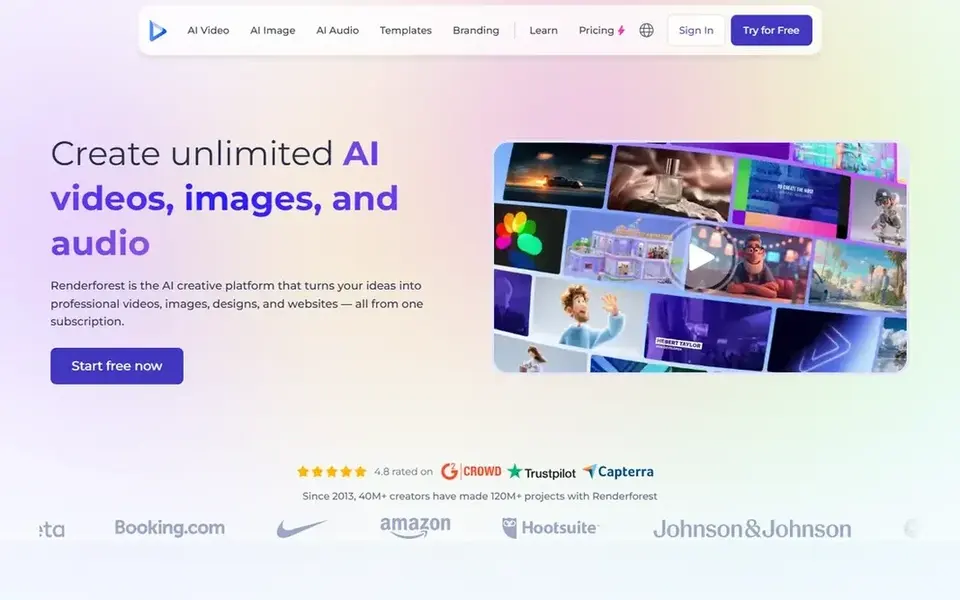
Renderforest is built with all-in-one AI video and design creation in mind. It suits marketers and small firms that want one place for animated videos, branded visuals and straightforward web presence, which cuts tool switching for lean teams producing regular campaign assets.
On top of that, teams with complex character animation or precise brand motion systems should pair it with a specialist tool, whereas Renderforest works well for everyday promotional content. Renderforest shows no starting price here, so confirm the cost on the vendor site. Free plan details: Not stated.
Trade-offs to know: Video is one part of a broader toolkit.
- Also handles designs and websites
- AI-powered creative product for video and design
- Less depth for specialist animators
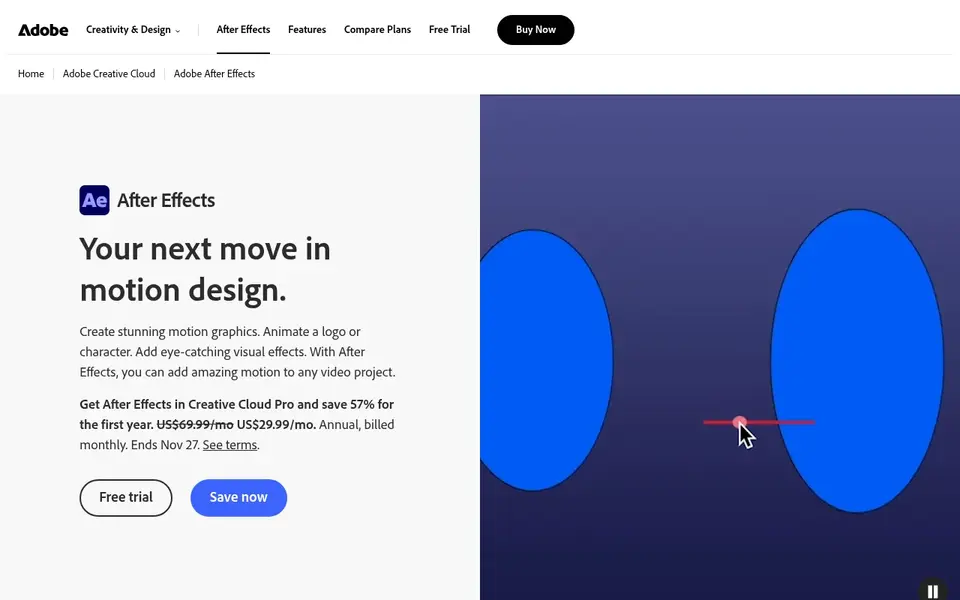
Adobe After Effects is built with professional motion graphics and brand visuals in mind. Adobe After Effects is motion graphics software made for taking an idea and making it move, with design output suited to film, TV, video and web.
Watch-outs: Steep ramp-up time for beginners.
The tradeoff is complexity: After Effects rewards practice and a capable workstation, and fast turnaround projects can feel slow for newcomers. Teams that primarily need quick explainers or social clips may prefer a browser-based animation maker instead, and can keep After Effects for hero campaigns and in-depth motion design. Adobe After Effects does not show a starting price in this comparison, so check the vendor site for current pricing. As for free access: Not stated.
Upsides: Deep control over animation and design.
- Video and web output
- Industry-standard motion graphics toolset
- Needs a capable computer and time investment
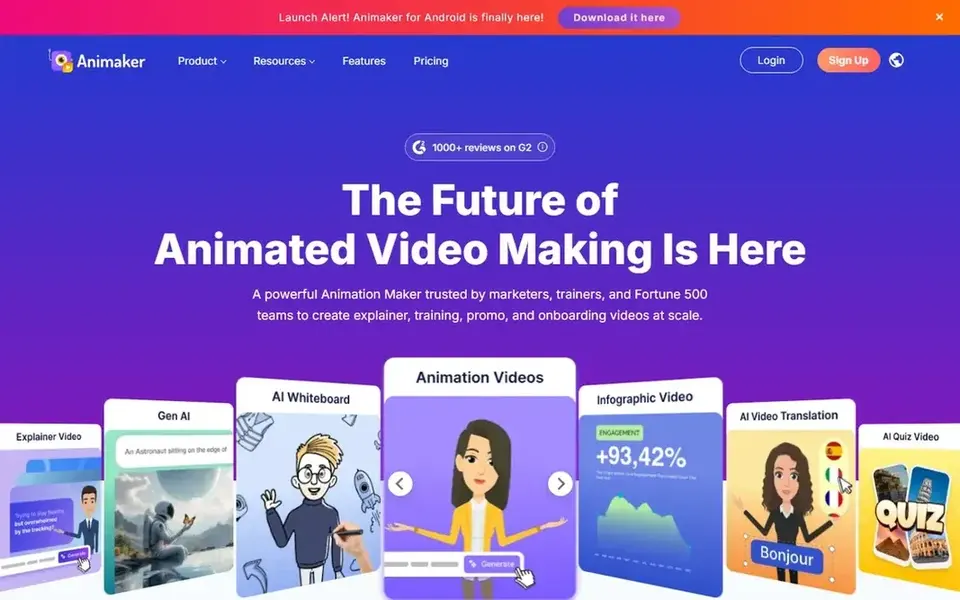
Animaker is aimed squarely at beginner-friendly online animated videos. Browser-based creation trades fine control for convenience, so highly custom motion graphics may be hard to achieve.
Downsides: Template-driven results may feel familiar.
Choose a professional desktop tool when brand films demand bespoke design, and keep Animaker for volume content where speed and ease matter most. Animaker cost at the entry level: $10 per month. Trial and free access: Free trial.
- Wide appeal across skill levels
- Online animation maker for beginners and pros
- Advanced motion control is restricted
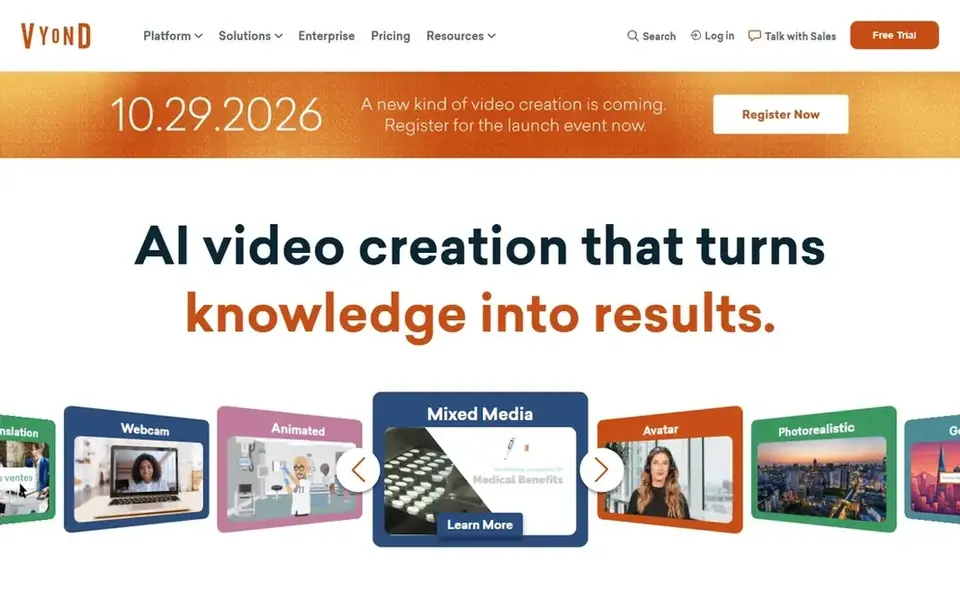
For business explainer and training videos, Vyond is a natural candidate. Pick something else when every frame needs custom design, and use Vyond where repeatable, on-brand business video is the priority.
Drawbacks to consider: Style range may feel templated for some brands.
Vyond cost at the entry level: $58 per month. As for free access: Free trial.
- Build videos in a set of styles
- Made for workplace and customer messaging
- Less suited to highly custom motion design
What to confirm before you sign up
- Confirm the entry price on the vendor page. For Renderforest and Adobe After Effects that means a quote rather than a fixed price.
- Look at the free plan from Powtoon closely: its caps decide whether it is usable for real work.
- Use real work to test the free trial from Animaker and Vyond, rather than a demo project.
- Before choosing Powtoon, weigh its main limit: output can lean toward presentation style.
- Look at the renewal terms for Vyond: auto-renewal, notice periods and price changes can matter more than the first-year price.
- Total up the real monthly cost of Renderforest, including add-ons, extra users and usage-based fees.
Frequently asked questions
Do these tools publish their prices?
Not all of them. Renderforest and Adobe After Effects publish no starting price, so expect a quote request for those. The rest, Powtoon included, show a starting price, though seats and billing terms still change the final cost.
Which options for animation software for marketing videos have a free plan?
Powtoon is the only tool in this list with a free plan. Free plans usually cap users, projects or features, so check the limits on the vendor page. Several others offer a trial instead. All 5 picks in this Animation software for marketing videos comparison list a starting price, free plan details and the main limits on their cards above.
Can I make marketing videos without animation experience?
Yes. Systems like Animaker, Renderforest and Powtoon are designed around guided creation and reusable scenes, so beginners can produce presentable videos. Expect more control and a steeper ramp-up time from professional tools like After Effects and Harmony.
Which animation software is a good match for a small marketing team?
Powtoon is the pick this page puts first, mainly for branded business videos and presentations. If your situation differs, Renderforest suits all-in-one AI video and design creation, and Adobe After Effects suits professional motion graphics and brand visuals. Compare price and limits before you decide.
How are the tools for animation software for marketing videos ordered?
Powtoon sits first and Vyond last because the order follows typical fit for animation software for marketing videos, then price clarity and free access. It is a judgement call, so read each profile for fit and limits.
Can I try these tools before paying?
Often, yes. Powtoon has a free plan and Animaker and Vyond offer a free trial. Use your own data and a real task during the test, and check what the free tier or trial limits before you rely on it.
Sources
See where you really rank - block by block
ProMapRanker scans Google Maps across a grid of your service area. Simple monthly plans from $19, white-label on every plan.
Start freeBrowse all guides
← 5 Best AI Webinar Transcription for Marketing Teams for 2026Best Personalized Video Software: 2026 Prices and Picks →
 best ai video editing software for product marketing
Best AI Video Editing Software for Product Marketing (2026)
Best AI video editing software for product marketing: 5 tools compared on price, free plans and fit. Every pick includes one clear drawback. See the full list.
Read → best ai ugc video generator
AI UGC Video generator: 6 Options Compared in 2026
Weighing the best AI UGC video generator? We lined up 6 products by cost, free access and fit. Every pick gets a straight assessment. Built for quick decisions.
Read → best ai content repurposing tool for podcasters
6 AI Content Repurposing Tool for Podcasters Ranked for 2026
6 best AI content repurposing tool for podcasters, compared on pricing, free plans and best-fit use. Verdicts stay brief and factual. Updated November 2026.
Read → best ai voice clone service for video editing
Best AI Voice Clone Service for Video Editing in 2026
Compare the best ai voice clone service for video editing, with consent safeguards, cloning quality, editing workflows and pricing for video creators in 2026.
Read → gopro alternatives
Best GoPro Alternatives in 2026
Looking for GoPro alternatives? Compare DJI, Insta360, and AKASO action cameras for 2026, with prices, video specs, battery life, and honest trade-offs.
Read → best audio editing software
Best Audio Editing Software in 2026
Looking for the best audio editing software? We compare 9 free and paid editors for podcasts, music, and voice work, with current prices for 2026 for 2026.
Read →More in Video, Audio & Podcasts · All guides A to Z by date · Latest guides