 ProMapRanker
Best Animation Apps for PC in 2026

Key takeaways
- Blender is our pick for most people, since it covers 2D and 3D work at no cost and runs on Windows, macOS, and Linux.
- Free tools such as Krita, OpenToonz, Pencil2D, and Synfig Studio cover hand-drawn, vector, and cut-out animation without a subscription.
- Toon Boom Harmony, Moho, and TVPaint Animation suit animators who want deeper rigging, drawing, or traditional frame-by-frame control.
- Paid 3D tools such as Autodesk Maya make sense mainly for studio pipelines and motion work where that compatibility matters.
- Start with the animation style first, then pick the tool, since a hand-drawn short and a rigged character series need different software.
Quick comparison
| Pick | Great for | Pricing starts at | Free tier | |
|---|---|---|---|---|
 Blender | Free 2D and 3D animation in one program | Free | Yes | Visit |
 Adobe Animate | Vector animation for web, ads, and video | $22.99 per month | Free trial | Visit |
 Toon Boom Harmony | Professional 2D production and rigging | $28.50 per month | Free trial | Visit |
 Moho | Rigged 2D character animation on a budget | $59.99 one-time | Free trial | Visit |
 TVPaint Animation | Traditional hand-drawn animation | See website | Free trial | Visit |
 Krita | Painting and hand-drawn animation together | Free | Yes | Visit |
 OpenToonz | Studio-style 2D animation at no cost | Free | Yes | Visit |
 Pencil2D | Simple first animation projects | Free | Yes | Visit |
 Synfig Studio | Vector animation with automatic tweening | Free | Yes | Visit |
 Autodesk Maya | Studio 3D character animation | $255 per month | Free trial | Visit |
The best animation apps for pc
These ten tools cover the main ways people animate on a PC, from quick hand-drawn tests to full 3D character work. We compared official feature pages, pricing pages, and app listings, and we kept only tools that are still sold or supported for desktop use.
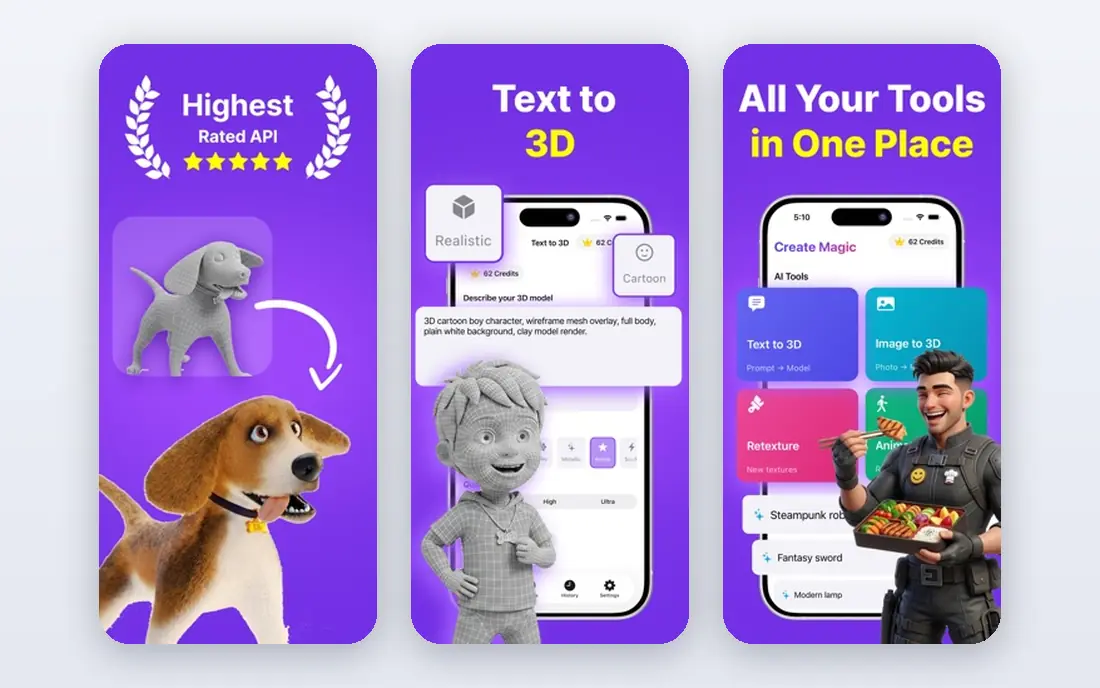
Blender is the strongest free starting point for PC animation, and it is also a serious production tool. You can model, rig, animate, and render 3D scenes, and you can draw 2D animation with Grease Pencil in the same project. That mix is useful for product clips, short films, and game art, where a drawn character might sit inside a 3D camera move.
The honest catch is time. Blender packs a full production pipeline into one window, so the first week feels dense. Follow a structured beginner series for animation specifically, rather than trying to learn modeling, sculpting, and rendering at once. If you stay with it, the lack of a subscription and the wide range of export options make it hard to outgrow.
- Full 2D and 3D toolset at no cost
- Grease Pencil for drawn animation inside 3D scenes
- Large tutorial community and regular updates
- Steep learning curve for beginners
- Interface can feel crowded on small screens
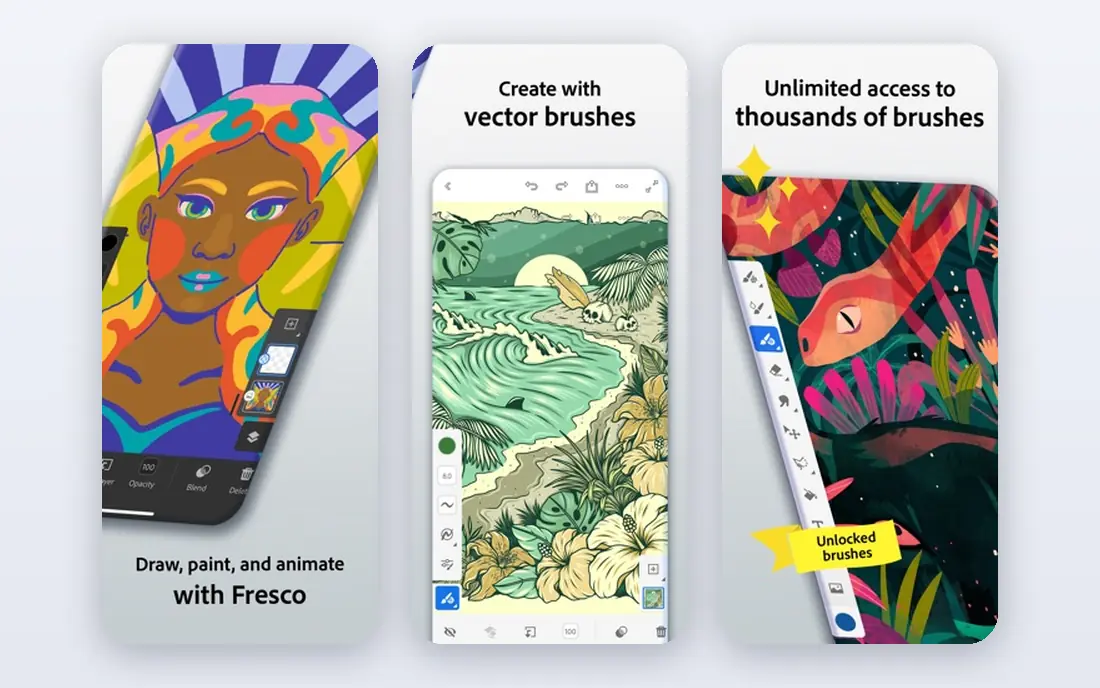
Adobe Animate fits animators who make short cartoons, explainer clips, web ads, and educational animation. Its timeline, symbols, and motion tweens suit reusable characters and repeated scenes, and vector art stays sharp at any size. If you already use Creative Cloud, the shared asset workflow is a real convenience.
Check the current Adobe page before you subscribe, since Adobe pricing and plan names change. Animate is best bought for a specific output, such as HTML5 Canvas or video, rather than as a general motion tool. For heavy video effects and compositing, After Effects is the closer Adobe match.
- Clean vector drawing and timeline tools
- HTML5 Canvas output for web work
- Works with Photoshop and Illustrator assets
- Subscription cost adds up over time
- Less suited to full 3D work or heavy compositing
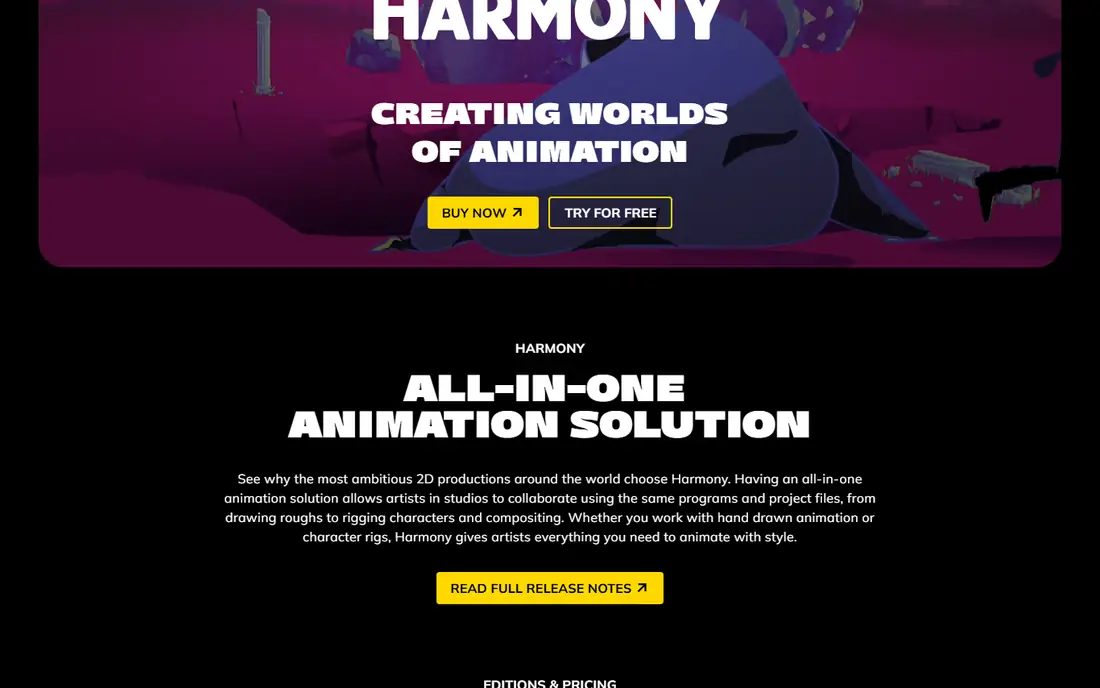
Toon Boom Harmony is the studio-grade pick for 2D animation on PC. It handles drawing, rigging, camera moves, and compositing in one program, which matters when a team needs consistent output across episodes or a longer film. The brush feel and vector linework suit animators who care about drawn quality, not just motion.
Beginners should try the trial with a small character rig before committing. Harmony rewards patience, and its depth can slow a simple project. If your work is mainly short social clips, a lighter tool will get you finished faster. For series work and client production, Harmony earns its price.
- Advanced rigging, deformers, and node-based compositing
- Supports paperless, cut-out, and hybrid 2D styles
- Used in professional studios
- Steep learning curve
- Subscription cost rises on higher tiers
Moho is built for character animators who want to rig once and reuse the character many times. Smart Bones help joints bend cleanly, and the timeline supports walk cycles, lip sync, and layered scenes without redrawing every frame. The entry edition price is low compared with subscription studio tools, which makes it a good fit for solo creators and small teams.
Hand-drawn animators may find Moho less satisfying, since its strength is rigged motion rather than pencil tests. Try a rigged test character during the trial and watch how the bones behave at extreme poses. If that workflow clicks, Moho can carry a web series or a set of explainer characters for a long time.
- Smart Bones and bone rigging for reusable characters
- One-time purchase for the entry edition
- Physics tools for natural secondary motion
- Frame-by-frame drawing tools are weaker than the rigging tools
- Some users report occasional tool glitches
TVPaint Animation suits animators who think in drawings first. It is a bitmap tool, so brush texture, pencil feel, and hand-drawn shading stay central, and the timeline is built around frames rather than rigs. That focus makes it a natural pick for short films, music videos, and traditional-style commercials.
Pricing is sold by edition and region, so check the official TVPaint store for the current figure before you budget. The cost is the main barrier for hobbyists. For animators who already draw frame by frame and want software that respects that process, the price buys a focused tool rather than a bundle of unrelated features.
- Bitmap drawing tools made for frame-by-frame work
- Strong coloring and inking workflow
- Long history in traditional animation production
- Higher price than most 2D tools here
- No Linux version
- Interface takes time to learn
Krita is first a painting program, and that is its charm for animators. If you already paint characters and backgrounds, you can animate them in the same file without switching tools. Onion skinning, frame management, and audio import cover short hand-drawn clips, loops, and animated illustrations.
Treat Krita as a drawing-led animator, not a rigging studio. It lacks the deep bone systems and compositing depth of Harmony or Moho. For portfolio pieces, social loops, and learning the basics of timing, that limit rarely matters. It is also a low-risk way to test whether you enjoy frame-by-frame work before paying for anything.
- Strong brush engine for digital painting
- Animation timeline with onion skinning and audio import
- Free and open source
- Animation tools are simpler than dedicated animation software
- Large files can slow older PCs
OpenToonz grew from software used in professional 2D production, and it still shows that heritage. It handles scanned drawings, vector levels, effects, and scene compositing, which makes it a strong free choice for animators who want a studio-style pipeline. It runs on Windows, macOS, and Linux.
The trade-off is polish. Menus and workflows feel less guided than modern commercial tools, and beginners may need community guides to get started. If you are willing to learn its structure, OpenToonz gives you production-level 2D tools without a subscription. For a quick first cartoon, Pencil2D is the faster start.
- Free and open source with professional roots
- Supports raster and vector levels
- Effects, scanning, and compositing tools included
- Interface feels dated and takes study
- Tutorials are thinner than for paid tools
Pencil2D is the least intimidating tool on this list, and that is the point. It focuses on drawing frames, checking motion with onion skinning, and exporting a short clip. Students, teachers, and first-time animators can finish a bouncing ball or a walk cycle without wading through rigging menus.
Do not expect studio depth. Pencil2D lacks advanced effects, sound editing depth, and large-project management. Use it to learn timing, spacing, and drawing discipline, then move to Krita, OpenToonz, or a paid tool when a project needs more. For learning, its simplicity is a feature, not a flaw.
- Clean, minimal interface for beginners
- Bitmap and vector layers
- Onion skinning and simple timeline
- Limited effects and compositing
- Not built for long or complex productions
Synfig Studio suits animators who prefer vector shapes and keyframes over drawing every frame. You set key poses, and Synfig generates the in-between frames, which speeds up motion graphics, cut-out characters, and explainer animation. The bone system helps with reusable character parts.
The learning curve is real, and the interface is less friendly than Moho or Animate. Save often on larger projects, and test a short scene before building a long series in it. For a free vector workflow on PC, Synfig remains one of the most capable options, especially for solo creators who like precise control over shapes.
- Free and open source
- Automatic tweening cuts manual frame work
- Bone system for cut-out characters
- Interface and documentation can confuse beginners
- Occasional stability complaints on complex files
Autodesk Maya is the professional 3D pick for character animation, visual effects, and game cinematics. Its rigging, graph editor, and simulation tools are built for teams, and Maya skills transfer directly to many studio jobs. If you plan to work in film or games, learning Maya is a practical career choice.
For most hobbyists, Blender covers similar ground at no cost, so Maya only makes sense when a studio pipeline, a course, or a client requires it. Check Autodesk for current monthly and annual pricing, plus the lower-cost Indie terms and eligibility rules, before you subscribe. Maya is powerful, but its price and depth should match a real production need.
- Industry-standard rigging, animation, and simulation tools
- Strong fit for film, games, and visual effects pipelines
- Annual pricing lowers the monthly rate
- High subscription cost for individuals
- Heavy learning curve and system demands
How we picked these
We compared official product pages, pricing pages, and app store listings for tools that run on a PC and are still available in October 2026. We favored tools with a clear animation focus, current desktop versions, and a distinct use case, so the list covers free, mid-priced, and studio options rather than ten versions of the same workflow. We did not claim hands-on testing. Prices marked as See website are ones where pricing varies by edition, region, or quote, and the vendor page is the reliable source.
Choosing the right animation software for your project
Start with the kind of motion you want. Hand-drawn shorts suit Krita, TVPaint Animation, OpenToonz, or Pencil2D. Rigged characters suit Moho, Toon Boom Harmony, or Synfig Studio. Web and ad animation suits Adobe Animate. Full 3D work suits Blender or Autodesk Maya.
Next, weigh budget against time. Free tools cost nothing but often need more study, while paid tools add support, polish, and team features. Try the trial or free version with a real short scene, not just a test shape, and check export options early. A tool that cannot export the format your client or platform needs is the wrong tool, however good its drawing feels.
Also check your PC. 3D rendering and large bitmap animation need a capable processor, enough memory, and free disk space. Free tools such as Pencil2D and Krita run on modest machines for small projects, while Maya and complex Blender scenes benefit from stronger hardware. Pick the smallest tool that finishes your current project well, and upgrade only when a project outgrows it.
Frequently asked questions
What is the best free animation software for PC?
Blender is the most complete free option, since it covers 2D and 3D animation in one program. Krita suits painters who want frame-by-frame animation, while OpenToonz and Synfig Studio suit studio-style and vector work. Pencil2D is the simplest free start for a first project.
What is the best animation software for PC for beginners?
Pencil2D is the easiest first step, and Krita is a good next step for painters. Moho suits beginners who want rigged characters without a subscription studio price. Blender is free and powerful, but beginners should expect a longer learning period.
Is Blender better than Autodesk Maya for animation?
Blender is better for most individuals because it is free, complete, and widely supported by tutorials. Maya is better when a studio pipeline, a course, or a client specifically requires it, since its rigging and simulation tools are industry standards. For personal projects, start with Blender and move to Maya only if a job requires it.
Which animation app is best for 2D character animation?
Toon Boom Harmony is the strongest professional 2D choice, and Moho is the best value rigging option. OpenToonz gives a studio-style 2D workflow at no cost, and TVPaint Animation is the pick for traditional hand-drawn character work. The right choice depends on how much you draw frame by frame versus rigging a reusable character.
Can I make professional animation with free software?
Yes, many independent animators finish client work and short films with Blender, OpenToonz, Krita, and Synfig Studio. The result depends more on drawing, timing, and story than on the price of the tool. Paid tools help mainly with team workflow, support, and specific studio compatibility.
Do I need a powerful PC for animation?
It depends on the project. Small 2D projects run well on an ordinary laptop, while 3D rendering, simulations, and large bitmap scenes need more processing power and memory. Check the system requirements on the vendor page for the tool you pick, and test with a scene at your planned resolution before starting a long project.
Sources
See where you really rank - block by block
ProMapRanker scans Google Maps across a grid of your service area. Simple monthly plans from $19, white-label on every plan.
Start freeKeep reading
 wpforms alternatives
Best WPForms Alternatives in 2026
We compare 9 wpforms alternatives for WordPress forms, with free and paid options, current pricing notes, and honest limits for small business sites in 2026.
Read → windows task scheduler alternatives
Best Windows Task Scheduler Alternatives in 2026
Looking for Windows Task Scheduler alternatives? We compare 9 schedulers for Windows and cross-platform work, from free tools to enterprise automation.
Read → which ai video service is best
Which AI Video Service Is Best in 2026
which ai video service is best? We compare 10 legitimate AI video services on price, avatars, editing and output quality to help you pick the right tool.
Read →