 ProMapRanker
Best Analytics Software in 2026


Website and app traffic measurement · Pricing starts at: Free
Key takeaways
- Google Analytics and Looker Studio give most small teams a free starting point for traffic and dashboards.
- Mixpanel and Amplitude answer product questions, while Tableau and Power BI answer wider business questions.
- Privacy, data ownership, and sharing rules differ sharply, so check those points before you pick a platform.
- The best analytics tools are the ones your team can maintain, not the ones with the longest feature list.
Quick comparison
| Pick | Great for | Pricing starts at | Free tier | |
|---|---|---|---|---|
| Google Analytics | Website and app traffic measurement | Free | Yes | Visit |
 Tableau Tableau | Visual business dashboards and analysis | See website | No | Visit |
 Microsoft Power BI Microsoft Power BI | Teams using Microsoft 365 and business data | See website | Yes | Visit |
 Mixpanel Mixpanel | Product funnels and user retention | Free | Yes | Visit |
 Amplitude Amplitude | Product behaviour and growth analysis | Free | Yes | Visit |
 Looker Studio Looker Studio | Free dashboards from Google data | Free | Yes | Visit |
 Matomo Matomo | Privacy-focused web analytics | Free | Yes | Visit |
 Adobe Analytics Adobe Analytics | Large teams needing deep web analysis | See website | No | Visit |
The best Analytics Software
We compared official feature pages, pricing pages, app store listings, and public reviews to build this list. The eight options below cover different budgets and needs, so start with the best-for note and then read the details that match your situation.
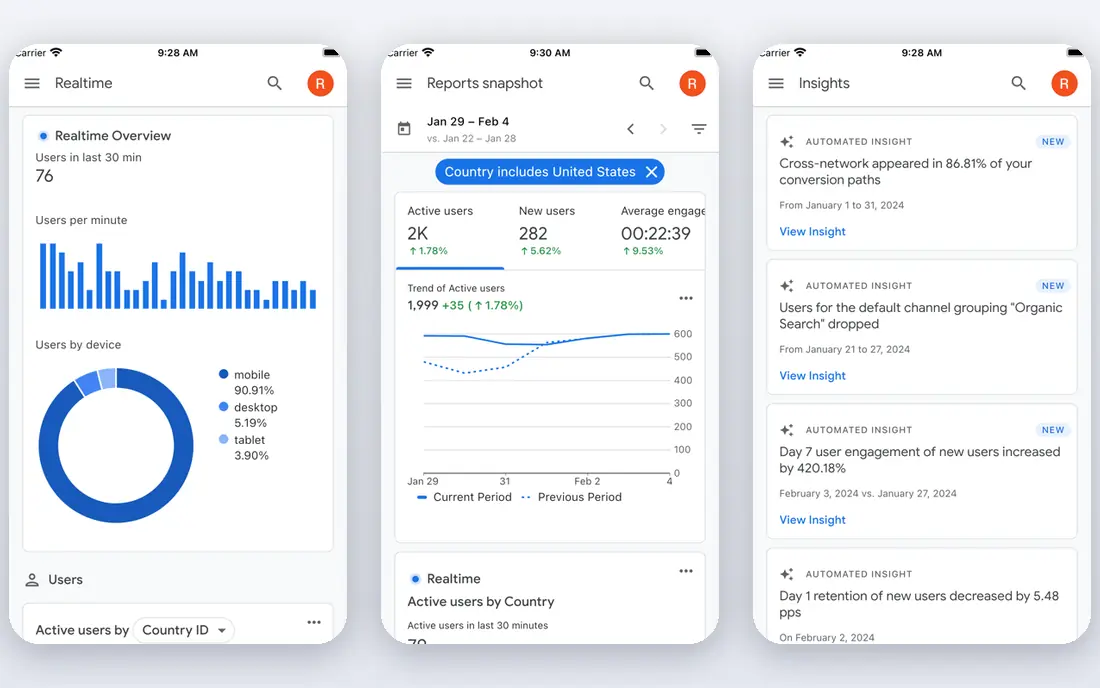
Google Analytics suits website and app traffic measurement. It tracks visits, events, and conversions across websites and apps, and it links to Google Ads for campaign review. The product pages describe a focused set of tools rather than a long list of extras, and that focus helps a new user get started without a long setup period. Before you choose it, weigh this limit: Teams that need business data beyond web traffic will need another tool beside it. We suggest you test it with a small real task, confirm that it fits your current workflow, and check what happens when you need to cancel or move your data elsewhere.
- Free core product
- Strong Google Ads links
- Event-based reports
- Learning curve for custom reports
- Privacy setup needs care
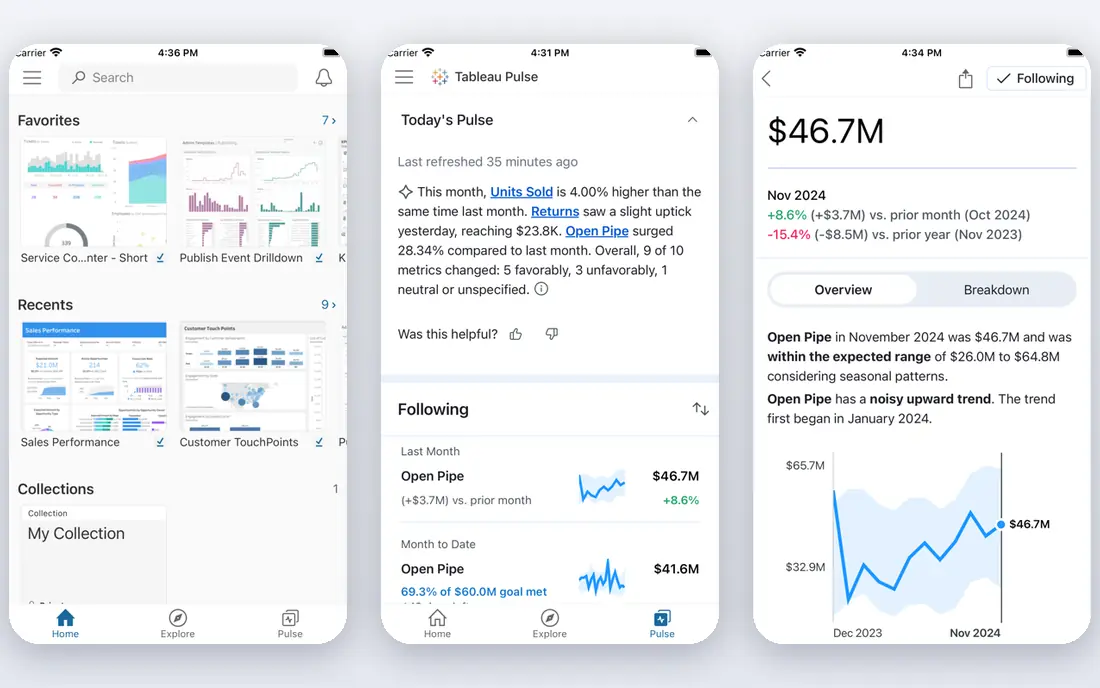
Tableau works well for visual business dashboards and analysis. It turns tables and warehouse data into interactive charts and dashboards for managers and analysts. Its pricing and feature pages point to steady, everyday use, and the free or trial option gives you room to check the fit before you commit. A fair caution is this: Small teams without an analyst may find the setup and licence cost heavy. Shortlist it if that trade-off fits your budget and your team size, and keep a second option in mind if your needs grow quickly in the next year.
- Strong visual analysis
- Many data connectors
- Large user community
- Price rises with roles and users
- Setup needs skilled staff
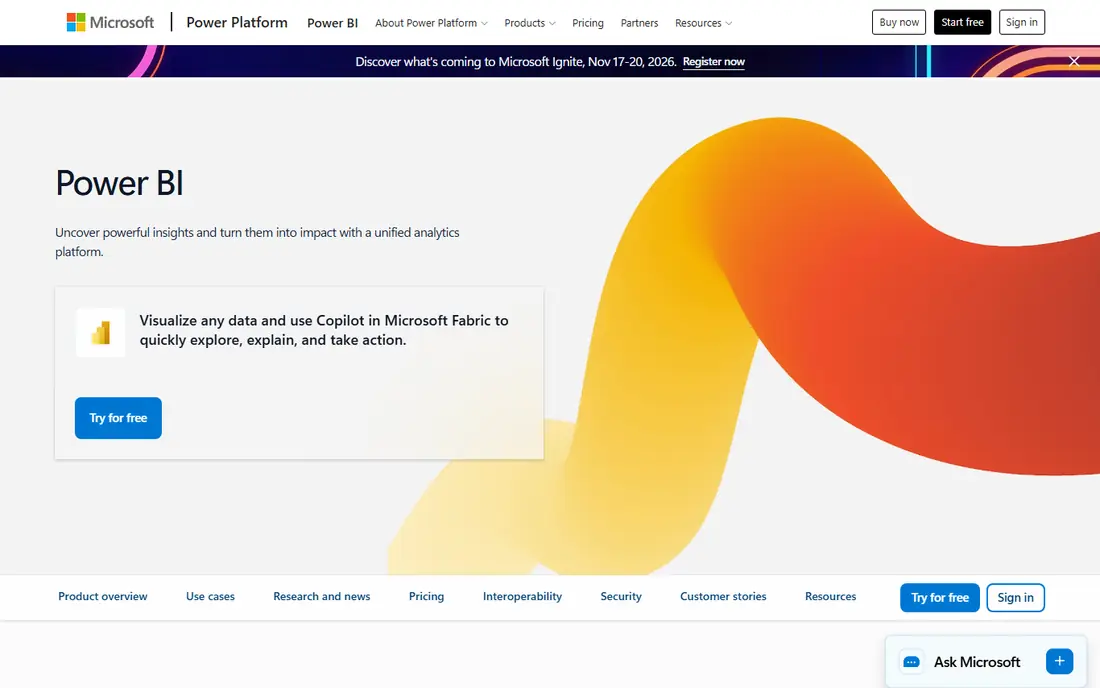
Microsoft Power BI is a practical choice for teams using Microsoft 365 and business data. It builds reports from spreadsheets, databases, and Microsoft services, and it shares them inside Microsoft 365. We found its official pages clear about what is included at each tier, which makes it easier to compare the real monthly cost with the value you expect to get. The main limit to weigh is this: Sharing costs and data refresh rules deserve a close check before rollout. Check the plan limits, the export options, and the support route before you move important work into the tool, since those details matter more over time than a first-week impression.
- Deep Microsoft 365 links
- Strong data modelling
- Desktop app
- Sharing often needs paid licences
- Learning curve for modelling
Mixpanel suits product funnels and user retention. It shows how users move through an app, where they drop off, and which features keep them coming back. The product pages describe a focused set of tools rather than a long list of extras, and that focus helps a new user get started without a long setup period. Before you choose it, weigh this limit: You must plan event tracking first, or reports will stay thin. We suggest you test it with a small real task, confirm that it fits your current workflow, and check what happens when you need to cancel or move your data elsewhere.
- Strong funnel and retention reports
- Self-serve analysis
- Free tier
- Needs event setup in your product
- Focused on product use, not finance
Amplitude works well for product behaviour and growth analysis. It groups users by behaviour, so product teams can compare new users, active users, and users at risk of leaving. Its pricing and feature pages point to steady, everyday use, and the free or trial option gives you room to check the fit before you commit. A fair caution is this: Smaller teams should confirm event volume limits on the free plan. Shortlist it if that trade-off fits your budget and your team size, and keep a second option in mind if your needs grow quickly in the next year.
- Behaviour cohorts
- Journey analysis
- Growth templates
- Paid tiers rise with volume
- Setup needs product data
Looker Studio is a practical choice for free dashboards from Google data. It builds shareable dashboards from Google Analytics, Sheets, Ads, and other sources at no licence cost. We found its official pages clear about what is included at each tier, which makes it easier to compare the real monthly cost with the value you expect to get. The main limit to weigh is this: Complex joins and governed models are better handled in a full business tool. Check the plan limits, the export options, and the support route before you move important work into the tool, since those details matter more over time than a first-week impression.
- Free to use
- Easy sharing like a document
- Google connectors
- Limited data modelling
- Some connectors need paid partners
Matomo suits privacy-focused web analytics. It measures website visits while giving the site owner more control over stored data and privacy settings. The product pages describe a focused set of tools rather than a long list of extras, and that focus helps a new user get started without a long setup period. Before you choose it, weigh this limit: Teams without technical help should use the hosted version and check its price. We suggest you test it with a small real task, confirm that it fits your current workflow, and check what happens when you need to cancel or move your data elsewhere.
- Self-hosted option
- Data ownership
- No sampling on core reports
- Self-hosting needs technical care
- Some features are paid add-ons
Adobe Analytics works well for large teams needing deep web analysis. It gives large marketing teams detailed segments, attribution views, and reports across many channels. Its pricing and feature pages point to steady, everyday use, and the free or trial option gives you room to check the fit before you commit. A fair caution is this: Smaller teams will likely find the cost and setup hard to justify. Shortlist it if that trade-off fits your budget and your team size, and keep a second option in mind if your needs grow quickly in the next year.
- Deep segmentation
- Strong enterprise controls
- Adobe links
- Enterprise pricing
- Steep learning curve
How we picked these
We started with the main keyword and the related terms readers use for this topic, then we checked vendor feature pages, pricing pages, app store listings, privacy pages, and public reviews for each candidate. We kept only products that exist and work today, that fit the topic directly, and that publish enough detail for a reader to judge cost and limits. We removed products with unclear pricing, a discontinued product, or a fit that was too narrow for most readers. We did not claim hands-on testing, lab testing, or daily use. Our findings come from published vendor material and public review sources, and prices can change, so we point you to the vendor page for the final figure. Where a price was not clear on the vendor page at the time of research, we wrote See website rather than guessing a number.
How to choose analytics software
Start with the question you need to answer each week. Traffic questions point to Google Analytics. Product questions point to Mixpanel or Amplitude. Company-wide questions point to Tableau or Power BI. Picking the question first stops you from buying a large platform for a small job.
Separate traffic, product, and business data
Traffic tools count visits and campaigns. Product tools count actions inside an app. Business tools join sales, finance, and operations data. Many teams need two of these, and forcing one tool to do all three often leads to weak reports in each area.
Check privacy, access, and data retention early
Confirm who owns the data, how long it is kept, and who can see each report. Privacy rules vary by region, and analytics setup should match your privacy policy. Set access roles before you share dashboards widely.
Budget for setup, not just licences
Event tracking, data models, and dashboard design take time even when the tool is free. Plan for that work, name one owner for reports, and review dashboards each quarter to remove reports nobody uses.
Frequently asked questions
What are the best analytics tools for a small business?
Google Analytics for traffic and Looker Studio for dashboards cover most small business needs at no licence cost. Add Mixpanel only when you need funnel and retention detail inside an app. This keeps costs low while giving you reports you can act on.
What is the best data analytics software for dashboards?
Tableau and Power BI are the strongest choices for polished business dashboards, with Power BI fitting Microsoft 365 teams best. Looker Studio is the best free option for simpler dashboards. Pick based on your data sources and who will build the reports.
What is the best app analytics tool for product teams?
Mixpanel is a strong pick for funnels and retention, and Amplitude is a strong pick for behaviour cohorts and journeys. Both need careful event setup. Start with one product question, track only the events that answer it, and expand from there.
What is the best big data analytics tool for large teams?
Tableau, Power BI, and Adobe Analytics all handle large, governed data work, but they need skilled staff and a clear data model. Smaller teams should start with a simpler tool and move up only when report demand and data volume require it.
What is the best analytics platform if privacy matters most?
Matomo is the strongest privacy-focused option here because it offers self-hosting and clearer data ownership. Google Analytics can also work with careful consent and retention settings, but you must review its privacy documentation and your local rules.
Sources
See where you really rank - block by block
ProMapRanker scans Google Maps across a grid of your service area. Simple monthly plans from $19, white-label on every plan.
Start freeKeep reading
 zoom alternatives
Best Zoom Alternatives in 2026
Compare Zoom alternatives in 2026, with free meeting limits and prices, so you can pick the best alternative to Zoom for your team, class, or community.
Read → which software is best for remote work
Which Software Is Best for Remote Work in 2026
Answering which software is best for remote work, we compare Slack, Zoom, Asana, Notion, Teams and more, with pricing and honest tradeoffs in 2026 now.
Read → which ai tool is best for content writing
Which AI Tool Is Best for Content Writing in 2026
Wondering which ai tool is best for content writing? We compare ChatGPT, Claude, Jasper, Grammarly, and more on price, quality, and best use in 2026 now.
Read →