 ProMapRanker
Best Algorithmic Trading Software for Beginners in 2026


Learning strategy scripting on real charts · Pricing starts at: $14.95 per month
Key takeaways
- TradingView is the gentlest entry point for learning strategy scripting on real charts, while Composer and TrendSpider suit beginners who want automation without code.
- QuantConnect, Alpaca, and Interactive Brokers suit beginners who want to learn coding, but they demand more time and technical patience.
- MetaTrader 5 and NinjaTrader suit forex and futures traders respectively, so asset type should shape the shortlist as much as coding skill.
- This is not financial advice. Trading carries risk, including loss of capital, and no tool guarantees returns, so start with paper trading and small amounts.
Quick comparison
| Pick | Great for | Pricing starts at | Free tier | |
|---|---|---|---|---|
| TradingView | Learning strategy scripting on real charts | $14.95 per month | Yes | Visit |
 Composer | Automated portfolios without code | See website | Yes | Visit |
 TrendSpider | No-code chart automation | $82 per month | Free trial | Visit |
 QuantConnect | Coding quants who want research depth | Free | Yes | Visit |
 Alpaca | API-first trading for developers | Free | Yes | Visit |
 Interactive Brokers | Global multi-asset trading with API access | Free | Yes | Visit |
 MetaTrader 5 | Forex automation with Expert Advisors | Free | Yes | Visit |
 TradeStation | Plain-English strategy scripting | Free | Yes | Visit |
 NinjaTrader | Futures charting and backtesting | Free | Yes | Visit |
 TradersPost | Automating alerts from other platforms | $49 per month | Free trial | Visit |
The best algorithmic trading software for beginners
Algorithmic trading software runs trades from rules you set, rather than manual orders each time. The tools below range from no-code portfolio builders to full coding platforms, and the right pick depends on whether you want to learn code, trade a specific asset, or simply automate a simple rule.

TradingView is our pick for most beginners because it teaches the core skill, turning an idea into a tested rule, on charts that are easy to read. Its Pine Script language is simpler than Python or C#, and the public library gives examples to study before writing a first strategy. The free Basic plan is enough to learn charting and basic scripting.
The catch is execution. TradingView does not directly run live trades for every broker, so many users connect alerts to a bridge tool such as TradersPost. That extra step adds cost and complexity, so beginners should backtest and paper trade first, and only connect live money once the workflow is clear.
- Excellent charting
- Pine Script is easier than full programming languages
- Large public script library
- Live automation usually needs a third-party bridge
- Paid plans needed for more indicators and alerts
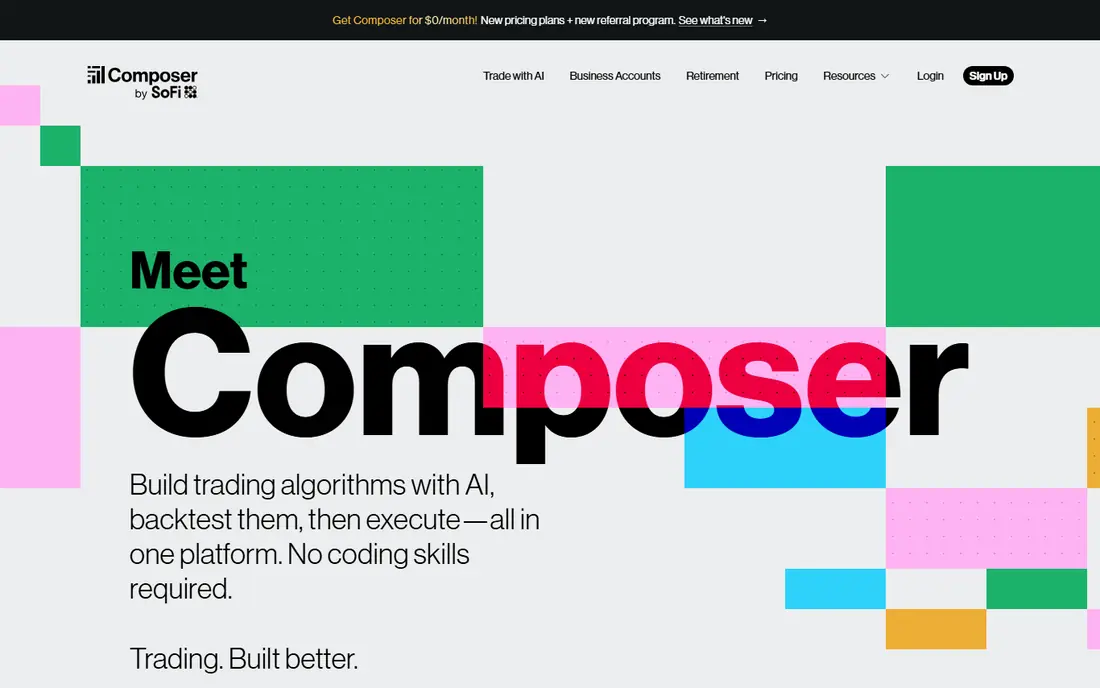
Composer suits investors who want automated portfolio rules without writing code. Users build strategies from blocks, such as rebalancing between ETFs on a schedule or rotating based on simple conditions, then backtest them before going live. The free tier allows building and backtesting, which is a safe way to learn.
The limit is scope. Composer covers US stocks and ETFs, not forex, futures, or crypto trading in the same way as other tools here. It also suits portfolio-level automation better than fast intraday trading. For a beginner who wants a rules-based portfolio, that focus is a strength, not a flaw.
- No-code strategy building
- Backtesting for portfolios
- Free build and backtest tier
- Limited to US stocks and ETFs
- Paid tiers needed for live trading features
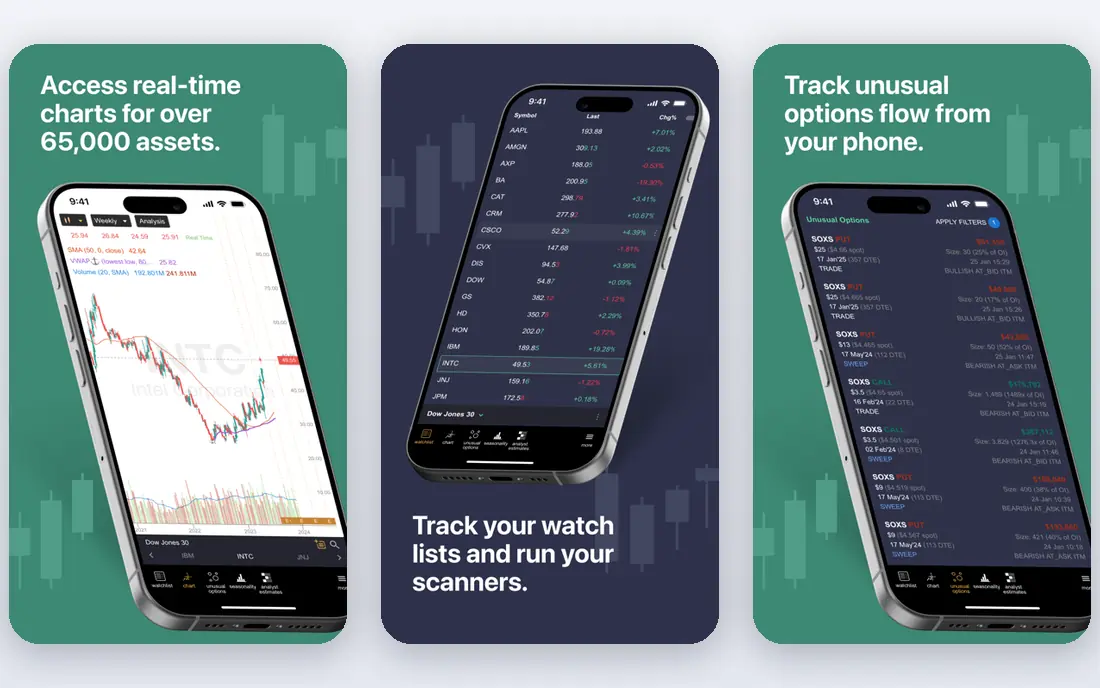
TrendSpider appeals to chart-focused traders who do not want to code. Its strategy tester lets users build rules from technical conditions, test them on historical charts, and set alerts or automated triggers. Multi-timeframe views help a beginner see whether a rule works on daily charts as well as intraday charts.
Price is the main barrier. The starting plan around $82 per month is costly for a beginner, and there is no free tier beyond a paid trial. TrendSpider fits traders who already use chart analysis daily and want automation on top of it, rather than complete newcomers testing the idea.
- Visual strategy builder
- Automated alerts and backtesting
- Multi-timeframe analysis
- High starting price
- No ongoing free plan beyond the trial
QuantConnect is the research-heavy pick. Its LEAN engine supports backtesting across equities, options, futures, forex, and crypto, with historical data and cloud compute. Tutorials and bootcamp material help a programmer learn the platform, and live trading connects through supported brokers.
Beginners without coding experience will find it demanding. Every strategy is code, and data, order handling, and risk controls must be understood before live trading. QuantConnect suits a beginner who already codes or wants to learn quant programming properly, with paper trading as the first step.
- Institutional-grade backtesting
- Python and C# support
- Large historical datasets
- Requires coding skill
- Learning curve is steep for non-programmers
Alpaca is a broker with a developer-friendly API, rather than a charting platform. That distinction matters: a beginner who codes can submit orders, fetch market data, and run a strategy from Python or another language, with paper trading to test safely. Commission-free US equities keep small-account costs down.
The trade is that Alpaca gives building blocks, not a finished strategy builder. There is no visual backtester or no-code rule editor of the kind Composer offers. Alpaca fits a beginner developer who wants control and a simple API, and who is willing to build or borrow backtesting tools separately.
- Free API and paper trading
- Commission-free US equities for retail
- Simple API documentation
- Requires coding
- Fewer built-in strategy tools than a full platform
Interactive Brokers
Great for: Global multi-asset trading with API access
Interactive Brokers, often called IBKR, suits ambitious beginners who want global reach. It covers stocks, options, futures, forex, and bonds across many markets, and its API allows programmatic trading for those who code. The Lite plan offers commission-free US stock and ETF trades for eligible users.
Complexity is the cost. The trading workstation and account structure can overwhelm a newcomer, and API trading still needs code. Interactive Brokers fits a beginner who plans to trade several asset types and is willing to learn a professional platform, rather than someone who wants the simplest possible start.
- Global markets and asset types
- API access with an account
- Low-cost Lite plan for US users
- Platform is complex for beginners
- API work needs programming skill
MetaTrader 5 is the standard choice for forex traders who want automation. Expert Advisors run trading rules automatically, and the built-in strategy tester lets a user check a rule on historical data before risking money. The platform itself is free through a broker, which keeps entry costs low.
The focus is narrow. MetaTrader 5 suits forex and CFD trading through a broker, not a general stock portfolio builder. Broker terms, spreads, and execution quality also vary, so a beginner should compare brokers carefully and use a demo account first. MQL5, its scripting language, takes time to learn well.
- Free through brokers
- Expert Advisor automation
- Built-in strategy tester
- Forex and CFD focus
- Broker quality varies
- MQL5 learning curve
TradeStation suits stock and futures traders who want scripting without jumping straight to Python. Its EasyLanguage is designed to read more like plain English, which lowers the barrier for a beginner who wants to write a first rule. Backtesting, charting, and live trading sit in one platform.
The platform is still a professional tool, and some data and feature details depend on account type. Beginners should start with paper trading and simple strategies, and check commission and data terms for their account. For US stock and futures traders, TradeStation is a strong middle ground between no-code tools and full coding platforms.
- EasyLanguage scripting is more readable than many languages
- Built-in backtesting
- Stock, futures, and options coverage
- Some features and data depend on account and plan
- Platform depth takes time to learn
NinjaTrader is a strong pick for futures traders. The platform is free for charting, backtesting, and simulation, which lets a beginner learn futures markets and test strategies without paying for software. NinjaScript, based on C#, allows custom indicators and automated strategies for those who code.
Futures carry borrowed-funds risk, so a beginner must understand margin and position sizing before live trading. Simulation is the right first step, and many users stay in simulation for weeks while learning. NinjaTrader fits futures-focused beginners, not investors who mainly want a stock portfolio.
- Free platform for charting, backtesting, and simulation
- Futures focus
- NinjaScript for custom strategies
- Futures trading carries high risk
- Paid tiers needed for some features
TradersPost fills a gap for TradingView and TrendSpider users: it turns an alert into a broker order automatically. That bridge lets a beginner keep strategy design in a familiar charting tool while still automating execution. Paper trading support helps test the full chain before live money is involved.
The cost stacks up, since TradersPost sits on top of a charting subscription and a broker account. It also does not design strategies itself, so a user still needs a rule worth automating. TradersPost fits best when a TradingView strategy is already tested and the next step is reliable automation.
- Connects TradingView and TrendSpider alerts to brokers
- No-code automation bridge
- Paper trading support
- Needs another platform for strategy design
- Monthly cost on top of other subscriptions
How we picked these
We compared official feature pages, pricing pages, and public comparison coverage checked in October 2026, and kept only platforms that are live, still sold or offered for algorithmic trading, and suitable for a beginner in at least one clear way. We included no-code tools, charting platforms, and coding platforms, so the list covers different skill levels. Where a vendor does not publish a clear starting price, we wrote See website rather than guessing.
What to check before you buy
Start with paper trading, always. A backtest that looks strong on historical data can still fail live, because of slippage, fees, gaps, and changing market conditions. Run a strategy in simulation, then with small amounts, and keep a log of every trade and why it happened.
Next, check costs beyond the subscription: commissions, data fees, spreads, and any bridge tool charges. A strategy that trades often can lose its edge to fees alone. Finally, set risk rules before automating anything, including maximum loss per trade, maximum daily loss, and position size. This is not financial advice, and trading carries risk, including loss of capital. No tool in this list guarantees returns, and past backtest results do not predict future results.
Questions to ask before going live
- Has this strategy been tested in paper trading, not just backtesting?
- What are the total fees per trade, including data and bridge costs?
- What happens if the connection drops or an alert fails during market hours?
Frequently asked questions
What is the best trading platform for algorithmic trading?
For beginners, TradingView suits chart-based learning, Composer suits no-code portfolios, and QuantConnect or Alpaca suit coders. The best platform for algorithmic trading depends on asset type, coding skill, and whether you want a visual builder or full code control.
What are the best algorithmic trading platforms for beginners?
The gentlest starts are TradingView for scripting on charts, Composer for no-code portfolios, and TradersPost as a bridge once a chart strategy is tested. Coders can start with Alpaca paper trading or QuantConnect research, both of which offer free tiers for learning.
Do I need to code to automate trading?
No. Composer, TrendSpider, and TradersPost allow automation without writing full programs, though they still require clear rules and testing. Coding platforms such as QuantConnect and Alpaca give more control, but they demand programming skill and more setup time.
How much does algorithmic trading software cost?
Costs range from free platforms and APIs, such as MetaTrader 5 through a broker, Alpaca, and QuantConnect free tiers, up to subscriptions around $49 to $82 per month for bridge and chart automation tools. Broker commissions, data fees, and spreads add to the total.
Is algorithmic trading risky?
Yes. Automated strategies can lose money quickly, especially in futures and forex, where borrowed funds raise risk, and a coding error or connection failure can cause unintended trades. Start with paper trading, use small position sizes, set loss limits, and never trade money you cannot afford to lose. This article is general information only, not financial advice.
Can I backtest before trading live?
Yes, most tools in this list support backtesting or simulation, including TradingView, QuantConnect, TradeStation, NinjaTrader, and Composer. Treat backtest results with care, since they use past data and do not include every live cost or market condition.
Sources
See where you really rank - block by block
ProMapRanker scans Google Maps across a grid of your service area. Simple monthly plans from $19, white-label on every plan.
Start freeKeep reading
 wpforms alternatives
Best WPForms Alternatives in 2026
We compare 9 wpforms alternatives for WordPress forms, with free and paid options, current pricing notes, and honest limits for small business sites in 2026.
Read → windows task scheduler alternatives
Best Windows Task Scheduler Alternatives in 2026
Looking for Windows Task Scheduler alternatives? We compare 9 schedulers for Windows and cross-platform work, from free tools to enterprise automation.
Read → which ai video service is best
Which AI Video Service Is Best in 2026
which ai video service is best? We compare 10 legitimate AI video services on price, avatars, editing and output quality to help you pick the right tool.
Read →