 ProMapRanker
2026 Guide to the Best AI Workflow Platforms

AI teammates for inbox and meetings · Pricing starts at: $29.99 per user/month
Direct answer
Lindy leads the list, best for AI teammates for inbox and meetings. Listed starting prices: Lindy from $29.99 per user/month, Make from $9 a month and Gumloop from $37 per month. If your case is different, Make suits low cost visual workflows and Gumloop suits AI agents for batch work. The other 3 tools in the list cover narrower or pricier cases.
ProMapRanker put together this guide to AI workflow platforms for readers who want a clear shortlist without reading every vendor page. It compares 6 tools on starting price, free plans, who each one suits and where each one falls short.
Key takeaways
- Lindy sits first on this list: AI teammates for inbox and meetings.
- Before buying Zapier, weigh this: free plan permits only two-step Zaps.
- Make is the lowest-priced starter here at $9 per month.
- Workato suits enterprise integration and AI agents.
- Only 4 of the 6 tools have a free plan (Make, Zapier, Microsoft Power Automate, Workato), so check the caps.
Quick comparison
| Pick | Great for | Pricing starts at | Free tier | |
|---|---|---|---|---|
| Lindy | AI teammates for inbox and meetings | $29.99 per user/month | Free trial (7 days) | Visit |
 Make | Low cost visual workflows | $9 a month (billed yearly) | Yes | Visit |
 Gumloop | AI agents for batch work | $37 per month | Free trial (14 days) | Visit |
 Zapier | Widest app coverage for small teams | $19.99 a month (billed yearly) | Yes | Visit |
 Microsoft Power Automate | Microsoft 365 teams | $15 per user/month (billed yearly) | Yes | Visit |
 Workato | Enterprise integration and AI agents | $75 per month | Yes | Visit |
The best AI workflow platforms
Lindy is aimed squarely at AI teammates for inbox and meetings. Lindy starts with $50 in credits that last 7 days, with no card needed for that start. Plus costs $29.99 per user a month with 3,000 credits per user and 2 connected inboxes.
Honest limits: plan credits reset each cycle and do not roll over.
Pro costs $99.99 per user a month with 15,000 credits and 3 inboxes, and brings computer use. Lindy says an everyday task can use from about 2 to 250 credits. So a Plus seat can run out quick on heavy work. Entry price for Lindy: $29.99 per user/month. As for free access: Free trial (7 days).
- Pro brings computer use and live onboarding
- Credits pool across the workspace
- Plus does not bundle computer use

Make works best for low cost visual workflows. Pro opens at $16 per month billed annually for the same 10,000 credits, and brings priority execution, custom variables and full-text log search.
Make builds visual scenarios from modules, and each module that runs uses one credit. Make starts at: $9 per month. Free access exists with Make.
Where it falls short: Pro and Teams all start with the same 10,000 credits, so volume does not rise with the plan.
- Every plan starts with 10,000 credits
- Core bundles unlimited active scenarios
- Core
Pick Gumloop if this describes you: AI agents for batch work. The fee rises to 16% when you bring your own model key.
Where it falls short: unused credits do not roll over.
From a buyer's view, agents stop when the 20,000 credits run out, except when you turn on pay-as-you-go billing at $0.005 per credit, which is off by default. Gumloop starts at: $37 per month. Free access: Free trial (14 days).
- Pro bundles 20,000 credits per month
- Access to more than 35 models
- An 8% orchestration fee applies on Pro
For widest app coverage for small teams, Zapier is a natural candidate. Team begins at $69 per month billed yearly for 2,000 tasks and up to 25 users, with shared Zaps and SAML single sign-on.
As for the details, AI by Zapier steps cost 1x, 3x or 5x tasks based on the model level. So an AI-heavy Zap can use its task allowance much quicker than a straightforward Zap. Starting cost for Zapier: $19.99 per month. You can start on Zapier without paying.
Points against: Free plan permits only two-step Zaps.
- Free plan with 100 tasks per month
- Multi-step Zaps and webhooks on Professional
- Professional starts with only 750 tasks per month
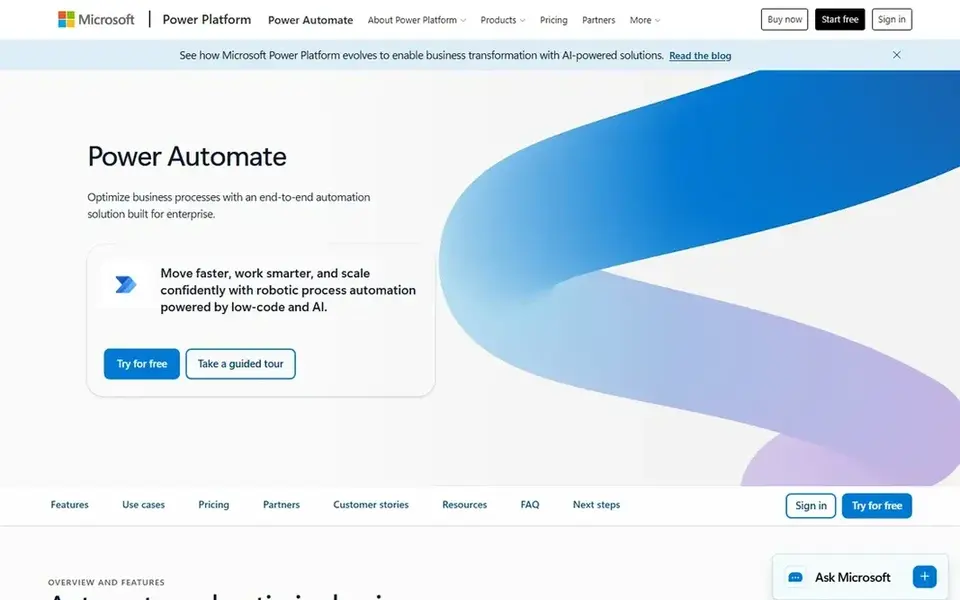
Microsoft Power Automate was built for Microsoft 365 teams. Microsoft Power Automate builds cloud flows and desktop flows inside the Microsoft Power Platform.
Price to start with Microsoft Power Automate: $15 per user/month. Free access exists with Microsoft Power Automate.
Where it is weaker: Premium connectors and desktop RPA need the Premium licence.
- Standard connector flows are included with plenty of Microsoft 365 plans
- 40,000 daily actions on Premium
- Unattended bots need the Process licence at $150 per bot/month
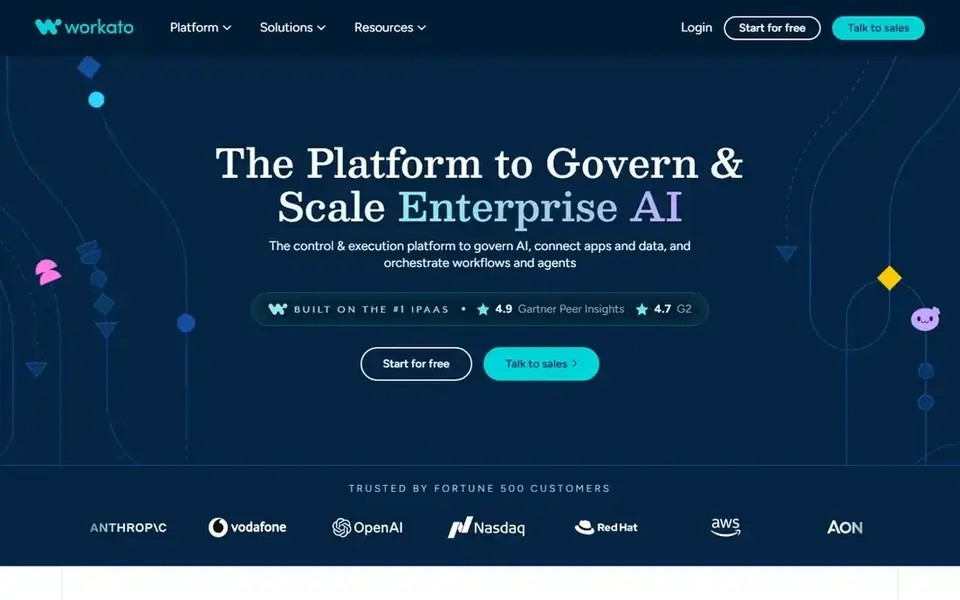
Choose Workato for enterprise integration and AI agents. Workato sells recipes, its name for workflows, plus AI agents and an API system on higher editions. For everyday use, higher Pro levels cost $100 for 3,500 credits, $275 for 10,000 credits, $780 for 30,000 credits, and $1,275 for 50,000 credits per month.
In daily use, Workato does not publish how plenty of credits each recipe step or agent action uses. For everyday use, the self-service Free plan costs $0 and contains a one-time grant of 50,000 credits, not a monthly allowance. More specifically, standard, Business MCP, Enterprise MCP and Workato ONE are quote-only editions. They add environments, SSO, role controls, data pipelines and agen Starting cost for Workato: $75 per month. A free plan is available with Workato.
Trade-offs to know: Pro starts with only 2,500 credits per month.
- Free plan with a one-time grant of 50,000 credits
- Pro lets up to 3 users per workspace
- Enterprise editions have no published price
What went into this list
Selection started from tools commonly considered for AI workflow platforms, then narrowed to 6 that have clear pricing information or a clear quote process. Prices and plan limits come from vendor pages and can change, so confirm them on the vendor site before you buy. Order on the page follows fit for the typical buyer first, then price transparency and free access. Your own requirements should decide the final pick.
Things to verify first
- Confirm the entry price on the vendor page: Make starts at $9 per month, but seat counts and billing terms change the total.
- Check what the free option really includes: Make, Zapier, Microsoft Power Automate and Workato offer a free plan, and usage caps differ.
- Use real work to test the free trial from Lindy and Gumloop, rather than a demo project.
- Before choosing Lindy, weigh its main limit: no standing free plan.
- Add up seats, add-ons and usage charges for Gumloop before comparing it with cheaper entries.
- Check the support hours and onboarding help Make offers; smaller vendors vary a lot here.
Frequently asked questions
How are the tools for AI workflow platforms ordered?
The order follows typical fit for AI workflow platforms, with Lindy first and Workato last, then price clarity and free access. It is editorial judgement, not a score, so another team could rank the tools differently.
Which is the best AI workflow platform for a small team?
This list starts with Lindy, which fits AI teammates for inbox and meetings. For other needs, Make is aimed at low cost visual workflows, and Gumloop at AI agents for batch work. Check each tool's price and main limit first.
Can I try these options before paying?
Often, yes. Make, Zapier, Microsoft Power Automate and Workato have a free plan and Lindy and Gumloop offer a free trial. Use your own data and a real task during the test, and check what the free tier or trial limits before you rely on it.
Which options for AI workflow platforms have a free plan?
On this list, Make, Zapier, Microsoft Power Automate and Workato include a free plan. Caps on seats, usage or features are common, so test the free plan against your real workload. Several others offer a trial instead.
What is the cheapest option for AI workflow platforms in this list?
On published monthly entry prices, Make is the lowest here at $9 per month. Entry price is only part of the cost, because seats, add-ons and billing terms can change the total. Each of the 6 options in this AI workflow platforms guide has its own card above with the price, free plan and limits.
Which is a good match for Microsoft 365 teams?
Start with Lindy if you need AI teammates for inbox and meetings. Make is the better match for low cost visual workflows, and Gumloop for AI agents for batch work. The best choice depends on budget, team size and workflow.
Sources
See where you really rank - block by block
ProMapRanker scans Google Maps across a grid of your service area. Simple monthly plans from $19, white-label on every plan.
Start freeBrowse all guides
← Best AI Project Management Software for Startups in 20265 Best Platform for AI Agent Workflows in 2026 →
 best ai powered knowledge base platforms
AI Powered Knowledge Base Platforms in 2026: Top 7 Compared
Searching for the best AI powered knowledge base platforms? Here are 7 options with prices and free plans. Verdicts stay brief and factual. Plain facts.
Read → best agentic workflow software
Top 7 Agentic Workflow Software, Compared on Price (2026)
7 options for the best agentic workflow software, with entry costs, free tiers and the buyer each one serves. We note where every tool falls short. Start here.
Read → best agent performance tracking platforms
6 Best Agent Performance Tracking Platforms for 2026
6 products for the best agent performance tracking platforms, ranked by fit, with starting costs and free tiers. Caveats come with every verdict. Easy to scan.
Read → sharepoint alternatives
SharePoint Alternatives in 2026
Find the best SharePoint alternatives in 2026. We compare 8 tools for docs, wikis, file sharing and team intranets, with pricing, limits and fit today.
Read → best enterprise risk management software
Best Enterprise Risk Management Software in 2026
We compared the best enterprise risk management software for risk registers, controls, and reporting, so teams can pick a platform that fits governance needs.
Read → best grants management software for nonprofits
Best Grants Management Software for Nonprofits in 2026
Find the best grants management software for nonprofits in 2026, with grantmaker tools, pricing, review workflows, and reporting compared side by side.
Read →More in Project Management & Productivity · All guides A to Z by date · Latest guides