 ProMapRanker
Best AI Workflow Automation Tools in 2026

Key takeaways
- Zapier suits non-technical teams that need the widest app coverage, while Make suits visual builders who want branching logic.
- n8n suits technical teams and high-volume work, thanks to self-hosting and per-execution pricing.
- Lindy and Gumloop suit AI agent and unstructured data work, while Power Automate suits Microsoft 365 teams.
- Billing units differ, so compare tasks, operations and executions, not just monthly price.
Quick comparison
| Pick | Great for | Pricing starts at | Free tier | |
|---|---|---|---|---|
 Zapier Zapier | No-code automation for most teams | $19.99 per month | Yes | Visit |
 Make Make | Visual multi-step workflows | $9 per month | Yes | Visit |
 n8n n8n | Technical teams and high-volume AI work | $20 per month | Yes | Visit |
 Lindy Lindy | AI agents for email and scheduling | $39.99 per month | Yes | Visit |
 Gumloop Gumloop | AI workflows for unstructured data | $30 per month | Yes | Visit |
 Pipedream Pipedream | Developers who prefer code | $29 per month | Yes | Visit |
 Microsoft Power Automate Microsoft Power Automate | Microsoft 365 teams | $15 per user per month | Free trial | Visit |
 Workato Workato | Enterprise automation and governance | See website | No | Visit |
The best AI Workflow Automation Tools in 2026
AI workflow automation tools connect apps, move data and add AI steps to routine work. The best platform depends on technical skill, monthly volume and whether you need self-hosting or enterprise controls.
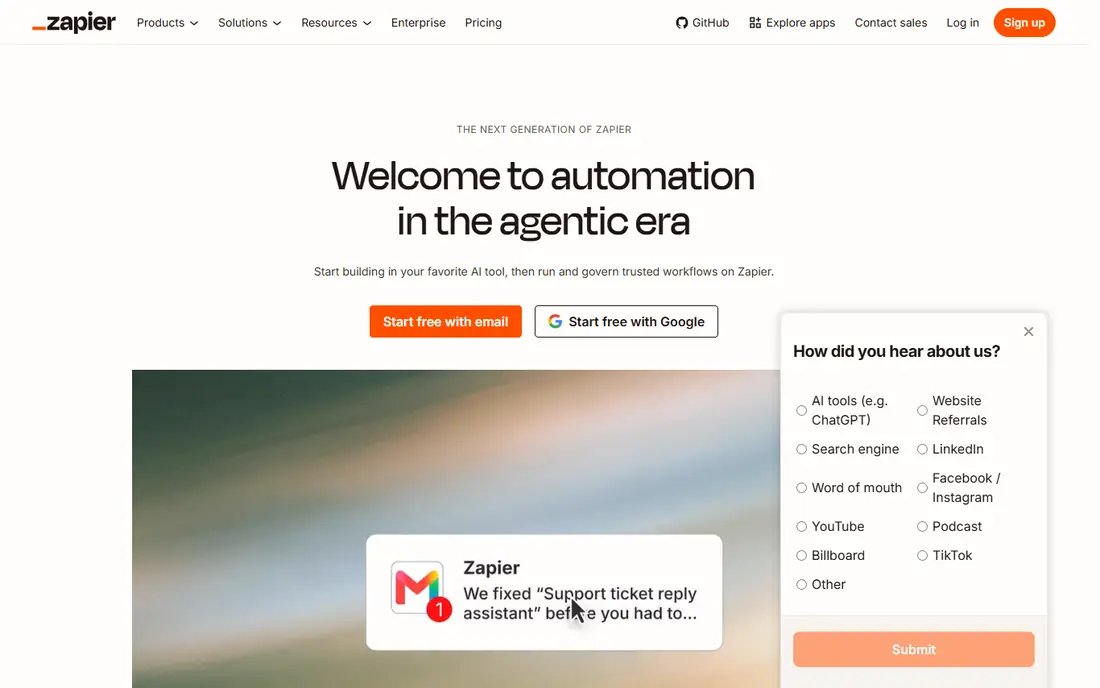
For many readers, Zapier is the first name worth trying, because it focuses on one job and does it clearly. It is best for no-code automation for most teams. Zapier connects thousands of apps through simple trigger-and-action workflows, which makes it the fastest starting point for many teams. In daily use, that strength is what most people notice first, and it helps explain why this option keeps appearing in current roundups and vendor documentation.
Costs rise quickly at high task volumes, since each action counts, so large multi-step workflows need careful volume planning. That trade-off does not make it a poor choice, but it does mean you should weigh it against how you plan to use it. Try the free option first if one is offered, and check whether the paid limits match how often you will actually use it. If it fits your routine and budget, it can serve you well for a long time.
- Very large app catalog
- Easy setup
- AI agents and templates
- Per-task pricing gets costly at high volume
- No self-hosting
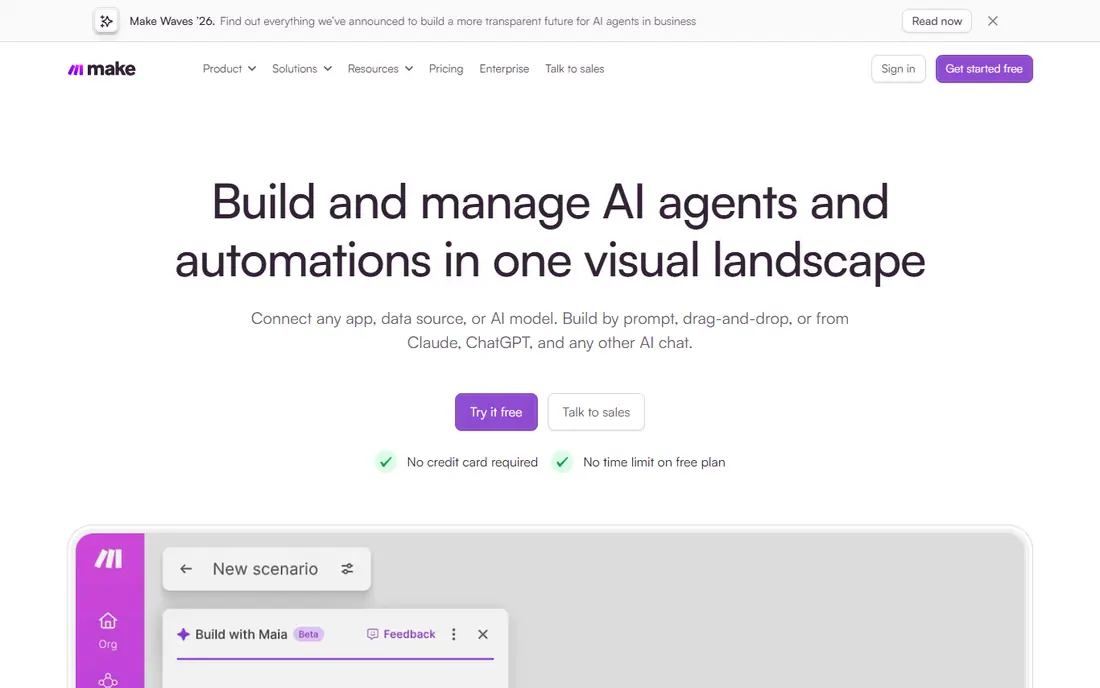
If you want a calmer starting point, Make deserves a close look, since it keeps the setup short and the daily routine simple. It is best for visual multi-step workflows. Make gives a visual canvas where you can see branching, filters and data mapping, which suits teams that design complex workflows. In daily use, that strength is what most people notice first, and it helps explain why this option keeps appearing in current roundups and vendor documentation.
Operations add up across modules, so a long scenario can cost more than a simple Zapier equivalent if you do not plan module counts. That trade-off does not make it a poor choice, but it does mean you should weigh it against how you plan to use it. Before you pay, compare the plan limits with your real weekly use, not with the longest feature list. If it fits your routine and budget, it can serve you well for a long time.
- Visual canvas
- Branching and data tools
- Native AI steps
- Per-operation pricing needs watching
- Learning curve for complex scenarios
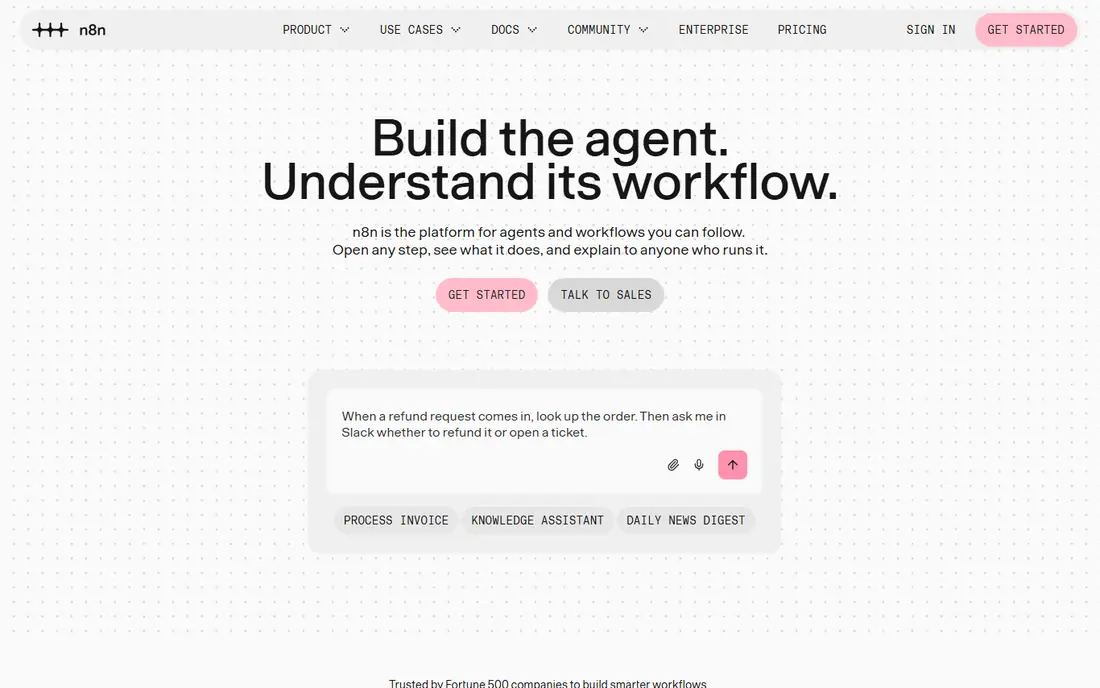
We put n8n on this list for readers who need a practical option rather than a long feature list. It is best for technical teams and high-volume ai work. n8n suits technical teams, since it offers self-hosting, code steps and AI nodes, with pricing per workflow execution rather than per step. In daily use, that strength is what most people notice first, and it helps explain why this option keeps appearing in current roundups and vendor documentation.
Self-hosting needs monitoring and updates, and failed workflows can drop data quietly if no alerts are set. That trade-off does not make it a poor choice, but it does mean you should weigh it against how you plan to use it. It is worth a short trial period, because the right fit usually shows up in the first week of daily use. If it fits your routine and budget, it can serve you well for a long time.
- Self-hosting option
- Code steps
- Per-execution pricing
- Needs technical skill
- Self-hosting needs monitoring
Lindy stands out for a different reason than the leaders above it, and that difference may matter more to you than raw size. It is best for ai agents for email and scheduling. Lindy offers prebuilt AI agents for email, scheduling and research, which suits teams that want delegation rather than building from scratch. In daily use, that strength is what most people notice first, and it helps explain why this option keeps appearing in current roundups and vendor documentation.
Credit use varies with AI steps, so heavy agent use can cost more than the headline monthly price suggests. That trade-off does not make it a poor choice, but it does mean you should weigh it against how you plan to use it. Check the current pricing page before you subscribe, since plans and limits change during the year. If it fits your routine and budget, it can serve you well for a long time.
- Prebuilt AI agents
- Many integrations
- Voice and scheduling help
- AI steps use credits
- Costs vary with agent use
A good shortlist should include Gumloop, because it serves a specific kind of user very well. It is best for ai workflows for unstructured data. Gumloop handles PDFs, web pages and other unstructured data with AI steps, which suits research and data enrichment work. In daily use, that strength is what most people notice first, and it helps explain why this option keeps appearing in current roundups and vendor documentation.
Simple app syncs are cheaper elsewhere, so choose Gumloop when AI reasoning over documents is the core job. That trade-off does not make it a poor choice, but it does mean you should weigh it against how you plan to use it. Try the free option first if one is offered, and check whether the paid limits match how often you will actually use it. If it fits your routine and budget, it can serve you well for a long time.
- Templates for data work
- Web and document handling
- AI reasoning steps
- Credit-based pricing
- Less suited to simple app-to-app syncs
Pipedream is the quieter choice here, and quiet can be a strength when you want fewer distractions. It is best for developers who prefer code. Pipedream lets developers write code in workflow steps, which gives precise control over APIs, data and error handling. In daily use, that strength is what most people notice first, and it helps explain why this option keeps appearing in current roundups and vendor documentation.
Non-technical teams will find it harder than Zapier or Make, since code is central rather than optional. That trade-off does not make it a poor choice, but it does mean you should weigh it against how you plan to use it. Before you pay, compare the plan limits with your real weekly use, not with the longest feature list. If it fits your routine and budget, it can serve you well for a long time.
- Full code steps
- Many integrations
- Developer-friendly triggers
- Needs coding skill
- Visual builders may prefer Make or Zapier
If the bigger names feel like too much, Microsoft Power Automate offers a smaller, more focused way to get the same job done. It is best for microsoft 365 teams. Power Automate fits Microsoft 365 teams well, with native links to Outlook, Teams, SharePoint and Dynamics. In daily use, that strength is what most people notice first, and it helps explain why this option keeps appearing in current roundups and vendor documentation.
Outside Microsoft tools, its advantage fades, so Google-first or mixed-stack teams should compare Make or Zapier first. That trade-off does not make it a poor choice, but it does mean you should weigh it against how you plan to use it. It is worth a short trial period, because the right fit usually shows up in the first week of daily use. If it fits your routine and budget, it can serve you well for a long time.
- Deep Office and Teams integration
- Many templates
- Enterprise controls
- Best value inside Microsoft 365
- Outside that stack it is less compelling
We included Workato because it answers a need the other picks do not cover as directly. It is best for enterprise automation and governance. Workato suits large firms that need governance, role controls and on-prem agents alongside broad integration coverage. In daily use, that strength is what most people notice first, and it helps explain why this option keeps appearing in current roundups and vendor documentation.
Pricing is enterprise-level and quote-based, so small teams will find Zapier, Make or n8n far more practical. That trade-off does not make it a poor choice, but it does mean you should weigh it against how you plan to use it. Check the current pricing page before you subscribe, since plans and limits change during the year. If it fits your routine and budget, it can serve you well for a long time.
- Enterprise governance
- Many integrations
- On-prem agents
- Enterprise pricing
- Not suited to small teams
How we picked these
We compared official pricing pages, feature lists and current automation roundups for platforms that are still offered in October 2026. We favored tools with native AI steps, clear billing units and real integration coverage, and we noted where credit, task or operation pricing changed the total cost.
How to choose an automation platform
Start with one workflow. Pick the routine that costs the most hours, map its steps, and test it on one platform before you migrate everything.
Next, compare billing units. Zapier bills per task, Make per operation and n8n per execution, so the cheapest headline price may not be cheapest for your workflow shape.
Finally, plan for failure. Add alerts, retries and logs, since a silent failed workflow can lose orders, leads or customer messages without anyone noticing.
Frequently asked questions
What is the best AI workflow automation tool for small teams?
Zapier suits non-technical small teams, Make suits visual builders, and n8n suits technical teams that want lower costs at volume. Start with the skill level of the person who will maintain it.
What are the best AI workflow automation platforms for developers?
n8n and Pipedream are strong developer picks, thanks to code steps and self-hosting or API control. Make also works for semi-technical builders who want visual logic.
What is the best AI workflow automation software for Microsoft teams?
Microsoft Power Automate is the natural pick inside Microsoft 365, thanks to native Office, Teams and Dynamics links. Check per-user pricing for larger teams.
Are there free AI workflow automation tools?
Zapier, Make and n8n all offer free tiers or self-hosting with limits, which suit testing and low-volume use. Paid plans are needed for higher volume and team features.
How do I avoid high automation costs?
Measure volume in the platform billing unit, keep workflows short, and avoid polling where webhooks work. Test one workflow at scale before you commit to a yearly plan.
Sources
See where you really rank - block by block
ProMapRanker scans Google Maps across a grid of your service area. Simple monthly plans from $19, white-label on every plan.
Start freeKeep reading
 zoom alternatives
Best Zoom Alternatives in 2026
Compare Zoom alternatives in 2026, with free meeting limits and prices, so you can pick the best alternative to Zoom for your team, class, or community.
Read → which software is best for remote work
Which Software Is Best for Remote Work in 2026
Answering which software is best for remote work, we compare Slack, Zoom, Asana, Notion, Teams and more, with pricing and honest tradeoffs in 2026 now.
Read → which ai tool is best for content writing
Which AI Tool Is Best for Content Writing in 2026
Wondering which ai tool is best for content writing? We compare ChatGPT, Claude, Jasper, Grammarly, and more on price, quality, and best use in 2026 now.
Read →