 ProMapRanker
Best AI Video Tool in 2026: 8 Tools Compared

Key takeaways
- Google Veo 3.1 is our pick for realism plus native audio, with dialogue and sound effects generated with the video.
- Runway Gen-4.5 suits professional workflows where camera control, style consistency and editing matter most.
- Kling and Pika offer strong value for social clips and fast iteration, with lower paid entry prices.
- Sora 2 inside ChatGPT suits creators who already pay for ChatGPT and want cinematic, physics-aware shots.
- Credits burn fast on every tool here, so check cost per finished clip, not just the monthly plan price.
Quick comparison
| Pick | Great for | Pricing starts at | Free tier | |
|---|---|---|---|---|
 Google Veo 3.1 Google Veo 3.1 | Realism plus native audio | See website | Yes | Visit |
 Runway Runway | Professional control and editing | See website | Yes | Visit |
 Sora 2 Sora 2 | Cinematic shots in ChatGPT | See website | No | Visit |
 Kling Kling | Value and human motion | See website | Yes | Visit |
 Pika Pika | Quick social clips | See website | Yes | Visit |
 Luma Dream Machine Luma Dream Machine | Natural motion and HDR look | See website | Yes | Visit |
 Adobe Firefly Video Adobe Firefly Video | Commercially safer brand use | See website | Yes | Visit |
 HeyGen HeyGen | Avatar training videos | See website | Yes | Visit |
The best ai video tool
We compared official product pages, pricing pages and model documentation for AI video tools that generate video from text or images in October 2026. The list covers cinematic generators, social clip tools, an avatar tool and a brand-safe option, with clip length, audio and credit limits noted where vendors publish them.
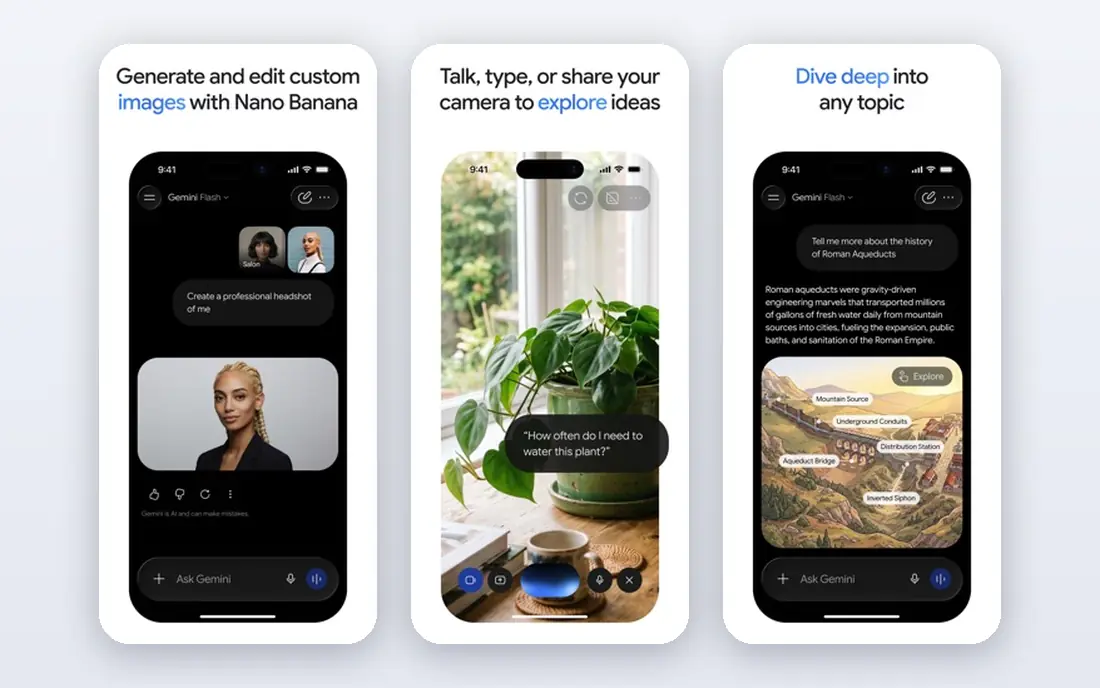
Google Veo 3.1, reached through the Gemini app, Google Flow and Google AI Studio, combines realistic video with synchronised audio in one generation. Dialogue, sound effects and ambience can be generated with the scene, which removes a separate audio step for short clips. Veo supports text-to-video and image-to-video, with reference-image consistency for characters and products across shots.
The cost model needs attention. Free Veo Lite offers limited daily generations, while Google AI Pro and Ultra plans raise limits and add 4K in higher tiers, with API pricing per second in many cases. Every Veo clip also carries an invisible SynthID watermark, with paid tiers removing only the visible logo in some cases. For a creator who wants the best all-round quality and native audio, Veo is the default, provided the credit budget fits.
- Strong realism and prompt accuracy
- Native dialogue and sound effects
- Available through Gemini and Flow
- Credits burn fast at scale
- Watermarking applies
- Higher tiers needed for 4K and higher limits
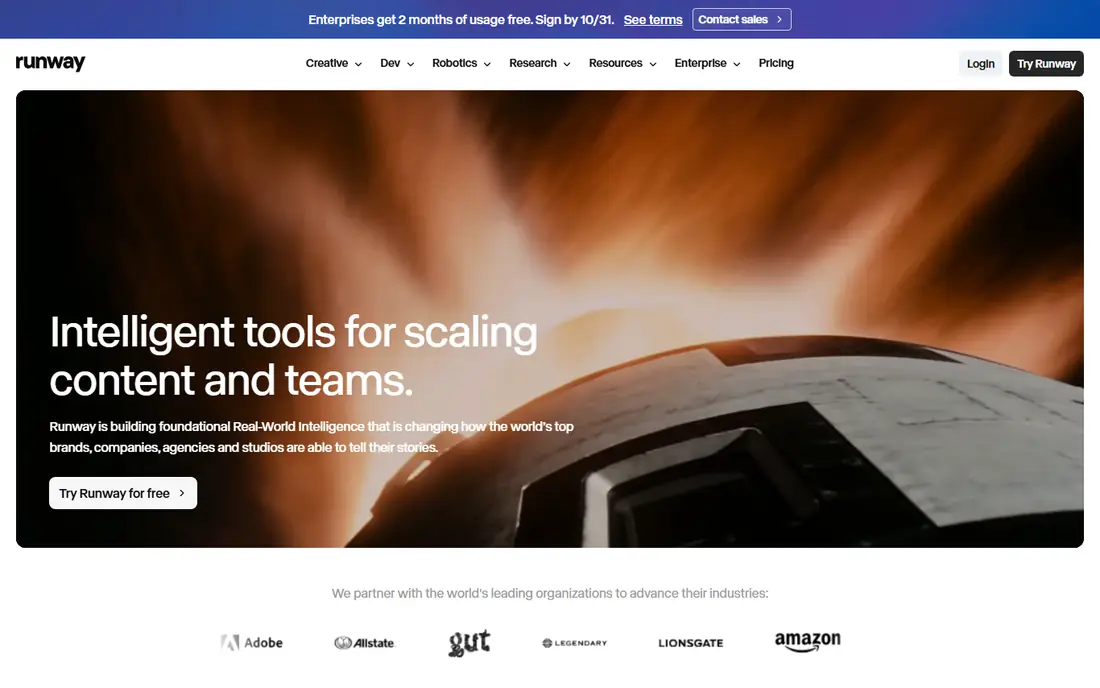
Runway Gen-4 and Gen-4.5 are built for professional video workflows, with camera controls for pan, zoom, orbit and dolly, plus style consistency across clips. Image-to-video is a particular strength, turning a product photo or reference frame into smooth motion with stable lighting and object handling. The Aleph timeline editor adds keyframes, asset management and clip editing on paid plans, which helps for a short film or ad sequence.
Runway offers one-time free credits, with paid plans starting at a low monthly price in many 2026 listings and rising for higher credit volumes. Even so, credits burn fast, and a basic plan covers only a short amount of finished video. Audio generation is more limited than Veo, so plan for a separate sound step. Use Runway when control and editability matter more than the lowest cost per clip.
- Camera control and style consistency
- Strong image-to-video
- Timeline editor and editing tools
- Credits burn fast
- Paid plans needed for serious volume
- Audio support is more limited than Veo
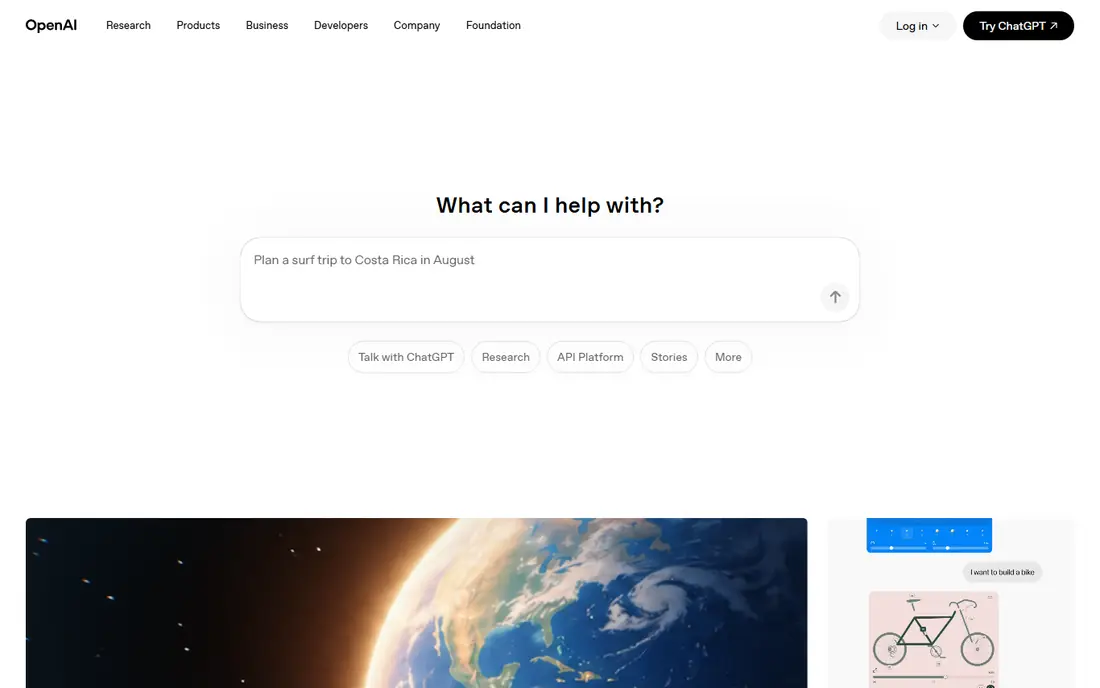
Sora 2, the video model from OpenAI, is now reached mainly inside ChatGPT, rather than through a standalone app or API in many cases. It produces cinematic clips with strong physics, complex scenes and synchronised dialogue in suitable prompts, which suits short films, ads and narrative social content. Access through ChatGPT also makes prompting and iteration simple for creators who already use the chat interface daily.
The subscription link is the main limit. Sora 2 access depends on a ChatGPT Plus or Pro plan, with generation limits varying by tier, and there is no separate free tier for most users. Clip length is also limited, so longer stories need multiple clips and editing. If you already pay for ChatGPT, Sora 2 is a strong bonus tool. If you do not, compare its bundled cost with a dedicated generator such as Veo or Runway.
- Strong physics and narrative shots
- Native audio in many cases
- Simple access through ChatGPT
- No standalone app in many cases
- Tied to ChatGPT subscription
- Clip length and limits vary by plan
Kling, from Kuaishou, has become a value favourite for AI video, with free monthly credits and paid plans starting at a low monthly price in many 2026 listings. It handles human motion, animation and longer scenes well for its price, and it supports text-to-video and image-to-video with audio in many cases. For social creators who iterate often, Kling offers more generations per dollar than several rivals.
Quality is less consistent than Veo or Runway on complex prompts, and the interface, billing and support experience can feel less polished for US users. Commercial use terms and watermark rules also need checking on the current Kling page before using clips for client work. For fast iteration, social content and budget production, Kling is a strong second tool alongside a premium generator.
- Good value paid plans
- Strong human motion
- Free credits for testing
- Quality varies by prompt
- Interface and support can feel less polished
- Commercial terms need checking
Pika focuses on quick, creative social video, with a simple interface, effects and templates that suit TikTok, Reels and Shorts. Paid plans start at a low monthly price in many 2026 listings, and a free tier with watermarked clips lets new users test the style before paying. For a creator who needs many short tests, Pika offers the lowest friction entry point in this list.
The limits are length and quality. Pika clips are shorter than those from Veo, Kling or Runway in many cases, and the visual quality sits below the premium cinematic tools. Audio support is also more limited. Use Pika for fast ideas, effects and social tests, and move to Veo, Runway or Kling when a clip needs to carry a brand film or a longer scene.
- Simple interface
- Fast social clips and effects
- Low paid entry price
- Clip length is shorter than some rivals
- Quality is below Veo and Runway
- Audio is limited
Luma Dream Machine, now with the Ray model family, is known for natural motion and a photorealistic, HDR-style look. It handles camera movement and scene flow smoothly, which suits product shots, travel-style clips and cinematic b-roll. A free tier with watermarked, lower-resolution output lets users test prompts before paying, while paid plans raise resolution and remove watermarks in many cases.
Paid entry is higher than Pika or Kling in many 2026 listings, and credits still burn fast for longer or higher-quality clips. Editing tools are lighter than Runway, so Luma suits generation first and editing elsewhere. For a creator who values motion quality and a natural camera feel over the lowest price, Luma is a strong choice.
- Natural camera motion
- Photorealistic look in many cases
- Free tier for testing
- Paid plans start higher than Pika or Kling
- Credits burn fast
- Editing tools are lighter than Runway
Adobe Firefly Video is built for brand and commercial use, with training and rights handling designed to be safer for client work than some general generators. It integrates with Adobe Creative Cloud tools, which helps for a workflow that already uses Premiere Pro, Photoshop or Express. Free credits are available in many Adobe plans, with paid plans adding more generations.
The creative ceiling is lower than Veo or Runway for complex, physics-heavy scenes, and credit limits vary by Adobe plan, so check the current Firefly page before planning a campaign. Audio generation is also more limited. For agencies and brands where rights, brand safety and Adobe integration matter more than raw cinematic quality, Firefly Video is the safer pick.
- Trained with commercial safety in mind
- Integrates with Adobe tools
- Credits in Adobe plans
- Quality can lag Veo and Runway on complex scenes
- Credits and limits vary by Adobe plan
- Audio is limited
HeyGen is a different kind of AI video tool, focused on avatar presenters rather than generated scenes. You type a script, choose an avatar and voice, and HeyGen produces a talking-head video for training, onboarding, marketing or internal updates. Translation and dubbing features help teams produce the same video in several languages without re-recording.
HeyGen does not replace Veo, Runway or Kling for cinematic footage, and avatar realism varies by avatar, script and language. The free tier is limited, with paid plans starting at a higher monthly price than social generators. Use HeyGen when the job is a presenter-led video at scale, and use a scene generator when the job is footage, product shots or a short film.
- Realistic avatars and voices
- Translation and dubbing
- Fast training and marketing videos
- Not a general cinematic generator
- Avatar realism varies
- Free tier is limited
How we picked these
We compared official product pages, pricing pages and model documentation, and kept tools that are available in October 2026 and that generate video from text, images or scripts. We looked for a mix of cinematic quality, value, social speed, avatar work and brand safety, rather than listing every new model. Pricing and credit systems change often, so we used See website for starting prices where plan, credit and resolution terms differ by tier.
We also weighed the finished-clip cost. A low monthly price can still be expensive if credits cover only a few seconds of usable video, while a higher plan can be cheaper per finished minute for a busy creator. Test each tool with the same prompt and script before committing, and check watermark, commercial use and audio terms on the vendor page.
How to choose by job
Short social clips and tests
Start with Pika or Kling for fast, low-cost tests, then move the winning idea to Veo or Runway for a higher-quality final. Keep prompts short and specific, with one subject, one action and one camera move, rather than a long paragraph that the model cannot follow.
Brand films, ads and product shots
Use Veo for realism and audio, Runway for control and editing, and Adobe Firefly Video when rights and brand safety are the priority. Generate several takes of each shot, pick the best, and edit in a proper video editor rather than expecting one perfect generation.
Training, onboarding and multilingual videos
Use HeyGen for avatar-led videos, with a clear script, short sentences and a consistent avatar. Check pronunciation for names and technical terms, and review each language version with a native speaker where possible, since translation alone does not guarantee a natural delivery.
Frequently asked questions
What is the best AI video tool?
Google Veo 3.1 is the best all-round AI video tool for realism plus native audio, while Runway is best for professional control and editing. Kling and Pika offer better value for social clips, and Sora 2 is best for ChatGPT users who want cinematic shots. Choose by job, budget and how much editing you plan to do.
What is the best AI video app for beginners?
Pika is the easiest starting point, with a simple interface, fast social clips and a low paid entry price. Kling is also beginner-friendly with free credits and good value. Start with a free tier, test the same prompt on two tools, and pay only when you know which style and credit system fits your output.
Can I use AI video for commercial work?
It depends on the tool and plan, so check the vendor terms for commercial use, watermark rules and training data handling before client work. Adobe Firefly Video is designed with commercial safety in mind, while other tools grant commercial rights on paid plans in many cases. Keep a copy of the terms for the plan you used for each project.
How much does AI video generation cost?
Costs vary by tool, resolution, clip length and credit system, with paid plans in this list starting from low monthly prices for social tools to higher prices for premium cinematic tools. Credits burn fast, so a finished 30-second clip can cost several dollars in credits on some tools. Test with free credits first, and budget by finished clip, not by monthly plan alone.
Does AI video include audio?
Some tools do, some do not. Google Veo 3.1 and Sora 2 generate dialogue, sound effects and ambience with video in many cases, while Runway, Pika and Luma have more limited audio support. HeyGen focuses on voiceover for avatars. If audio matters, test it with your exact script and scene before you commit to a plan.
Sources
See where you really rank - block by block
ProMapRanker scans Google Maps across a grid of your service area. Simple monthly plans from $19, white-label on every plan.
Start freeKeep reading
 zoom alternatives
Best Zoom Alternatives in 2026
Compare Zoom alternatives in 2026, with free meeting limits and prices, so you can pick the best alternative to Zoom for your team, class, or community.
Read → which software is best for remote work
Which Software Is Best for Remote Work in 2026
Answering which software is best for remote work, we compare Slack, Zoom, Asana, Notion, Teams and more, with pricing and honest tradeoffs in 2026 now.
Read → which ai tool is best for content writing
Which AI Tool Is Best for Content Writing in 2026
Wondering which ai tool is best for content writing? We compare ChatGPT, Claude, Jasper, Grammarly, and more on price, quality, and best use in 2026 now.
Read →