 ProMapRanker
Best AI Video Generation Apps in 2026

Key takeaways
- Google Flow gives the most generous free daily allowance for short realistic clips, while Runway and Kling suit creators who want more control.
- Avatar tools such as HeyGen and Synthesia are better for presenter videos than cinematic models, which generate only seconds at a time.
- Almost every tool bills by credits, so the monthly price alone does not tell you how much finished video you will get.
- Free plans usually watermark output or block commercial use, so read the license before posting a free clip for business.
Quick comparison
| Pick | Great for | Pricing starts at | Free tier | |
|---|---|---|---|---|
 Google Flow Google Flow | Realistic short clips with native audio | Free | Yes | Visit |
 Runway Runway | Filmmakers and creative professionals | $15 per month | Yes | Visit |
 Kling Kling | Realistic human motion on a budget | $6.99 per month | Yes | Visit |
 Pika Pika | Fast social clips and effects | $8 per month | Yes | Visit |
 HeyGen HeyGen | Avatar videos and translation | $24 per month | Yes | Visit |
 Synthesia Synthesia | Corporate training and internal video | $18 per month | Yes | Visit |
 Luma Dream Machine Luma Dream Machine | Quick cinematic ideas and experiments | See website | Yes | Visit |
 Adobe Firefly Adobe Firefly | Brand-safe video for commercial work | See website | Yes | Visit |
The best ai video generation apps
AI video tools fall into two groups, and mixing them up leads to disappointment. Cinematic generators create short clips from text or images, while avatar tools turn a script into a presenter video. The eight apps below cover both groups, with honest notes on credits, watermarks, and commercial rights.
Google Flow is the filmmaking workspace built around the Veo video model, and it is the best free starting point for realistic clips. Accounts without a subscription receive daily credits that cover several short Veo Lite clips, and the model generates dialogue, sound effects, and ambient audio in the same clip rather than requiring a separate audio step. For ads, b-roll, and social clips, that combination of realism and native audio is hard to match for free.
The limits are real. Free clips last only seconds, unused daily credits do not roll over, and higher quality generations cost far more credits than Lite clips. Paid Google AI plans add monthly credits, but heavy users will still burn through them quickly when they re-roll takes. Start free, learn how many takes a good clip actually takes, and only then decide on a paid plan.
- Strong realism and synchronized audio
- Free daily credits in Flow
- Text, image, and frame-based generation
- Free clips are short and watermarked
- Top quality models cost many more credits
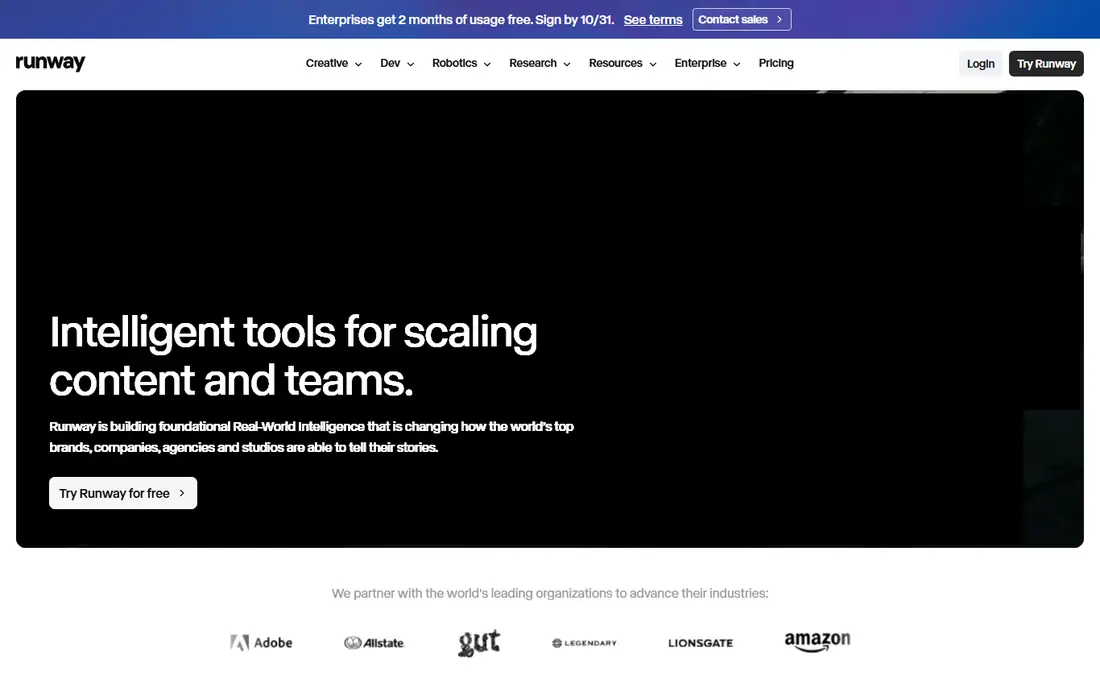
Runway is the tool most filmmakers reach for when they want control rather than a single lucky clip. Its Gen-4 models support text-to-video and image-to-video with camera direction, scene building, and editing tools that fit a production workflow better than a simple prompt box. If you plan shots, iterate on motion, and care about consistency across clips, Runway gives you more to work with than most rivals.
Cost is the catch. The Standard plan starts at $15 per month, or $12 per month billed annually, and flagship model generations use many credits per second, so a few seconds of top-quality footage can use a large share of a monthly allowance. Treat Runway as a craft tool for selected shots, not as a cheap way to generate long videos, and budget for re-rolls.
- Strong camera and editing controls
- Gen-4 models suit film-style work
- One-time free credits to try it
- Credits drain fast on flagship models
- Free plan is limited to a one-time allowance
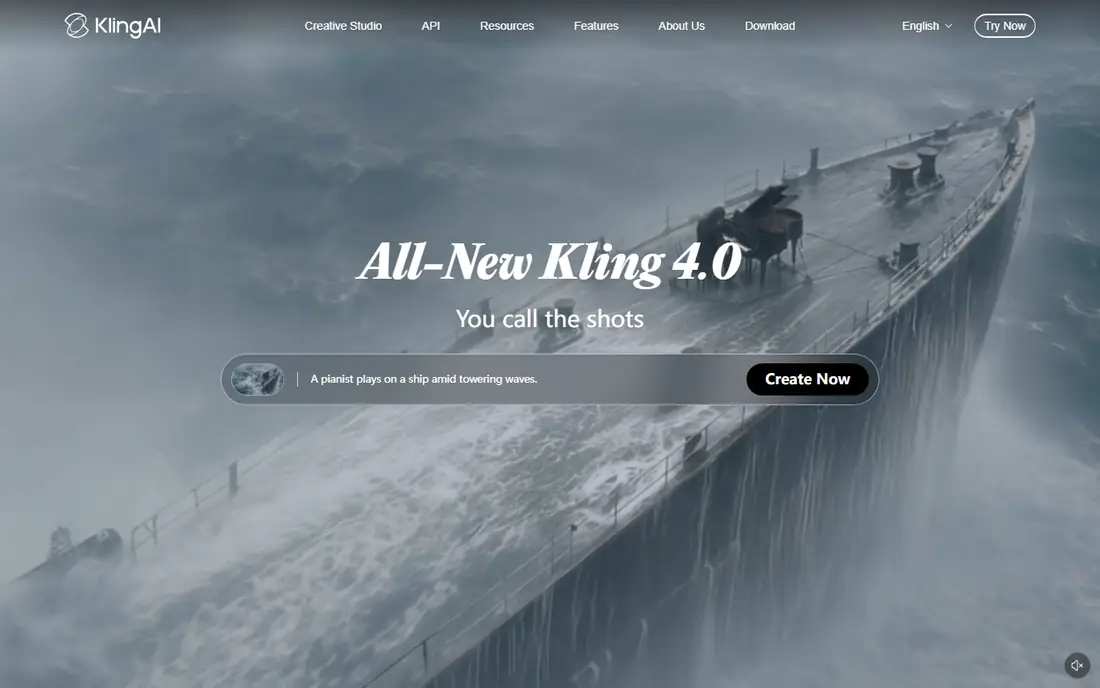
Kling is a favorite for creators who want realistic people and movement without paying Runway prices. Its paid Standard plan starts around $6.99 per month, and the model handles image-to-video well, which helps when you already have a strong still image and want to bring it to life. For short social clips, product shots, and character movement, Kling offers good value.
The free tier is useful for testing, not for business output, since free clips carry a watermark and lack a commercial license. Paid watermark removal and higher quality tiers also cost more credits, so check the plan details for the resolution and audio settings you actually need. For personal projects and paid social work on a budget, Kling is a smart second tool alongside a free option.
- Low paid entry price
- Strong motion and image-to-video results
- Daily free credits on the basic tier
- Free output is watermarked and not for commercial use
- High resolution and audio raise credit cost
Pika suits creators who want a fast clip for a feed rather than a film scene. It is built for short, effect-driven video, and its interface is simpler than Runway or Kling, which makes it a good first tool for beginners. The paid Starter plan starts at $8 per month billed annually, with higher plans adding more credits and, on Creator plans, commercial use.
The trade-off is quality ceiling and rights. Pika clips are shorter and less cinematic than Veo or Runway output, and free generations are not a business asset. If you post daily social content and need volume over polish, Pika fits. If you need a hero ad or a film sequence, spend your credits on Flow, Kling, or Runway instead.
- Quick, playful generations for social feeds
- Low paid entry price
- Simple interface for beginners
- Free tier is limited and watermarked
- Commercial use starts on higher paid plans
HeyGen is the best choice when a person needs to present on camera but you do not want to film. You type a script, pick an avatar, and get a presenter video in many languages, with translation tools that can adapt an existing video for new markets. That makes it useful for training, product explainers, sales outreach, and localized marketing, where filming the same script many times would be slow and costly.
Pricing is credit-based, so read the plan carefully. The Creator plan starts at $24 per month billed annually, or $29 month to month, and different avatar models use different amounts of credit per minute. The free plan gives a small number of watermarked videos per month, which is enough to test quality and lip sync, but not enough for regular publishing. For presenter-led content, HeyGen is more practical than any cinematic generator.
- Large avatar library and voice cloning
- Video translation across many languages
- Free plan to test presenter video
- Free plan allows only a few watermarked videos per month
- Credit use varies by avatar model
Synthesia is built for companies that need consistent training videos without a studio. Teams can turn documents and scripts into presenter videos with the same avatar and style across a whole course, update a script without refilming, and produce versions in different languages. For onboarding, compliance, and product training, that repeatability matters more than cinematic flair.
The entry Starter plan starts at $18 per month billed annually, or $29 month to month, and video is metered by the minute, so long courses need a larger plan. The free Basic plan offers a small monthly allowance with a watermark, which is fine for a test but not for staff training. If your goal is polished internal video at scale, Synthesia is the safer corporate pick. If you want marketing flair, HeyGen is usually more flexible.
- Large presenter avatar library
- Templates for training and onboarding
- Governance features for larger teams
- Basic free plan is limited and watermarked
- Per-minute pricing adds up for long courses
Luma Dream Machine is a good tool for fast visual thinking. You can turn a prompt or image into a short cinematic clip in minutes, test a camera move or mood, and decide whether an idea deserves a larger production effort. For creators who brainstorm in video rather than in stills, that speed is the point.
The catch is that Luma has changed its free and paid structure more than once, and older pricing articles no longer match the current page. We list the starting price as See website for that reason, and you should check the current plan, free allowance, and watermark rules before you rely on it for client work. Use Luma for ideas and short experiments, and confirm commercial terms before publishing.
- Fast generations for visual ideas
- Strong cinematic look for short clips
- Useful for storyboarding and social tests
- Pricing and free limits change often, so check the current plan
- Longer or higher quality output costs more
Adobe Firefly appeals to brands and agencies that care about rights and workflow as much as output. It is built to sit alongside Photoshop, Premiere Pro, and other Creative Cloud tools, and Adobe positions Firefly output for commercial use, which reduces the licensing worry that comes with free tiers elsewhere. For teams already paying for Adobe, Firefly video is a natural add-on rather than a separate subscription to manage.
The downside is metering and scope. Firefly video draws on Adobe credits, and the amount of video you get depends on the plan, so heavy video users may need a larger plan than a still-image user. It is also less suited to long cinematic sequences than a dedicated model. For brand work, social ads, and Creative Cloud teams, though, Firefly is a practical and lower-risk choice.
- Designed for commercial use with Adobe tools
- Integrates with Creative Cloud workflows
- Limited free daily generations
- Video features are tied to Adobe credit plans
- Less cinematic range than Veo or Runway for some prompts
How we picked these
We compared official pricing pages, help pages, and recent vendor announcements for tools that are actively available in October 2026, and we excluded tools that had shut down or lost their free consumer access. We favored tools with a real free tier or trial, a clear commercial license path, and a distinct use case, rather than listing eight similar cinematic models. Where pricing was unclear or had changed recently, we wrote See website rather than repeating an outdated figure.
How to choose without wasting credits
Start by naming the video type you need most. Presenter and training videos belong in HeyGen or Synthesia, social effects belong in Pika, and cinematic b-roll belongs in Flow, Runway, Kling, or Luma. That single choice saves more money than any plan comparison, since the wrong category will burn credits on output you cannot use.
Then test with the free tier and count takes, not just clips. Generate the same prompt three times, note how many tries produce a usable result, and multiply that by your monthly video goal to estimate real credit use. Check watermark and commercial terms at the same time, since a free clip you cannot legally post for business is not really free. Once you know your take rate, pick the cheapest plan that covers it, and keep a second free tool for experiments.
Frequently asked questions
What are the best free ai video generation apps?
Google Flow is the strongest free option for realistic short clips, thanks to its daily credit allowance, followed by Kling and Pika for testing motion and social effects. Free plans usually watermark output, limit length, or block commercial use, so they suit practice and personal projects best. For business posts, a paid plan is usually required.
What is the best free ai video generation tool for beginners?
Pika and HeyGen are the easiest to learn, since both use simple prompts or scripts rather than complex camera controls. Pika suits quick social clips, while HeyGen suits presenter videos from a written script. Try both free plans and pick the one whose output style matches the videos you actually want to publish.
What is the best ai video generation platform for marketing?
HeyGen and Synthesia suit presenter-led marketing and training, while Runway and Google Flow suit cinematic ads and b-roll. The best platform depends on whether a person needs to speak on camera or the footage needs to sell a mood. Many teams use one avatar tool and one cinematic tool together.
Can I use free AI video tools for commercial work?
Sometimes, but not always, and the answer depends on the tool and plan. Some free tiers allow commercial use with limits, while others, such as Kling free, are non-commercial and watermarked. Always check the license on the vendor site for the plan you are on before using a clip in an ad, a client project, or a monetized channel.
Why do AI video plans use credits instead of unlimited video?
Video generation uses heavy computing, and a single clip may take several tries to get right, so vendors meter output by seconds, resolution, and model quality. Credits let them price that computing use, but they also make costs hard to predict. Track your takes per usable clip to estimate your true monthly cost.
Which AI video tool is best for long videos?
None of these tools is ideal for a long finished film, since cinematic models generate seconds at a time and avatar tools charge by the minute. For longer content, generate short scenes or presenter segments, then assemble them in a video editor. HeyGen and Synthesia handle longer presenter scripts better than cinematic generators handle long scenes.
Sources
- https://www.krea.ai/blog/best-free-ai-video-generators-in-2026
- https://www.heygen.com/blog/free-ai-video-generators
- https://dev.to/stimlau/best-ai-video-generator-for-marketing-in-2026-7-tools-tested-157c
- https://labs.google
- https://www.runwayml.com
- https://www.klingai.com
- https://www.pika.art
- https://www.heygen.com
- https://www.synthesia.com
- https://www.lumalabs.ai
- https://www.adobe.com
See where you really rank - block by block
ProMapRanker scans Google Maps across a grid of your service area. Simple monthly plans from $19, white-label on every plan.
Start freeKeep reading
 zoom alternatives
Best Zoom Alternatives in 2026
Compare Zoom alternatives in 2026, with free meeting limits and prices, so you can pick the best alternative to Zoom for your team, class, or community.
Read → which software is best for remote work
Which Software Is Best for Remote Work in 2026
Answering which software is best for remote work, we compare Slack, Zoom, Asana, Notion, Teams and more, with pricing and honest tradeoffs in 2026 now.
Read → which ai tool is best for content writing
Which AI Tool Is Best for Content Writing in 2026
Wondering which ai tool is best for content writing? We compare ChatGPT, Claude, Jasper, Grammarly, and more on price, quality, and best use in 2026 now.
Read →