 ProMapRanker
Best AI Video Enhancer App in 2026


Serious restoration and upscaling · Pricing starts at: $299 per year
Key takeaways
- Topaz Video is our pick for serious restoration work, with the deepest set of specialist models.
- HitPaw VikPea and AVCLabs give most home users a simpler route to 4K upscaling.
- Remini and CapCut suit phone-first users who want quick fixes, not a desktop project.
- No enhancer recovers detail the camera never recorded, so judge results on your own clips first.
- Cloud credits, hardware needs, and export limits change the real cost more than the headline price.
Quick comparison
| Pick | Great for | Pricing starts at | Free tier | |
|---|---|---|---|---|
| Topaz Video | Serious restoration and upscaling | $299 per year | Free trial | Visit |
 HitPaw VikPea | Easy desktop enhancement | $99.99 per year | Free trial | Visit |
 AVCLabs Video Enhancer AI | Batch upscaling to 4K and 8K | See website | Yes | Visit |
 Remini | Quick face and photo-style fixes on a phone | $9.99 per week | Free trial | Visit |
 CapCut | Social video with built-in enhancement | See website | Yes | Visit |
 Wondershare Filmora | Editing plus AI upscaling in one app | $79.99 per year | Free trial | Visit |
 VideoProc Converter AI | General users and archival clips | $59.95 per year | Free trial | Visit |
 UniFab Video Upscaler AI | Simple AI upscaling for beginners | See website | Free trial | Visit |
The best ai video enhancer apps
These tools cover desktop suites, batch processors, and phone apps. Start with the kind of clip you have and the device you will use, then narrow by price.
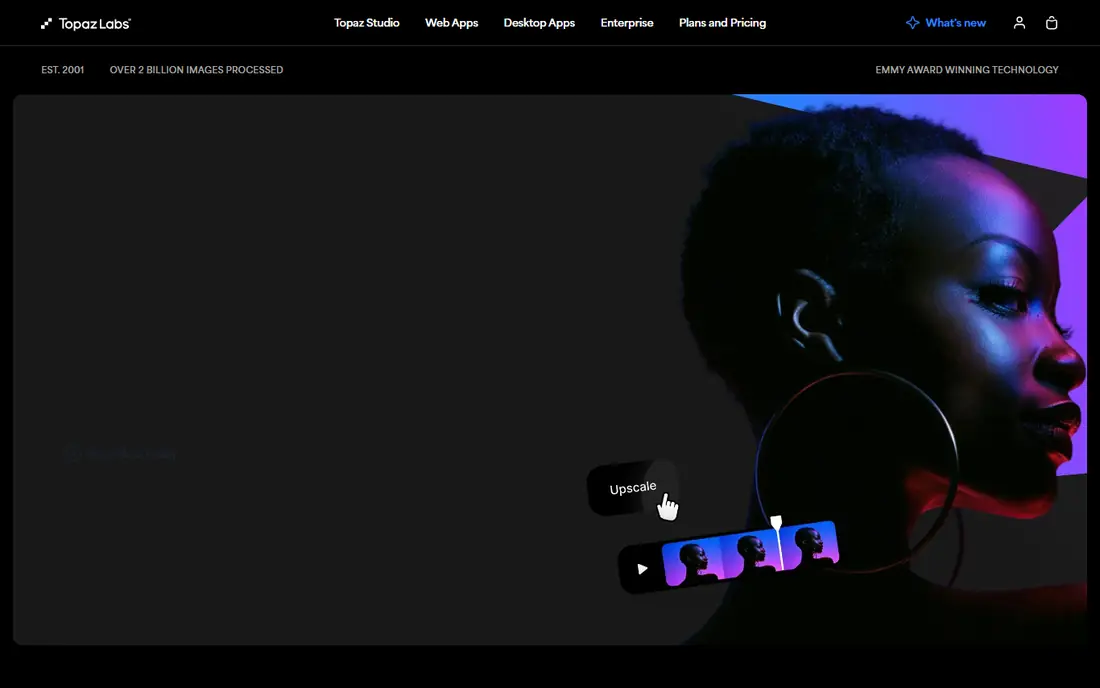
Topaz Video is the tool professionals reach for when a clip has several problems at once. Different models handle noise, faces, compression damage, and old interlaced footage, so you can pick a model for the actual damage instead of applying one general pass. Local processing also means you are not paying per clip once you hold a subscription, which matters for a large archive.
The cost is real in both money and time. The yearly price is the highest here, and slow hardware turns a short clip into a long wait. If you enhance video often, or you restore old footage for clients, Topaz earns its price. If you only clean up a few phone clips a year, a cheaper tool will do the job.
- Broad library of specialist models for noise, faces, and interlacing
- Local processing on your own machine
- Frame interpolation and stabilization included
- High yearly price
- Needs a capable computer for reasonable speed
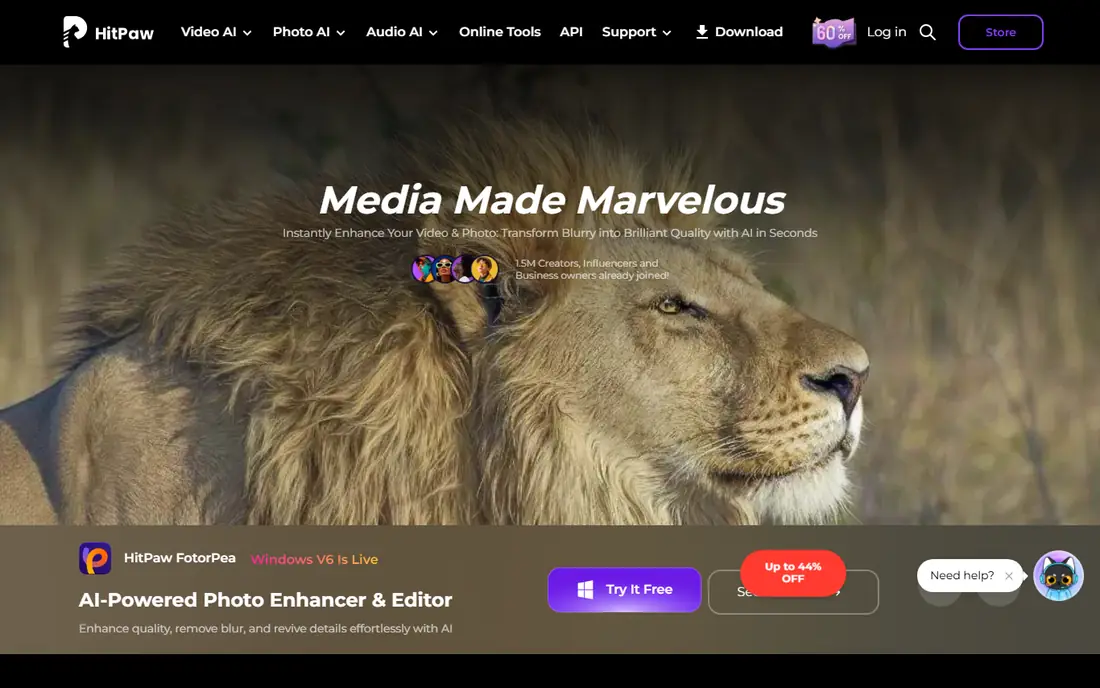
HitPaw VikPea is built for users who want a clear result without learning a specialist tool. You import a clip, pick a model that matches the content, preview the change side by side, and export up to 8K. The portrait and animation models are useful because faces and cartoons fail in different ways, and a general model often treats both the same.
The honest limit is depth. On mildly soft or noisy clips, VikPea looks very good. On heavily compressed or archival footage with several faults, Topaz gives more control and often a cleaner result. For most home and small business use, VikPea hits a good balance of price, ease, and quality.
- Simple workflow with preview before export
- Models for general, portrait, and animation clips
- Colorization and stabilization options
- Quality on very damaged footage trails Topaz
- Some features sit behind higher tiers
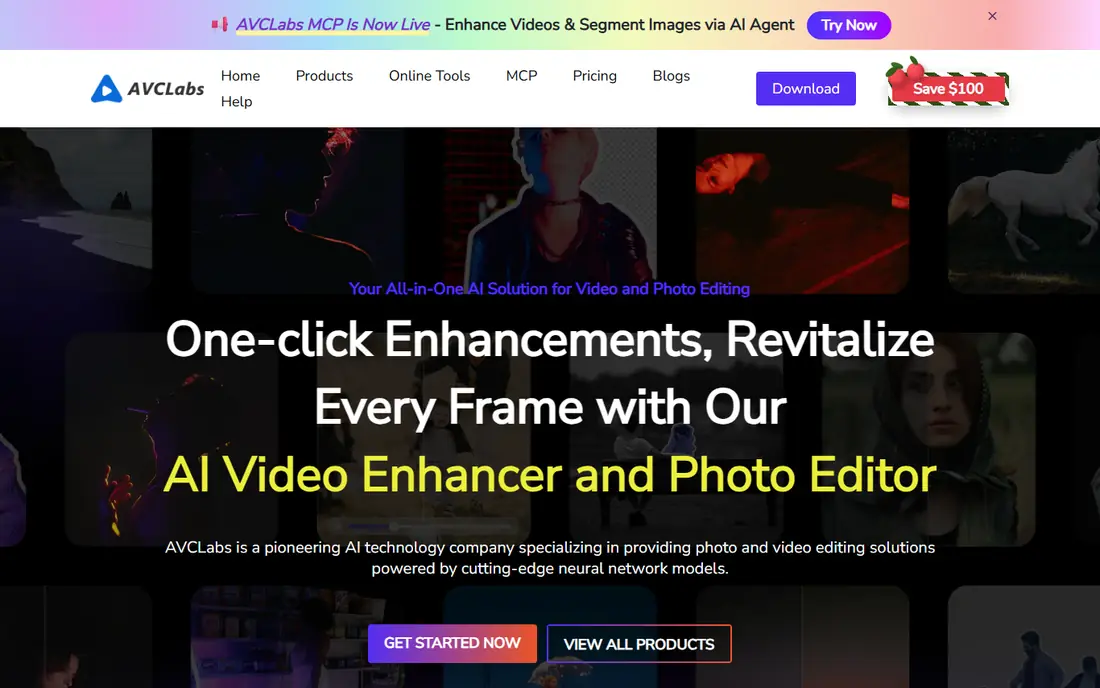
AVCLabs suits users with a folder of clips to fix rather than one precious file. It upscales to 4K and 8K, reduces blur, restores faces, and steadies shaky footage, and you can queue several clips at once. A free plan lets you check the quality on your own material before paying, which we recommend for every tool on this list.
The main watch-out is product packaging. AVCLabs sells its enhancer and its blur tool separately, so check which plan covers the job you need. The interface also feels more functional than friendly, but if batch output matters more than looks, that trade is easy to accept.
- Upscaling, blur reduction, face restoration, and stabilization in one tool
- Free plan to try
- Batch processing for many clips
- Separate products for enhancement and face blurring
- Interface is less polished than the leaders
Remini became known for face restoration, and that strength carries over to short video clips where faces matter most. Open the app, pick a clip, and get a sharper version in minutes without touching a desktop editor. For restoring a family clip or improving a talking-head video, that speed is hard to beat.
Two limits matter. First, weekly billing is expensive if you leave a subscription running, so treat Remini as a short project tool and cancel when done. Second, processing happens in the cloud, so your clips leave your phone. Avoid it for sensitive material you would not want uploaded.
- Very fast results on faces and old photos
- Simple phone app
- No desktop hardware needed
- Weekly pricing adds up fast
- Cloud processing means uploading your clips
CapCut is not a pure enhancer, and that is its appeal. If you already edit social video in CapCut, its enhancement and upscaling tools sit inside the same timeline, so you can fix a clip and publish it without exporting between apps. The free tier is generous for casual use, and the template library speeds up short-form work.
The catch is that CapCut is a general editor first. Its enhancement is good for social clips viewed on a phone, but it does not offer the model-by-model control of Topaz for restoration work. If your goal is a polished archive master, use a dedicated tool. If your goal is a better-looking post today, CapCut is the fastest route.
- Free tier covers basic editing and enhancement
- Huge template and effects library
- Phone and desktop versions
- Best results need a Pro subscription
- Cloud features mean uploads for some tools
Filmora is a sensible middle path for creators who edit and enhance in the same project. You get a complete timeline editor, AI upscaling for soft clips, and a large library of effects and titles, all in an interface that beginners can learn quickly. That combination suits YouTube creators and small teams who do not want two separate apps.
The trade is quality ceiling. Filmora improves a clip well, but it does not match Topaz on hard restoration jobs. Treat it as an editor with a useful enhancer, not as a restoration suite, and you will be happy with what it does for the price.
- Full editor with AI upscaling built in
- Friendly for beginners
- Effects, titles, and audio tools included
- Upscaling quality is good rather than best in class
- Subscription needed for full export options
VideoProc Converter AI is a practical pick for general users who want upscaling without a steep price or a steep learning curve. It handles conversion, basic editing, and AI upscaling in one app, and its yearly price undercuts most desktop rivals. For family archives and general clips, that value is hard to ignore.
The limit is specialization. With fewer models to choose from, a clip with mixed damage may not get the tailored treatment Topaz offers. Still, if your clips are mostly soft or low resolution rather than heavily damaged, VideoProc gives you most of the visible improvement for much less money.
- Lower yearly price than most desktop rivals
- Upscaling plus conversion and basic editing
- Good speed on supported hardware
- Smaller model library than Topaz
- Interface feels dated in places
UniFab focuses on doing one job clearly: take a low resolution clip and produce a sharper, higher resolution version. The workflow is simple enough for a first-time user, and related UniFab tools cover denoising and other fixes if you need them. That clarity suits someone who wants a result, not a new hobby.
The watch-out is bundling. UniFab sells several video tools, and the plan you pick decides which ones you get, so read the plan details before paying. Power users will also miss the fine tuning that Topaz offers, but beginners may prefer UniFab precisely because it does not ask for those decisions.
- Straightforward upscaling workflow
- Separate tools for related jobs such as denoising
- Good for first-time users
- Pricing varies by product bundle, so check what your plan covers
- Fewer advanced controls than Topaz
How we picked these
We compared official feature and pricing pages, app store listings, and public reviews for tools that enhance existing video rather than generate new clips. We kept only tools that exist and work in October 2026 and that truly upscale, denoise, stabilize, or restore footage. Where a price could not be verified on the vendor site at the time of writing, we wrote See website. We did not claim hands-on testing we did not do, and we treated vendor claims about quality with care, since results depend on the source clip.
How to choose the right enhancer
Start with your source material. A modern phone clip that is slightly soft needs a different tool than a 480p archival tape with noise, interlacing, and compression damage. For the first case, a phone app or a general editor is enough. For the second, a desktop tool with specialist models is worth the price and the wait, because a general pass often sharpens noise along with detail.
Check the real cost before you pay
Headline prices hide the details that matter. Some tools charge yearly, some weekly, and some charge cloud credits on top of a subscription. Check whether exports are watermarked on a trial, whether a free plan limits resolution or length, and whether your computer meets the hardware needs for local processing. A short trial on your own worst clip is the best test, and it costs nothing but time.
Set honest expectations for the result
AI enhancement creates plausible detail, it does not recover detail the camera never recorded. That distinction matters for faces, text, and license plates, where a sharper-looking result can still be wrong. Judge output paused at full size, not just in motion, and keep the original file untouched so you can compare and retry with a different model if the first pass looks artificial.
Frequently asked questions
What is the best free AI video enhancer app?
CapCut and AVCLabs both offer free options that work for casual clips, and most desktop tools offer a free trial with preview. Free tiers usually limit export quality, length, or features, so a free tool is best for testing quality or fixing a few short clips, not for a large archive.
Can AI video enhancers really turn 480p into 4K?
They can produce a 4K file from a 480p source, and the result often looks cleaner and sharper than the original. The added detail is estimated by the model, not recovered from the source, so fine text and faces may look plausible without being accurate. Judge the result on your own clips before relying on it.
Do I need a powerful computer for AI video enhancement?
For desktop tools such as Topaz Video, yes, a capable graphics card makes a large difference to speed. Phone and cloud tools avoid that need by processing on a server, but they require uploading your clips and may charge per video or per credit. Check the hardware guidance on the vendor page before buying.
Is Topaz Video worth the price?
For frequent restoration work or professional use, yes, because its model library and local processing suit hard jobs that cheaper tools handle less well. For occasional cleanup of phone clips, a cheaper tool such as HitPaw VikPea or VideoProc gives most of the visible benefit for less money.
Which AI video enhancer is best for old family videos?
Topaz Video is the strongest pick for old, damaged footage, thanks to models for noise, interlacing, and faces. If the budget is tight, try VideoProc or AVCLabs first on a sample clip, since old footage varies a lot and the best model depends on the damage in your specific tapes.
Sources
See where you really rank - block by block
ProMapRanker scans Google Maps across a grid of your service area. Simple monthly plans from $19, white-label on every plan.
Start freeKeep reading
 best rank tracking software
Best Rank Tracking Software in 2026
Searching for the best rank tracking software? We compare 8 tools for daily keyword tracking, local rankings, client reports, and competitor checks in 2026.
Read → best platform for ecommerce website
Best Platform for Ecommerce Website in 2026
Find the best platform for ecommerce website builds in 2026. We compare Shopify, WooCommerce, BigCommerce, Wix and more on price, fees and scale for stores.
Read → best math apps
Best Math Apps in 2026: 8 Apps Compared
Find the best math apps for homework, revision, and deeper study in our 2026 comparison of 8 free and paid solvers, courses, and visual tools for students.
Read →