 ProMapRanker
5 Best AI Video Editor for Social Media Marketers in 2026

Script and asset to video · Pricing starts at: $12.50 a month, billed annually
Direct answer
Start with Pictory if you need script and asset to video. Listed starting prices: Pictory from $12.50 a month, billed annually, InVideo AI from $4 per seat/mo, billed yearly and Descript from $16 per person a month. If your case is different, InVideo AI suits prompt-driven video creation and Descript suits Transcript-based editing and repurposing. Prices, free plans and limits for all 5 tools follow.
ProMapRanker compared 5 AI video editor for social media marketers. The goal is a practical shortlist: published prices, free plan facts, best-fit use cases and honest limits for every entry.
Key takeaways
- Number one here is Pictory, a fit for script and asset to video.
- CapCut is the one to check for everyday short-form social editing.
- For the cheapest start, look at InVideo AI: $4 per seat/mo, billed annually.
- Before buying Pictory, weigh this: scene planning still needs human review.
Quick comparison
| Pick | Great for | Pricing starts at | Free tier | |
|---|---|---|---|---|
| Pictory | Script and asset to video | $12.50 a month, billed annually | Free trial | Visit |
 InVideo AI | Prompt-driven video creation | $4 per seat/mo, billed yearly | Not stated | Visit |
 Descript | Transcript-based editing and repurposing | $16 per person a month | Yes | Visit |
 HeyGen | Personal avatar videos at scale | $29 per month | Yes | Visit |
 CapCut | Everyday short-form social editing | See website | Yes | Visit |
Our 5 AI video editor for social media marketers

Pictory makes the most sense for script and asset to video. Automatic scene planning benefits from careful review and may not match a precise creative brief.
Best features of Pictory: AI agent plans scenes for review.
Entry price for Pictory: $12.50 per month, billed annually. Free plan details: Free trial. What to check first: Less suited to complicated manual edits.
- Review and refine workflow
- Start from script, URL
- Scene planning still needs human review
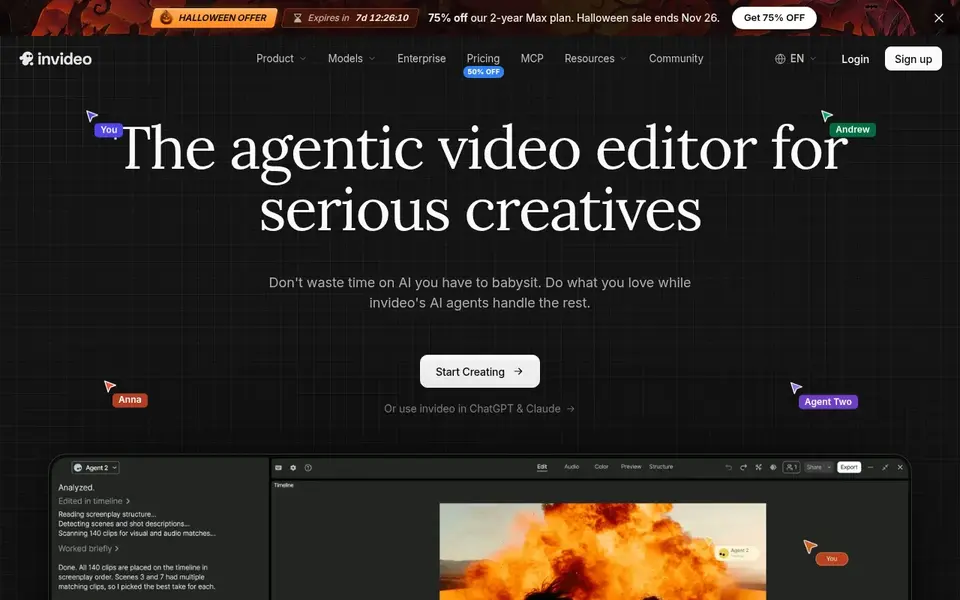
InVideo AI was built for prompt-driven video creation. Prompt-led creation can mean less precise control over timing and detail than manual editing.
The main drawbacks: Less manual control over fine details.
Beyond that, InVideo AI positions itself as an editor for creating videos without limits, with an agent-assisted workflow. The starting price for InVideo AI: $4 per seat/mo, billed annually. Trial and free access: Not stated.
- Build and edit videos from prompts
- Aimed at producing videos without limits
- Output style relies on prompt quality
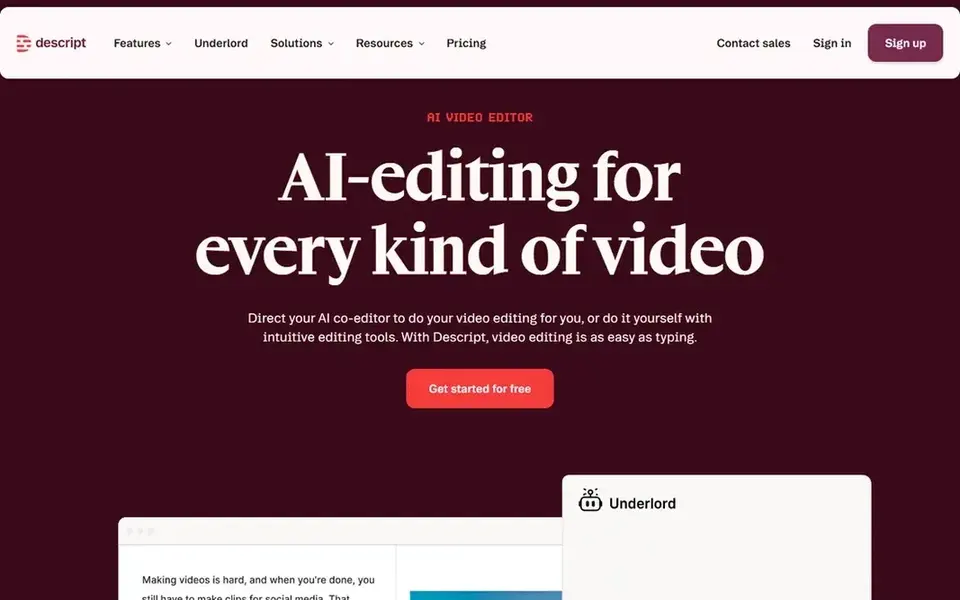
Where Descript fits: Transcript-based editing and repurposing. Descript is an AI video and audio editor that makes editing feel like editing a document.
Where it falls short: Text-first workflow may not suit visual effects work.
Also, teams needing frame-level visual control should consider a traditional editor instead. Descript cost at the entry level: $16 per person per month. You can start on Descript without paying.
- Publish from the same workspace
- Recording and transcription in one tool
- Less suited to complicated multi-track editing

HeyGen is designed for personal avatar videos at scale. HeyGen produces AI videos built around a personal avatar that uses your face and voice, so you can produce consistent presenter content without filming every video.
Drawbacks to consider: Style may not fit every brand voice.
The starting price for HeyGen: $29 per month. You can start on HeyGen without paying.
- Confident delivery
- Build videos without filming each time
- Avatar approach limits raw footage editing
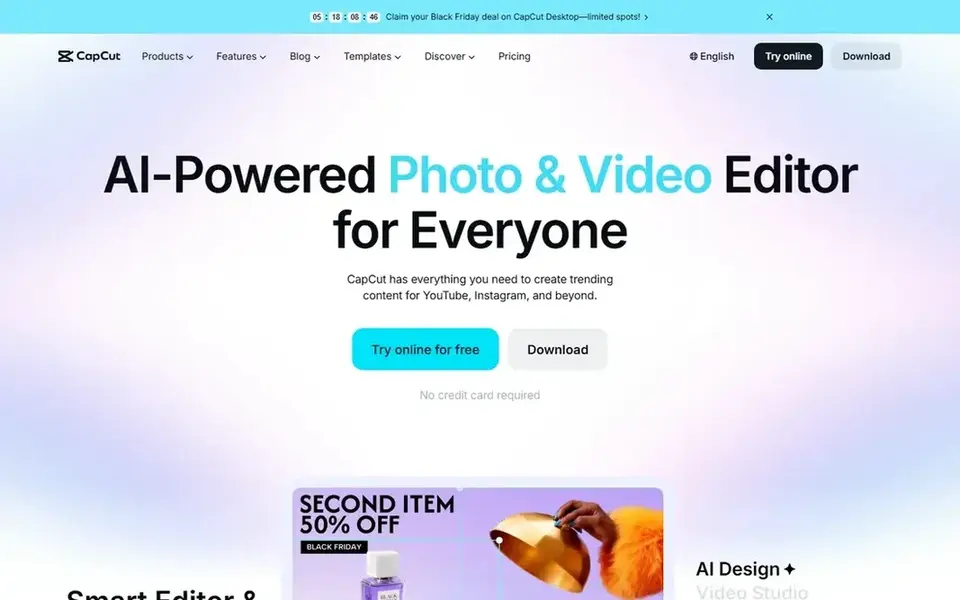
CapCut is built with everyday short-form social editing in mind. CapCut is an AI video editor aimed at creating and editing videos for products for example YouTube and Instagram.
What CapCut does well: Smart templates and creative effects.
Its template-driven approach can feel constrained when a project needs deep manual control or in-depth audio work. Check the vendor site for CapCut pricing; none is listed in this comparison. A free plan is available with CapCut.
Where it falls short: Advanced control is restricted for complicated projects.
- AI-powered editing tools
- Desktop
- Feature set varies by system
How the list was put together
ProMapRanker looked at what each vendor publishes: pricing, plan limits, feature coverage for AI video editor for social media marketers and stated drawbacks. No hands-on testing is claimed. Figures are shown as the vendors publish them. Billing terms, seat minimums and add-ons can change the real cost. Position on the page reflects fit for a typical buyer first, with price clarity and free access breaking ties. Treat it as a guide, not a ruling.
What to confirm before you sign up
- Get a written quote from CapCut; the list shows no starting price for them.
- Read the fine print on the free plans from Descript, HeyGen and CapCut; seat, project and feature caps differ.
- Use real work to test the free trial from Pictory, rather than a demo project.
- Before choosing Pictory, weigh its main limit: scene planning still needs human review.
- Verify that exporting from Pictory is possible on your plan and covers all your records.
- Run a one or two week pilot of InVideo AI with the people who will use it every day.
Frequently asked questions
How are the tools for AI video editor for social media marketers ordered?
Pictory sits first and CapCut last because the order follows typical fit for AI video editor for social media marketers, then price clarity and free access. It is a judgement call, so read each profile for fit and limits.
What should marketers check before choosing a tool?
Confirm system support and export formats, the level of manual control you need, localization coverage and how the tool deals with captions and branding.
Can I try these tools before paying?
Often, yes. Descript, HeyGen and CapCut have a free plan and Pictory offers a free trial. Use your own data and a real task during the test, and check what the free tier or trial limits before you rely on it.
Which AI video editor is a good match for fast social media clips?
Pictory comes first here and is built for script and asset to video. Buyers with other needs may prefer InVideo AI (for prompt-driven video creation) or Descript (for Transcript-based editing and repurposing). Compare costs and limits first.
Is Pictory the right pick for everyone comparing AI video editor for social media marketers?
No single tool suits every team. Pictory comes first because it fits script and asset to video, while InVideo AI suits prompt-driven video creation and Descript suits Transcript-based editing and repurposing. Match the tool to your own size, budget and workflow before deciding.
Which options for AI video editor for social media marketers have a free plan?
On this list, Descript, HeyGen and CapCut include a free plan. Caps on seats, usage or features are common, so test the free plan against your real workload. One other tool offers a trial instead.
Sources
See where you really rank - block by block
ProMapRanker scans Google Maps across a grid of your service area. Simple monthly plans from $19, white-label on every plan.
Start freeBrowse all guides
← 6 Best Time to Post on All Social Media Platforms for 20266 Strong Influencer Marketing Platforms for Brands in 2026 →
 best social media marketing software for enterprise
Best Social Media Marketing Software for Enterprise Options (2026)
Best social media marketing software for enterprise in 2026: 5 tools with starting prices, free plans and limits. Plain-spoken summaries throughout. No hype.
Read → best social media management tools for healthcare practices
Best Social Media Management Tools for Healthcare Practices (2026)
6 best social media management tools for healthcare practices, compared on pricing, free plans and best-fit use. Real limits included. Checked this month.
Read → best social media crisis monitoring tools for pr teams
6 Best Social Media Crisis Monitoring Tools for PR Teams for 2026
Best social media crisis monitoring tools for PR teams in 2026: 6 contenders with entry costs and free tiers. Each profile ends with a plain caveat. No filler.
Read → best ai tools for content creators
Best AI Tools for Content Creators in 2026
Compare the best ai tools for content creators for writing, video, images, and voice, with pricing and honest limits for each tool in 2026 before you subscribe.
Read → alternatives to social media apps
Alternatives to Social Media Apps in 2026
Need alternatives to social media apps? We compare 6 tools on cost, free access and who each suits. Each pick lists its main limit. Reviewed in November 2026.
Read → best reel editing app
Best Reel Editing App in 2026
Compare the best reel editing app for Instagram Reels, from free mobile editors to template tools, with pricing, watermark and export notes and quality.
Read →More in Social Media & Creators · All guides A to Z by date · Latest guides