 ProMapRanker
Best AI Video Editing Platforms for Quick Edits in 2026

Key takeaways
- Opus Clip is the specialist for turning one long video into short clips, while Descript suits editing a full episode by editing its transcript.
- CapCut and Clipchamp are the strongest free starting points for short-form edits, with CapCut stronger on mobile and templates.
- Kapwing and VEED suit small teams who edit together in a browser, while Pictory and InVideo suit turning text or scripts into video.
- Watch how each plan meters you, whether by credits, minutes or videos, because that decides the real monthly cost more than the headline price.
Quick comparison
| Pick | Great for | Pricing starts at | Free tier | |
|---|---|---|---|---|
 CapCut | Mobile and short-form quick edits | $19.99 per month | Yes | Visit |
 Descript | Transcript-based episode editing | $16 per month | Yes | Visit |
 Opus Clip | Long video to short clips | $15 per month | Yes | Visit |
 Kapwing | Browser editing for small teams | $16 per month | Yes | Visit |
 VEED | Browser editing with AI voices | $12 per month | Yes | Visit |
 Pictory | Text and script to video | $25 per month | Yes | Visit |
 InVideo | Template-led marketing video | See website | Yes | Visit |
 Clipchamp | Simple free edits without watermark | $9.99 per month | Yes | Visit |
The best ai video editing platforms for quick edits
We compared these platforms on speed for a quick edit, auto captions, clip generation, export limits, free tier usefulness and the way each plan counts usage.
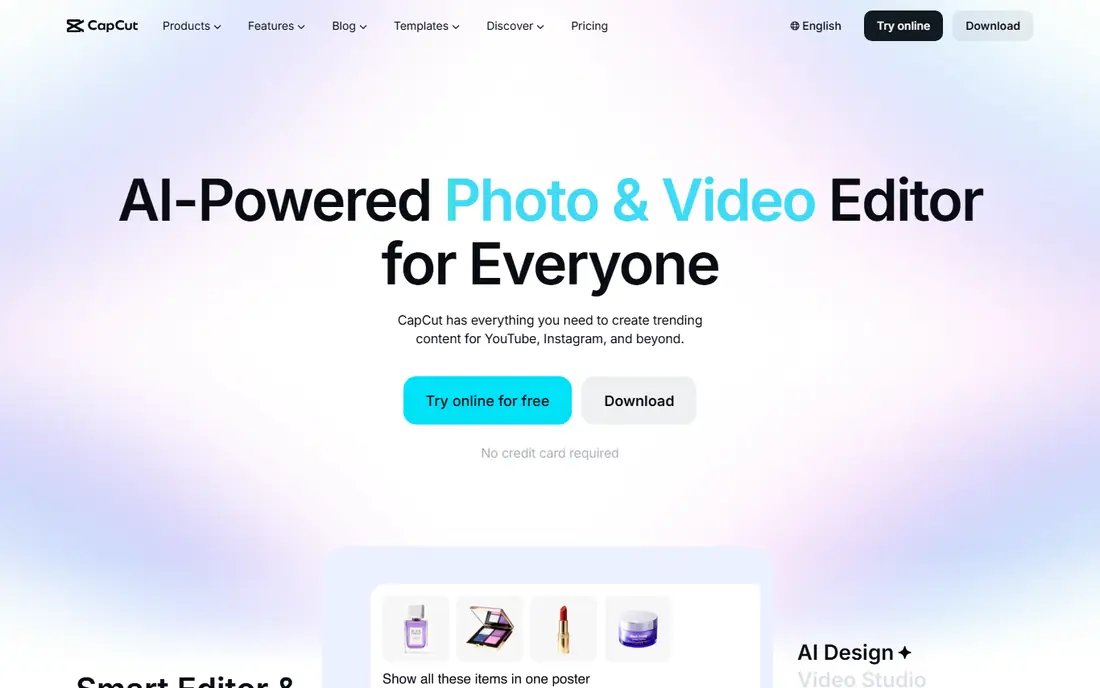
CapCut is the fastest route to a finished short video for many creators, because the free tier covers core editing with 1080p export and no blanket watermark on free exports. Templates, trending effects, auto captions and music help you finish a TikTok or Reel in minutes, and the same project can move between phone and desktop. That combination explains why CapCut is often the first editor a new creator tries.
The limits are in the details. Some templates add a watermark or a branded end clip that you need to remove before export, and Pro pricing varies between the web, app stores and regions, with Pro listed around $19.99 per month or $179.99 per year in recent guides. CapCut also suits short-form polish more than long-form editing or team workflows. For quick social edits, it is hard to beat on free value.
- Strong free tier with 1080p export
- Huge template and effects library
- Mobile and desktop editing
- Pro price varies by store and region
- Templates can add watermarks
- AI features are spread across plans
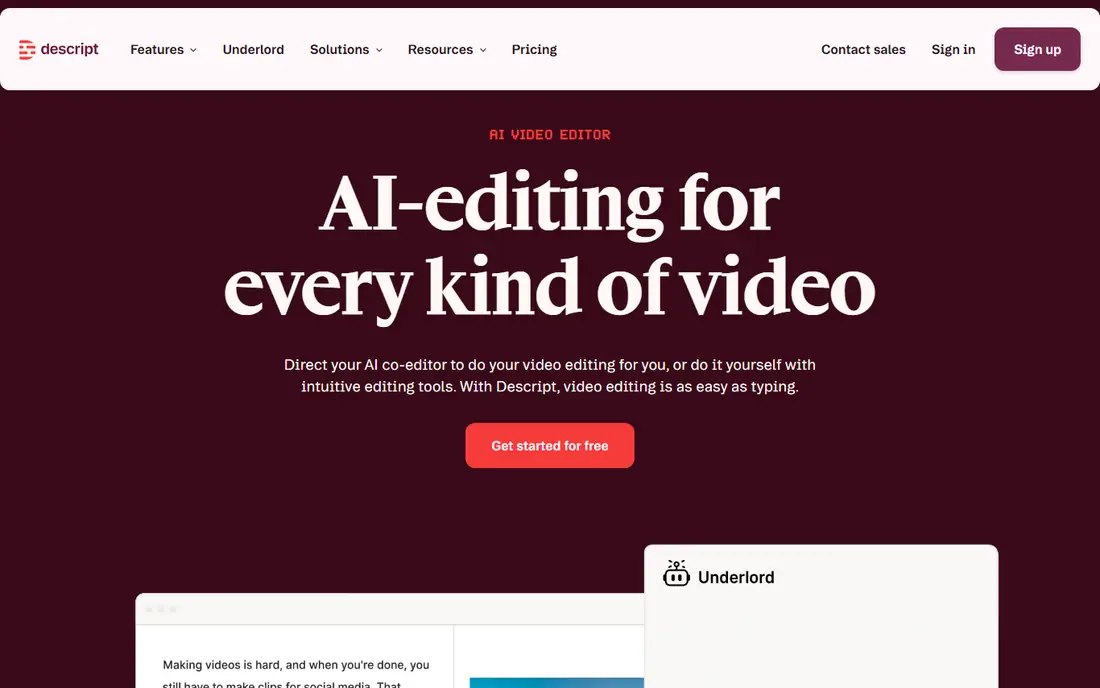
Descript changes the editing job for talking-head video. You edit the transcript, delete a sentence, and the video follows, which makes cutting interviews, podcasts and webinars far faster than scrubbing a timeline. Studio Sound cleans up audio, filler-word removal tidies speech, and the Underlord AI tools help with clips and summaries. For creators who produce long episodes, that workflow is a genuine time saver.
Descript is metered by media hours and AI credits, so a busy month can hit limits even on a paid plan. Free exports are capped at 720p with a watermark, and watermark-free 1080p export starts with Hobbyist at $16 per month billed annually. Descript is not the best pure clipper, but if you edit the full episode as well as clips, it earns its place.
- Edit video by editing text
- Strong filler removal and Studio Sound
- Good for podcasts and interviews
- Free exports are 720p and watermarked
- Media hours and AI credits cap every tier
- Clip generation is not its main job
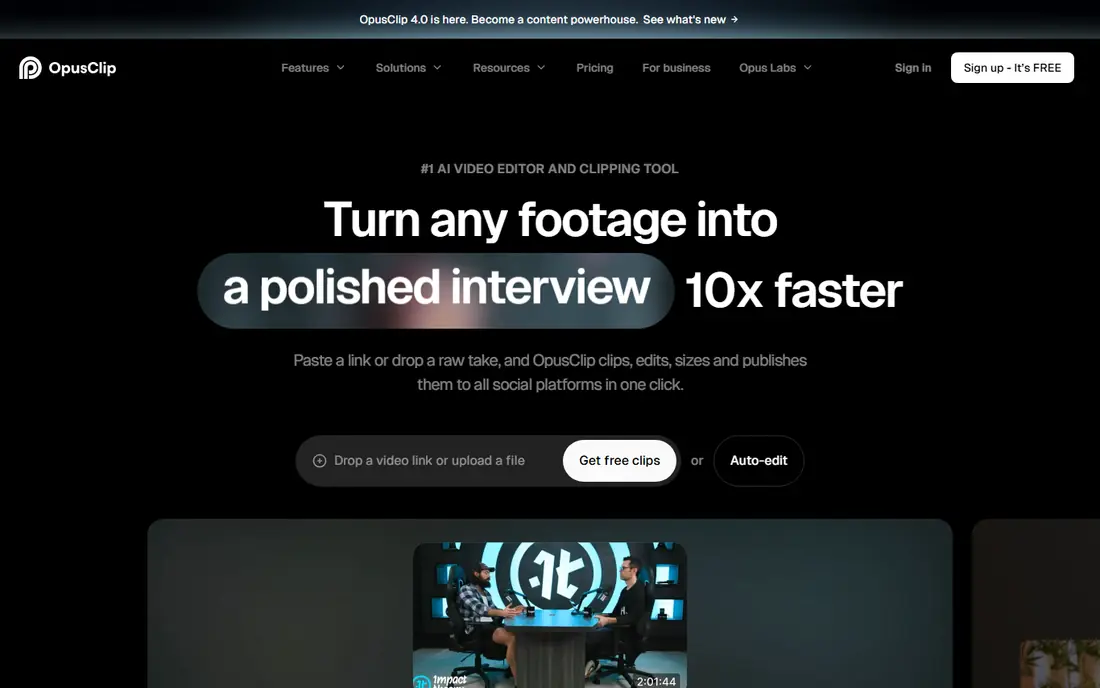
Opus Clip does one job well: it watches a long video, picks moments that may work as shorts, adds captions and reframes them for vertical platforms. One credit covers one minute of source video on recent pricing, and the free plan offers 60 credits a month with watermarked exports that stop being exportable after three days. Starter at $15 per month suits a creator clipping one episode a week, while Pro adds more credits and formats.
The trade-off is control. Opus Clip is not a full editor, so a clip that needs restructuring, extra footage or a custom intro still needs work in another tool. Credit costs also rise quickly if you process long streams or several episodes a month. For creators whose main job is turning long video into daily shorts, Opus Clip is the specialist pick.
- Automatic highlight picking
- Virality scoring
- Auto captions and reframing for vertical video
- Free clips are watermarked with a short export window
- Credit per minute adds up
- Editing control is limited
Kapwing suits small teams who need to edit together without installing software. The browser editor covers trimming, subtitles, templates, resizing and AI tools, and shared projects make review and handover simpler than passing files around. Pro at $16 per member per month billed annually adds more credits, longer exports and watermark-free output, which is the level most regular teams need.
The free plan is for trying the tool, not for a regular workflow, with watermarked exports, lower resolution and limited export minutes. Credit counting also needs care, because different AI actions draw on the same pool in ways that are not always obvious until you use them. Kapwing fits teams who value collaboration and browser access over a specialist clipper or a desktop editor.
- Full browser editor
- Team collaboration
- Subtitles, templates and AI tools in one place
- Free exports are limited and watermarked
- Credit system can be confusing
- 120-minute ceiling on some plans
VEED is an all-round browser editor with strong AI extras. Auto subtitles, translation, dubbing, AI voices and avatar presenters sit alongside a multi-track timeline, screen recording and brand kits, so a marketing team can produce a captioned, translated video without leaving the browser. Creator plans are listed from around $12 per user per month billed annually in recent guides, with higher tiers adding more AI credits and team controls.
Free exports carry a watermark and lower resolution, so the free plan is a trial rather than a publishing workflow. AI credits on some plans do not roll over and cannot always be topped up, which means a heavy AI month can hit a wall. VEED fits teams who use subtitles, translation or avatars every week, not just occasionally.
- Browser timeline with auto subtitles
- AI voices, avatars and translation
- Team features on paid plans
- Free exports are watermarked
- AI credits do not roll over on some plans
- Entry price varies by billing
Pictory suits creators who start with words, not footage. Paste a script or article, and Pictory builds a video from stock footage, captions and AI voiceover, which you can then trim and restyle. That workflow helps bloggers, course creators and marketers turn written content into social video without filming anything. Starter is listed at $25 per month billed annually, with Professional and Team tiers adding more videos and features.
Pictory is not a camera-footage editor or an avatar tool, so creators who film themselves will get more from CapCut, Descript or VEED. Annual rates also differ sharply between tiers, so check whether monthly or annual billing suits your volume before you pay. For script-to-video work, Pictory is a clear, focused pick.
- Turns scripts and articles into video
- Stock footage library
- Captions and AI voiceover included
- Annual pricing is uneven across tiers
- No presenter or avatar video
- Editing control is template-led
InVideo helps marketers and small businesses produce polished video quickly from templates, without learning a full editor. Choose a template, swap in your text, images and branding, and use AI tools to generate or shorten a video for social, ads or presentations. Stock media on paid plans removes the need to source footage separately, which saves time for teams without a video library.
Pricing and plan limits for InVideo have changed often, so check the current pricing page rather than relying on an older guide, and treat any price quoted here as a starting point only. Free exports carry a watermark, and deep timeline editing is thinner than in a dedicated editor. InVideo fits template-led marketing video, not complex documentary or podcast editing.
- Large template library
- AI text-to-video tools
- Stock media included on paid plans
- Pricing and limits change often
- Free exports are watermarked
- Advanced editing is limited
Clipchamp is the simplest free pick in this list for a basic edit. The free tier exports at 1080p without a watermark, which is rare among free browser editors, and the timeline covers trimming, text, transitions and stock media without a steep learning curve. Premium features arrive through Microsoft 365 Personal at around $9.99 per month, which also covers other Microsoft apps if you already use them.
Clipchamp does not match Descript for transcript editing, Opus Clip for auto clipping or VEED for AI voices, so creators who need those features should look elsewhere. It also ties Premium to a Microsoft subscription, which may not suit everyone. For a quick, clean edit with no watermark and no cost, Clipchamp is the easiest starting point.
- Free 1080p export without watermark
- Simple timeline
- Included with Microsoft 365 Premium
- AI features are thinner than rivals
- Premium needs a Microsoft 365 plan
- Less suited to auto clipping
How we picked these
We compared official pricing pages, product documentation and recent pricing guides checked in October 2026, focusing on platforms that are still active, offer a free tier or trial and can finish a short edit without a long learning curve. We favoured platforms with a distinct strength, whether that is auto clipping, transcript editing, browser collaboration or script-to-video, rather than listing many similar editors. We did not claim hands-on testing, and we flagged where pricing varies by billing period or store.
How to pick for a quick edit workflow
Start with the source you actually have. If you film long episodes, start with Opus Clip for clips and Descript for the full edit. If you start with a script, start with Pictory or InVideo. If you film short clips on your phone, start with CapCut or Clipchamp. Matching the tool to the source saves more time than any single AI feature.
Next, test with one real project on a free tier before you pay. Export the finished video, check resolution, watermark, caption accuracy and file size, and time how long the edit took. A tool that looks fast in a demo can slow down on your footage, your accent or your format, so a real project test matters more than a feature list.
Finally, check the meter. Note whether a plan counts credits, minutes, videos or seats, whether unused allowance rolls over and what happens when you hit the limit mid-month. A cheap plan that caps you at ten minutes of export is not cheap if you publish daily, and a higher plan with a clear meter can be better value for a regular creator.
Frequently asked questions
What are the best ai video editing tools for quick edits?
For quick edits, CapCut and Clipchamp suit simple short-form work, Opus Clip suits turning long video into shorts, and Descript suits editing talking-head episodes through text. Choose by your source material, then check free tier limits and export quality on a real project.
Is there a free ai video editing platform without a watermark?
Clipchamp offers free 1080p export without a watermark, and CapCut offers free 1080p export with no blanket watermark, though some templates can add one. Descript, Kapwing, VEED and Opus Clip watermark free exports, so budget for a paid plan if you publish regularly.
What is the best ai video editing platform for social media clips?
Opus Clip is the strongest specialist for social clips from long video, with auto highlight picking, captions and vertical reframing. CapCut is stronger for filming and polishing short clips yourself, with templates and effects that suit TikTok and Reels.
Can AI video editors replace a human editor?
For quick, routine edits, AI tools can save a lot of time, especially on captions, clipping and cleanup. For story structure, pacing, brand judgement and complex projects, a human editor still makes the decisions that matter, and AI output should be reviewed before publishing.
How much do ai video editing platforms cost?
Free tiers cover trial use in most cases, while paid entry plans in this list range from around $10 to $25 per month, depending on billing period and plan. Credit, minute and video caps can add cost for heavy users, so check the meter, not just the headline price.
Which platform is best for teams?
Kapwing and VEED suit small teams editing together in a browser, with shared projects, brand kits and team controls on paid plans. Check seat pricing, credit sharing and export limits before choosing, because team costs rise with each seat and each AI action.
Sources
See where you really rank - block by block
ProMapRanker scans Google Maps across a grid of your service area. Simple monthly plans from $19, white-label on every plan.
Start freeKeep reading
 best crm software for startups
Best CRM Software for Startups in 2026
We compared the best crm software for startups on price, free plans, and setup time, so founders can choose a simple tool that grows with their growing team.
Read → best content marketing tools
Best Content Marketing Tools in 2026
Compare the best content marketing tools for 2026, with SEO research, writing, design, scheduling, and analytics, to build a stack that fits your team size.
Read → best collaboration tools for remote teams
Best Collaboration Tools for Remote Teams in 2026
Compare the best collaboration tools for remote teams in 2026, with pricing, free plans, and picks for chat, meetings, docs, and project work for US teams.
Read →