 ProMapRanker
Best CRM Software for Startups in 2026


Startups that want sales and marketing in one place · Pricing starts at: Free
Key takeaways
- HubSpot, Zoho CRM, Freshsales, Attio, and Capsule all offer a free starting point, which matters when cash is tight in the early months.
- Pipedrive and Close suit sales-led startups best, because the pipeline and calling tools sit at the center of the product.
- Per-user pricing adds up fast, so count every seat, including part-time help, before you pick a paid plan.
- The cheapest plan is not always the best value, since automation, reporting, and support often sit on higher tiers.
Quick comparison
| Pick | Great for | Pricing starts at | Free tier | |
|---|---|---|---|---|
| HubSpot CRM | Startups that want sales and marketing in one place | Free | Yes | Visit |
 Pipedrive | Sales-led teams that live in the pipeline | $14 per user per month | Free trial (14 days) | Visit |
 Zoho CRM | Startups that want strong value per dollar | Free | Yes | Visit |
 Freshsales | Small teams that call and email prospects | $9 per user per month | Yes | Visit |
 Close | Outbound teams that rely on calls and SMS | $9 per user per month | Free trial (14 days) | Visit |
 Attio | Startups that want a flexible, modern workspace | Free | Yes | Visit |
 Capsule CRM | Small teams that want a simple contact system | Free | Yes | Visit |
 Copper | Teams that run their work inside Gmail | $9 per user per month | Free trial (14 days) | Visit |
The best CRM software for startups
Startups need a CRM that is easy to set up, cheap to start, and able to grow without a painful move later. The eight tools below meet that test in different ways, and we weighed free plans, paid starting prices, pipeline tools, and email and calendar links.
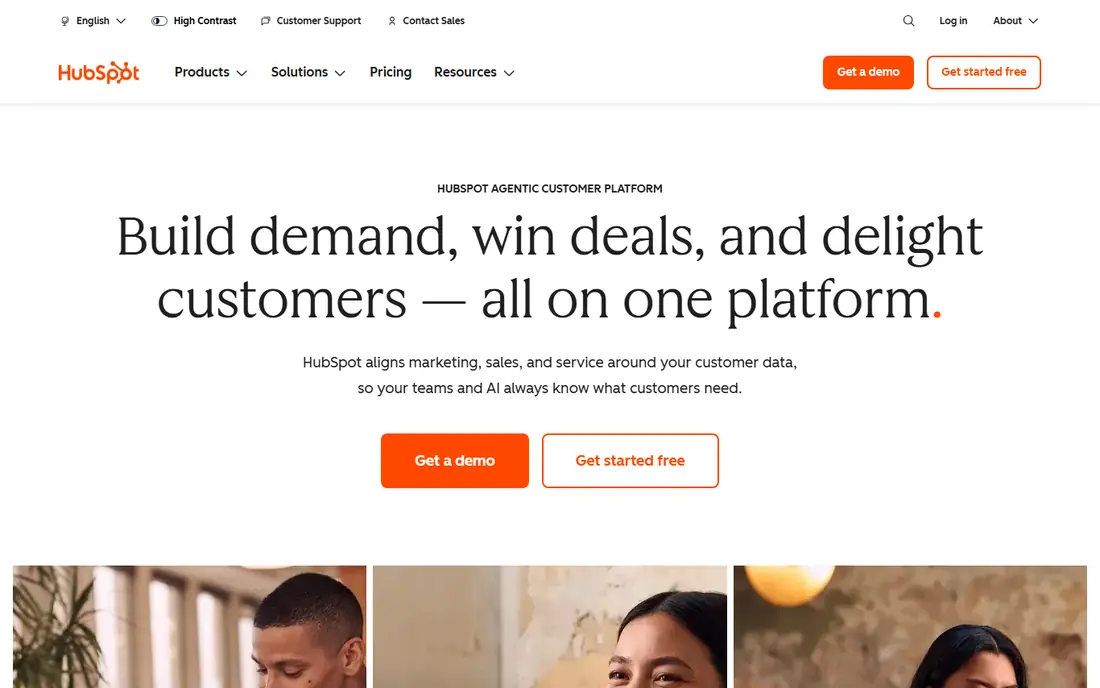
HubSpot gives a new company a real place to start without a card. Contacts, companies, deals, tasks, forms, and meeting scheduling sit in the free CRM, and a two-person founding team can run on it for months. The shared record is the main draw, since marketing activity and sales notes live on the same contact instead of in two separate tools.
The catch shows up when a startup needs real automation. Sequences, stronger workflows, and custom reporting sit on paid Sales Hub tiers, and the step up to Professional is steep. Our advice is plain: start free, learn what your team actually uses, and pay only when a paid feature saves clear time or closes clear deals.
- Generous free CRM
- Shared contact record across sales and marketing
- Guided setup for new teams
- Automation and reporting jump sharply in price on higher tiers
- Costs can grow with marketing contacts
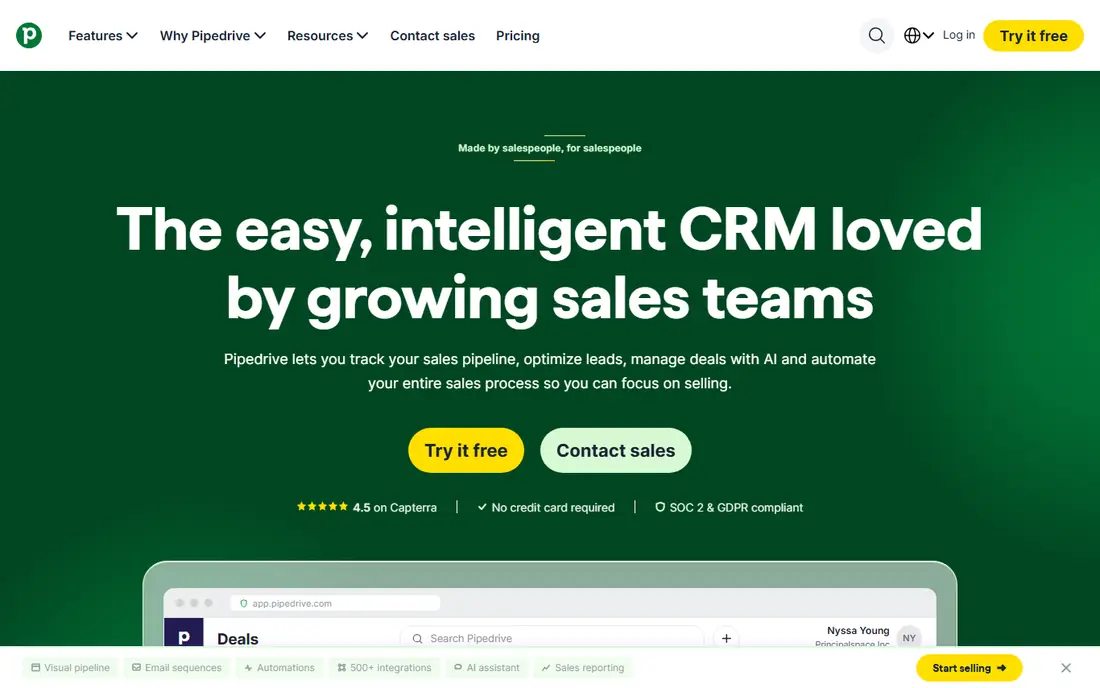
Pipedrive keeps the focus where a sales-led startup needs it, on the next step for each deal. Deals move across a visual board, activities attach to each deal, and reminders reduce the chance that a warm lead sits untouched for a week. Founders who sell every day tend to like this directness, since the tool does not ask them to learn a marketing suite first.
What it lacks is breadth. Email marketing, deep reporting, and complex automation are not its strengths, and teams that need those jobs may need a second tool. If selling is the main job, though, Pipedrive is a strong, focused pick that a small team can learn in a day or two.
- Clear visual pipeline
- Activity reminders keep deals moving
- Simple setup for sales teams
- No free plan
- Marketing tools are thinner than in all-in-one suites
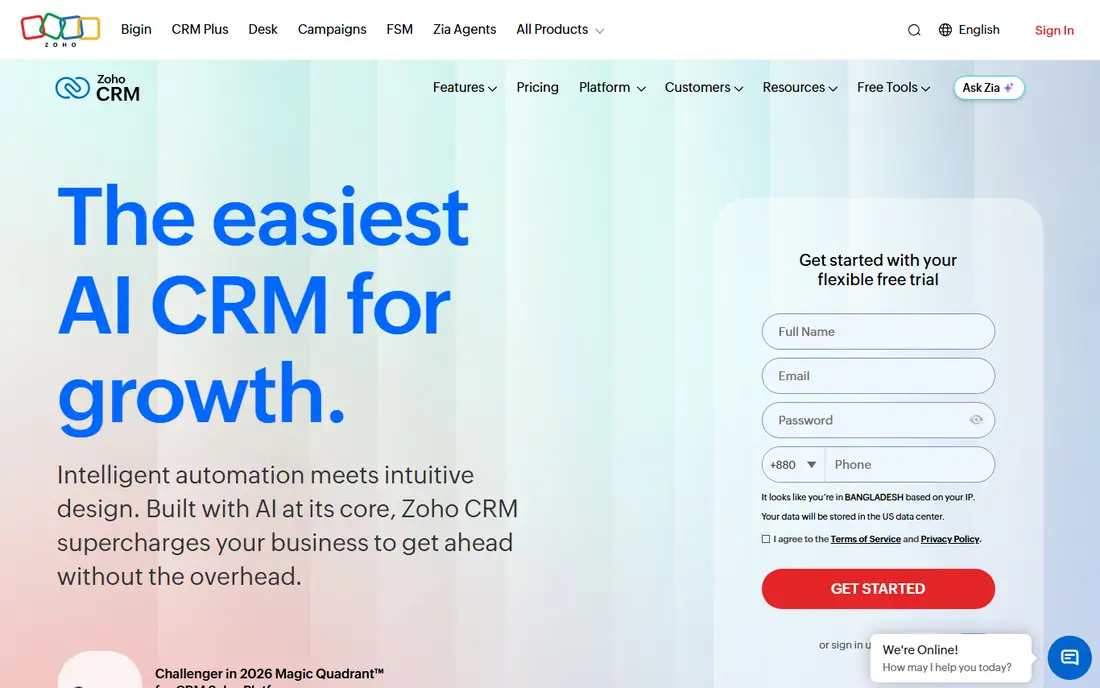
Zoho CRM packs a lot into its lower tiers, which is why it appeals to startups watching every dollar. The free plan covers up to three users, and paid Standard starts at a low per-user price with workflow rules, scoring, and reporting that some rivals reserve for higher tiers. Teams that already use other Zoho apps get extra value, since the apps share data and sign-in.
The trade-off is polish. The interface carries many options, and a new user can feel lost among menus, modules, and settings. Spend an afternoon on setup, hide the modules you do not need, and Zoho becomes a capable, low-cost home for contacts, deals, and follow-up work.
- Free plan for up to 3 users
- Wide feature set at low paid prices
- Strong automation on paid tiers
- Interface can feel busy at first
- Setup takes more care than simpler tools
Freshsales suits teams that spend their days on calls and in inboxes. Phone, email, and chat sit inside the CRM, so a rep can call a lead, log the outcome, and send a follow-up without switching apps. Lead scoring helps a small team decide who to call first, which matters when the list is longer than the day.
Limits appear on the free tier, where the feature set is basic and some useful tools stay behind a paywall. Still, the paid starting price is low, and the Growth tier adds a solid set of sales tools without forcing a startup into enterprise pricing. For a team of three to ten sellers, that balance is hard to beat.
- Built-in phone, email, and chat
- AI lead scoring on paid tiers
- Fast setup for small teams
- Free plan is basic
- Advanced AI features need higher tiers or add-ons
Close was built for teams that pick up the phone. Calling and SMS live inside the product, call logs attach to leads, and the workflow pushes a rep from one call to the next with little clicking. Outbound startups that run call blocks will feel the difference at once, since the tool removes the usual copy and paste between a dialer and a CRM.
Marketing-led startups may find it narrow. It does not try to be a full marketing suite, and its reporting and email tools are simpler than those in larger platforms. If your growth comes from outbound calls and texts, Close earns its place. If it comes from content and ads, look at a broader suite first.
- Built-in calling and SMS
- Power dialer on higher tiers
- Clean pipeline for outbound work
- No free plan
- Weaker for marketing teams than for outbound sellers
Attio feels different from older CRMs, and that is the point. Records, lists, and attributes bend to fit the way a startup actually works, whether it tracks companies, deals, investors, or hiring pipelines in the same workspace. The free plan covers up to three seats, which lets a founding team test the model before paying.
The honest weakness is cost at scale and breadth. Paid plans rise quickly as seats grow, and some niche integrations that older CRMs offer may be missing or newer. For a small, product-minded team that values flexibility over a huge app catalog, Attio is a fresh and capable choice.
- Free plan for up to 3 seats
- Flexible data model for custom objects
- Modern, fast interface
- Paid tiers are pricey for larger teams
- Smaller integration catalog than older rivals
Capsule keeps things calm. Contacts, tasks, and a single sales pipeline sit in a clean layout, and a new user can grasp the whole product in one sitting. The free plan covers up to two users with 250 contacts, which suits a solo founder or a tiny team that needs order without a learning curve.
Growth brings limits. The contact cap on the free plan bites early for teams that import a large list, and marketing automation depends more on linked tools than on built-in power. Capsule is best for teams that want a tidy system of record and are happy to add other tools for campaigns.
- Free plan for up to 2 users
- Simple pipeline and contact views
- Quick onboarding
- Free plan caps contacts at 250
- Marketing automation is limited
Copper lives where many startups already live, in Gmail and Google Workspace. Emails, calendar events, and Drive files link to contacts and deals, and the Chrome extension lets a rep update a record without leaving the inbox. That closeness to Google tools saves real admin time for teams that never open Outlook.
The limit is just as clear. Teams outside Google Workspace get less of the benefit, and the per-user price adds up for larger groups. Copper also lacks some of the depth found in larger CRM suites. For a Gmail-first startup, though, it is one of the most natural fits on this list.
- Deep Gmail and Google Workspace links
- Automatic contact capture from email
- Simple pipeline views
- No free plan
- Best value only for Google Workspace teams
How we picked these
We compared official pricing pages, free plan limits, and published feature lists for CRM tools aimed at small and early-stage teams. We favored tools with a free plan or a low paid starting price, a clear pipeline, and email or calendar links that a small team can use on day one. We left out enterprise-only suites and tools that no longer offer a workable starting tier for startups.
What to check before you pay
Start with the free plan or trial, and import a real slice of your contacts, not a tidy test list. Watch how long it takes to log a call, move a deal, and find a past note, since those three actions fill most CRM days. Check the limits that matter to you, such as contact caps, automation limits, and the number of pipelines, before you commit to a year.
Count the full cost, not just the headline seat price. Add any phone minutes, AI credits, onboarding fees, and extra seats for founders who only check in now and then. Finally, test the mobile app if your team works away from a desk, and confirm that the CRM links cleanly to your email, calendar, and any form or billing tool you already use.
Frequently asked questions
Which CRM is best for startups?
It depends on how you sell. HubSpot suits teams that want sales and marketing together, Pipedrive suits pipeline-led sellers, and Zoho CRM suits teams that want the most features for the lowest paid price. Start free where you can, and switch only when a paid feature clearly earns its cost.
What is the best free CRM for startups?
HubSpot offers the most generous free CRM on this list, with contacts, deals, tasks, and forms at no cost. Zoho CRM is free for up to three users, Attio is free for up to three seats, and Capsule is free for up to two users with a contact cap. Pick the free plan that fits your team size and contact count.
Which CRM tools are best for startups on a tight budget?
Zoho CRM, Freshsales, and Close all start paid plans at low per-user prices, and HubSpot, Attio, and Capsule all offer free starting points. Compare the total yearly cost for your whole team, since a low seat price still grows with every hire.
Which CRM platforms are best for startups that sell by phone?
Close and Freshsales lead here, since calling and SMS sit inside the product rather than in a separate dialer. Pipedrive also works well for phone-led teams when paired with a calling integration. Test call logging and follow-up reminders during the trial.
How many seats should a startup buy?
Buy seats only for people who update records daily, and check whether founders or advisers can use a free viewer or a limited role instead. Many startups overspend by buying a seat for everyone in the company, when only the sales and support team needs full access.
Sources
See where you really rank - block by block
ProMapRanker scans Google Maps across a grid of your service area. Simple monthly plans from $19, white-label on every plan.
Start freeKeep reading
 best employee onboarding software
Best Employee Onboarding Software in 2026
We compared the best employee onboarding software in 2026 for new employees, from simple HR tools to global platforms, to help you pick by team size today.
Read → best ecommerce platform for small business
Best Ecommerce Platform for Small Business in 2026
We compared the best ecommerce platform for small business options on price, selling features, fees, and ease of use, so you can launch a store that grows.
Read → best content marketing tools
Best Content Marketing Tools in 2026
Compare the best content marketing tools for 2026, with SEO research, writing, design, scheduling, and analytics, to build a stack that fits your team size.
Read →