 ProMapRanker
Best Content Marketing Tools in 2026

Key takeaways
- No single tool covers research, writing, design, distribution, and measurement well, so most teams need a small stack, not one app.
- Semrush and Ahrefs cover research and competitor insight, while Buffer and Hootsuite cover distribution.
- Canva and Grammarly are the cheapest wins for most small teams, since design and editing touch every piece.
- HubSpot makes sense when content must connect to contacts, deals, and email in one CRM.
- Free plans from Semrush, Buffer, Canva, and Grammarly let you test a stack before paying for anything.
Quick comparison
| Pick | Great for | Pricing starts at | Free tier | |
|---|---|---|---|---|
 Semrush | SEO and competitor research | Free | Yes | Visit |
 Ahrefs | Backlinks and content gaps | $29 per month | Yes | Visit |
 HubSpot | Content tied to CRM and email | Free | Yes | Visit |
 Buffer | Simple social scheduling | Free | Yes | Visit |
 Hootsuite | Social management for larger teams | $99 per month | No | Visit |
 Canva | Design for articles and social posts | Free | Yes | Visit |
 Grammarly | Editing and house style | Free | Yes | Visit |
 BuzzSumo | Trending topics and influencer research | See website | No | Visit |
The best content marketing tools for planning, publishing, and measuring in 2026
Content marketing is a chain. Research finds the topic, writing and design turn it into a piece, scheduling puts it in front of people, and analytics show what worked. The tools below each cover one link in that chain well, so use the list to fill gaps in your own process rather than buying every tool at once.
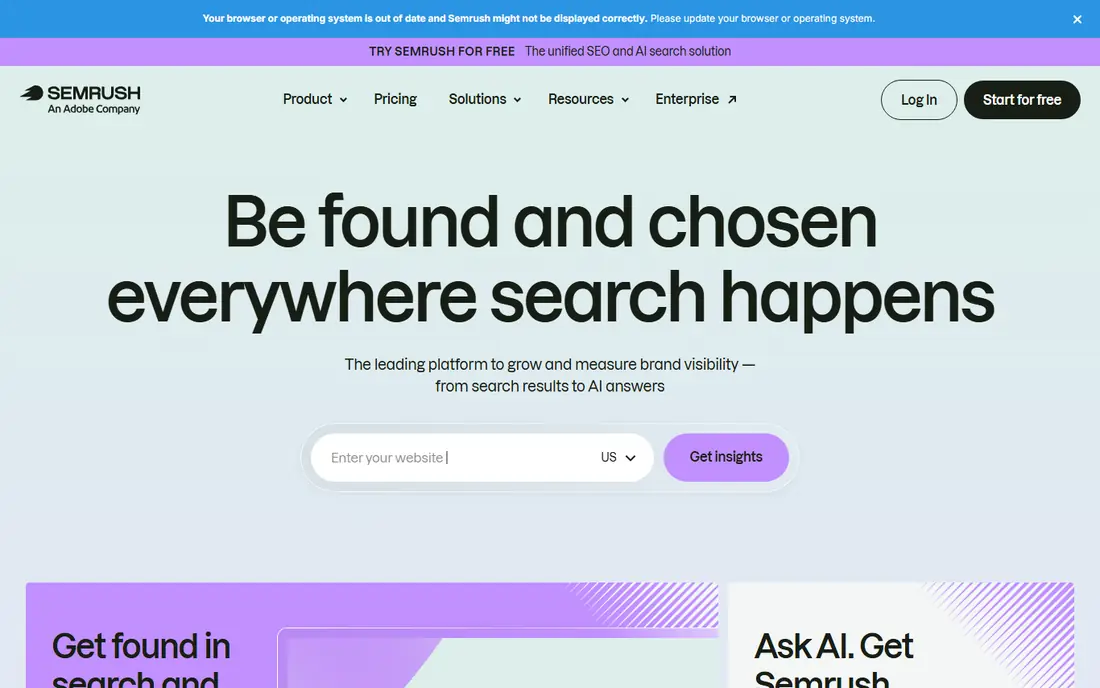
Semrush covers keyword research, competitor traffic, backlink checks, and site audits in one account. The SEO plan costs $139 per month, or $117.33 per month on annual billing, with newer Semrush One plans above that. A free account gives limited reports per day, which is enough to test the interface and check a few keywords before paying. The strength is breadth. You can find what people search for, see which pages already rank, and spot content gaps where a competitor covers a topic you do not. The weakness is price and depth for a solo creator who only needs keyword research. If that is your only job, Ahrefs Starter or a cheaper research tool may be enough, and you can add Semrush later when audits and tracking matter more.
- Broad keyword and competitor data
- Site audit tools
- Free account for limited reports
- Full plans are pricey for solo creators
- Learning curve for new SEO users
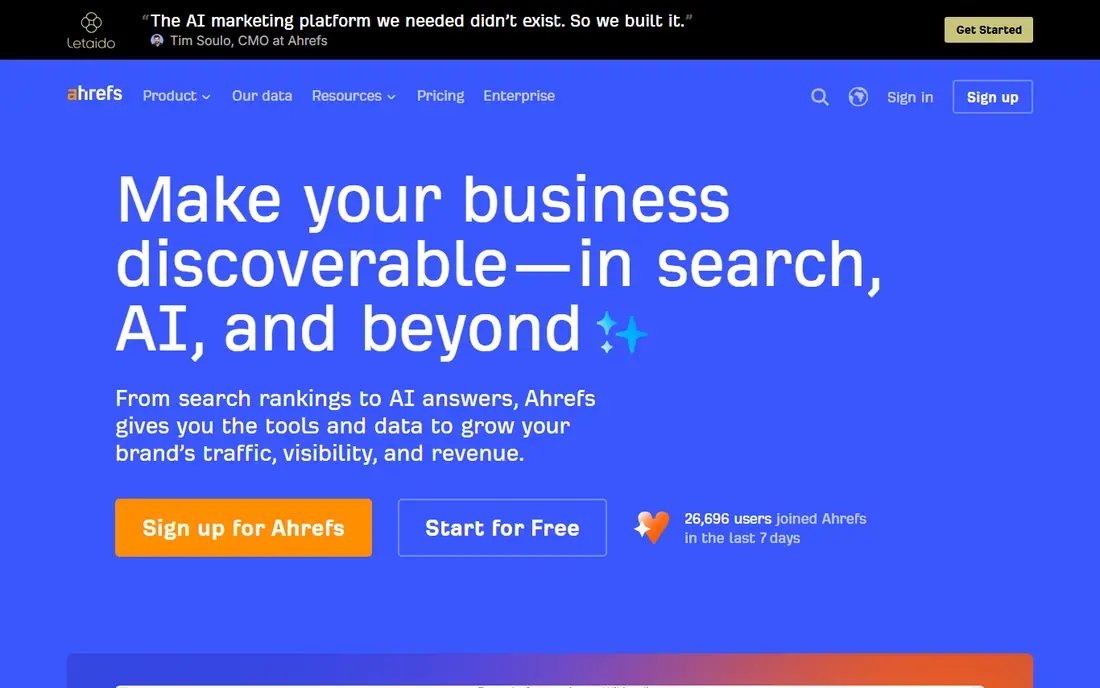
Ahrefs is best known for backlink data, and it pairs that with keyword research, a site audit, and a content gap tool that shows keywords your competitors rank for that you do not. Starter costs $29 per month, Lite costs $129 per month or $108 on annual billing, and Standard costs $249 or $208. Ahrefs also offers free tools for site owners through its Webmaster Tools, which cover audit and backlink basics for your own sites. For content teams, the content gap and top pages reports are the most useful features. They show which topics already earn traffic in your niche, so you can plan pieces with a clearer sense of demand. The limit is cost at scale. Lite is the realistic entry point for a working content team, and the Starter tier is better suited to a solo creator doing light research.
- Strong backlink and SERP data
- Site Audit and rank tracking
- Free tools for site owners
- No free trial on paid plans
- Lite and Standard tiers rise fast in price
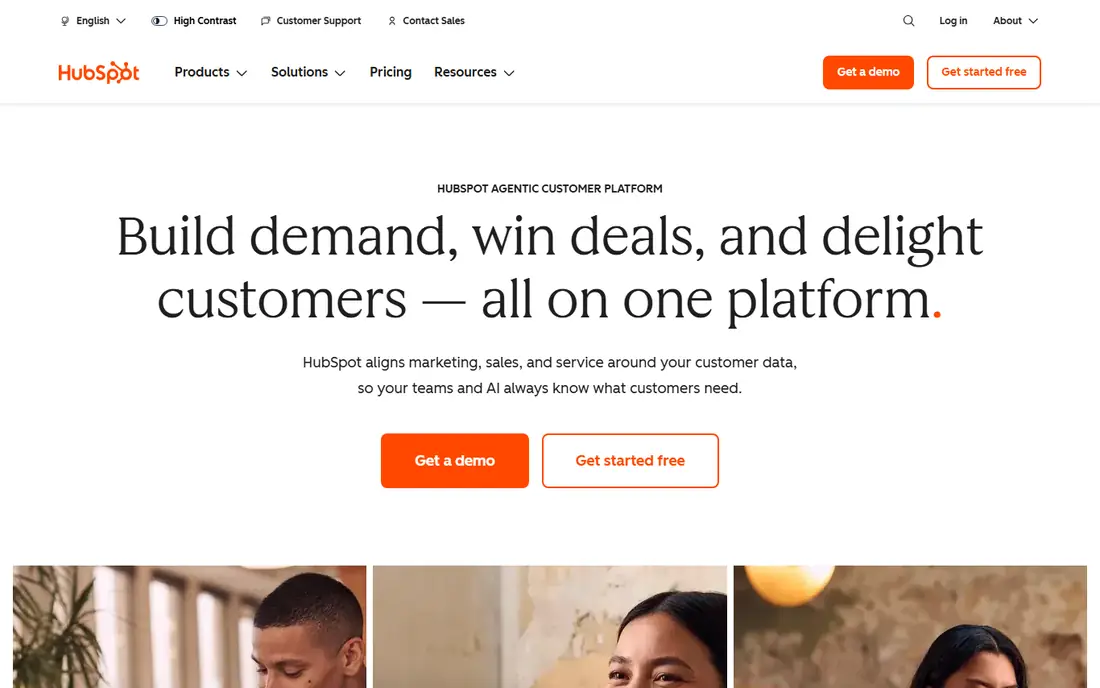
HubSpot ties content to the rest of marketing. A blog post, a landing page, and an email can all sit on the same contact record, so a sales team can see which content a lead read before a call. The free plan includes basic marketing, sales, service, and CMS tools, while paid plans for new customers start at low per-seat prices for Starter hubs and rise to $800 per month for Marketing Hub Professional, plus onboarding. That CRM link is the reason to choose HubSpot over a standalone blog or email tool. The trade is that social publishing and deeper reporting sit behind paid tiers, so a team that only needs a blog and a scheduler will find Buffer plus a simple CMS cheaper. Choose HubSpot when lead tracking and email follow-up matter as much as publishing itself.
- Free CRM and basic marketing tools
- Content, email, and contacts in one record
- Strong reporting on higher tiers
- Social publishing needs paid Marketing Hub tiers
- Professional pricing is high for small teams
Buffer is a simple social scheduler. You connect channels, queue posts, check a calendar, and review basic analytics. The free plan covers three channels and 10 scheduled posts per channel, while Essentials costs $6 per channel per month and Team costs $12 per channel per month. Per-channel pricing keeps the bill low for a creator with a few profiles. The appeal is ease of use. A small team can learn Buffer in an afternoon and keep a steady posting rhythm without a complex approval workflow. The limit is depth. Buffer does not match Hootsuite for social listening, team governance, or combined paid and organic reporting. For creators and small brands, that trade is usually worth it. For agencies with many clients and approval steps, a larger tool fits better.
- Forever-free plan for three channels
- Per-channel pricing
- Clean calendar and analytics
- Lighter social listening than enterprise tools
- Costs add up with many channels
Hootsuite is the larger-team counterpart to Buffer. It manages many social profiles, schedules posts, monitors mentions, and reports on paid and organic performance from one dashboard. Pricing starts at $99 per seat per month on annual billing for Standard, with monthly billing higher, and there is no permanent free plan, though a trial is available. The strength is scale and control. Teams can set approval steps, assign messages, and track listening topics across networks without juggling separate tools. The weakness is cost for a solo creator. If you manage three channels on your own, Buffer gives you the same core scheduling for far less. Hootsuite earns its price when several people publish, reply, and report on the same accounts each week.
- Many networks and team workflows in one place
- Social listening and reporting
- Approval and governance tools
- No free plan
- Per-seat pricing grows with team size
Canva is the design tool most content teams reach for first. It offers templates for social graphics, blog headers, presentations, and short videos, with a drag-and-drop editor that needs no design training. The free plan covers a large template and asset library, while Pro costs around $12 per month on annual billing and adds premium assets, a brand kit, and background removal. Design touches every piece of content, so Canva pays for itself quickly even on the free plan. The limit is depth. It will not replace a full photo editor for complex retouching, and heavy users will hit the free asset limits. For most articles, newsletters, and social posts, though, Canva is enough, and its brand kit on Pro keeps a small team visually consistent without hiring a designer for every graphic.
- Free plan covers many templates
- Easy drag-and-drop editor
- Brand kit on Pro
- Free plan limits premium assets and brand tools
- Not a full photo editor
Grammarly checks grammar, spelling, punctuation, and clarity as you write in a browser, a document, or an email. The free plan covers core checks, while Pro costs $12 per month on annual billing and adds style guides, tone suggestions, and plagiarism checks. For a content team, the style guide feature is useful because it keeps terminology and tone consistent across writers. The limit matters. Grammarly can polish a sentence, but it cannot tell you whether a claim in that sentence is true. Fact-checking, source checks, and subject review still need a human editor. Use Grammarly as a second pair of eyes for language, not as a replacement for editing judgment, and keep a human pass in the workflow for anything that makes a factual claim.
- Free grammar and spelling checks
- Tone and clarity suggestions
- Works across browsers and docs
- Checks writing, not facts
- Best style and plagiarism features need Pro
BuzzSumo answers a different question from Semrush and Ahrefs, which is what content is already getting attention. You search a topic and see the most shared and linked articles, who shared them, and which formats perform best. That helps a team pick angles that have a proven audience, find experts to quote, and spot gaps where a topic is popular but thinly covered. The weakness is price and access. BuzzSumo has no permanent free plan, and paid plans are priced for teams that use trend research weekly. A solo creator can often get similar topic ideas from search results and social feeds for free. BuzzSumo earns its cost for teams that plan a full editorial calendar each month and need share and link data to justify each topic choice.
- Finds trending content by topic
- Shows shares and links per article
- Journalist and influencer search
- Paid pricing is high for casual use
- No permanent free plan
How we picked these
We checked each vendor pricing page, feature list, and free plan terms in October 2026, along with public reviews for how each tool fits a real content workflow. We kept tools that are live now, that cover a distinct job in research, writing, design, distribution, or measurement, and that a team can start on a free plan or a clear paid tier. Tools that only duplicate another pick, or that had no clear content marketing use, were left out.
How to build a content stack without overspending
Start with one tool per job and a written plan. Pick a research tool, a writing and editing tool, a design tool, and a scheduler, then set one metric for the quarter, such as traffic, leads, or email signups. Run that stack for a month before adding anything else, because extra tools often add cost without adding output. Use free plans first. Semrush, Buffer, Canva, and Grammarly all offer free tiers that cover a small team, and Ahrefs offers free tools for your own sites. Add a paid tier only when you hit a limit that blocks real work, such as report caps, channel limits, or a brand kit you need every week. Review the stack each quarter and drop any tool whose reports you no longer open.
Frequently asked questions
What is the best content marketing tool for a beginner?
Start with Canva for design, Grammarly for editing, and Buffer for scheduling, all on free plans, plus Semrush free reports for topic research. That stack covers the core chain at no cost. Add a paid research tool only when you publish regularly and need deeper keyword and competitor data.
Do I need both Semrush and Ahrefs?
No, most small teams need only one. Semrush covers a broader marketing toolkit, including audits and tracking, while Ahrefs is stronger on backlink and content gap data. Pick Semrush if you want one broad tool, and Ahrefs if backlinks and competitor content are your main research job.
Is HubSpot worth it for content marketing alone?
Not usually. HubSpot is worth it when content must connect to contacts, email, and deals in one CRM. If you only need a blog and a scheduler, a simple CMS plus Buffer costs far less. Choose HubSpot for the CRM link, not just for publishing.
How much should a small team spend on content tools?
A small team can start at $0 on free plans from Canva, Grammarly, Buffer, and Semrush. A working paid stack often lands between $50 and $200 per month, depending on whether you pay for research, scheduling, or design. Add cost only when a limit blocks output you already plan to publish.
What does BuzzSumo do that Google search does not?
BuzzSumo shows share counts, link counts, and top sharers for articles on a topic, in one table. Google search shows ranking pages, but it does not rank them by social shares or show which journalists shared them. That share data helps a team judge which angles already have an audience.
How do I measure whether content marketing is working?
Pick one primary metric before you publish, such as organic traffic, email signups, or demo requests, and track it in the same tool each month. Use Semrush or Ahrefs for search visibility, Buffer or Hootsuite for social reach, and HubSpot or your analytics tool for leads. Judge a piece after it has had time to rank and circulate, not in its first week.
Sources
See where you really rank - block by block
ProMapRanker scans Google Maps across a grid of your service area. Simple monthly plans from $19, white-label on every plan.
Start freeKeep reading
 best employee onboarding software
Best Employee Onboarding Software in 2026
We compared the best employee onboarding software in 2026 for new employees, from simple HR tools to global platforms, to help you pick by team size today.
Read → best ecommerce platform for small business
Best Ecommerce Platform for Small Business in 2026
We compared the best ecommerce platform for small business options on price, selling features, fees, and ease of use, so you can launch a store that grows.
Read → best crm software for startups
Best CRM Software for Startups in 2026
We compared the best crm software for startups on price, free plans, and setup time, so founders can choose a simple tool that grows with their growing team.
Read →