 ProMapRanker
Best AI Video Creation Tools in 2026

Key takeaways
- Runway suits generated clips, Synthesia and HeyGen suit avatar presenters, and Pictory, InVideo, and Lumen5 suit script-to-video work.
- Descript and VEED suit editing recorded footage, which is a different job from generating footage.
- Free plans are useful for tests, but watermarks, minute limits, and credit limits set the real cost.
- The best AI tool for video creation depends on whether you need clips, a presenter, or a finished edit.
Quick comparison
| Pick | Great for | Pricing starts at | Free tier | |
|---|---|---|---|---|
 Runway Runway | Generative video clips and creative editing | Free | Yes | Visit |
 Synthesia Synthesia | Avatar training and explainer videos | Free | Yes | Visit |
 Pictory Pictory | Turning scripts and articles into video | See website | No | Visit |
 InVideo InVideo | Prompt-to-video for marketing and social | Free | Yes | Visit |
 HeyGen HeyGen | Avatar videos and translation | Free | Yes | Visit |
 Lumen5 Lumen5 | Articles to social videos | Free | Yes | Visit |
 Descript Descript | Editing video by editing text | Free | Yes | Visit |
 VEED VEED | Browser video editing with AI assists | Free | Yes | Visit |
The best AI Video Creation Tools
We compared official feature pages, pricing pages, app store listings, and public reviews to build this list. The eight options below cover different budgets and needs, so start with the best-for note and then read the details that match your situation.

Runway suits generative video clips and creative editing. It generates video clips from text and images, with editing tools for creative projects. The product pages describe a focused set of tools rather than a long list of extras, and that focus helps a new user get started without a long setup period. Before you choose it, weigh this limit: Long-form videos still need editing to join clips into a finished piece. We suggest you test it with a small real task, confirm that it fits your current workflow, and check what happens when you need to cancel or move your data elsewhere.
- High-quality clip generation
- Editing tools
- Creative controls
- Free credits are limited
- Clips are short
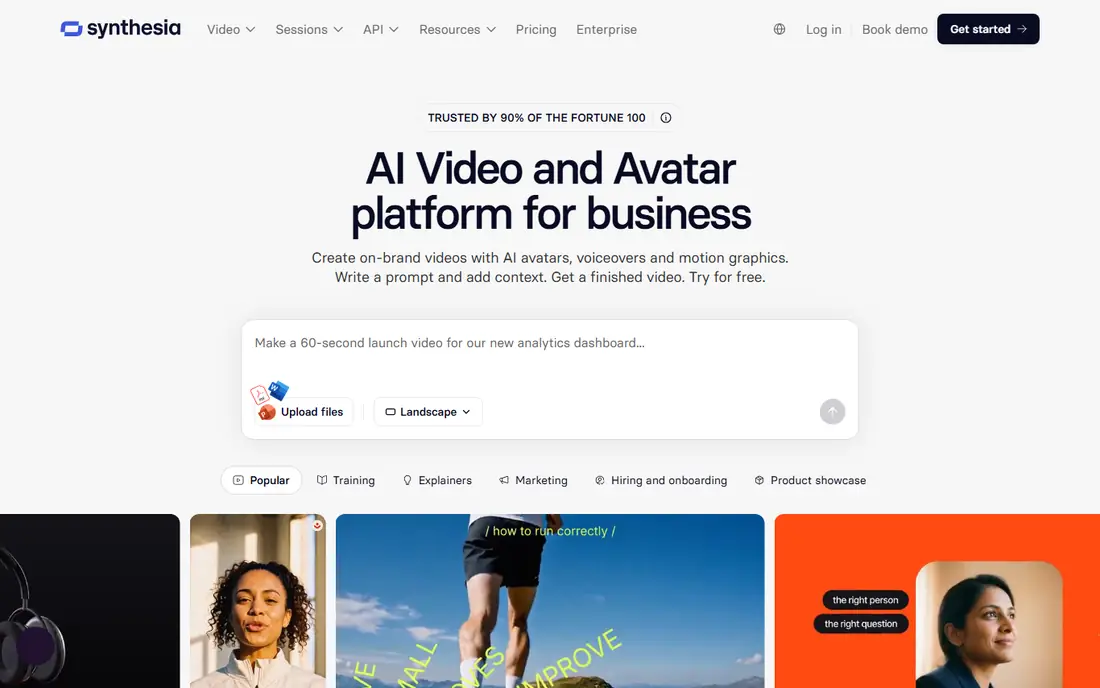
Synthesia works well for avatar training and explainer videos. It turns a script into a presenter-led video, which suits training and internal explainers. Its pricing and feature pages point to steady, everyday use, and the free or trial option gives you room to check the fit before you commit. A fair caution is this: Casual social videos may feel too formal with avatar presenters. Shortlist it if that trade-off fits your budget and your team size, and keep a second option in mind if your needs grow quickly in the next year.
- Avatar presenters
- Many languages
- Templates
- Free minutes are limited
- Avatars suit formal content best

Pictory is a practical choice for turning scripts and articles into video. It turns written content into captioned videos with stock footage and voiceover. We found its official pages clear about what is included at each tier, which makes it easier to compare the real monthly cost with the value you expect to get. The main limit to weigh is this: Creators who need generated footage should pair it with a generative tool. Check the plan limits, the export options, and the support route before you move important work into the tool, since those details matter more over time than a first-week impression.
- Script-to-video
- Stock footage
- Captions
- No free plan, trial only
- Paid plans add cost
InVideo suits prompt-to-video for marketing and social. It builds social-ready videos from a prompt or script, with stock clips and captions. The product pages describe a focused set of tools rather than a long list of extras, and that focus helps a new user get started without a long setup period. Before you choose it, weigh this limit: Fact-check scripts and captions before publishing, since AI drafts can err. We suggest you test it with a small real task, confirm that it fits your current workflow, and check what happens when you need to cancel or move your data elsewhere.
- Prompt-to-video drafts
- Stock library
- Templates
- Free exports carry a watermark
- Paid tiers vary by seat
HeyGen works well for avatar videos and translation. It creates avatar videos and translates them into many languages for wider reach. Its pricing and feature pages point to steady, everyday use, and the free or trial option gives you room to check the fit before you commit. A fair caution is this: Long avatar videos still need script care to sound natural. Shortlist it if that trade-off fits your budget and your team size, and keep a second option in mind if your needs grow quickly in the next year.
- Avatar presenters
- Translation
- Voice options
- Free videos are limited
- Paid plans rise with use
Lumen5 is a practical choice for articles to social videos. It converts articles and blog posts into short social videos with text scenes. We found its official pages clear about what is included at each tier, which makes it easier to compare the real monthly cost with the value you expect to get. The main limit to weigh is this: Creators who need custom footage will need another tool. Check the plan limits, the export options, and the support route before you move important work into the tool, since those details matter more over time than a first-week impression.
- Article-to-video
- Templates
- Brand options
- Free plan has limits
- Paid plans add features
Descript suits editing video by editing text. It lets creators edit recorded video by editing a transcript, which speeds up cuts and captions. The product pages describe a focused set of tools rather than a long list of extras, and that focus helps a new user get started without a long setup period. Before you choose it, weigh this limit: It edits your footage; it does not generate new footage like Runway. We suggest you test it with a small real task, confirm that it fits your current workflow, and check what happens when you need to cancel or move your data elsewhere.
- Text-based editing
- Captions
- Voice tools
- Learning curve for new editors
- Some features need paid plans
VEED works well for browser video editing with AI assists. It edits video in a browser, with captions, subtitles, and AI assists for quick publishing. Its pricing and feature pages point to steady, everyday use, and the free or trial option gives you room to check the fit before you commit. A fair caution is this: Heavy projects may still suit a desktop editor better. Shortlist it if that trade-off fits your budget and your team size, and keep a second option in mind if your needs grow quickly in the next year.
- Browser editing
- Captions
- AI tools
- Free exports have limits
- Advanced tools need paid plans
How we picked these
We started with the main keyword and the related terms readers use for this topic, then we checked vendor feature pages, pricing pages, app store listings, privacy pages, and public reviews for each candidate. We kept only products that exist and work today, that fit the topic directly, and that publish enough detail for a reader to judge cost and limits. We removed products with unclear pricing, a discontinued product, or a fit that was too narrow for most readers. We did not claim hands-on testing, lab testing, or daily use. Our findings come from published vendor material and public review sources, and prices can change, so we point you to the vendor page for the final figure. Where a price was not clear on the vendor page at the time of research, we wrote See website rather than guessing a number.
How to choose an AI video creation tool
Start with the video type. Generated clips point to Runway. Presenter videos point to Synthesia or HeyGen. Script-to-social videos point to InVideo, Pictory, or Lumen5. Editing your own footage points to Descript or VEED. Matching type to tool prevents wasted credits.
Check length, language, and export limits
Confirm maximum video length, supported languages, caption options, and export quality on each plan. A tool that fits a 30-second social clip may not fit a 10-minute training video. Check watermark rules on free plans too.
Review AI output before publishing
Check scripts, captions, names, and claims in every AI draft. Avatar lip sync, generated text, and stock choices can all err. A short human review protects quality and avoids publishing errors.
Budget by credits and minutes, not just monthly price
Many tools price by credits, minutes, or seats. Estimate how many videos you will make each month, how long they will be, and how many edits you will need, then compare that total across plans.
Frequently asked questions
Which AI tool is best for video creation for training?
Synthesia is the strongest pick for training videos, with avatar presenters, templates, and many languages. HeyGen is a good alternative when translation matters most. Keep scripts short and test one video with learners first.
What are the best AI tools for video creation for social media?
InVideo, Pictory, and Lumen5 are strong for social video, turning scripts or articles into captioned clips. Runway adds generated B-roll. Check export size and caption style for each social channel.
What is the best AI app for video creation with avatars?
HeyGen and Synthesia lead for avatar video creation, with HeyGen strong on translation and Synthesia strong on formal training. Both offer free starting points with limited minutes or videos.
Which AI video creation platform suits beginners?
InVideo and Lumen5 are the easiest starting points for script-to-video work, while VEED is easy for browser editing. Start free, make one short video end to end, and only then choose a paid plan.
What is the best AI software for video creation with generated footage?
Runway is the strongest pick for generated footage, with creative controls and editing tools. Use it for clips and B-roll, then join clips in Descript or VEED for a finished video.
Sources
See where you really rank - block by block
ProMapRanker scans Google Maps across a grid of your service area. Simple monthly plans from $19, white-label on every plan.
Start freeKeep reading
 zoom alternatives
Best Zoom Alternatives in 2026
Compare Zoom alternatives in 2026, with free meeting limits and prices, so you can pick the best alternative to Zoom for your team, class, or community.
Read → which software is best for remote work
Which Software Is Best for Remote Work in 2026
Answering which software is best for remote work, we compare Slack, Zoom, Asana, Notion, Teams and more, with pricing and honest tradeoffs in 2026 now.
Read → which ai tool is best for content writing
Which AI Tool Is Best for Content Writing in 2026
Wondering which ai tool is best for content writing? We compare ChatGPT, Claude, Jasper, Grammarly, and more on price, quality, and best use in 2026 now.
Read →