 ProMapRanker
Best AI Tools to Turn Photo Into Video in 2026


Professional image-to-video with editing tools · Pricing starts at: $12.00 per month
Key takeaways
- Runway and Luma suit creators who want stronger motion control and a fuller editor around image-to-video.
- Kling and Hailuo offer a good balance of free credits and realistic motion for short social clips.
- Pika and PixVerse suit fast social content, with quick generations and stylised looks.
- Kaiber and HeyGen suit music visuals and talking-head videos, not general photo animation.
- Only animate photos you own or have permission to use, and never create intimate or misleading images of real people.
Quick comparison
| Pick | Great for | Pricing starts at | Free tier | |
|---|---|---|---|---|
| Runway | Professional image-to-video with editing tools | $12.00 per month | Free trial | Visit |
 Pika | Fast social clips from a photo | $10.00 per month | Yes | Visit |
 Luma Dream Machine | Natural, steady motion from a photo | $30.00 per month | Yes | Visit |
 Kling | Realistic short clips from photos | $10.00 per month | Yes | Visit |
 Hailuo | Budget-friendly photo animation | $9.99 per month | Free trial | Visit |
 Kaiber | Music visuals and stylised animation | See website | Free trial | Visit |
 HeyGen | Talking-head videos from a photo | See website | Yes | Visit |
 PixVerse | Quick stylised clips from photos | $10.00 per month | Yes | Visit |
The best AI tools to turn photo into video
We compared official feature pages, pricing pages and product docs for tools that take a still photo and animate it with a text prompt. Every tool below is a legitimate creative product for marketing, social posts, product shots and storytelling. Please use only photos you own or have clear permission to use. Do not animate photos of real people without their consent, and do not use these tools to make intimate, harassing or misleading images of anyone. If a tool blocks a prompt, that block is there for a reason.
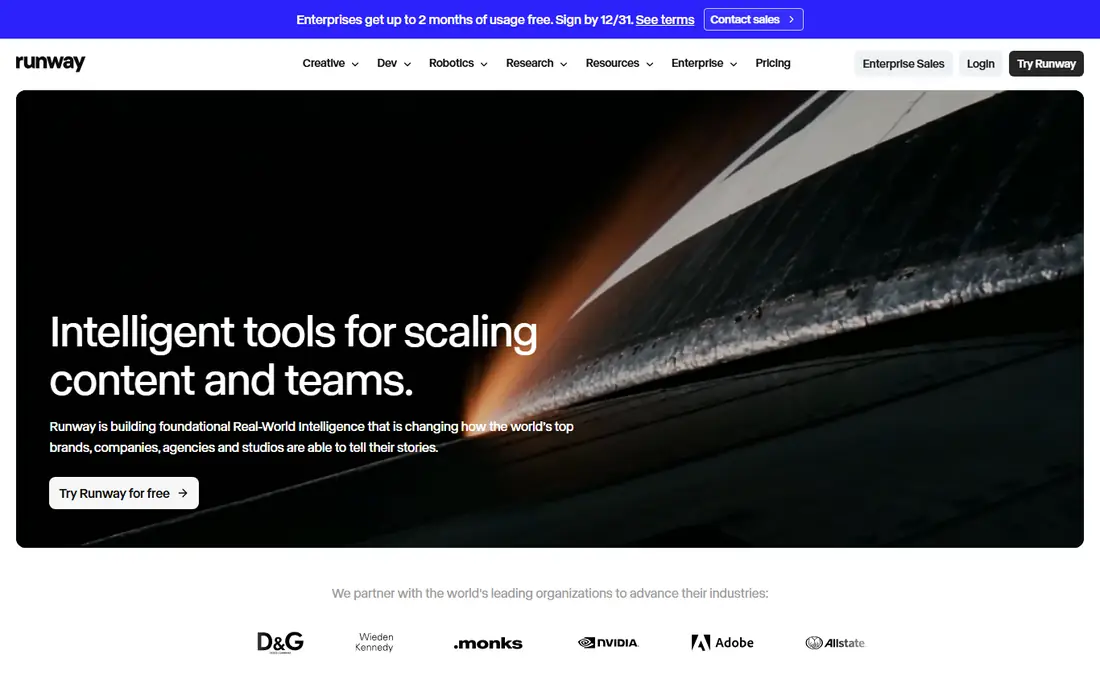
Runway is the most complete workspace in this list. You can upload a photo, describe the camera move and motion you want, and then trim, extend or restyle the result in its editor. That matters when a clip is almost right but needs a cleaner start or a different pace, since you do not need to export to another app for basic edits.
The cost model needs care. The free allowance is a one-time credit bundle, so it is for testing, not for regular posting. Paid plans start at a monthly rate on annual billing, and credits are spent per generation. For client work or a regular content schedule, Runway is a good fit. For a one-off experiment, a tool with daily free credits may suit you better.
- Image-to-video with strong motion controls
- Full video editor in the same workspace
- Bundles other video models on paid plans
- Free credits are one-time, not a lasting free tier
- Credit costs rise with longer or higher-quality clips
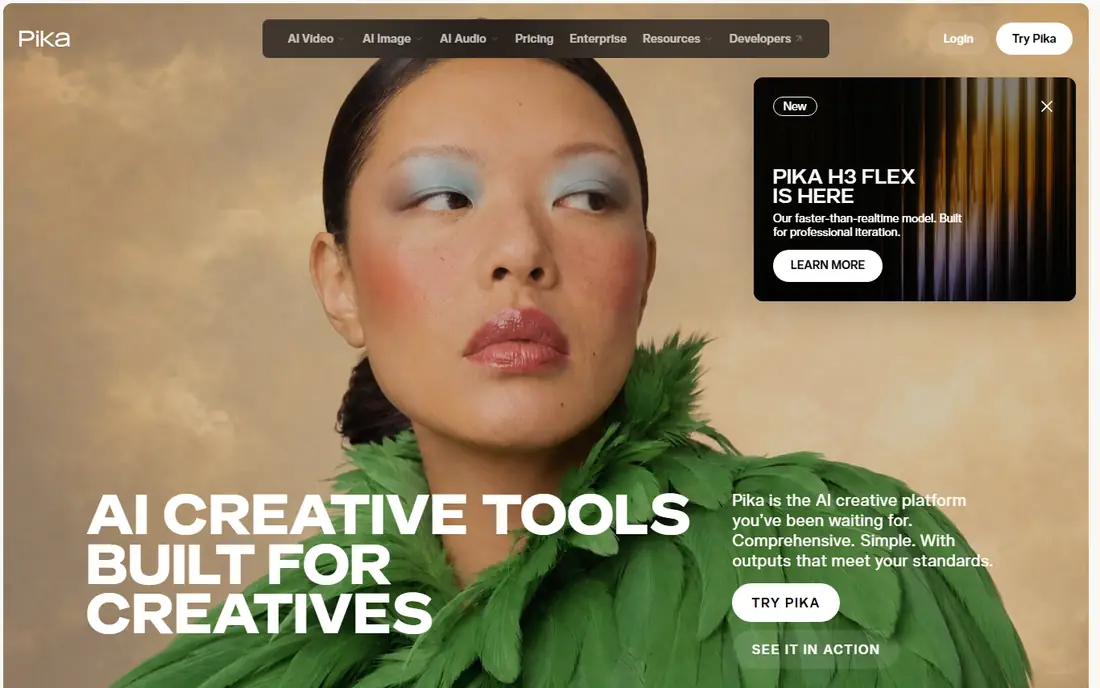
Pika suits creators who post often and need a clip fast. Upload a photo, add a short prompt, and you get a short animated result you can test on social feeds the same day. Its effects and templates help when you want a playful or cinematic feel without writing a long prompt.
Clip length is the main limit, and free-plan output may carry limits on commercial use, so read the plan terms before posting paid work. If you need longer, steadier scenes, Kling or Runway may serve you better. If you need speed and volume for social posts, Pika is a practical choice.
- Quick generations for social formats
- Effects library for short clips
- Lower entry price than Runway
- Shorter clips than some rivals
- Free output limits and commercial rules need checking before business use

Luma Dream Machine is known for motion that looks smooth rather than jittery, which helps for product shots and scenic photos. A still image of a product, a room or a street scene can gain a gentle camera move without the subject warping too much. That steadiness is why many creators keep it in their shortlist despite the price.
The paid entry point is the drawback. At a higher monthly rate than most rivals here, it only makes sense if you use it often or you value that motion quality. Try the free web allowance first with your own photos, and judge whether the extra steadiness matters for your posts before you pay.
- Strong motion quality and scene consistency
- Daily free allowance on the web tier
- Bundles other models on paid plans
- Higher paid entry price than Runway or Pika
- Paid plans can feel costly for light use
Kling is a good middle ground between quality and price. It handles realistic motion well, from a person turning to a product rotating, and its free tier lets you test that quality before paying. Newer models add multi-shot sequences, which help when one short clip is not enough to tell the story.
Wait times can be longer than Pika or PixVerse, so it suits planned content more than instant replies. Credits also vary with settings, so check the cost shown before each generation. For creators who want realistic clips at a mid-range price, Kling is one of the safest picks here.
- Strong realism for people and scenes
- Free tier for testing
- Longer multi-shot options on newer models
- Generation can take a few minutes
- Credit use varies by length and quality
Hailuo, from MiniMax, is a useful budget option for people who animate photos a few times a week. It produces clean motion for product photos, pets, rooms and simple scenes, and it tends to generate faster than heavier models. That speed helps when you are testing several prompts for one post.
The free side is more limited than Kling or PixVerse, so treat it as a trial. Paid plans start at a similar level to Pika and Kling, and clip length affects credit use. If your main need is short, realistic motion at a low price, Hailuo deserves a test run with your own images.
- Low entry price
- Fast generations for short clips
- Good realism for everyday scenes
- Free access is trial-based, not a lasting daily allowance
- Longer clips cost more credits
Kaiber takes a different path from the realistic tools above. It leans into stylised, art-led motion, which suits music videos, album visuals and creative social posts. You can guide the look and feel more than you can chase photorealism, and that is the point for many of its users.
If you need a photo to move like a real video, Kaiber may disappoint. Its strength is mood and style, not faithful realism. Check the current pricing on its own site, since plans have changed over time. For artists and musicians, it remains a distinctive option.
- Strong stylised looks for music and art projects
- Storyboard-style workflows
- Good for mood-led visuals
- Less suited to realistic photo animation
- Pricing needs checking on the vendor site before purchase
HeyGen fits a narrow but useful job: making a photo speak. Upload a portrait you own or have permission to use, add a script, and the tool creates a presenter-style clip for an explainer, a welcome video or a training module. That can save a shoot when you need a simple presenter fast.
The consent rule matters most here. Only use your own photo, a licensed avatar or a portrait with clear written permission from the person shown. Never use it to fake an endorsement, a news clip or a statement a real person did not make. For business explainers with proper permission, HeyGen is a practical tool.
- Turns a photo into a speaking presenter with audio
- Useful for explainers and training clips
- Templates for business use
- Best for talking heads, not general scene animation
- Voice and likeness rules must be followed strictly
PixVerse is a good testing ground because it refills a small daily credit allowance. You can try the same photo in several styles, from realistic to anime or clay, and see which fits your feed before paying. Generations are fast, which helps for social trends and short product clips.
Read the free terms carefully. Free exports carry a watermark and are limited to non-commercial use, so you need a paid plan for clean business posts. Paid plans start at a monthly rate and remove the watermark with a commercial licence. For fast, stylised social content, PixVerse is a low-risk place to start.
- Daily free credits for testing
- Fast generations
- Realistic, anime, clay and 3D styles in one tool
- Free output is watermarked and limited to non-commercial use
- Higher resolution sits on paid tiers
How we picked these
We compared official feature pages, pricing pages and product docs, and we kept only tools that are live and offer a real image-to-video mode. We left out tools marketed for undressing people or making non-consensual imagery, and we left out tools that only do text-to-video with no photo input. Prices are starting monthly rates shown on vendor or review listings in October 2026, and they can change, so check the vendor site before you buy. We did not claim hands-on testing, and we based this list on published features, pricing and plan terms.
What to check before you animate a photo
Start with permission and honesty. Use your own photos, licensed stock or portraits with clear consent, and label AI video as AI when it could be mistaken for a real recording. That protects the people in the image and your audience, and it keeps you clear of platform rules on misleading media.
Next, check clip length, resolution and commercial rights together. A free plan may look generous until you see the watermark or the non-commercial limit, as with PixVerse. A paid plan may look cheap until longer clips or higher resolution eat credits faster than expected. Test one photo at your real settings, check the cost shown before generation, and confirm the licence covers your planned use, whether that is social posts, ads or client work.
Frequently asked questions
What is the best AI tool to turn photos into videos for free?
PixVerse and Kling offer the most useful free testing, with daily or trial credits, while Luma offers a free web allowance. Free output often carries a watermark or a non-commercial limit, so check the terms before business use.
What is the best AI app to turn photo into video for social media?
Pika and PixVerse suit fast social clips, while Kling suits more realistic short scenes. Pick Pika or PixVerse for speed and style, and Kling or Runway for steadier, more realistic motion.
Can I animate a photo of a real person?
Only with that person's clear permission, and only for a lawful, honest purpose. Do not create intimate images, fake endorsements or misleading statements about real people, and do not upload photos you do not have the right to use.
How long are AI photo-to-video clips?
Most clips in this list run for a few seconds to around ten seconds per generation, with some tools offering extension or multi-shot options. Longer scenes usually cost more credits, so plan your story in short shots.
Do I need a paid plan for business use?
In many cases, yes. Free plans often limit commercial use, add a watermark or cap resolution. Check the licence on the plan you buy, and keep a copy of the terms for client work.
Sources
See where you really rank - block by block
ProMapRanker scans Google Maps across a grid of your service area. Simple monthly plans from $19, white-label on every plan.
Start freeKeep reading
 best rank tracking software
Best Rank Tracking Software in 2026
Searching for the best rank tracking software? We compare 8 tools for daily keyword tracking, local rankings, client reports, and competitor checks in 2026.
Read → best platform for ecommerce website
Best Platform for Ecommerce Website in 2026
Find the best platform for ecommerce website builds in 2026. We compare Shopify, WooCommerce, BigCommerce, Wix and more on price, fees and scale for stores.
Read → best math apps
Best Math Apps in 2026: 8 Apps Compared
Find the best math apps for homework, revision, and deeper study in our 2026 comparison of 8 free and paid solvers, courses, and visual tools for students.
Read →