 ProMapRanker
Best AI Tools for Web App Development in 2026

Key takeaways
- Lovable, Bolt.new and Replit suit non-coders and founders who want a working web app from a prompt, with hosting included.
- Cursor, GitHub Copilot and Claude Code suit developers who want AI help inside a real codebase they control.
- v0 is best for polished React interfaces, not for a full app with a backend on its own.
- Usage is often metered by credits or tokens, so a low monthly price can rise with heavy use.
- Our pick for most developers is Cursor, with Lovable close behind for non-coders building a first web app.
Quick comparison
| Pick | Great for | Pricing starts at | Free tier | |
|---|---|---|---|---|
 Cursor Cursor | Developers building real products | See website | Yes | Visit |
 Lovable Lovable | Non-coders building web apps | $25 per month | Yes | Visit |
 Bolt.new Bolt.new | Fast prototypes in the browser | $25 per month | Yes | Visit |
 Replit Replit | Browser-based building and hosting | $20 per month | Yes | Visit |
 v0 v0 | React interfaces and landing pages | $30 per month | Yes | Visit |
 GitHub Copilot GitHub Copilot | AI help inside your editor | $10 per month | Yes | Visit |
 Claude Code Claude Code | Terminal-based coding agent | $20 per month | No | Visit |
 Windsurf Windsurf | Agent-led coding in an editor | See website | Yes | Visit |
The best AI tools for web app development
AI web app tools fall into two groups. Prompt-to-app builders turn a description into a working app, with hosting and often a database, and suit founders and non-coders. AI code editors and agents help developers write, edit and debug code in a codebase they own, and suit teams building a real product. The tools below cover both groups, plus a specialist for interfaces. Review AI-generated code before production, since it can contain bugs and security issues.
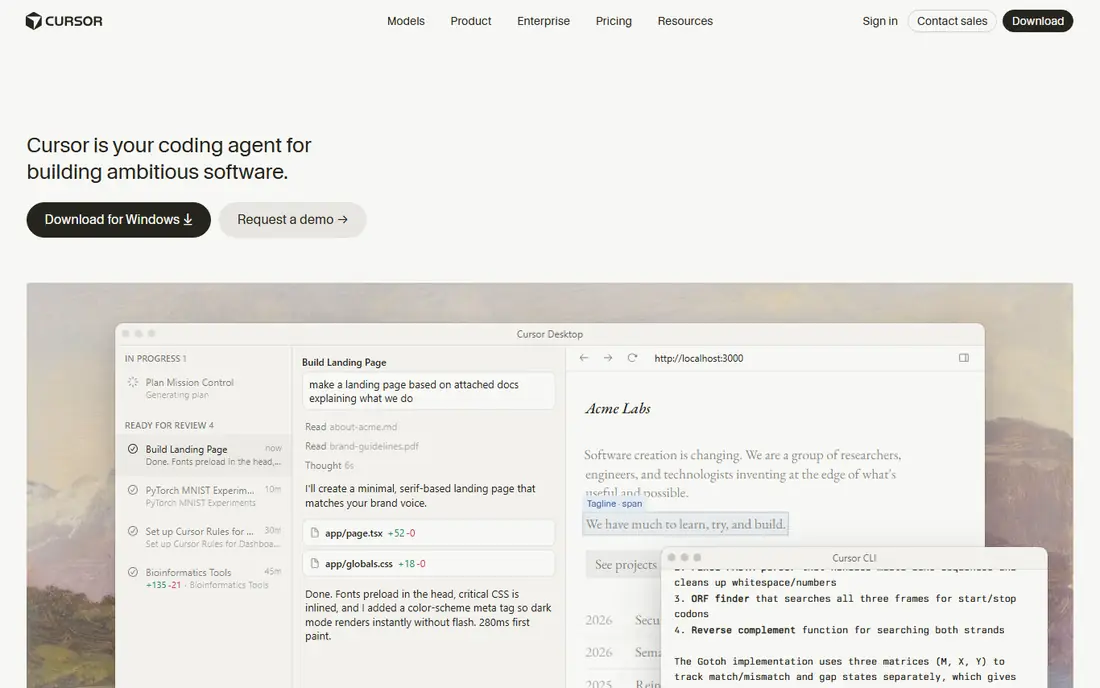
Cursor is an AI-first code editor built for developers who want to stay close to their code. Its agent mode can edit multiple files, run commands and help with refactors, while its codebase indexing helps it understand a project beyond the file you have open. The workflow feels familiar to VS Code users, which lowers the learning curve for a professional team. For a web app that will grow beyond a demo, Cursor gives you ownership of the code, control over structure and a clear path to deployment with your own hosting.
Cursor is not a prompt-to-app builder for non-coders. You still need to understand code, review changes and manage deployment, databases and security yourself. Pricing has also changed over time, with plans and usage limits shifting, so check the current Cursor pricing page before committing. If you can code, or you are learning to code seriously, Cursor is the strongest AI development tool in this list for building a product you will maintain.
- AI-first editor with agent mode
- Strong codebase understanding
- Familiar VS Code-style workflow
- Pricing and usage limits have changed over time
- Needs developer review for large changes
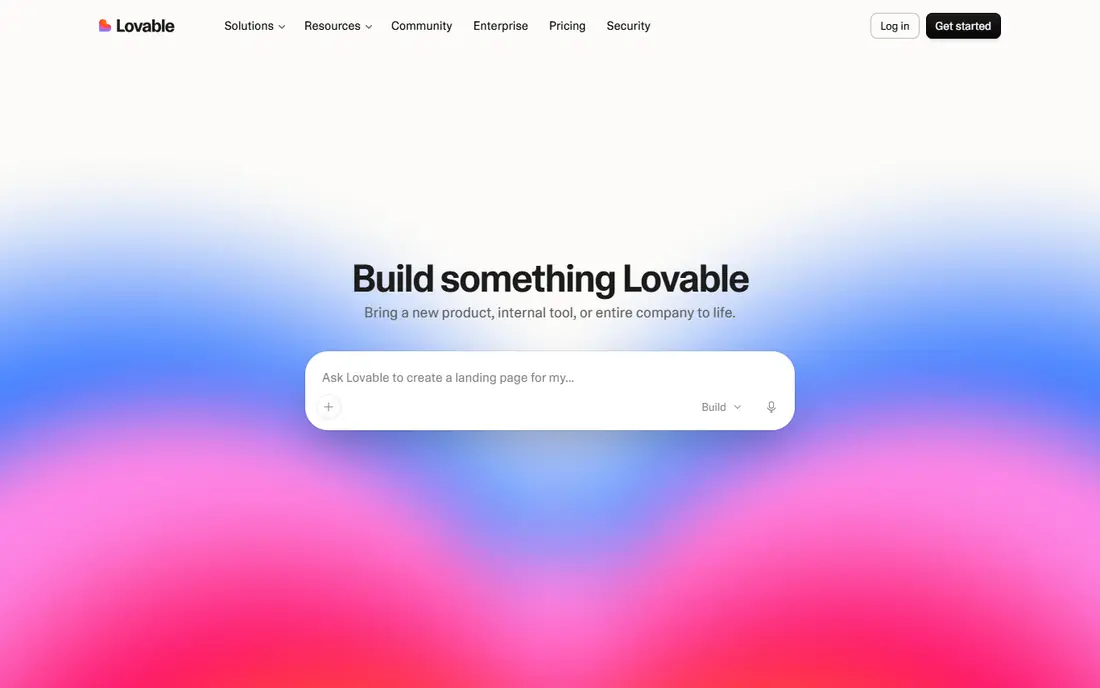
Lovable turns a plain-language description into a full-stack web app, with a polished interface, hosting and Supabase integration for databases and authentication in many projects. That makes it a strong choice for a founder, freelancer or small team that wants a working demo, a client prototype or a simple SaaS app without hiring a developer first. The interface quality is a standout, and GitHub sync lets you export and own the code if you later bring in a developer.
The main cost is credits. Each change uses credits, and a large project with many fixes can use a monthly allowance faster than expected, so budget for extra credits or a higher plan. Lovable is also less suited to highly custom engineering, complex backends or large existing codebases. For a first web app, a landing page with real functionality, or a prototype to test with users, Lovable is our pick for non-coders.
- Prompt-to-app building with hosting
- Clean React interfaces
- GitHub sync for code ownership
- Credits can burn quickly on large projects
- Complex backends need developer help
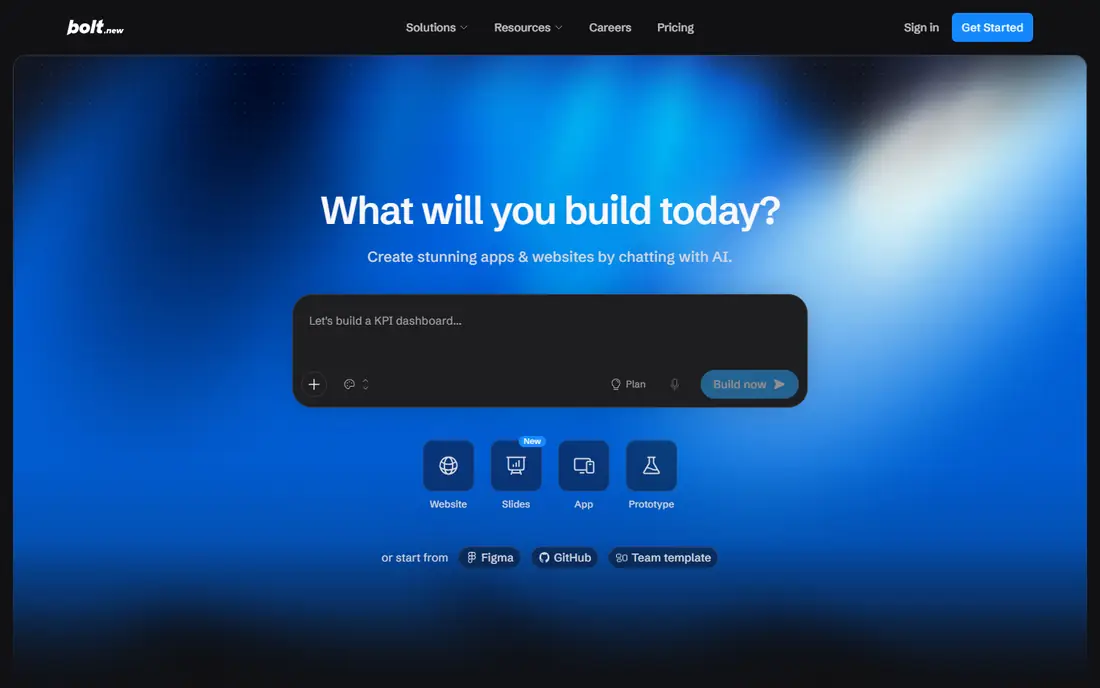
Bolt.new, from StackBlitz, builds full-stack web apps in the browser using WebContainers, so you can prompt, preview and edit without installing tools locally. It includes hosting, database options and deployment, which makes it ideal for a quick prototype, a hackathon project or a demo to show a client. Paid plans offer token allowances with rollover for unused tokens for an extra month in some cases, which helps if your usage varies month to month.
Token-based pricing is also the main risk. As a project grows, each change can cost more tokens, and heavy users may exhaust an allowance faster than expected. The generated code can also be heavier than a hand-written codebase, so a prototype that becomes a product will need review and cleanup. Use Bolt.new when speed matters most, and plan to move to a developer-led workflow in Cursor or a similar editor if the app becomes a long-term product.
- In-browser building with hosting
- Fast iteration
- Token rollover on paid plans
- Token costs grow with project size
- Output may need cleanup for production
Replit combines a browser-based IDE, an AI agent, hosting and deployment in one place, so you can build, run and share a web app without local setup. Its agent can create an app from a prompt, help with code, and deploy it to a live URL, which suits students, beginners and small teams that want a complete workflow in the browser. It supports many languages and frameworks, and its community and templates help new builders start faster.
Billing needs care. Replit uses effort-based pricing for agent work on some plans, so a large or complex request can cost more than a simple one, and costs can be harder to predict than a flat subscription. For a large, custom product, a local editor such as Cursor may give more control and clearer costs. For a prototype, a learning project or a small team app that lives in the browser, Replit is a strong, all-in-one choice.
- Browser IDE with agent, hosting and deployment
- Many languages
- Good for learning and small teams
- Effort-based billing can be unpredictable on large requests
- Less control than a local editor
v0, by Vercel, generates polished React interfaces from a prompt, with clean components, layouts and styling that fit a Next.js workflow. It is excellent for landing pages, dashboards, marketing sites and UI prototypes, and it can generate code you can bring into an existing project. Deployment through Vercel is straightforward, which helps a frontend developer or designer ship a beautiful interface quickly. A free plan offers a limited number of messages per day, with paid plans adding more credits.
v0 is not a full app builder on its own. It does not provide a complete backend, database and authentication system in the way Lovable or Replit do, so a full web app will need a developer to add that logic. Use v0 for the frontend, then pair it with Cursor for backend work, or with a backend service of your choice. For interface work specifically, v0 is the best tool in this list.
- Polished React and Next.js interfaces
- Fast component generation
- Vercel deployment
- UI-focused, not a full backend builder
- Needs a developer for full app logic
GitHub Copilot is the lowest-friction AI coding assistant for developers who already work in an editor and use GitHub. It offers code completions, chat and agent features inside VS Code, JetBrains and other editors, with pull request, issue and repository context from GitHub. Its entry price is lower than many rivals, and a free tier offers limited completions and agent use. For a team already on GitHub, Copilot fits existing workflows, code review and enterprise governance better than a standalone builder.
Copilot is less autonomous than Cursor agent mode or Claude Code for large, multi-file tasks, though its agent features have grown. Premium requests and credits are metered on some plans, so heavy use can add cost. If you want AI help without changing editors, and you value GitHub integration and predictable pricing, Copilot is a solid, practical choice. Pair it with a prompt-to-app builder if you also need a fast prototype.
- Works in many editors
- Strong GitHub integration
- Low entry price
- Less agent autonomy than Cursor or Claude Code
- Premium requests are metered on some plans
Claude Code, from Anthropic, is a terminal-based coding agent that works directly in your codebase. It can plan a change, edit multiple files, run compilers and tests, and fix issues across a project, which makes it powerful for backend work, refactors and large tasks that span many files. Its large context helps it understand a codebase, and it suits developers who are comfortable in the terminal and want an agent that does real work, not just completions. Access is typically through a Claude subscription, with usage limits by time window.
It is not a beginner tool. There is no visual app builder or drag-and-drop interface, and you will need another tool for previewing a web app interface. Usage limits also matter on heavy days, since agent work is metered by time windows on some plans. For an experienced developer building a web app backend or maintaining a large codebase, Claude Code is a strong agent to pair with an editor such as Cursor or VS Code.
- Strong agent for large, multi-file tasks
- Runs tests and commands in the terminal
- Large context for codebases
- Terminal-first, so less friendly for beginners
- No visual preview on its own
Windsurf is an AI code editor with an agent, known as Cascade, that can plan and edit across files, run commands and understand a project. It suits developers who want an agent-led workflow in an editor, similar to Cursor, but with a different agent style and pricing history. A free tier offers light use, with paid plans adding more credits and features. For a developer comparing Cursor alternatives, Windsurf is worth trialling, especially if its agent style fits your workflow better.
Windsurf has changed branding and ownership, with a move toward Devin Desktop in recent updates, so check the current Windsurf site for plan names, pricing and terms before buying. Like all AI editors, it needs human review, since generated code can contain bugs or security issues. If you want an editor-based agent and you have already tried Cursor and Copilot, Windsurf is a credible third option to test on a real project.
- Agent-led workflows in an editor
- Cascade agent for multi-file work
- Free tier for light use
- Branding and pricing have changed after its move to Devin Desktop
- Check current plan terms
How we picked these
We compared official pricing pages, feature documentation and public reviews, and we favoured tools that are actively sold in October 2026 and clearly build or assist web app development. We mixed prompt-to-app builders, AI editors and coding agents, so readers can choose by skill level and by whether they want to own the code. Prices are entry-level list prices where we could verify them consistently across sources, and we used See website where pricing, credits or plan names have changed recently. We did not claim hands-on testing, and we based our notes on published features and documentation.
Choosing between a builder and an editor
Ask first whether you can code, and whether the app is a prototype or a product. If you cannot code and you need a working web app to test an idea, start with Lovable, Bolt.new or Replit, and accept that credits or tokens will be part of the cost. If you can code and the app will be maintained for months, start with Cursor, Copilot or Claude Code, and keep full ownership of the codebase from day one. A common path is to prototype in a builder, then rebuild or harden the successful prototype in an editor with a developer.
Second, check code ownership, hosting and data. Can you export the code to GitHub, move hosting elsewhere, and connect your own database and domain. Those answers matter more than a demo that looks good on day one. Third, budget for usage, not just the subscription. Credits, tokens and premium requests can raise the real monthly cost, so track usage in the first month and adjust the plan before it becomes a surprise. Finally, review security: check authentication, database permissions and API keys before launching, since AI tools can leave defaults open if you do not check them.
Frequently asked questions
What are the best AI tools for web app development?
The best AI tools for web app development include Cursor for developers, Lovable and Bolt.new for non-coders, Replit for browser-based building, v0 for React interfaces, GitHub Copilot for editor assistance, and Claude Code for terminal agents. The best choice depends on your coding skill, whether you need a prototype or a product, and how much control you want over the code.
What is the best AI tool for web development for beginners?
For beginners, Lovable, Bolt.new and Replit are the easiest starting points, because they turn a prompt into a working web app with hosting. Lovable offers the most polished interfaces, Bolt.new is fastest for prototypes, and Replit covers building and hosting in one browser workspace. Start with a small project, learn how the app is structured, and bring in a developer if it grows into a product.
What is the best website app builder with AI?
Lovable and Bolt.new are the leading AI website app builders in this list, with Replit close behind for browser-based building. Lovable suits polished, full-stack web apps, Bolt.new suits fast prototypes, and Replit suits teams that want an IDE, agent and hosting together. All three offer free tiers, with paid plans based on credits or tokens.
What are the best open source AI tools for web development?
Open source AI tools in this space include open models and community editors, but most leading AI app builders in this list are commercial products with free tiers. For an open approach, consider using an open model through a local editor, or a self-hosted coding assistant, and check its licence and model terms. Commercial tools such as Cursor and Copilot offer clearer support and updates for most teams.
Can AI build a complete web app on its own?
AI can generate a working web app from a prompt, including interface, logic and database connections for simple apps, but it cannot reliably ship a secure, production-ready product on its own. Generated code needs human review for bugs, security, authentication and performance, especially before handling real user data or payments. Treat AI output as a strong first draft, not a finished product.
Do I own the code generated by AI app builders?
Ownership varies by tool, so check the terms for the tool you choose. Lovable offers GitHub sync, Bolt.new and Replit allow code export, and editors such as Cursor, Copilot and Claude Code work directly in your own codebase, so you own that code. Before building a business on a builder, confirm export, hosting and domain options, so you are not locked into one platform.
Sources
See where you really rank - block by block
ProMapRanker scans Google Maps across a grid of your service area. Simple monthly plans from $19, white-label on every plan.
Start freeKeep reading
 zoom alternatives
Best Zoom Alternatives in 2026
Compare Zoom alternatives in 2026, with free meeting limits and prices, so you can pick the best alternative to Zoom for your team, class, or community.
Read → which software is best for remote work
Which Software Is Best for Remote Work in 2026
Answering which software is best for remote work, we compare Slack, Zoom, Asana, Notion, Teams and more, with pricing and honest tradeoffs in 2026 now.
Read → which ai tool is best for content writing
Which AI Tool Is Best for Content Writing in 2026
Wondering which ai tool is best for content writing? We compare ChatGPT, Claude, Jasper, Grammarly, and more on price, quality, and best use in 2026 now.
Read →