 ProMapRanker
Best AI Tools for TikTok Content Creation (2026)

Professional video editing and postproduction · Pricing starts at: See website
Direct answer
This list puts Adobe Premiere Pro first for professional video editing and postproduction. Listed starting prices: Descript from $16 per person a month, Synthesia from $19 per month and HeyGen from $29 per month. Descript fits text-based video and audio editing; Synthesia fits AI avatar videos for business communication. The other 3 tools in the list cover narrower or pricier cases.
ProMapRanker put together this guide to AI tools for TikTok content creation for readers who want a clear shortlist without reading every vendor page. It compares 6 tools on starting price, free plans, who each one suits and where each one falls short.
Key takeaways
- This list starts with Adobe Premiere Pro, which is built for professional video editing and postproduction.
- What to know about Canva first: not a full video editor.
- For the cheapest start, look at Descript: $16 per person per month.
- 4 of 6 tools offer a free plan: Descript, Synthesia, HeyGen, CapCut.
- CapCut is the one to check for all-in-one AI video editing for TikTok.
Quick comparison
| Pick | Great for | Pricing starts at | Free tier | |
|---|---|---|---|---|
| Adobe Premiere Pro | Professional video editing and postproduction | See website | Not stated | Visit |
 Descript | Text-based video and audio editing | $16 per person a month | Yes | Visit |
 Synthesia | AI avatar videos for business communication | $19 per month | Yes | Visit |
 Canva | Designing TikTok graphics and thumbnails | See website | Not stated | Visit |
 HeyGen | Personal avatar videos without filming | $29 per month | Yes | Visit |
 CapCut | All-in-one AI video editing for TikTok | See website | Yes | Visit |
Our 6 picks for AI tools for TikTok content creation
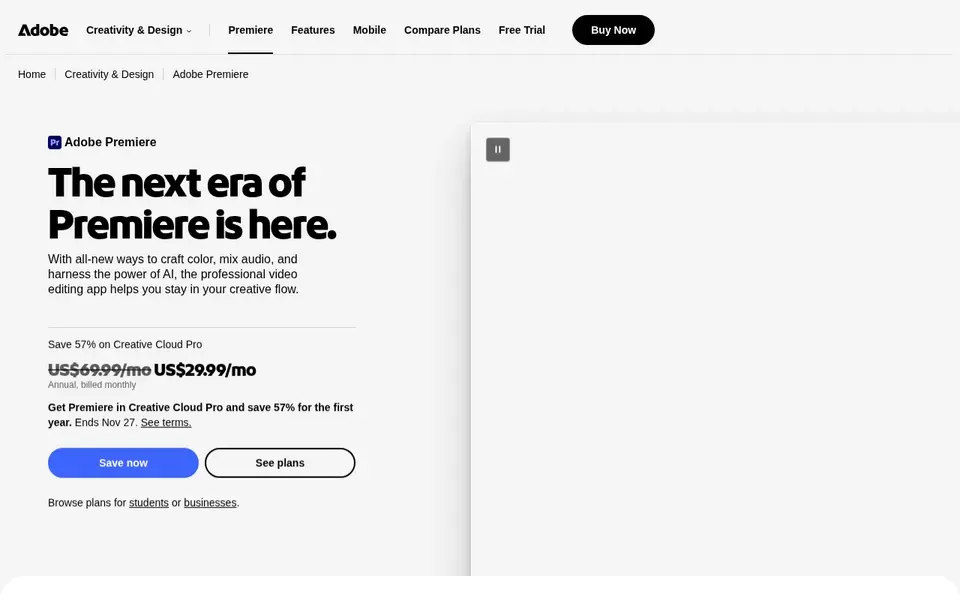
Adobe Premiere Pro makes the most sense for professional video editing and postproduction. Choose Premiere Pro when you need depth and are willing to invest in learning it. In practice, the toolset handles editing and postproduction in one application.
Honest limits: Needs a capable computer.
If you prefer quick, template-based edits on mobile, CapCut is more approachable. In practice, Premiere Pro demands more time to learn and a capable computer, which can slow down fast TikTok turnarounds. Check the vendor site for Adobe Premiere Pro pricing; none is listed in this comparison. As for free access: Not stated.
- Industry-standard editing tools
- Advanced effects and audio mixing
- Steeper ramp-up time
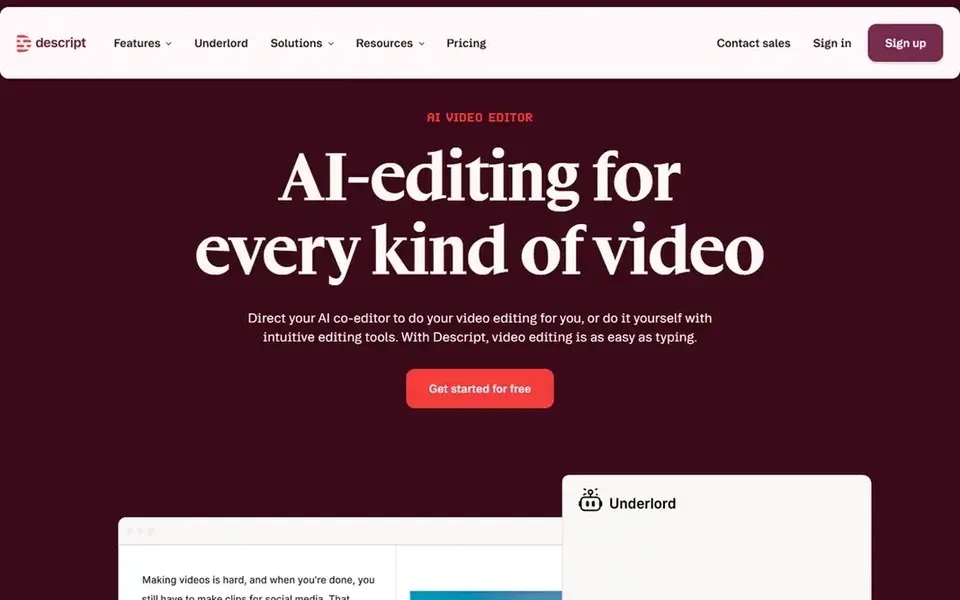
Choose Descript for text-based video and audio editing. Creators who prefer working with words over timelines often find it quicker.
What works well: Transcription included.
What to check first: May need adjusting to the text workflow. If your TikToks depend on flashy transitions and effects, CapCut or Premiere Pro may serve you better. The starting price for Descript: $16 per person per month. Descript offers a free plan.
- Record, edit
- Edit video by editing text
- Not concentrated on visual effects

Where Synthesia fits: AI avatar videos for business communication. It can create avatar-led videos in plenty of languages, which fits brands that require consistent, professional messaging on TikTok.
Limits to weigh: Less suited to casual TikTok styles.
Beyond that, consider Synthesia when clarity and multilingual reach matter more than trend participation. If you need quick, trendy edits with effects, CapCut is more appropriate. Synthesia starts at: $19 per month. Free access exists with Synthesia.
- AI video system for business
- Supports plenty of languages
- Business-oriented, not trend-focused
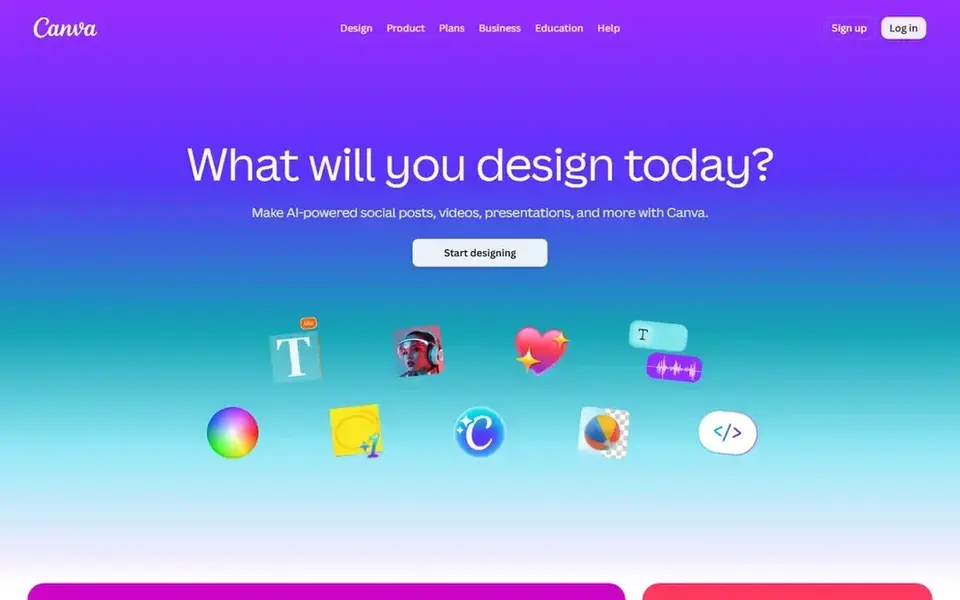
Where Canva fits: designing TikTok graphics and thumbnails. Canva is a visual suite for creating social media posts, presentations, posters, videos, and more. Worth adding: for TikTok, it is handy for thumbnails, include images, and on-screen graphics that complement your videos.
Its template library and straightforward interface make it accessible to creators without a design background. If your primary need is cutting and polishing video, use CapCut or Premiere Pro instead. No starting price is listed for Canva here; confirm pricing on the vendor site. Trial and free access: Not stated.
What to check first: Not a full video editor.
- Simple drag-and-drop design
- Templates for social media
- Advanced video features are restricted

Think of HeyGen for personal avatar videos without filming. HeyGen lets you build AI videos with your personal avatar, using your face and voice without filming each time. It is handy for scripted, repeatable content.
Use HeyGen when consistency and output volume are priorities. As for the details, avatar videos can feel less spontaneous than live-action clips, and HeyGen is not a complete editing environment for effects or trends. The starting price for HeyGen: $29 per month. HeyGen offers a free plan.
Limits to weigh: Avatar output may feel less spontaneous.
- Uses your face and voice
- Avoids filming every video
- Not a full editing suite
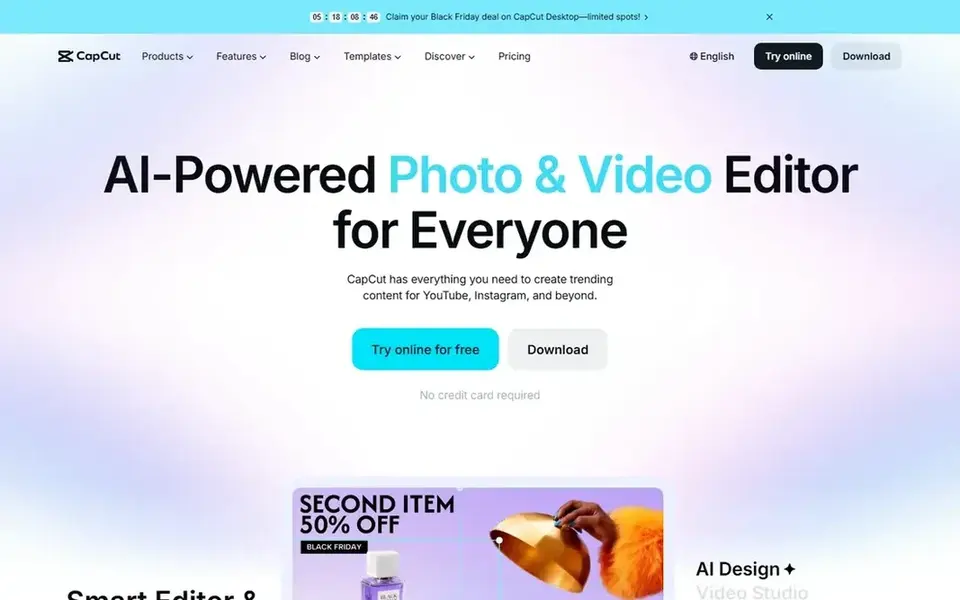
CapCut makes the most sense for all-in-one AI video editing for TikTok. CapCut is an AI video editor aimed at short-form content, offering smart templates and creative effects.
Trade-offs to know: Advanced features may need learning.
It runs on desktop, mobile, and online, which fits creators who edit across devices. If you need professional-grade postproduction with broad color and audio tools, a dedicated editor like Adobe Premiere Pro may be a better fit. CapCut does not show a starting price in this comparison, so check the vendor site for current pricing. CapCut includes a free tier.
- Online access
- AI-powered editing tools
- Mobile and desktop interfaces differ
Pre-purchase checklist
- Get a written quote from Adobe Premiere Pro, Canva and CapCut; the list shows no starting price for them.
- Read the fine print on the free plans from Descript, Synthesia, HeyGen and CapCut; seat, project and feature caps differ.
- Before choosing Adobe Premiere Pro, weigh its main limit: steeper ramp-up time.
- Read the plan comparison for HeyGen carefully; key features often start on a higher tier.
- Ask whether CapCut integrates with your current software, and whether that comes standard or as an add-on.
Frequently asked questions
Do I need design tools for TikTok?
Design tools help with thumbnails, handle images, and on-screen graphics that support your videos. It complements video editors instead of replacing them.
What is the cheapest option for AI tools for TikTok content creation in this list?
On published monthly entry prices, Descript is the lowest here at $16 per person per month. Entry price is only part of the cost, because seats, add-ons and billing terms can change the total. Prices, free plan details and limits for all 6 tools in this AI tools for TikTok content creation roundup sit on the individual cards above.
Are AI avatar videos right for TikTok?
AI avatar videos can work for scripted, informational, or brand content where consistency matters. Synthesia and HeyGen both offer avatar-led video creation, with HeyGen focusing on a personal avatar using your face and voice.
Is Adobe Premiere Pro the right pick for everyone comparing AI tools for TikTok content creation?
No single tool suits every team. Adobe Premiere Pro comes first because it fits professional video editing and postproduction, while Descript suits text-based video and audio editing and Synthesia suits AI avatar videos for business communication. Match the tool to your own size, budget and workflow before deciding.
Can I try these tools before paying?
Often, yes. Descript, Synthesia, HeyGen and CapCut have a free plan. Use your own data and a real task during the test, and check what the free tier or trial limits before you rely on it.
Do these tools publish their prices?
Not all of them. Adobe Premiere Pro, Canva and CapCut publish no starting price, so expect a quote request for those. The rest, Descript included, show a starting price, though seats and billing terms still change the final cost.
Sources
See where you really rank - block by block
ProMapRanker scans Google Maps across a grid of your service area. Simple monthly plans from $19, white-label on every plan.
Start freeBrowse all guides
← Best Captioning Software for Content Creators (2026)Best Influencer Marketing Platforms for Enterprise (2026) →
 best social proof marketing tools for online courses
Best Social Proof Marketing Tools for Online Courses (2026)
Compare 6 best social proof marketing tools for online courses, with prices, free plans and who each fits. Real limits included. Last reviewed November 2026.
Read → best social media management tools for software developers
Social Media Management Tools for Software Developers (2026)
Best social media management tools for software developers in 2026: 5 contenders with entry costs and free tiers. Verdicts stay brief and factual. Plain facts.
Read → best social media management tools for manufacturers
Best Social Media Management Tools for Manufacturers (2026)
Searching for the best social media management tools for manufacturers? Here are 5 options with prices and free plans. Short verdicts, no fluff. Quick to scan.
Read → facebook alternatives
Best Facebook Alternatives in 2026
Compare the best facebook alternatives for groups, local news, privacy, and public posts, with free plans, clear strengths, and honest trade-offs today.
Read → best ai tools for faceless youtube channels
Best AI Tools for Faceless YouTube Channels in 2026
Discover the best AI tools for faceless YouTube channels, from scripts and voices to video, thumbnails and channel growth, compared in one guide for creators.
Read → best crowdfunding platforms
Best Crowdfunding Platforms in 2026
Compare the best crowdfunding platforms for products, personal causes, and startup equity, with fees, funding rules, risks, and honest guidance for creators.
Read →More in Social Media & Creators · All guides A to Z by date · Latest guides