 ProMapRanker
Best AI Tools for Faceless YouTube Channels in 2026

Key takeaways
- No single tool covers a whole faceless channel well, so build a small stack: script, voice, video, edit and thumbnail tools, plus one growth tool.
- ElevenLabs is the strongest voice pick, while Pictory and InVideo suit script-to-video work and CapCut suits free final editing.
- YouTube does not ban faceless channels as such, but it does restrict monetization for mass-produced content with little original human input, so edit and add value.
- Start free where you can, test one format for several weeks, and upgrade only the tool that limits your output.
Quick comparison
| Pick | Great for | Pricing starts at | Free tier | |
|---|---|---|---|---|
 ChatGPT | Script drafting and ideas | Free | Yes | Visit |
 ElevenLabs | AI narration | Free | Yes | Visit |
 Pictory | Script to stock-footage video | $25 per month | Free trial | Visit |
 InVideo AI | Prompt to video drafts | $20 per month | Yes | Visit |
 Fliki | Script to video with voices | $28 per month | Yes | Visit |
 Descript | Text-based video editing | $16 per month | Yes | Visit |
 CapCut | Free final editing and captions | Free | Yes | Visit |
 vidIQ | Titles, tags and channel growth | Free | Yes | Visit |
The best AI tools for faceless YouTube channels
Faceless channels still need a human in charge of the idea, the facts and the edit. These tools handle production steps, but the channel's value comes from what you add around them.
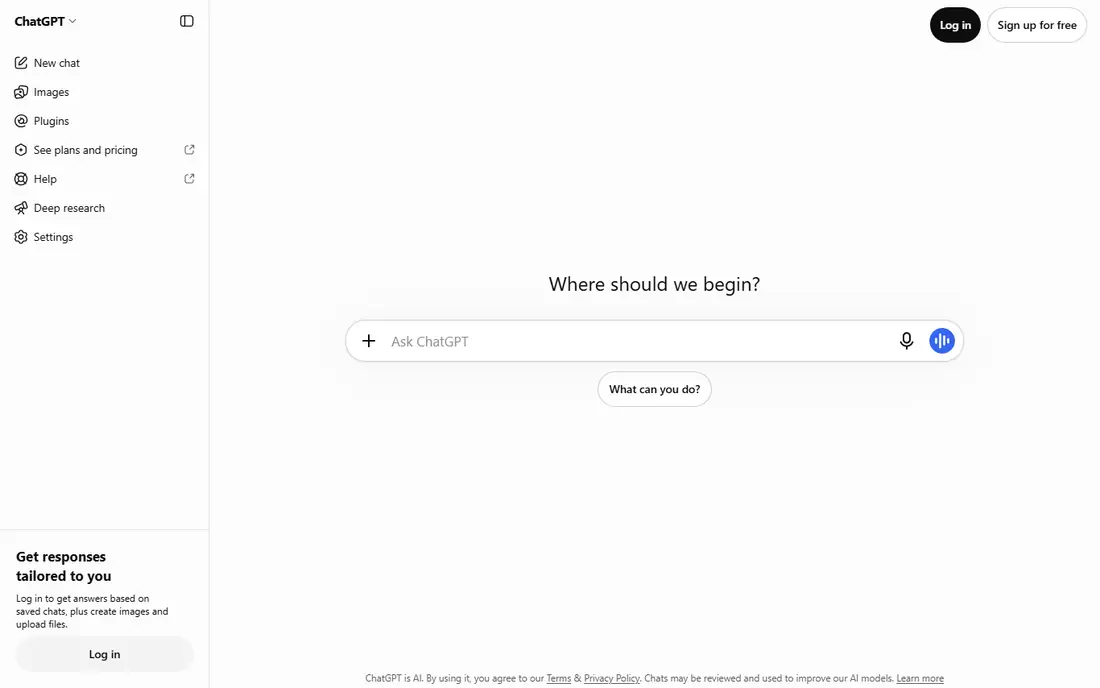
ChatGPT, from OpenAI, is the most useful starting tool for a faceless channel because it covers the hardest blank-page step: ideas, outlines and first-draft scripts. Ask for a structure, a hook and section beats, then rewrite in your own voice, check every factual claim, and cut anything that sounds generic. That editing pass is what separates a watchable video from a mass-produced one.
The free tier is enough to test a format, while the paid tier suits regular production with higher limits and newer models. Costs vary by plan and region, so check the pricing page before subscribing, and treat the free tier as a trial for your workflow rather than a permanent production setup.
The main risk is publishing a draft unchanged. AI scripts can invent facts, repeat clichés and miss the specific angle that makes a niche worth watching. Use ChatGPT to draft, then verify, add examples, and record or generate narration only after the script reads like something you would actually say.
- Fast first drafts, titles and outlines
- Useful for research questions and hooks
- Free tier for starting out
- Drafts need fact-checking and editing
- Generic scripts sound flat without your input
- Paid tier needed for heavier use
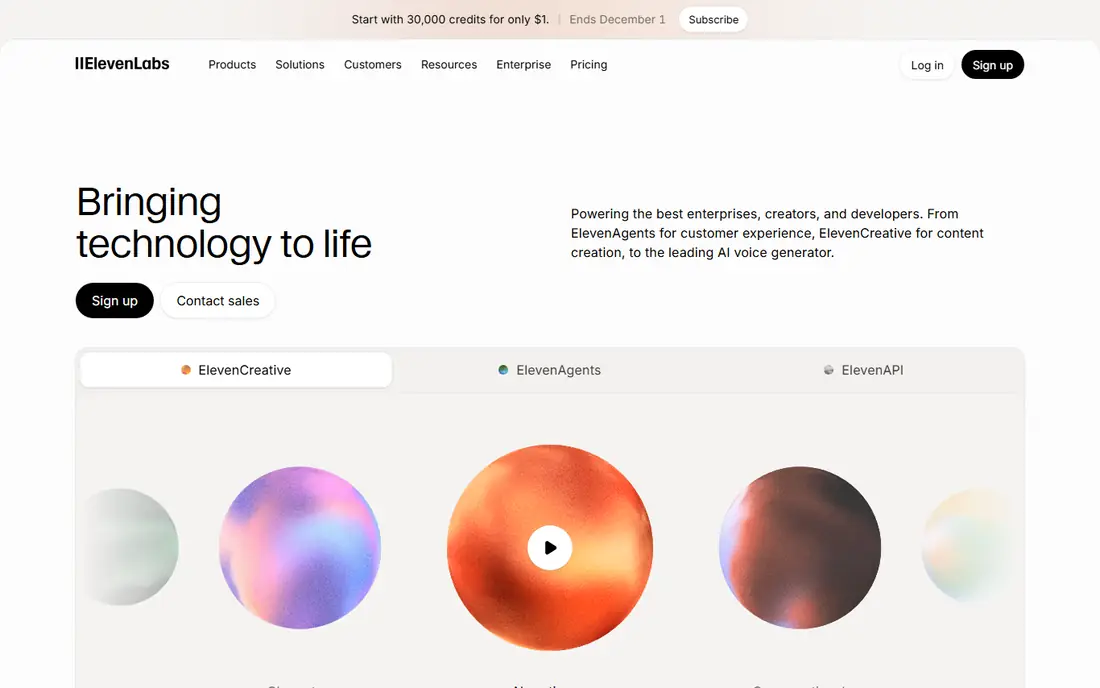
ElevenLabs is the standard voice tool for faceless channels, and the reason is sound quality. Its text-to-speech voices handle pacing, emphasis and longer narration better than most built-in video editor voices, which matters when a viewer listens for eight minutes without a face on screen. Choose one consistent voice for a channel, since a changing voice breaks the sense of a single presenter.
Pricing starts free, with 10,000 credits a month on the free tier, then paid plans from $6 per month for Starter, $22 for Creator and $99 for Pro, according to recent pricing summaries. The free tier does not include a commercial licence, so move to a paid plan before you monetize or publish commercial work. Credits are roughly one character per credit, so estimate script length before picking a tier.
The catch is volume. A channel publishing several long videos a week can burn through credits fast, and overage costs add up. Track characters per script, keep scripts tight, and reuse a voice profile rather than testing new voices on every video. For narration quality alone, though, ElevenLabs remains the pick most faceless creators start with.
- Natural-sounding voices in many languages
- Voice cloning on paid plans
- Free tier for testing voices
- Free tier has no commercial licence
- Credits reset monthly and do not roll over
- Costs rise with volume
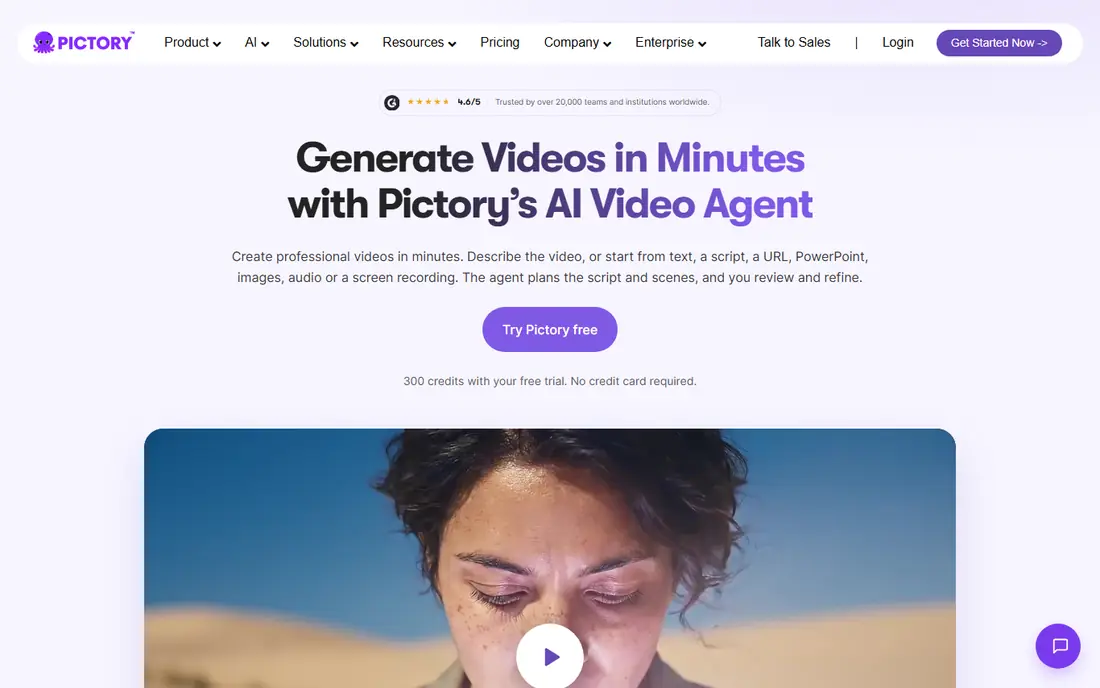
Pictory suits educational and explainer faceless channels that work well with stock footage. Paste a script or article, and Pictory builds a video with visuals, captions and voiceover, which you then edit scene by scene. That workflow is faster than sourcing clips by hand, and it works best for topics where stock footage illustrates the point rather than carrying the whole story.
Pricing summaries put Pictory Starter at $25 per month billed annually, with higher tiers for longer videos and team use, and a 14-day trial rather than a free plan. Check the pricing page for the current monthly and annual figures, since they change, and note that trial videos carry limits.
The weakness is sameness. Stock footage channels can look alike, and viewers notice when every video uses the same library clips and transitions. Counter that with strong scripts, custom titles, your own b-roll where possible, and careful caption styling. Pictory saves time on assembly, but it does not replace judgment about what a scene should show.
- Turns scripts and articles into stock-footage videos
- AI voiceovers and captions included
- Up to 30-minute videos on Starter in some summaries
- No free plan, only a trial
- Stock footage can look generic
- Editing control is lighter than a full editor
InVideo AI is the fastest way to test a faceless format. Type a prompt describing the video you want, and it drafts a script, selects visuals, adds voiceover and music, and gives you an editable timeline. That speed helps when you are testing five niche ideas and want to see which one holds watch time before committing to a full production system.
Starting price is reported at $20 per month per seat, with a free tier for limited exports, and higher tiers for more minutes and features. Check the pricing page for current limits, since free exports and watermark rules change, and do not build a publishing schedule on a free tier without confirming its limits.
Draft quality is the limit. InVideo scripts can be generic, visuals can mismatch the narration, and facts need checking, just as with any AI draft. Treat the output as a rough cut: rewrite weak sections, swap mismatched clips, fix captions, and add your own intro hook. Used that way, it is a strong format-testing tool. Used untouched, it produces the kind of mass-produced video YouTube monetization rules penalize.
- Prompt-to-video drafts with script, visuals and voice
- Large stock library
- Useful for testing formats fast
- Drafts need editing for accuracy and style
- Free exports carry limits
- Paid plan needed for regular publishing
Fliki combines script-to-video assembly with a strong voice library, which makes it a one-stop option for creators who want narration and visuals in the same tool. Write or paste a script, pick a voice, choose visuals, and export a captioned video. Paid plans support longer videos, with Standard reported at $28 per month, or $17 per month billed annually in some summaries, so check the current pricing page.
The free tier lets you test the workflow with short, watermarked exports, which is enough to judge voice quality and editing feel, but not enough for regular publishing. That is a fair trial model, provided you do not mistake a short test export for a production plan.
Fliki's trade is similar to Pictory and InVideo: speed against originality. Its voices are a strength, while its stock visuals need your curation to avoid a generic look. If you already use ElevenLabs for voice, Fliki's voice library may be redundant, and Pictory or InVideo plus ElevenLabs could be a better split. If you want one tool for both, Fliki is a solid choice.
- Script-to-video with a wide voice choice
- Free tier for short exports
- Supports longer videos on paid plans
- Free exports are short and watermarked
- Monthly pricing is higher than some rivals
- Stock visuals can feel generic
Descript fits a different stage of the workflow: polishing. Import a video or audio draft, edit the transcript, and the media follows, which makes cutting pauses, fixing a misspoken line or removing filler words far faster than timeline scrubbing. For faceless channels that start with an AI draft, Descript is where that draft becomes watchable.
Pricing summaries put Descript from $16 per month billed annually for Hobbyist, with a free tier offering limited transcription and export. Check the pricing page for current plan names and limits, since Descript changes tiers as it adds AI features.
Descript is not a replacement for Pictory or InVideo, since it does not generate a full video from a prompt in the same way. It is a complement: generate a draft elsewhere, or record narration in ElevenLabs, then clean, cut and caption in Descript. Channels that publish long-form explainers will feel the benefit most, since transcript editing scales better than manual timeline work.
- Edit video by editing text
- Filler-word removal and transcript cleanup
- Useful for polishing AI drafts
- Learning curve for text-based editing
- Hobbyist pricing reported from $16 per month billed annually
- Not a full script-to-video generator
CapCut is the free finishing tool most faceless creators already have. It handles cuts, captions, transitions, text overlays and basic effects on desktop and mobile, and its auto-caption tool saves a large amount of time on long videos. For Shorts, it is often the whole editor, from clip assembly to export.
The free tier covers a great deal, with a paid Pro plan for extra effects, templates and cloud features. Prices vary by platform and region, so check the app or site before subscribing, and do not assume a template or music track is cleared for monetized YouTube use without checking its licence.
CapCut's risk is the template look. A video built entirely from trending templates, with stock music and auto-captions, can feel interchangeable with hundreds of others. Use CapCut for clean cuts, readable captions and consistent branding, and keep your script and visuals distinctive. As a free editor, it is the best value tool on this list.
- Free editing with auto-captions, effects and music tools
- Works on desktop and mobile
- Good for Shorts and long-form polish
- Some effects, templates and cloud features need a paid plan
- Template-heavy edits can look generic
- Check music licensing for monetized videos
vidIQ covers the step many faceless creators skip: choosing a topic people actually search for. It scores keywords, suggests titles and tags, shows competitor video performance, and tracks channel growth, which helps a faceless channel pick niches with demand rather than guessing. For a channel without a personal audience, search discovery matters more than personality.
Pricing summaries put vidIQ from $19 per month, or about $16.58 per month billed annually, with a free tier for basic tools. Check the pricing page for current plans, since free limits change, and use the free tier to test whether keyword research changes your topic choices before paying.
Scores are not promises. A high keyword score does not guarantee views, and a low score does not mean a topic is worthless if your video is genuinely better than the current results. Use vidIQ to shortlist topics, then judge each one by the quality of existing videos and by whether you can add something new. Growth tools help distribution, but they cannot rescue a thin video.
- Keyword scores, title ideas and competitor insights
- Free tier for starting creators
- Helps faceless channels find searchable topics
- Does not make video
- Paid plans needed for deeper research
- Scores are guidance, not a guarantee of views
How we picked these
We compared official pricing pages, feature pages and recent faceless-channel stack guides, and we kept only tools that are live, usable for YouTube production in 2026, and cover a distinct stage of the workflow. We favored a mix of script, voice, video generation, editing and growth tools, so a creator can build a small stack rather than paying for overlapping all-in-one tools. We did not claim hands-on testing of every tool, and we note where free tiers lack a commercial licence or carry export limits, since those terms decide whether a tool fits a monetized channel.
Building a stack that stays original
Keep the stack small. A workable starting stack is ChatGPT for drafts, ElevenLabs for voice, Pictory or InVideo for visuals, CapCut or Descript for editing, and vidIQ for topic choice. That is five tools, and many creators start with fewer, using CapCut alone for editing and a free voice tier for testing.
Originality comes from your input at each stage. Verify facts, add examples only you would choose, rewrite generic script lines, curate visuals rather than accepting defaults, and design thumbnails that reflect the video's actual claim. YouTube's monetization rules for inauthentic content focus on mass-produced videos with little human value added, so that editing pass is not optional polish. It is the difference between a channel that can monetize and one that cannot.
Set a publishing rhythm you can sustain. One well-edited video a week beats five rushed drafts, and a consistent voice, format and thumbnail style helps viewers recognize your channel without seeing your face. Track watch time and click-through rate for each format, and drop formats that do not hold viewers, even if they were fast to produce.
Frequently asked questions
What are the best AI tools for a faceless YouTube channel?
ChatGPT or a similar model for scripts, ElevenLabs for voice, Pictory or InVideo for video assembly, CapCut or Descript for editing, and vidIQ for topic research form a solid starting stack. Pick one tool per stage and upgrade only the stage that limits you.
Are faceless YouTube channels allowed and can they monetize?
Faceless channels are allowed, but YouTube restricts monetization for mass-produced or repetitious content with little original input. Add human research, editing and commentary, and follow YouTube Partner Program policies before relying on ad revenue.
Do I need to show my face or use my own voice?
No. AI voices, stock footage, animation and screen recordings all work for faceless formats. A consistent AI voice and visual style help viewers recognize the channel, but you should still disclose AI use where YouTube or the tool requires it.
What is the cheapest way to start a faceless channel?
Start with free tiers for scripting, voice testing and editing, using CapCut for editing and a free voice tier for tests. Move to a paid voice plan before monetizing, since free voice tiers often lack a commercial licence, and add a video generator only when manual editing becomes the bottleneck.
How do faceless channels pick good topics?
Use vidIQ or similar research to find searchable topics with weak existing videos, then check whether you can add better research, clearer structure or fresher examples. A topic with demand and a clear gap beats a trending topic where ten similar videos already exist.
What should I avoid when using AI tools for YouTube?
Avoid publishing unedited AI drafts, copying other creators' scripts, using voices or images without permission, and making factual claims you have not checked. Also avoid face-swap or cloning tools that use a real person's likeness without consent, since that creates legal and platform risks.
Sources
See where you really rank - block by block
ProMapRanker scans Google Maps across a grid of your service area. Simple monthly plans from $19, white-label on every plan.
Start freeKeep reading
 best rank tracking software
Best Rank Tracking Software in 2026
Searching for the best rank tracking software? We compare 8 tools for daily keyword tracking, local rankings, client reports, and competitor checks in 2026.
Read → best platform for ecommerce website
Best Platform for Ecommerce Website in 2026
Find the best platform for ecommerce website builds in 2026. We compare Shopify, WooCommerce, BigCommerce, Wix and more on price, fees and scale for stores.
Read → best math apps
Best Math Apps in 2026: 8 Apps Compared
Find the best math apps for homework, revision, and deeper study in our 2026 comparison of 8 free and paid solvers, courses, and visual tools for students.
Read →