 ProMapRanker
Best Captioning Software for Content Creators (2026)

Recording and captioning conversations · Pricing starts at: $24 per month
Direct answer
Our first pick is Riverside, best for recording and captioning conversations. Listed starting prices: Riverside from $24 per month, Descript from $16 per person a month and Kapwing from $16 a month. For a different need, CapCut covers quick social video captions and Descript covers text-based editing with captions. Prices, free plans and limits for all 5 tools follow.
ProMapRanker put together this guide to captioning software for content creators for readers who want a clear shortlist without reading every vendor page. It compares 5 tools on starting price, free plans, who each one suits and where each one falls short.
Key takeaways
- This list starts with Riverside, which is built for recording and captioning conversations.
- For the cheapest start, look at Descript: $16 per person per month.
- Only 4 of the 5 tools have a free plan (Riverside, CapCut, Descript, Kapwing), so check the caps.
- Adobe Premiere Pro fits professional timeline editing.
Quick comparison
| Pick | Great for | Pricing starts at | Free tier | |
|---|---|---|---|---|
| Riverside | Recording and captioning conversations | $24 per month | Yes | Visit |
 CapCut | Quick social video captions | See website | Yes | Visit |
 Descript | Text-based editing with captions | $16 per person a month | Yes | Visit |
 Kapwing | Prompt-driven video with captions | $16 a month | Yes | Visit |
 Adobe Premiere Pro | Professional timeline editing | See website | Not stated | Visit |
Every option for captioning software for content creators explained
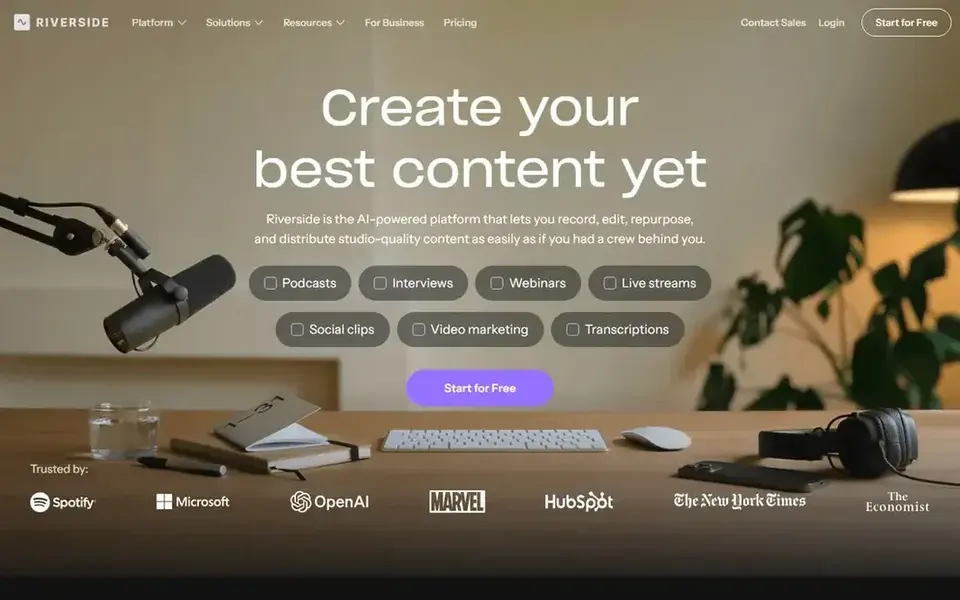
Choose Riverside for recording and captioning conversations. Riverside is an online studio for high-quality podcast and video recording and editing, powered by AI and aimed at conversations. Riverside is the better fit when remote recording and spoken-word content are the core of the channel.
Also, creators who record interviews or co-hosted displays can capture clean source material and then produce captioned episodes from the same system. Its strengths lie in recorded conversations instead of scripted cinematic production, so effects-heavy creators may need another editor. Riverside cost at the entry level: $24 per month. Free access exists with Riverside.
Where it falls short: Not a general-purpose effects editor.
- AI-powered editing for conversations
- Recording and editing in one place
- Focused on interview and podcast formats
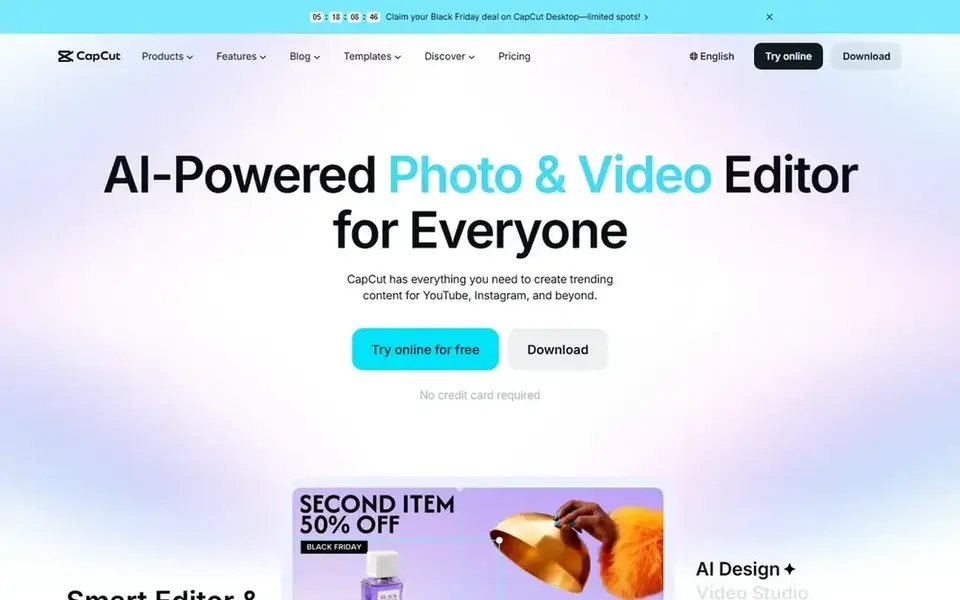
In short, CapCut is for fast social video captions. Pick a full nonlinear editor when a project outgrows quick social edits.
CapCut shows no starting price here, so confirm the cost on the vendor site. A free plan is available with CapCut.
Strengths: Creative effects for short-form video.
Watch-outs: Advanced postproduction controls are thinner.
- Available on desktop
- Mobile and online
- Template-driven style may feel restricted for long projects
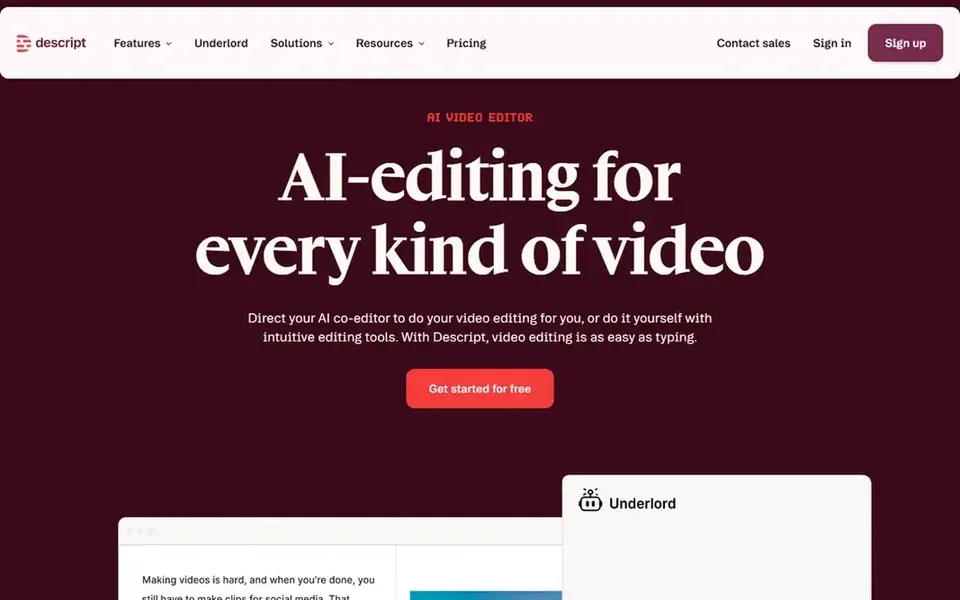
Descript is aimed squarely at text-based editing with captions. Since the workflow centers on spoken words, creators working primarily with heavy motion graphics or intricate multicam sequences may find a traditional timeline editor more comfortable.
Beyond that, consider Descript when transcript accuracy and quick caption turnaround matter more than advanced compositing. Descript cost at the entry level: $16 per person per month. Descript offers a free plan.
Where it is weaker: Less well suited to complicated visual effects work.
- Edit audio and video by editing text
- Recording
- Most useful for talking-head and podcast content
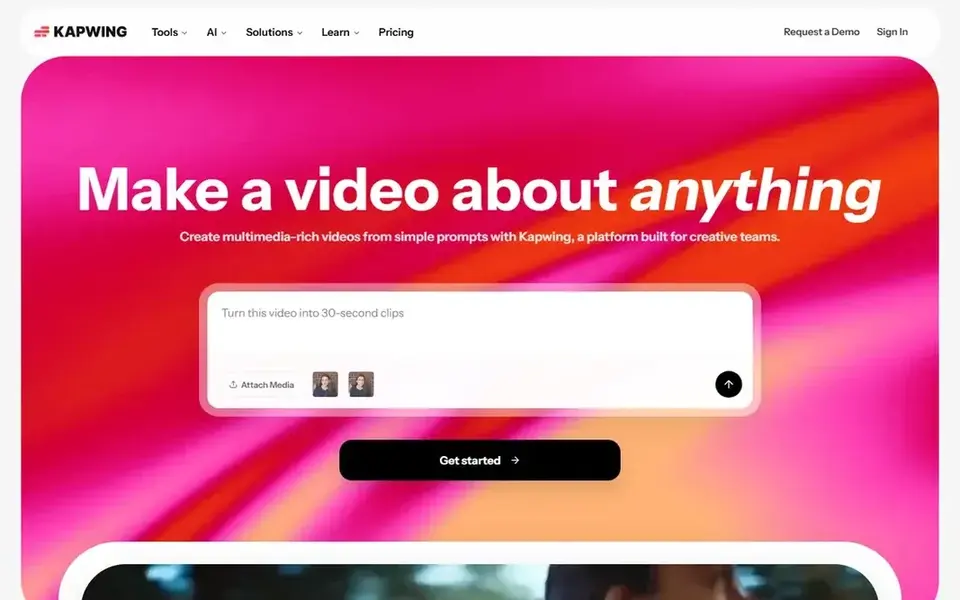
Pick Kapwing if this describes you: prompt-driven video with captions. Consider it for quick social production, not for in-depth postproduction.
The main drawbacks: Less suited to advanced color and audio work.
Prompt-driven output commonly needs manual review, and fine-grained audio or color finishing is restricted compared to professional editors. Kapwing cost at the entry level: $16 per month. Kapwing has a free plan.
- Create projects from a single prompt
- Editing and captioning on every channel
- Automatic generation may need manual cleanup
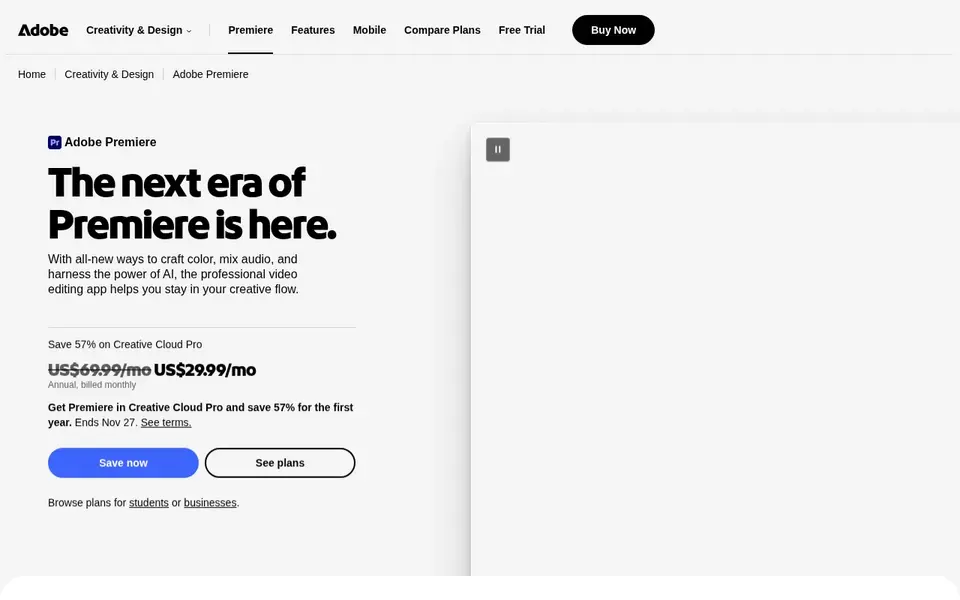
Adobe Premiere Pro is a good fit for professional timeline editing. Newer creators may find the interface and project structure demanding compared to more straightforward captioning tools.
For everyday use, choose Premiere Pro when captioning is one part of a broader professional edit instead of the entire job. This comparison lists no price for Adobe Premiere Pro; ask the vendor. On free options: Not stated.
Downsides: Steeper ramp-up time for beginners. Highlights: Audio mixing and postproduction tools.
- Deep editing
- Suits established professional workflows
- Caption work sits inside a bigger editing suite
A buyer's checklist
- Get a written quote from CapCut and Adobe Premiere Pro; the list shows no starting price for them.
- Check what the free option really includes: Riverside, CapCut, Descript and Kapwing offer a free plan, and usage caps differ.
- Read the limits listed for Riverside first: centred on interview and podcast formats.
- Check the integration list for Adobe Premiere Pro against the tools you run today, and note which ones need a higher plan.
- Confirm the exact Kapwing plan that includes your must-have features.
Frequently asked questions
What should I check before choosing captioning software?
Confirm supported caption formats, how transcription accuracy is handled, and whether captions can be edited straight. Also review collaboration features and test one real project before committing to a workflow.
Is Riverside the right pick for everyone comparing captioning software for content creators?
No single tool suits every team. Riverside comes first because it fits recording and captioning conversations, while CapCut suits fast social video captions and Descript suits text-based editing with captions. Match the tool to your own size, budget and workflow before deciding.
Can I try these tools before paying?
Often, yes. Riverside, CapCut, Descript and Kapwing have a free plan. Use your own data and a real task during the test, and check what the free tier or trial limits before you rely on it.
What is the cheapest option for captioning software for content creators in this list?
On published monthly entry prices, Descript is the lowest here at $16 per person per month. Entry price is only part of the cost, because seats, add-ons and billing terms can change the total. All 5 picks in this Captioning software for content Creators comparison list a starting price, free plan details and the main limits on their cards above.
How are the tools for captioning software for content creators ordered?
Riverside sits first and Adobe Premiere Pro last because the order follows typical fit for captioning software for content creators, then price clarity and free access. It is a judgement call, so read each profile for fit and limits.
Sources
See where you really rank - block by block
ProMapRanker scans Google Maps across a grid of your service area. Simple monthly plans from $19, white-label on every plan.
Start freeBrowse all guides
← Best Social Proof Marketing Tools for Online Courses (2026)Best AI Tools for TikTok Content Creation (2026) →
 best social media management tools for software developers
Social Media Management Tools for Software Developers (2026)
Best social media management tools for software developers in 2026: 5 contenders with entry costs and free tiers. Verdicts stay brief and factual. Plain facts.
Read → best social media management tools for manufacturers
Best Social Media Management Tools for Manufacturers (2026)
Searching for the best social media management tools for manufacturers? Here are 5 options with prices and free plans. Short verdicts, no fluff. Quick to scan.
Read → best social media management tools for law firms
Best Social Media Management Tools for Law Firms in 2026
6 best social media management tools for law firms, compared on pricing, free plans and best-fit use. Trade-offs are spelled out for each entry. Facts only.
Read → best social media reporting tools
Best Social Media Reporting Tools in 2026
Compare the best social media reporting tools in 2026, with pricing and free plans, and the right pick for creators, agencies, and large marketing teams.
Read → kemono alternatives
Kemono Alternatives in 2026
Find legal kemono alternatives for creators in 2026, from Patreon and Ko-fi to Substack and Ghost, with fees, features, safety notes, and honest limits.
Read → best app for scheduling social media posts
7 Best App for Scheduling Social Media Posts for 2026
7 best app for scheduling social media posts, with entry costs, free tiers and the buyer each one serves. Each tool gets a one-line verdict. Start here.
Read →More in Social Media & Creators · All guides A to Z by date · Latest guides