 ProMapRanker
Best AI Tools for Small Business in 2026

Key takeaways
- Start with one general assistant, such as ChatGPT or Claude, before adding specialist tools.
- Canva covers design, Grammarly covers writing polish, and QuickBooks covers bookkeeping with AI help.
- HubSpot gives small teams a free CRM starting point, while Zapier connects apps that do not talk to each other.
- Otter.ai saves meeting time with transcripts and summaries, but check consent rules before recording.
- Free tiers cover a surprising amount, so pay only when usage limits or team features become a real constraint.
Quick comparison
| Pick | Great for | Pricing starts at | Free tier | |
|---|---|---|---|---|
 ChatGPT | General writing and research | $20 per month | Yes | Visit |
 Claude | Long documents and careful writing | $20 per month | Yes | Visit |
 Canva | Design and social graphics | $15 per month | Yes | Visit |
 Grammarly | Writing polish | $12 per month | Yes | Visit |
 QuickBooks Online | Bookkeeping | $38 per month | Free trial | Visit |
 HubSpot | CRM and marketing | Free | Yes | Visit |
 Zapier | Workflow automation | $19.99 per month | Yes | Visit |
 Otter.ai | Meeting notes | $8.33 per month | Yes | Visit |
The best ai tools for small business
The best ai tools for small businesses save time on real weekly tasks, not just demos. The tools below cover writing, design, finance, marketing, automation, and meetings, with a clear job for each one.
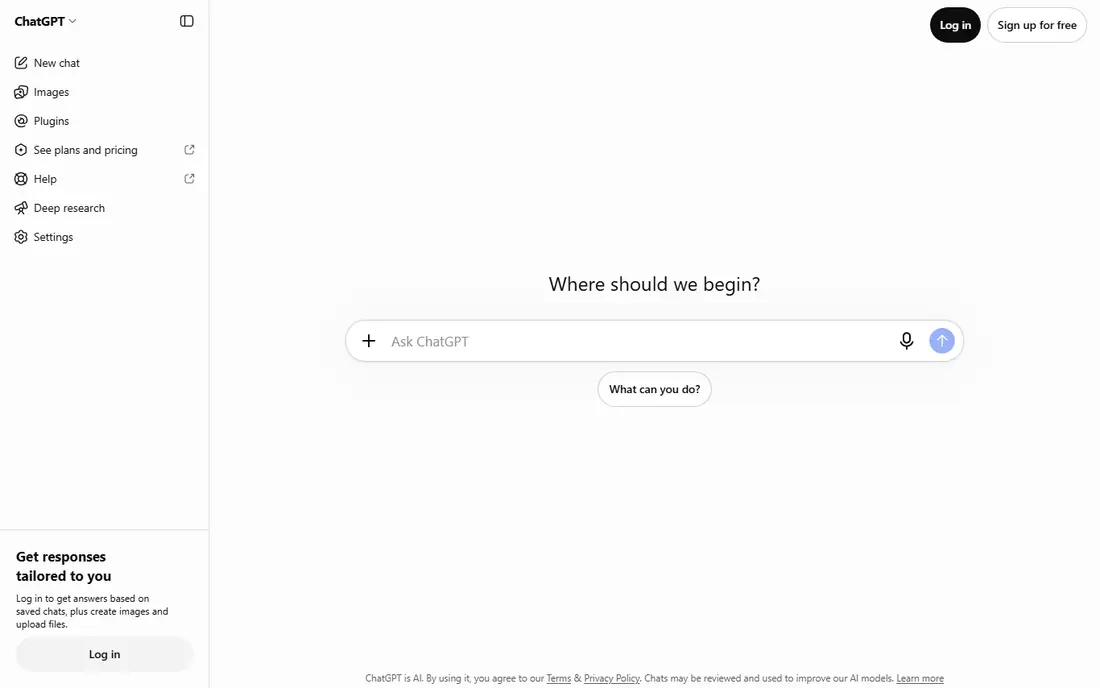
ChatGPT is the best first AI tool for most small businesses, because it handles so many jobs. Draft emails, product descriptions, social posts, proposals, and customer replies from rough notes. Summarise long supplier terms or meeting notes before decisions. Brainstorm offers, names, and campaign angles when you are stuck. The free tier covers a lot, while Plus adds higher usage and better models.
Accuracy is the limit to respect. ChatGPT can write fluently about facts it gets wrong, so check prices, dates, and claims before publishing. Avoid pasting sensitive customer data or unreleased business details into prompts without checking your plan privacy terms. Used with human review, ChatGPT saves hours every week.
- Most versatile general assistant
- Strong for drafts, summaries, and ideas
- Large template and guide community
- Output needs fact-checking
- Free tier has usage limits
- Sensitive data needs care
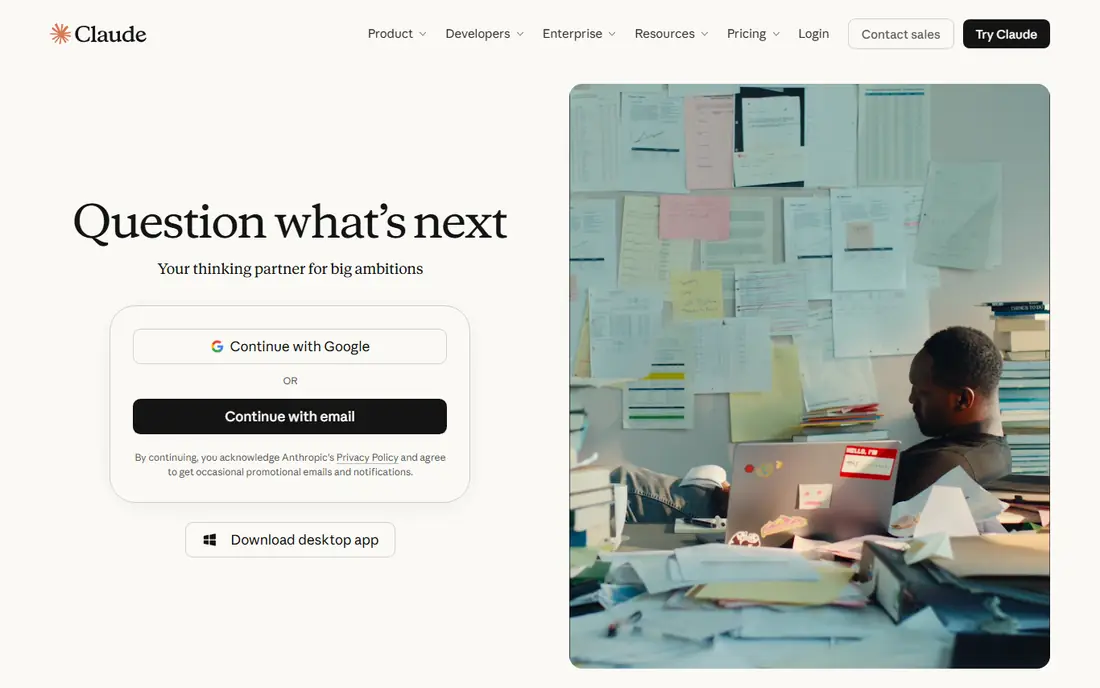
Claude suits owners who work with long documents, contracts, proposals, and reports. It handles large pasted documents well and follows detailed style instructions closely, which helps when tone and accuracy matter. Many owners prefer Claude for careful rewrites and for turning messy notes into a polished draft. Pro pricing matches ChatGPT, with a lower monthly figure on annual billing.
Claude has fewer third-party connections than ChatGPT in some plans, so check integrations if you rely on email or calendar links. Team plans add seats and controls at a per-seat price. If your main AI work is long-form writing rather than quick chats, Claude is our pick for that job.
- Strong with long documents
- Follows detailed instructions well
- Careful, clear writing style
- Fewer app connections than ChatGPT in some plans
- Team features cost more per seat
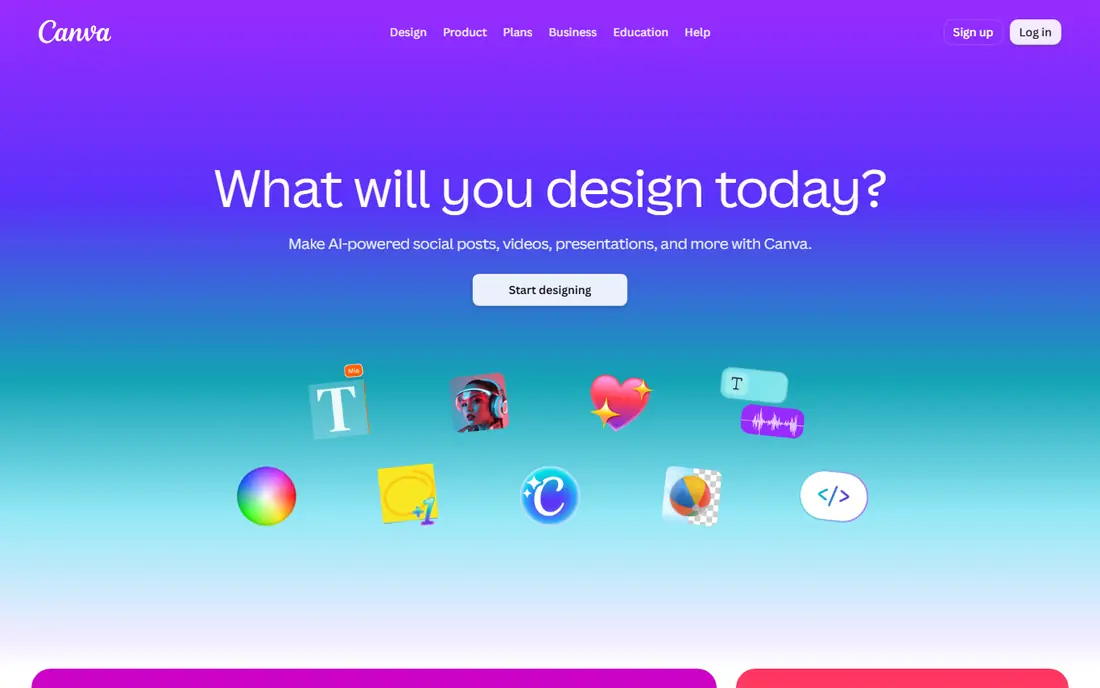
Canva lets small businesses produce professional-looking graphics without hiring a designer for every post. Social graphics, flyers, menus, presentations, and ads start from templates, and AI tools help generate images, rewrite text, and resize designs for different platforms. Brand kits on paid plans keep colours, fonts, and logos consistent. The free tier covers basic design well.
AI allowances limit how much generation you can do each month, so heavy users should check the current allowance. Complex brand work, such as a full identity or packaging, still benefits from a human designer. For everyday marketing visuals, Canva is the most practical AI design tool for small teams.
- Easy design for non-designers
- AI image and text tools
- Brand kits on paid plans
- AI allowances apply on paid plans
- Advanced design still needs a designer for complex work
Grammarly improves the writing a small business already produces, from emails to proposals to website copy. It flags grammar and spelling errors, suggests clearer phrasing, and helps adjust tone for customers. The tool works in browsers, email, and documents, so corrections appear where owners actually write. The free tier covers core checks for many users.
Grammarly does not replace judgement. Accepting every suggestion can flatten a distinctive voice or change meaning, so review AI rewrites carefully. The lowest monthly figure requires annual billing. For owners who write customer-facing copy daily, Grammarly is a low-cost quality control layer.
- Catches grammar, tone, and clarity issues in real time
- Works across browsers and apps
- Free tier useful
- AI suggestions need human judgement
- Paid price is annual billing for the lowest figure
QuickBooks Online remains the standard bookkeeping tool for many small businesses, and its AI features now help with categorisation, invoice reminders, and anomaly flags. Receipt capture reduces manual entry, and reports for tax time are far easier than spreadsheet bookkeeping. Intuit Assist features summarise cash flow and flag overdue invoices, which helps owners act sooner.
There is no free plan, only a trial, and the entry price has risen over time. AI suggestions also need review, since miscategorised expenses cause problems at tax time. This is not financial advice, and owners with complex tax situations should still use an accountant. For day-to-day bookkeeping, QuickBooks saves real weekend time.
- Bookkeeping with AI categorisation and invoice help
- Receipt capture
- Tax-time reporting
- No free plan, only a trial
- AI suggestions are not a substitute for accounting judgement
HubSpot gives small teams a free CRM starting point, which replaces scattered spreadsheets for leads and customers. Contacts, deals, emails, and tasks sit in one record, and AI tools help draft emails and summarise interactions. Starter marketing plans add automation and landing pages at a low per-seat price. That structure helps owners follow up consistently instead of losing leads in inboxes.
Costs rise as contacts, seats, and features grow, so check pricing at your real list size. Setup also takes thought, including pipeline stages and lead sources. For teams that need a CRM before they need a full marketing suite, HubSpot free CRM is the best place to start.
- Free CRM to start
- AI email drafting and lead tools
- Marketing and sales in one system
- Costs rise with contacts and higher tiers
- Setup takes time for larger pipelines
Zapier connects apps that do not talk to each other, such as forms, CRMs, email, and spreadsheets. A new lead can create a CRM contact, send a notification, and start a follow-up task without manual copying. AI features help describe and build workflows in plain language. The free tier covers a small number of tasks, while paid plans raise limits for regular use.
Task limits matter, since each step in a workflow can count toward the total. Poorly designed rules can also copy errors across systems fast, so test automations with sample data first. For owners tired of retyping the same details into several apps, Zapier is the most useful automation tool in this list.
- Connects thousands of apps
- AI-assisted workflow building
- Saves repetitive data entry
- Task limits apply
- Poorly designed automations can spread bad data quickly
Otter.ai records meetings, produces transcripts, and summarises key points and action items. That saves the note-taking burden and creates a searchable record of decisions. Sales calls, client meetings, and team check-ins all benefit, especially for owners who juggle many conversations. The free tier covers a limited monthly minute allowance, while paid plans raise limits.
Accuracy depends on audio quality, accents, and overlapping speech, so review summaries before sharing them. Recording consent rules vary by state and country, so tell participants you are recording and get consent where required. With those checks in place, Otter.ai is a strong time saver for meeting-heavy owners.
- Automatic transcripts and summaries
- Action item extraction
- Searchable meeting history
- Accuracy varies with audio quality
- Recording consent rules vary by location
How we picked these
We compared vendor pricing pages and feature lists for AI tools with a clear small-business use case in October 2026, and we favoured tools with free tiers or trials that owners can test without a large commitment. We kept one tool per job where possible, to avoid recommending overlapping subscriptions. Where a price depends on annual billing, we noted the monthly figure on that basis and used the vendor-facing starting price.
Choosing the right AI tools for your business
Start with your biggest time sink, not with the most talked-about tool. One tool used well beats five subscriptions you barely open.
Pick by job, not by hype
List the tasks that eat your week, such as writing, design, bookkeeping, follow-up, or meetings. Assign one tool to each top task, and ignore tools that duplicate a job you already covered. A general assistant plus two or three specialists is enough for most small businesses.
Test free tiers first
Use free tiers and trials for a real week of work, not just a demo. Check output quality, time saved, and whether the team actually opens the tool. Pay only when usage limits, team features, or accuracy gains justify the cost. Cancel tools that do not earn a weekly place in your routine.
Protect data and check output
Avoid pasting customer personal data, passwords, or unreleased financial details into AI prompts unless your plan terms clearly allow it. Check AI output for facts, prices, and promises before sending it to customers. AI tools speed up drafting, but the business owner remains responsible for what goes out under the business name.
Frequently asked questions
What are the best ai tools for small businesses to start with?
Start with ChatGPT or Claude as a general assistant, plus Canva for design if you post on social media. Add QuickBooks for bookkeeping and HubSpot for customer tracking when those jobs take real time. That small stack covers writing, visuals, finance, and follow-up without a pile of subscriptions.
What is the best ai marketing tool for small business?
Canva is the best AI marketing tool for most small businesses, since it covers social graphics, ads, and presentations in one place. HubSpot adds email and lead marketing, while ChatGPT and Claude draft copy. Choose based on your bottleneck: design, email, or copy, rather than buying all three at once.
Are there free AI tools for small business?
Yes, ChatGPT, Claude, Canva, Grammarly, HubSpot CRM, Zapier, and Otter.ai all offer free tiers or free plans. Free tiers have usage limits, but they cover enough work to test value before paying. Start free, measure time saved, and upgrade only for the tools that prove themselves weekly.
How much should a small business spend on AI tools?
Many small businesses run well on 50 to 100 dollars per month for two or three paid tools, after using free tiers for the rest. Costs rise with seats, contacts, and usage, so review subscriptions quarterly. If a tool does not save at least its cost in time or revenue each month, cancel it.
Is it safe to use AI tools with customer data?
Use caution with customer personal data, financial details, and confidential business information. Check each vendor privacy terms, use business plans with stronger controls where available, and avoid pasting sensitive data into free consumer tools. Tell your team what data is safe to use with AI and what must stay out of prompts.
Sources
See where you really rank - block by block
ProMapRanker scans Google Maps across a grid of your service area. Simple monthly plans from $19, white-label on every plan.
Start freeKeep reading
 eventbrite alternatives
Eventbrite Alternatives in 2026
Find Eventbrite alternatives in 2026 with lower fees, free events and better check-in, compared by pricing, features, payouts and who each platform suits.
Read → ebay alternatives
eBay Alternatives in 2026
Find the best eBay alternatives in 2026. We compare 8 marketplaces for sellers on fees, buyer reach, categories, shipping and ease of selling online today.
Read → cursor alternatives
Cursor Alternatives in 2026
Compare the best Cursor alternatives for AI coding, from GitHub Copilot and Windsurf to Zed, Claude Code, Cline, Aider, and Amazon Q Developer in 2026.
Read →