 ProMapRanker
Best AI Tools for Presentations in 2026

Key takeaways
- Gamma is the fastest prompt-to-deck tool for most users, with a useful free credit tier and paid plans from around $10 per month.
- Beautiful.ai suits teams that need consistent, on-brand slides, thanks to smart templates that rebalance as you edit.
- Canva and Google Slides suit users who already live in those ecosystems, with AI features added to familiar editors.
- Plus AI and SlidesAI suit PowerPoint and Google Slides users who want AI help without leaving their usual tool.
- Note that Tome, once a well-known AI presentation tool, shut down in April 2025, so it is not included here.
Quick comparison
| Pick | Great for | Pricing starts at | Free tier | |
|---|---|---|---|---|
 Gamma Gamma | Fast, full decks from a prompt | $10 per month | Yes | Visit |
 Beautiful.ai Beautiful.ai | Consistent, professional business decks | $12 per month | Free trial | Visit |
 Canva Canva | Visual design, templates, and team content | $15 per month | Yes | Visit |
 Pitch Pitch | Startup pitch decks and team collaboration | See website | Yes | Visit |
 Plus AI Plus AI | AI help inside PowerPoint and Google Slides | $10 per user per month | Free trial | Visit |
 SlidesAI SlidesAI | Text-to-slides inside Google Slides | $10 per month | Yes | Visit |
 Visme Visme | Data-led presentations and reports | $12.25 per month | Yes | Visit |
 Decktopus Decktopus | Simple prompt-to-deck for beginners | $9.99 per month | Yes | Visit |
 Microsoft 365 Copilot Microsoft 365 Copilot | AI inside PowerPoint for Microsoft 365 users | See website | Free trial | Visit |
The best AI tools for presentations
AI presentation tools promise to turn a prompt, outline, or document into a finished deck in minutes, but they differ in how much control you keep, how well they export, and what they cost. Some build a whole deck from a prompt, some improve slides inside PowerPoint or Google Slides, and some focus on design consistency for teams. We compared official pricing pages and October 2026 pricing guides to pick tools that are currently available and genuinely generate or improve presentations.
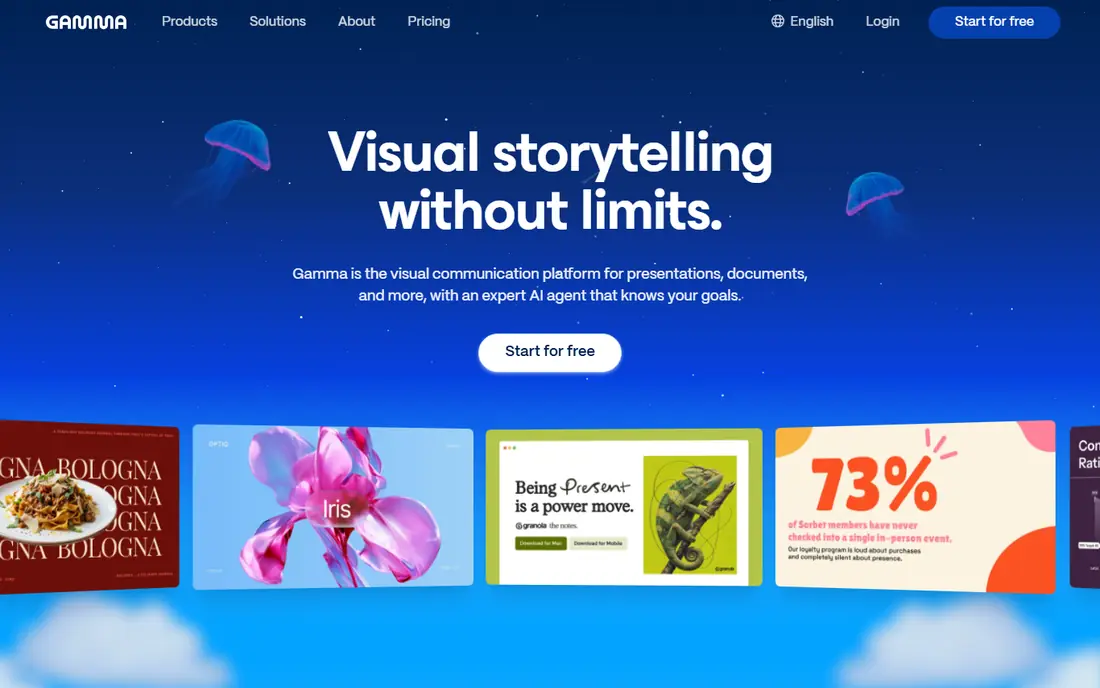
Gamma is the tool to try first if speed matters most. Type a topic, paste an outline, or upload a document, and Gamma builds a structured deck with layouts, images, and text in under a minute, ready to edit and share as a web link. Its free tier offers one-time credits, reported at 400 credits, and paid Plus plans are reported from around $10 per month, with exports to PDF and PowerPoint on paid tiers.
The honest weakness is control and familiarity. Gamma decks live on the web first, which suits sharing and presenting online, but teams that must deliver native PowerPoint files may need an extra export step and a design check. Creative users who want pixel-level control may also find Gamma's templates limiting. For fast internal decks, pitches, and lessons, Gamma's speed is hard to beat.
- Very fast prompt-to-deck generation
- Modern web-native design
- Free tier with one-time credits
- Exports to PDF and PowerPoint on paid plans
- Web format feels less familiar to PowerPoint-only users
- Free credits run out
- Design control is lower than in Canva
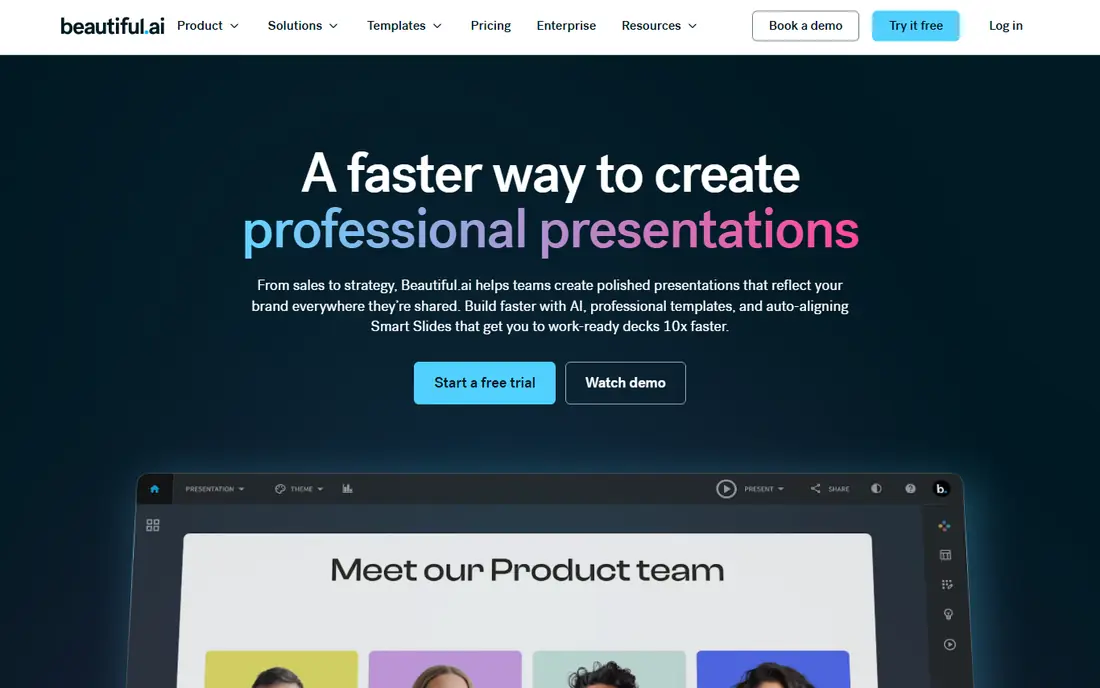
Beautiful.ai suits teams whose slides must look consistent every time, without a designer checking each deck. Its Smart Slides adjust layout automatically when you add or remove content, so a slide stays balanced instead of overflowing, and team plans enforce brand colours, fonts, and logos. Paid plans are reported from around $12 per month for Pro in older guides, and around $14.50 per month billed annually in October 2026 guides, so check the current pricing page before subscribing.
The catch is generative range. Beautiful.ai is stronger at keeping a deck tidy than at inventing a whole deck from a vague prompt, and it offers a trial rather than a free tier. It also costs more at team level. Beautiful.ai fits consultants, agencies, and corporate teams that present often and need every deck to look on-brand, rather than solo users who need one fast draft.
- Smart Slides rebalance automatically as you edit
- Strong team brand controls
- Clean, professional design
- PowerPoint export
- No free tier, only a trial
- Less generative flexibility than Gamma
- Team pricing is higher per user
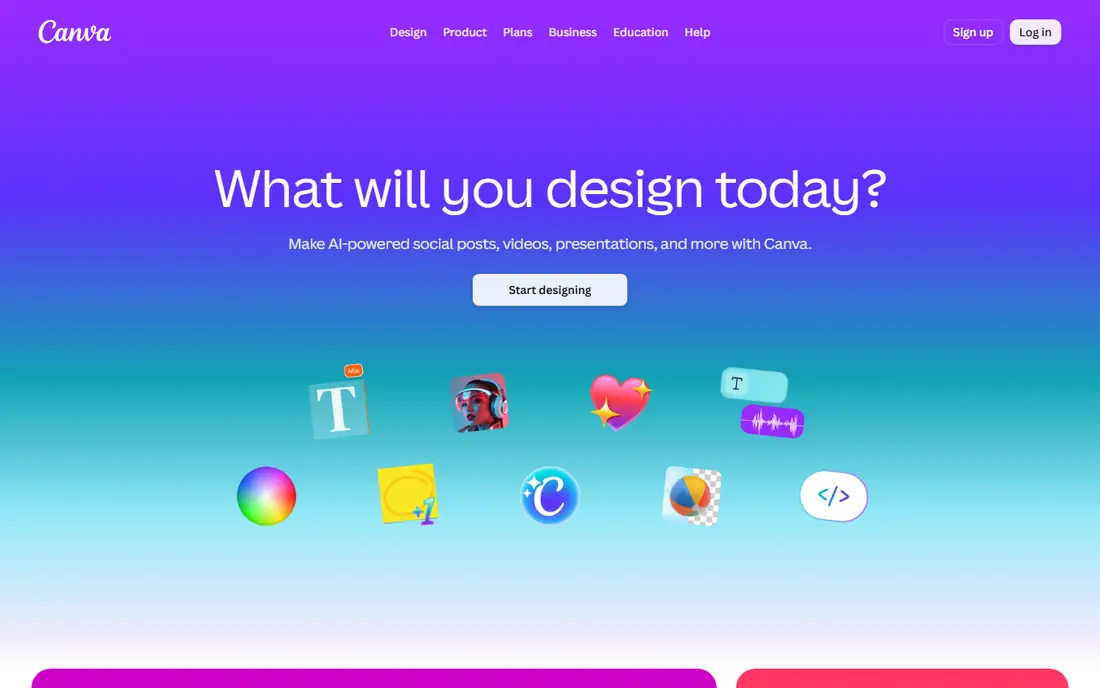
Canva is the best choice if you already design in Canva or need more than slides, such as social graphics, documents, and videos in one place. Its presentation editor offers thousands of templates, a large stock library, and AI tools including Magic Design, which suggests layouts and content from a prompt or image. The free plan is generous for basic decks, with Pro reported from around $15 per month in older guides and $18 per month in October 2026 guides.
The weakness is structure. Canva's AI helps with design and individual slides more than it builds a complete, well-argued deck from a prompt, so you will still do more manual work than in Gamma. Canva fits visual teams, teachers, and small businesses that want one design tool for everything, and who value templates and assets over pure prompt-to-deck speed.
- Huge template and asset library
- Magic Design and AI text tools
- Generous free plan
- Strong PowerPoint and PDF export
- AI deck generation is weaker than Gamma for structure
- Pro pricing has risen in recent guides
- Template browsing can slow you down
Pitch is built for teams that send decks to investors, clients, or partners and want to know what happens next. You can build a deck collaboratively, share it as a link, and see analytics on which slides viewers spent time on, which helps founders refine a pitch. Its free tier covers small teams, with paid plans reported from around 10 euros per user per month billed annually in October 2026 guides, so check the current price in your currency.
The trade-off is generation. Pitch's AI assists with content and design rather than building a whole deck from one prompt in the way Gamma does, so you will write more of the story yourself. Pitch fits startups, sales teams, and agencies that share decks as links and value analytics, rather than users who want a one-prompt deck.
- Free tier for small teams
- Built for pitch decks
- Per-slide analytics show how viewers engage
- Good link sharing
- Pricing varies by currency and plan
- AI features are assistive rather than full deck generation
- Smaller template library than Canva
Plus AI is the pick for users who cannot leave PowerPoint or Google Slides, whether because of company policy, client files, or habit. It adds AI generation, rewriting, and remixing inside those editors, so you can turn an outline into slides, improve wording, or restyle a deck without exporting to a new platform. Pricing is reported from around $10 per user per month billed annually, with a trial to test it.
The weakness is that Plus AI inherits the limits of its host tool. A PowerPoint deck still needs manual design polish, and the AI output varies with the quality of your prompt and outline. Plus AI fits corporate and education users who must deliver native files, and who want AI speed without changing their whole workflow.
- Works inside the tools you already use
- Generates and rewrites slides in PowerPoint and Google Slides
- Good for corporate workflows
- No free tier, only a trial
- Output still needs a design check
- Per-user pricing adds up for large teams
SlidesAI is a focused tool for Google Workspace users: paste text, choose a theme, and it builds a Google Slides deck you can edit normally. That simplicity suits teachers, students, and teams who live in Google Slides and want a fast first draft without learning a new platform. Its free tier is reported at 12 presentations per year in October 2026 guides, with Pro from around $10 per month billed annually.
The catch is scope. SlidesAI is not a full design platform, so its themes and layouts are narrower than Canva or Gamma, and it does not help PowerPoint-only users. It fits Google Slides users who need quick drafts from notes, articles, or lesson plans, and who are happy to polish the result in Slides itself.
- Builds Google Slides decks from pasted text
- Free tier with limited presentations per year
- Simple to learn
- Design options are narrower than Gamma or Canva
- Google Slides only
- Free tier limits matter for frequent users
Visme suits presenters whose decks are mostly charts, data, and reports rather than pure storytelling. It offers data widgets, chart imports, and animated visuals, plus an AI Designer that can build a starting deck from a prompt. Pricing is reported from around $12.25 per month for Starter in guides, with a limited free tier for testing.
The weakness is simplicity. Visme packs a lot of tools into one editor, so beginners may take longer to learn it than Gamma or SlidesAI, and its AI features are capped on lower tiers. Visme fits analysts, marketers, and teams that present data regularly and want charts that look polished without a separate design tool.
- Strong charts and data visualisation
- AI Designer for quick decks
- Templates for reports and infographics
- Free tier available
- Learning curve is higher than Gamma
- AI generation is limited on lower tiers
- Some features need higher plans
Decktopus is a straightforward prompt-to-deck tool for users who want a finished deck without learning a complex editor. Enter a topic, answer a few questions, and it builds slides with a chosen theme, which you can then edit and export. Pricing is reported from around $9.99 per month, with a free tier for testing, which makes it a low-cost entry point for occasional presenters.
The trade-off is depth. Decktopus offers fewer design controls and fewer integrations than Gamma, Beautiful.ai, or Canva, and its AI text still needs a human check for errors and tone. Decktopus fits students, solo founders, and occasional presenters who need a decent deck fast, rather than design-led teams that need brand control.
- Very simple prompt-to-deck flow
- Good for beginners and solo users
- Exports to PDF and PowerPoint
- Free tier to test
- Design and editing depth are lower than Gamma or Canva
- AI output needs checking for accuracy
- Smaller user community
Microsoft 365 Copilot is the AI option for organisations already committed to Microsoft 365. Inside PowerPoint, it can draft slides from a document, summarise content, and suggest designs, while staying inside the company's templates and compliance controls. That native fit matters for large teams, regulated industries, and anyone who must deliver PowerPoint files that match corporate standards exactly.
The weakness is cost and access. Copilot requires an eligible Microsoft 365 plan, and the add-on is reported from around $21 per user per month billed annually in October 2026 guides, with promotional pricing at times, so it is not a casual purchase. IT approval may also be needed. Copilot fits Microsoft-first organisations that already pay for 365 and want AI inside their existing workflow, not solo users looking for a cheap deck generator.
- Works natively inside PowerPoint
- Uses your documents and company data where permitted
- Strong for corporate compliance and templates
- Requires an eligible Microsoft 365 plan plus a Copilot add-on
- Add-on pricing is high per user
- Setup depends on IT policies
How we picked these
We compared official pricing pages and October 2026 pricing guides for AI presentation tools, and we kept only tools that are currently available and that genuinely generate, improve, or design presentations with AI. We excluded Tome because it shut down in April 2025. We weighed generation speed, design quality, export options, ecosystem fit, and price, and we favoured tools with free tiers or trials for testing. We did not claim hands-on testing, and we used "See website" where pricing varies by currency, plan, or eligibility.
How to choose an AI presentation tool
Start with your delivery format. If you must deliver PowerPoint files, choose Plus AI, SlidesAI for Google Slides, or Copilot for Microsoft 365, since they keep you in your native tool. If you present as a web link or PDF, Gamma and Decktopus offer the fastest prompt-to-deck path. If brand consistency matters most, Beautiful.ai and Canva offer stronger templates and controls.
Next, test with a real deck, not a demo prompt. Feed the tool your actual outline or document, check every fact it invents, and see how long polishing takes. AI decks often contain plausible but wrong details, generic wording, and inconsistent numbers, so a human review is not optional. Also check export quality: open the exported PowerPoint file, check fonts, images, and charts, and confirm it looks right on the machine you will present from.
Frequently asked questions
What is the best AI tool for presentations?
Gamma is the best AI tool for fast prompt-to-deck creation for most users, while Beautiful.ai is best for consistent business decks and Canva is best for visual design and templates. The best tool depends on whether you need speed, brand control, or a familiar editor.
What are the best AI presentation tools for free?
Gamma, Canva, SlidesAI, Visme, Decktopus, and Pitch all offer free tiers or free plans, with limits on credits, exports, or presentations. Gamma's free credits suit occasional decks, while Canva's free plan suits users who mainly need templates. Test free tiers before paying, since limits vary.
What is the best AI presentation software for teams?
Beautiful.ai and Pitch are the strongest team picks, with brand controls, collaboration, and analytics. Canva also works well for teams that need design assets beyond slides. Choose Beautiful.ai for consistency, Pitch for pitch analytics, and Canva for broad design needs.
What is the best AI tool for creating presentations in PowerPoint?
Plus AI and Microsoft 365 Copilot are the best options for PowerPoint-native AI, with Plus AI offering a lower entry price and Copilot offering deeper Microsoft integration. SlidesAI is the equivalent for Google Slides users. All three still need a human check on facts and design.
Is Tome still available as an AI presentation tool?
No, Tome shut down in April 2025, according to October 2026 guides, so it should not be included in a current list. Gamma, Beautiful.ai, Canva, Pitch, and the other tools in this list are current alternatives for prompt-to-deck and AI-assisted presentations.
How accurate is AI-generated presentation content?
AI presentation content needs checking every time. Tools can invent facts, misstate numbers, and use generic wording that sounds confident but is wrong. Treat AI output as a first draft, verify every fact against your source material, and rewrite key claims in your own words before presenting.
Sources
- https://dev.to/stimlau/best-gamma-alternatives-in-2026-37dm
- https://www.smashingapps.com/best-canva-alternative-for-presentations/
- https://digitallab247.com/blog/best-ai-presentation-tools/
- https://gamma.app
- https://www.beautiful.ai
- https://www.canva.com
- https://pitch.com
- https://www.plusdocs.com
- https://www.slidesai.io
- https://www.visme.co
- https://www.decktopus.com
- https://www.microsoft.com/en-us/microsoft-365/copilot
See where you really rank - block by block
ProMapRanker scans Google Maps across a grid of your service area. Simple monthly plans from $19, white-label on every plan.
Start freeKeep reading
 zoom alternatives
Best Zoom Alternatives in 2026
Compare Zoom alternatives in 2026, with free meeting limits and prices, so you can pick the best alternative to Zoom for your team, class, or community.
Read → which software is best for remote work
Which Software Is Best for Remote Work in 2026
Answering which software is best for remote work, we compare Slack, Zoom, Asana, Notion, Teams and more, with pricing and honest tradeoffs in 2026 now.
Read → which ai tool is best for content writing
Which AI Tool Is Best for Content Writing in 2026
Wondering which ai tool is best for content writing? We compare ChatGPT, Claude, Jasper, Grammarly, and more on price, quality, and best use in 2026 now.
Read →