 ProMapRanker
Best AI Tools for Logo Design in 2026

Key takeaways
- Looka suits startups that want a polished logo plus a full brand kit in one purchase.
- Canva suits hands-on editing and social content, with a free tier for everyday logo work.
- Brandmark and LogoAI suit buyers who prefer one-time payment over a subscription.
- Most tools are free to design but charge to download high-resolution or vector files, so budget for export.
- Check file formats and ownership terms before paying, especially for print, signage, and trademark use.
Quick comparison
| Pick | Great for | Pricing starts at | Free tier | |
|---|---|---|---|---|
 Looka | Logo plus full brand kit | See website | No | Visit |
 Canva | Hands-on editing and social | Free | Yes | Visit |
 Adobe Express | Adobe ecosystem logo work | Free | Yes | Visit |
 Wix Logo Maker | Logo plus Wix website | See website | No | Visit |
 Tailor Brands | Logo plus business launch | See website | No | Visit |
 Brandmark | Distinctive one-time logos | See website | No | Visit |
 LogoAI | Quick brand kit generation | See website | No | Visit |
 Hatchful by Shopify | Free simple ecommerce logos | Free | Yes | Visit |
The best ai tools for logo design
The best ai tools for logo design below range from free template editors to dedicated logo systems, so you can match the tool to budget, skill, and how the logo will be used.
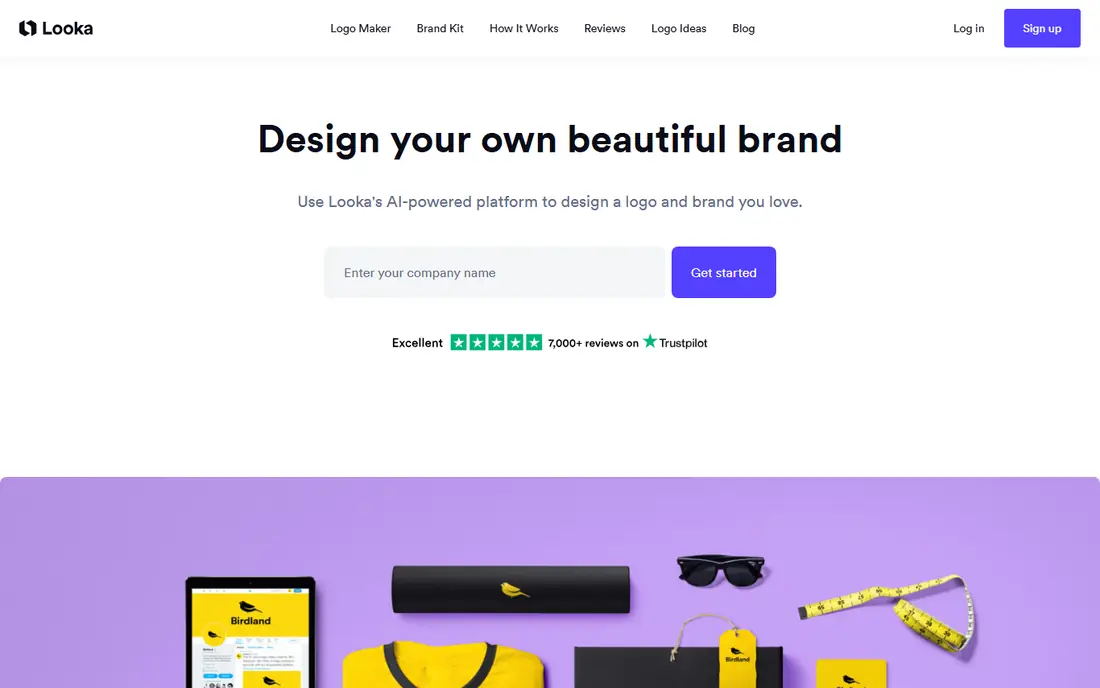
Looka asks for a business name, industry, style, and color preferences, then generates logo concepts that users can refine with layout, font, and symbol controls. The strength is the full brand kit, which extends the logo into social profiles, business cards, and brand guidelines without separate design work. That package suits startups that need a consistent identity quickly. The main catch is the free-to-design model, since usable downloads require payment, and vector files sit on higher packages. A single logo buyer may also find the annual brand kit more than needed. For a complete, polished identity in one place, Looka remains a leading choice.
- Polished logo concepts
- Full brand kit with social assets
- Vector files on higher packages
- Download requires payment
- Subscription may be unnecessary for a single logo
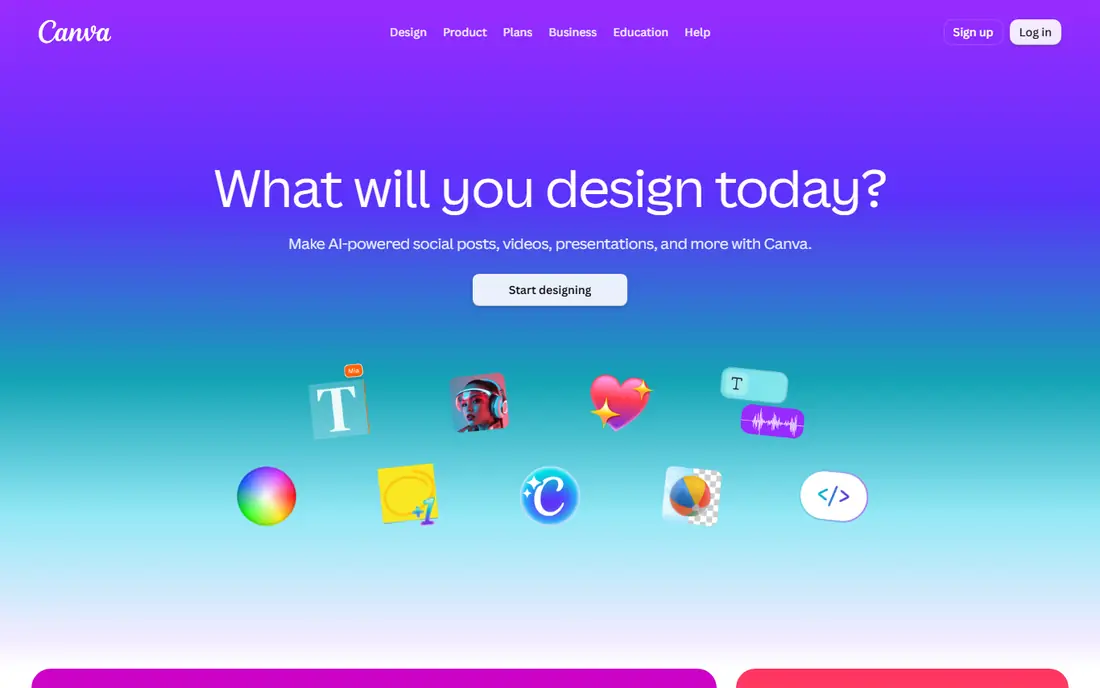
Canva combines logo templates with AI-assisted design features inside a full editor for social posts, presentations, and marketing materials. Users can start from a template or a prompt, then adjust fonts, colors, spacing, and layouts with precise controls. That flexibility suits small businesses that need a logo plus daily content from the same tool. The trade-off is distinctiveness, since template-based logos can look similar to other brands, and Canva content has license limits for trademark use that owners should read. Vector export also depends on plan and content type. For hands-on editing and everyday brand content, Canva is the most versatile free starting point.
- Free tier with logo templates
- Easy editing for social assets
- Huge template library
- Logo distinctiveness can be limited
- Trademark use has license limits to check
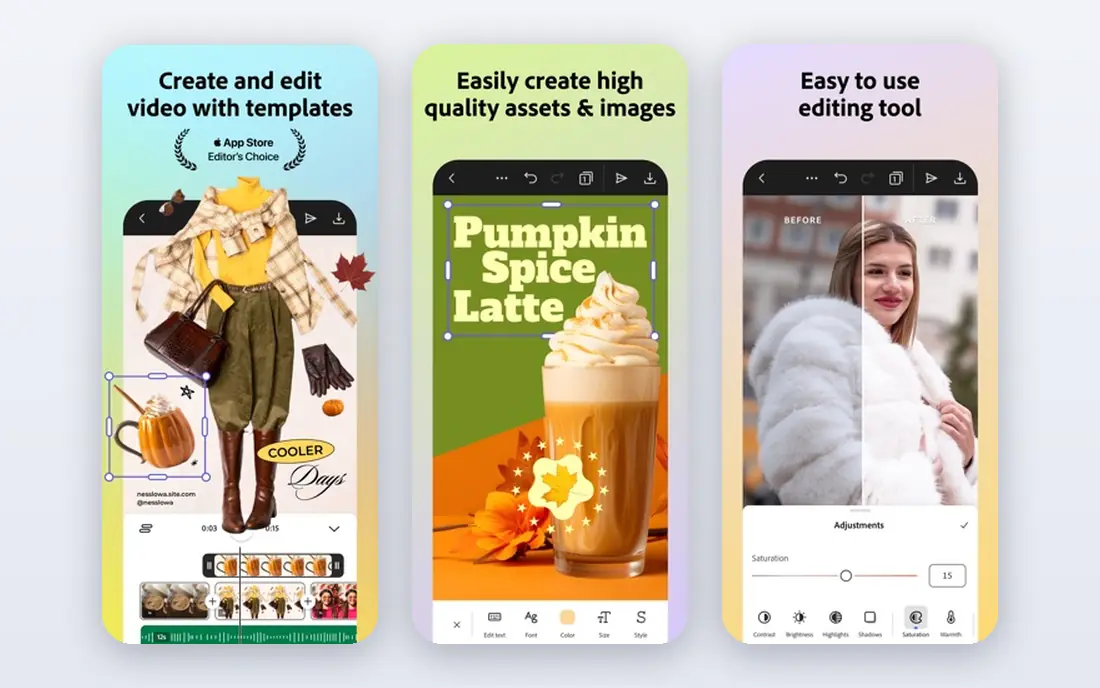
Adobe Express offers logo creation with AI-assisted templates and Firefly features, plus editing tools for social posts, flyers, and short videos. That combination suits users already in the Adobe ecosystem who want a logo that flows into wider marketing work. The free tier lets beginners test the workflow without a subscription. Adobe Express is less specialized than Looka or Brandmark for logo generation alone, and users should confirm which export formats a given logo supports before paying. Teams that need only a logo may prefer a dedicated tool. For Adobe users who need logo plus content, it is a practical option.
- Free tier with AI-assisted features
- Strong editing tools
- Good for logo plus content work
- Less logo-specialized than dedicated platforms
- Some vector options need checking before paying
Wix Logo Maker asks a few style and tone questions, then generates logo options that can flow directly into a Wix website, domain, and marketing pages. That integration suits small businesses building a site at the same time as a brand, since colors and fonts carry across pages without manual copying. Social assets and brand files are available through the Wix workflow. Design is free to preview, but usable downloads may require payment or a Wix plan, so buyers should check checkout terms. Template overlap can also reduce distinctiveness compared with a custom design. For Wix site owners, the integration alone makes it worth trying first.
- Logo flows into a Wix website
- Guided style questions
- Social and brand assets available
- Paid downloads may apply
- Similar template choices can reduce distinctiveness
Tailor Brands bundles logo creation with website building, domain tools, and business formation features for new companies. The guided workflow helps first-time founders move from a name to a logo, site, and basic brand assets in one subscription. That breadth suits startups that need many launch tasks handled together. The subscription model is poor value for buyers who only need a single logo file, since ongoing cost continues after the logo is done. Pricing also varies by plan, region, and promotion, so total cost needs checking at checkout. For founders who want an all-in-one launch platform, Tailor Brands offers convenience that single-purpose tools do not.
- Logo plus website and business tools
- Guided branding workflow
- Broad small business features
- Subscription cost is poor value if you only need a logo
- Pricing varies by plan and region
Brandmark generates design-led logo concepts with color palettes and font systems, aiming for marks that feel less template-like than many rivals. The one-time payment model appeals to buyers who want to pay once and keep their files without a subscription. That structure suits side projects, small businesses, and anyone who dislikes ongoing fees. Preview is free, but downloads require payment, and buyers should read ownership and exclusivity terms before building a brand on an AI-generated mark. Revision options are also more limited than in a full editor such as Canva. For a distinctive one-time logo, Brandmark is a strong contender.
- One-time payment model
- Distinctive design-led concepts
- Color and font systems included
- Free preview only
- Ownership and exclusivity terms need checking before purchase
LogoAI generates logos from a brand name and industry preferences, then extends the chosen mark into a brand kit with social templates and mockups. That speed suits founders who need a usable identity in a day, without learning a full design editor. One-time package options avoid a subscription for buyers who prefer a single payment. Full vector files sit on higher packages, so buyers should check what each package includes before paying. Concepts can also feel generic in crowded niches where many brands pick similar icons and fonts. For fast, package-based branding, LogoAI delivers a clear and simple workflow.
- Fast logo plus brand kit generation
- Social templates included
- One-time package options
- Higher packages needed for full vector files
- Concepts can feel generic in crowded niches
Hatchful by Shopify offers a simple guided workflow for ecommerce sellers, asking for industry and visual style, then generating logo options with social assets. The tool is free, which makes it useful for testing a store idea, a side project, or a placeholder brand before investing in paid design. No complex editor skills are needed to get a usable result. The main limit is file format, since Hatchful exports PNG files only, with no vector files for print, signage, or large-scale use. Editing depth is also limited compared with Canva or Adobe Express. For a free, quick ecommerce logo, Hatchful is a practical starting point.
- Free to use with no signup friction for basic logos
- Simple guided workflow
- Social assets included
- PNG exports only, no vector files
- Limited editing depth compared with Canva
How we picked these
We compared official feature pages, pricing pages, app store listings, privacy policies, and public reviews for AI logo tools used by small businesses. We favored tools with clear export terms, a usable free preview or tier, and a distinct fit for brand kits, editing, or one-time purchase. We did not claim hands-on testing, and prices were left as See website where vendor pricing was not confirmed at the time of writing.
What to look for before you choose
Start with how the logo will be used, since that decides which file formats matter. A logo for a website or social profile can work as a PNG, while print, signage, packaging, and embroidery need vector files such as SVG or EPS. Check the package that includes those vectors before you fall in love with a concept, since the cheapest preview price is rarely the final cost. Also check ownership, exclusivity, and trademark limits, because AI-generated art may not be exclusive to your business. If the logo will carry real revenue, consider if a freelance designer would give stronger distinctiveness and clearance thinking. For side projects and early brands, a maker logo plus a later rebrand is often the sensible path.
Test your shortlisted logo at small sizes, in black and white, and on a dark background before you pay, since a mark that looks strong large can blur or vanish when small. Show it to people outside your team and ask what business they think it represents, without giving hints. If answers vary widely, the concept needs clearer symbols or lettering before it becomes your public identity.
Frequently asked questions
What is the best ai tool for logo design?
Looka suits a full brand kit, Canva suits hands-on editing, and Brandmark suits one-time purchase buyers. The best tool depends on budget, file needs, and if you need social content too. Try free previews before paying for downloads.
Are AI logo makers free?
Many tools are free to design and preview, but charge to download high-resolution or vector files. Canva and Hatchful offer genuinely free options for basic use. Budget for the export, not just the generation step.
Can I trademark an AI-generated logo?
Trademark rules vary, and AI-generated marks can face ownership and distinctiveness questions, so check terms and local rules before filing. A human designer can help with clearance thinking for important brands. For side projects, this risk matters less.
What file format do I need for a logo?
Vector formats such as SVG and EPS suit print, signage, and resizing without quality loss. PNG suits websites and social profiles at fixed sizes. Buy the package that includes vectors if print use is likely.
Is Canva good for logo design?
Yes, Canva suits small businesses that need a logo plus social and marketing content in one editor. Template overlap can limit distinctiveness, and license limits apply to trademark use. For a unique flagship brand, consider a dedicated logo tool or designer.
Sources
See where you really rank - block by block
ProMapRanker scans Google Maps across a grid of your service area. Simple monthly plans from $19, white-label on every plan.
Start freeKeep reading
 which software is best for pdf page removal
Which Software Is Best for PDF Page Removal in 2026
Find which software is best for pdf page removal, from free online tools to desktop editors, with page controls, privacy, safety, and pricing compared.
Read → when i work alternatives
Best When I Work Alternatives in 2026
Looking for when i work alternatives? We compare 8 scheduling apps for hourly teams, covering pricing, free plans, time clocks and the best fit for business.
Read → the best tool for keyword analysis
The Best Tool for Keyword Analysis in 2026
Find the best tool for keyword analysis with our 2026 comparison of 10 keyword analysis software tools on data depth, difficulty scores and price today.
Read →