 ProMapRanker
Best AI Tools for HR in 2026


Enterprise video interviews and assessments at scale · Pricing starts at: See website
Key takeaways
- The best AI tools for HR solve one workflow well, such as screening, scheduling, sourcing, writing, or people analytics, rather than every HR task at once.
- Most enterprise HR AI tools use custom pricing, so a demo and a pilot on one real role are essential before signing a contract.
- AI hiring tools need human oversight, bias checks, and clear records of what the AI decided and what a person decided.
- Start with your biggest bottleneck, usually screening or scheduling, and measure time to hire before and after the pilot.
Quick comparison
| Pick | Great for | Pricing starts at | Free tier | |
|---|---|---|---|---|
| HireVue | Enterprise video interviews and assessments at scale | See website | No | Visit |
 Paradox | High-volume hourly and frontline hiring | See website | No | Visit |
 Eightfold AI | Talent intelligence, skills, and internal mobility | See website | No | Visit |
 Workday AI | Enterprises already running Workday HCM | See website | No | Visit |
 Textio | Inclusive job descriptions and performance feedback | See website | No | Visit |
 Phenom | Talent experience, CRM, and career sites | See website | No | Visit |
 Leena AI | Employee HR helpdesk and policy answers | See website | No | Visit |
 Visier | People analytics and workforce planning | See website | No | Visit |
The best AI tools for HR
We compared AI tools with live HR products in 2026, using vendor pages and 2026 HR AI comparisons. Most enterprise tools in this list use custom pricing, so we note that clearly rather than repeating unverified price claims. This is not legal advice, and hiring teams should check employment law in their state and country before using AI screening.
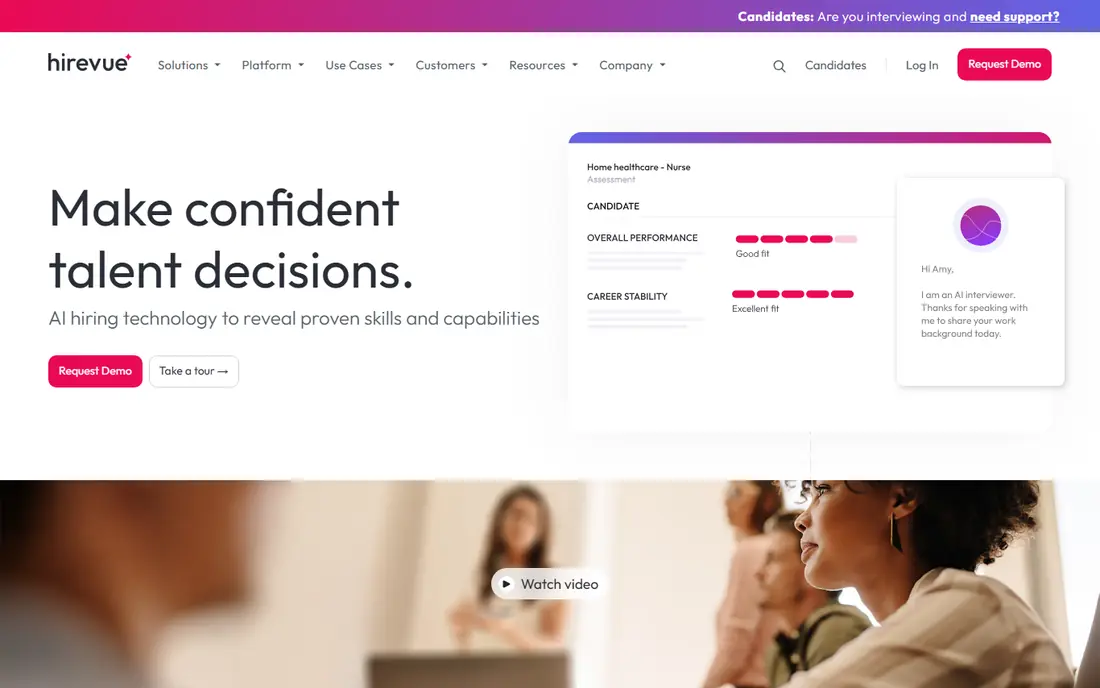
HireVue suits large employers that screen thousands of applicants and need a consistent first step. Candidates record video answers to structured questions, complete assessments where relevant, and move through the same process regardless of recruiter workload. That consistency can reduce scheduling delays and give hiring managers comparable notes. Integrations with major applicant tracking systems also help a large HR team keep records in one place.
The concerns are fairness and candidate experience. Video and AI scoring must be checked for bias, and candidates should know how their responses will be used and who makes the final decision. HireVue pricing is custom and enterprise-scale, so a small team will find it costly and complex. Use HireVue only with a clear human review step, documented criteria, and a pilot that compares outcomes across candidate groups.
- Structured video interviews and assessments
- Large enterprise integrations
- Consistent question sets across candidates
- Custom enterprise pricing
- Video screening needs careful fairness and candidate experience checks
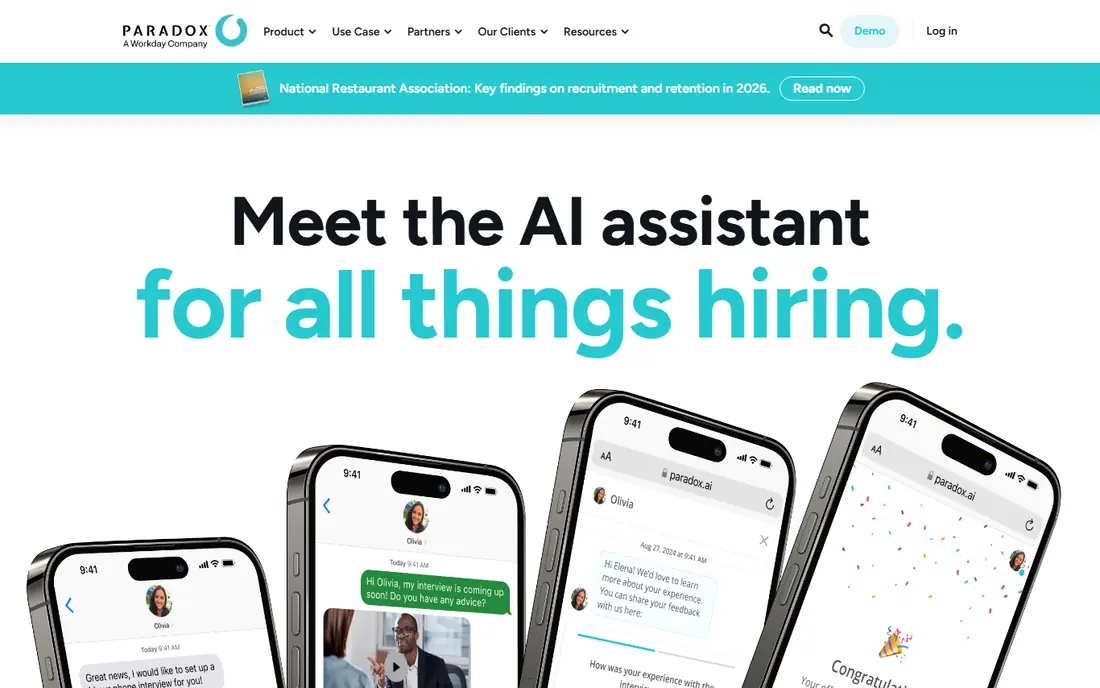
Paradox, with its Olivia assistant, is built for the hiring problem that slows frontline teams: too many applicants, too few recruiters, and slow scheduling. Olivia can screen candidates by text or chat, answer common questions, and book interviews at any hour, which cuts days of phone tag. For retail, hospitality, healthcare support, and logistics roles, that speed can be the difference between hiring a good candidate and losing them to a faster employer. Multilingual support also helps diverse applicant pools.
Paradox is less suited to senior, technical, or niche hiring, where a nuanced human conversation matters more than speed. Pricing is custom, and the value depends on volume, so a team hiring a few people a month will not see the same return. Paradox was acquired by Workday in 2025, so buyers should also check how it fits with their existing HR systems. For high-volume hiring, it is one of the most practical AI tools in this list.
- Olivia assistant screens and schedules by text and chat around the clock
- Strong for retail, hospitality, and logistics
- Multilingual support
- Custom pricing
- Best fit is high-volume hiring, not senior or niche roles
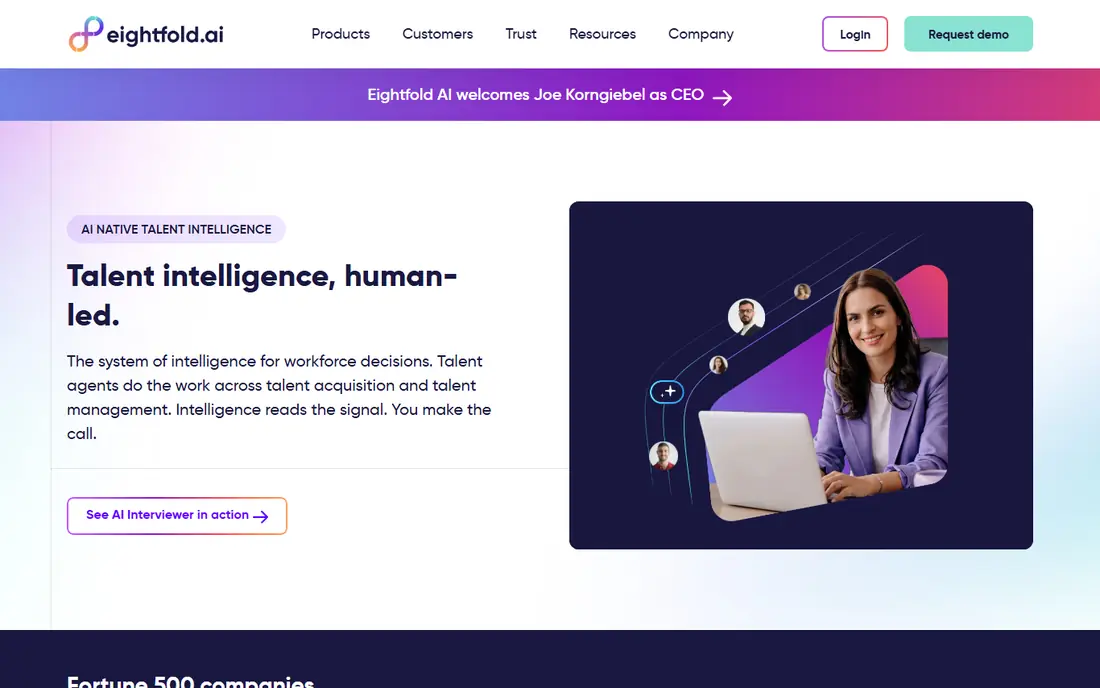
Eightfold AI helps large employers see skills across their workforce, not just resumes in an applicant pool. It infers skills from career histories, matches people to open roles, and surfaces internal candidates who might otherwise be missed. That internal mobility view can reduce external hiring costs and help employees find new roles without leaving the company. For an enterprise with thousands of employees and many open roles, that visibility is hard to get from a spreadsheet.
The cost and data needs are the limits. Eightfold pricing is custom, and the platform works best when HR data is clean, complete, and kept up to date. A company with messy job titles, missing skills data, or low manager adoption will see weaker matches. Eightfold is best for enterprises that will invest in data quality and internal mobility as a programme, not as a one-off tool purchase.
- Skills inference across large career data sets
- Internal mobility and redeployment views
- Enterprise HR system integrations
- Custom enterprise pricing
- Needs clean HR data and change management to deliver value
Workday AI is less a single tool and more a set of AI features inside Workday's human capital management platform. It covers skills, recruiting support, workforce planning, and employee self-service, all tied to the same HR data. For a company already running Workday, adding those AI features avoids a separate data integration project and keeps security controls in one place. That integration is the main reason to choose Workday AI over a standalone point tool.
The limit is scope. Workday AI makes most sense for Workday customers, and its pricing is part of a larger enterprise contract, so it is not a cheap standalone purchase. Teams also need training and governance, because AI suggestions for hiring, pay, or workforce moves carry real consequences. If you already run Workday and want AI inside your core HR system, Workday AI is a natural step. If you do not run Workday, a point tool will be cheaper and faster to pilot.
- AI features inside a full HCM suite
- Skills, recruiting, and workforce planning in one system
- Strong enterprise controls
- Custom enterprise pricing
- Full value needs a Workday deployment and adoption across HR teams
Textio helps HR and managers write better job descriptions, interview feedback, and performance reviews. Its language guidance flags wording that may deter qualified candidates or sound biased, and it suggests clearer alternatives. That matters, because a job post is often the first filter in hiring, and small wording changes can widen or narrow an applicant pool. For a team that writes many job posts or reviews, Textio gives consistent guidance that a style guide alone rarely achieves.
Textio does not fix a biased hiring process on its own. If interview criteria, salary bands, or final decisions are unfair, better wording will not correct them. Pricing is custom, so a small team should check whether the cost fits its hiring volume. Use Textio as part of a wider fairness effort, with clear criteria, structured interviews, and human review of final decisions.
- Language guidance for job posts and reviews
- Helps spot biased or unclear wording
- Analytics on language patterns
- Custom pricing
- Writing help does not replace a fair hiring process
Phenom helps employers treat candidates like an audience, not just a queue. Its platform personalises career site content, builds talent pipelines through a CRM, and uses AI matching and chat to guide candidates to relevant roles. For a large employer with many roles and a need to keep passive candidates warm, that experience can improve application rates and reduce time to fill. Recruiters also get a clearer view of who has engaged, applied, or gone quiet.
The investment is the catch. Phenom pricing is custom, and the platform needs content, career site work, and recruiter adoption to deliver its promise. A small team with a few open roles will not need a full talent experience platform. A large employer with ongoing hiring, employer brand goals, and a CRM need will find Phenom a strong, if costly, choice.
- Personalised career sites and candidate journeys
- Talent CRM for pipelining
- AI matching and chatbot support
- Custom enterprise pricing
- Implementation and content work needed to get full value
Leena AI acts as a virtual HR assistant for employees, answering routine questions about leave, payroll, benefits, and policies inside chat tools such as Slack or Teams. That can cut a large volume of tier-one tickets, freeing HR staff for complex cases, onboarding, and employee relations. For a company with thousands of employees asking the same questions each month, the time saved is easy to measure. Integrations with HR systems also let Leena pull relevant employee data where permitted.
The risk is wrong or outdated answers. Leena needs accurate, current policy content, clear escalation to a human for sensitive cases, and privacy controls for employee data. A company with unclear policies or weak content ownership will get poor answers, however good the AI is. Use Leena with a named content owner, regular policy reviews, and a clear path for employees to reach a person when the answer matters.
- Answers routine HR questions in chat tools
- Automates tickets for leave, payroll, and policy queries
- Integrates with HR systems
- Custom pricing
- Needs accurate policy content and human escalation paths
Visier helps HR leaders answer workforce questions with data, rather than gut feeling. Its prebuilt analytics cover hiring, turnover, diversity, pay, and headcount, with benchmarks and planning tools for what-if scenarios. For a leadership team deciding where to hire, where attrition is rising, or how a reorganisation would affect costs, Visier gives a faster and more consistent view than a set of manual spreadsheets. That speed matters in quarterly planning cycles.
Visier pricing is custom, and its value depends on data quality. If HR, payroll, and applicant data are incomplete or inconsistent, the dashboards will reflect those gaps. Teams also need an analyst or HR leader who will act on the findings, not just view them. For an enterprise that wants a dedicated people analytics platform, Visier is a leading choice. For a small team, a simpler HR report from an existing HR system may be enough.
- Prebuilt people analytics and benchmarks
- Turnover, hiring, and diversity views
- Planning and what-if modelling
- Custom enterprise pricing
- Value depends on HR data quality and analyst adoption
How we picked these
We compared AI HR tools with live products in 2026, using vendor pages and 2026 HR AI comparisons. We mixed hiring, writing, helpdesk, and analytics tools, because HR AI is not one product category. We kept only tools with a clear HR use case and enterprise or mid-market adoption, and we noted custom pricing honestly rather than repeating unverified price claims from secondary sources.
What to check before you buy
Start with one bottleneck and one measure. If screening is slow, measure days to shortlist. If scheduling is slow, measure days to interview. If HR tickets are high, measure tickets per employee per month. Run a pilot on one real role or one team, with a control group if possible, and compare results before expanding. That pilot will tell you more than any vendor demo.
Fairness and compliance checks
Before using AI for hiring, document what the AI decides, what a human decides, and how a candidate can ask for review. Check local law, including audit rules for automated hiring tools in some US cities and high-risk rules under the EU AI Act for employment use. Test outcomes across gender, age, race, and disability groups where lawful and possible, and keep records of those checks. If a vendor cannot explain its model, its training data, or its bias testing in plain terms, treat that as a warning sign.
Data, privacy, and candidate experience
AI HR tools handle sensitive personal data, so check data retention, access controls, and where data is stored. Tell candidates and employees in plain language what data is collected and how it is used, and give them a human contact for questions. Also test the candidate experience yourself: apply through the tool, complete the screening, and see how it feels. A tool that saves recruiter time but frustrates good candidates will cost you hires.
Frequently asked questions
What is the best AI tool for HR overall?
There is no single best tool, because HR covers hiring, writing, helpdesk, and analytics. Eightfold AI leads for enterprise talent intelligence, Paradox leads for high-volume hiring, HireVue leads for enterprise video screening, and Textio leads for inclusive writing. Pick the tool that solves your biggest bottleneck first, then expand.
Are AI hiring tools fair?
AI hiring tools can reduce some human inconsistency, but they can also repeat bias from training data or from past hiring decisions. Fairness needs structured criteria, human review, bias testing, and records of decisions. No tool should make a final hiring decision alone, and candidates should be able to ask how a decision was made.
How much do AI HR tools cost?
Most enterprise AI HR tools use custom pricing based on company size, hiring volume, and modules chosen, so a public starting price is often not available. Smaller HR tools may publish monthly prices, but enterprise tools usually require a demo and a quote. Budget for implementation, training, and a pilot, not just the licence fee.
Can small businesses use AI tools for HR?
Yes, but small businesses should start with a focused, affordable tool rather than an enterprise platform. A small team might use Textio for job writing, a simple applicant tracking system with AI matching, or a helpdesk chatbot for routine questions. Pilot one tool on one role, measure the result, and only expand when the value is clear.
Do AI HR tools replace recruiters?
No, AI tools handle repetitive tasks such as screening, scheduling, sourcing, and routine questions, but recruiters still handle judgment, relationships, salary talks, and final decisions. The best results come when AI does the routine work and humans focus on candidates, managers, and fair decisions. A tool that removes human review from hiring is a risk, not a benefit.
Sources
See where you really rank - block by block
ProMapRanker scans Google Maps across a grid of your service area. Simple monthly plans from $19, white-label on every plan.
Start freeKeep reading
 best crm software for startups
Best CRM Software for Startups in 2026
We compared the best crm software for startups on price, free plans, and setup time, so founders can choose a simple tool that grows with their growing team.
Read → best content marketing tools
Best Content Marketing Tools in 2026
Compare the best content marketing tools for 2026, with SEO research, writing, design, scheduling, and analytics, to build a stack that fits your team size.
Read → best collaboration tools for remote teams
Best Collaboration Tools for Remote Teams in 2026
Compare the best collaboration tools for remote teams in 2026, with pricing, free plans, and picks for chat, meetings, docs, and project work for US teams.
Read →