 ProMapRanker
Best AI Tools for Facebook Ad Creative in 2026

Key takeaways
- AdCreative.ai leads for scored static ads at volume, while Pencil leads for predicting performance before you spend.
- Predis.ai and Canva suit small teams that need social posts, carousels, and short video in one place.
- Meta Advantage+ creative is free inside Ads Manager and is the best first step before paying for a separate tool.
- AI scores predict, they do not guarantee results, so test winning variants against real ad spend before you scale them.
Quick comparison
| Pick | Great for | Pricing starts at | Free tier | |
|---|---|---|---|---|
 AdCreative.ai | Scored static ads at volume | $39 per month | Free trial | Visit |
 Predis.ai | Social-first posts and carousels | $32 per month | Yes | Visit |
 Pencil | Predicting creative before spend | $14 per month | Free trial | Visit |
 Creatify | AI video ads from a product link | $39 per month | Yes | Visit |
 Canva | On-brand design and resizing | Free | Yes | Visit |
 Madgicx | Meta creative plus automation | See website | No | Visit |
 Jasper | Brand-voice ad copy | $59 per month | No | Visit |
 Arcads | AI actor video ads | See website | Free trial | Visit |
 Zeely | Product import and Meta launch | $29.95 per month | No | Visit |
 Meta Advantage+ creative | Free native Meta variations | Free | Yes | Visit |
The best AI tools for Facebook ad creative
Facebook ad creative means the image, video, headline, and copy that a viewer sees in feed, Reels, and Stories. We compared these tools on format range, brand controls, scoring or prediction, resizing for placements, and direct launch to Meta. Prices are vendor list prices, and many tools bill by credits, downloads, or generations, so check the current allowance before you buy. All tools below work for Facebook ads in October 2026, either by generating creative for Meta placements or by launching directly to Meta.
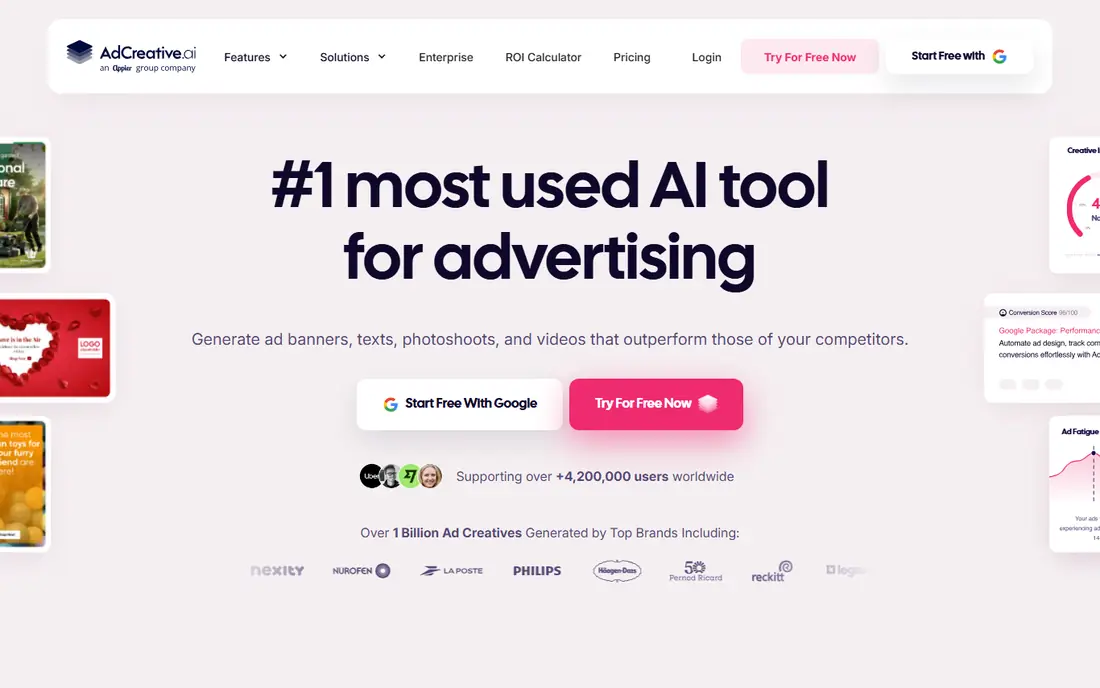
AdCreative.ai is our pick for teams that need many static ads fast. Upload a product link and brand assets, generate a batch of statics and copy, and use the creative score to rank variants before you spend. The score is trained on large ad data sets, so it helps prioritize which variants to test first, rather than launching every variant blind.
The entry plan limits downloads, so high-volume teams need a higher tier, and layout control is thinner than in Canva or a manual design tool. Use AdCreative.ai for volume and scoring, then polish winning concepts in a design tool when a layout needs precise control.
- Creative scoring ranks variants before launch
- Generates many statics from a product link
- Connects to ad accounts
- Entry plan limits downloads
- Layout control is thinner than a full design tool
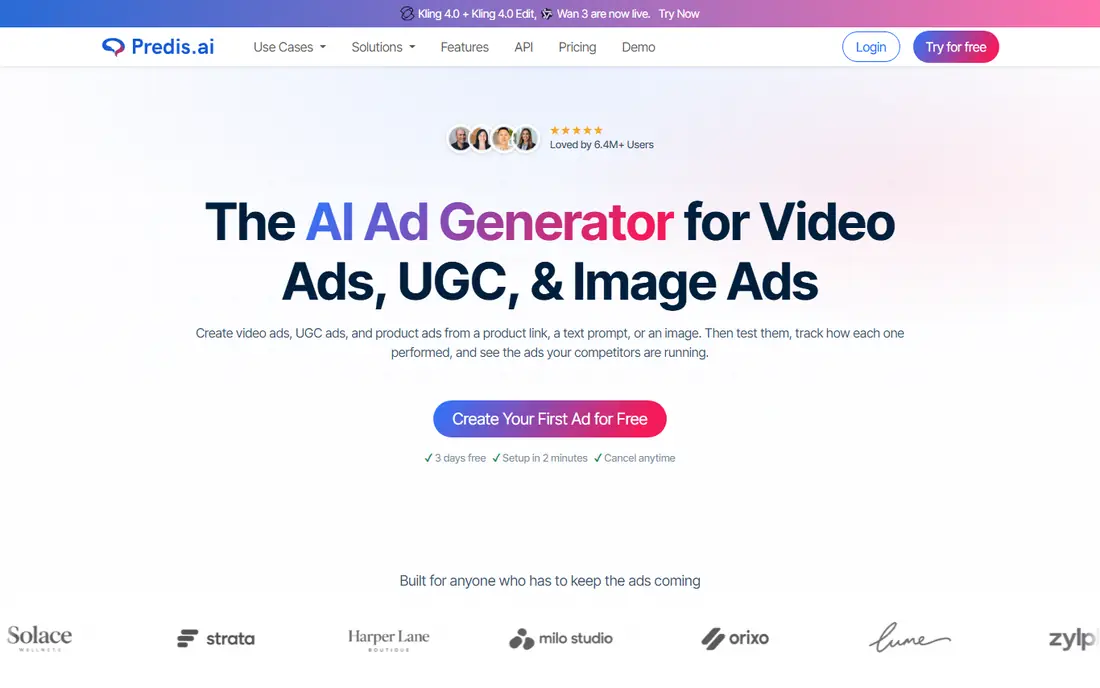
Predis.ai suits small teams that need organic and paid social content in one dashboard. It generates single images, carousels, and short videos from a prompt or product link, adds captions and hashtags, and schedules posts to Facebook and other platforms. Competitor insights help a small team spot formats that work in its niche without hiring an analyst.
Free plan exports carry watermarks, and video editing is simpler than in a dedicated editor. For a team that posts daily and runs paid ads from the same content pool, Predis.ai keeps the workflow in one place, but polish final ad videos in a video editor when quality matters most.
- Generates posts, carousels, and short videos
- Scheduling included
- Competitor and trend insights
- Free plan adds watermarks
- Video editing is simpler than a dedicated video tool
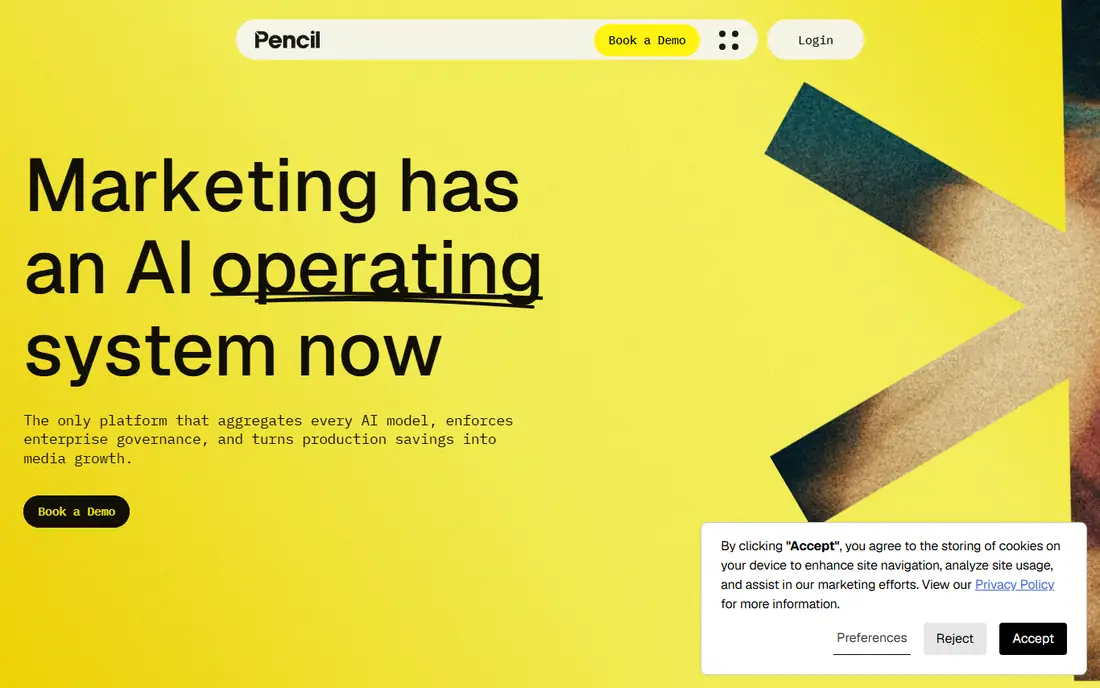
Pencil takes a different angle from most generators: it predicts which creative direction will perform before you spend, using past ad performance data. It aggregates several AI models for image and video generation, adds brand controls, and can launch and track ads on social platforms. For a performance team with real ad history, that prediction loop is the main reason to choose Pencil.
Prediction works best when Pencil can learn from your connected ad account, so a brand-new advertiser gets less value at first. Generation quotas on the entry plan also limit very high-volume use. Start with Pencil when you have ad data to learn from and want fewer, better-tested variants.
- Predictive scoring before media spend
- Aggregates several AI models
- Launches and tracks on social platforms
- Prediction needs connected ad data to work best
- Generation quotas limit high-volume use
Creatify is built for video ads without filming. Paste a product URL, and Creatify builds a script, picks visuals, and generates a video with an AI avatar or voiceover in a UGC style. That speed suits ecommerce sellers who need many video variants for testing, without booking creators or a shoot for every product.
Editing controls are limited compared with a full video editor, so fine-tuning a scene can frustrate experienced editors. The free plan is also credit-limited. Use Creatify for fast video testing, then film real creator content for winners that deserve a higher production budget.
- Turns a product URL into AI video ads
- AI avatars for UGC-style video
- Launches to Meta and TikTok
- Video editing controls are limited
- Free plan is credit-limited and watermarked
Canva remains the best design-led option for Facebook ads. Templates cover feed, Reels, and Stories sizes, brand kits lock colors, fonts, and logos, and Magic Studio tools resize and rewrite designs for each placement. For a small team that designs in-house, Canva gives the most control over how an ad actually looks.
Canva does not score or predict performance, so you must test variants yourself in Ads Manager. It is a design tool first and a performance tool second. Pair Canva with Meta Advantage+ creative or AdCreative.ai scoring when you need prediction as well as design control.
- Huge template library
- Brand kits keep colors and fonts consistent
- Magic Studio resizes for placements
- No predictive scoring
- AI generation is design-led, not performance-led
Madgicx combines creative generation with Meta media buying tools. Its AI generator builds ads, while automation and audience tools help launch, manage, and report on campaigns inside one workflow. For a Meta-focused advertiser who wants creative and automation together, that combination saves switching between tools.
Pricing is tied to ad spend and plan, so check the current terms for your budget, and the full platform takes longer to learn than a simple generator. Madgicx suits advertisers already spending steadily on Meta, rather than a first-time advertiser testing a single ad.
- AI creative generation inside a Meta workflow
- Ad automation and audience tools
- Creative reporting tied to spend
- Pricing depends on ad spend
- Learning curve is higher than a simple generator
Jasper is the copy-first pick on this list. Brand voice controls learn your tone, templates cover headlines, primary text, and calls to action, and image generation adds visuals to pair with the copy. For a team whose ads live or die on messaging, Jasper produces more usable copy variants than a generic chatbot.
Jasper does not replace a design studio, so layout and video still need another tool. The monthly price is also high if you only need copy occasionally. Use Jasper when copy volume and brand consistency matter, and pair it with Canva or AdCreative.ai for visuals.
- Brand voice controls keep copy consistent
- Many copy templates for ads
- Image generation included
- Copy-led tool, not a full ad design studio
- Monthly price is high for copy alone
Arcads focuses on AI actor videos that mimic creator-style ads. Choose an actor, add a script or product details, and generate a video that looks like a creator testimonial, at a scale that would be costly with real creators. Bulk creation helps teams test many hooks, actors, and scripts in one batch.
Public pricing is limited, so you need to check the current plan or trial terms, and post-production editing is basic. Arcads suits testing many UGC-style concepts fast, while winners that perform well may still deserve a real creator shoot for credibility.
- Large cast of AI actors for UGC-style video
- Bulk video creation
- Scripts generated from product details
- Public pricing is limited
- Post-production editing is basic
Zeely is built for sellers who want to go from product to live Meta ad in few steps. Import a product, generate statics and video, and launch a campaign to Meta from the same workspace. For Shopify sellers and small ecommerce teams without a media buyer, that direct launch removes a common bottleneck.
There is no free plan, and creative control is simpler than in Canva, so custom layouts are harder. Zeely fits sellers who value speed to launch over fine design control, and who want one tool from product import to live campaign.
- Imports products and builds statics and video
- Launches campaigns directly to Meta
- Simple for Shopify sellers
- No free plan
- Creative control is simpler than Canva
Meta Advantage+ creative is the free starting point every Facebook advertiser should test first. Inside Ads Manager, it creates variations of your text, image background, and video from a static image, with no extra tool fee beyond your ad spend. For a small budget, those variations alone can improve testing without paying for another platform.
The limits are platform and control. Advantage+ creative only works inside Meta ads, and you cannot control variations as precisely as in a dedicated tool. Use it as the baseline, then add a paid tool when you need volume, scoring, or formats that Meta native tools do not cover.
- Free inside Ads Manager
- Generates text, image, and video variations
- Uses your existing ad assets
- Only works inside Meta ads
- Control over variations is limited
How we picked these
We compared official pricing pages, feature documentation, and public AI ad tool comparisons from 2026. We required each tool to generate or enhance creative for Facebook placements in October 2026, and we favored tools with clear Meta workflows, brand controls, and either scoring, prediction, or direct launch. We excluded tools that only serve other ad platforms, and we did not treat AI scores as guarantees, since real ad results depend on targeting, offer, and landing page as well as creative.
How to choose an AI tool for Facebook ad creative
Start with format and volume
Static-heavy teams should start with AdCreative.ai or Canva, video-heavy teams with Creatify or Arcads, and copy-heavy teams with Jasper. Count how many variants you actually test each month, since credit and download limits decide the real cost. A tool that looks cheap at ten variants a month can become costly at one hundred.
Test scores against real results
AI scores and predictions help you rank variants, but they do not replace live testing. Run the top scored variants against a control ad with the same audience and budget, and keep only the winners. Track cost per result, not only click rate, since a high-click ad that does not convert wastes budget.
Keep brand and compliance in check
Set brand kits, approved fonts, colors, and claims before you generate at volume, and review AI copy for accuracy, especially for prices, health claims, and regulated products. Meta ad policies still apply to AI-generated ads, and a rejected ad costs time even when generation was fast. A human review step before launch prevents most problems.
Frequently asked questions
What is the best AI tool for Facebook ads?
AdCreative.ai is the best choice for scored statics at volume, Pencil for prediction before spend, and Canva for on-brand design control. Meta Advantage+ creative is the best free starting point inside Ads Manager. The best tool depends on your format, volume, and budget.
Can AI tools launch ads directly to Facebook?
Some can, including Zeely, Madgicx, and Pencil, which launch and track ads on social platforms. Others, such as Canva and Jasper, generate creative for you to upload to Ads Manager yourself. Check launch support before you buy if direct publishing matters to you.
Do AI creative scores guarantee better ad performance?
No, scores predict likely performance based on past data, but real results depend on audience, offer, budget, and landing page as well. Use scores to prioritize tests, then confirm winners with live ad data before you scale spend.
How many ad variants should I test?
Test enough variants to learn, without spreading budget so thin that no variant gets meaningful data. Small advertisers often test five to ten variants per campaign, while larger teams test dozens. Keep the audience and budget consistent across variants so the test stays fair.
Are AI-generated ads allowed on Facebook?
Yes, AI-generated ads are allowed when they follow Meta advertising policies, including rules on misleading claims, restricted products, and disclosure where required. Review AI output for accuracy and policy compliance before launch, since the advertiser remains responsible for the ad.
Sources
See where you really rank - block by block
ProMapRanker scans Google Maps across a grid of your service area. Simple monthly plans from $19, white-label on every plan.
Start freeKeep reading
 best ai video editing platforms for quick edits
Best AI Video Editing Platforms for Quick Edits in 2026
Compare the best ai video editing platforms for quick edits in 2026, from auto clips and captions to browser editors, with free tiers, pricing and limits.
Read → best ai tools to animate photo into video
Best AI Tools to Animate Photo Into Video in 2026
We compared the best ai tools to animate photo into video, covering realistic motion, camera control, talking photos, clip length, and pricing for creators.
Read → best ai tools for hr
Best AI Tools for HR in 2026
Compare the best AI tools for HR in 2026, from HireVue and Paradox to Eightfold and Textio, with pricing, practical uses, and fairness checks to run first.
Read →