 ProMapRanker
AI Tools for Creating Music Videos in 2026: Top 6 Compared
Direct answer
Start with Canva if you need fast visual assembly and templates. Listed starting prices: Descript from $16 per person a month, Pika from $10 a month and Synthesia from $19 per month. If your case is different, Descript suits text-based editing of music videos and Pika suits Generative visual experimentation. All 6 tools are compared below on price, free plan and limits.
This ProMapRanker guide covers 6 AI tools for creating music videos. Each profile lists a starting price, free plan details, strengths and drawbacks, so you can drop poor fits quickly.
Key takeaways
- Canva sits first on this list: fast visual assembly and templates.
- One limit worth knowing about Canva: restricted advanced video editing.
- Free plans exist at 4 of 6 tools (Descript, Pika, CapCut, Synthesia).
- Synthesia suits Avatar-led, scripted music videos.
- Starting prices begin at $10 per month with Pika.
Quick comparison
| Pick | Great for | Pricing starts at | Free tier | |
|---|---|---|---|---|
 Canva | Fast visual assembly and templates | See website | Not stated | Visit |
 Descript | Text-based editing of music videos | $16 per person a month | Yes | Visit |
 Pika | Generative visual experimentation | $10 a month | Yes | Visit |
 Luma Dream Machine | Iterative creative planning and generation | See website | Not stated | Visit |
 CapCut | AI-assisted editing and social video | See website | Yes | Visit |
 Synthesia | Avatar-led, scripted music videos | $19 per month | Yes | Visit |
Our 6 AI tools for creating music videos
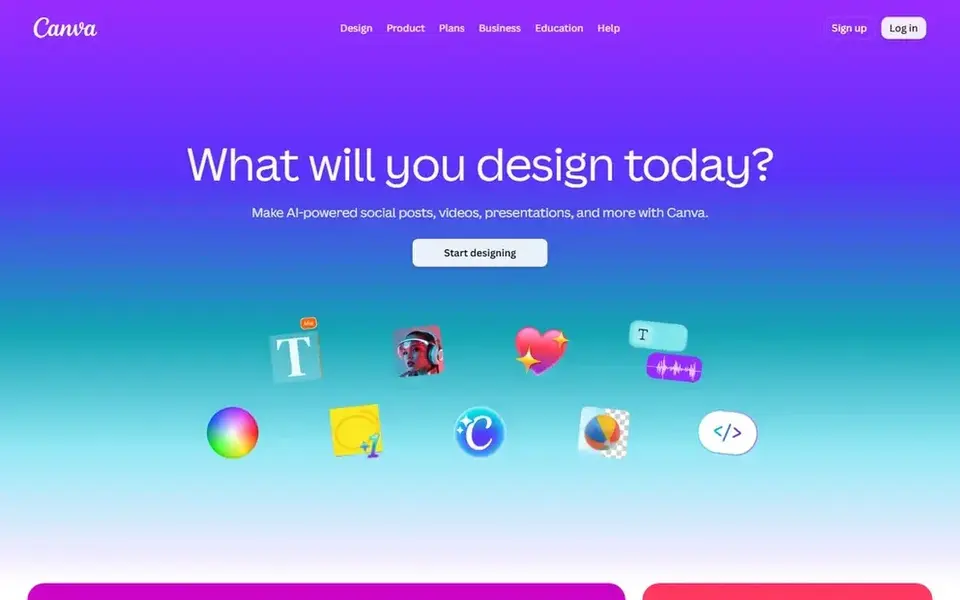
Canva serves fast visual assembly and templates. Choose it for straightforward, template-driven visuals.
Downsides: Generative video features are entry-level.
Beyond that, for music videos, it fits lyric videos, straightforward visualizers, and promotional clips where speed and ease matter more than cinematic complexity. Canva does not show a starting price in this comparison, so check the vendor site for current pricing. On free options: Not stated.
- Accessible for non-designers
- Wide design and video templates
- Restricted advanced video editing
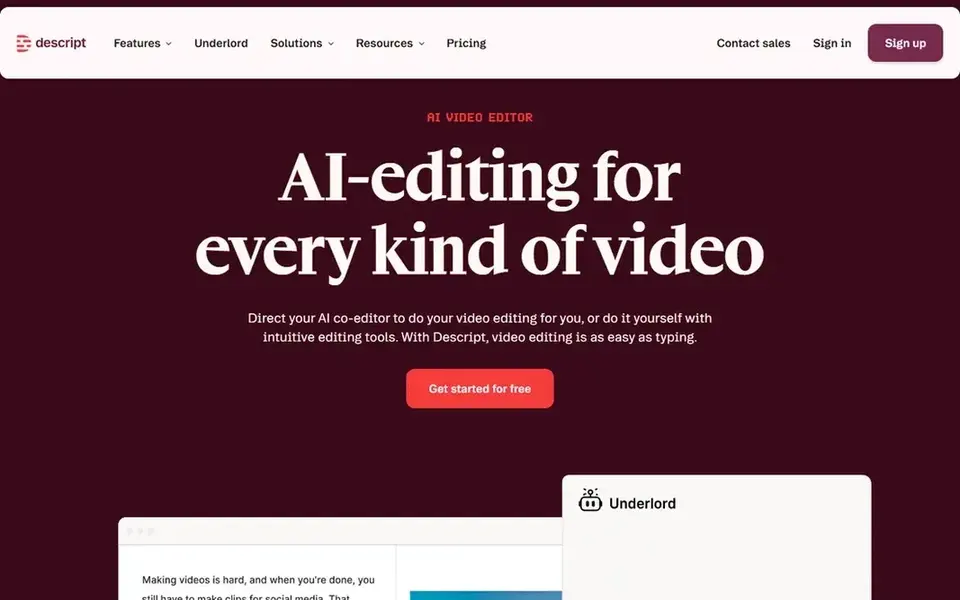
Think of Descript for text-based editing of music videos. Descript is an AI video and audio editor that makes editing as simple as editing text, with recording, transcription, and publishing in one place.
More specifically, choose Descript when your music video project contains spoken content or documentation that benefits from transcript editing. For music videos, it is most handy for spoken introductions, behind-the-scenes content, or interviews around a release. Entry price for Descript: $16 per person per month. Descript includes a free tier.
Watch-outs: Not a generative visual tool.
- Edit video by editing text
- Publish workflow included
- Text-based approach fits dialogue more than music
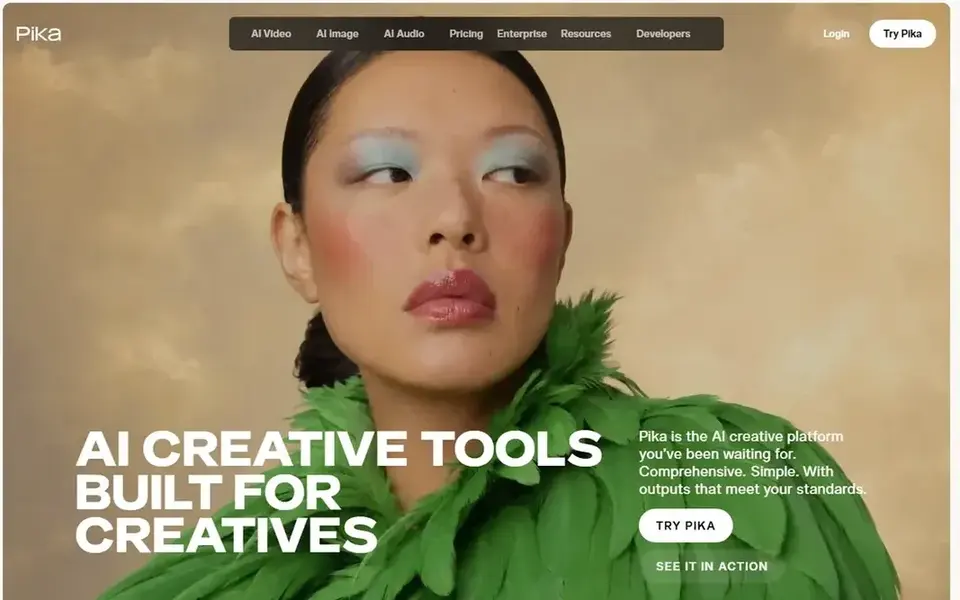
Pika is a good fit for Generative visual experimentation. Pika is a creative system that brings multiple generative models together for video, image, and audio.
What to check first: Output can be unpredictable.
Highlights: audio creation.
More specifically, Generative output may need several attempts to match a specific vision, and fine-grained editing is restricted compared to dedicated editors. The prompt-driven approach makes it simple to iterate on visual ideas rapidly. Pika starts at: $10 per month. Pika offers a free plan.
- Supports video, image
- Fast prompt-based generation
- Less control over fine editing

In short, Luma Dream Machine is for Iterative creative planning and generation. Luma Dream Machine is positioned as a creative agent for professionals, supporting planning, generation, iteration, and refinement.
On top of that, the iterative approach may also feel slower if you need rapid one-off clips. In daily use, choose Luma when concept development and refinement are central to your process. This comparison lists no price for Luma Dream Machine; ask the vendor. Free access: Not stated.
What to check first: Can need a learning curve.
- Keeps context across creative work
- Pitched at creative professionals
- Not a full editing suite
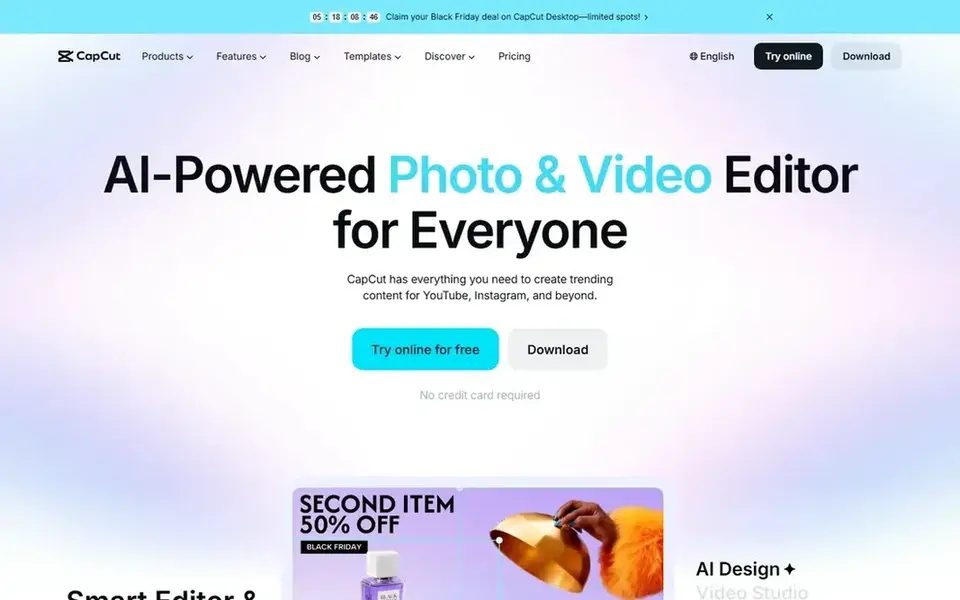
In short, CapCut is for AI-assisted editing and social video. Some AI features also come with a ramp-up time.
Drawbacks to consider: Advanced features may need learning.
CapCut does not show a starting price in this comparison, so check the vendor site for current pricing. You can start on CapCut without paying. Strengths: Desktop, mobile.
- AI-powered editing features
- Online access
- Less suited to long-form cinematic work
Choose Synthesia for Avatar-led, scripted music videos. Synthesia is an AI video system built around avatar presenters and scripted content. If your concept depends on generative imagery or complicated scene transitions, a dedicated generative video tool or editor may be a better fit.
Limits to weigh: Needs scripting and setup.
For music videos, it suits projects that require a human-like performer delivering lines or lip-syncing to a track, particularly when you want consistent output across languages. It is a solid choice for narrative or instructional music content instead of experimental visuals. More specifically, choose Synthesia when structure and presenter consistency matter most. The system is oriented toward business communication, so it may feel constrained for highly stylized or abstract music videos. Price to start with Synthesia: $19 per month. You can start on Synthesia without paying.
- Avatar presenters for on-screen performance
- Supports plenty of languages
- Less suited to abstract generative visuals
How we chose
ProMapRanker looked at what each vendor publishes: pricing, plan limits, feature coverage for AI tools for creating music videos and stated drawbacks. No hands-on testing is claimed. Figures are shown as the vendors publish them. Billing terms, seat minimums and add-ons can change the real cost. The order reflects how well each tool fits the most common buying scenario for AI tools for creating music videos, then price clarity, then free plan access. It is a starting point, not a verdict.
What to confirm before you sign up
- Get a written quote from Canva, Luma Dream Machine and CapCut; the list shows no starting price for them.
- Look at free plan limits closely: Descript, Pika, CapCut and Synthesia have one, and the caps decide whether it is usable for real work.
- Read the limits listed for Canva first: restricted advanced video editing.
- Check how data leaves Descript: formats, limits and whether exports are available on every plan.
- Find out what support Canva includes on your plan, and whether onboarding help costs extra.
Frequently asked questions
Can I edit a music video with AI assistance?
Yes. CapCut and Descript offer AI-assisted editing, with CapCut emphasizing effects and templates and Descript focusing on text-based editing. For final assembly of generated clips, a dedicated editor is still recommended.
Can I try these tools before paying?
Often, yes. Descript, Pika, CapCut and Synthesia have a free plan. Use your own data and a real task during the test, and check what the free tier or trial limits before you rely on it.
What is the cheapest option for AI tools for creating music videos in this list?
On published monthly entry prices, Pika is the lowest here at $10 per month. Entry price is only part of the cost, because seats, add-ons and billing terms can change the total. All 6 picks in this AI tools for creating music videos comparison list a starting price, free plan details and the main limits on their cards above.
How do I choose between generative and editing tools?
If you already have footage and have to assemble it, CapCut or Descript are more direct. Plenty of creators combine a generative tool with an editor for the final cut.
Do these tools work for lyric videos and visualizers?
Canva is well suited to lyric videos and straightforward visualizers thanks to its templates and drag-and-drop interface. CapCut can also manage beat-synced effects for social clips.
Is Canva the right pick for everyone comparing AI tools for creating music videos?
No single tool suits every team. Canva comes first because it fits quick visual assembly and templates, while Descript suits text-based editing of music videos and Pika suits Generative visual experimentation. Match the tool to your own size, budget and workflow before deciding.
Sources
See where you really rank - block by block
ProMapRanker scans Google Maps across a grid of your service area. Simple monthly plans from $19, white-label on every plan.
Start freeBrowse all guides
← Best UniFab Video Upscaler AI Alternatives in 2026Best AI Video Generators for Training Modules in 2026 →
 best transcription software for enterprise
Best Transcription Software for Enterprise in 2026
Best transcription software for enterprise in 2026: 6 contenders with entry costs and free tiers. We note where every tool falls short. Updated November 2026.
Read → best tools for reservation management in voice ai
Best Tools for Reservation Management in Voice AI in 2026
Comparing the best tools for reservation management in voice AI? 5 contenders, each with entry cost, free tier and best-fit buyer. Current for November 2026.
Read → best call recording tools for user research
Best Call Recording Tools for User Research (2026)
6 products for the best call recording tools for user research, ranked by fit, with starting costs and free tiers. Read the caveats before you buy. Plain facts.
Read → best on demand webinar platform
7 Strong On Demand Webinar Platforms in 2026
Best on demand webinar platform: 7 contenders ranked by fit, with entry costs and free tiers. Every pick gets a straight assessment. Read before you buy.
Read → best free tools to convert image to video
Best Free Tools to Convert Image to Video in 2026
Looking for the best free tools to convert image to video? We compare 8 editors that turn photos into clips, with free plans, templates, and export limits.
Read → airtable alternatives
Best Airtable Alternatives in 2026
Compare the best Airtable alternatives in 2026, with free plans, databases, docs, project views, migration notes, record limits and prices for switching teams.
Read →More in Video, Audio & Podcasts · All guides A to Z by date · Latest guides