 ProMapRanker
Best Airtable Alternatives in 2026

Key takeaways
- Notion and Coda suit teams that want docs and databases in one workspace, not just a grid.
- Monday.com, ClickUp, and Smartsheet suit teams that want project views and workflows on top of data.
- Baserow and NocoDB suit teams that want open-source control or self-hosting.
- Softr suits teams that want to turn data into client portals and internal apps.
- Free Airtable alternatives exist, but record limits and paid features vary a lot, so check the plan you will actually use.
Quick comparison
| Pick | Great for | Pricing starts at | Free tier | |
|---|---|---|---|---|
 Notion | Docs plus lightweight databases | Free | Yes | Visit |
 Coda | Docs that act like apps | Free | Yes | Visit |
 monday.com | Visual work management | $9 per user per month | Yes | Visit |
 ClickUp | All-in-one project and data work | Free | Yes | Visit |
 Smartsheet | Spreadsheet style project tracking | $9 per user per month | Free trial | Visit |
 Baserow | Open-source database control | Free | Yes | Visit |
 NocoDB | Self-hosted database on existing data | Free | Yes | Visit |
 Softr | Portals and apps built on data | See website | Yes | Visit |
 Google Sheets | Free spreadsheet base | Free | Yes | Visit |
The best Airtable alternatives
We compared official feature pages, pricing pages, and migration options for tools that can replace Airtable as a flexible database, tracker, or work hub. Airtable itself is not listed, since this article covers alternatives to Airtable only. Each tool below fits a different reason for leaving, from cost to docs to project management.
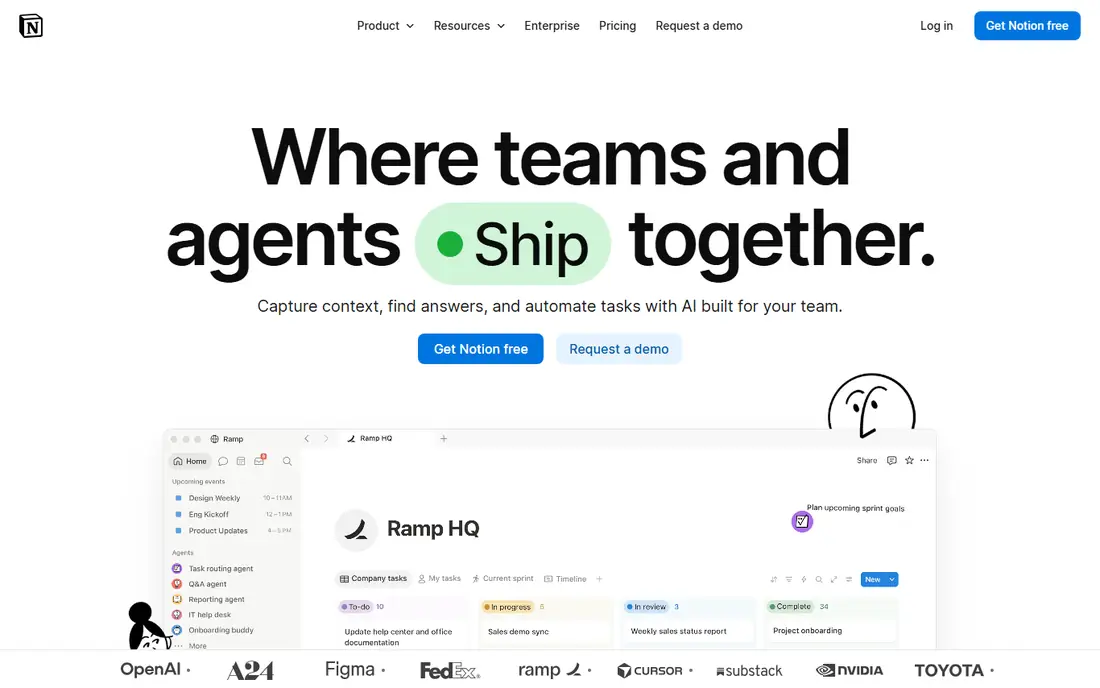
Notion is the most common alternative for teams whose Airtable base was really a set of lists sitting next to documents. Pages, wikis, and databases live together, so a project note and its tracker stay on the same page. The free plan suits individuals, and paid plans start at a level many small teams can afford.
The trade is database depth. Relations, rollups, and automations exist, but they are less strict than Airtable. If your base relies on complex linked records and enforced rules, Notion may feel loose. It is best when documentation matters as much as data.
- Docs, wikis, and databases in one place
- Flexible pages
- Guests are free in many cases
- Weaker relational depth than Airtable
- Can get messy at larger team sizes
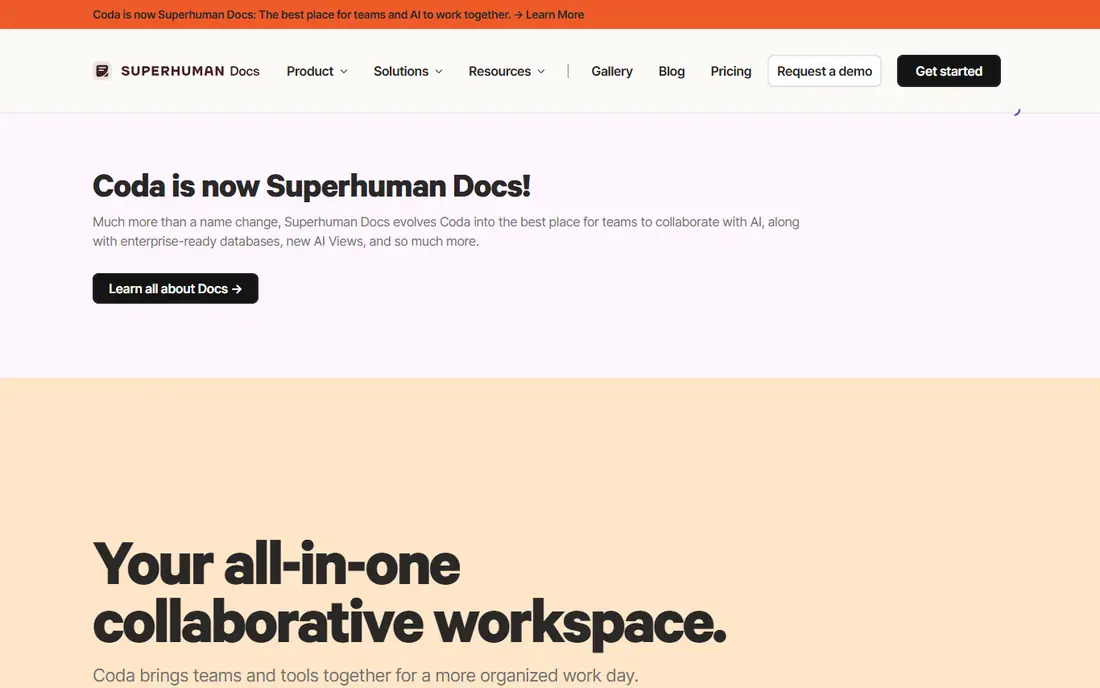
Coda turns documents into interactive tools. Tables sit inside docs, formulas can drive buttons and automations, and packs connect to other apps. That makes it a strong pick for teams that want a doc to do work, not just hold notes. A tracker, a brief, and a workflow can live in one Coda doc.
Formula skill matters here. Teams that do not invest in learning Coda formulas will use only a small part of its power. It also has a smaller template and integration ecosystem than Notion or monday.com. Choose Coda when you want doc-first workflows with real automation.
- Powerful formulas
- Buttons and automations
- Packs for other apps
- Learning curve for formulas
- Smaller ecosystem than larger rivals
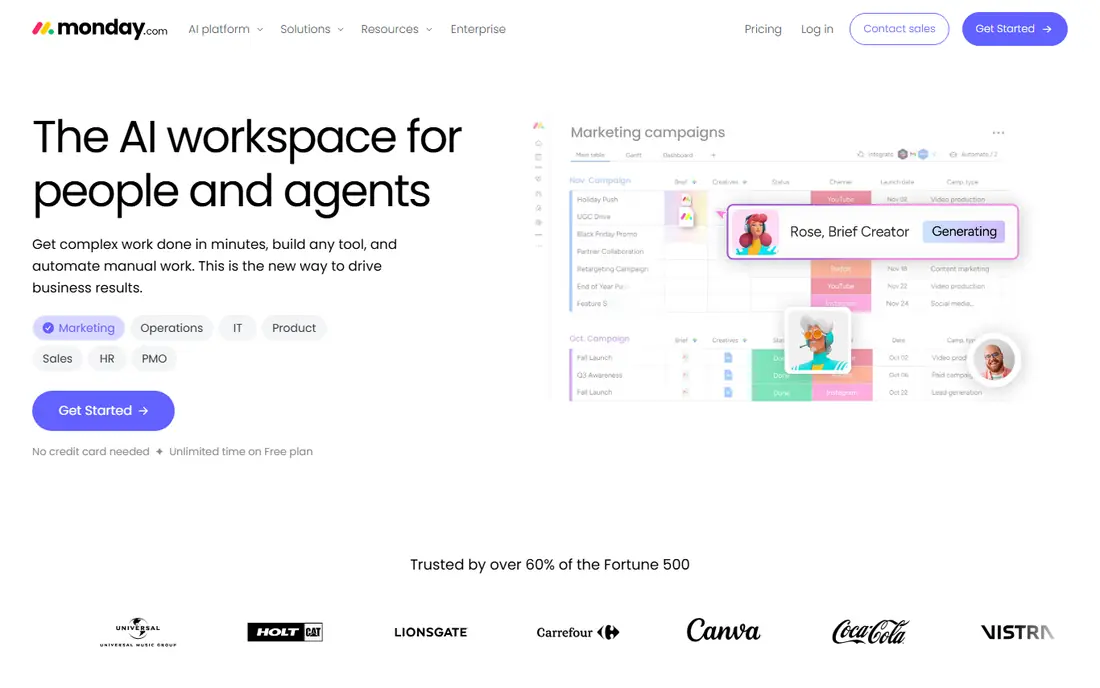
Monday.com is a visual work platform with boards, timelines, dashboards, and automations. It suits teams that used Airtable mainly to track projects and tasks, rather than as a strict database. The interface is clear, and non-technical staff usually adopt it quickly.
Paid plans have a minimum seat count, and costs add up as teams grow. Relational database depth is also less than Airtable. Pick monday.com when visual project tracking and team workflows matter more than complex data modelling.
- Polished boards
- Timelines and dashboards
- Strong automations
- Minimum seat rules on paid plans
- Costs rise with team size
ClickUp combines tasks, docs, goals, tables, and dashboards in one app. Table views give Airtable users a familiar starting point, while board and list views cover project work. The free tier is generous for small teams, and paid plans start at a low per-user price.
Breadth is also the weakness. New users can feel lost among features they do not need, and setup takes care. If your team wants one app for almost everything and is willing to learn it, ClickUp is a strong free Airtable alternative. If you want a simple database only, a narrower tool may fit better.
- Very broad feature set
- Table, board, and list views
- Free tier for small teams
- Steep learning curve
- Feature breadth can overwhelm new users
Smartsheet looks like a spreadsheet, but adds project timelines, dependencies, reporting, and approvals. That suits teams that moved to Airtable from Excel and want a familiar grid with stronger project controls. Contributors can be free on some plans, which helps when many people update sheets but few build them.
There is no free plan for new signups, only a trial, so budget for a paid plan from the start. The interface is less modern than Notion or monday.com. Choose Smartsheet when your Airtable base had become a project plan and you need enterprise-style reporting.
- Familiar grid interface
- Gantt and reporting
- Enterprise governance
- No free plan for new signups
- Interface feels dated to some users
Baserow is an open-source, database-first alternative with a grid interface that will feel familiar to Airtable users. You can self-host it for full control over data, or use the hosted cloud version. Views, filters, and linked tables cover the core database work most teams need.
Automations and integrations are less deep than Airtable, and the template library is smaller. That trade may be worth it for teams that value data control, privacy, or avoiding vendor lock-in. Baserow is a good pick for technical teams and for organisations with strict data rules.
- Open source
- Self-hosting option
- Familiar grid and views
- Fewer automations than Airtable
- Smaller template library
NocoDB turns an existing Postgres or MySQL database into a no-code spreadsheet interface, with APIs for developers. That makes it distinct from the other tools here. If your data already lives in a SQL database, NocoDB gives non-technical staff a friendly front end without moving the data.
Setup is more technical, and the interface feels built for developers first. Non-technical teams may prefer Baserow or Notion. Choose NocoDB when you already have a database to expose, or when self-hosting and API access are top priorities.
- Turns Postgres or MySQL into a spreadsheet UI
- Self-hosting
- Instant APIs
- Setup needs technical skill
- Interface is more technical than Notion
Softr lets you build client portals, internal tools, and membership sites on top of data, with a built-in database option or a connection to Airtable as a source. Granular permissions control who sees what, which suits client-facing work. Templates cover portals, directories, and dashboards.
It is not a general-purpose database replacement in the same way as Baserow. Its strength is what you build on top of the data. Pick Softr when your main goal is to share data safely with clients or staff through a polished app, rather than just to store it.
- Client portals and internal tools
- Built-in database option
- Permissions
- App building focus, not a general database
- Paid plans for larger apps
Google Sheets is the simplest free Airtable alternative, and for many small trackers it is enough. Everyone knows how to use it, sharing is easy, and it works offline. For a simple list, budget, or content calendar, Sheets avoids the cost and learning curve of a database tool.
It lacks linked records, structured views, and automations in the way Airtable provides them. Large bases become hard to maintain, and data rules are easy to break. Use Sheets when the tracker is simple and the team is small, and move to a database tool when relations and permissions start to matter.
- Free
- Near-universal familiarity
- Offline use and easy sharing
- No real relational database features
- Gets messy at scale
How we picked these
We compared official feature pages, pricing pages, and migration guidance for tools that offer database, tracker, or work management features similar to Airtable. We kept only tools still available in October 2026, and we included free Airtable alternatives alongside paid ones so readers can compare true cost. We favoured tools with a clear import path, such as CSV import, a stated free plan, and a distinct strength, rather than listing near-identical grid tools. Where pricing was not clearly published, we wrote See website.
What to check before you switch
Start with why you are leaving Airtable. Cost, complexity, limits, and missing project views each point to a different alternative. A team leaving for cost needs a free plan with generous limits. A team leaving for docs needs Notion or Coda. A team leaving for project control needs monday.com, ClickUp, or Smartsheet.
Migration and data model
Test migration with a copy of a real base, not a demo. Check how linked records, attachments, formulas, and views transfer, since CSV import often loses relations. Count records, attachments, and automations, and check the limits on the plan you will buy. A tool that looks cheap at ten users may cost far more at fifty.
Permissions and integrations
Check who can view, edit, and share each table or page, and whether external guests are free. Confirm links to the tools you already use, such as Slack, Google Drive, Salesforce, or your CRM. Also check export options and API access, so you are not locked in again if you need to move later.
Cost at your real team size
Compare the yearly bill at your actual user count, not just the starting price. Minimum seat rules, per-editor billing, and paid add-ons change the total. Run a small pilot with the team that will use the tool daily, and ask them to complete real tasks before you commit the whole company.
Frequently asked questions
What are the best Airtable alternatives for free?
Notion, ClickUp, Baserow, NocoDB, and Google Sheets all offer free plans, and Softr and Coda offer free tiers too. The best free Airtable alternative depends on limits. Google Sheets is simplest, Notion suits docs plus data, and Baserow or NocoDB suit self-hosting.
What is the best Airtable alternative for project management?
Monday.com, ClickUp, and Smartsheet are the strongest project-focused alternatives. Monday.com is the most visual, ClickUp is the broadest all-in-one, and Smartsheet suits spreadsheet-style project tracking with reporting.
Can I migrate from Airtable easily?
Most tools support CSV import, and some offer direct Airtable import or API migration. Linked records, formulas, and automations often need manual rebuilding, so test with a copy of a real base first and allow time for cleanup.
Is there a free Airtable alternative that I can self-host?
Yes. Baserow and NocoDB both offer self-hosting. Baserow is the more familiar grid experience for Airtable users, while NocoDB is stronger when your data already lives in Postgres or MySQL.
Which alternative is best for client portals?
Softr is the strongest pick here, because it is built to turn data into portals and internal apps with permissions. Notion and Coda can share pages with clients too, but Softr gives more control over who sees what in a client-facing app.
Sources
See where you really rank - block by block
ProMapRanker scans Google Maps across a grid of your service area. Simple monthly plans from $19, white-label on every plan.
Start freeKeep reading
 free alternatives to grok imagine
Free Alternatives to Grok Imagine in 2026
We compared the best free alternatives to grok imagine for image generation, from fast daily credits to design tools, so you can create without paying.
Read → best tools for instagram content creation
Best Tools for Instagram Content Creation in 2026
Compare the best tools for Instagram content creation, from Canva and CapCut to Later and Buffer, on design, video, planning, scheduling, and price in 2026.
Read → best tool to split pdf files
Best Tool to Split PDF Files in 2026
We compared the best tool to split pdf files on split modes, file limits, privacy and price, so you can split a PDF cleanly and keep every page in one go.
Read →