 ProMapRanker
Best AI Tools for Business in 2026

Key takeaways
- Most small teams need one general assistant plus one specialist tool, not eight overlapping subscriptions.
- ChatGPT and Claude are the safest general picks, while Gemini fits Google Workspace teams and Copilot fits Microsoft 365 teams.
- Perplexity is the best research pick when you need sources you can check, while Jasper and Notion AI suit team writing and docs.
- Prices cluster around $20 per month for individual plans, so suite fit and usage limits matter more than a few dollars of price difference.
- AI output still needs human review, especially for prices, legal text, medical claims, and anything you send to a client.
Quick comparison
| Pick | Great for | Pricing starts at | Free tier | |
|---|---|---|---|---|
 ChatGPT | General business work | $8 per month | Yes | Visit |
 Claude | Writing and long documents | $20 per month | Yes | Visit |
 Gemini | Google Workspace teams | $4.99 per month | Yes | Visit |
 Microsoft 365 Copilot | Microsoft 365 teams | $19.99 per month | Yes | Visit |
 Perplexity | Research with sources | $20 per month | Yes | Visit |
 Jasper | Marketing copy at scale | See website | Free trial | Visit |
 Notion AI | Docs and team knowledge | See website | No | Visit |
 Zapier AI | Workflow automation | Free | Yes | Visit |
The best ai tools for business
We compared official pricing pages and product descriptions for tools that small and mid-size teams actually use for writing, research, meetings, and automation. Our test was practical: can a team adopt this tool in a week, and does it save time on a real job?
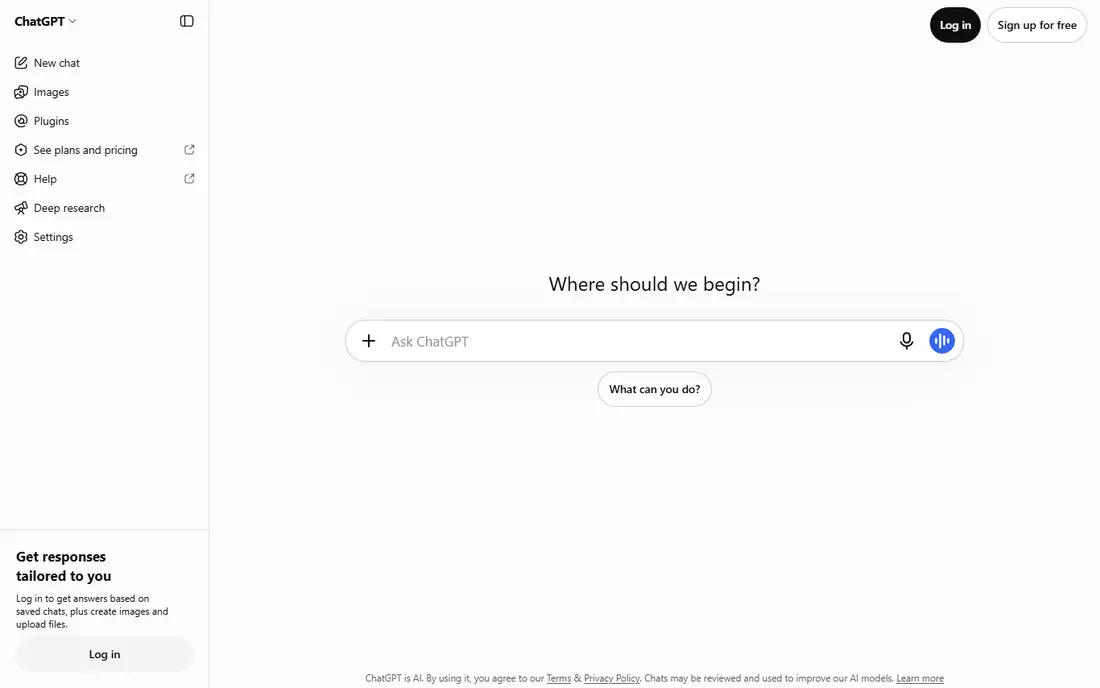
ChatGPT is our pick for most people because it covers the widest range of everyday business work. Drafts, summaries, brainstorming, spreadsheet help, and image generation all sit in one chat, which means a small team does not need to learn several tools to get started. The business plan adds admin controls and team workspace features, which help when more than a few staff share the tool.
The catch is accuracy. ChatGPT can write a confident answer that is wrong on a price, a date, or a regulation, so any client-facing output needs a human check against a trusted source. The $8 per month Go plan is the entry paid tier in recent pricing, with Plus at $20 per month for higher limits. Start on the free plan, then upgrade only when limits slow real work.
- Broadest general toolset
- Strong writing, brainstorming, and image help
- Business plans with admin controls
- Output needs fact checking
- Usage limits vary by plan
- Business pricing needs a seat count
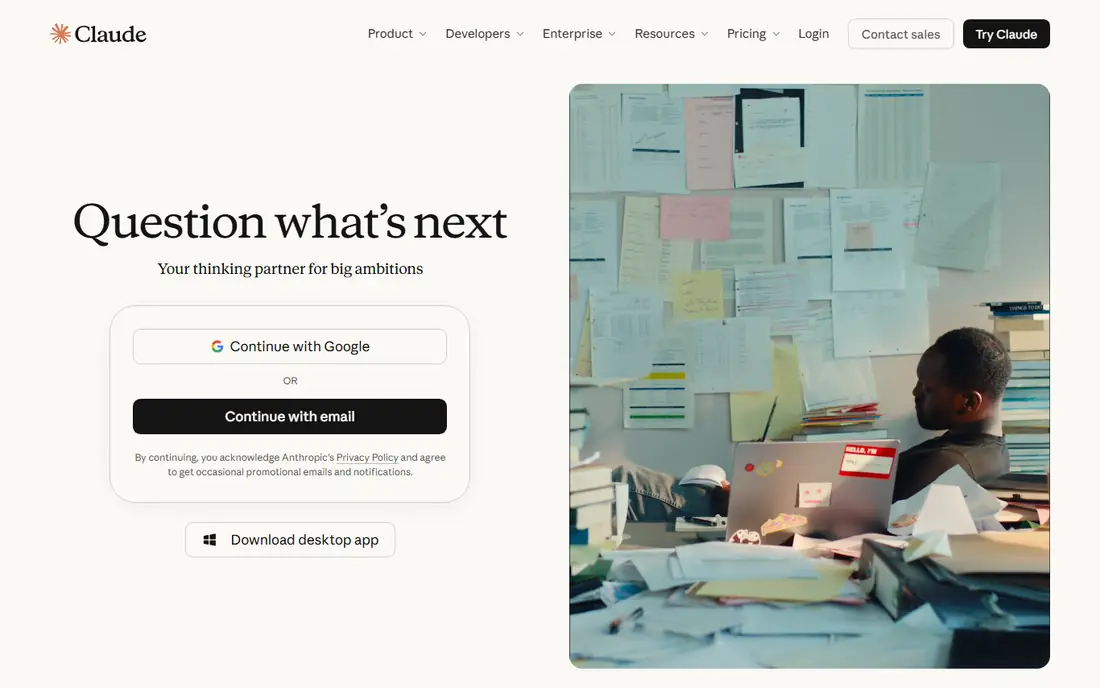
Claude stands out for writing and document work. It handles long reports, contracts, and research notes with a steadier tone than many rivals, and it is a good choice when you need to rewrite, summarize, or compare long files. Teams that write proposals, policies, or client reports often find Claude easier to edit into a final draft, because the first draft is usually closer to finished prose.
The limit is ecosystem. Claude does not live inside Word, Excel, Gmail, or Docs in the same way as Copilot or Gemini, so you will copy text between tools more often. That is a small cost for writing-heavy teams, and a larger one for teams that want AI inside every office app. At $20 per month for Pro, it is priced in line with other general assistants.
- Careful, clear writing
- Strong long-document analysis
- Team plans for shared work
- Fewer built-in business apps than Microsoft or Google tools
- Pro is $20 per month
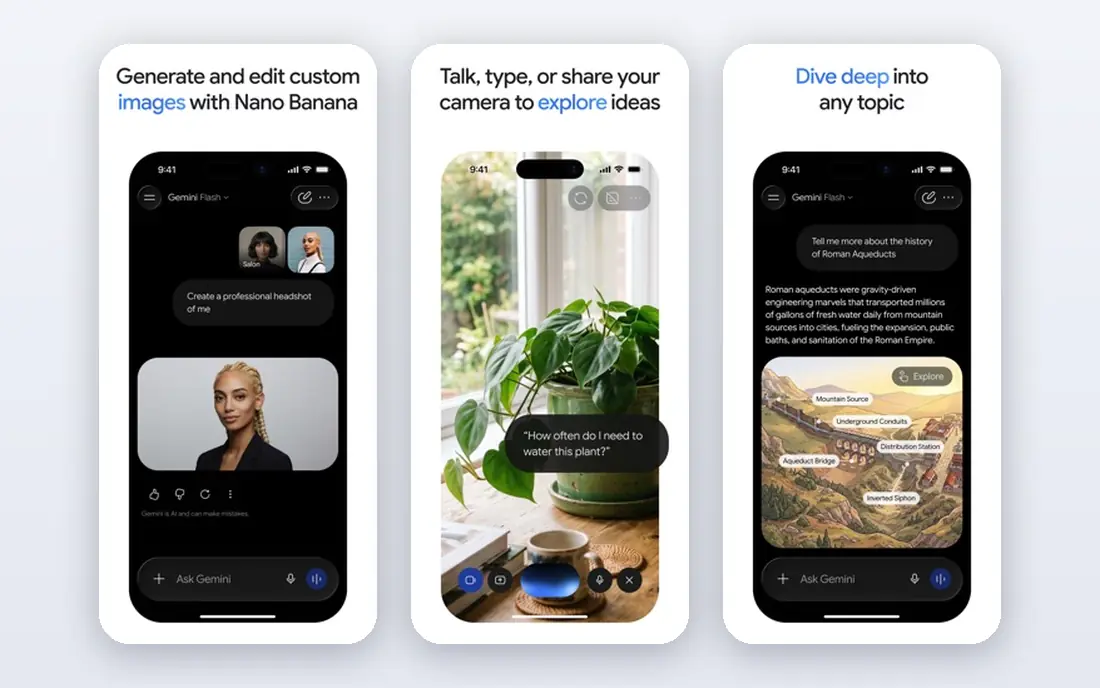
Gemini is the best AI platform for business teams that already live in Google Workspace. It can help draft in Docs, summarize in Gmail, and work across Google apps, which saves the copy-and-paste step that other tools require. The entry Google AI Plus plan at $4.99 per month is also the lowest paid entry in this list, with AI Pro at $19.99 per month for higher limits and extra storage.
The catch is plan confusion. What you get depends on whether you buy a consumer AI plan or a Workspace business plan, so check the exact plan page before you buy seats. Gemini also does not beat Claude on every writing task, so writing-heavy teams should test both on their own documents. For a Google-first team, though, the fit is hard to beat.
- Low entry price
- Strong Google Docs and Gmail links
- Generous free tier
- Business features depend on your Workspace plan
- Quality varies by task
Microsoft 365 Copilot is the best business AI platform for teams that already pay for Microsoft 365. It can draft in Word, summarize an Outlook thread, and recap a Teams meeting, which is where a general chatbot cannot reach. The consumer Premium plan at $19.99 per month bundles Office apps with AI features, while business Copilot pricing is an add-on to a qualifying Microsoft 365 plan.
The main drawback is cost stacking. If you do not already use Microsoft 365, Copilot alone is not a reason to switch, because you pay for the base plan plus the AI add-on. If you already use Word, Excel, and Outlook daily, the time saved on drafts and meeting notes can justify it. Test it on your own inbox and documents, since the value depends on how much of your day sits inside Microsoft apps.
- Lives inside Word, Excel, Outlook, and Teams
- Good for meeting summaries and document drafts
- Admin controls for business
- Paid Copilot now sits inside Microsoft 365 plans
- Full business pricing depends on your base plan
Perplexity is the best AI tool for business research, because it shows sources with its answers. That matters when you need to check a price, a regulation, or a competitor claim before you act on it. A team can use it for market research, supplier checks, and background reading, then open the cited pages to confirm the key facts. The free plan covers basic searches, and Pro at $20 per month adds more Pro searches and model choice.
The limit is scope. Perplexity is not meant to replace a general assistant for drafting, coding, or long writing, and it works best as a second tool next to ChatGPT or Claude. It also still needs human checking, because a cited source does not always support the exact claim in the answer. For research-heavy roles, it earns its seat quickly.
- Answers include sources you can open
- Good for market and competitor research
- Fast for factual questions
- Not a general writing tool
- Pro searches have daily limits
Jasper is built for marketing copy, not general chat. It offers brand voice settings, templates for blogs, ads, emails, and social posts, and team workflows that help a marketing team produce consistent drafts. That focus suits businesses that publish a lot of content and need every draft to sound like the same brand, even when several writers contribute.
The catch is price and scope. Jasper pricing varies by plan, so we list it as See website, and it will not replace a general assistant for analysis, coding, or meeting notes. Small teams that publish only a few posts a month may not need it. Teams that publish daily, run campaigns, and need brand control will get more value from Jasper than from a general chatbot alone.
- Built for marketing teams
- Brand voice controls
- Templates for ads, blogs, and social posts
- Pricing is by plan and seat
- Less useful as a general assistant
Notion AI is the best AI app for business teams that already keep docs, wikis, and project notes in Notion. It can summarize a long page, turn meeting notes into action items, and answer questions over your own team documents, which is different from a general chatbot that only knows public web data. That internal knowledge angle is useful for onboarding, handovers, and project reviews.
The limit is lock-in. If your team does not use Notion, Notion AI alone is not a reason to move all your docs. AI access also depends on your Notion plan, so we list pricing as See website and advise checking the current plan page. For a Notion-first team, it is a natural add-on that keeps AI close to the work.
- AI inside your docs and wikis
- Good for summaries, action items, and Q and A over team notes
- Keeps work in one place
- Needs a Notion workspace to shine
- AI pricing depends on your Notion plan
Zapier AI, through Zapier automation and AI actions, helps a business connect apps and automate repetitive work. A new form entry can create a task, send a message, and update a sheet without manual copying, and AI steps can summarize, draft, or classify text inside that flow. The free plan suits small flows, which makes it easy to test one automation before paying.
The catch is maintenance. A flow that looks simple can break when an app changes a field, so every automation needs a test run and a named owner. Paid pricing also depends on task volume, so a busy flow can cost more than expected. For entrepreneurs who repeat the same admin tasks daily, one or two well-tested flows often save more time than another chatbot subscription.
- Connects thousands of apps
- Automates repetitive multi-step tasks
- Free plan for small flows
- Complex flows need setup and testing
- Paid plans rise with task volume
How we picked these
We compared official pricing pages, product descriptions, and plan structures for tools that serve general business work, not just one niche. We kept tools that a small team can adopt without a developer, and we favored tools with a free plan or trial so readers can test before paying. Where pricing varied by plan or region, we used the entry US figure we could verify, or See website where no simple figure was reliable.
How to choose the right AI stack
Start with your office suite. If you use Google Workspace, start with Gemini. If you use Microsoft 365, start with Copilot. Then add one general assistant, usually ChatGPT or Claude, for work outside those apps. Add Perplexity only if research is a daily job, and add Jasper or Notion AI only if marketing copy or internal docs are a daily job.
Set simple rules before you roll a tool out. Decide what staff may paste into an AI tool, who checks client-facing output, and how you store AI drafts. Run a two-week test on real tasks, count the time saved, and cancel any tool that no one opens in that period. One tool used daily beats four tools used once.
Frequently asked questions
What is the best AI tool for business overall?
For most small teams, ChatGPT is the safest general pick, because it covers writing, brainstorming, analysis, and image help in one place. Claude is a close second for writing-heavy teams, while Gemini and Copilot win when your team already lives in Google or Microsoft apps. Test your top two on real work for a week before you commit to seats.
What is the best AI platform for business?
The best AI platform for business depends on your suite: Microsoft 365 Copilot for Microsoft teams, Gemini for Google Workspace teams, and ChatGPT Business or Claude Team for suite-neutral teams. A platform matters when you need admin controls, shared workspaces, and data controls, not just a personal chat account. Check seat minimums and data policies before you buy.
What is the best AI app for business owners and entrepreneurs?
Entrepreneurs often need a general assistant for drafts and ideas, plus an automation tool such as Zapier for repetitive admin. ChatGPT or Claude covers the first job, and Zapier covers the second. Keep the stack small at first, and add a specialist tool only when one task takes a clear share of your week.
Are there free AI tools for business?
Yes. ChatGPT, Claude, Gemini, Copilot, Perplexity, and Zapier all offer free plans with limits, and those limits are often enough to test a tool. Free plans usually cap usage, model choice, or advanced features, so a busy team will still need a paid plan. Start free, then pay for the tool that actually saves time.
How much do AI tools for business cost?
Individual plans cluster around $20 per month, with entry plans from $4.99 to $8 per month and business seats from about $20 per user per month. Premium individual plans can reach $100 per month or more. Your total depends on seat count, usage limits, and whether AI sits inside an office suite you already pay for.
Sources
See where you really rank - block by block
ProMapRanker scans Google Maps across a grid of your service area. Simple monthly plans from $19, white-label on every plan.
Start freeKeep reading
 top rated pdf scanner software
Best PDF Scanner Software in 2026
Looking for top rated pdf scanner software? We compare 8 scanner apps on scan quality, OCR, price, watermarks and privacy to find your best fit for daily use.
Read → expensify alternatives
Best Expensify Alternatives in 2026
Looking for expensify alternatives? We compare 8 top expense tools on price, cards, receipts and approvals to help your team pick the right one in 2026.
Read → best tools for drawing diagrams
Best Tools for Drawing Diagrams in 2026
Compare the best tools for drawing diagrams, from Lucidchart and Miro to free diagrams.net. See pricing, templates, and collaboration features for teams.
Read →