 ProMapRanker
Best AI Tools for App Development in 2026


Professional developers who want an AI editor · Pricing starts at: $20 per month
Key takeaways
- Cursor and GitHub Copilot suit developers who already write code and want help inside a familiar editor.
- Replit, Bolt.new, Lovable and v0 suit people who want a working app from a prompt, with hosting or deployment close at hand.
- Credit and token limits matter more than the headline price, because heavy agent use can cost more than the monthly plan.
- A free plan is useful for a first test, but most serious builds need a paid plan for private projects and larger usage.
- Review generated code before shipping it, especially for logins, payments and data handling.
Quick comparison
| Pick | Great for | Pricing starts at | Free tier | |
|---|---|---|---|---|
| Cursor | Professional developers who want an AI editor | $20 per month | Yes | Visit |
 GitHub Copilot | Developers who want AI inside their existing editor | $10 per month | Yes | Visit |
 Replit | Building, running and hosting an app in one place | $25 per month | Yes | Visit |
 Bolt.new | Fast prototypes in the browser | $20 per month | Yes | Visit |
 Lovable | Non-technical founders building a full-stack MVP | $25 per month | Yes | Visit |
 v0 | High-quality React interfaces and landing pages | $20 per month | Yes | Visit |
 Windsurf | Developers who want a persistent agent in an editor | $20 per month | Yes | Visit |
 Claude Code | Terminal-based developers working in large codebases | $20 per month | No | Visit |
The best AI tools for app development in 2026
The best choice depends on where you start. Some tools help you write code faster, while others turn a plain-language idea into a first working app. This list covers both kinds, so you can match the tool to your skill level and your project.
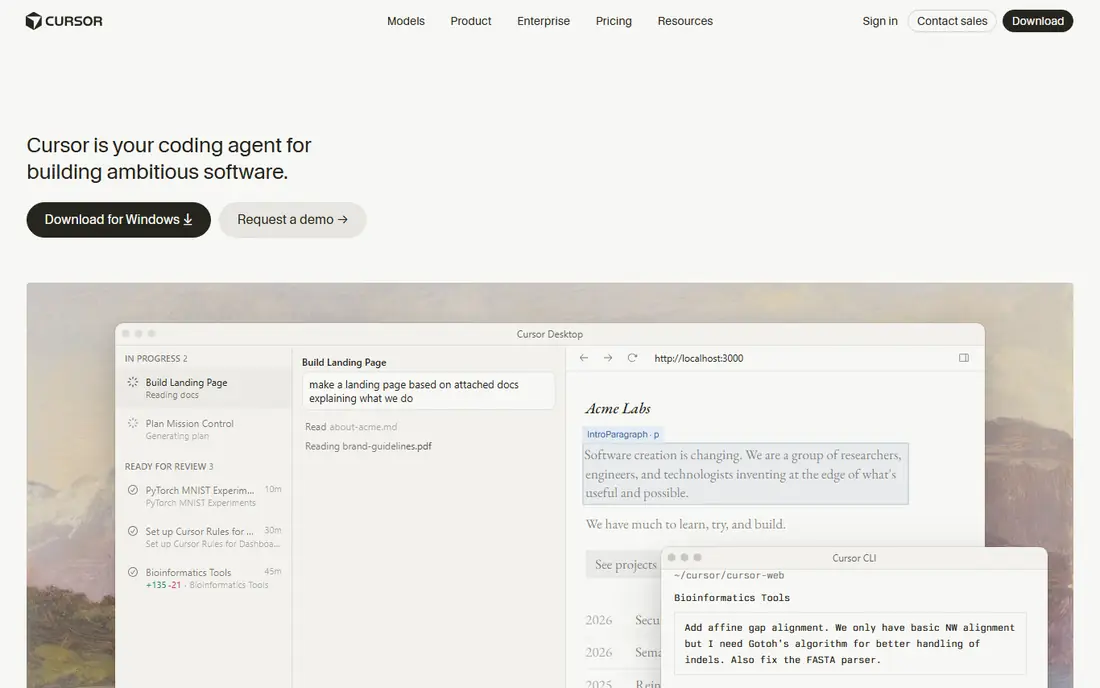
Cursor starts from a familiar place. It looks and feels like VS Code, so most developers can move in without relearning shortcuts, themes or extensions. The difference is how much of the work the agent can do across files. You can ask for a feature, point to the files involved, and review a diff rather than typing every change by hand. The free Hobby plan is best for a short trial. It includes limited agent requests and completions, which is enough to judge the editor but not enough for daily work. Pro, at $20 per month, adds extended agent limits and access to frontier models. The main weakness is cost control. Long agent sessions on large codebases can use the included allowance quickly, so set a budget and check usage before you rely on it for a whole sprint.
- Codebase-aware chat and agent edits
- Works with VS Code extensions and settings
- Model choice on paid plans
- Usage limits can add cost for heavy agent work
- Full value needs a real codebase to work from
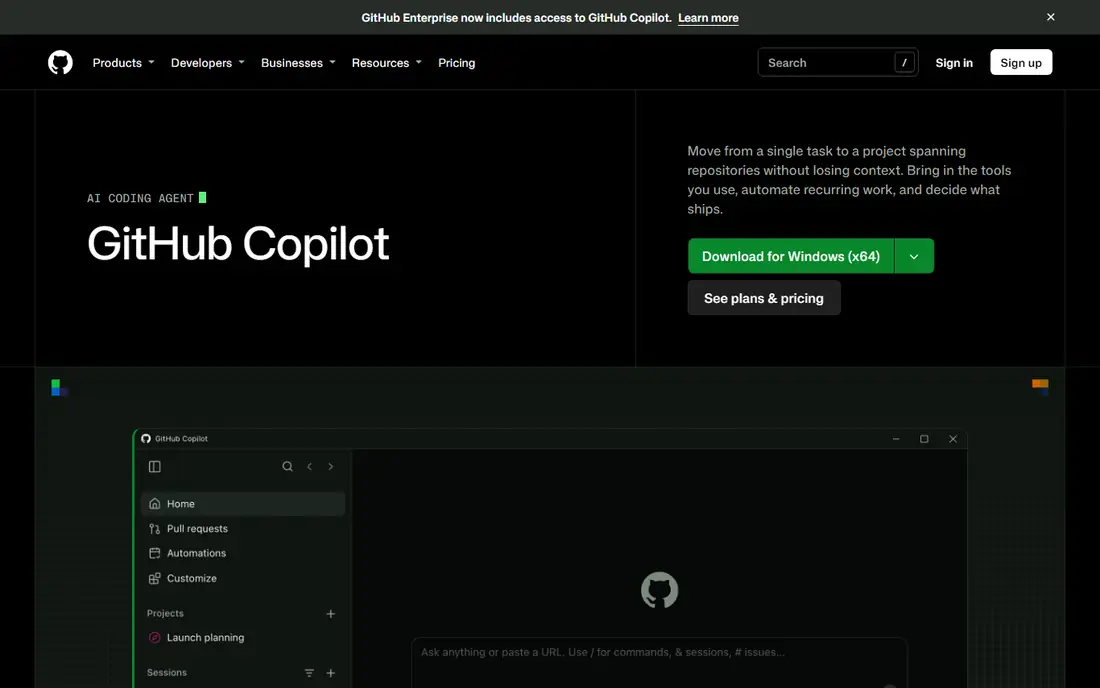
GitHub Copilot is the least disruptive option on this list. It adds inline suggestions, chat and agent mode to the editor you already use, instead of asking you to move to a new one. For many developers, that small change is the point. You keep your setup, your extensions and your workflow, and the assistant fills in boilerplate, tests and small functions. Pro costs $10 per month and includes unlimited completions plus a monthly AI credit allowance for chat, agent mode and related work. The free plan gives 2,000 completions a month and limited chat and agent use. That is a fair way to test it, but the credit system needs attention. If you run long agent sessions every day, check how much of the allowance they use before you assume $10 covers everything.
- Works across VS Code, JetBrains, Visual Studio and more
- Unlimited completions on paid plans
- Strong GitHub integration
- Chat and agent work now draw on AI credits
- Model choice is narrower on the free plan
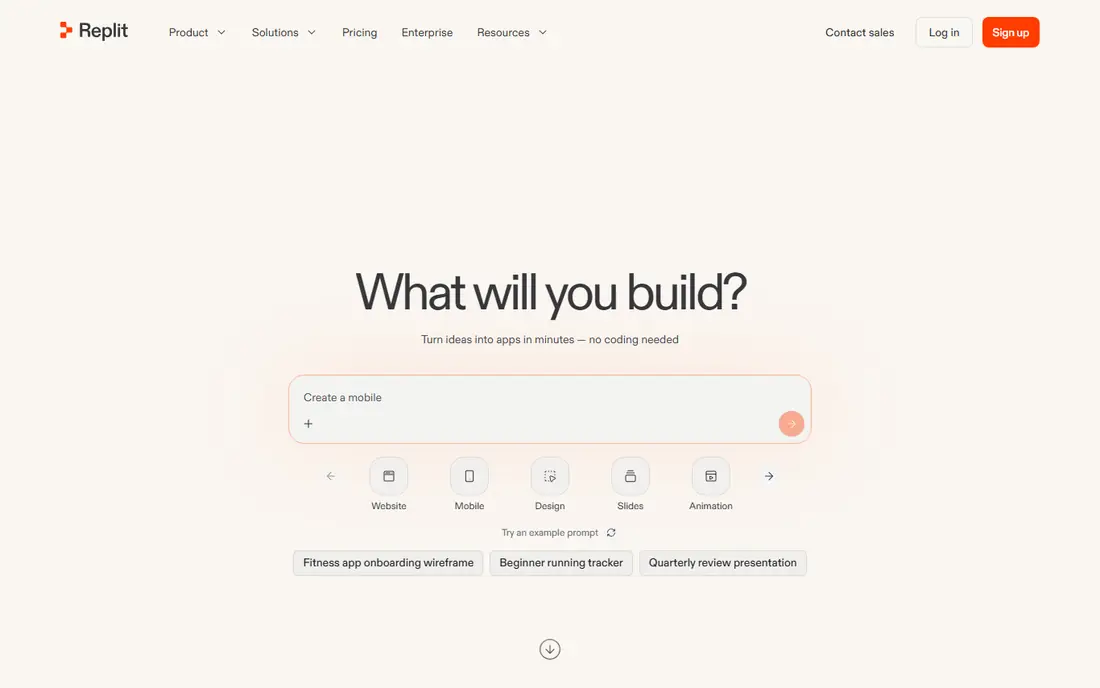
Replit takes a different route. You describe the app, the agent builds it, and the same workspace can host it. That closed loop is useful for prototypes, class projects and small tools that need to be live quickly. You do not need to install a toolchain or set up a server before you see something working. Core costs $25 per month and includes $25 in monthly usage credits for agent work, compute and deployments. The Starter plan is free with daily agent credits and one published project. The honest weakness is predictability. Because agent effort, compute and hosting all draw from credits, an active month can cost more than the plan price. Turn on spending limits early and treat Replit as a build-and-host tool, not a fixed-cost subscription.
- Browser IDE with hosting, database and deployment
- Code can be exported to GitHub
- Supports many languages
- Effort-based billing can make the real monthly cost hard to predict
- Large projects can feel slow in the browser
Bolt.new is built for speed. You type a prompt, watch a preview appear, and keep refining it in the same tab. There is no local setup, which makes it a good choice when you want to test an idea on any computer. The browser environment handles the runtime, so the focus stays on the product rather than the tooling. The free plan includes a token allowance for trying it out, and Pro starts at $20 per month with a larger token allowance. The trade-off is depth. Bolt.new is strong for front-end led prototypes and small full-stack ideas, but complex apps with heavy back-end logic may need manual cleanup or a move to a local codebase. Keep prompts specific, save progress to GitHub, and test the app in a real browser before you share it widely.
- Runs a full Node.js environment in the browser
- Live preview while you build
- Quick deploy options
- Token use can rise fast on complex apps
- Long edit sessions can lose context
Lovable aims at people who have a product idea but do not write code every day. You describe the app, and it generates a working version with user accounts, data storage and a deployment path. That makes it useful for validating an idea, showing a demo to early users, or building an internal tool without hiring a developer first. Pro costs $25 per month and includes monthly credits, private projects and a custom domain. The free plan allows a small number of daily messages and public projects only. The weakness is control. As the app grows, you may find files that need refactoring or logic that needs a developer to clean up. Plan for that step. Use Lovable to prove the idea, then bring in technical help before you scale it.
- Builds front end, back end, auth and database from prompts
- Supabase integration
- Custom domains on paid plans
- Less control over architecture details
- Credit use can limit long refinement sessions
v0 is the most specialised tool here, and that focus is its strength. It generates React components and pages that look polished, with sensible structure and styling. Designers and front-end developers can use it to move from a sketch or a Figma file to working UI quickly, then connect the result to their own back end. The free plan includes about $5 in monthly credits, while the paid entry plan is around $20 per month with a larger credit allowance. Team plans add shared credits and central billing. The limit is scope. v0 does not replace a back-end builder, auth system or database on its own. If your app needs accounts, payments or complex data rules, pair v0 with another tool or a developer, and budget for the back end separately.
- Clean React and Tailwind output
- Figma import and image-to-code options
- Direct Vercel deployment
- Focused on the interface, not the full back end
- Credit use grows with project size and iteration
Windsurf, formerly Codeium, centres on Cascade, an agent that follows your project across files and steps. That continuity helps with refactors that touch many parts of a codebase. You can ask for a change, watch it work through related files, and review the result in one editor. Pricing has shifted during 2026 as Windsurf merged into Devin, with Pro listed around $20 per month in recent comparisons and a free tier with a small monthly credit allowance. Because of that change, confirm the current plan and included credits on the official site before you buy. The editor itself is capable, but teams that depend on a large VS Code extension library should test their must-have extensions first.
- Cascade agent keeps context across long sessions
- Solid free tier for trying it
- Fast completions and edits
- Smaller extension ecosystem than VS Code proper
- Pricing and branding have changed during 2026, so check the current plan page
Claude Code is for developers who are comfortable in the terminal. It reads your codebase, runs commands, edits files and can work through tasks that span many steps. That makes it a good fit for refactoring, adding tests, or understanding an unfamiliar repo, where a chat window alone would be too narrow. Access comes through a Claude plan, with Pro at $20 per month and Max plans at higher prices for larger usage allowances. There is no separate free tier for Claude Code, and usage is managed through rolling windows rather than a simple monthly count. The weakness is also its shape. It gives you code, not a hosted app, so you still need your own deployment, database and front-end tooling. For teams already using Claude, it is a natural addition. For others, start with the editor tools above first.
- Strong reasoning for multi-step tasks
- Works in the terminal and in supported editors
- Scriptable through the Agent SDK
- No free plan for Claude Code itself
- Usage windows can limit heavy days
- No built-in hosting or deployment
How we picked these
We compared official feature pages, pricing pages and app store listings, plus public reviews and documentation, to check that each product exists, works in October 2026, and fits app development rather than general writing or design. We favoured tools with a clear free or trial path, published pricing, and a distinct use case, so the list covers editors, prompt-to-app builders and a terminal agent without repeating the same product twice. Where pricing had changed during 2026, we used the most recent published figure we found and noted where to confirm it.
What to check before you pay
Start with the billing unit, not the headline price. Some tools charge per seat, some per credit, and some per token, and those units decide what a busy month really costs. Run one real task on a free plan first, then check how much allowance it used. Next, check export and hosting. Can you take the code to GitHub, move it to your own server, or deploy it where you want? A tool that locks your app inside its own platform is a bigger commitment than one that exports clean code. Finally, check the parts you cannot see in a demo: auth, data storage, error handling and security. Generated code still needs review, tests and a plan for updates.
Frequently asked questions
What is the best AI tool for app development for a beginner?
Lovable and Bolt.new are the easiest starting points, because they turn a prompt into a working app without local setup. Replit is also friendly, since it adds hosting in the same place. If you already code, Cursor or GitHub Copilot will feel more natural, because they assist inside an editor you know.
Can AI tools build a complete app on their own?
They can build a first working version, especially for simple apps, landing pages and internal tools. Complex apps still need human review for security, data rules, payments and edge cases. Treat the output as a strong draft, not a finished product ready for real users and real data.
How much do AI app development tools cost per month?
Entry paid plans on this list sit mostly between $10 and $25 per month, with higher tiers for teams and heavy use. The real cost depends on credits or tokens, so a busy month can exceed the plan price. Check the included allowance and any overage rate before you commit to a team plan.
Do I still need to know how to code?
You can prototype without deep coding skill, but code knowledge helps a lot when you need to fix bugs, change the design or scale the app. Even a basic grasp of HTML, JavaScript and databases makes it easier to judge the output and talk to a developer later.
Which tool is best for a React front end?
v0 is the strongest pick for React interfaces, because it is built for components and pages and deploys well to Vercel. Bolt.new and Lovable also produce React apps, but v0 gives the cleanest UI-focused output when the front end is the main job.
Is my code private on these tools?
Privacy terms differ by product and plan, and some plans offer training opt-outs or enterprise controls. Read the privacy policy for the plan you buy, avoid pasting secrets or sensitive customer data into prompts, and use private projects where they are available.
Sources
See where you really rank - block by block
ProMapRanker scans Google Maps across a grid of your service area. Simple monthly plans from $19, white-label on every plan.
Start freeKeep reading
 eventbrite alternatives
Eventbrite Alternatives in 2026
Find Eventbrite alternatives in 2026 with lower fees, free events and better check-in, compared by pricing, features, payouts and who each platform suits.
Read → ebay alternatives
eBay Alternatives in 2026
Find the best eBay alternatives in 2026. We compare 8 marketplaces for sellers on fees, buyer reach, categories, shipping and ease of selling online today.
Read → cursor alternatives
Cursor Alternatives in 2026
Compare the best Cursor alternatives for AI coding, from GitHub Copilot and Windsurf to Zed, Claude Code, Cline, Aider, and Amazon Q Developer in 2026.
Read →