 ProMapRanker
Best AI Tools for Extending Images in 2026


photographers and designers who already edit in Photoshop · Pricing starts at: See website
Key takeaways
- Adobe Photoshop suits users who want full control over generated expansion with layers and manual edits.
- Canva Magic Expand suits designers who already build layouts in Canva.
- Fotor, Picsart, Pixlr and ExtendImage.AI suit fast, single-image jobs.
- PhotoRoom suits sellers who need product photos resized for marketplaces.
- Generated areas are invented by AI, so check them closely before publishing, especially for factual photos.
Quick comparison
| Pick | Great for | Pricing starts at | Free tier | |
|---|---|---|---|---|
| Adobe Photoshop | photographers and designers who already edit in Photoshop | See website | Free trial | Visit |
 Canva Magic Expand | designers who already build layouts in Canva | $15 per month | Yes | Visit |
 Fotor AI Image Extender | users who want a fast web extender without a project setup | See website | Yes | Visit |
 Picsart AI Image Extender | social creators who edit photos and video in one app | See website | Yes | Visit |
 Pixlr AI Generative Expand | users who want a browser editor with a free starting point | See website | Yes | Visit |
 PhotoRoom AI Expand | sellers who need product photos resized for marketplaces | $12.99 per month | Yes | Visit |
 Clipdrop Uncrop | users who want expansion plus a wider cleanup toolkit | See website | Yes | Visit |
 ExtendImage.AI | users who want a dedicated web outpainting tool | See website | Yes | Visit |
 Magnific AI Expand | production users who need volume and API use | See website | Free trial | Visit |
The best AI tools for extending images
Extending an image means asking AI to fill in new canvas beyond the original photo, so a square shot can become a banner or a portrait can become a wide cover. Use only images you own or have permission to extend, and do not use these tools to create misleading images of real people. We compared full editors and dedicated web extenders on control, quality and price.
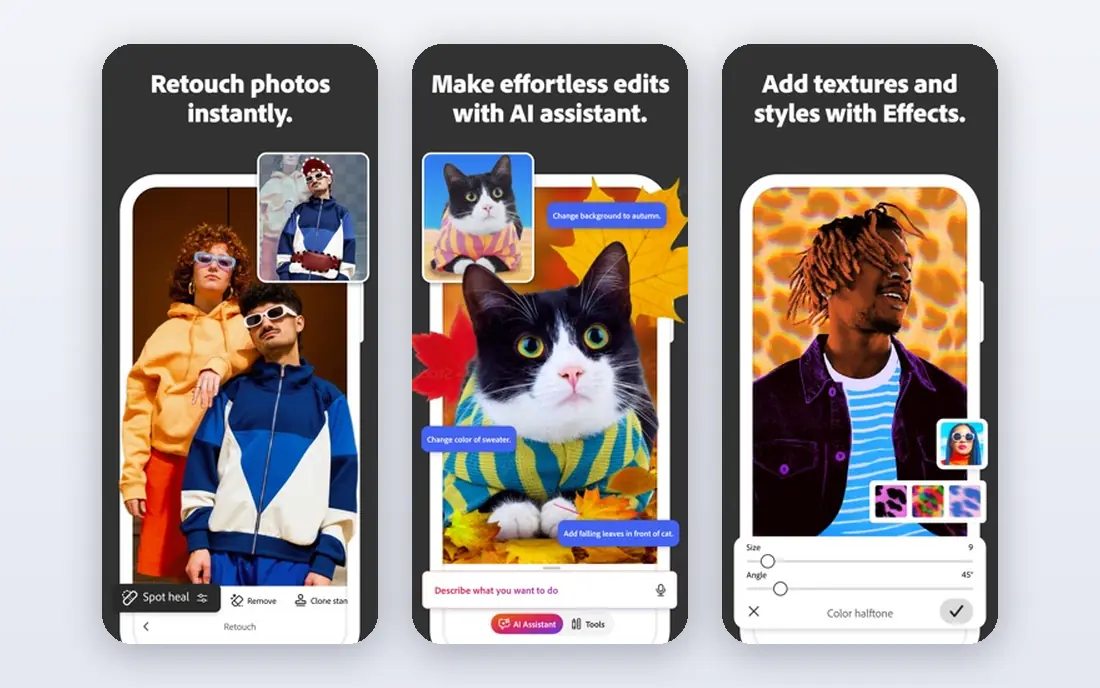
Adobe Photoshop is a strong match for photographers and designers who already edit in Photoshop. Control is the reason to choose it, since generated expansion can be refined with masks, layers and manual retouching. In practice, that helps when a photo is the right image but the wrong shape for a banner, cover or post, and a reshoot is not practical.
The catch is worth stating plainly. Casual users may pay for a professional app when a simpler extender would do. Check the plan limits and the export or reporting options before you commit, since those details decide whether the tool fits your workflow. Our view is that Adobe Photoshop earns its place for photographers and designers who already edit in Photoshop, as long as you buy it for that job and not for every job at once.
- Generative Expand plus full manual editing and layers
- Content Credentials on outputs
- Subscription cost
- Learning curve for new users
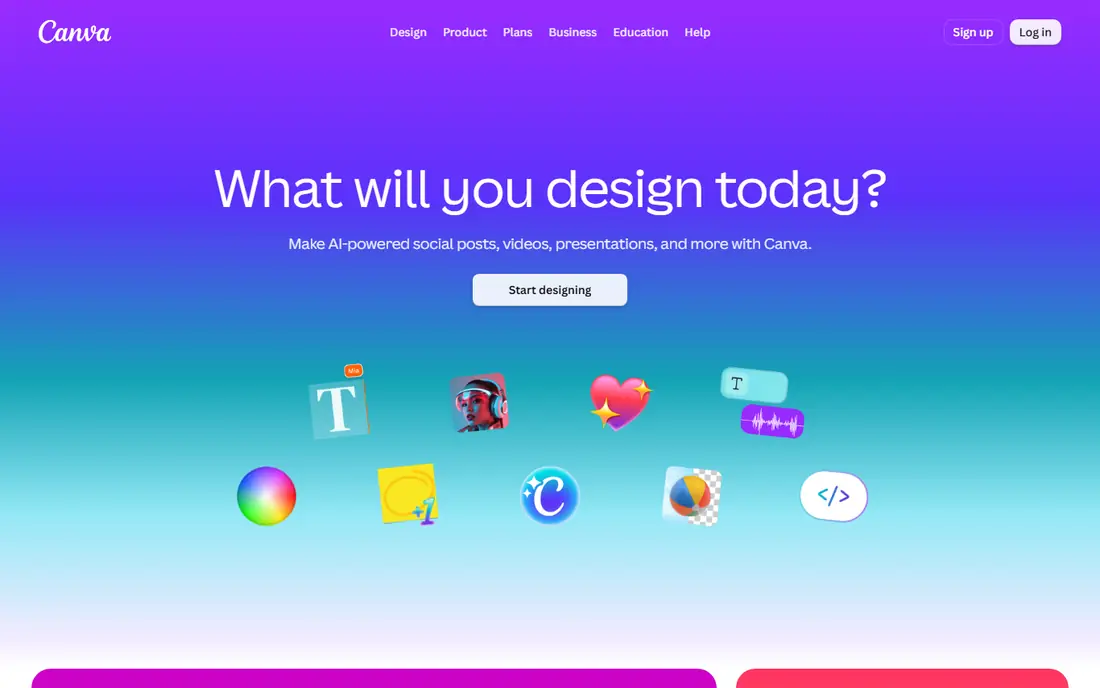
For designers who already build layouts in Canva, Canva Magic Expand stands out because staying inside the design file saves an export round trip when a banner or post needs a wider photo. That matters in daily work, since a photo is the right image but the wrong shape for a banner, cover or post, and a reshoot is not practical.
There is a trade-off to weigh. Fine control over the generated area is less than in Photoshop. Look at the current pricing page and test the tool on a real example before paying, since a demo can hide limits that only show up in daily use. For designers who already build layouts in Canva, Canva Magic Expand remains a solid pick when that trade-off is acceptable.
- Magic Expand inside the editor
- Multiple options per photo
- Expansion stays in the design file
- Full Magic Expand access needs Pro, not the free plan
Fotor AI Image Extender
Great for: users who want a fast web extender without a project setup
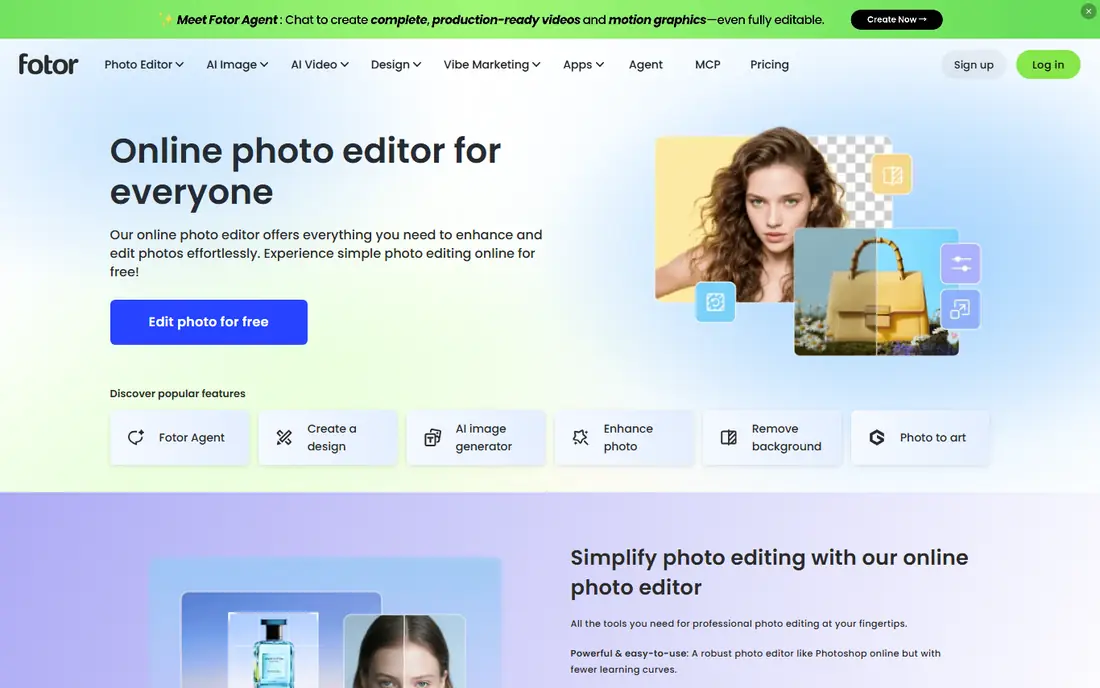
Fotor AI Image Extender fits users who want a fast web extender without a project setup well. Speed is the appeal, since one image can be expanded and downloaded without building a design project. The practical effect is clear when a photo is the right image but the wrong shape for a banner, cover or post, and a reshoot is not practical.
Be clear-eyed about the limit. Complex scenes may need a second try or manual cleanup. Confirm what the plan includes, try a realistic task, and compare the result with your current tool. For users who want a fast web extender without a project setup, Fotor AI Image Extender is worth shortlisting, provided the limit above does not block your main use.
- Fast web workflow
- Flexible output sizes
- Simple interface
- Free outputs may carry limits or a watermark depending on plan
Picsart AI Image Extender
Great for: social creators who edit photos and video in one app
Picsart AI Image Extender is a strong match for social creators who edit photos and video in one app. Social templates make it easy to expand a photo straight into the size a post needs. In practice, that helps when a photo is the right image but the wrong shape for a banner, cover or post, and a reshoot is not practical.
The catch is worth stating plainly. Professional print work may need higher resolution control than a social-first tool offers. Check the plan limits and the export or reporting options before you commit, since those details decide whether the tool fits your workflow. Our view is that Picsart AI Image Extender earns its place for social creators who edit photos and video in one app, as long as you buy it for that job and not for every job at once.
- Context-aware expansion
- Social templates
- Mobile and web apps
- Some AI features need a paid plan
- Credit limits apply
Pixlr AI Generative Expand
Great for: users who want a browser editor with a free starting point
For users who want a browser editor with a free starting point, Pixlr AI Generative Expand stands out because a browser editor is handy when the computer cannot install software or the job is a one-off. That matters in daily work, since a photo is the right image but the wrong shape for a banner, cover or post, and a reshoot is not practical.
There is a trade-off to weigh. Very large files and batch work suit a desktop tool better. Look at the current pricing page and test the tool on a real example before paying, since a demo can hide limits that only show up in daily use. For users who want a browser editor with a free starting point, Pixlr AI Generative Expand remains a solid pick when that trade-off is acceptable.
- Browser photo editing
- Generative expand
- No install needed
- AI credits and premium features sit behind paid tiers
PhotoRoom AI Expand
Great for: sellers who need product photos resized for marketplaces
PhotoRoom AI Expand fits sellers who need product photos resized for marketplaces well. Product photos are the focus, so templates and background handling fit marketplace listings well. The practical effect is clear when a photo is the right image but the wrong shape for a banner, cover or post, and a reshoot is not practical.
Be clear-eyed about the limit. General creative expansion is less specialised than in a full editor. Confirm what the plan includes, try a realistic task, and compare the result with your current tool. For sellers who need product photos resized for marketplaces, PhotoRoom AI Expand is worth shortlisting, provided the limit above does not block your main use.
- E-commerce templates
- Multiple output options
- Background tools
- Monthly cost adds up for occasional use
Clipdrop Uncrop is a strong match for users who want expansion plus a wider cleanup toolkit. A wider toolkit helps when expansion is one step in cleaning up a photo for publication. In practice, that helps when a photo is the right image but the wrong shape for a banner, cover or post, and a reshoot is not practical.
The catch is worth stating plainly. Check the plan carefully, since the free tier does not include every AI tool. Check the plan limits and the export or reporting options before you commit, since those details decide whether the tool fits your workflow. Our view is that Clipdrop Uncrop earns its place for users who want expansion plus a wider cleanup toolkit, as long as you buy it for that job and not for every job at once.
- Uncrop expansion
- Cleanup and background tools
- Web access
- Uncrop is not in the free tier on current pages
For users who want a dedicated web outpainting tool, ExtendImage.AI stands out because a single-purpose tool keeps the steps short, with upload, ratio and download as the core flow. That matters in daily work, since a photo is the right image but the wrong shape for a banner, cover or post, and a reshoot is not practical.
There is a trade-off to weigh. It is not a full editor, so retouching still needs another app. Look at the current pricing page and test the tool on a real example before paying, since a demo can hide limits that only show up in daily use. For users who want a dedicated web outpainting tool, ExtendImage.AI remains a solid pick when that trade-off is acceptable.
- Dedicated outpainting focus
- Aspect-ratio presets
- Direct web workflow
- Smaller vendor with fewer editing tools around the extender
Magnific AI Expand fits production users who need volume and API use well. For teams that expand many images, an API and production workflow matter more than a simple web form. The practical effect is clear when a photo is the right image but the wrong shape for a banner, cover or post, and a reshoot is not practical.
Be clear-eyed about the limit. Occasional users should compare the monthly cost with a cheaper single-image tool. Confirm what the plan includes, try a realistic task, and compare the result with your current tool. For production users who need volume and API use, Magnific AI Expand is worth shortlisting, provided the limit above does not block your main use.
- High-detail expansion options
- Production-oriented workflow
- API access
- Price and credit model suit volume users more than one-off jobs
How we picked these
We compared official product and pricing pages for image extension tools, checking whether expansion is a core feature or a single tool inside a larger editor. We kept only legitimate creative tools that are still sold and supported, and we left out tools aimed at non-consensual imagery. Where pricing was unclear or region dependent, we used See website rather than guessing.
How to choose an AI image extender
Decide how much control you need
A simple web extender gives a fast result with few choices. A full editor lets you mask, regenerate and retouch the new area. If the expanded area will be seen large, control matters more. If it is a quick social crop, speed matters more.
Check resolution and aspect ratios
Some tools cap output size or offer only preset ratios. Check whether your target size, such as a wide banner or a tall story, is supported at a resolution that will not look soft in print or on a large screen.
Treat generated areas as new content
AI fills the new canvas with plausible detail, not a record of what was really there. Do not use extended images as evidence, news photos or factual records. Label or avoid generated extensions where accuracy matters.
Frequently asked questions
What is image extending or outpainting?
Outpainting is AI generation beyond the edges of an existing image. You choose a larger canvas or a new aspect ratio, and the tool fills the new area with detail that matches colour, light and style. The original pixels stay, while the new area is generated.
Will the extended area match the original photo?
Often it matches well for skies, backgrounds and simple scenes. Complex subjects, hands, text and faces can look wrong, so zoom in and check before publishing. A second generation or manual cleanup often helps.
Can I extend a photo of a real person?
Only with that person's permission, and only for a legitimate creative purpose. Do not create misleading images of real people, and do not use these tools for non-consensual imagery. When in doubt, use a different photo.
Is extended content safe for commercial use?
It depends on the tool licence, the source photo rights and the plan. Check the vendor terms for commercial use and for AI-generated content. Keep rights for the original photo separate from rights for the generated area.
What size and format should I export?
Export at the size your placement needs, in PNG for graphics with sharp edges and JPEG for photos where file size matters. Keep the original file, since a new generation will not give the exact same result twice.
Sources
See where you really rank - block by block
ProMapRanker scans Google Maps across a grid of your service area. Simple monthly plans from $19, white-label on every plan.
Start freeKeep reading
 wpforms alternatives
Best WPForms Alternatives in 2026
We compare 9 wpforms alternatives for WordPress forms, with free and paid options, current pricing notes, and honest limits for small business sites in 2026.
Read → windows task scheduler alternatives
Best Windows Task Scheduler Alternatives in 2026
Looking for Windows Task Scheduler alternatives? We compare 9 schedulers for Windows and cross-platform work, from free tools to enterprise automation.
Read → which ai video service is best
Which AI Video Service Is Best in 2026
which ai video service is best? We compare 10 legitimate AI video services on price, avatars, editing and output quality to help you pick the right tool.
Read →