 ProMapRanker
Best AI Tools for Cyber Security in 2026


Endpoint detection with AI triage · Pricing starts at: $59.99 per device per year
Key takeaways
- CrowdStrike Falcon is our pick for endpoint-first teams because it publishes clear per-device pricing.
- Darktrace and Vectra AI suit network and hybrid estates where behaviour-based detection matters most.
- Microsoft Defender XDR suits organisations already centred on Microsoft 365.
- SentinelOne, Abnormal AI, Wiz, and Arctic Wolf cover autonomous response, email defence, cloud risk, and managed response.
Quick comparison
| Pick | Great for | Pricing starts at | Free tier | |
|---|---|---|---|---|
| CrowdStrike Falcon | Endpoint detection with AI triage | $59.99 per device per year | Free trial | Visit |
 Darktrace | Behaviour-based network defence | See website | Free trial | Visit |
 SentinelOne Singularity | Autonomous endpoint response | $69.99 per endpoint per year | No | Visit |
 Microsoft Defender XDR | Defence for Microsoft 365 estates | See website | Free trial | Visit |
 Vectra AI | Network, identity, and cloud detection | See website | Free trial | Visit |
 Abnormal AI | AI defence against email attacks | See website | Free trial | Visit |
 Wiz | Cloud risk prioritisation with AI context | See website | Free trial | Visit |
 Arctic Wolf | Managed detection with a named team | See website | Free trial | Visit |
The best AI tools for cyber security
This list covers lawful defence only: protecting systems you own or manage, detecting attacks, and responding to incidents with proper authorisation. None of these tools should be used for unauthorised access, and buyers should pair any tool with clear incident response roles, so alerts reach a person who can act. The tools below use AI to triage alerts, spot unusual behaviour, and speed investigation.
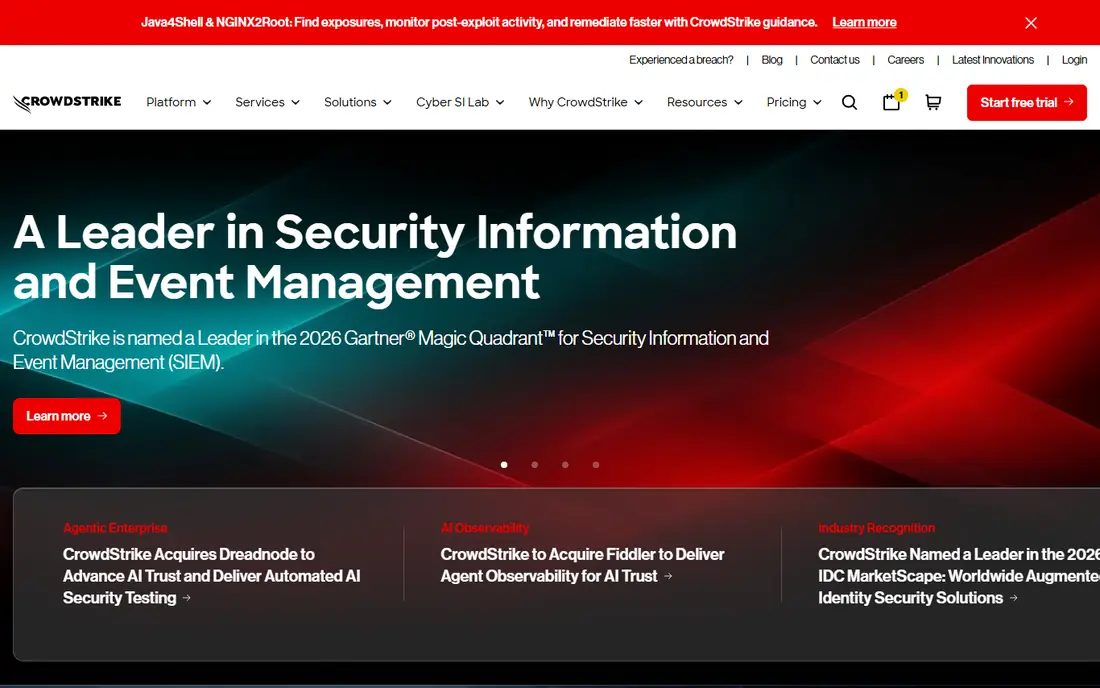
Endpoint-first teams of all sizes. Its clear published pricing, which is rare in this market stands out in our comparison, and it is the reason this tool earns a place here. In practice, that strength matters most when you use the tool every week, not just during a trial, because habits and limits only become clear with regular use. A short trial on a real project tells you more than a feature list, so run one task end to end before you commit.
The honest catch is the tier gaps, which mean the cheapest plan is not full EDR. That trade-off does not rule the tool out, but it should shape your trial: test the exact workflow you will rely on, check the limits on your likely plan, and confirm that support and reporting match how your team actually works. If that check passes, this is a solid choice for its stated audience.
- Cloud-native endpoint protection with AI-assisted detection and hunting
- Published Go, Pro, and Enterprise pricing aids budgeting
- Managed Complete tier adds analyst response
- Go tier is capped at 100 devices
- Full EDR sits on higher tiers, so entry pricing does not cover every use
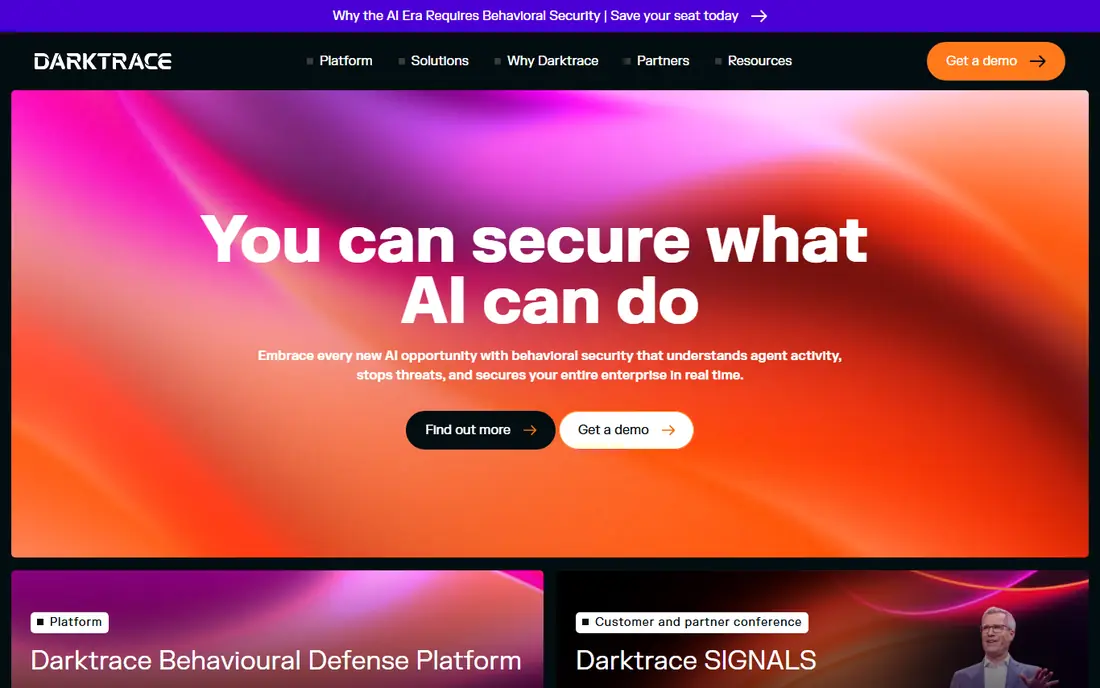
Large organisations with complex networks. Its behaviour-based detection, which catches novel activity stands out in our comparison, and it is the reason this tool earns a place here. In practice, that strength matters most when you use the tool every week, not just during a trial, because habits and limits only become clear with regular use. Compare it side by side with one rival on the same task, and the differences in fit usually become clear quickly.
The honest catch is the quote-based enterprise pricing. That trade-off does not rule the tool out, but it should shape your trial: test the exact workflow you will rely on, check the limits on your likely plan, and confirm that support and reporting match how your team actually works. If that check passes, this is a solid choice for its stated audience.
- Self-learning models build a picture of normal behaviour per device and user
- It covers IT and operational technology networks
- Autonomous response can contain threats quickly
- Pricing is quote-based and often enterprise-level
- Deployment and tuning need skilled staff
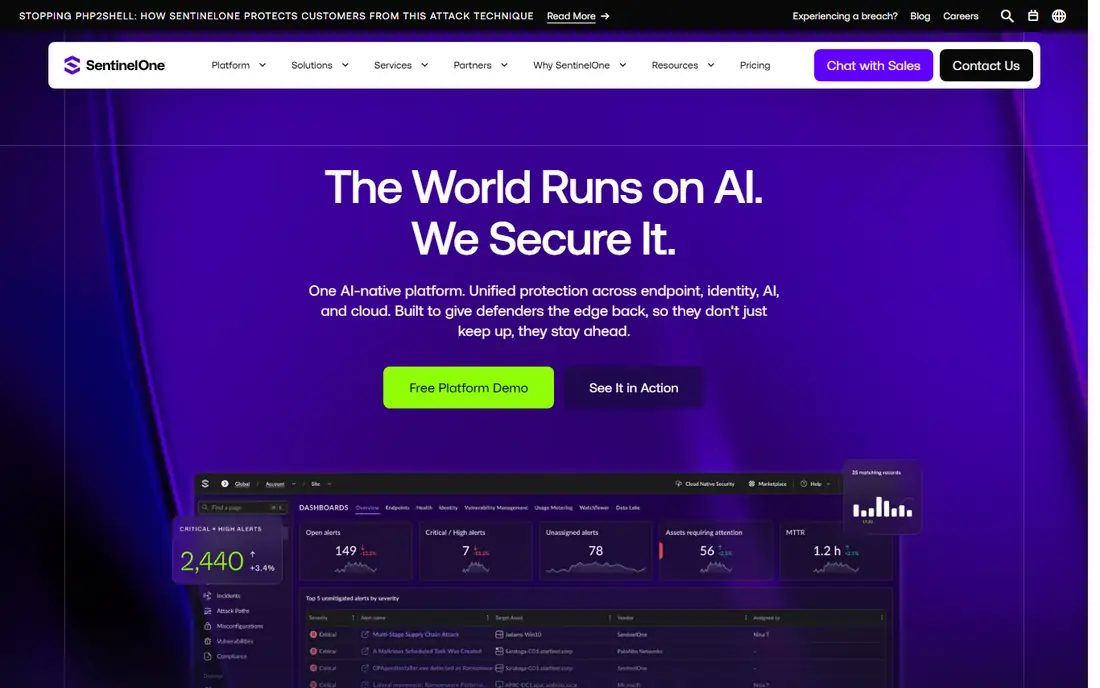
Teams that want fast autonomous containment. Its rollback feature, which helps recover after ransomware stands out in our comparison, and it is the reason this tool earns a place here. In practice, that strength matters most when you use the tool every week, not just during a trial, because habits and limits only become clear with regular use. Start with the free tier or trial where one exists, and judge the tool on a real task from your own work.
The honest catch is the variation in published entry pricing. That trade-off does not rule the tool out, but it should shape your trial: test the exact workflow you will rely on, check the limits on your likely plan, and confirm that support and reporting match how your team actually works. If that check passes, this is a solid choice for its stated audience.
- Autonomous response and ransomware rollback help contain incidents fast
- AI triage reduces alert noise
- It suits teams that want action without waiting for manual review
- Entry pricing varies by source, so confirm the current plan before budgeting
- Managed response is an add-on in some setups
Microsoft 365 organisations. Its integration across Microsoft signals stands out in our comparison, and it is the reason this tool earns a place here. In practice, that strength matters most when you use the tool every week, not just during a trial, because habits and limits only become clear with regular use. A short trial on a real project tells you more than a feature list, so run one task end to end before you commit.
The honest catch is the licence dependence for full XDR value. That trade-off does not rule the tool out, but it should shape your trial: test the exact workflow you will rely on, check the limits on your likely plan, and confirm that support and reporting match how your team actually works. If that check passes, this is a solid choice for its stated audience.
- Correlates signals across endpoint, identity, email, and cloud apps in Microsoft estates
- It suits organisations already licensed for Microsoft 365
- Investigation tools are integrated
- It is strongest inside Microsoft estates, so mixed environments get less value
- Full features depend on licence tier
Hybrid estates with network and identity risk. Its attack-technique mapping, which aids prioritisation stands out in our comparison, and it is the reason this tool earns a place here. In practice, that strength matters most when you use the tool every week, not just during a trial, because habits and limits only become clear with regular use. Compare it side by side with one rival on the same task, and the differences in fit usually become clear quickly.
The honest catch is the quote-based pricing and detection-only scope. That trade-off does not rule the tool out, but it should shape your trial: test the exact workflow you will rely on, check the limits on your likely plan, and confirm that support and reporting match how your team actually works. If that check passes, this is a solid choice for its stated audience.
- Attack Signal Intelligence maps behaviour to known attack techniques
- It covers hybrid network, identity, and cloud signals
- Prioritisation helps analysts focus
- Pricing is quote-based
- It is a detection platform, so response still needs endpoint or network controls
Organisations facing targeted email threats. Its email behaviour models, which catch targeted phishing stands out in our comparison, and it is the reason this tool earns a place here. In practice, that strength matters most when you use the tool every week, not just during a trial, because habits and limits only become clear with regular use. Start with the free tier or trial where one exists, and judge the tool on a real task from your own work.
The honest catch is the narrow email focus, which needs pairing with other tools. That trade-off does not rule the tool out, but it should shape your trial: test the exact workflow you will rely on, check the limits on your likely plan, and confirm that support and reporting match how your team actually works. If that check passes, this is a solid choice for its stated audience.
- Behaviour-based email defence targets business email compromise and phishing
- It learns normal communication patterns
- It suits organisations facing targeted email attacks
- It is email-focused, so it does not replace endpoint or network defence
- Pricing is quote-based
Cloud-heavy organisations. Its attack-path view, which cuts cloud alert noise stands out in our comparison, and it is the reason this tool earns a place here. In practice, that strength matters most when you use the tool every week, not just during a trial, because habits and limits only become clear with regular use. A short trial on a real project tells you more than a feature list, so run one task end to end before you commit.
The honest catch is the enterprise pricing for smaller teams. That trade-off does not rule the tool out, but it should shape your trial: test the exact workflow you will rely on, check the limits on your likely plan, and confirm that support and reporting match how your team actually works. If that check passes, this is a solid choice for its stated audience.
- Security graph links cloud exposures into attack paths
- It helps teams prioritise cloud risks that are actually reachable
- It suits cloud-heavy organisations
- Pricing is quote-based and enterprise-oriented
- It is cloud-focused, so on-premises estates need other tools
Organisations without a large in-house security team. Its managed team model, which suits lean IT teams stands out in our comparison, and it is the reason this tool earns a place here. In practice, that strength matters most when you use the tool every week, not just during a trial, because habits and limits only become clear with regular use. Compare it side by side with one rival on the same task, and the differences in fit usually become clear quickly.
The honest catch is the quote-based service pricing. That trade-off does not rule the tool out, but it should shape your trial: test the exact workflow you will rely on, check the limits on your likely plan, and confirm that support and reporting match how your team actually works. If that check passes, this is a solid choice for its stated audience.
- Managed detection pairs platform alerts with a named security team
- Concierge model suits organisations without a large in-house SOC
- Reporting supports leadership review
- Pricing is quote-based with bundle and term conditions
- It is a service relationship, not just software
How we picked these
We compared official feature pages, pricing pages, and app store listings for each product, and we checked that each product is live and fits the topic. We gave weight to current pricing, free tiers, and the fit for a stated audience, rather than to marketing claims alone. Where a price was not published on the vendor's own page, we wrote See website instead of guessing a figure.
We also looked for honest trade-offs, including plan limits, missing features, and cases where a tool covers only part of a job. A tool that does one thing well can still be the right pick, as long as you know what it does not do. That is why each write-up names a catch alongside its strength, and why the buying guide below asks you to test your own workflow before paying.
How to choose an AI cyber security tool
Start by naming the job in one sentence. If you cannot state what the tool must do in a normal week, you will compare features instead of outcomes, and the cheapest or best-known option will win by default. Write down the task, the people who will use it, and the result you need, then judge every shortlisted tool against that list.
Next, run a trial on a real task, not a demo task. Import or create the kind of work you handle every day, invite the people who will actually use it, and check reporting, exports, and support. Pay attention to plan limits, because a tool that works in a trial can still fail when volume rises or when a second team joins.
Finally, check total cost and exit options before you commit. Look at per-user or per-asset pricing, annual minimums, and add-ons, and confirm how you export your data if you leave. A tool with a clear price, a usable free tier or trial, and honest limits is usually a safer buy than a cheaper tool with hidden constraints.
Frequently asked questions
What is the best AI cyber security tool?
CrowdStrike Falcon is the best endpoint-first pick, while Darktrace and Vectra AI lead for network behaviour detection. Microsoft Defender XDR is best for Microsoft 365 estates.
What are the best AI cyber security tools for a small business?
CrowdStrike Falcon Go and Microsoft Defender plans suit small teams because pricing is clearer and deployment is simpler. Arctic Wolf suits small teams that want managed response.
What are the top AI cyber security software options for cloud?
Wiz leads for cloud risk prioritisation, while Vectra AI covers hybrid network and identity signals. Pair cloud tools with endpoint defence for full coverage.
Can AI tools replace security staff?
No. AI triage and autonomous response help, but alerts still need human judgment, incident response roles, and regular testing. A tool without staffed response leaves risk unhandled.
Are these tools legal to use?
Yes, when used to defend systems you own or manage, with proper authorisation. Do not use security tools to access systems without permission.
Sources
See where you really rank - block by block
ProMapRanker scans Google Maps across a grid of your service area. Simple monthly plans from $19, white-label on every plan.
Start freeKeep reading
 wpforms alternatives
Best WPForms Alternatives in 2026
We compare 9 wpforms alternatives for WordPress forms, with free and paid options, current pricing notes, and honest limits for small business sites in 2026.
Read → windows task scheduler alternatives
Best Windows Task Scheduler Alternatives in 2026
Looking for Windows Task Scheduler alternatives? We compare 9 schedulers for Windows and cross-platform work, from free tools to enterprise automation.
Read → which ai video service is best
Which AI Video Service Is Best in 2026
which ai video service is best? We compare 10 legitimate AI video services on price, avatars, editing and output quality to help you pick the right tool.
Read →