 ProMapRanker
Best AI Time & Attendance Software (2026)
Direct answer
This list puts Workday HCM first for enterprise HR with AI assistance. Listed starting prices: Deputy from $5 per user a month, BambooHR from $10 per employee per month and When I Work from $2.50 per user a month. If your case is different, Deputy suits shift scheduling with AI labor forecasting and UKG Pro Workforce Management suits Workforce intelligence and scheduling at scale. The remaining 3 options are covered below with prices and limits.
Short on time? The summary and table above give the quick view of 6 tools for AI time & attendance software, and the profiles that follow give the detail behind each entry.
Key takeaways
- Workday HCM takes the first slot, best suited to enterprise HR with AI assistance.
- What to know about UKG Pro Workforce Management first: wide suite may overwhelm small teams.
- When I Work is the one to check for straightforward scheduling and time tracking app.
- Neither Workday HCM nor When I Work, nor any of the other 4 tools, has a permanent free plan; trials and quotes are the norm.
- For the cheapest start, look at When I Work: $2.50 per user per month.
Quick comparison
| Pick | Great for | Pricing starts at | Free tier | |
|---|---|---|---|---|
 Workday HCM | Enterprise HR with AI assistance | See website | Not stated | Visit |
 Deputy | Shift scheduling with AI labor forecasting | $5 per user a month | Free trial | Visit |
 UKG Pro Workforce Management | Workforce intelligence and scheduling at scale | See website | Not stated | Visit |
 Paycom | Automating the full employee life cycle | See website | Not stated | Visit |
 BambooHR | Simplifying HR from hire to retire | $10 per employee per month | No | Visit |
 When I Work | Straightforward scheduling and time tracking app | $2.50 per user a month | Free trial | Visit |
Tool-by-tool breakdown
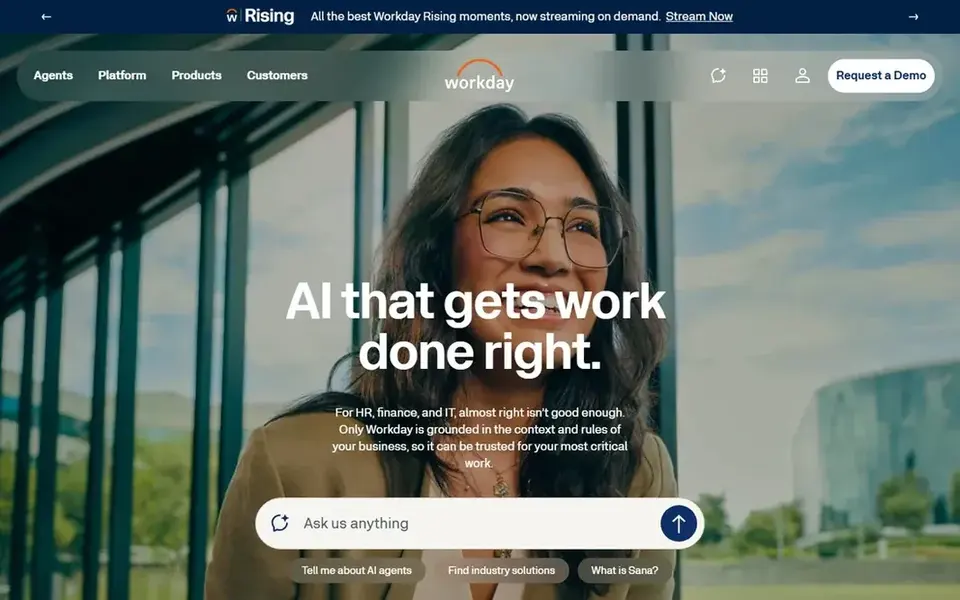
Workday HCM makes the most sense for enterprise HR with AI assistance. Workday HCM is part of an enterprise AI system spanning HR, finance, and IT, with agentic AI capabilities highlighted by the vendor. Its enterprise focus means smaller teams may find it heavier than needed, and wide deployments need careful planning.
Honest limits: Wide scope needs careful planning.
If your priority is straightforward shift scheduling, a lighter tool may be easier to run. In practice, choose Workday when attendance sits inside a bigger enterprise HR and finance strategy. No starting price is listed for Workday HCM here; confirm pricing on the vendor site. On free options: Not stated.
- Enterprise AI product for HR
- Agentic AI capabilities
- Enterprise focus may not fit small teams
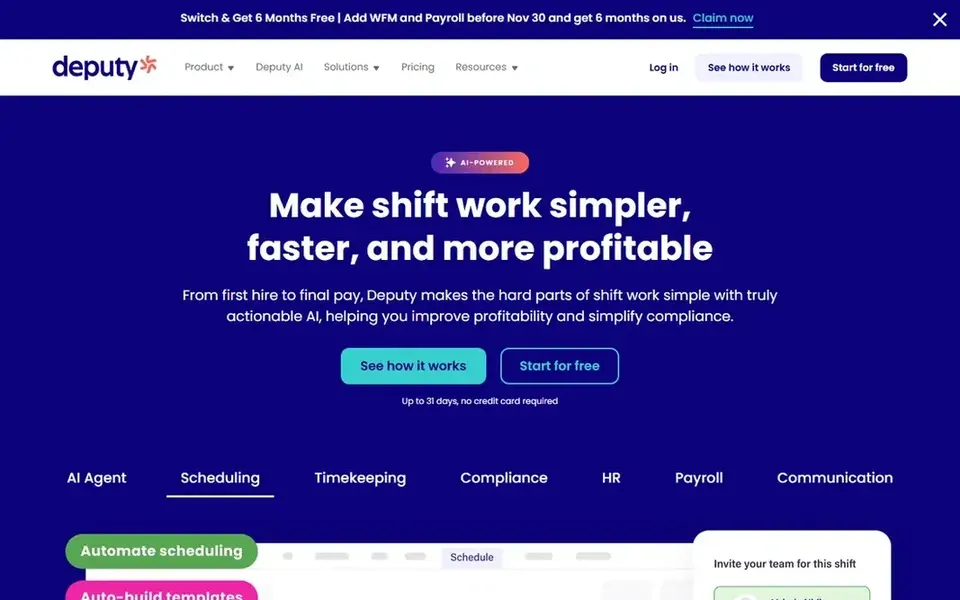
Deputy serves shift scheduling with AI labor forecasting. Deputy supplies employee scheduling, HR, AI labor forecasting, and payroll software in an easy-to-use package. Worth adding: Deputy is narrower in HR depth than full enterprise suites, so organizations wanting extensive HR modules may have to pair it with other systems.
It is most solid for teams whose core challenge is scheduling hourly staff. From a buyer's view, AI labor forecasting helps managers plan coverage around expected demand. If you need wide HR and finance integration, a bigger platform may fit better. Starting cost for Deputy: $5 per user per month. Trial and free access: Free trial.
Watch-outs: Narrower HR depth than full suites.
- HR and payroll included
- AI labor forecasting
- Most useful for shift-based teams
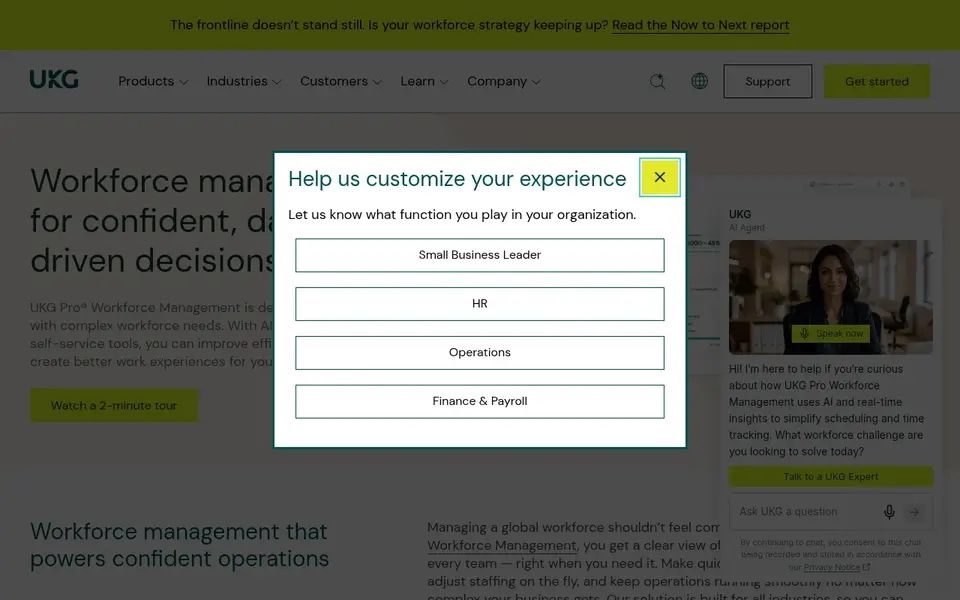
UKG Pro Workforce Management targets Workforce intelligence and scheduling at scale. If you want a lighter tool focused chiefly on shift scheduling, a more specialized choice may suit you better.
Where it falls short: Wide suite may overwhelm small teams.
Also, UKG Pro Workforce Management is a workforce intelligence product that brings together HR, payroll, and workforce management for modern operations. From a buyer's view, choose UKG when connected workforce intelligence across HR and pay is the goal. UKG Pro Workforce Management shows no starting price here, so confirm the cost on the vendor site. Free access: Not stated.
- Spans HR, pay, scheduling
- Workforce intelligence platform
- Setup can need planning
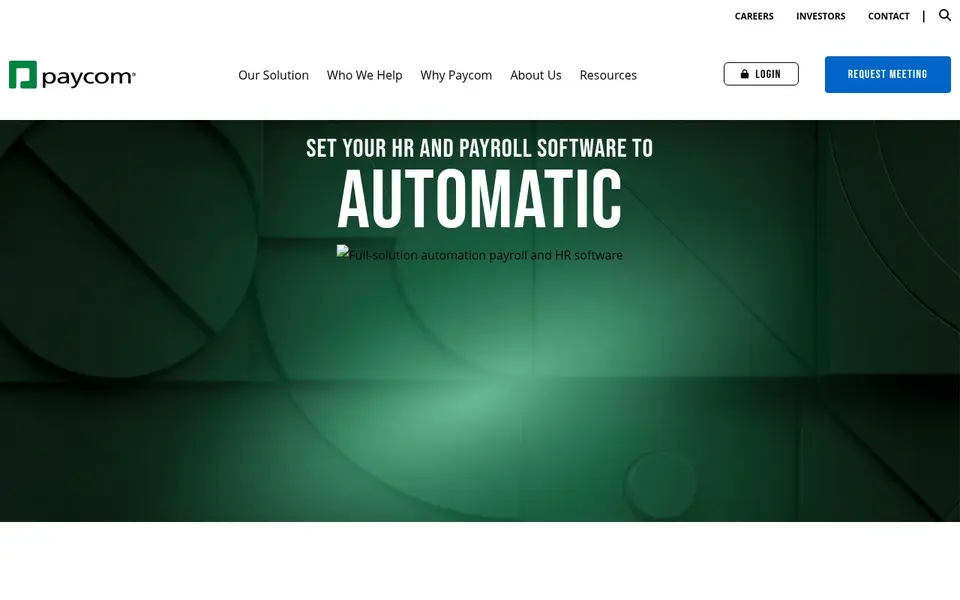
Paycom is a good fit for automating the full employee life cycle. Worth adding: otherwise, a narrower scheduling tool may be more straightforward.
If you want a single database for HR and payroll with attendance built in, Paycom is worth a look. Check the vendor site for Paycom pricing; none is listed in this comparison. On free options: Not stated.
Watch-outs: Best value for teams wanting one system.
- Handles the employee life cycle
- Single database for HR data
- All-in-one approach may feel rigid
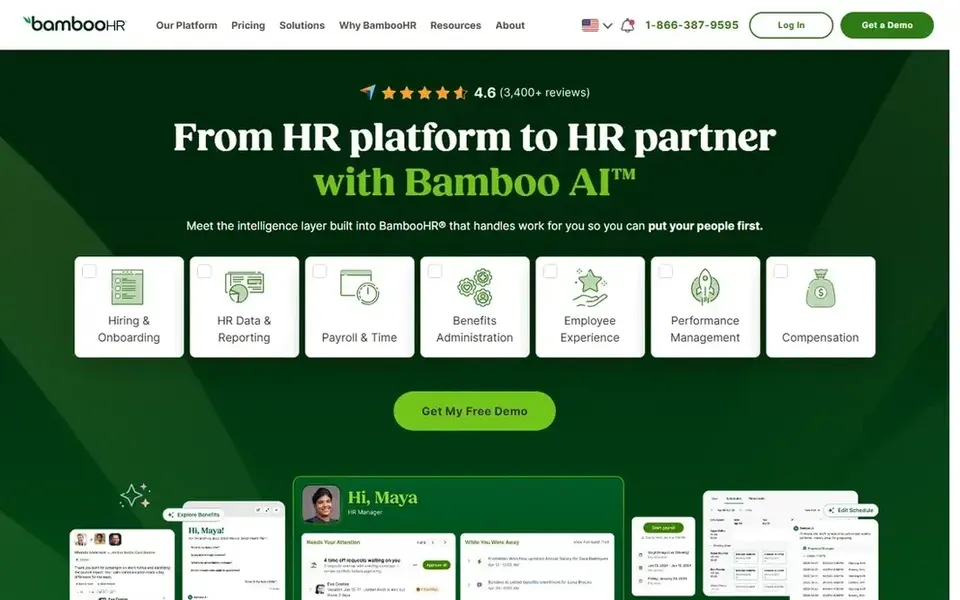
BambooHR serves Simplifying HR from hire to retire. Consider a scheduling-first system when hourly coverage is the central challenge. As for the details, teams looking for a clean, people-focused system frequently find the scope approachable.
The main drawbacks: Complex shift rules may need more.
BambooHR is an HR software including people, payroll, and benefits, positioned around simplifying HR from hire to retire. Also, attendance is one part of a wider HR suite, so organizations with complicated shift rules or heavy hourly scheduling may need more specialized tools. Entry price for BambooHR: $10 per employee per month. There is no free plan with BambooHR.
- Focus on simplifying HR
- HR, payroll
- Attendance is one part of a wider HR suite
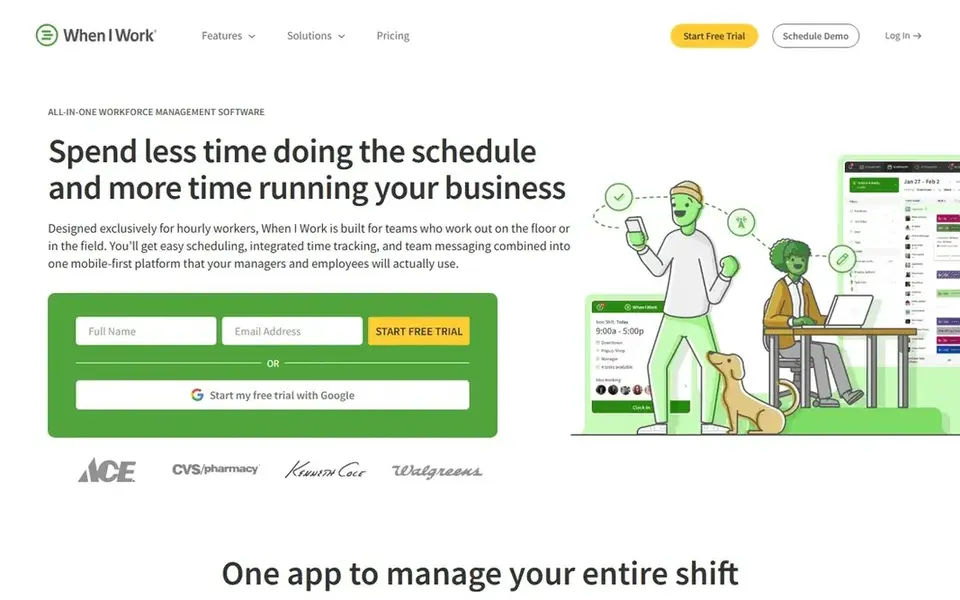
In short, When I Work is for straightforward scheduling and time tracking app. Choose When I Work when simplicity and team communication matter most. More specifically, the product is lighter on advanced HR features, so expanding organizations with deeper payroll or compliance needs may outgrow it.
It performs best for straightforward shift scheduling instead of complicated workforce rules. More specifically, the combined scheduling, tracking, and messaging approach keeps communication close to the schedule. Price to start with When I Work: $2.50 per user per month. Free plan details: Free trial.
What to check first: Lighter on advanced HR features.
- Scheduling and time tracking in one app
- Simple for hourly teams
- Best for straightforward shift needs
How we chose
Selection started from tools commonly considered for AI time & attendance software, then narrowed to 6 that have clear pricing information or a clear quote process. Treat prices as a snapshot: vendors change plans often, so check the vendor site for the figure that applies today. The ranking is editorial: typical fit first, then clear pricing, then free access. If your needs are unusual, read the profiles rather than relying on position.
What to check before you buy
- Get a written quote from Workday HCM, UKG Pro Workforce Management and Paycom; the list shows no starting price for them.
- Run a trial of Deputy and When I Work with real work before paying for a year; your own workflow is the best test.
- Before choosing Workday HCM, weigh its main limit: enterprise focus may not fit small teams.
- Make sure When I Work lets you export your data in a format another tool can read.
- Confirm the exact Paycom plan that includes your must-have features.
Frequently asked questions
Can I try these options before paying?
Often, yes. Deputy and When I Work offer a free trial. Use your own data and a real task during the test, and check what the free tier or trial limits before you rely on it.
Do these tools publish their prices?
Not all of them. Workday HCM, UKG Pro Workforce Management and Paycom publish no starting price, so expect a quote request for those. The rest, Deputy included, show a starting price, though seats and billing terms still change the final cost.
Which tool is a good match for shift-based hourly teams?
This list starts with Workday HCM, which fits enterprise HR with AI assistance. For other needs, Deputy is aimed at shift scheduling with AI labor forecasting, and UKG Pro Workforce Management at Workforce intelligence and scheduling at scale. Check each tool's price and main limit first.
Does any tool for AI time & attendance software here have a free plan?
No tool in this list, Workday HCM and When I Work included, has a permanent free plan. Deputy, When I Work offer a trial. Trials and quotes are the usual route, so plan a short evaluation period.
What is the cheapest option for AI time & attendance software in this list?
On published monthly entry prices, When I Work is the lowest here at $2.50 per user per month. Entry price is only part of the cost, because seats, add-ons and billing terms can change the total. Prices, free plan details and limits for all 6 tools in this AI time & attendance software roundup sit on the individual cards above.
Sources
See where you really rank - block by block
ProMapRanker scans Google Maps across a grid of your service area. Simple monthly plans from $19, white-label on every plan.
Start freeBrowse all guides
← Best AI-Powered Recruiting Platforms in 20266 Best Applicant Tracking System for Real Estate Agents for 2026 →
 best ai diversity recruiting software
Best AI Diversity Recruiting Software in 2026
Best AI diversity recruiting software: 5 tools compared on price, free plans and fit. Every pick gets a straight assessment. Pricing and limits included.
Read → eightfold ai alternatives
Eightfold AI Alternatives: 5 Tools Compared in 2026
Eightfold AI alternatives, compared. 5 tools with published prices, free plans and limits. Strengths and weak spots are spelled out. Read before you buy.
Read → best ai employee monitoring software
Best AI Employee Monitoring Software (2026)
Weighing the best AI employee monitoring software? We lined up 5 products by cost, free access and fit. Each profile ends with a plain caveat. Prices included.
Read → best virtual career fair platforms
Best Virtual Career Fair Platforms in 2026
Compare the best virtual career fair platforms for employers and universities, with booths, video chat, scheduling, pricing notes and tips before you buy.
Read → app onboarding best practices
App Onboarding Best Practices in 2026
These app onboarding best practices show how to welcome users, teach one core action fast, and use tours, checklists, and messages without getting in the way.
Read → nice cxone alternatives
Best Nice CXone Alternatives in 2026
We compared the best nice cxone alternatives for contact centers, covering seat prices, channels, workforce tools, and fit for small and large teams in 2026.
Read →More in HR & Recruiting · All guides A to Z by date · Latest guides