 ProMapRanker
Best Nice CXone Alternatives in 2026


Enterprise omnichannel · Pricing starts at: $75 per user per month
Key takeaways
- Genesys Cloud CX is the strongest enterprise replacement, with four published tiers and deep workforce tools.
- Talkdesk suits mid-market teams that want industry editions and strong workforce management.
- RingCentral RingCX offers the lowest published omnichannel entry price in this list.
- Small teams should look at Dialpad, Zoom, or Nextiva first, because CXone pricing and scale fit large operations best.
Quick comparison
| Pick | Great for | Pricing starts at | Free tier | |
|---|---|---|---|---|
| Genesys Cloud CX | Enterprise omnichannel | $75 per user per month | No | Visit |
 Five9 | Large blended contact centers | $119 per concurrent seat per month | No | Visit |
 Talkdesk | Mid-market contact centers | $85 per user per month | No | Visit |
 RingCentral RingCX | Lowest published omnichannel price | $65 per user per month | No | Visit |
 Dialpad Support | AI built into support | $80 per user per month | No | Visit |
 Zoom Contact Center | Zoom Workplace users | $69 per user per month | No | Visit |
 Zendesk | Ticket-first support teams | $55 per agent per month | No | Visit |
 Nextiva | Phone plus contact center in one | $75 per agent per month | No | Visit |
 Amazon Connect | Pay-as-you-go AWS teams | See website | No | Visit |
The best nice cxone alternatives
Nice CXone is an enterprise contact center platform with voice, digital channels, AI agents, quality management, and workforce management in one bundle. Replacements split into full enterprise suites, mid-market platforms, and lighter options that add a contact center to a phone or helpdesk system. The right pick depends on agent count, channels, and how much workforce tooling you truly need.
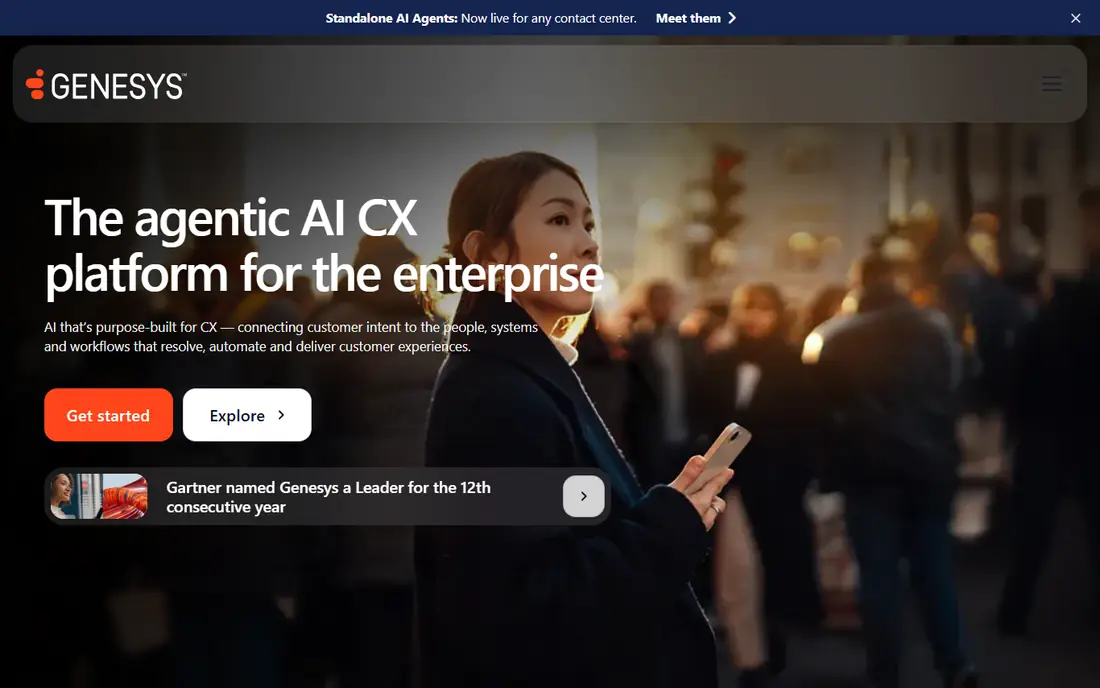
Genesys is our pick for large teams that need a proven enterprise platform. CX 1 covers voice at the entry price, CX 2 adds omnichannel and quality tools, and CX 3 adds the full workforce engagement stack. That tier path lets a growing center start smaller and add workforce features without changing vendors.
The cost to watch is AI usage. Virtual agents and some AI features are metered, so a team that leans heavily on automation should model token or minute costs beside seat prices. For a center with 100 or more agents and complex scheduling needs, Genesys still gives the most complete package in this list.
- Four published tiers from voice-only to full workforce tools
- Voice, chat, email, SMS, and social routing
- Named, concurrent, or hourly licensing options in its offer
- Entry tier is voice-only
- AI virtual agents use metered tokens on higher plans
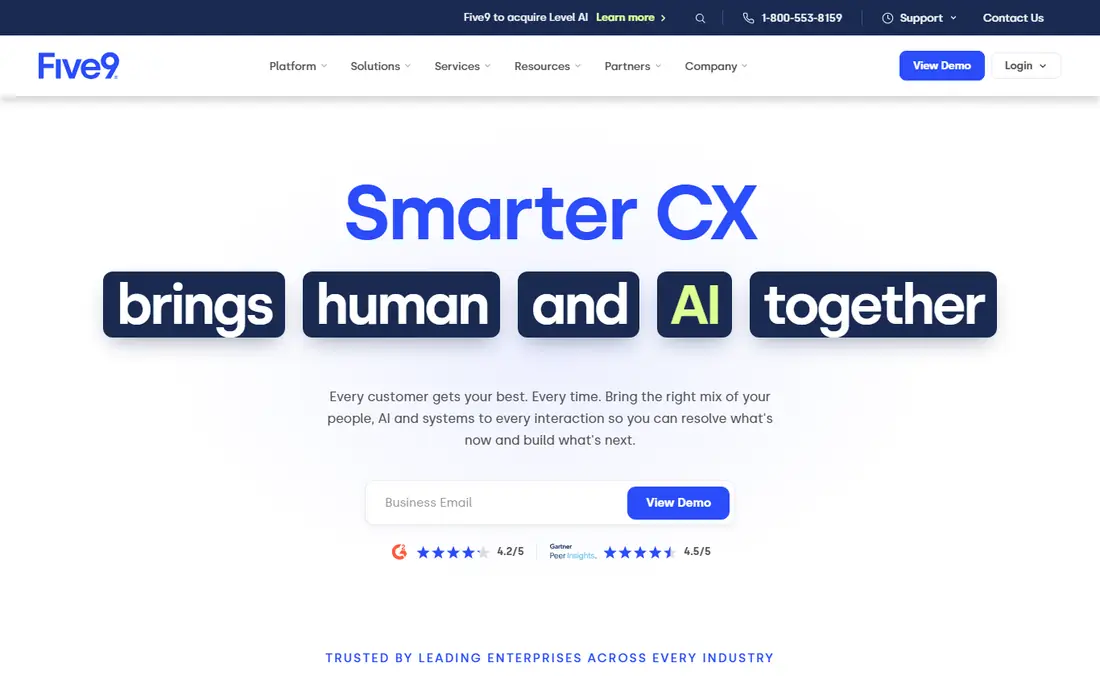
Five9 fits large teams that run blended inbound and outbound work across shifts. Concurrent licensing means you pay for seats in use at peak times rather than for every named agent, which can save money when agents work varied shifts. Its dialer depth also helps outbound-heavy floors that need predictive and progressive dialing.
Small teams should rule it out early. The 50-seat minimum makes it far too costly for a team of five or ten agents, and the published entry price covers digital channels before voice is added on the Core tier. For large outbound floors, though, it is a serious CXone rival.
- Concurrent seats suit shift work
- Strong outbound dialer options
- AI summaries and agent assist tools
- 50-seat minimum on published plans
- Higher bundles are quote-only
Talkdesk suits mid-market centers that want enterprise features without enterprise complexity. Digital Essentials starts at the entry price, voice plans start higher, and industry clouds add tuned workflows for sectors such as healthcare and financial services. Workforce management and agent coaching are strong, which helps managers improve quality without a separate tool.
Teams should check which tier holds the channels they need. A digital-only plan will not cover a voice-heavy floor, so the real starting price for voice work is above the headline digital price. Once that is clear, Talkdesk offers good value for 50 to 500 agents.
- Industry-specific editions for regulated sectors
- Strong workforce management and coaching
- Clear published entry tiers
- Voice entry price is higher than the digital-only entry price
- Industry clouds cost more and are quote-led in part
RingCX is the value pick for teams that want omnichannel routing without paying enterprise prices. Voice and digital channels come together from the entry plan, and the price stays below Genesys, Talkdesk, and Five9 entry points for comparable channel coverage. Teams already on RingCentral phone systems also gain a simpler vendor picture.
Advanced AI is the limit. Autopilot and some AI agent features need higher tiers, and add-ons can raise the per-user cost. For a team that mainly needs solid routing, queues, and reporting, RingCX is strong, but a team that wants AI agents on day one should compare the higher tiers first.
- Lowest published omnichannel entry price here
- More than 20 digital channels on every plan
- Unlimited minutes in its core offer
- AI autopilot features sit on higher tiers
- Some AI add-ons cost extra per user
Dialpad Support suits small and mid-sized support teams that want AI help without buying a separate AI layer. Transcripts, recaps, and real-time coaching appear in the core plans, and the interface is simpler than a full enterprise suite. That makes it easier for a team of 10 to 50 agents to adopt quickly.
Channel limits matter. The full digital set arrives only on Premium, so a team that needs email and social beside voice should price Premium, not Essentials. Still, for voice-first support with AI coaching, Dialpad is one of the clearest CXone alternatives.
- AI transcripts, recaps, and coaching included in core plans
- Self-serve trial on entry plan
- Voice and digital routing in one product
- All digital channels need the higher Premium plan
- Premium is annual-only
Zoom Contact Center makes sense if your team already meets, chats, and phones on Zoom. Agents work in a familiar interface, video can join a support interaction without a separate tool, and the entry price undercuts most enterprise suites. That familiarity shortens training for teams that already use Zoom daily.
It is less complete at entry level than RingCX for digital channels. Email and social routing need Premium or Elite, so a team with heavy email volume should price those tiers. For Zoom-first teams with voice, video, and chat as the core, it is a practical switch.
- Low published entry price
- Native video channel beside voice and chat
- Virtual agent for after-hours support
- Email and social channels start on higher plans
- Virtual agent pricing is largely quote-led
Zendesk fits teams that think in tickets first and calls second. Support requests, email, chat, and knowledge articles live in one queue, agents can see full customer history, and managers get clear reporting on response times. For a support team moving from CXone because it felt too heavy, Zendesk often feels more natural.
It is not a full dialer or workforce platform. Outbound campaigns, complex workforce forecasting, and advanced dialer modes are not its strengths, and voice minutes add cost above the seat price. Choose Zendesk when tickets and service quality drive your work, not when outbound calling is the core job.
- Strong ticketing and knowledge base
- Wide app marketplace
- Voice can be added to the support suite
- Contact center depth is thinner than Genesys or Talkdesk
- Voice usage is billed separately from seat price
Nextiva suits US teams that want one vendor for business phones and a basic contact center. The contact center plan adds queues, skills routing, and supervisor monitoring beside voice, SMS, chat, and email. That single-bill simplicity appeals to small and mid-sized teams that do not want to manage two vendors.
The catch is plan clarity. Entry phone plans do not include contact center queues, so you must buy the contact center tier to get routing and supervision. Once priced correctly, Nextiva is a solid mid-market option, especially for teams that also need a general phone system.
- Phone system and contact center from one vendor
- Queues and supervisor tools on the contact center plan
- No seat minimum published for the core offer
- Lower phone plans lack contact center queues
- AI and advanced features add cost on some plans
Amazon Connect is different from every other tool here. Instead of a per-agent seat price, you pay for minutes, messages, and telephony usage, with no seat fee in the core model. That can be far cheaper for a small or seasonal team, and it scales without buying seats you do not use.
It also demands engineering time. You build contact flows, set up telephony, and connect CRMs and AI services yourself, which suits AWS teams but not teams that want a ready-made agent desktop on day one. For a technical team with variable volume, it is a strong CXone alternative, but for a non-technical team, a seat-based platform will start faster.
- No seat fee in its core usage model
- Voice, chat, and messaging priced by use
- Strong fit for AWS-native engineering teams
- Requires building flows and integrations
- Usage bills are harder to forecast than seat prices
How we picked these
We compared official pricing pages, channel lists, and workforce feature pages, plus public reviews on agent experience and implementation effort. We kept platforms that are live in October 2026, that offer voice plus at least one digital channel or a clear contact center tier, and that publish enough pricing detail to compare. We left out pure dialers, pure helpdesks without voice routing, and quote-only enterprise tools with no published entry point.
What to check before you switch
Count agents, channels, and shift patterns first. A concurrent-seat model such as Five9 helps shift teams, while a named-seat model suits fixed teams. List every channel you handle today, including voice, email, chat, SMS, and social, then check that the entry tier you priced actually includes all of them. Many headline prices cover only digital or only voice, and that gap is the most common budgeting error in contact center buying.
Test reporting and workforce tools
Ask for a trial or demo with your own call flows, not a generic script. Build one queue, one skills rule, and one report, then check how long each step takes and whether supervisors can see live queues clearly. Workforce forecasting and quality scoring matter most at scale, so a large team should test scheduling and QA on a real week of data before signing.
Model total cost for a year
Seat price is only the start. Add telephony minutes, AI minutes or tokens, workforce add-ons, CRM integration fees, and implementation help. Build a 12-month total for your actual agent count and volume, compare two finalists on that total, and ask each vendor to confirm the total in writing before you commit to an annual term.
Frequently asked questions
What is the best enterprise alternative to Nice CXone?
Genesys Cloud CX is the best enterprise alternative for most large teams, because it offers four published tiers, omnichannel routing, and deep workforce engagement tools. Talkdesk is a strong second choice for mid-market teams that want industry editions and simpler setup.
Is there a cheaper alternative to Nice CXone for small teams?
Yes. RingCentral RingCX, Zoom Contact Center, and Dialpad Support all publish lower entry prices than CXone for comparable channel coverage, and Amazon Connect can be cheaper still for low or seasonal volume because it charges by use rather than by seat.
Does Five9 suit a small contact center?
No, Five9 is not a good fit for a small center, because its published plans carry a 50-seat minimum. A team with fewer than 50 agents would pay for seats it does not use, so a smaller platform such as Dialpad, Zoom, or Nextiva will cost far less.
Can I keep my CRM integration when I switch?
In most cases, yes. Genesys, Talkdesk, Five9, RingCX, Dialpad, and Zendesk all offer integrations with common CRMs such as Salesforce, HubSpot, and Zendesk itself. Check whether your specific CRM connector is included in the tier you plan to buy, or sold as an add-on.
How long does a contact center migration take?
It varies by size, but a small center can often migrate in a few weeks, while a large center with workforce tools, QA, and complex routing may need several months. Plan for number porting, flow building, agent training, and a parallel run where both systems handle traffic before the old one is switched off.
Sources
See where you really rank - block by block
ProMapRanker scans Google Maps across a grid of your service area. Simple monthly plans from $19, white-label on every plan.
Start freeKeep reading
 zoro.to alternatives
Best Zoro.to Alternatives in 2026
We compare the best zoro.to alternatives in 2026, listing only legal licensed anime streaming services, from Crunchyroll to free options for fans today.
Read → zip alternatives
Best Zip Alternatives in 2026
We compare the best zip alternatives for buy now, pay later in 2026, covering pay-in-4 plans, fees, spending limits, and credit reporting options today.
Read → yesware alternatives
Best Yesware Alternatives in 2026
Compare the best yesware alternatives for sales email tracking, templates, and sequences, with current pricing and honest tradeoffs for small sales teams.
Read →