 ProMapRanker
App Onboarding Best Practices in 2026

Key takeaways
- Good onboarding teaches one core action fast, then lets users explore, rather than showing every feature on day one.
- Short in-product tours, checklists, and contextual hints beat long welcome videos and dense help docs for most apps.
- Measure activation, not tour completion, since a finished tour means little if users never return to do the core job.
- Pendo offers a free tier for small products, while Userpilot, Userflow, and Product Fruits cover most mid-size teams at clearer entry prices.
Quick comparison
| Pick | Great for | Pricing starts at | Free tier | |
|---|---|---|---|---|
 Appcues | No-code in-product experiences | See website | No | Visit |
 Userpilot | Activation-focused onboarding | $299 per month | Free trial (14 days) | Visit |
 Pendo | Analytics plus guides | Free | Yes | Visit |
 UserGuiding | Budget-friendly tours | See website | Free trial | Visit |
 Chameleon | Custom in-product UX | See website | Free trial | Visit |
 Userflow | Clean builder for web apps | $240 per month | Free trial | Visit |
 Product Fruits | Value for early teams | See website | Free trial | Visit |
 WalkMe | Enterprise digital adoption | See website | No | Visit |
 Whatfix | Cross-platform adoption | See website | No | Visit |
The best app onboarding tools
Onboarding is not a tour. It is the first experience that shows a new user why your app matters and how to get value from it quickly. The tools below help teams build tours, checklists, hints, and messages inside the product, and the buying guide covers the practices that make those tools work.
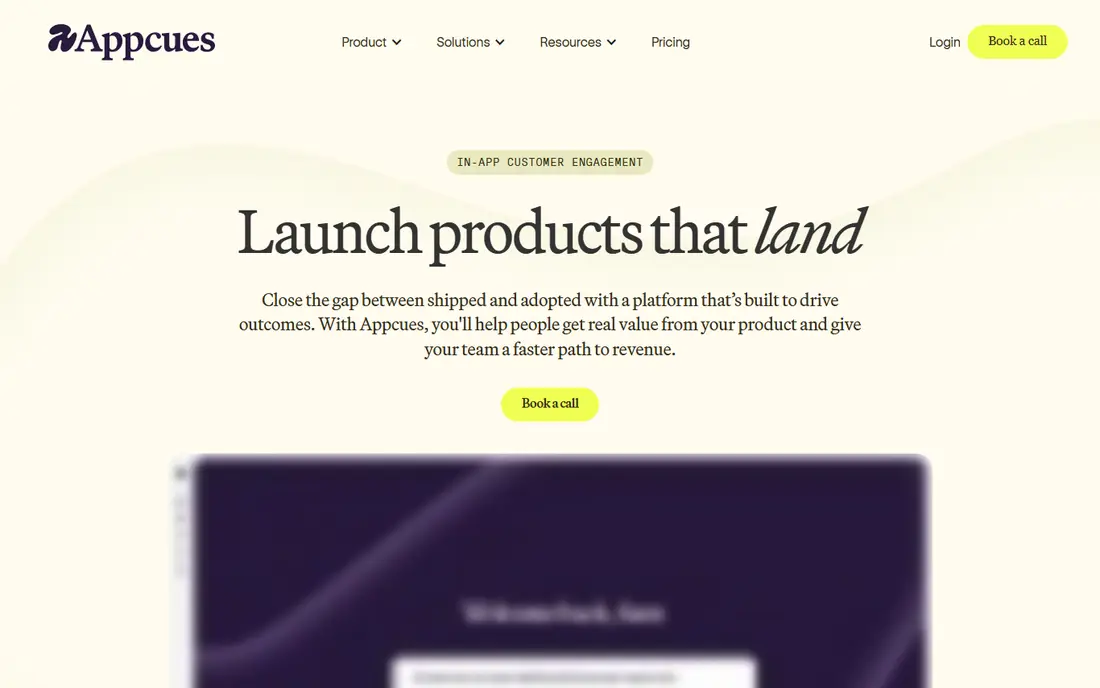
Appcues is a good fit for product teams that want full control over the look and flow of onboarding without writing code for every step. You can build tours, checklists, modals, and surveys in a visual builder, then target them by user segment or behavior. That control helps when onboarding needs to match a strong brand or a complex product.
The main drawback is price transparency. Current pages use custom pricing by monthly active users, so small teams should request a quote early and model growth costs. If you need deep design control and have a real onboarding budget, Appcues is a strong choice. If budget is tight, start with Product Fruits or UserGuiding.
- No-code builder for flows, checklists, and surveys
- Strong design control
- Email and mobile support on higher plans
- Pricing is quote-based on current pages
- Can get expensive as monthly active users grow

Userpilot suits mid-size SaaS teams that want onboarding tied to activation metrics, not just tour views. You can segment users by plan, behavior, or lifecycle stage, show different flows to each group, and track which flows lead to real product use. That link between guidance and outcome is what separates good onboarding tools from simple tour builders.
The $299 per month Starter plan in published pricing is a real commitment for a small team, and advanced features take time to learn. If your main goal is a simple checklist, a cheaper tool will do. If you need to test and improve onboarding by segment, Userpilot earns its price.
- Strong segmentation and targeting
- Analytics tied to onboarding
- Mobile and email support
- Entry price is high for early startups
- Learning curve for advanced segmentation
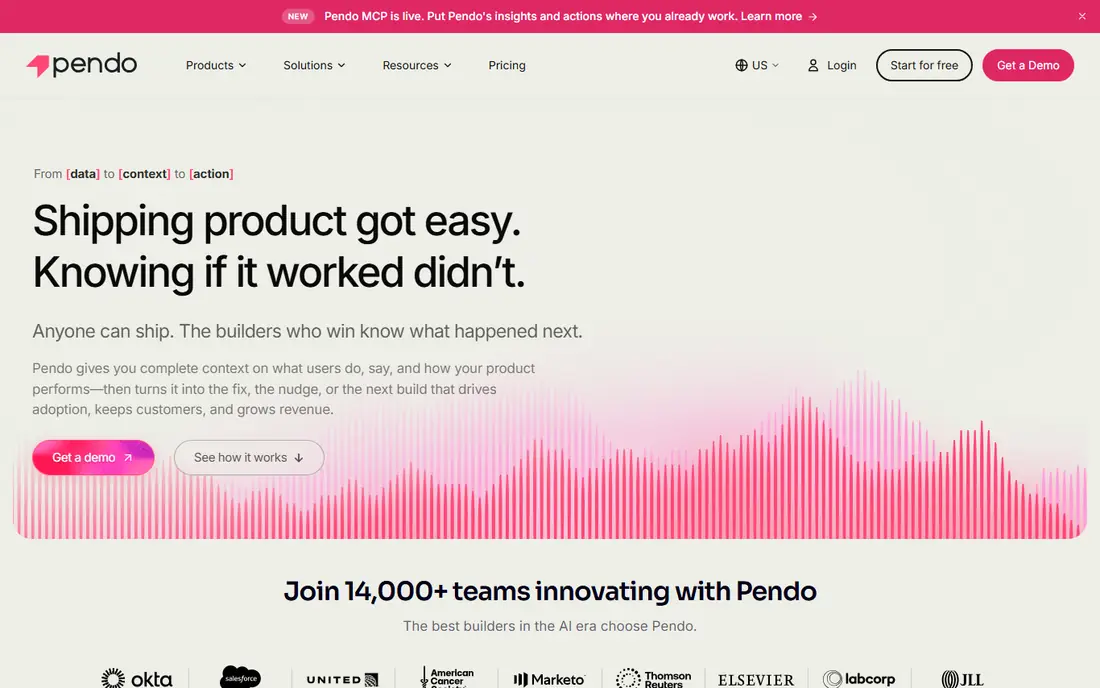
Pendo is the best starting point for teams that also need product analytics, since guides sit inside the same platform as usage data. The free tier covers up to 500 monthly active users in published descriptions, which lets small products build real onboarding without paying. Feedback and roadmap tools add value as the product grows.
Paid plans are quote-based and can be expensive, and setup takes more time than a simple tour tool. Pendo makes most sense when you already want analytics and guides together, or when you expect to grow into enterprise needs. For a simple tour alone, a lighter tool is faster.
- Free tier up to 500 monthly active users
- Product analytics plus guides in one platform
- Strong feedback tools
- Paid pricing is quote-based and can be high
- Implementation takes longer than simpler tools
UserGuiding is a practical choice for startups that need to ship onboarding this week, not next quarter. Templates cover common flows, the builder is easy to learn, and tours, checklists, and surveys work together without extra tools. That speed matters when a small team has no dedicated onboarding specialist.
It lacks the depth of Pendo or WalkMe for analytics and enterprise adoption, but most early teams do not need that depth yet. Check the current pricing page, since published entry prices have varied. For a first onboarding tool, UserGuiding balances cost, speed, and features well.
- Fast no-code setup
- Tours, checklists, surveys, and resource center in one tool
- Clear templates
- Published entry prices vary by plan and date, so check current pricing
- Less depth than enterprise suites
Chameleon suits design-led teams that want every tooltip and tour to match their product exactly. Styling control is deeper than most rivals, and automation lets you trigger guidance based on user behavior rather than fixed steps. That flexibility helps for products where onboarding differs sharply by user type.
The lower-priced Startup plan is limited, so teams that need full features should budget for a higher tier. If design polish is a core part of your product, Chameleon is worth that cost. If you need a quick standard checklist, a simpler tool will ship faster.
- Strong styling and customization
- Tours, surveys, and automation
- Good integrations
- Startup plan is limited in published descriptions
- Full Pro pricing is higher
Userflow is known for a builder that feels simple without feeling limited. Product teams can create flows, checklists, and banners quickly, and the interface stays clear even as flows grow. Unlimited flows on published plans remove one common worry, which is hitting a flow cap mid-project.
Pricing starts at $240 per month in published comparisons, and costs rise with users, so model your active user count before committing. For web apps that want a clean authoring experience and fast setup, Userflow is one of the best options in this list.
- Clean, fast builder
- Unlimited flows on published plans
- Simple targeting and checklists
- Price climbs with monthly active users
- Less enterprise depth than WalkMe or Pendo
Product Fruits is a strong value pick for early-stage teams that need a full onboarding set without enterprise pricing. One snippet covers tours, checklists, hints, announcements, surveys, and a help center, and AI assistance can draft flows from a description. That breadth at a lower entry point makes it easy to start.
The trade-off is analytics depth. If you need full product funnels and retention analysis, pair it with a dedicated analytics tool. For onboarding itself, Product Fruits covers the core jobs well, and its pricing page is clearer than many rivals, which helps small teams budget honestly.
- Tours, checklists, hints, surveys, and help center in one snippet
- AI-assisted flow creation
- Transparent pricing slider
- Analytics cover onboarding engagement, not full product analytics
- Smaller ecosystem than Pendo
WalkMe is built for large organizations that need to guide employees and customers across many systems, not just one app. It offers walkthroughs, automation, analytics, and governance controls that suit regulated or complex environments. For a company rolling out software to thousands of staff, that scale matters.
For a small consumer app, WalkMe is too much tool, too much cost, and too much setup. It belongs on this list because many enterprise buyers ask about it when they search onboarding best practices for internal software. Small teams should pick a lighter tool and revisit WalkMe only at enterprise scale.
- Deep digital adoption platform for employees and customers
- Strong analytics and governance
- Broad platform coverage
- Enterprise pricing and implementation time
- More tool than a small app needs
Whatfix suits organizations that need onboarding across web apps, desktop software, and mobile in one program. It combines in-app guidance with analytics, so teams can see where users struggle and update guidance based on real behavior. That cross-platform reach is useful for employee training and for complex customer software.
Like WalkMe, it is priced for enterprise buyers, and implementation is a project, not an afternoon task. For a single mobile app, a simpler tool will ship faster and cost less. For multi-platform adoption, Whatfix is a credible enterprise choice.
- Works across web, desktop, and mobile
- AI-assisted guidance
- Analytics for adoption and training
- Enterprise pricing
- Setup and content creation take time
How we picked these
We compared official feature and pricing pages, plus public onboarding tool guides, and we kept only tools that are live in October 2026 and that support in-product onboarding for apps or web software. We favored a mix of budget, mid-market, and enterprise tools, and we used See website where published prices varied or were quote-based. We did not claim hands-on testing, and we treated third-party price figures as leads to confirm on vendor pages.
App onboarding best practices that actually work
Start with one core action. Every app has a moment when a new user first gets real value, such as sending a first message, creating a first project, or finishing a first workout. Design onboarding to reach that moment as fast as possible, with as few steps as you can manage. Everything else can wait until the user returns.
Teach in context, not all at once
Tooltips and hints work best when they appear at the exact moment a user needs them, not in a long tour before they have seen the product. Use checklists for setup tasks that take several steps, and let users skip or dismiss guidance without penalty. A tour that cannot be skipped teaches users to ignore your guidance, which hurts the next time you really need their attention.
Personalize the first run
Ask one or two useful questions at sign-up, such as the user's goal or role, then tailor the first screen and checklist to that answer. Avoid long forms and avoid asking for data you do not use. Personalization should shorten onboarding, not lengthen it, and it should be clear why each question matters.
Measure activation, then improve
Track how many new users complete the core action within the first day and first week, and compare that rate across onboarding variants. Tour completion alone is a weak metric, since users can click through a tour without learning anything. Test one change at a time, such as a shorter checklist or a different first task, and keep the version that lifts activation.
Frequently asked questions
What are app onboarding best practices?
The core practices are: teach one core action fast, show guidance in context, keep setup short, let users skip tours, and measure activation rather than tour completion. Personalize the first run with one or two useful questions, and use checklists for multi-step setup. Test changes one at a time so you know what actually helps.
What are software onboarding best practices for teams?
For team software, add role-based onboarding, since admins, managers, and regular users need different first tasks. Provide a help center inside the product, use checklists for workspace setup, and train champions who can help colleagues. Measure time to first value by role, not just overall sign-ups.
How long should app onboarding take?
As short as possible while still reaching the core action. Many good flows take under two minutes for the first task, with remaining setup offered as an optional checklist. If onboarding takes longer, split it: teach the core job now, and introduce advanced features over the first week through contextual hints.
Should onboarding be skippable?
Yes. Always offer a clear skip option, and let users return to guidance later from a help menu or checklist. Forced tours frustrate experienced users and teach new users to click past everything. Skippable guidance also gives cleaner data, since users who stay are genuinely interested.
What is the best app onboarding practice for retention?
Focus on the first value moment, then follow up with relevant next steps in the first week. In-app checklists, timely hints, and a short email or push reminder can bring users back, but only if each message points to a useful action. Avoid generic welcome sequences that repeat what the tour already showed.
Sources
See where you really rank - block by block
ProMapRanker scans Google Maps across a grid of your service area. Simple monthly plans from $19, white-label on every plan.
Start freeKeep reading
 zscaler alternatives
Best Zscaler Alternatives in 2026
Looking for zscaler alternatives? We compare 9 SASE and zero trust platforms on architecture, data protection, pricing, and fit for your network and team.
Read → zapier alternatives free
Best Zapier Alternatives Free in 2026
Nine automation tools for zapier alternatives free in 2026, all with genuinely free tiers, plus free plan limits, starting prices and upgrade paths explained.
Read → which platform is best for online reputation
Which Platform Is Best for Online Reputation in 2026
Wondering which platform is best for online reputation? We compare 8 review, listing, and response tools for small and multi-location businesses and agencies.
Read →