 ProMapRanker
Best AI Text to Video App for Creators in 2026


Realistic clips with audio · Pricing starts at: $19.99 per month
Key takeaways
- Google Veo, reached through Gemini, is our pick for realism and native audio, but credits burn fast and high volume work gets expensive.
- Runway is the best all round creator platform, because it pairs generation with editing, control and longer project workflows.
- Kling is the budget leader for short clips, with a low entry price and a free tier that lets you test daily.
- Pika and Luma suit social creators who want fast, stylised clips, while HeyGen and InVideo suit presenters and script led videos.
Quick comparison
| Pick | Great for | Pricing starts at | Free tier | |
|---|---|---|---|---|
| Google Veo | Realistic clips with audio | $19.99 per month | Yes | Visit |
 Runway Runway | Professional creator workflows | $12 per month | Yes | Visit |
 Kling Kling | Budget text to video | $6.99 per month | Yes | Visit |
 Pika Pika | Fast social clips | $8 per month | Yes | Visit |
 Luma Dream Machine Luma Dream Machine | Photoreal image to video | See website | Yes | Visit |
 HeyGen HeyGen | Avatar presenters | $29 per month | Yes | Visit |
 InVideo AI InVideo AI | Script to finished draft | $20 per month | Yes | Visit |
 Adobe Firefly Adobe Firefly | Commercially safe brand clips | $9.99 per month | Yes | Visit |
The best ai text to video app for creators
Text to video tools turn a written prompt, and often a photo, into a short clip. We compared them on clip quality, audio, credit systems, free tiers and how well the output fits a creator workflow, using vendor pricing pages and public feature documentation. Note that OpenAI Sora as a standalone consumer app closed in April 2026, so it is not listed here.
Veo, reached through Gemini and related Google tools, stands out for clips that look and sound coherent. It can generate dialogue, sound effects and ambience in the same clip, which saves a separate audio step for many creators. Reference image support also helps keep a character or product consistent across clips, a common weakness in this category.
The catch is cost at volume. Short clips are the norm per generation, and repeated tries add up quickly in credits. The entry Google AI Pro plan is a reasonable starting point for testing, but a creator publishing daily will need to budget carefully. For occasional high quality B roll and social clips, Veo is our top pick.
- Strong realism and prompt accuracy
- Native dialogue and sound
- Image reference support
- Credits burn fast at scale
- Clip length is short per generation
Runway is more than a prompt box. It pairs video generation with editing, image to video, extension and other controls that let a creator shape a clip rather than accept the first result. That control ceiling matters for branded work, short films and client projects, where a clip must match a script and a style, not just look interesting.
The free tier gives a one time credit allowance, so it is best for testing rather than regular publishing. Paid plans start at a level that suits active creators, but heavy users will still watch credits closely. If you want one platform for generation and finishing, Runway is the most complete choice here.
- Generation plus editing tools
- Good character consistency
- Flexible controls
- Credit math takes learning
- Higher tiers needed for heavy use
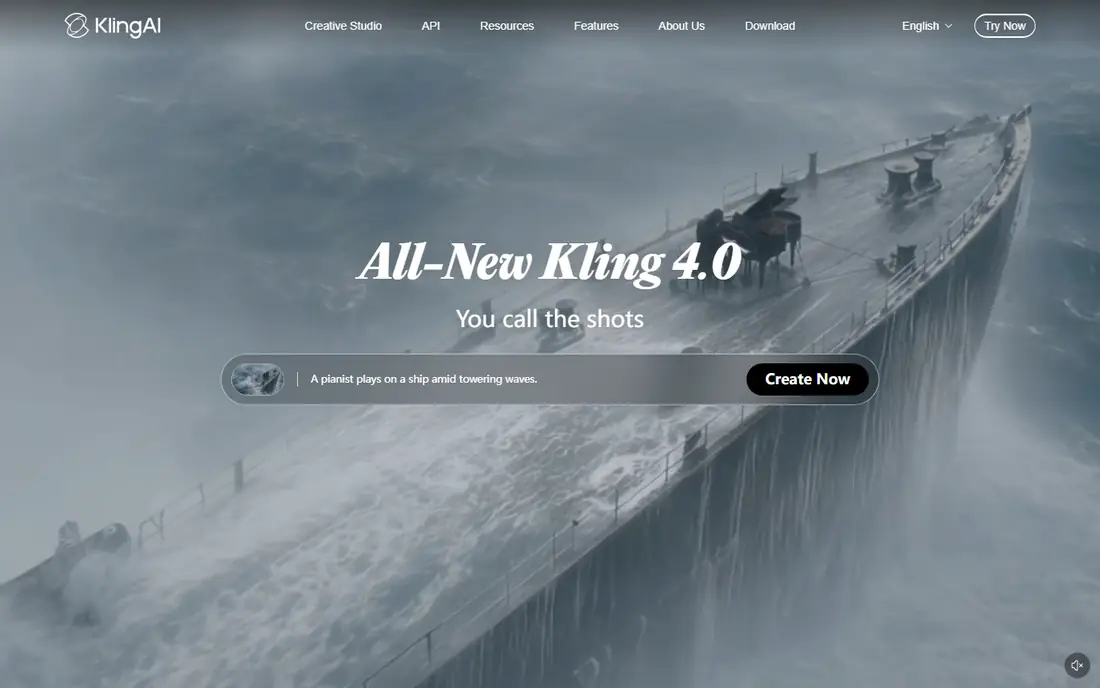
Kling has become a favourite for creators on a budget, because its entry price is lower than most rivals and its free tier refreshes daily rather than offering only a one time allowance. Human motion and realistic movement are its strong points, which helps for lifestyle, fashion and product clips where stiff movement would give the game away.
The downside is the credit system. Different models, resolutions and lengths cost different amounts, so the monthly price alone does not tell you how many finished clips you will get. Longer work also needs chained extensions, which adds cost and editing time. For short clips and frequent testing, Kling offers the best value in this list.
- Low entry price
- Daily free credits
- Good human motion
- Credit system can confuse new users
- Longer clips need extensions and more credits
Pika is the quick option. The interface is simple, generations are fast, and the effects and stylised looks suit TikTok, Reels and Shorts, where a punchy few seconds matter more than cinematic realism. A creator who needs ten variations of a social clip in an afternoon will appreciate how little setup Pika requires.
That speed comes with limits. Clips are short, and realistic, complex scenes are not Pika's strength compared with Veo or Runway. Free generations also come with limits that suit testing, not publishing. Pick Pika for social experiments and stylised content, not for a realistic short film.
- Simple interface
- Fast generation
- Good for effects and stylised clips
- Short clips
- Less suited to realistic long form work
Luma Dream Machine is strongest when you start from an image rather than only text. Upload a product photo, a scene or a portrait, and it can animate it with a level of detail that suits advertising, music visuals and short brand clips. Restyling tools also let you change the look of existing footage, which is useful for creators who already shoot video.
Pricing and limits have changed across plans, so check the current Luma pricing page before you commit to a volume of work. Free tiers are useful for testing, but they carry limits that make them less suited to client delivery. For image led creators, Luma is a strong specialist pick.
- Strong image to video quality
- Good restyling options
- Useful for product and scene work
- Pricing varies by plan and should be checked
- Free output has limits
HeyGen solves a different creator problem: a presenter without a camera, a studio or a shoot day. You type a script, choose an avatar, and get a talking head video that can be translated into many languages with lip sync. That suits explainers, course lessons, product updates and social ads, especially for creators who publish in more than one language.
The headline plan price does not tell the full story, because premium avatar quality uses credits per minute, so the number of finished minutes per month is lower than the plan name suggests. Free videos are watermarked and limited. If you need a presenter on screen often, budget by finished minutes, not by plan title.
- Realistic avatars
- Wide language and translation support
- Templates for marketing videos
- Premium avatar minutes cost extra credits
- Free videos are watermarked
InVideo AI takes a prompt and builds a fuller video draft, with scenes, voiceover, captions and stock footage, rather than only a short generated clip. That makes it useful for YouTube explainers, faceless channels and business videos where a complete draft matters more than a single cinematic shot. Editing is template based, so a beginner can swap scenes, text and music without learning a professional editor.
The trade off is originality. Drafts can feel templated, and creators who want a distinctive visual style will need to customise heavily or combine InVideo with a specialist generator. Free exports are watermarked, so publishing needs a paid plan. For fast, script led volume, InVideo is practical.
- Turns a prompt into a full draft with voiceover and stock
- Huge template library
- Easy editing
- Output can feel templated
- Free exports are watermarked
Adobe Firefly appeals to brands and agencies that worry about rights and client approvals. Its video generation sits inside Adobe's wider creative tools, and its commercially safe positioning is a real selling point when work will be used in paid campaigns. The Standard plan starts at a modest monthly price and includes credits for image and video generation.
Video generations use credits quickly, so a creator who only wants video may get more clips per dollar from Kling or Pika. Firefly makes most sense if you already use Adobe apps, or if commercial safety is a hard requirement for client work. For brand safe social and ad clips, it is a solid, low risk choice.
- Commercially safe training approach for brands
- Credits work across Adobe tools
- Video plus image generation
- Video is credit hungry
- Best value if you already use Adobe tools
How we picked these
We compared vendor pricing pages, free tiers, clip lengths, audio support and creator workflows, and we excluded tools that had shut down as standalone consumer apps. Each tool here is available now, accepts text prompts, and produces video a creator can publish or edit. We included realistic generators, social tools, avatar tools and script to video tools, because creators do not all need the same kind of clip.
How to choose and budget for credits
Start with the kind of video you publish most. Realistic B roll points to Veo or Runway, social effects point to Pika, a presenter points to HeyGen, and a full scripted draft points to InVideo. Then count finished minutes, not generations: failed tries, extensions and higher resolutions all consume credits, and a plan that looks cheap can become expensive if you regenerate often.
Check commercial rights before client work, especially for free tiers, which often forbid commercial use or add watermarks. Also check audio: native dialogue and sound save editing time, while tools without it will need a separate voiceover or music step. A short paid test with your own script is the best way to compare output quality before a monthly commitment.
Frequently asked questions
What are the best ai text to video apps for creators on a budget?
Kling and Pika are the lowest cost starting points in this list, with entry plans around $7 to $8 per month and free tiers for testing. Budget by finished clips per month, since credit costs vary by model and length.
Can I use ai text to video clips commercially?
It depends on the tool and plan. Some free tiers restrict commercial use or add watermarks, while paid plans usually allow commercial use within the vendor terms. Read the licence for your plan before client work.
How long are ai generated video clips?
Most text to video generations are short, often around 5 to 10 seconds per clip, with longer results built by extending or chaining clips. Avatar and script tools can produce longer finished videos by combining scenes.
Do ai video tools include audio?
Some do, notably Veo with native dialogue and sound, and avatar tools with voiceover. Others generate silent clips, so you will need to add voice, music or sound effects in an editor.
Is Sora still available for creators?
The standalone Sora consumer app closed in April 2026, and its API access also ended later in 2026, so we have not listed it as a current creator tool. Creators looking for similar quality should test Veo and Runway first.
Sources
See where you really rank - block by block
ProMapRanker scans Google Maps across a grid of your service area. Simple monthly plans from $19, white-label on every plan.
Start freeKeep reading
 zoom alternatives
Best Zoom Alternatives in 2026
Compare Zoom alternatives in 2026, with free meeting limits and prices, so you can pick the best alternative to Zoom for your team, class, or community.
Read → which software is best for remote work
Which Software Is Best for Remote Work in 2026
Answering which software is best for remote work, we compare Slack, Zoom, Asana, Notion, Teams and more, with pricing and honest tradeoffs in 2026 now.
Read → which ai tool is best for content writing
Which AI Tool Is Best for Content Writing in 2026
Wondering which ai tool is best for content writing? We compare ChatGPT, Claude, Jasper, Grammarly, and more on price, quality, and best use in 2026 now.
Read →