 ProMapRanker
Best AI Sourcing Tools in 2026

Key takeaways
- hireEZ is our pick for high-volume outbound sourcing across many platforms, while SeekOut suits technical and diversity-focused searches.
- Juicebox is the clearest choice for recruiters who want to search in plain English instead of building Boolean strings by hand.
- Gem fits teams that want sourcing, outreach, and a CRM in one system, and Pin suits smaller teams that want a guided, end-to-end workflow.
- Most enterprise sourcing tools use quote-based pricing, so budget on a demo and a written quote, not on a headline price alone.
- AI can find and rank candidates, but final hiring decisions, outreach tone, and fairness checks must stay human.
Quick comparison
| Pick | Great for | Pricing starts at | Free tier | |
|---|---|---|---|---|
 hireEZ | High-volume outbound sourcing | See website | No | Visit |
 SeekOut | Technical and diversity-focused sourcing | See website | Free trial | Visit |
 Gem | Sourcing, CRM, and outreach in one place | See website | No | Visit |
 Juicebox | Plain-English candidate search | See website | Free trial | Visit |
 LinkedIn Recruiter | Sourcing inside the largest professional network | See website | No | Visit |
 Pin | Guided sourcing for solo and small teams | $99 per month | Yes | Visit |
 Fetcher | Pre-screened candidates delivered regularly | See website | No | Visit |
 Findem | Talent intelligence and workforce planning | See website | No | Visit |
The best AI sourcing tools
We compared official product pages, pricing pages where published, and recruiter guidance for the best ai tools for sourcing, and we kept only tools that still work in October 2026. The best candidate sourcing tools are not the ones with the largest database on paper. They are the ones that return reachable, relevant people for your actual roles, and that fit your ATS, budget, and compliance needs.
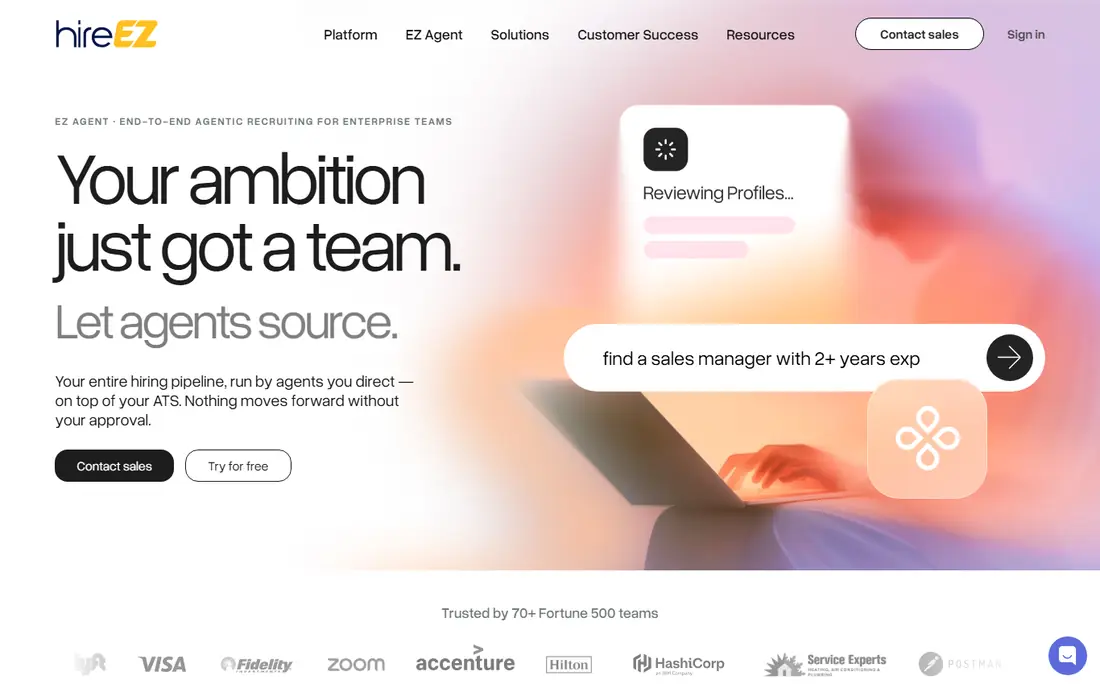
hireEZ, formerly Hiretual, is built for teams that source every day at volume. It aggregates profiles from many public sources, lets recruiters search with natural language and filters, screens resumes, and automates outreach across email and other channels. For a tech-heavy team with many open roles, that breadth can cut the time spent jumping between sites.
The trade-off is cost and discipline. Pricing is quote-based for enterprise plans, and published summaries place typical seat costs well above a small-team budget. A large database also rewards careful targeting: broad searches produce long lists, but reply rates depend on relevance and on messages that show a real reason for contact. Use hireEZ when volume and platform breadth are the bottleneck, not for a single occasional hire.
- Sources across more than 40 platforms
- AI screening and outreach automation
- Strong fit for tech-heavy hiring at scale
- Enterprise pricing is quote-based
- Large database needs careful filtering to avoid irrelevant outreach
- Best value needs high volume
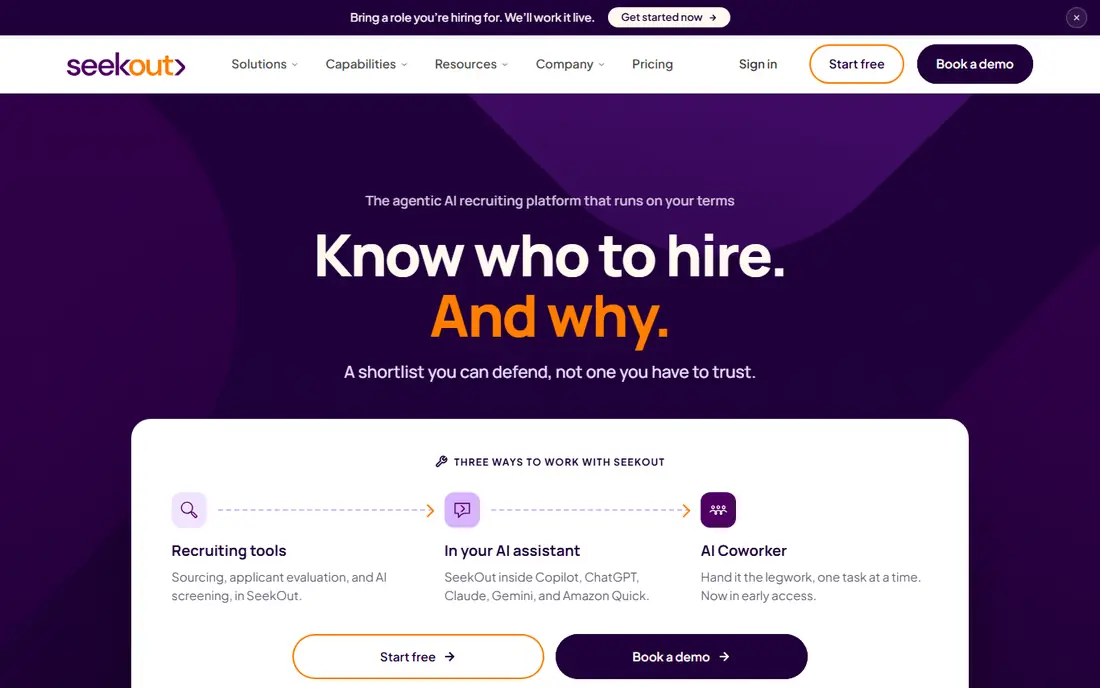
SeekOut suits teams hiring for hard-to-find technical roles, or teams with clear diversity and clearance goals. Its index includes professional profiles plus GitHub, patents, and publications, which helps when a resume alone does not show the work. Filters for skills, experience, and background let recruiters build shortlists that go beyond keyword matches.
SeekOut offers self-serve plans and SeekOut Spot, a managed service that pairs AI with human sourcers on a per-role basis. Published summaries list self-serve pricing from around $149 per month, with team and enterprise plans quoted higher, so confirm the current plan on a demo. If your roles are mainly non-technical, or your team is very small, a simpler tool may give better value.
- Large profile index with GitHub and publication data
- Strong diversity and security-clearance filters
- Self-serve and managed options
- Pricing varies widely by plan
- Enterprise features need a sales conversation
- Email-only outreach on some plans needs checking

Gem appeals to teams tired of stitching tools together. It combines AI sourcing searches, automated message sequences, a candidate CRM, and analytics in one workspace, so a recruiter can find a candidate, contact them, track replies, and see which sources actually produce hires. That single view helps managers spot where a pipeline stalls, whether at sourcing, response, or interview stage.
The cost is the main question. Gem pricing is largely quote-based, and published summaries place seats from around $130 per month, with team terms varying. It fits best when a team already sources at steady volume and wants one system for the whole outreach workflow. A solo recruiter who only needs occasional searches may find a lighter tool cheaper.
- AI-built searches and message sequences
- Full CRM for pipeline tracking
- Analytics on outreach and source quality
- Pricing is quote-based for most teams
- Full value needs team adoption
- Smaller teams may pay for CRM depth they do not use
Juicebox, built around PeopleGPT, removes one of the most annoying parts of sourcing: Boolean search. A recruiter can type what the role needs in plain English, and the tool returns ranked profiles from its index, with agents that keep sourcing for open roles in the background. For recruiters who hate building search strings, or who hire across varied roles, that speed is a real gain.
Published summaries list Juicebox from around $99 to $119 per seat per month, depending on plan and billing, but current pricing should be confirmed with the vendor. The tool works best when the role criteria are clear, since vague briefs produce vague shortlists. Give it must-have skills, location, and seniority up front, and review the first shortlist closely before letting an agent run.
- PeopleGPT search in plain language
- Always-on sourcing agents for ongoing roles
- Many ATS integrations
- Pricing is largely quote-based
- Database focus suits some roles better than others
- Agents need clear role criteria to work well
LinkedIn Recruiter remains the default for many teams because that is where many professionals keep a current profile. Its AI search, hiring assistant, and InMail tools help recruiters run searches, draft messages, and pre-screen candidates without leaving LinkedIn. For roles where LinkedIn coverage is strong, it can be the fastest path to a relevant shortlist.
Cost is the honest limit. Published summaries place Recruiter Lite around $170 per month, with corporate plans far higher per seat per year, and pricing should be confirmed with LinkedIn. Response rates also suffer when candidates receive many similar InMails, so personal, specific messages matter more than volume. Pair LinkedIn Recruiter with an email-finding tool only where that complies with LinkedIn terms and privacy rules.
- Largest professional profile network
- LinkedIn Hiring Assistant and AI search features
- InMail reach inside LinkedIn
- Expensive per seat
- Candidates may already receive many InMails
- Results depend on profile completeness and activity
Pin suits recruiters and small firms that want a guided workflow rather than a large database to explore alone. You describe the role in plain language, paste a job description, or upload example resumes, and Pin returns a ranked shortlist with a fit score and a reason for each candidate. Its AI agent can assist or run steps such as sourcing, ranking, drafting outreach, and scheduling, with human approval in Assist mode.
Pricing is clearer than most enterprise tools: a free tier is offered, with Solo plans from $99 per month and higher plans for teams. Contact lookups for personal email, work email, and phone use credits included in plans, so check credit limits against your outreach volume. Pin is a strong pick for smaller teams that want end-to-end help, while large enterprise teams may still need a deeper database tool beside it.
- Free tier for trying the workflow
- Plain-language role briefs with fit scores
- Sourcing, outreach, and scheduling in one place
- Smaller team focus than enterprise platforms
- LinkedIn and SMS steps need recruiter action on some plans
- Credit costs for contact lookups
Fetcher flips the usual sourcing workflow. Instead of searching every day, a recruiter sets up a role, and Fetcher delivers pre-screened candidates by email on a regular cadence. That suits hiring managers and small recruiting teams who need a steady flow without spending hours in search tools, and who prefer to review a short batch each day.
The trade-off is control. You see what the system delivers, rather than shaping every search yourself, so a vague brief will produce a vague batch. Published summaries list self-serve plans from around $115 per month, with managed plans from around $499 per month, but current terms need a vendor check. Use Fetcher when the bottleneck is time, not database access, and keep feedback tight so later batches improve.
- AI finds and delivers candidates to your inbox
- Reduces daily search time
- Managed plans for teams that want more help
- Less control than self-serve search
- Self-serve pricing still needs a demo for current terms
- Quality depends on a clear role brief
Findem is best understood as talent intelligence, not just a search box. It tracks how candidates skills and careers change over time, which helps enterprise teams plan for future roles, find internal candidates, and understand talent pools beyond current job titles. That longer view suits workforce planning, succession work, and large hiring programs.
For a small team with one or two open roles, Findem is likely more than needed, and pricing is custom, with published summaries ranging widely by contract size. It fits when sourcing is part of a broader talent strategy, and when a team can use its analytics and integrations fully. Smaller teams should start with Juicebox, Pin, or SeekOut self-serve, and revisit Findem only when planning needs grow.
- Tracks skills and career paths over time, not just keywords
- Useful for enterprise planning and internal mobility
- Large profile data set
- Enterprise pricing is quote-based and can be high
- More than a small team needs for simple sourcing
- Implementation takes time
How we picked these
We compared official product and pricing pages, plus recruiter guides published in 2026, and we kept only tools that still offer AI sourcing in October 2026. We favored tools with a clear sourcing workflow, a real candidate index or delivery model, and outreach or CRM features that recruiters actually use. We left out tools that have been folded into larger platforms and can no longer be bought separately, and we marked pricing as See website where a vendor uses quote-based enterprise terms. AI sourcing raises fairness and privacy questions, so we also favored tools that state their data sources and controls clearly.
What to check before you buy a sourcing tool
Start with your roles, not the database size. A tool with a billion profiles is only useful if it returns relevant people for your locations, seniority levels, and skills. Run a trial on two or three real, current roles, and score the first 50 results for relevance and reachability. A tool that returns many profiles you cannot contact, or that are clearly wrong for the role, will waste more time than it saves.
Next, check the full workflow and the full cost. Does the tool find emails and phones legally, does it send or only draft outreach, does it sync with your ATS, and what counts as a credit? Quote-based tools can look similar on a demo and differ sharply on contract terms, seat minimums, and renewal rules. Get the quote in writing, including data, seats, credits, and support, before you compare.
Finally, set fairness and privacy rules before you scale use. AI ranking can reflect biases in training data and in historical hiring patterns, so review shortlists for diversity, check filters that could exclude qualified people, and keep final decisions human. Follow local hiring law, platform terms, and candidate privacy rules, and keep outreach honest about the role, location, and next steps. A sourcing tool should widen your pool, not narrow it without you noticing.
Frequently asked questions
What are the best ai tools for sourcing for small teams?
Pin is a strong starting point for small teams because it offers a free tier, plans from $99 per month, and a guided workflow from role brief to shortlist. Juicebox also suits small teams that want plain-English search without Boolean work. Larger database tools such as hireEZ and SeekOut pay off mainly at higher volume.
Can AI sourcing tools replace recruiters?
No, and they should not make final hiring decisions on their own. AI tools handle repetitive work such as searching, ranking, drafting outreach, and scheduling, which frees recruiters for conversations, assessment, and relationship building. Human review matters for fit, fairness, motivation, and details that a profile alone cannot show.
How much do AI sourcing tools cost?
Costs vary widely. Pin lists plans from $99 per month with a free tier, while enterprise tools such as hireEZ, SeekOut, Gem, and Findem use quote-based pricing that can reach hundreds of dollars per seat per month. Always get a written quote, and compare seats, credits, contract length, and ATS integrations, not just the monthly headline.
Which tool is best for sourcing engineers?
SeekOut and hireEZ are the strongest picks for technical sourcing, because they draw on GitHub, patents, publications, and many other technical sources beyond a single job board. Juicebox also works well for technical roles when the brief is clear. Test each tool on your actual engineering roles, since coverage varies by specialty and location.
Do these tools find candidate email addresses?
Many sourcing tools provide email and phone lookups, but the source, accuracy, and credit cost differ by tool. Pin uses credits for email and phone lookups, hireEZ and SeekOut include contact data in their workflows, and LinkedIn Recruiter mainly works through InMail. Check accuracy on a sample, follow privacy law, and use only lawful, consented contact methods.
How do I avoid bias when using AI sourcing?
Use clear, job-related criteria, review shortlists for who is missing as well as who appears, and avoid filters that act as proxies for protected characteristics unless they are lawful and job-related. Keep a human in the final shortlist and hiring decision, document your criteria, and audit results over time. If a tool cannot explain its ranking or filtering, treat that as a warning sign.
Sources
See where you really rank - block by block
ProMapRanker scans Google Maps across a grid of your service area. Simple monthly plans from $19, white-label on every plan.
Start freeKeep reading
 wpforms alternatives
Best WPForms Alternatives in 2026
We compare 9 wpforms alternatives for WordPress forms, with free and paid options, current pricing notes, and honest limits for small business sites in 2026.
Read → windows task scheduler alternatives
Best Windows Task Scheduler Alternatives in 2026
Looking for Windows Task Scheduler alternatives? We compare 9 schedulers for Windows and cross-platform work, from free tools to enterprise automation.
Read → which ai video service is best
Which AI Video Service Is Best in 2026
which ai video service is best? We compare 10 legitimate AI video services on price, avatars, editing and output quality to help you pick the right tool.
Read →