 ProMapRanker
2026 Guide to the Best AI Restaurant Scheduling Software

Straightforward shift planning and team messaging · Pricing starts at: $1.70 per user a month
Direct answer
Our first pick is Sling, best for straightforward shift planning and team messaging. Listed starting prices: Sling from $1.70 per user a month, Homebase from $30 per location per month and Push Operations from $200 a month per location. Homebase is the stronger choice for small hourly teams needing scheduling plus payroll, while Push Operations suits restaurant payroll, HR and scheduling together. The full list of 6 tools follows, with prices and free plan facts.
Short on time? The summary and table above give the quick view of 6 tools for AI restaurant scheduling software, and the profiles that follow give the detail behind each entry.
Key takeaways
- Sling takes the first slot, best suited to straightforward shift planning and team messaging.
- One limit worth knowing about Deputy: feature depth takes time to learn.
- Sling, Homebase: these are the 2 tools out of 6 that offer a free plan.
- For the cheapest start, look at Sling: $1.70 per user per month.
- For shift scheduling, time tracking and messaging, When I Work is worth a look.
Quick comparison
| Pick | Great for | Pricing starts at | Free tier | |
|---|---|---|---|---|
| Sling | Straightforward shift planning and team messaging | $1.70 per user a month | Yes | Visit |
 Homebase | Small hourly teams needing scheduling plus payroll | $30 per location per month | Yes | Visit |
 Push Operations | Restaurant payroll, HR and scheduling together | $200 a month per location | Not stated | Visit |
 Deputy | AI labor forecasting with scheduling and payroll | $5 per user a month | Free trial | Visit |
 HotSchedules | Teams comparing choices in this category | See website | Not stated | Visit |
 When I Work | Shift scheduling, time tracking and messaging | $2.50 per user a month | Free trial | Visit |
Every option for AI restaurant scheduling software explained
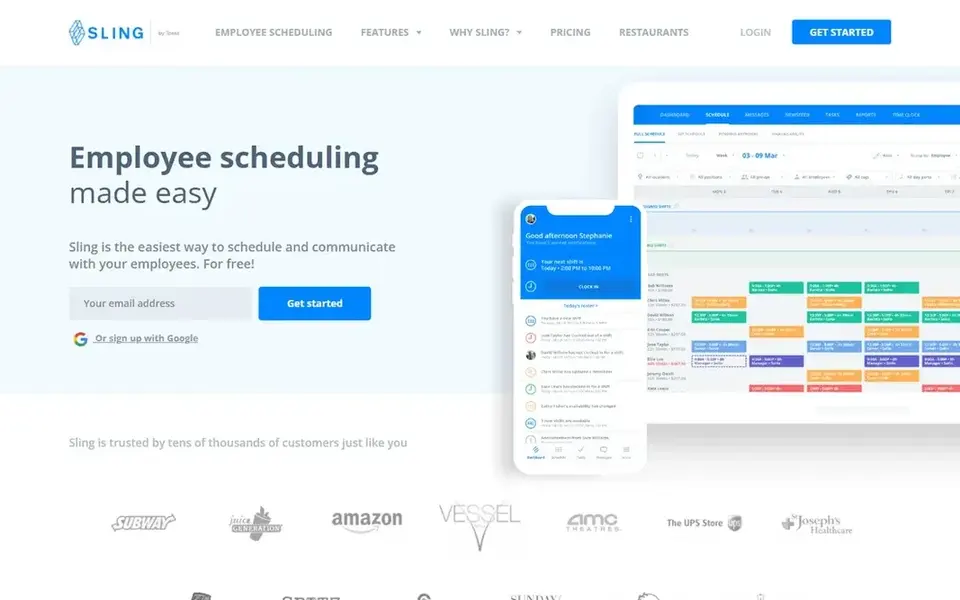
Sling targets straightforward shift planning and team messaging. Sling is employee shift scheduling and planning software that helps companies run shifts and communicate with employees.
As for the details, for restaurants that primarily need dependable shift planning and quick communication, Sling keeps the workflow straightforward and avoids burying core scheduling under heavy configuration. Sling pricing: $1.70 per user per month. A free plan is available with Sling.
Trade-offs to know: Lighter on payroll and HR depth.
- Simple for staff to use
- Built-in team communication
- Fewer restaurant-specific analytics
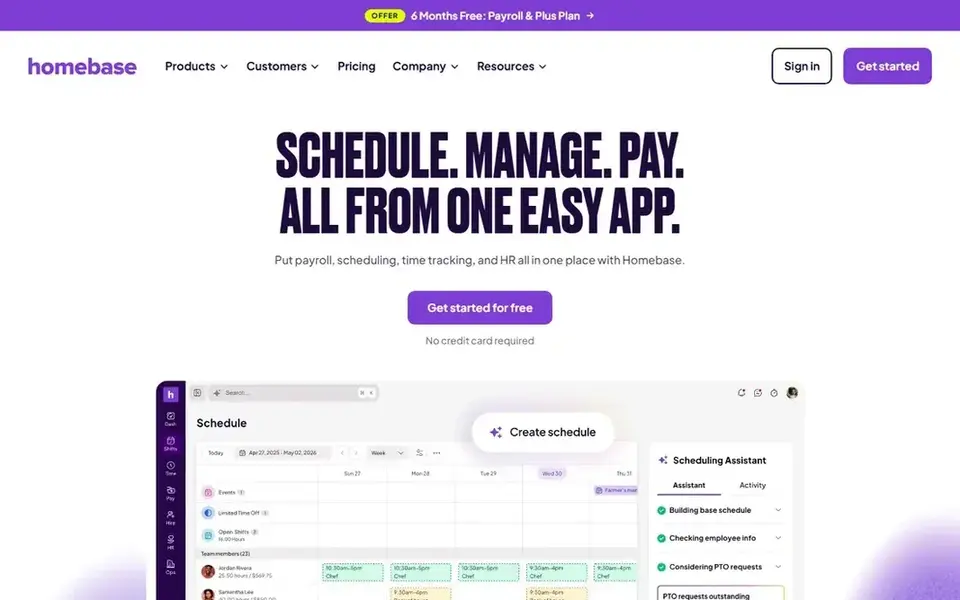
Choose Homebase for small hourly teams needing scheduling plus payroll. Since scheduling, time tracking and pay sit together, restaurant owners can move from posted shifts to hours worked to payroll without stitching separate tools together.
Highlights: Scheduling.
What you pay to start with Homebase: $30 per location per month. Free access exists with Homebase. Honest limits: May feel wide for scheduling-only needs.
- Time clocks and payroll in one app
- Hiring tools included
- Advanced needs may outgrow it
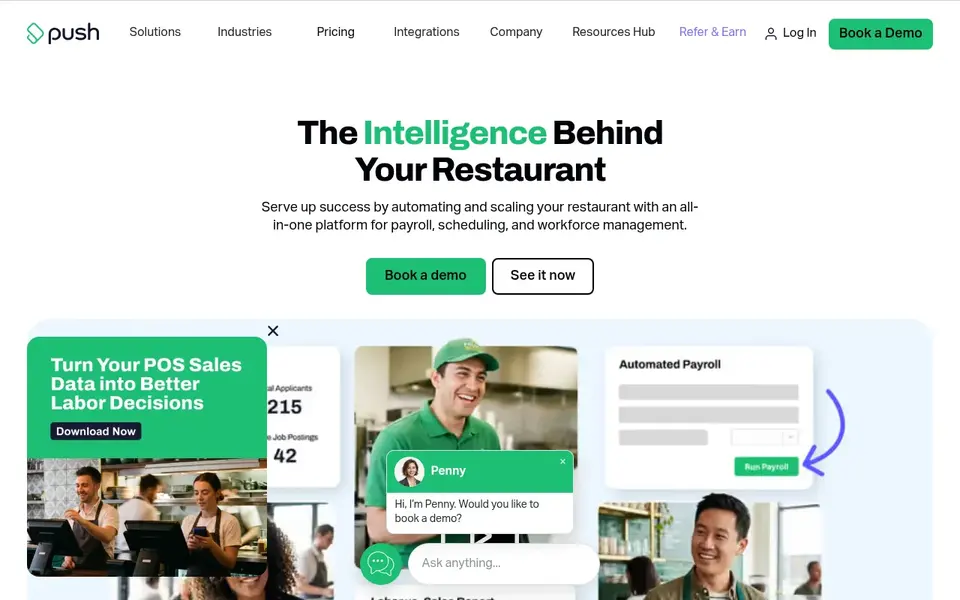
Push Operations is a good fit for restaurant payroll, HR and scheduling together. Push Operations is an all-in-one restaurant management product that brings HR, payroll, time tracking and scheduling into one place.
Points against: Wide suite needs onboarding time.
Where it shines: Designed for restaurant management. Including HR, payroll and scheduling in one suite also means more setup and onboarding than a standalone scheduling app. On top of that, the combination of scheduling with payroll and time tracking is attractive for restaurants where labor cost control and accurate pay rely on the same underlying hours data. The starting price for Push Operations: $200 per month per location. Trial and free access: Not stated.
- Time tracking and scheduling combined
- Geared toward expanding and scaling companies
- Restaurant-specific focus limits other uses
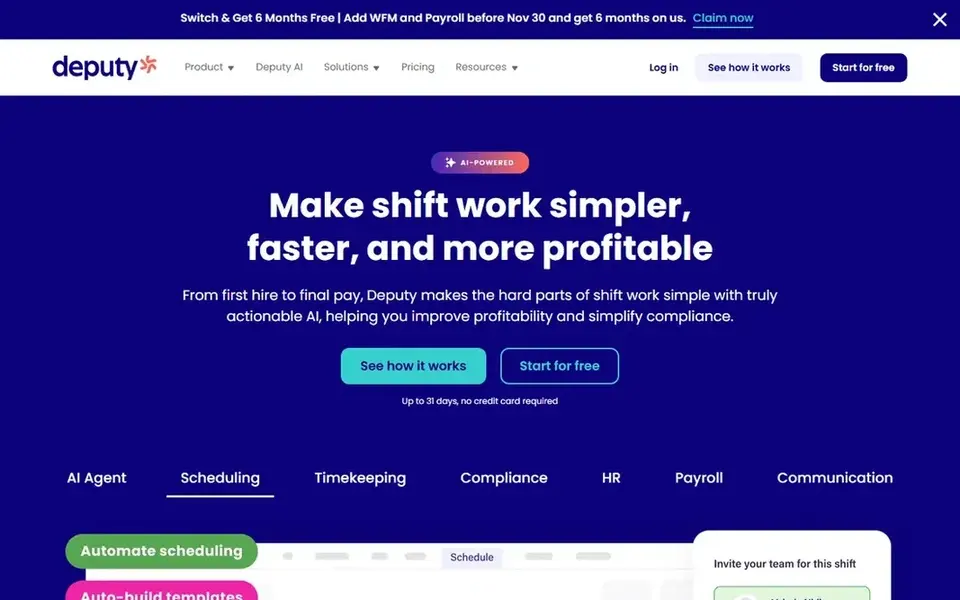
Deputy is a good fit for AI labor forecasting with scheduling and payroll. The vendor positions it as simple to use despite the breadth of functions.
As for the details, if you only need shift posting and messaging, a more straightforward product will get you there quicker. Deputy earns its place when forecasting and payroll integration are real requirements. Price to start with Deputy: $5 per user per month. On free options: Free trial.
Where it is weaker: Best value for expanding teams.
- Easy-to-use interface
- Scheduling
- Feature depth takes time to learn
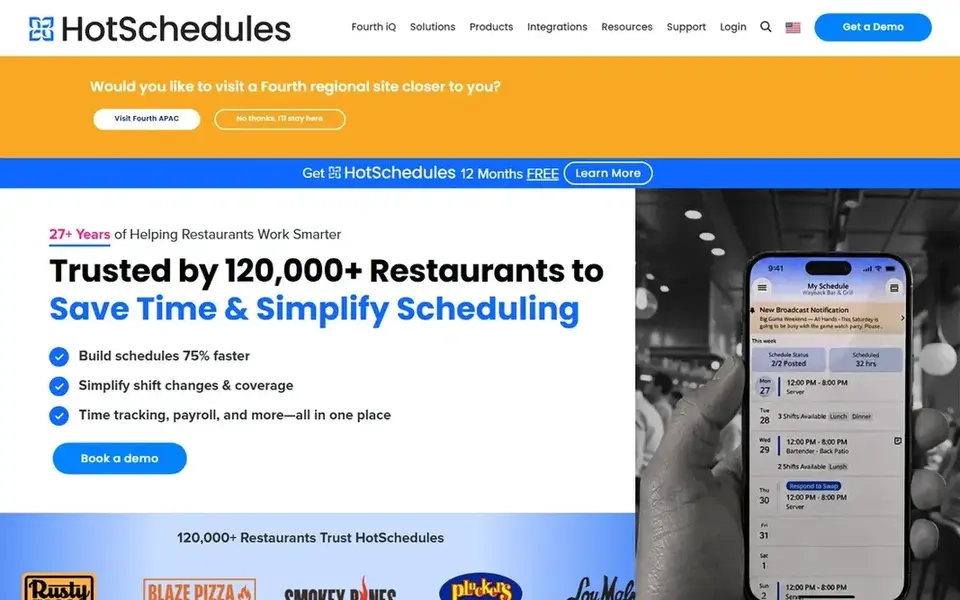
Pick HotSchedules if this describes you: teams comparing choices in this category. It centers on building and sharing shift schedules while keeping staff connected through the same app. Restaurants that want a tool shaped around hospitality rhythms instead of a general-purpose scheduler will find the focus handy.
The vendor supplies a demo and trial so teams can evaluate the workflow before committing. If your priority is a straightforward all-in-one payroll and scheduling tool for a small hourly team, a lighter choice may fit better. Check the vendor site for HotSchedules pricing; none is listed in this comparison. Free access: Not stated.
Where it is weaker: Payroll handled through the wider Fourth suite.
- Scheduling plus employee engagement
- Made for hospitality firms
- Less suited to non-hospitality teams
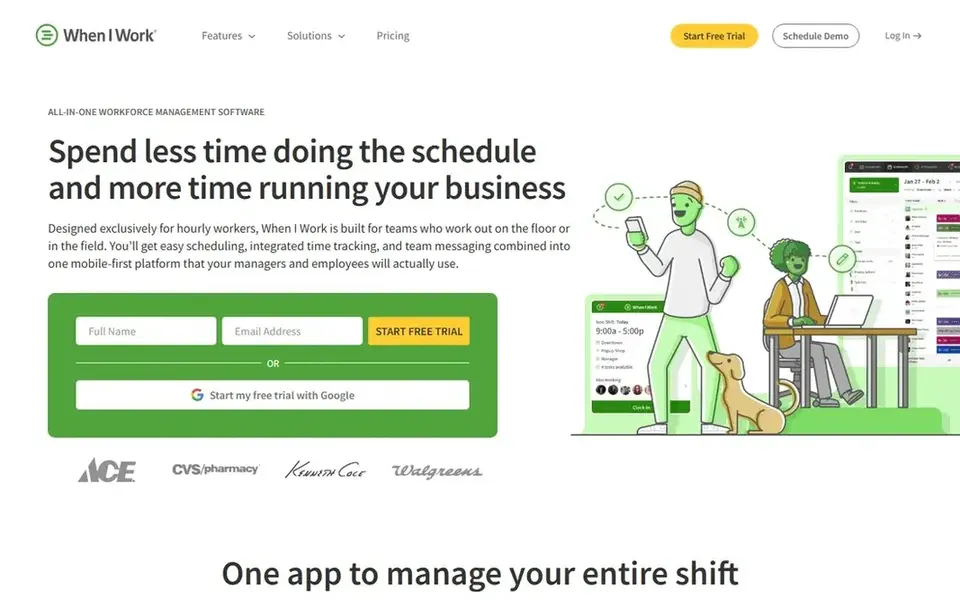
Think of When I Work for shift scheduling, time tracking and messaging. It is designed for shift-based workplaces usually, which makes it an adaptable choice for restaurants that want dependable scheduling and communication without a hospitality-only label.
What works well: Clear staff-facing mobile experience.
Drawbacks to consider: Deeper HR needs need other tools. Worth adding: since it serves plenty of shift-based industries, When I Work is not tailored to restaurant-specific workflows for example tip handling or menu-driven labor planning. Entry price for When I Work: $2.50 per user per month. Free access: Free trial.
- Time tracking and messaging in one app
- Works across shift-based industries
- Not hospitality-exclusive
How we built this list
ProMapRanker used vendor pricing pages and product documentation as the base, then compared plans, free access and documented limits for 6 tools. Seat minimums, billing terms and add-ons can move the real cost, so the starting prices here are a guide and not a quote. Tools are placed by general fit for AI restaurant scheduling software, with price clarity and free access as tie-breakers. A different team can reasonably rank them differently.
What to check before you buy
- Confirm the entry price on the vendor page. For HotSchedules that means a quote rather than a fixed price.
- Read the fine print on the free plans from Sling and Homebase; seat, project and feature caps differ.
- Run a trial of Deputy and When I Work with real work before paying for a year; your own workflow is the best test.
- Read the limits listed for Sling first: lighter on payroll and HR depth.
- Price Push Operations for your actual team size; headline prices rarely include add-ons or overage.
- Find out whether the entry plan of When I Work covers your must-haves or only a trimmed-down version.
Frequently asked questions
Can I try these options before paying?
Often, yes. Sling and Homebase have a free plan and Deputy and When I Work offer a free trial. Use your own data and a real task during the test, and check what the free tier or trial limits before you rely on it. For the full picture, the cards above cover all 6 entries of this AI restaurant scheduling software list, including price, free plan and limits.
How are the tools for AI restaurant scheduling software ordered?
Sling sits first and When I Work last because the order follows typical fit for AI restaurant scheduling software, then price clarity and free access. It is a judgement call, so read each profile for fit and limits.
Can scheduling software also manage payroll for restaurant staff?
Multiple tools here combine scheduling with payroll, including Homebase, Deputy and Push Operations. Check that payroll in your region is supported and how tip handling is treated before relying on it.
Is Sling the right pick for everyone comparing AI restaurant scheduling software?
No single tool suits every team. Sling comes first because it fits simple shift planning and team messaging, while Homebase suits small hourly teams needing scheduling plus payroll and Push Operations suits restaurant payroll, HR and scheduling together. Match the tool to your own size, budget and workflow before deciding.
How do I roll out new scheduling software without disrupting service?
Train managers first, then staff on viewing shifts and messaging. Also, confirm integrations and payroll settings before the first full pay cycle so hours flow correctly.
What is the cheapest option for AI restaurant scheduling software in this list?
On published monthly entry prices, Sling is the lowest here at $1.70 per user per month. Entry price is only part of the cost, because seats, add-ons and billing terms can change the total. Prices, free plan details and limits for all 6 tools in this AI restaurant scheduling software roundup sit on the individual cards above.
Sources
See where you really rank - block by block
ProMapRanker scans Google Maps across a grid of your service area. Simple monthly plans from $19, white-label on every plan.
Start freeBrowse all guides
← Best AI Orchestration Software for Remote Teams (2026)Best AI Writing Assistants Software for Remote Teams (2026) →
 best ai meeting assistants software for enterprise
6 Best AI Meeting Assistants Software for Enterprise in 2026
Best AI meeting assistants software for enterprise in 2026: 6 tools with starting prices, free plans and limits. Short verdicts, no fluff. Facts only.
Read → best ai governance platform for compliance teams
Best AI Governance Platform for Compliance Teams (2026)
Best AI governance platform for compliance teams: 6 contenders ranked by fit, with entry costs and free tiers. We note where every tool falls short. No filler.
Read → best ai dock scheduling software
AI Dock Scheduling Software: Best Picks of 2026
Need the best AI dock scheduling software? We compare 6 tools on cost, free access and who each suits. Each listing flags where it falls short. Easy to scan.
Read → best ai knowledge base software
Best AI Knowledge Base Software in 2026
Our guide to the best ai knowledge base software compares 10 tools for AI search, verified answers, help centres and internal wikis for teams. Read more.
Read → best secure remote access software
How to Pick Secure Remote Access Software
Searching for the best secure remote access software? Here are 7 options with prices and free plans. Each tool gets a one-line verdict. Checked this month.
Read → neo4j alternatives
Best Neo4j Alternatives in 2026
Compare the best neo4j alternatives for graph projects, from multi-model databases to fast in-memory engines, with pricing and honest trade-offs today.
Read →More in Project Management & Productivity · All guides A to Z by date · Latest guides