 ProMapRanker
6 Best AI Meeting Assistants Software for Enterprise in 2026

Organizations standardized on Zoom · Pricing starts at: See website
Direct answer
For organizations standardized on Zoom, Zoom AI Companion is where this list starts. Listed starting prices: Otter.ai from $8.33 per user per month, Fireflies.ai from $10 per seat per month, billed yearly and Read AI from $15 per user a month. Look at Google Gemini for teams working in Google's ecosystem, and at Otter.ai for live notes with action items. The remaining 3 options are covered below with prices and limits.
If you are comparing AI meeting assistants software for enterprise, this page covers 6 tools in one place: what each is best for, what it costs to start, whether it has a free plan, and the main limit to know about.
Key takeaways
- Zoom AI Companion takes the first slot, best suited to organizations standardized on Zoom.
- Otter.ai has the lowest monthly starting price in this list: $8.33 per user per month.
- One limit worth knowing about Zoom AI Companion: value concentrated inside Zoom workflows.
- Read AI is the one to check for meeting notes plus enterprise search.
- A free plan is available from 3 of the 6 tools: Otter.ai, Fireflies.ai, Read AI.
Quick comparison
| Pick | Great for | Pricing starts at | Free tier | |
|---|---|---|---|---|
| Zoom AI Companion | Organizations standardized on Zoom | See website | Not stated | Visit |
 Google Gemini | Teams working in Google's ecosystem | See website | Not stated | Visit |
 Otter.ai | Live notes with action items | $8.33 per user per month | Yes | Visit |
 Fireflies.ai | Cross-platform generative meeting summaries | $10 per seat per month, billed yearly | Yes | Visit |
 Microsoft Copilot | Enterprises embedded in Microsoft 365 | See website | Not stated | Visit |
 Read AI | Meeting notes plus enterprise search | $15 per user a month | Yes | Visit |
AI Meeting Assistants Software for Enterprise, one by one
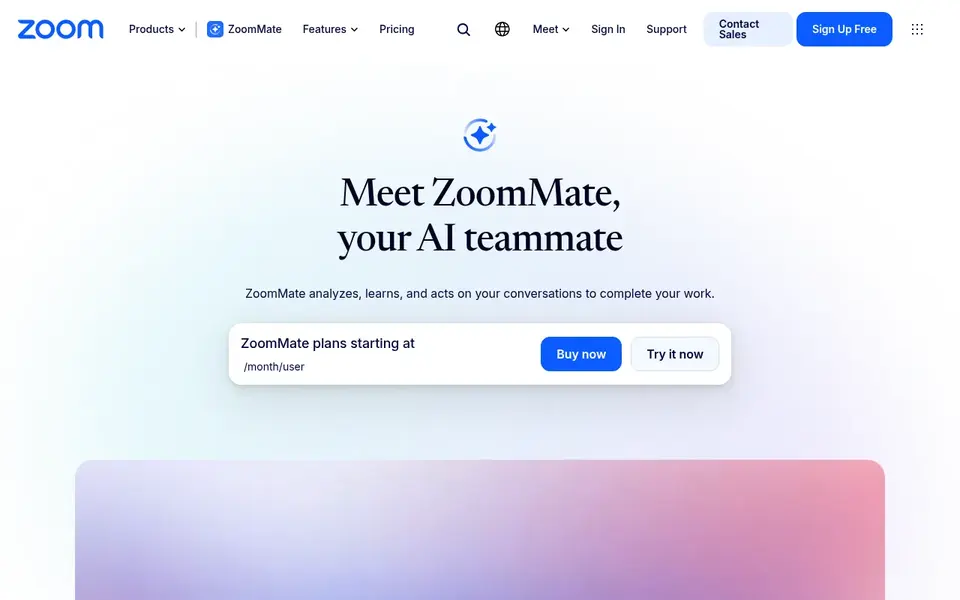
Where Zoom AI Companion fits: organizations standardized on Zoom. For enterprises already running meetings and communication through Zoom, this keeps meeting assistance close to where conversations happen and eases administration for IT teams.
What to check first: Less useful for teams outside the Zoom ecosystem.
Pricing for Zoom AI Companion is not stated here, so ask the vendor for current figures. As for free access: Not stated.
- Webinars and whiteboard
- Native to the Zoom collaboration system
- Value concentrated inside Zoom workflows
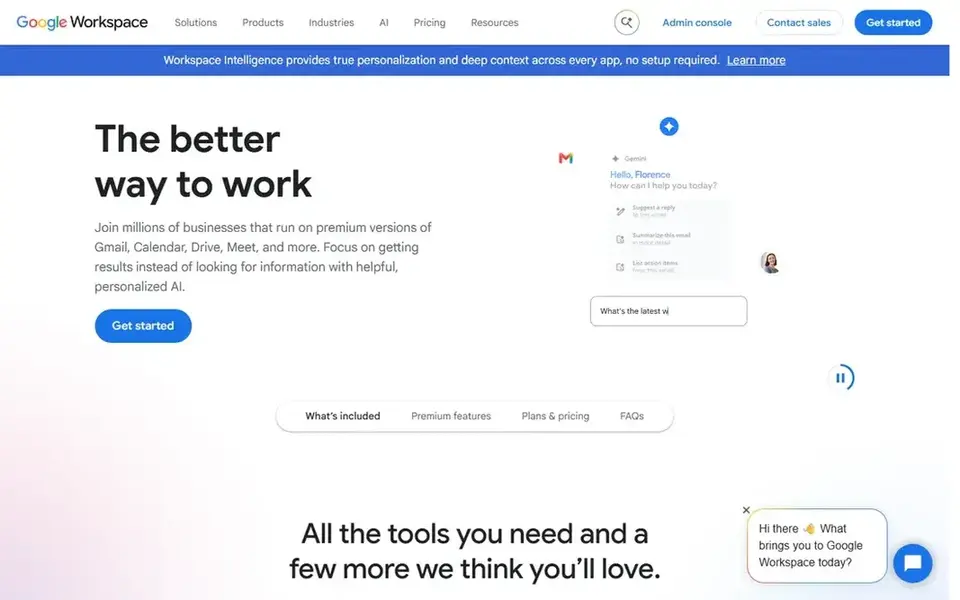
In short, Google Gemini is for teams working in Google's ecosystem. Enterprises that run on Google productivity tools can use it to follow up on meetings and turn discussions into written material, making it a practical companion instead of a standalone meeting recorder.
Pricing for Google Gemini is not stated here, so ask the vendor for current figures. Free options: Not stated.
Downsides: Meeting coverage relies on connected apps.
- General-purpose assistant for workplace tasks
- Handy for drafting and summarizing work
- Not a dedicated meeting notetaker
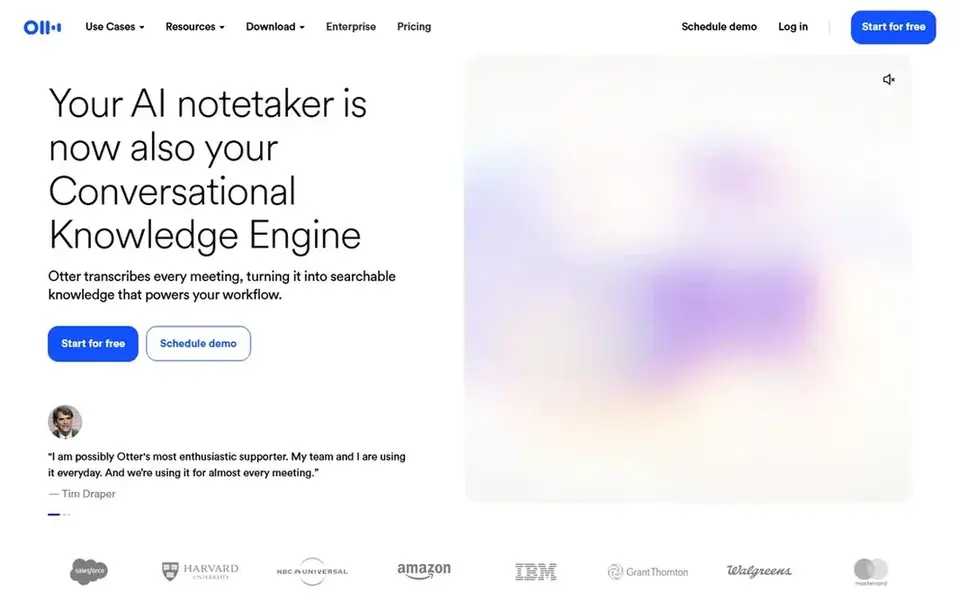
Otter.ai was built for live notes with action items. It fits organizations seeking a focused meeting assistant rather than a wide productivity suite.
In daily use, since Otter.ai centers on its own meeting agent, teams heavily invested in a single collaboration system may prefer a native assistant that lives inside that product. Otter.ai cost at the entry level: $8.33 per user per month. Free access exists with Otter.ai.
Drawbacks to consider: Best value tied to its own workspace.
- Insights and action items generated from meetings
- Dedicated meeting agent experience
- Advanced controls vary by configuration
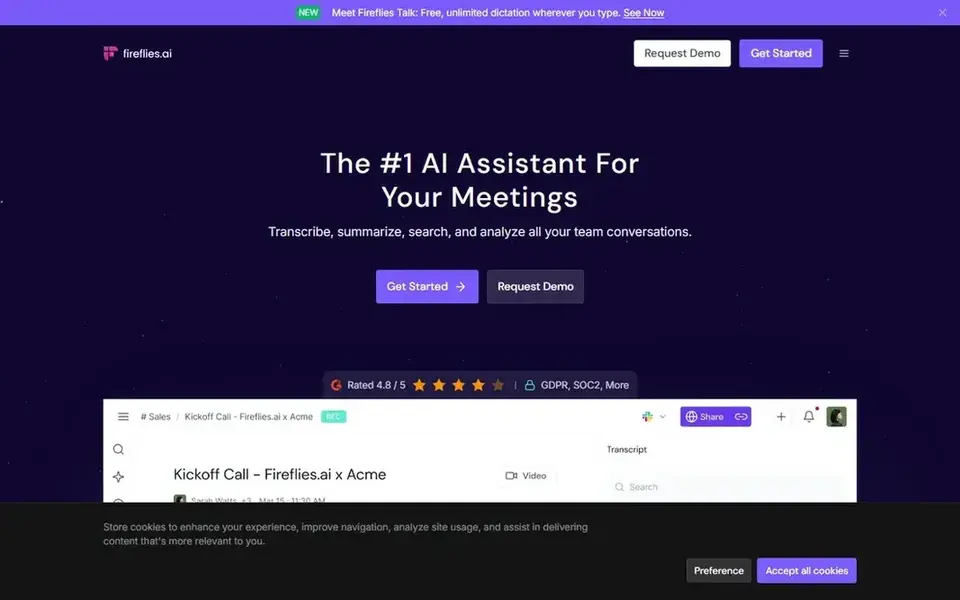
Fireflies.ai targets cross-platform generative meeting summaries. Fireflies.ai describes itself as an AI teammate that transcribes, summarizes and examines meetings, using generative AI to bring assistant-style capabilities into conversations.
It produces transcripts and smart summaries for Zoom, Google Meet, Microsoft Teams, Webex and multiple other products, which makes it attractive for enterprises where different teams meet on different tools. Fireflies.ai starts at: $10 per seat per month, billed annually. Fireflies.ai has a free plan.
What to check first: Feature depth relies on configuration.
- Generative AI summaries and transcripts
- Works across Zoom
- Summary quality needs review on complicated calls
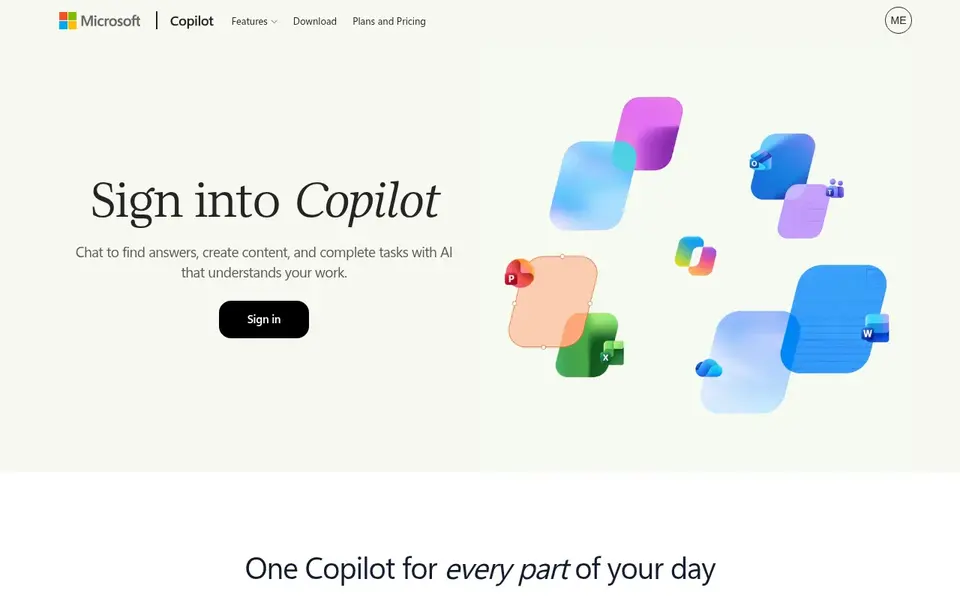
Microsoft Copilot makes the most sense for enterprises embedded in Microsoft 365. For enterprises standardized on Microsoft collaboration and productivity tools, it can support meeting follow-ups alongside everyday document and communication tasks.
Also, review deployment and data governance requirements with the vendor before rolling it out widely. Microsoft Copilot shows no starting price here, so confirm the cost on the vendor site. Trial and free access: Not stated.
Where it falls short: Setup and governance need planning.
- Draws on work context across Microsoft tools
- Lives in apps teams already use
- Wide suite instead of a meeting-only tool
Read AI is aimed squarely at meeting notes plus enterprise search. Teams wanting a single-platform native assistant may prefer the tool built into their meeting product. Beyond that, Read AI supplies meeting summaries, transcripts and an AI notetaker.
It works wherever you work, including Microsoft Teams, Google Meet, Zoom, desktop and mobile, plus assistant integrations. Its enterprise search angle appeals to organizations that want meeting knowledge to be findable beyond the call itself. Since Read AI spans several surfaces, administrators should review configuration and data controls before broad deployment. What you pay to start with Read AI: $15 per user per month. Read AI offers a free plan.
The main drawbacks: Search value relies on connected content.
Reasons to shortlist it: Works across Teams.
- Meet and Zoom
- Extends into enterprise search
- Settings need review before broad rollout
What to check before you buy
- Ask Zoom AI Companion, Google Gemini and Microsoft Copilot for a written quote, since no starting price is shown.
- Read the fine print on the free plans from Otter.ai, Fireflies.ai and Read AI; seat, project and feature caps differ.
- Before choosing Zoom AI Companion, weigh its main limit: value concentrated inside Zoom workflows.
- Look at which plan of Read AI unlocks the features you need; entry tiers are often cut down.
- Make sure Google Gemini lets you export your data in a format another tool can read.
Frequently asked questions
Is Zoom AI Companion the right pick for everyone comparing AI meeting assistants software for enterprise?
No single tool suits every team. Zoom AI Companion comes first because it fits organizations standardized on Zoom, while Google Gemini suits teams working in Google's ecosystem and Otter.ai suits real-time notes with action items. Match the tool to your own size, budget and workflow before deciding.
Do these tools publish their prices?
Not all of them. Zoom AI Companion, Google Gemini and Microsoft Copilot publish no starting price, so expect a quote request for those. The rest, Otter.ai included, show a starting price, though seats and billing terms still change the final cost.
Is a native assistant better than an external notetaker?
A native assistant for example Zoom AI Companion or Webex AI Assistant keeps meeting intelligence inside the product you already administer. External tools like Otter.ai and Fireflies.ai commonly handle several products, which helps organizations with mixed meeting environments.
Which options for AI meeting assistants software for enterprise have a free plan?
Otter.ai, Fireflies.ai and Read AI offer a free plan in this list. Free plans usually cap users, projects or features, so check the limits on the vendor page.
What is the cheapest option for AI meeting assistants software for enterprise in this list?
On published monthly entry prices, Otter.ai is the lowest here at $8.33 per user per month. Entry price is only part of the cost, because seats, add-ons and billing terms can change the total. Each of the 6 options in this AI meeting assistants software for enterprise guide has its own card above with the price, free plan and limits.
What should enterprises look for in an AI meeting assistant?
Prioritize system coverage, accuracy of transcription and summaries, and administrative controls for data retention and access. Also check how the assistant suits your existing collaboration and security requirements before standardizing.
Sources
See where you really rank - block by block
ProMapRanker scans Google Maps across a grid of your service area. Simple monthly plans from $19, white-label on every plan.
Start freeBrowse all guides
← Best AI Governance Platform for Compliance Teams (2026)Best AI Orchestration Software for Remote Teams (2026) →
 best ai dock scheduling software
AI Dock Scheduling Software: Best Picks of 2026
Need the best AI dock scheduling software? We compare 6 tools on cost, free access and who each suits. Each listing flags where it falls short. Easy to scan.
Read → best ai agent platforms for saas teams
AI Agent Platforms for SaaS Teams in 2026: Top 5 Compared
Compare 5 best AI agent platforms for SaaS teams, with prices, free plans and who each fits. Cost notes and weak points included. Built for quick decisions.
Read → best ai meeting notes software for compliance
Best AI Meeting Notes Software for Compliance (2026)
Searching for the best AI meeting notes software for compliance? Here are 6 options with prices and free plans. Read the caveats before you buy. See which fits.
Read → spotify backstage alternatives
Best Spotify Backstage Alternatives in 2026
The best spotify backstage alternatives for internal developer portals in 2026, compared on catalogs, scorecards, templates and price for platform teams.
Read → best remote control software for small business
Best Remote Control Software for Small Business in 2026
Compare the best remote control software for small business on price, security, unattended access and support features for small teams in 2026 right now.
Read → best soar platforms
SOAR Platforms Compared
Searching for the best SOAR platforms? Here are 7 options with prices and free plans. Price notes and drawbacks come with each one. Pick with confidence.
Read →More in Project Management & Productivity · All guides A to Z by date · Latest guides