 ProMapRanker
Best AI Knowledge Base Software in 2026


Support and sales teams needing verified answers · Pricing starts at: See website
Key takeaways
- Guru and Document360 suit teams that need verified, customer-facing answers, while Notion and Confluence suit internal wikis.
- Zendesk and Intercom suit support teams already using those helpdesk platforms.
- Slite and Tettra suit smaller teams that want fast internal answers.
- Check AI pricing carefully, since some tools charge per resolution or per outcome on top of seat prices.
Quick comparison
| Pick | Great for | Pricing starts at | Free tier | |
|---|---|---|---|---|
| Guru | Support and sales teams needing verified answers | See website | Free trial | Visit |
 Notion | Teams wanting a flexible wiki with AI search | $10 per member per month | Yes | Visit |
 Zendesk | Support teams already on Zendesk Suite | $55 per agent per month | Free trial | Visit |
 Intercom | Teams already using Intercom for support and messaging | $29 per seat per month | Free trial | Visit |
 Document360 | Product teams needing a dedicated help centre | See website | Free trial | Visit |
 Helpjuice | Mid-market teams wanting a custom help centre | $249 per month | Free trial | Visit |
 Slite | Small teams wanting fast internal AI answers | See website | Yes | Visit |
 Tettra | Slack-first teams answering repeat questions | $8 per user per month | Free trial | Visit |
 Bloomfire | Enterprises sharing knowledge across departments | See website | Free trial | Visit |
 Confluence | Teams already using Jira and Atlassian tools | $5.42 per user per month | Yes | Visit |
The best ai knowledge base software
We compared tools that use AI to search, summarise and answer from your own documents, help articles and internal wikis. The best choice depends on whether the knowledge base is for customers, for staff, or for both. We checked official pricing pages and product documentation, and we favoured tools that cite sources or link back to articles, since an answer without a source is hard to trust.
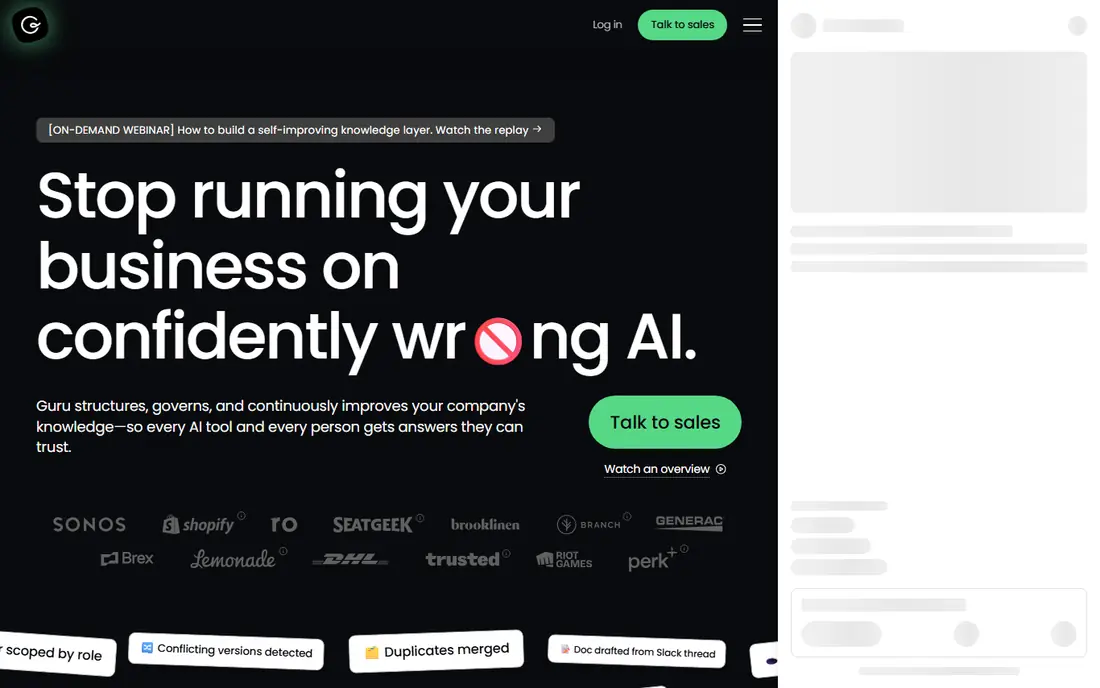
Guru focuses on a problem many teams ignore: stale knowledge. Its verification workflows ask owners to review pages on a schedule, so AI answers draw from content that is still current. That matters for support and sales teams, where an old policy or price can cause a real mistake.
The cost is commitment. Pricing is quoted, and Guru works best when someone owns each topic area. Without owners and regular reviews, even a good AI tool will surface outdated pages. Assign owners before you buy, and trial Guru with your most-asked questions.
- Verified knowledge workflows
- AI answers from trusted content
- Browser and app integrations
- Quote-led pricing
- Setup needs content ownership
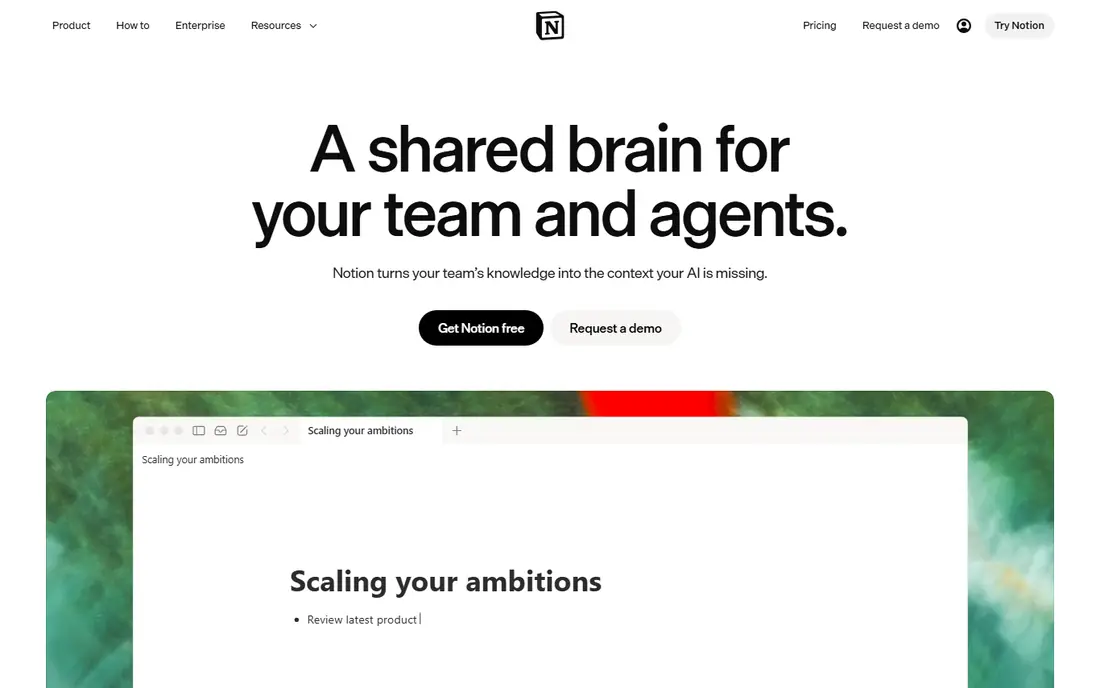
Notion is the flexible pick for internal knowledge. Teams can build wikis, project docs and databases in one workspace, and AI features help with writing, summarising and searching across pages. The free plan makes it easy for a small team to start, and paid plans add collaboration controls.
As a customer help centre, Notion is weaker. It lacks the custom domains, SEO controls and ticket deflection tools of purpose-built help centres, so support teams should look at Zendesk or Document360 instead. For internal knowledge, though, Notion is hard to beat for flexibility.
- Flexible pages and databases
- AI writing and search
- Free plan
- Customer help centre features are limited
- AI is an add-on in some plans
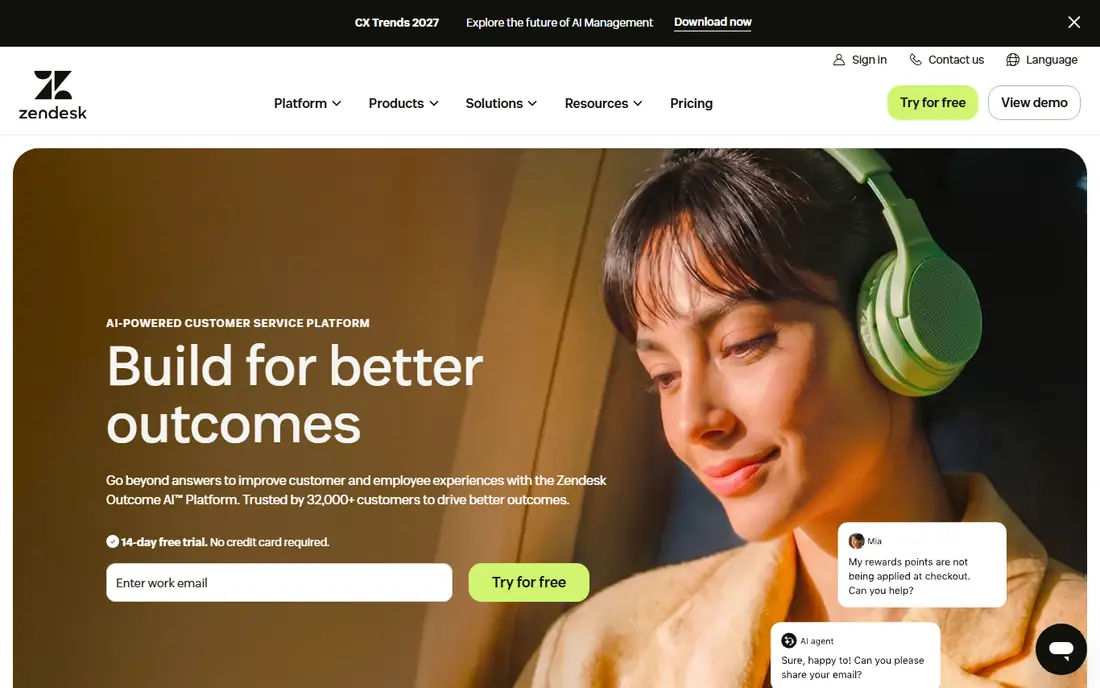
Zendesk suits support teams that already use its ticketing system, since the help centre, AI answers and agent workspace share the same data. AI can suggest articles, deflect tickets and help agents find answers faster, and managers can track which articles prevent tickets. That closed loop is the main advantage.
AI cost needs attention. Beyond the Suite seat price, AI resolutions can be billed per resolution after an included allowance, so high ticket volumes change the total. Model your ticket volume before you choose a tier, and check which AI features are included versus add-ons.
- Help centre plus ticketing
- AI answers and deflection
- Broad integrations
- AI resolutions add cost
- Suite pricing rises with tiers
Intercom pairs a public help centre with Fin, its AI agent, and live messaging in the same system. Customers can get an AI answer first, then move to a human agent without repeating themselves, which suits product-led companies with in-app support. The help centre and agent share the same knowledge.
The pricing model needs care. Fin is billed per outcome, so a successful AI resolution costs money even though it saves agent time. That can still be good value, but finance teams should model outcome volume and compare it with seat-only alternatives before committing.
- Help centre plus Fin AI agent
- Messaging integration
- Outcome-based AI pricing
- Fin pricing is per outcome
- Costs vary with volume
Document360 is built specifically for documentation, with separate portals for customers and staff, versioning, workflows and AI search. Its Eddy AI tools help generate and improve articles, and ticket deflection features connect to helpdesks such as Zendesk. Product and docs teams often prefer this focus over a general wiki.
The main drawback is pricing transparency. Document360 moved to quote-based pricing, so a small team cannot budget from the website alone. Request a quote for your author count and portal needs, and confirm which AI features are included in that quote.
- Dedicated docs platform
- AI search and writing
- Ticket deflection tools
- Quote-led pricing
- No simple published price
Helpjuice suits teams that want a help centre that looks and feels like their own brand, not a generic template. Customisation, analytics and authoring tools are strong, and migration help can ease a move from another platform. It is a dedicated help centre, not a wiki with a public skin.
Cost is the barrier for small teams, since entry pricing starts at $249 per month and AI features sit on higher tiers. For a mid-market support team with a large article library, that price can be justified, but a small team should compare Help Scout or Notion first.
- Customisable help centre
- AI suite on higher tiers
- Migration help
- Entry price is high for small teams
- AI needs a higher tier
Slite is a simple internal knowledge tool with AI search that can answer across connected apps, not just Slite pages. That breadth helps small teams that store knowledge in several tools, since one search can surface docs, notes and related pages. Setup is quick, and the interface stays out of the way.
The limit is customer use. Slite is built for internal teams, so a public help centre with SEO and deflection needs a different tool. For internal answers, though, Slite is a clean, affordable alternative to a sprawling wiki that nobody maintains.
- Simple internal docs
- AI search across tools
- Easy setup
- Customer-facing help centre is limited
- Pricing varies by plan
Tettra is built for teams that live in Slack and keep answering the same questions. It captures answers in a wiki, surfaces them in Slack, and reminds owners to verify pages so answers stay current. That Slack-first design suits remote teams that already discuss work there daily.
The scope is internal only, so customer help centres need another tool. Some plans also have minimum user counts, which can raise the effective price for very small teams. For a Slack-heavy team, Tettra is still one of the most practical internal options.
- Slack integration
- Q and A workflows
- Verification reminders
- Internal only
- Minimum user counts on some plans
Bloomfire suits large companies that need to share knowledge across departments, including documents, videos and discussions, not just articles. Its AI discovery and search help staff find expertise and content that would otherwise stay in one team. That company-wide scope is its main strength.
Pricing is quoted and implementation needs planning, so Bloomfire is not a quick small-team purchase. Shortlist it when knowledge is scattered across departments and a simple wiki cannot surface it, and ask for a quote based on your user count and content volume.
- Enterprise knowledge sharing
- Mixed media search
- AI discovery
- Quote-led pricing
- Implementation needs planning
Confluence is the natural wiki for teams already using Jira, since project docs, requirements and knowledge pages link together. Its structured pages, templates and permissions suit engineering and product teams, and the free tier covers up to ten users. AI features through Atlassian Rovo add search and summarising in higher plans.
As a customer help centre, Confluence is limited, much like Notion. Public-facing docs, SEO and deflection are not its strengths, so support teams should pair it with a dedicated help centre or choose a different tool. For internal Atlassian teams, it is a strong, familiar choice.
- Atlassian integration
- Structured team docs
- Free tier for small teams
- Customer help centre features are limited
- AI features vary by plan
How we picked these
We compared tools with live official sites and AI features that search or answer from a team's own content, not generic chatbots. We checked pricing pages, AI pricing models and help centre versus internal wiki fit, and we favoured tools that link answers back to source articles. Where pricing was quoted, we wrote See website rather than publishing a third-party estimate as fact.
We also weighed audience carefully. A customer help centre needs public SEO, custom domains and deflection tracking, while an internal wiki needs fast search, verification and app integrations. That is why the list mixes both types, and why each write-up states which audience it suits.
How to choose AI knowledge base software
Start with the audience. If customers will read the articles, shortlist Document360, Helpjuice, Zendesk and Intercom. If only staff will use it, Notion, Confluence, Slite, Tettra and Guru deserve the first look. If both audiences matter, consider separate portals or a tool that supports both cleanly.
Test AI answers on your hardest questions, not your easiest ones. Check whether answers cite the source article, how often they are wrong, and how easy it is to correct a bad answer. Finally, model AI costs for your volume, since per-resolution and per-outcome pricing can change the total more than seat prices.
Frequently asked questions
What is the best ai knowledge base software?
The best tool depends on audience. Document360 and Helpjuice suit customer help centres, Guru suits verified internal answers, and Notion and Confluence suit internal wikis. Start with who will read the content.
What are the best ai knowledge base platforms for support teams?
Zendesk and Intercom suit teams already on those platforms, since help centre, AI and ticketing share data. Document360 and Helpjuice suit teams that want a dedicated help centre independent of a helpdesk.
What are the best ai knowledge base tools for small teams?
Notion, Slite and Tettra are practical for small teams because of free tiers, simple setup and low entry prices. Check whether AI features are included or billed separately before you choose.
What are the top software with ai knowledge base features?
Top options include Guru, Notion, Zendesk, Intercom, Document360 and Confluence, each with a different strength. Compare audience fit, source citation and AI pricing, not just the AI label.
Should AI answers cite their sources?
Yes, wherever possible. A cited answer lets staff and customers check the source article, correct errors and trust the system. Trial any tool with your own documents and reject answers that cannot be traced.
Sources
See where you really rank - block by block
ProMapRanker scans Google Maps across a grid of your service area. Simple monthly plans from $19, white-label on every plan.
Start freeKeep reading
 zscaler alternatives
Best Zscaler Alternatives in 2026
Looking for zscaler alternatives? We compare 9 SASE and zero trust platforms on architecture, data protection, pricing, and fit for your network and team.
Read → zapier alternatives free
Best Zapier Alternatives Free in 2026
Nine automation tools for zapier alternatives free in 2026, all with genuinely free tiers, plus free plan limits, starting prices and upgrade paths explained.
Read → which platform is best for online reputation
Which Platform Is Best for Online Reputation in 2026
Wondering which platform is best for online reputation? We compare 8 review, listing, and response tools for small and multi-location businesses and agencies.
Read →