 ProMapRanker
Best AI Project Management Tools in 2026


Teams that want polished projects with AI help · Pricing starts at: $10 per user per month
Key takeaways
- ClickUp and Asana offer the clearest AI value for mid-size teams, but both meter AI use, so check credit limits before you buy.
- Motion suits individuals and small teams that want AI to schedule the day, while Notion suits teams that mix docs and projects.
- Monday.com, Wrike, and Smartsheet add AI to familiar project structures, which eases adoption for teams that already plan that way.
- The cheapest plan is rarely the cheapest AI plan, since full AI features often sit on higher tiers or paid add-ons.
Quick comparison
| Pick | Great for | Pricing starts at | Free tier | |
|---|---|---|---|---|
| Asana | Teams that want polished projects with AI help | $10 per user per month | Yes | Visit |
 ClickUp | Teams that want many tools and AI in one place | $7 per user per month | Yes | Visit |
 Monday.com | Visual teams that want AI boards and automations | $9 per user per month | Yes | Visit |
 Notion | Teams that mix docs, wikis, and projects | $10 per user per month | Yes | Visit |
 Motion | People who want AI to plan their day | $19 per user per month | Free trial (7 days) | Visit |
 Wrike | Structured teams that need resource planning | $10 per user per month | Yes | Visit |
 Smartsheet | Spreadsheet-minded teams that want AI help | See website | Free trial (30 days) | Visit |
 Linear | Software teams that want fast issue tracking with AI | See website | Yes | Visit |
The best AI project management tools
AI in project tools should do real work: draft tasks, summarize updates, flag risks, and rebuild a plan when dates move. The eight tools below add those features in different ways, and we compared them on AI scope, credit rules, core project features, and price. Watch credit limits closely, since a tool that looks cheap can grow costly once a whole team uses AI every day.

Asana pairs a polished project system with AI that helps at each stage of work. AI Studio lets teams build custom workflows, AI teammates can draft updates and triage tasks, and summaries help managers catch up without reading every comment. Timelines, portfolios, and workload views give larger teams a clear picture across many projects at once.
Metering is the catch. Lower tiers include a limited pool of AI requests, with extra requests billed per use, so a team that leans on AI daily should check the allowance before committing. For teams that want a proven project tool with AI that fits into real workflows, Asana remains a strong and steady pick.
- Clean timelines, portfolios, and goals
- AI Studio for custom workflows
- Strong integration catalog
- AI requests are metered on lower tiers
- Advanced features need higher plans
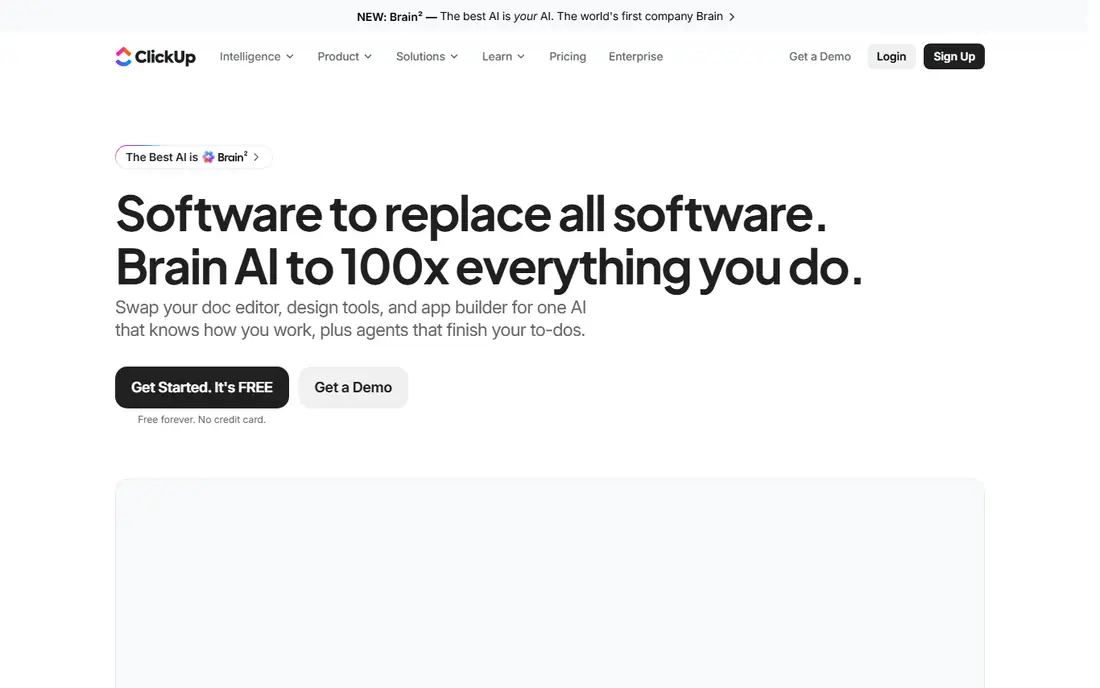
ClickUp tries to replace several tools at once, and its AI follows the same idea. Brain AI drafts tasks and docs, summarizes threads, and searches across the workspace, while an AI notetaker can turn meetings into tasks. The free plan covers unlimited members with limits, and the paid Unlimited tier starts at a low per-user price, which makes ClickUp the value leader in this group.
AI pricing needs a close read. Brain AI and fuller AI tiers cost extra per user, and credits are pooled or capped by plan. The interface also carries many options, which can overwhelm a new team. For teams that want one workspace for tasks, docs, and chat, with AI layered on top, ClickUp offers a lot for the price.
- Tasks, docs, chat, and whiteboards in one workspace
- Low paid starting price
- Generous free plan
- Full AI costs extra per user
- Interface can feel crowded for new users
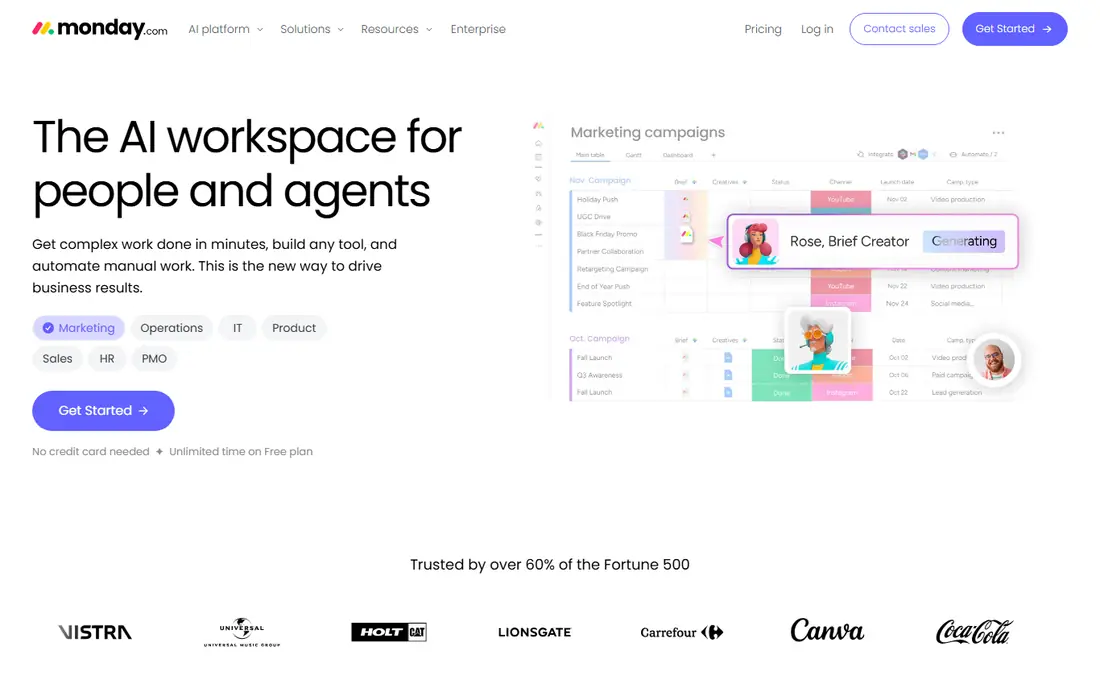
Monday.com brings AI to boards that many teams already understand. AI blocks can draft, summarize, and categorize items, agents can handle routine steps, and an AI notetaker on Standard and above can turn meetings into board items. Boards, timelines, and dashboards make progress visible without a separate reporting tool.
Credit rules are the limit. AI runs on a shared credit pool that varies by plan, and new accounts may need credits to use some AI features. Paid plans also start with a minimum seat count, so very small teams pay for extra seats. For visual teams that want AI inside a familiar board system, Monday.com is a friendly and capable choice.
- Visual boards that teams learn fast
- AI blocks and agents on higher plans
- Strong automations and dashboards
- Minimum seat counts on paid plans
- AI credits are pooled and capped by plan
Notion suits teams whose projects live inside documents. Pages, wikis, and task databases share one workspace, so a project brief, a task board, and meeting notes can sit together. Notion AI drafts pages, summarizes long docs, and searches across the workspace, while Business adds Notion Agent, meeting notes, and enterprise search for teams that need deeper AI help.
Project depth is the trade-off. Notion lacks some of the resource planning, portfolio controls, and time tracking found in Asana or Wrike, and full agent features need the Business tier. For content, product, and operations teams that plan inside docs, Notion offers a flexible system with AI that genuinely fits the way they already work.
- Docs, wikis, and task databases in one workspace
- Notion AI for drafting and search
- Flexible templates
- Full AI agents sit on Business and above
- Project features are lighter than dedicated PM tools
Motion takes a different route: instead of only tracking projects, it plans your day. AI scheduling places tasks into calendar gaps based on priority and deadlines, then rebuilds the plan when a meeting moves or a task runs long. Projects, tasks, calendar, and meeting notes sit in one app, which suits busy individuals and small teams that juggle many deadlines.
Cost and control are the drawbacks. There is no free plan, the trial requires a payment method, and AI use runs on credits per seat. Some users also find automatic scheduling too assertive when they prefer to plan by hand. For people who want the calendar to do the planning, Motion is the most direct AI scheduling tool on this list.
- AI scheduling rebuilds the day when meetings move
- Calendar, tasks, and projects in one app
- Meeting notes and docs help
- No free plan
- AI credits are metered, and the trial requires a card
Wrike suits teams that plan with structure. Gantt charts, dependencies, workload views, and time tracking help managers see who is overloaded and which dates are at risk. AI Essentials on the Team tier adds summaries and assistance within fair-use limits, while Business adds a larger AI tier for teams that use AI across many projects.
The Team tier cap matters. It covers up to 15 users, so larger teams must move to Business, which costs more per user. Wrike also feels more formal than Monday or Notion, which suits operations and marketing teams with clear processes but may feel heavy for a tiny startup. For structured project work with AI help, Wrike is a solid, grown-up choice.
- Gantt charts and workload views
- AI Essentials on Team
- Strong controls for larger projects
- Team tier caps at 15 users
- Fuller AI features need Business and above
Smartsheet speaks the language of spreadsheets. Grids, formulas, Gantt charts, and card views let teams plan in a format many staff already know, while dashboards and reports roll work up for managers. AI features on paid plans help draft, summarize, and analyze sheet data, which suits teams that track budgets, timelines, and deliverables in rows and columns.
There is no free plan, only a trial, and pricing varies by plan and member count, so a team should confirm the current rate on the vendor page. Smartsheet also lacks some of the chat and doc depth found in ClickUp or Notion. For teams that think in sheets and want AI help inside that format, Smartsheet is a natural fit.
- Familiar grid, Gantt, and card views
- AI features on paid plans
- Strong reporting and integrations
- No free plan
- Pricing varies by plan and member count
Linear is built for software teams, and it shows. Issues, cycles, and project timelines move fast, keyboard shortcuts speed every action, and integrations with code tools fit developer workflows. Linear Agent helps triage incoming issues, draft descriptions, and summarize work, which saves product and engineering teams real time each week.
General business teams may find it narrow. Marketing, operations, and client work fit less naturally than in Asana or Monday, and heavier AI use draws on prepaid credits. For a software team that wants speed, focus, and AI help inside issue tracking, Linear is one of the best tools available.
- Very fast issue tracking and cycles
- Linear Agent for triage and drafting
- Keyboard-first workflow for developers
- Built for software teams, not general project work
- Heavier AI use runs on prepaid credits
How we picked these
We compared project tools with published AI features and pricing, plus public details on credit rules and plan limits. We favored tools where AI does visible work, such as drafting, summarizing, triage, or scheduling, rather than tools that only add a chatbot. We left out tools with no clear AI tier or no workable trial for a general team.
What to check before you buy
Test AI on your real work, not on a demo project. Ask it to summarize a messy thread, draft tasks from a brief, and rebuild a plan after a date moves, then judge whether the output saves time or needs heavy editing. Check credit allowances, what happens when credits run out, and whether AI costs extra per user on top of the seat price.
Confirm that the core project features fit your team without AI, since AI cannot fix a tool your team avoids. Check views, dependencies, workload, reporting, and mobile access, and run a two-week trial with one real project before rolling the tool out to a whole department.
Frequently asked questions
What are the best AI project management tools?
Asana, ClickUp, Monday.com, Notion, Motion, Wrike, Smartsheet, and Linear all offer strong AI features in 2026, each in a different style. Asana and ClickUp lead for general teams, Motion leads for AI scheduling, and Notion leads for doc-based project work. Trial two tools with a real project before you choose.
What is the best AI tool for project management for small teams?
ClickUp and Asana suit small teams well, with free plans and low paid starting prices. Motion suits very small teams that want AI scheduling above all else, while Notion suits teams that plan inside docs. Check AI credit limits, since small teams can still hit caps when everyone uses AI daily.
How does AI help with project management?
AI drafts tasks from briefs, summarizes long threads, flags at-risk dates, triages incoming work, and, in tools like Motion, rebuilds a daily plan when meetings move. The best results come when a human reviews AI output before it reaches clients or sets a deadline.
Do AI project management tools cost extra?
Often, yes. ClickUp charges extra for fuller AI tiers, Asana meters AI requests on lower plans, and Motion and Linear use credits for heavier AI work. Monday.com and Wrike include AI credits by plan, with caps that vary by tier. Always confirm the AI price on top of the seat price.
Which AI project management software is best for software teams?
Linear leads for software teams, with fast issue tracking, cycles, and an agent built for triage and drafting. Asana and ClickUp also work well for software teams that need broader project and doc features. Pick Linear when speed and developer workflow matter most.
Sources
See where you really rank - block by block
ProMapRanker scans Google Maps across a grid of your service area. Simple monthly plans from $19, white-label on every plan.
Start freeKeep reading
 eventbrite alternatives
Eventbrite Alternatives in 2026
Find Eventbrite alternatives in 2026 with lower fees, free events and better check-in, compared by pricing, features, payouts and who each platform suits.
Read → ebay alternatives
eBay Alternatives in 2026
Find the best eBay alternatives in 2026. We compare 8 marketplaces for sellers on fees, buyer reach, categories, shipping and ease of selling online today.
Read → cursor alternatives
Cursor Alternatives in 2026
Compare the best Cursor alternatives for AI coding, from GitHub Copilot and Windsurf to Zed, Claude Code, Cline, Aider, and Amazon Q Developer in 2026.
Read →