 ProMapRanker
Best AI Presentation Tools No Coding in 2026

Key takeaways
- Gamma is our pick for most people because it turns a short prompt into a clean, web-ready deck with little manual formatting.
- Beautiful.ai suits teams that need the same design rules applied to every deck, while Canva suits people who already design in Canva.
- SlidesAI and Plus AI are better choices when the finished deck must stay inside Google Slides or PowerPoint.
- Free plans differ a lot, so check credit limits, slide limits, and export rules before you build a deck you need to share.
Quick comparison
| Pick | Great for | Pricing starts at | Free tier | |
|---|---|---|---|---|
 Gamma | Fast prompt-to-deck creation | Free | Yes | Visit |
 Beautiful.ai | Consistent corporate decks | $14.50 per month | Free trial | Visit |
 Canva | All-round design and templates | Free | Yes | Visit |
 Pitch | Collaborative team decks | Free | Yes | Visit |
 Plus AI | Slides and PowerPoint users | $10 per month | Free trial | Visit |
 SlidesAI | Text-to-slides inside Google Slides | Free | Yes | Visit |
 Presentations.AI | Quick business decks with PowerPoint export | Free | Yes | Visit |
 Decktopus | Solo presenters and trainers | See website | No | Visit |
The best ai presentation tools no coding
These tools build slides from a prompt, an outline, or pasted text, so you do not need design skills or code to get a presentable deck. We compared prompt quality, editing control, sharing, and export options, with prices checked from vendor pages and recent pricing comparisons.
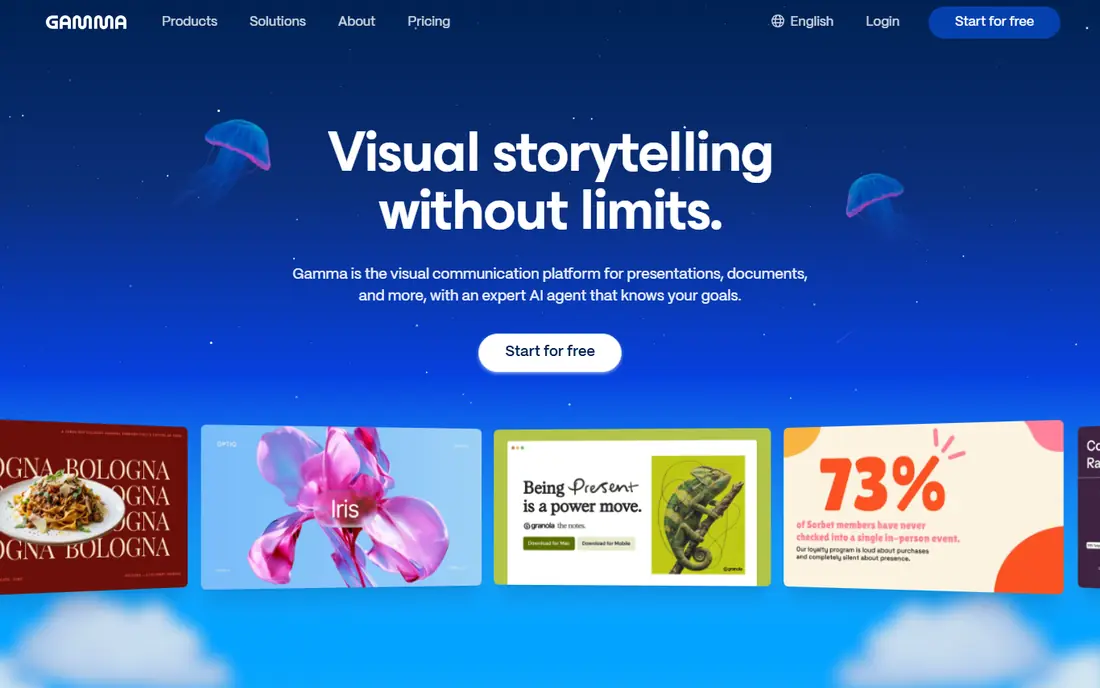
Gamma turns a short brief into a deck, a document, or a web page, and it is the fastest starting point we found for a first draft. You type what the deck should cover, pick a theme, and then edit text, images, and cards in the browser. The result looks polished without manual layout work, which is the main reason it leads this list for general use. Sharing a link is simple, and that makes it useful for internal updates, lessons, and client previews.
The catch is the credit system. The free plan starts with a set number of credits that do not refill, so heavy use will push you to a paid plan. Paid plans add more credits, remove Gamma branding, and add analytics and custom domains. If your final file must be a PowerPoint file, check the export step early, since some people will prefer a tool that lives inside PowerPoint from the start.
- Fast generation from a prompt
- Clean modern designs
- Web sharing with PDF and PowerPoint export on paid plans
- Free credits do not refill
- Web-first format may feel different from classic slide software
Beautiful.ai is built around smart templates that adjust spacing and layout as you add or remove content. That design discipline matters for teams, because one person cannot easily break the look of a shared deck by adding a long bullet list. Team plans add brand colors, fonts, and logo controls, so decks from different people still look like they came from the same company. For consulting, sales, and internal reporting, that consistency is worth more than wild creative freedom.
The trade-off is price and flexibility. There is a trial, but no lasting free plan, and the entry paid plan is higher than some rivals. Creative users who want full control over every shape and position may find the templates too firm. If you mainly need neat, on-brand decks at speed, however, Beautiful.ai does that job with less cleanup than most rivals.
- Smart slides that stay balanced as you edit
- Strong brand controls on team plans
- PowerPoint export
- No permanent free plan
- Less free-form than a blank canvas tool
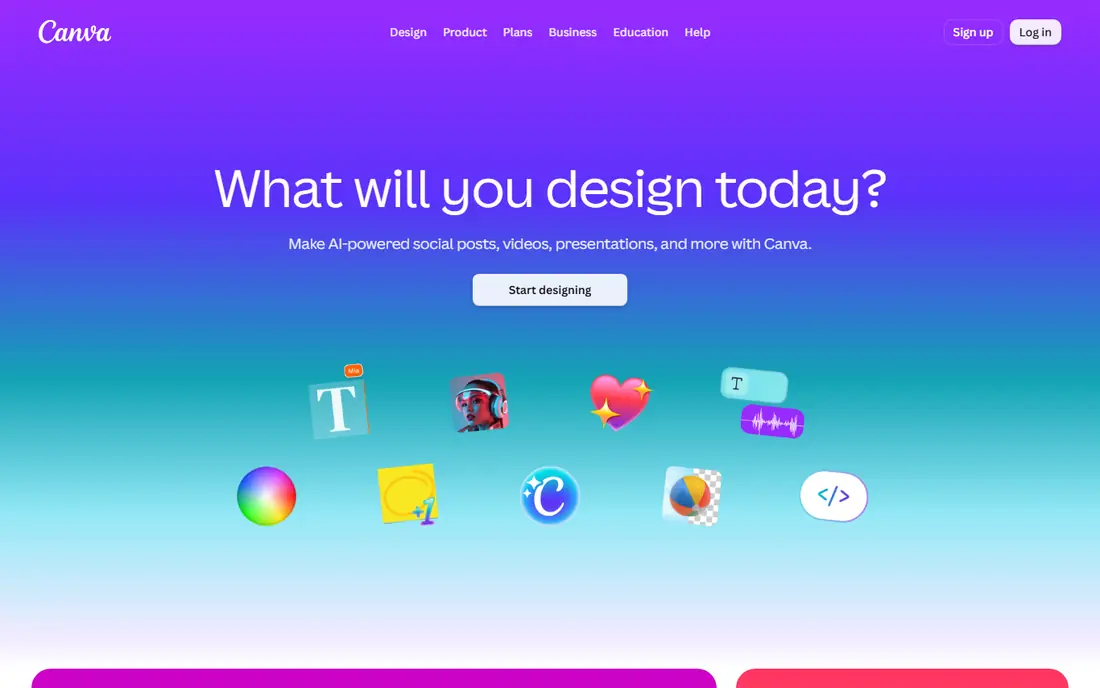
Canva is the safe choice if you already use it for social posts, posters, or documents, because presentation tools sit inside the same editor. Its AI features can draft a deck from a prompt, and you can then swap templates, images, and fonts without learning a new app. The free plan is genuinely useful for occasional decks, and paid plans raise AI allowances and add brand tools. For teachers, small teams, and creators, that breadth is hard to beat.
Canva is not as focused as Gamma or Beautiful.ai on pure prompt-to-deck work, so a first draft may need more editing. Premium photos, graphics, and fonts can also add cost if you lean on them. Still, if you want one tool for slides plus everything around them, Canva gives you the widest set of options for the lowest starting price.
- Huge template library
- Easy image and video tools
- Familiar editor for many users
- AI slide quality varies by prompt
- Some premium elements need a paid plan
Pitch is made for teams that build and share decks together, with comments, shared workspaces, and presentation analytics. You can send a link instead of a file, see how viewers engage, and keep everyone on the same version. The editor is clean and modern, and the free plan covers unlimited presentations with a limited AI credit allowance. That makes it a good fit for startups, agencies, and remote teams.
The main limit is AI depth on the free plan, since credits run out and paid plans add more. Export to PowerPoint is also a paid feature, so teams that must deliver native files should budget for that. If your workflow is link-first and team-first, Pitch is a strong, calm alternative to heavier corporate tools.
- Real-time collaboration
- Link sharing and analytics
- Clean templates
- AI credits are limited on lower plans
- PowerPoint export needs a paid plan
Plus AI is different from most tools here because it works inside the slide apps you already use, rather than asking you to move to a new editor. You can generate a new deck, rewrite slides, or turn an outline into slides without leaving Google Slides or PowerPoint. That matters when a client, school, or employer expects a standard file and will edit it later. The learning curve is also low, since the surrounding app stays familiar.
The downside is that Plus AI does not give you the same designed-from-scratch feel as Gamma, because much of the look still comes from your template. There is a trial, but no lasting free plan. For people whose deliverable is a normal slide file, though, working inside Slides or PowerPoint is a practical advantage that outweighs the flashier web-only tools.
- Works inside Google Slides and PowerPoint
- Good for existing decks
- Outline and rewrite tools
- No permanent free plan
- Design polish depends on your starting template
SlidesAI takes pasted text and turns it into slides, which suits people who already have notes, a report, or a meeting summary. The free Basic plan allows a limited number of presentations per year with a short input limit, so it fits occasional use rather than daily deck building. Paid plans raise the presentation count, input length, and credit allowance, and add document upload. The price is modest compared with full design platforms.
Expect to edit the result. SlidesAI is better at structure than at fine design, so colors, images, and spacing may need a pass before a client-facing talk. If you already live in Google Slides and mainly need a first draft from text, it is a cheap and simple way to save time, and the free plan is enough to test it properly.
- Simple text-to-slides workflow
- Works in Google Slides and PowerPoint
- Low annual paid price
- Free plan caps presentations and input length
- Generated design often needs cleanup
Presentations.AI aims at quick business presentations, with a prompt-to-deck flow and exports that many free plans restrict. The free Starter plan includes a limited credit allowance and decks of up to 20 slides, with PowerPoint and PDF export included. That export point matters, because it means a free user can still deliver a normal file to a colleague or client. Paid plans add far more credits and remove the tightest limits.
The tool is less rich than Canva or Beautiful.ai for brand systems and long-term team libraries, and the free allowance will not last long for frequent users. For a one-off pitch, report, or class deck, however, it is a direct and useful option. Start with a clear prompt and a short outline, then edit facts and figures before you present.
- PowerPoint and PDF export on the free plan
- Fast business deck drafts
- Simple prompt workflow
- Free credit allowance is small
- Fewer template and brand options than larger rivals
Decktopus builds a deck from a topic and optional source material, and it can pull a brand kit from your website address to keep colors and style consistent. It also includes tools for practicing delivery, which helps trainers, coaches, and solo sellers who present often. Exports include PDF, PowerPoint, and images on paid plans, so the finished deck can travel beyond the Decktopus site. For a single presenter who wants speed plus a consistent look, that mix is appealing.
Pricing should be checked on the vendor site before you buy, since published figures for Decktopus have varied across comparisons, and no free plan is listed. Customization is also narrower than in Canva or PowerPoint, so designers who want pixel-level control may feel constrained. If you value a fast, guided path from idea to presentable deck, Decktopus earns its place here.
- AI deck creation with brand kit from a website
- PDF, PowerPoint, and image export
- Practice and delivery tools
- No free plan listed
- Customization is more limited than in a full design editor
How we picked these
We compared official feature pages, pricing pages, and recent pricing comparisons for each tool, and we left out tools that no longer work. Tome, for example, shut down in 2025, so it does not appear here even though older lists still mention it. We favored tools that still generate decks in October 2026, offer a usable free plan or trial, and let you edit and share the result without code. Prices can change, so check the vendor pricing page before you commit to a paid plan.
What to check before you pay
Start with the deliverable, not the demo. If your audience expects a PowerPoint file, pick a tool with strong PowerPoint export or one that works inside PowerPoint. If you share links, a web-first tool may be better, but check whether free links carry branding or viewer limits. Also check how credits work, since some free plans give a one-time allowance while others reset monthly.
Next, test with your real material. Paste a short outline on your actual topic and look at the facts, the slide count, and the reading level. AI decks can include generic wording or wrong details, so read every slide and fix names, dates, and numbers before you present. Finally, set up brand colors and fonts early if your team shares decks, because fixing design at the end takes far longer than setting it at the start.
A simple first-deck workflow
Write a one-paragraph brief that names the audience, the goal, and the slide count. Generate the deck, delete any slide that does not serve the goal, and rewrite the remaining text in your own words. Add one visual or example per key point, then export and test the file on the device you will present from. That short routine turns a fast AI draft into a deck you can trust.
Frequently asked questions
Do I need coding skills to use these tools?
No. Every tool here works with prompts, pasted text, or templates in a visual editor. You may need to paste an outline or choose a theme, but none of them require code, and most export a normal file or link you can share.
Which AI presentation tool has the best free plan?
Gamma and Canva offer the most useful free starting points for most people, with SlidesAI and Presentations.AI also worth trying for occasional decks. The best free plan depends on whether you need web sharing, PowerPoint export, or many decks per month, so test two tools with the same brief before you choose.
Can AI presentation tools replace PowerPoint or Google Slides?
They can replace the first draft, but PowerPoint and Google Slides remain useful for final editing, collaboration, and delivery in many workplaces. Tools like Plus AI and SlidesAI bridge the gap by working inside those apps, while web-first tools suit link sharing and fast internal decks.
Are AI-generated slides accurate?
Not always. AI tools can write smooth text that still contains errors, generic claims, or made-up figures, so check every fact, date, and quote against a trusted source. Treat the output as a draft to edit, not a finished deck to present as-is.
Which tool is best for teams?
Beautiful.ai and Pitch stand out for teams, with brand controls, shared workspaces, and collaboration features. Beautiful.ai is stronger on enforced design consistency, while Pitch is stronger on link sharing, comments, and viewer analytics.
Sources
- https://gamma.app
- https://beautiful.ai
- https://www.canva.com
- https://pitch.com
- https://plusdocs.com
- https://www.slidesai.io
- https://www.presentations.ai
- https://www.decktopus.com
- https://prezi.com/blog/ai-presentation-maker-plans-and-costs-2026/
- https://dev.to/stimlau/best-ai-presentation-makers-in-2026-6-tools-tested-2919
See where you really rank - block by block
ProMapRanker scans Google Maps across a grid of your service area. Simple monthly plans from $19, white-label on every plan.
Start freeKeep reading
 eventbrite alternatives
Eventbrite Alternatives in 2026
Find Eventbrite alternatives in 2026 with lower fees, free events and better check-in, compared by pricing, features, payouts and who each platform suits.
Read → ebay alternatives
eBay Alternatives in 2026
Find the best eBay alternatives in 2026. We compare 8 marketplaces for sellers on fees, buyer reach, categories, shipping and ease of selling online today.
Read → cursor alternatives
Cursor Alternatives in 2026
Compare the best Cursor alternatives for AI coding, from GitHub Copilot and Windsurf to Zed, Claude Code, Cline, Aider, and Amazon Q Developer in 2026.
Read →