 ProMapRanker
Best AI Presentation Design Tools in 2026

Key takeaways
- Gamma is our pick for most people, because it turns a short prompt into a clean, editable deck fast, and it has a usable free tier.
- Beautiful.ai suits teams that need every deck to follow the same layout rules, since its slides adjust themselves as content changes.
- Canva is the strongest choice if you already make social graphics, documents and videos in one place and want presentation help inside that same editor.
- Export format matters more than the first draft looks: check PowerPoint export, branding on free exports and AI credit limits before you pay.
Quick comparison
| Pick | Great for | Pricing starts at | Free tier | |
|---|---|---|---|---|
 Gamma Gamma | Fast prompt to deck creation | $10 per month | Yes | Visit |
 Beautiful.ai Beautiful.ai | Consistent business decks | $14.50 per month | Free trial | Visit |
 Canva Canva | All round visual design | See website | Yes | Visit |
 Pitch Pitch | Team decks and sharing | See website | Yes | Visit |
 Prezi Prezi | Live, non-linear talks | $7 per month | Yes | Visit |
 Visme Visme | Data heavy decks and reports | $12.25 per month | Yes | Visit |
 SlidesAI SlidesAI | Quick drafts inside Google Slides | $10 per month | Yes | Visit |
 Presentations.ai Presentations.ai | Simple prompt based decks | See website | Yes | Visit |
The best ai presentation design tools
We compared official feature pages, pricing pages and export options for tools that turn text into slides. The best choice depends on where the deck will end up, who will edit it and how strict your brand rules are.
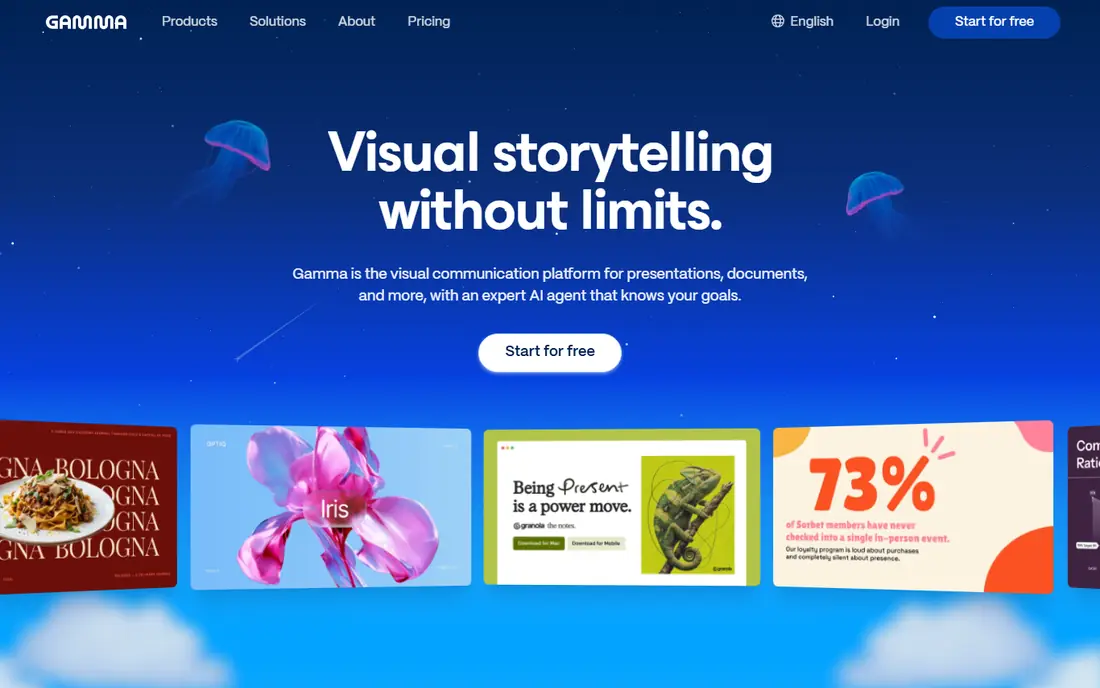
Gamma starts from a prompt, a paste of text or an outline, and returns a deck that you can edit slide by slide. That speed is the main reason it leads this list for solo creators, founders and marketers who need a first draft in minutes rather than hours. The layouts tend to look current without much manual tweaking, and the web format makes sharing a link simple.
The catch is the credit system. Free credits are one time rather than a monthly refill on some plans, so heavy users can run through them quickly. Teams that must deliver a native PowerPoint file should also check the export rules on their plan before they build a whole series of decks here. For a single talk or a pitch, though, Gamma is hard to beat on speed.
- Fast generation from a prompt
- Clean modern layouts
- Web sharing and analytics
- Credit limits on lower plans
- Less familiar than PowerPoint for some teams
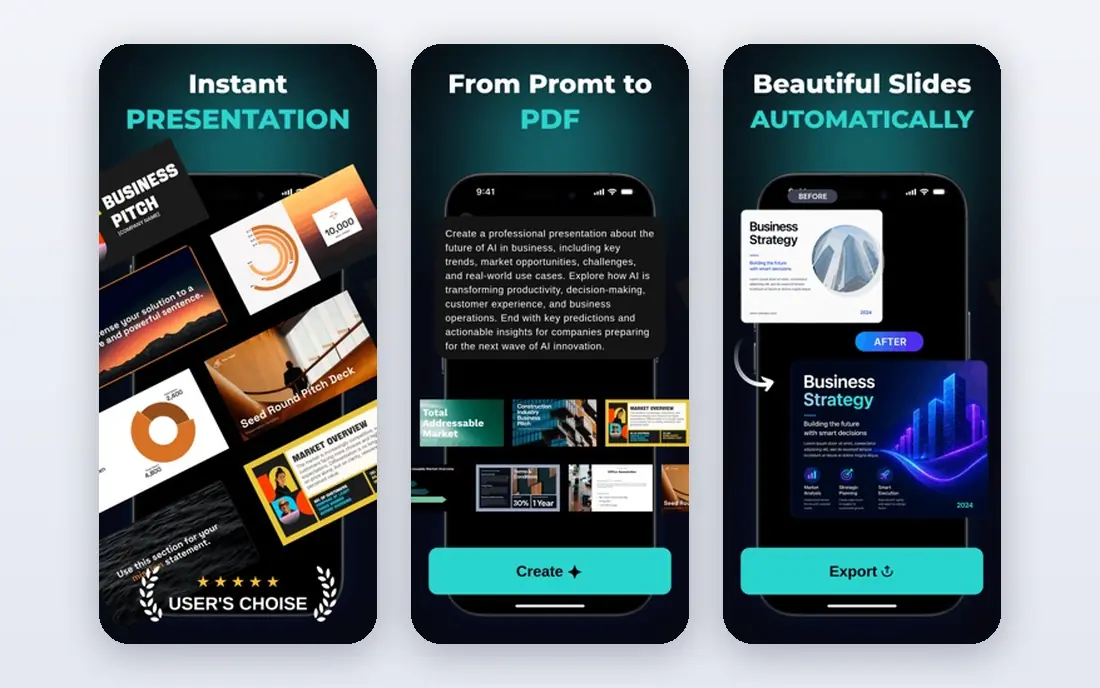
Beautiful.ai is built around smart slides that rebalance text, images and charts when you add or remove content. That sounds small, but it saves a lot of fiddling for people who present often and hate fixing alignment by hand. For a consulting team or a sales team, the result is decks that look alike in a good way, with the same spacing and hierarchy from one person to the next.
The trade off is control. If you want a wild, custom layout for a creative talk, this structure can feel limiting. It also has no permanent free tier, only a trial, so you should test it with a real deck before you commit. For regular business presentations, that discipline is exactly the point.
- Slides adjust layout as you edit
- Strong brand controls on team plans
- PowerPoint export
- No permanent free plan
- Less freeform than a blank canvas tool
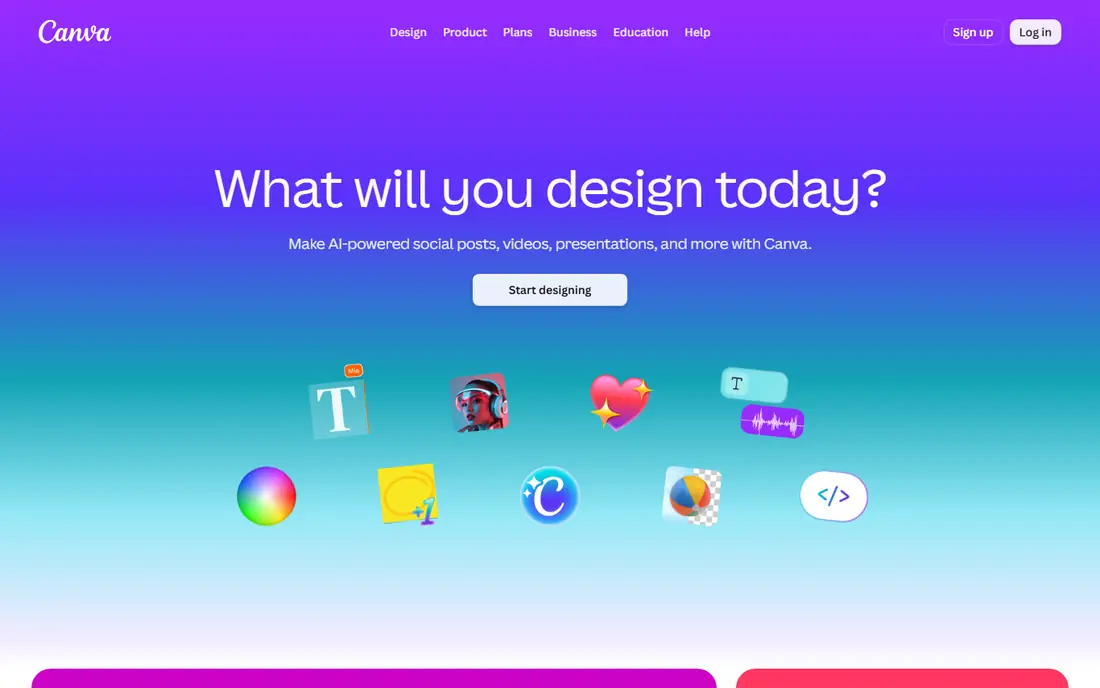
Canva is not only a presentation tool, and that breadth is its strength. If you already design social posts, flyers and documents there, adding a deck keeps your brand assets, fonts and images in one place. Its AI features can draft slides, suggest layouts and help with text, and the free plan lets you try the editor before paying.
The limit is focus. A dedicated deck generator will usually get you from idea to a full outline faster, while Canva still asks you to make more choices about templates and slide order. AI usage also varies by plan, so check the current limits if you plan to generate a lot. Pick Canva when presentations are one part of a wider design workload.
- Huge template library
- Easy reuse across social and print
- PowerPoint export
- AI features have usage limits
- Presentation generation is less focused than specialist tools
Pitch is made for teams that send decks out and want to know what happens next. You can share a link, see which slides get attention and keep everyone working on the same version, which suits startup founders, sales teams and agencies. The templates are modern and restrained, so a deck rarely looks overdone.
The catch is export. If your audience expects a PowerPoint file, confirm that your plan includes the export you need, since free plans can add branding or limit formats. Pitch also has fewer templates than a general design platform. It earns its place here for collaboration and sharing, not for sheer template volume.
- Built for team collaboration
- Link sharing with analytics
- Clean templates
- Some export options sit behind paid plans
- Smaller template range than Canva
Prezi breaks away from the slide by slide format and lets you move across a large canvas, zooming into topics as you talk. For a keynote, a classroom lesson or a sales story with a clear map, that movement can hold attention in a way a standard deck does not. It also helps an audience see how sections connect, rather than only seeing one slide at a time.
That same style is the risk. Too much zooming can feel gimmicky, and a dense canvas takes planning to keep readable. Free presentations are public, so private work needs a paid plan. Use Prezi when the talk itself is the product, and keep the movement calm and purposeful.
- Zooming canvas suits live talks
- Distinctive delivery style
- AI help on paid plans
- Free presentations are public
- Format can distract if overused
Visme suits decks that are really reports: quarterly updates, survey results, proposals and training material with charts, tables and diagrams. Its data widgets and interactive elements let a reader explore a chart or click through a section, which a static slide cannot do as well. The template range covers infographics and documents too, so one project can grow beyond slides.
The limit to watch is AI credits. Each plan includes a monthly allowance, and the free plan allowance is small, so this is not the tool for endless AI drafts on a free account. Free exports also carry Visme branding. For data led work where charts matter more than speed, Visme is a strong pick.
- Strong charts and data widgets
- Interactive content options
- Wide template range
- AI credits are limited per plan
- Free exports carry branding
SlidesAI is an add on for Google Slides, which makes it a natural fit if your team already lives in Google Workspace. You paste text or type a topic, and it builds a deck inside a file you already know how to share and edit. That familiarity matters: there is no new editor to learn, and collaboration works the way Google Slides always has.
The drafts are a starting point, not a finished design. Expect to tidy layouts, check images and rewrite some slide text, especially for a client facing deck. The free plan also limits how many presentations you can make. For teachers, students and small teams that need quick drafts in Slides, it is good value.
- Works inside Google Slides
- Fast text to slides
- Low starting price
- Output needs editing for polish
- Design range is narrower than Gamma or Canva
Presentations.ai keeps the workflow simple: describe the deck, review the outline and edit the result. That simplicity suits busy managers and small business owners who do not want to learn a full design tool just to make a decent set of slides. The decks are editable, so you can fix wording and layout after generation.
The catch is that plan details and limits change, so confirm the current free allowance and export options on the vendor site before you rely on it for a large project. It also lacks the wider design library of Canva and the collaboration depth of Pitch. As a quick draft maker, though, it does the core job well.
- Simple prompt workflow
- Editable decks
- Useful for quick business drafts
- Pricing and limits should be checked before heavy use
- Smaller ecosystem than Canva
How we picked these
We compared official pricing pages, feature pages and export information, and we left out tools that had shut down or no longer fit a presentation workflow. Each tool here exists now, generates or assists with slide design, and offers a way to share or export the result. We favoured tools with clear pricing or a free tier, a real editing step after generation, and a distinct use case, so the list is not eight versions of the same product.
What to check before you pay
Start with the end format. If the audience needs PowerPoint, choose a tool whose plan includes that export without branding. If the deck will be shared as a link, web sharing and analytics may matter more than file export. Next, test the free tier or trial with your own content, not a demo topic, because AI quality varies a lot by subject and length.
Then look at credits and limits. Some tools charge per generation, some per slide and some per month, and a low monthly price can still get expensive if you regenerate often. Finally, check brand control: fonts, colours, logos and slide masters matter if more than one person will make decks. A tool that looks great for one deck can still be the wrong pick for a team that makes ten decks a month.
Frequently asked questions
What are the best ai design tools for presentations for beginners?
Gamma and Canva are the easiest starting points, because both offer free plans and guided creation. Gamma is faster from a prompt, while Canva gives you more templates and design control if you want to edit by hand.
What is the best ai app for presentation design on a team?
Beautiful.ai and Pitch are the strongest team options in this list. Beautiful.ai enforces consistent layouts, while Pitch focuses on shared editing, link sharing and slide analytics.
Are there good free ai tools for presentation design?
Yes, Gamma, Canva, Prezi, Visme and SlidesAI all offer free tiers, but free plans usually limit AI credits, add branding or restrict exports. Use them to test the workflow, then upgrade if you present often.
Do these tools replace PowerPoint or Google Slides?
Not always. Some generate decks that you then edit in PowerPoint or Google Slides, and others work inside those editors. Pick a tool based on whether your final file must be a native PowerPoint or Slides file.
How much do ai presentation tools cost?
Entry paid plans in this list start around $7 to $15 per month on annual billing for several tools, while others use quote based or variable pricing. Check the vendor pricing page, since annual and monthly rates differ.
Sources
See where you really rank - block by block
ProMapRanker scans Google Maps across a grid of your service area. Simple monthly plans from $19, white-label on every plan.
Start freeKeep reading
 zoom alternatives
Best Zoom Alternatives in 2026
Compare Zoom alternatives in 2026, with free meeting limits and prices, so you can pick the best alternative to Zoom for your team, class, or community.
Read → which software is best for remote work
Which Software Is Best for Remote Work in 2026
Answering which software is best for remote work, we compare Slack, Zoom, Asana, Notion, Teams and more, with pricing and honest tradeoffs in 2026 now.
Read → which ai tool is best for content writing
Which AI Tool Is Best for Content Writing in 2026
Wondering which ai tool is best for content writing? We compare ChatGPT, Claude, Jasper, Grammarly, and more on price, quality, and best use in 2026 now.
Read →